Folk vs Pipedrive (2026): Which CRM Fits Your Sales Team?
Folk is a relationship-first CRM; Pipedrive is a deal-pipeline machine. We compare pricing, data model, enrichment, automation and reporting — and name which one you should actually buy in 2026.
TL;DR
- Folk is a relationship-first, lightweight CRM built for founders, agencies, recruiters and partnership teams who live in contacts and inboxes — not in forecast dashboards.
- Pipedrive is a deal-first sales CRM built for repeatable outbound and inbound pipelines, with stage-based forecasting, activity goals and a mature automation layer.
- Pricing is close per seat, but they scale differently: Folk charges roughly $20–$80 per user/month, Pipedrive roughly $14–$99 per user/month with the useful features starting mid-tier.
- Neither tool finds or verifies contact data for you at scale. Both live or die on the quality of the emails you push into them.
- Pick Folk if your revenue comes from relationships and lists. Pick Pipedrive if your revenue comes from a pipeline with stages, quotas and a sales manager watching conversion rates.
What is Folk, and who actually uses it?#
Folk (folk.app) is a CRM that starts from the contact, not the deal. Think of it as a very good address book that grew a sales brain: you import contacts from LinkedIn, Gmail or a CSV, group them into lists, enrich them, and then run outreach and follow-ups from inside those lists.
The core objects are people, companies and groups. Pipelines exist, but they are a view you apply to a group rather than the gravitational centre of the product. That design choice explains its user base:
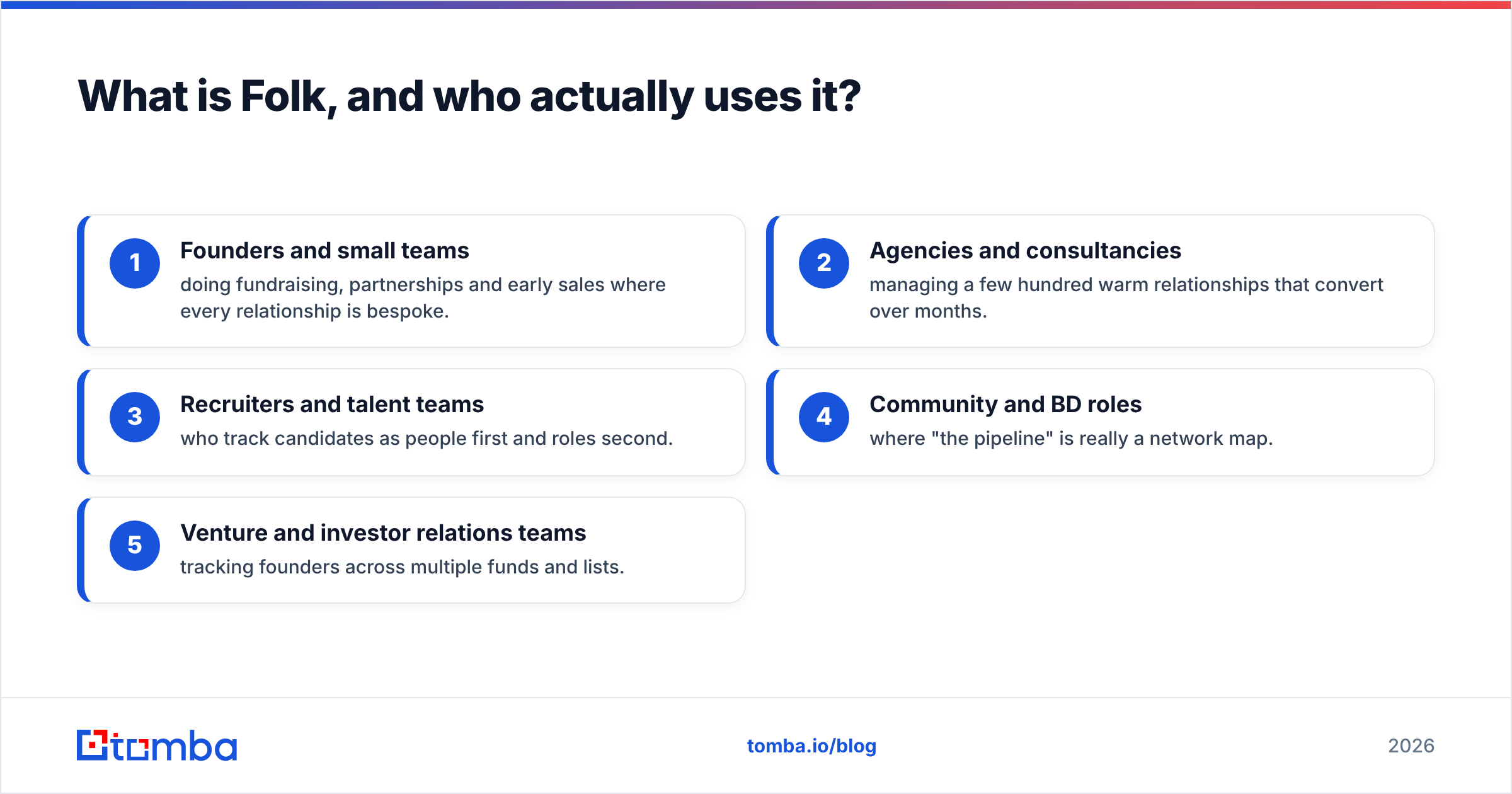
- Founders and small teams doing fundraising, partnerships and early sales where every relationship is bespoke.
- Agencies and consultancies managing a few hundred warm relationships that convert over months.
- Recruiters and talent teams who track candidates as people first and roles second.
- Community and BD roles where "the pipeline" is really a network map.
- Venture and investor relations teams tracking founders across multiple funds and lists.
The standout features are the Chrome extension (one-click capture from LinkedIn or any website), Gmail and Outlook sync that pulls conversation history into the contact record, and a spreadsheet-style editing surface that non-technical users pick up in an afternoon.
What is Pipedrive, and what is it built for?#
Pipedrive (pipedrive.com) is the archetypal deal-pipeline CRM. Everything orbits the deal card: it enters a stage, it moves right, it closes won or lost, and the reporting layer tells you why. It has been around since 2010, serves well over 100,000 companies, and consistently ranks near the top of CRM categories on G2 for usability among mid-market sales teams.
Where Folk optimises for the richness of a relationship, Pipedrive optimises for the throughput of a process. That shows up in features Folk simply does not attempt:
- Stage-level conversion and velocity reports — how many deals move from stage 2 to stage 3, and how long they sit.
- Activity goals — calls made, meetings booked, per rep, per week.
- Revenue forecasting with weighted pipeline value and probability per stage.
- Products, quotes and invoicing add-ons for teams that sell SKUs.
- A deep automation builder plus a marketplace of 500+ integrations.
If you have ever heard a sales manager say "our stage 3 to stage 4 conversion dropped 11 points last quarter," they were reading a Pipedrive-shaped report.
Folk vs Pipedrive: how do they compare head to head?#
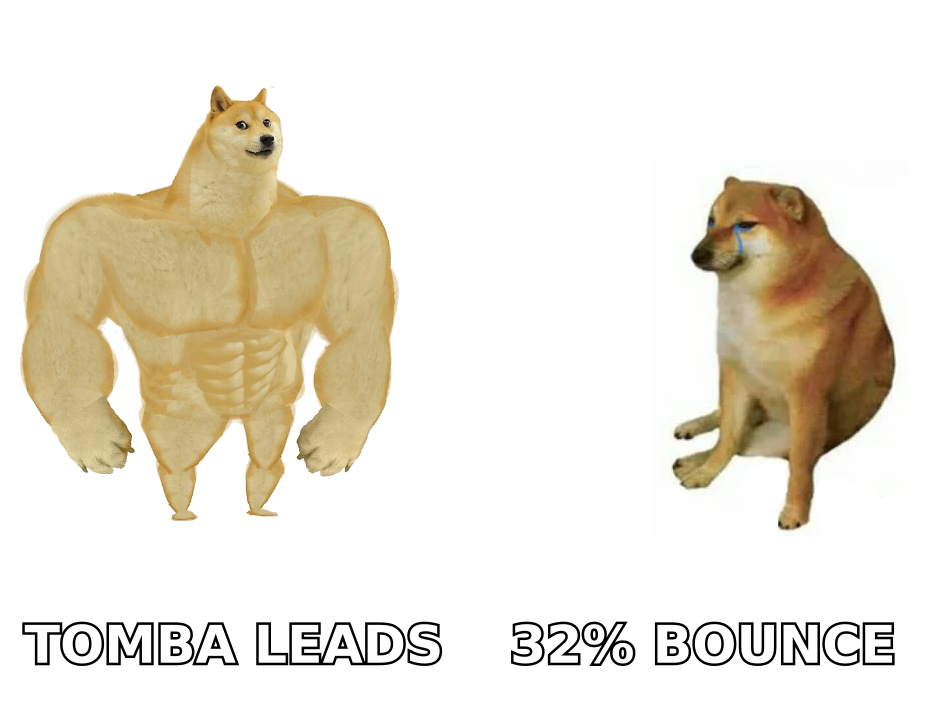
| Dimension | Folk | Pipedrive |
|---|---|---|
| Core object | Contact / group | Deal / pipeline |
| Entry price (per user/mo, annual) | ~$20 Standard | ~$14 Lite |
| Mid tier | ~$40 Premium | ~$34–$49 Growth / Professional |
| Top tier | ~$80 Custom | ~$99 Enterprise |
| Free trial | Yes, no card required | Yes, 14 days |
| Email sync | Gmail + Outlook, two-way | Gmail + Outlook, two-way, with templates and tracking |
| Sequences / multi-step outreach | Built-in, list-based | Campaigns + Smart Docs add-ons |
| Pipeline reporting | Basic board views | Deep: conversion, velocity, forecasting, goals |
| Automation depth | Light (reminders, simple triggers) | Heavy (workflow builder, conditions, webhooks) |
| Data enrichment | Credit-based, built in | Via marketplace apps and API |
| Learning curve | Hours | Days |
| Best for | Relationship-led revenue | Process-led revenue |
Prices reflect published list rates at the time of writing and change often — check each vendor's pricing page before you commit a budget.
The table hides one nuance worth stating plainly: Pipedrive's cheapest plan is a trap for most teams. The Lite tier lacks the email sync, workflow automation and reporting that make the product worth buying. Realistic Pipedrive budgeting starts at the Growth or Professional tier. Folk's entry plan, by contrast, is closer to a genuinely usable product — the upgrades mostly buy you more enrichment credits, more sequence volume and more seats.
Which one handles contact data better?#
Neither is a data vendor, and this is where most CRM comparisons go quiet.
Folk includes credit-based enrichment: click a contact, spend a credit, get an email and some firmographics. It is convenient and it is fine for the volumes a founder or agency runs — dozens to low hundreds of lookups a month. It is not a data platform, and the credit allowance disappears quickly if you are building lists of 2,000 prospects.
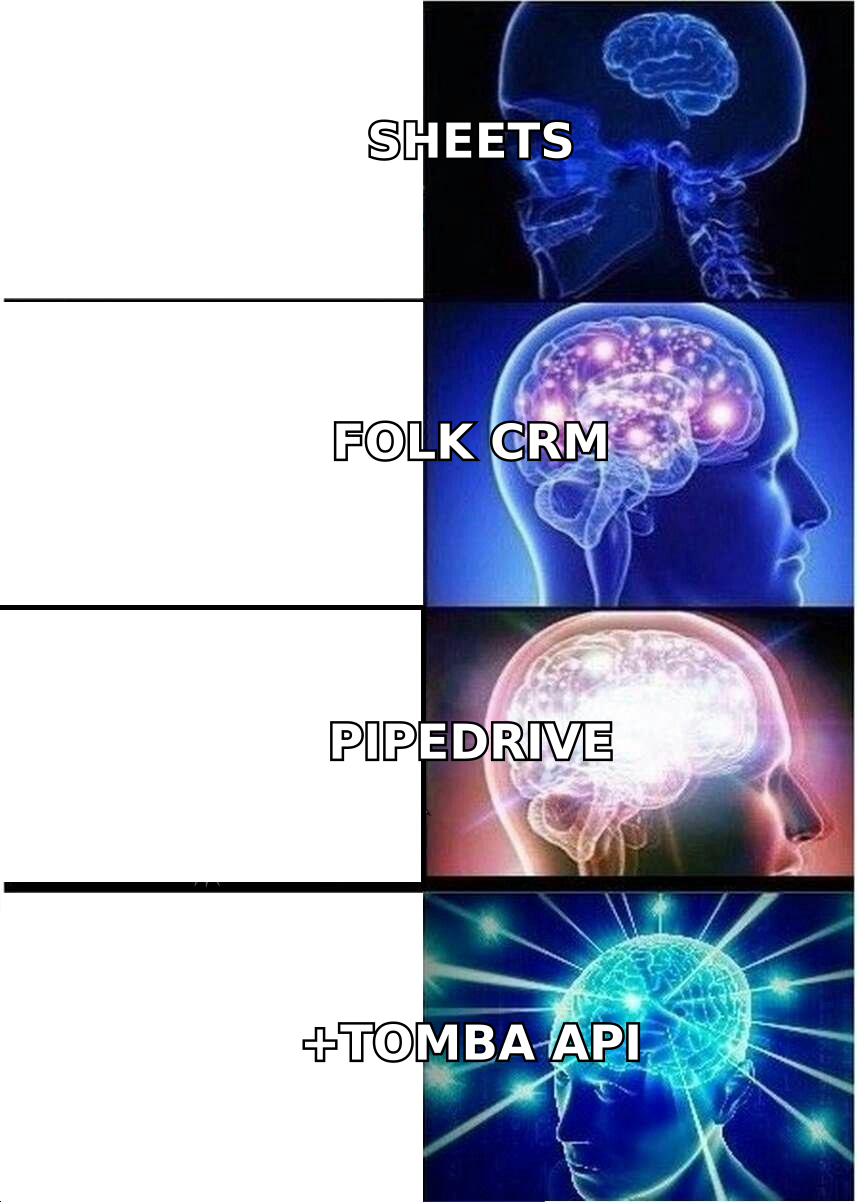
Pipedrive leans on its marketplace. There is no serious native email discovery; you connect a provider, or you push data in via the API and let Pipedrive do what it is good at — moving deals through stages.
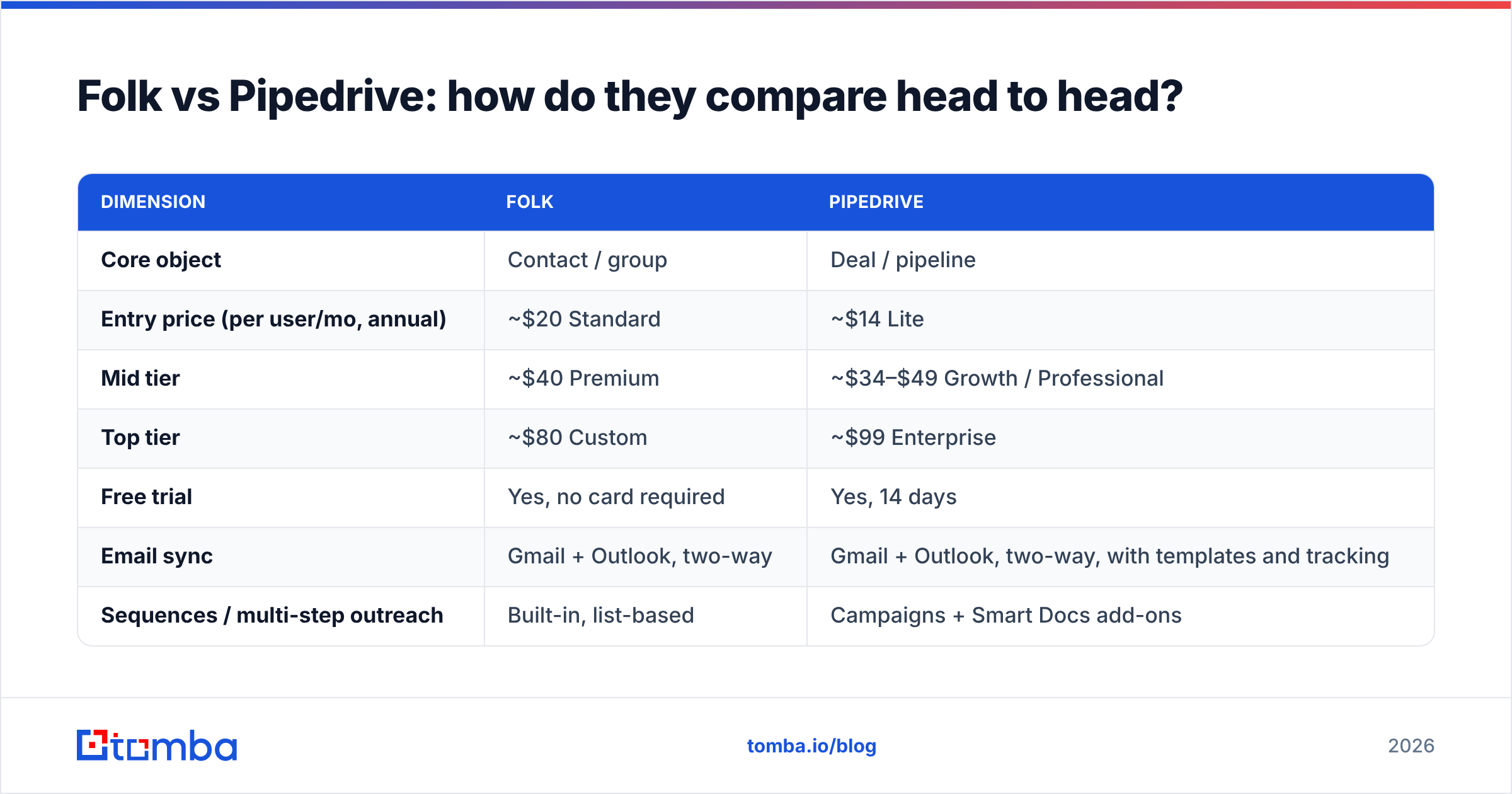
That leaves both tools with the same structural dependency: the CRM is only as good as the contact records you feed it. A 2026 CRM full of guessed, pattern-generated addresses produces the same outcome regardless of which logo is in the corner — high bounce rates, a damaged sending domain, and a forecast built on contacts who never received the email.
Three practical rules, whichever CRM you choose:
- Find, then verify, then import. Use a dedicated email finder to source addresses from a domain and name, then run them through an email verifier before a single row touches your CRM. Importing unverified data means you are paying per seat to store garbage.
- Enrich on a schedule, not once. B2B contact data decays roughly 25–30% per year through job changes alone. A quarterly data enrichment pass on your active pipeline is cheaper than losing deals to a dead inbox.
- Automate the handoff. Both platforms have APIs. If you are on Pipedrive, the Pipedrive integration route lets you attach verified emails to person records without a CSV round trip.
Is Folk better than Pipedrive for small teams?#
For teams under roughly five people whose deals are relationship-shaped, yes — and the reason is adoption, not features.
CRMs fail for one dominant reason: nobody updates them. Pipedrive expects discipline. Every deal has a stage, an expected close date, a value, and a next activity. That discipline is exactly what makes the reporting valuable, and exactly what a two-person founding team will abandon by week three.
Folk asks for much less. Add the contact, tag it, write a note. The board view is optional. That lower activation energy means the data actually gets entered, and a CRM with imperfect data that people use beats a perfect CRM that people don't.
The flip side: Folk's simplicity becomes a ceiling. The moment you hire a second and third rep, a sales manager will ask questions Folk cannot answer. How many deals did we create last month versus this month? What is our average sales cycle by segment? Which stage leaks the most? Folk will show you a board. It will not show you the trend line.
When should you choose Pipedrive instead?#
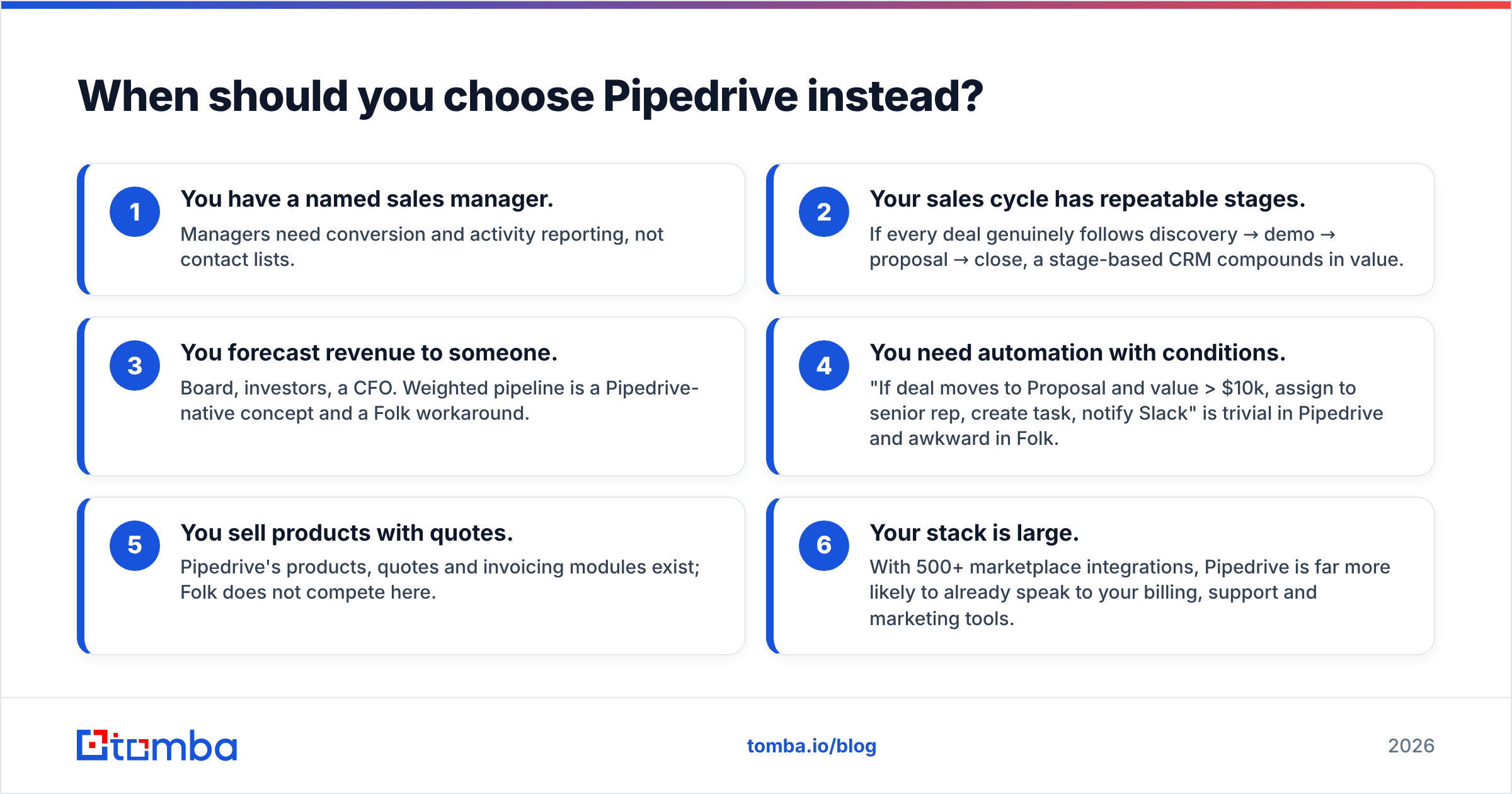
Choose Pipedrive when any of the following are true:
- You have a named sales manager. Managers need conversion and activity reporting, not contact lists.
- Your sales cycle has repeatable stages. If every deal genuinely follows discovery → demo → proposal → close, a stage-based CRM compounds in value.
- You forecast revenue to someone. Board, investors, a CFO. Weighted pipeline is a Pipedrive-native concept and a Folk workaround.
- You need automation with conditions. "If deal moves to Proposal and value > $10k, assign to senior rep, create task, notify Slack" is trivial in Pipedrive and awkward in Folk.
- You sell products with quotes. Pipedrive's products, quotes and invoicing modules exist; Folk does not compete here.
- Your stack is large. With 500+ marketplace integrations, Pipedrive is far more likely to already speak to your billing, support and marketing tools.
What does the migration path actually look like?#
The honest answer is that the switch is easier in one direction.
Folk → Pipedrive is straightforward. Export contacts and companies, map them to persons and organisations, then rebuild your groups as pipelines and filters. You will lose some of the note-taking texture, but the structural data transfers cleanly.
Pipedrive → Folk is lossier. Stage history, activity logs, forecasting data and automation logic have no destination object in Folk. You keep the contacts; you lose the process record.
Practical sequencing if you are unsure:
- Start with Folk if you are pre-repeatability. You do not yet know your stages, so do not pay to model them.
- Move to Pipedrive when you hire rep number two. That is the point where process beats intimacy.
- Clean the data during the migration, not after. A migration is the one moment your whole database is in a spreadsheet. Run it through a bulk email finder and verification pass before it lands in the new system — deduplicated, verified, enriched. Doing this later means touching every record twice.
Are there cases where you need neither?#
Yes, two.
If your entire motion is high-volume cold outbound and you never nurture, a sequencing tool plus a spreadsheet may genuinely be enough until you have inbound replies worth tracking. Buying a CRM to store contacts you email once is expensive storage.
And if you already run HubSpot, Salesforce or Attio company-wide, adding Folk or Pipedrive for one team creates a second source of truth. The cost of two disagreeing CRMs almost always exceeds the cost of one imperfect CRM. Fix the incumbent's data before you shop for a replacement.
Which should you pick?#
Pick Folk if: you are under five people, your revenue comes from relationships that take months, your team resists structure, and you want a CRM running in an afternoon.
Pick Pipedrive if: you have or will soon have a sales manager, your deals follow repeatable stages, you report a forecast to anyone, or you need automation with real conditional logic.
Pick both, briefly, if you are mid-transition — some teams keep Folk for partnerships and BD while sales runs on Pipedrive. Keep that arrangement time-boxed; two CRMs is a tax, not a strategy.
The comparison that matters more than either logo is the one nobody runs: how accurate is the data inside? A Pipedrive forecast built on a 30% bounce rate is not a forecast. A Folk group of 400 "warm" contacts where 90 have changed jobs is not a network.
Feed your CRM data that actually converts#
Whichever side of the Folk vs Pipedrive decision you land on, the CRM is a container. What determines your reply rate is what goes in it.
Tomba Email Finder sources professional email addresses by domain, name or company, verifies them before they reach your list, and pushes them into your CRM through the API, Chrome extension, Google Sheets add-on or a direct integration. The free tier gives you 25 searches a month to test accuracy against your own known contacts — start there, then scale on a Starter ($49/mo), Growth ($99/mo) or Pro ($249/mo) plan when the volume justifies it. Full Tomba pricing is public, with no per-seat penalty for adding teammates.
Buy the CRM that matches your motion. Then make sure the contacts inside it are real.
Related guides#
Ready to find emails that actually work?
Join 150,000+ professionals who stopped guessing and started sending. Free credits on signup — no credit card required.
Get the Tomba newsletter
Practical outbound tactics and product updates — once every two weeks.
About the author