Forager vs QuickenRich 2026: B2B Data Accuracy Compared
Forager sells breadth and freshness. QuickenRich sells simplicity and low cost. Neither is automatically right — the deciding factors are verification depth, export limits, and what a usable contact actually costs you.
TL;DR
- Forager is a data-graph play: large people/company coverage, real-time refresh claims, API-first delivery. It fits teams that want a database to query, not a browser tool to click.
- QuickenRich is a lighter enrichment/finder utility: cheaper entry point, simpler UI, thinner coverage outside common tech and services verticals.
- Neither vendor publishes an audited accuracy figure. Every "98% accurate" claim you see — including from their competitors — is self-reported.
- The real cost driver is not list price. It is cost per usable contact after bounces, catch-alls, and credits burned on empty searches.
- If you mostly need verified work emails plus a real API and a free tier to test on, a dedicated finder like Tomba Email Finder is usually the cheaper control group. Run all three on the same 200 rows before signing anything.
What are Forager and QuickenRich, actually?#
They solve overlapping problems from opposite ends.
Forager (see forager.ai) positions itself as a B2B contact and company data platform — a queryable graph of people, roles, companies, and firmographics, with an emphasis on freshness and API access. The pitch is coverage plus recency: find the person, get the role change, get the email and sometimes the mobile, push it into your stack. It targets RevOps and growth teams that want to build lists programmatically rather than search one contact at a time.
QuickenRich sits closer to the utility end: enter a name and a domain, get an email; upload a CSV, get it enriched. Lower price of entry, faster time to first result, less depth. It targets founders, solo SDRs, and agencies that need a few thousand contacts a month and do not want to negotiate a platform contract.
That framing matters more than any feature grid. You are not comparing two versions of the same product. You are comparing a database subscription with a lookup tool. Buying the wrong category is more expensive than picking the wrong vendor inside the right category.

How accurate is the data from each?#
Here is the uncomfortable part: you cannot answer this from marketing pages, and you should distrust anyone who tells you they can.
Both vendors publish accuracy claims. Neither publishes a methodology — sample size, how "valid" was defined, whether catch-all domains were counted as hits or excluded, whether the test set was skewed toward large US tech companies where every provider looks good.

What actually determines the accuracy you experience:
- Source mix. Providers built on crawled public data degrade differently than providers built on contributed inboxes or partner networks. Crawled data ages; contributed data has coverage holes. Check how a vendor sources data before you check its accuracy number.
- Verification depth. A provider that only does syntax plus MX checks will hand you a "valid" address that bounces. Real verification runs SMTP-level handshakes and flags catch-all domains separately instead of hiding them in the valid bucket.
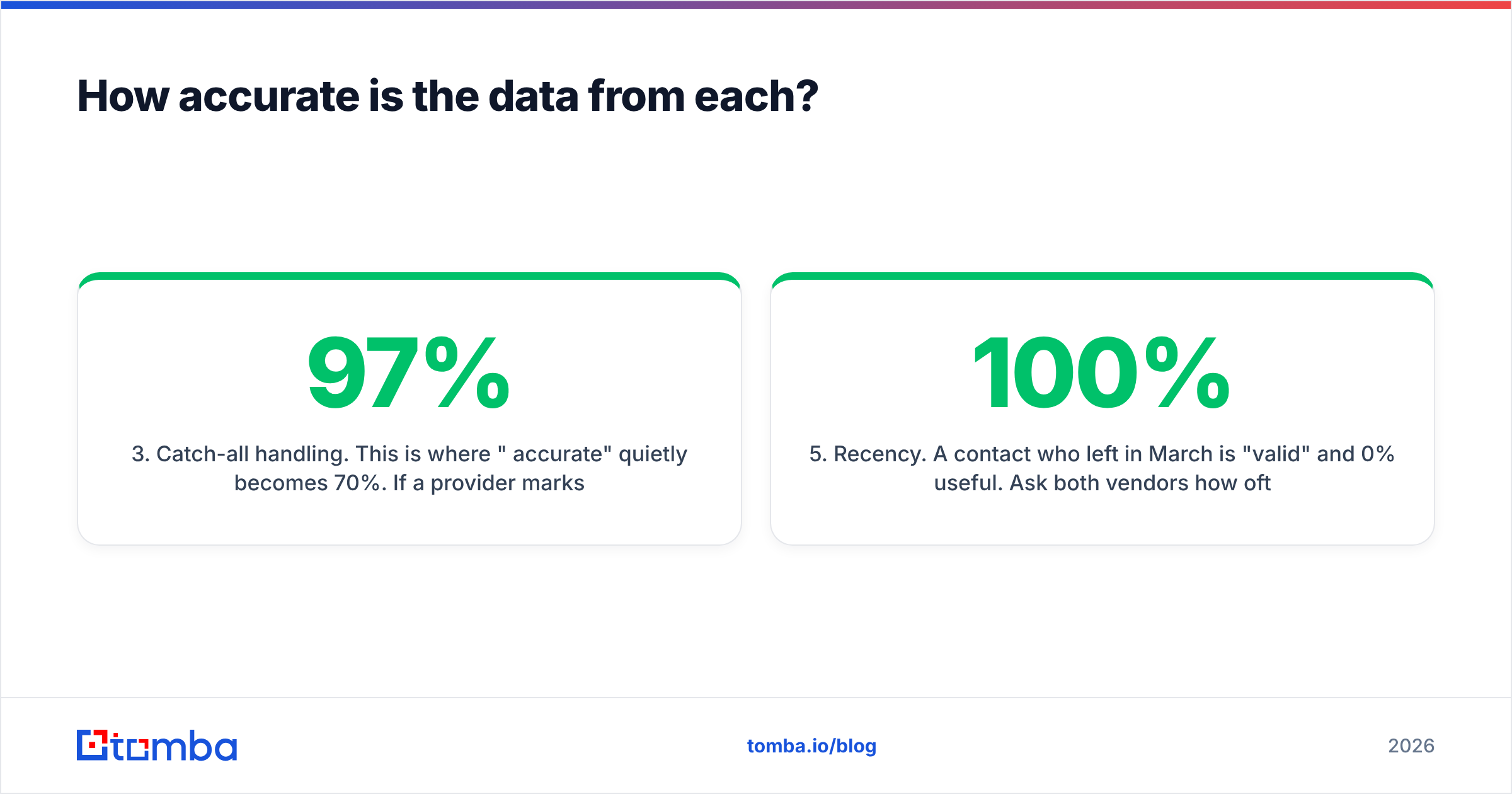
- Catch-all handling. This is where "97% accurate" quietly becomes 70%. If a provider marks every catch-all as deliverable, its dashboard looks great and your bounce rate does not. A dedicated catch-all verifier exists precisely because this class of domain needs its own logic.
- Geography. Both tools skew North American. If you sell into DACH, Japan, or LATAM, run your own test — published coverage percentages will not survive contact with a German Mittelstand list.
- Recency. A contact who left in March is 100% "valid" and 0% useful. Ask both vendors how often the record you are buying was last confirmed, not when it was first collected.
The only honest test is your own: take 200 rows from your actual ICP — same companies, same seniority, same regions — push them through each tool, then verify every returned address through a neutral third-party email verifier that did not source the data. Count hard bounces after a real send. That number is your accuracy rate. Nothing else is.
Forager vs QuickenRich: how do they compare feature by feature?#

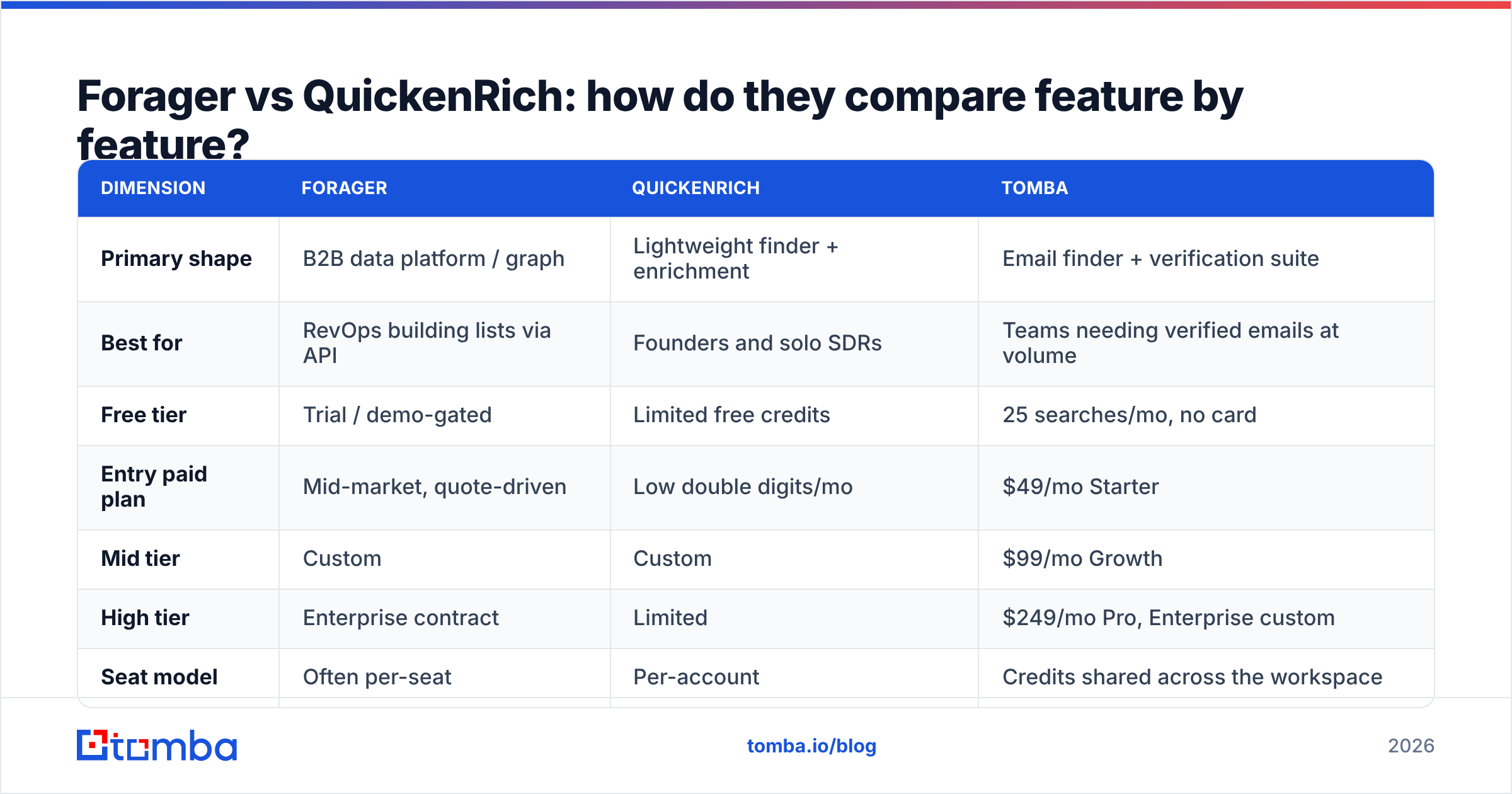
Pricing and packaging change often, and both vendors quote custom deals above their published tiers. Treat the money rows below as directional and confirm on each vendor's own pricing page before you buy. Tomba's numbers are exact because they are ours and they are public.
| Dimension | Forager | QuickenRich | Tomba |
|---|---|---|---|
| Primary shape | B2B data platform / graph | Lightweight finder + enrichment | Email finder + verification suite |
| Best for | RevOps building lists via API | Founders and solo SDRs | Teams needing verified emails at volume |
| Free tier | Trial / demo-gated | Limited free credits | 25 searches/mo, no card |
| Entry paid plan | Mid-market, quote-driven | Low double digits/mo | $49/mo Starter |
| Mid tier | Custom | Custom | $99/mo Growth |
| High tier | Enterprise contract | Limited | $249/mo Pro, Enterprise custom |
| Seat model | Often per-seat | Per-account | Credits shared across the workspace |
| API access | Yes, core to the product | Yes, narrower surface | Yes, on all paid plans |
| Bulk CSV | Yes | Yes | Yes, plus scheduled jobs |
| Catch-all handling | Flagged | Basic | Dedicated verifier + finder |
| Phone/mobile data | Yes | Limited | Yes, separate module |
| Chrome extension | Yes | Yes | Yes |
| Native CRM sync | HubSpot/Salesforce | Via Zapier | HubSpot, Salesforce, Pipedrive, Zapier, Make |
| Contract friction | Sales call typical | Self-serve | Self-serve |
Three things fall out of that table.
Forager wins on depth and delivery. If your workflow is "query the graph nightly, enrich 40,000 records, write to the warehouse," a lookup utility will not carry it. You want an API-first vendor with a documented schema and predictable rate limits.
QuickenRich wins on friction. No sales call, no annual commitment, no procurement thread. For a two-person team sending 800 emails a month, that is worth more than a coverage advantage they will never touch.
Neither wins on price transparency. Quote-driven pricing is the single most common reason buyers overpay in this category. If you cannot see the number, you cannot compute cost per usable contact, and you will discover your real rate three months into a contract.
Which one should you pick for your team size?#
Match the tool to how you actually work, not to the demo you liked.
- Solo founder, under 1,000 contacts/month. Pick the cheapest tool with a real free tier and a verification step. Coverage differences are noise at this volume; a $200/mo platform is not. QuickenRich or a flat-rate finder both work.
- 2–5 SDRs, 5,000–20,000 contacts/month. Credit economics start dominating. You want shared credits, not per-seat pricing — per-seat models punish you for adding the junior rep who does the list building. Check whether unused credits roll over.
- RevOps / growth engineering, 50,000+ records/month. Forager's category is right. Evaluate on API rate limits, schema stability, webhook support for job-change signals, and whether the contract lets you re-enrich the same record without paying twice.
- Agency running many client domains. Look for workspace separation, per-client credit tracking, and an export policy that lets you hand data to clients. Some contracts prohibit exactly that — read before you sell it.
- ABM team on a fixed named-account list. Coverage on your 300 accounts beats coverage across 300 million people. Test only your list. A vendor with 20% less total coverage but better depth in your vertical is the correct buy.

What do the hidden costs look like?#
List price is the least interesting number in this comparison. Four things move the real cost:
1. Credits burned on misses. Ask each vendor directly: do I pay for a search that returns nothing? Some charge on request, some only on result. A tool that charges for empty searches can be 30–40% more expensive than its sticker price on a hard ICP.
2. Bounces. A 6% bounce rate on cold outbound does not just waste credits — it damages sender reputation, which suppresses the campaign you already paid to build. The fix is cheap: verify every address before sending, regardless of who sourced it.
3. Seats. Per-seat pricing quietly triples when the team grows. Credit-pooled pricing does not. This is the single biggest structural cost difference between platform-class vendors and flat-rate finders.
4. Integration labor. If the tool has no native connector, someone builds and maintains the Zapier chain. Budget engineering hours, not zero. Check the integrations list of any finalist against the CRM you actually use before the trial ends.
Independent review sites are useful here, with caveats. G2 reviews for this category skew toward recent buyers and incentivized reviews, so read the two- and three-star ones — they contain the specifics (support latency, refund handling, coverage gaps by region) that five-star reviews never mention.
Is there a third option worth testing?#
Yes — and you should include one in any head-to-head, purely as a control.
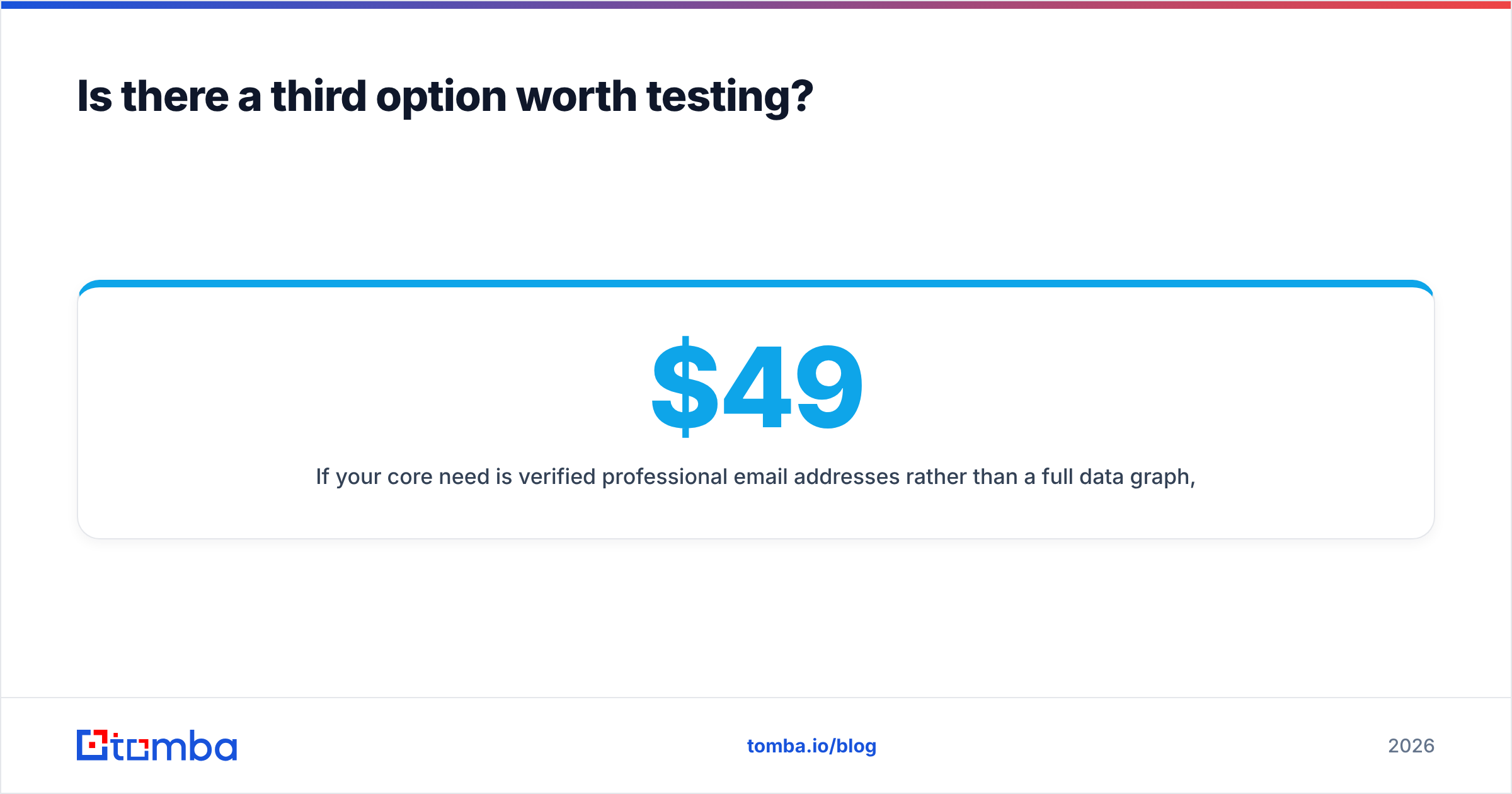
If your core need is verified professional email addresses rather than a full data graph, a dedicated finder changes the economics. Tomba's pricing is public and flat: Free (25 searches/mo), Starter $49/mo, Growth $99/mo, Pro $249/mo, Enterprise custom — see Tomba pricing for the current credit allocations. Credits pool across the workspace instead of attaching to seats, and the Tomba API is available on every paid plan rather than gated behind an enterprise tier.
The practical difference shows up in the verification stack. Finding an address and confirming it will accept mail are separate problems, and vendors that only solve the first push the second onto you. Running domain search to map a company's contacts, then verification with explicit catch-all classification, produces a list you can send to on Monday rather than a list you have to clean first.
None of that makes Tomba automatically right for a team that needs firmographic filtering across 200 million company records — that is Forager's category, and it is a legitimate one. The point is that many teams buy a data platform when they needed a finder, then pay platform prices for finder-shaped work.
How should you run the bake-off?#
Do this in one afternoon, before any contract:
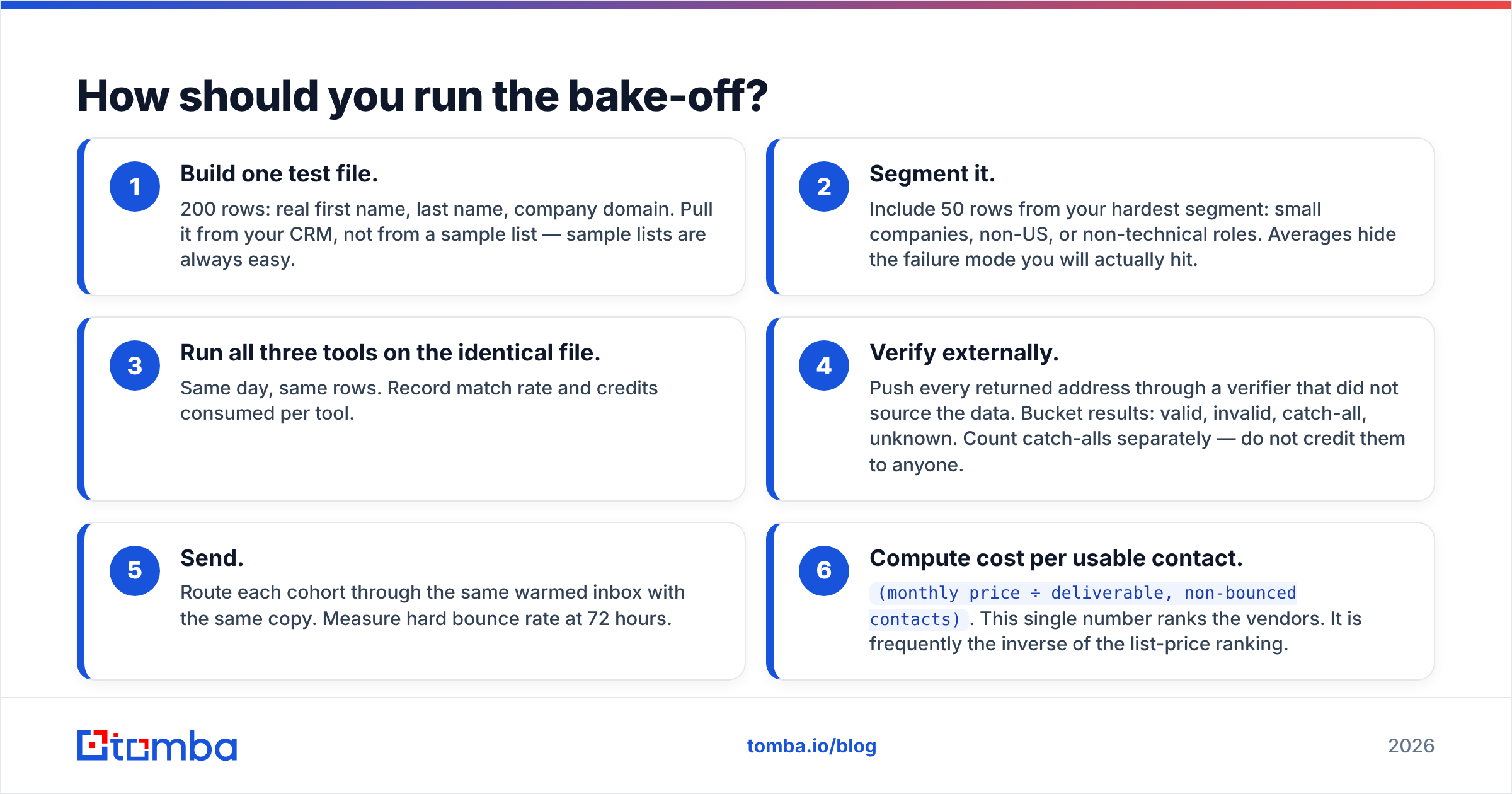
- Build one test file. 200 rows: real first name, last name, company domain. Pull it from your CRM, not from a sample list — sample lists are always easy.
- Segment it. Include 50 rows from your hardest segment: small companies, non-US, or non-technical roles. Averages hide the failure mode you will actually hit.
- Run all three tools on the identical file. Same day, same rows. Record match rate and credits consumed per tool.
- Verify externally. Push every returned address through a verifier that did not source the data. Bucket results: valid, invalid, catch-all, unknown. Count catch-alls separately — do not credit them to anyone.
- Send. Route each cohort through the same warmed inbox with the same copy. Measure hard bounce rate at 72 hours.
- Compute cost per usable contact.
(monthly price ÷ deliverable, non-bounced contacts). This single number ranks the vendors. It is frequently the inverse of the list-price ranking.
Skipping step 5 is the common mistake. Verification tools disagree with each other, and the only arbiter that matters is a mail server accepting or rejecting your message.
The verdict#
Forager if you are buying a data layer: API-first delivery, broad firmographic coverage, warehouse-shaped workflows, and a budget that tolerates quote-driven pricing. Push hard on rate limits, re-enrichment terms, and per-seat escalation before signing.
QuickenRich if you are buying a utility: low commitment, fast setup, modest monthly volume. Verify what it returns before you send, and re-evaluate when your volume passes a few thousand contacts a month.
Neither, and test a flat-rate finder instead if your honest requirement is "verified work emails at a predictable price with an API I can call." That covers more teams than either vendor's marketing suggests.
Whatever you choose, buy on your own bounce data, not on a published accuracy percentage. Every vendor's number was measured on a test set they designed.
Start your own bake-off free. Tomba's free tier gives you 25 searches a month with no card, enough to run a real sample against whatever else you are evaluating. Load your 200-row file into the Tomba Email Finder, verify the results, send, and compare the bounce rates side by side. If Forager or QuickenRich wins on your data, buy that one — but make them prove it on your list first.
Related guides#
Ready to find emails that actually work?
Join 150,000+ professionals who stopped guessing and started sending. Free credits on signup — no credit card required.
Get the Tomba newsletter
Practical outbound tactics and product updates — once every two weeks.
About the author