Generect vs Verimail (2026): Which B2B Email Tool Wins?
Generect and Verimail get compared constantly, but they solve opposite halves of the same problem. Here's an honest breakdown of data coverage, verification accuracy, API fit, and which one your outbound stack actually needs in 2026.
TL;DR
- Generect and Verimail are not really competitors. Generect is a B2B lead-data provider (find companies and people, pull contact records, hit an API). Verimail is an email verification service (take an address you already have, tell you if it will bounce).
- If you need net-new contacts, Verimail alone will not help you — it has nothing to verify until something else produces a list.
- If you already have a list (CRM exports, event scans, form fills, purchased data), Verimail is the cheaper, more focused fix.
- Most teams end up buying both, which is exactly why single-vendor stacks that do finding and verification — like Tomba — win on total cost and on fewer moving parts.
- Accuracy claims from every vendor in this space are marketing numbers. The only benchmark that matters is a 200-contact sample of your ICP, run through both tools, sent, and measured on real bounce rate.
What are Generect and Verimail, and why does anyone compare them?#
Short answer: they get compared because both show up when you search "B2B email data tool," not because they do the same job.
Generect positions itself as a real-time B2B lead generation data source. The pitch is fresh contact and company records — pulled at query time rather than served from a stale cache — delivered through an API or through search interfaces built on top of professional networks. You go in with a target (industry, headcount, job title, geography) and come out with people and, ideally, ways to reach them.
Verimail is an email verification service. You upload a list or hit an endpoint, and it runs syntax checks, domain and MX record lookups, disposable-address detection, role-account flags, and mailbox-level checks. You come out with a verdict per address: valid, invalid, risky, or unknown.
That is the whole distinction, and it decides your answer faster than any feature table will. One tool fills the top of the funnel. The other protects your sender reputation once the funnel is full. Confusing the two is how teams end up with a $200/month verification bill and still no leads — or 40,000 scraped addresses and a domain that is already burned.
What does Generect actually do well?#
Generect's strongest argument is freshness. Static B2B databases decay fast — the widely cited figure is roughly 2–3% of B2B contact records going stale every month, which compounds to a quarter or more of a database being wrong within a year. People change jobs, companies rebrand, domains get consolidated after acquisitions. A provider that resolves records at query time sidesteps some of that decay, because it is not serving you a row that was written eighteen months ago.
Where it fits well:
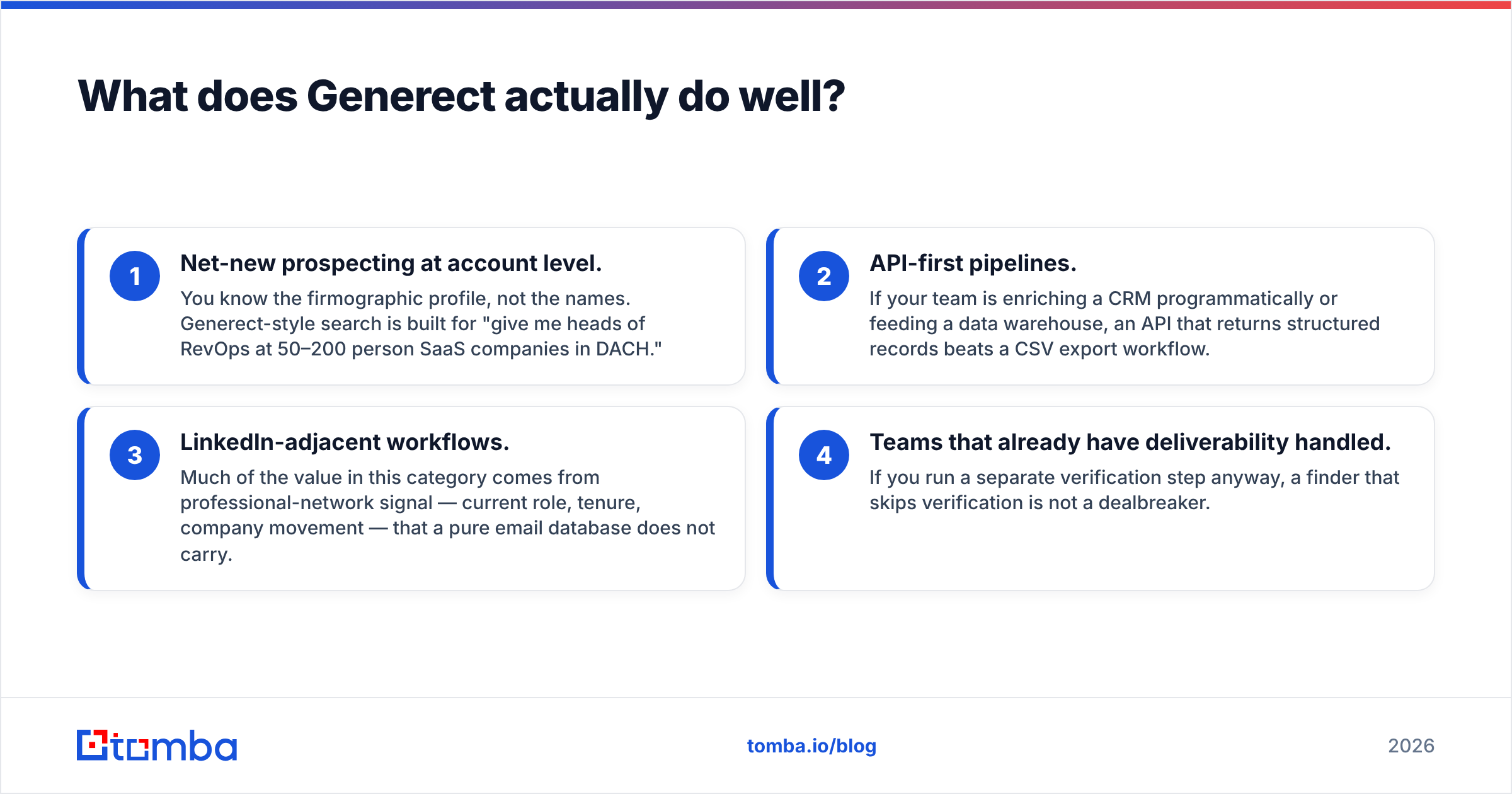
- Net-new prospecting at account level. You know the firmographic profile, not the names. Generect-style search is built for "give me heads of RevOps at 50–200 person SaaS companies in DACH."
- API-first pipelines. If your team is enriching a CRM programmatically or feeding a data warehouse, an API that returns structured records beats a CSV export workflow.
- LinkedIn-adjacent workflows. Much of the value in this category comes from professional-network signal — current role, tenure, company movement — that a pure email database does not carry.
- Teams that already have deliverability handled. If you run a separate verification step anyway, a finder that skips verification is not a dealbreaker.
Where it gets weaker: pricing transparency. Like most real-time data vendors, Generect leans toward quote-based commercial terms rather than a public self-serve price list. That is fine for a funded team with procurement; it is friction for a two-person agency that wants to test 500 lookups this week. Verify current terms directly with the vendor before you budget — this category changes its packaging often.
What does Verimail actually do well?#
Verimail does one job and does not pretend otherwise. That focus is a genuine advantage.
A serious verifier runs a layered check, and the layers matter more than the marketing:
- Syntax and formatting — catches typos and malformed addresses. Cheap, instant, low value on its own.
- Domain and MX validation — confirms the domain exists and accepts mail. Kills a surprising share of bad list data.
- Disposable and role detection — flags
mailinator.comthrowaways andinfo@,sales@,support@role accounts that inflate bounce and complaint rates. - SMTP / mailbox-level probing — the actual test of whether a specific inbox exists. This is where verifiers differentiate.
- Catch-all handling — the hardest case, and the honest tell of a good tool. A catch-all domain accepts every address at the SMTP layer, so a naive verifier returns "valid" for
asdfgh@company.com. Tools that dump these into an "unknown" bucket are being honest; tools that call them all valid are inflating their own accuracy number at your expense.
Verimail's positioning — straightforward credit-based pricing, a clean API, bulk uploads, integration with mainstream ESPs — makes it a reasonable list-hygiene layer. What it is not is a source of contacts. If your problem statement is "I need 2,000 qualified prospects this quarter," a verifier is the last step, not the first.
How accurate is each one, really?#
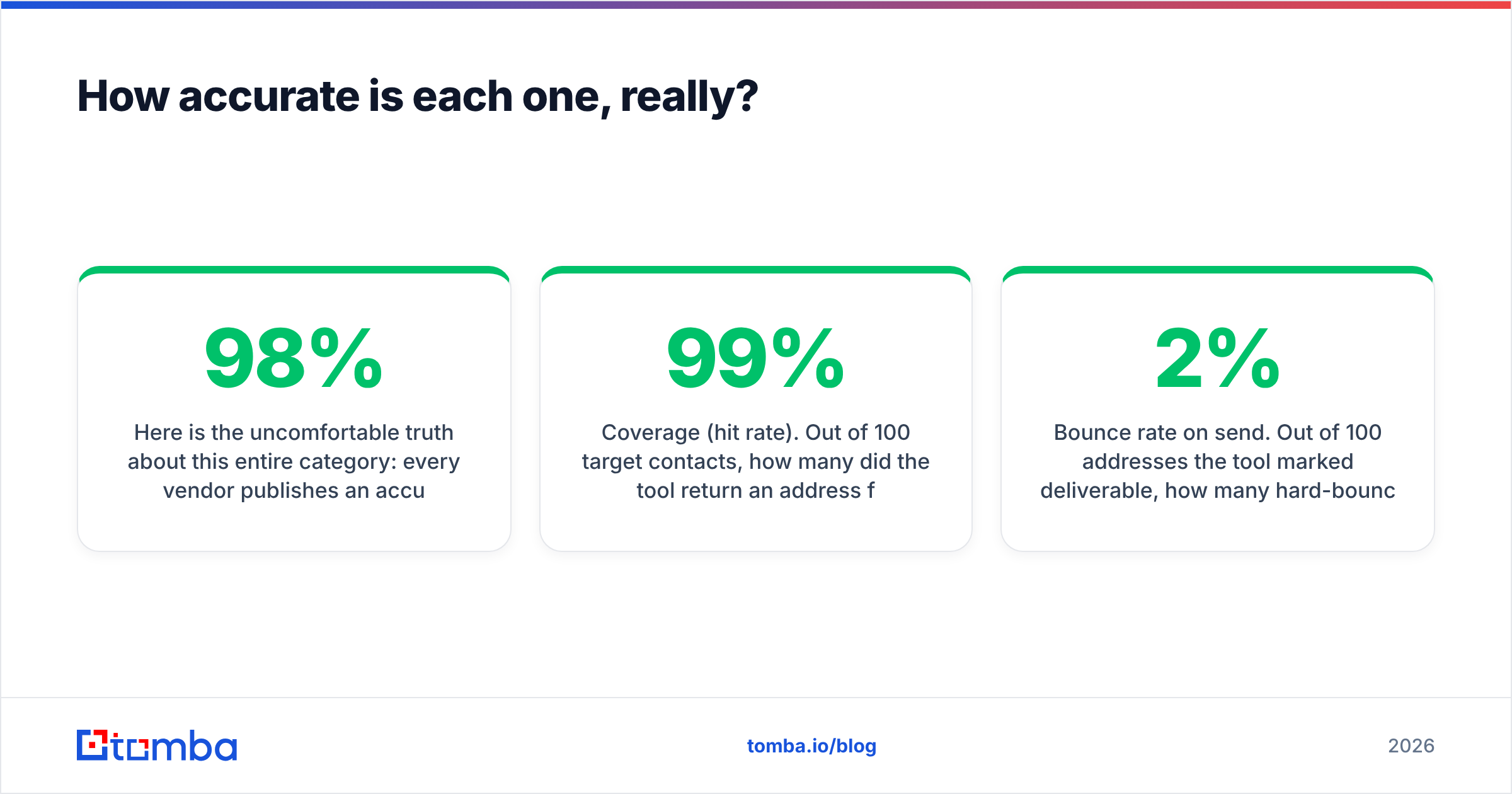
Here is the uncomfortable truth about this entire category: every vendor publishes an accuracy number, and almost none of them publish the methodology behind it. A 98% accuracy claim can mean "98% of addresses we returned did not bounce," or "98% of the addresses we labeled valid were valid," or "98% agreement with a reference list we chose." Those are three very different statements.

Two numbers actually predict outcomes, and you should ask every vendor for both:
Coverage (hit rate). Out of 100 target contacts, how many did the tool return an address for at all? A finder with 99% "accuracy" and 35% coverage is worse for your pipeline than one with 94% accuracy and 70% coverage — you cannot email a record that does not exist.
Bounce rate on send. Out of 100 addresses the tool marked deliverable, how many hard-bounced in a real campaign? This is the only number that touches your sender reputation, and it is the one to hold vendors to. Under 2% is acceptable. Under 1% is good. Anything above 3% and you are actively damaging your domain.
Run the test yourself: take 200 contacts from your real ICP — not a generic sample, because coverage varies wildly by region, company size, and seniority. Push them through each candidate tool. Send a low-volume, warmed campaign. Count. It costs a week and it will contradict at least one vendor's landing page.
Generect vs Verimail: how do they compare feature by feature?#

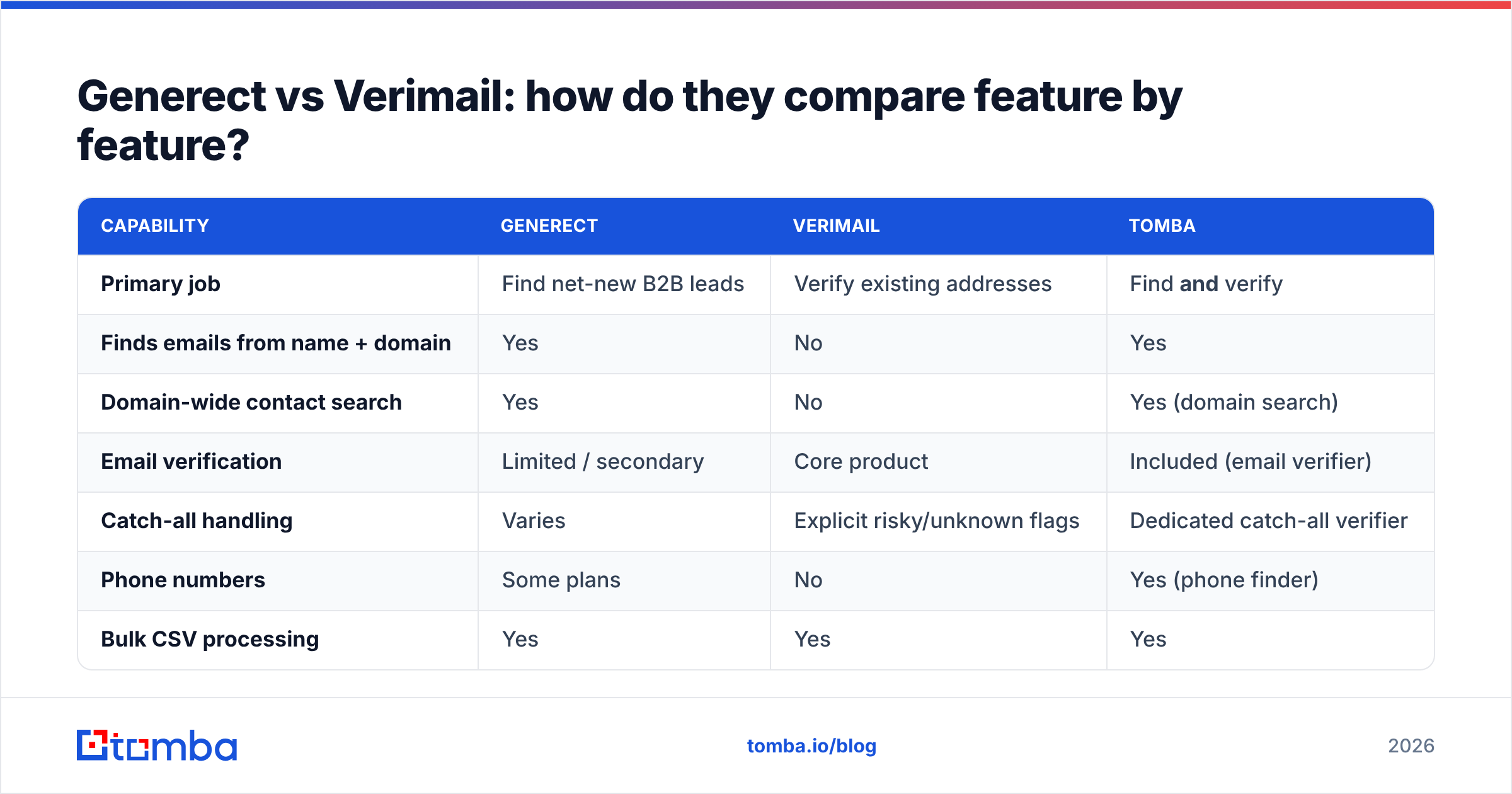
| Capability | Generect | Verimail | Tomba |
|---|---|---|---|
| Primary job | Find net-new B2B leads | Verify existing addresses | Find and verify |
| Finds emails from name + domain | Yes | No | Yes |
| Domain-wide contact search | Yes | No | Yes (domain search) |
| Email verification | Limited / secondary | Core product | Included (email verifier) |
| Catch-all handling | Varies | Explicit risky/unknown flags | Dedicated catch-all verifier |
| Phone numbers | Some plans | No | Yes (phone finder) |
| Bulk CSV processing | Yes | Yes | Yes |
| Public REST API | Yes | Yes | Yes |
| Free tier | Trial / demo on request | Limited free credits | 25 searches/mo, no card |
| Pricing model | Quote-based, contact sales | Credit packs + monthly plans | $49 Starter, $99 Growth, $249 Pro |
| Best for | Building lists from scratch | Cleaning lists you already have | Teams that need both in one bill |
Pricing for Generect and Verimail changes and is not always published in full — confirm current tiers on each vendor's site before committing. Tomba's published tiers are on the Tomba pricing page: a free plan with 25 searches per month, Starter at $49/mo, Growth at $99/mo, Pro at $249/mo, and custom Enterprise terms.
The row that decides most evaluations is the last one. If you buy Generect for discovery and Verimail for hygiene, you are managing two contracts, two credit systems, two API keys, two rate limits, and two support queues — and you are paying twice for what is, from your workflow's perspective, one step: get me a contact I can safely email.

Do you need a finder, a verifier, or both?#
Work through this in order. Most teams find their answer in the first two questions.
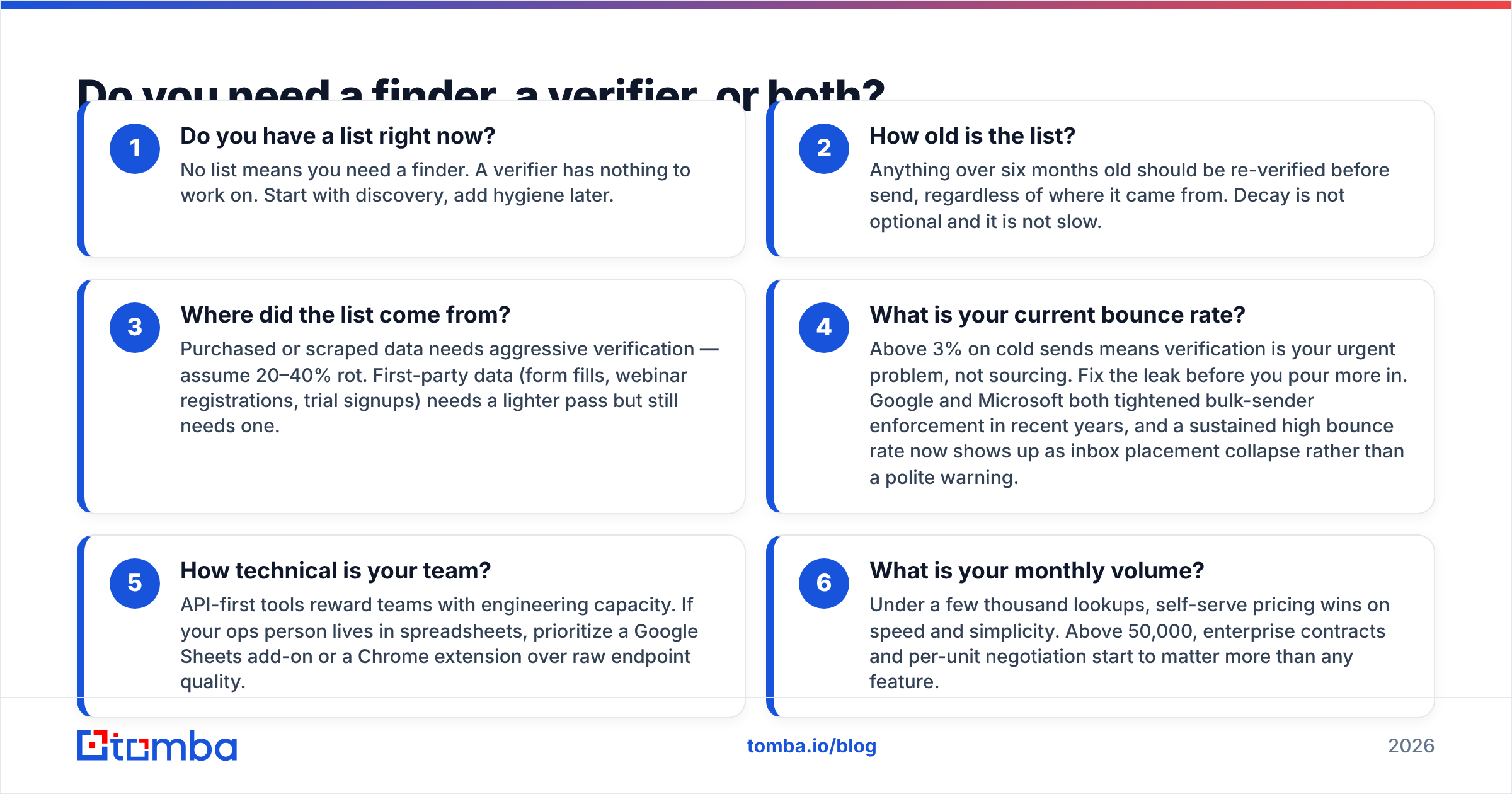
- Do you have a list right now? No list means you need a finder. A verifier has nothing to work on. Start with discovery, add hygiene later.
- How old is the list? Anything over six months old should be re-verified before send, regardless of where it came from. Decay is not optional and it is not slow.
- Where did the list come from? Purchased or scraped data needs aggressive verification — assume 20–40% rot. First-party data (form fills, webinar registrations, trial signups) needs a lighter pass but still needs one.
- What is your current bounce rate? Above 3% on cold sends means verification is your urgent problem, not sourcing. Fix the leak before you pour more in. Google and Microsoft both tightened bulk-sender enforcement in recent years, and a sustained high bounce rate now shows up as inbox placement collapse rather than a polite warning.
- How technical is your team? API-first tools reward teams with engineering capacity. If your ops person lives in spreadsheets, prioritize a Google Sheets add-on or a Chrome extension over raw endpoint quality.
- What is your monthly volume? Under a few thousand lookups, self-serve pricing wins on speed and simplicity. Above 50,000, enterprise contracts and per-unit negotiation start to matter more than any feature.
Which should you pick for your specific use case?#
Pick Generect if your bottleneck is sourcing. You have a defined ICP, budget for a data contract, engineering resource to consume an API, and an existing verification step (in-house or a separate vendor). Real-time resolution is a real advantage for fast-moving segments — startups, recently funded companies, anyone whose org chart changed last quarter.
Pick Verimail if your bottleneck is deliverability. You inherited a 60,000-row list, your bounce rate is embarrassing, and you need it clean by Friday. A focused verifier with credit pricing is the cheapest path to that outcome, and buying a full lead-gen platform to solve a hygiene problem is overkill.
Pick neither — or rather, pick a combined platform — if you are doing both jobs continuously, which describes most outbound teams. Discovery and verification are not separate projects; they are two halves of one loop that runs every week. Splitting them across vendors adds cost and adds failure modes at the handoff.
Where does Tomba fit in this comparison?#
Honestly: Tomba is not the right answer for everyone. If you need deep intent data, technographic filtering, or account-based scoring, you want a platform built for that, and Tomba is not it.
Tomba is the right answer when your job is contact data with verification built into the same request. The email finder returns an address plus a confidence score and verification status in one call, so there is no second vendor in the loop. Domain search pulls every discoverable address at a company. The catch-all verifier gives you a real answer on catch-all domains instead of shrugging. Bulk processing handles lists, and the Tomba API covers the programmatic path with a CLI, an MCP server, and native connections to HubSpot, Salesforce, Pipedrive, Sheets, and Zapier through the integrations library.
The commercial argument is simpler than the feature argument. A finder plus a separate verifier commonly lands somewhere north of $150/month once both are on real plans. Tomba's Growth plan is $99/mo and covers both jobs, with a free tier at 25 searches per month if you want to sanity-check coverage on your own ICP before spending anything. Independent user reviews on G2 are a reasonable third-party sanity check on any vendor in this list, including this one.
What should your evaluation actually look like?#
Do not decide from comparison posts — including this one. Run a bake-off:
- Pull 200 real contacts from your ICP, not a demo list.
- Run them through each candidate. Record coverage (how many returned an address) and cost per found contact, not cost per credit.
- Send a small, warmed campaign to each result set. Record hard bounces at 72 hours.
- Compare the tools on found-and-deliverable per dollar. That single metric collapses accuracy, coverage, and pricing into the number you actually care about.
- Check the boring stuff: rate limits, GDPR/CCPA posture, data-source documentation, and how quickly support answers a real question.
A week of this beats a quarter of arguing about vendor claims.
Ready to test coverage on your own list?#
Start with the free tier — 25 searches a month, no card required — and run the Tomba Email Finder against a slice of your real target accounts. If coverage and bounce rate hold up on contacts you already know are correct, you have your answer without a procurement cycle. If they do not, you have learned something real about your segment, which is more than any vendor's accuracy badge will tell you.
Related guides#
Ready to find emails that actually work?
Join 150,000+ professionals who stopped guessing and started sending. Free credits on signup — no credit card required.
Get the Tomba newsletter
Practical outbound tactics and product updates — once every two weeks.
About the author