GetProspect Pros and Cons: An Honest 2026 Review
GetProspect sells cheap bulk B2B emails and a LinkedIn scraper. But verification depth, catch-all handling, and credit rollover are where teams get burned. Here's the honest breakdown.
TL;DR
- GetProspect is a LinkedIn-first email finder with a large self-reported B2B database, a Chrome extension, and cheap per-contact bulk pricing — its real strength is volume prospecting from LinkedIn Sales Navigator searches.
- The biggest cons are verification depth (catch-all domains get flagged as "valid" too often), credits that expire monthly on lower tiers, and CRM enrichment that lags behind dedicated data vendors.
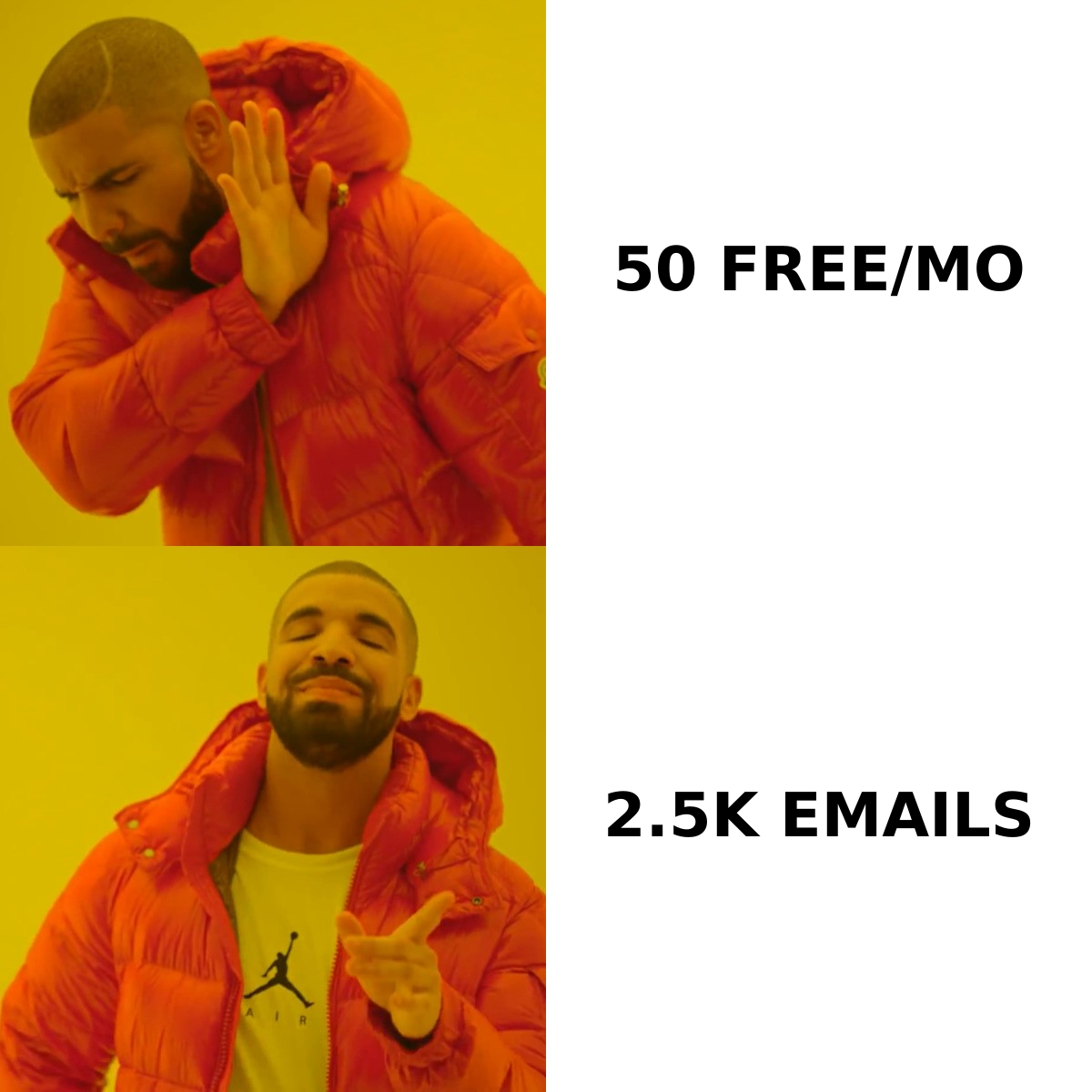
- Pricing starts free at 50 emails/month; paid plans begin around $49/mo for 1,000 emails and scale to enterprise-level bulk credits.
- If you mostly source from LinkedIn, GetProspect is defensible. If you source from domains, job boards, or scraped company lists, a domain-first finder with stricter SMTP logic returns cleaner data.
- Always run a second-pass verification layer regardless of which finder you use — no single provider's "valid" label survives contact with a modern MX stack.
What is GetProspect and who actually uses it?#
GetProspect is a B2B lead-generation platform built around three things: a LinkedIn email finder Chrome extension, a searchable contact database, and a lightweight CRM-style list manager. You install the extension, run a Sales Navigator search, click a button, and it appends work emails to the profiles it can match.
The typical user is an SDR or a small agency doing outbound at moderate volume — 500 to 5,000 contacts a month — who wants LinkedIn as the primary sourcing surface rather than domain lists or firmographic filters. It is not an intent-data platform, not a sales-engagement sequencer, and not a replacement for a full B2B database when you need deep firmographic slicing.
That framing matters, because most complaints about GetProspect come from people who bought it expecting a different category of tool. Judged as a LinkedIn extraction layer, it does its job. Judged as an enterprise data platform, it falls short quickly.
What are the real GetProspect pros?#
1. LinkedIn extraction that actually works at list scale. The extension handles Sales Navigator result pages, not just individual profiles. You can push a few thousand rows into a list without babysitting each click. Competing extensions frequently choke on paginated Sales Nav results or silently drop rows.
2. Genuinely cheap per-contact economics at volume. On higher bulk tiers, effective cost per found email drops well under many per-seat competitors. If your model is spray-and-qualify rather than precision ABM, that math works.
3. A usable free tier. 50 emails/month is enough to sanity-check match rates on your own ICP before you spend anything. Many competitors gate everything behind a demo call.
4. Built-in list management and CSV hygiene. Deduplication, column mapping, and basic filtering happen inside the product. For a solo operator without a RevOps function, that removes a spreadsheet step.
5. Integrations that cover the common stack. HubSpot, Pipedrive, Zapier, and a REST API mean you are not stuck exporting CSVs forever.
What are the GetProspect cons you should price in?#
Here is where the honest part of any "getprospect pros and cons" analysis has to live — because the marketing page will not tell you these.
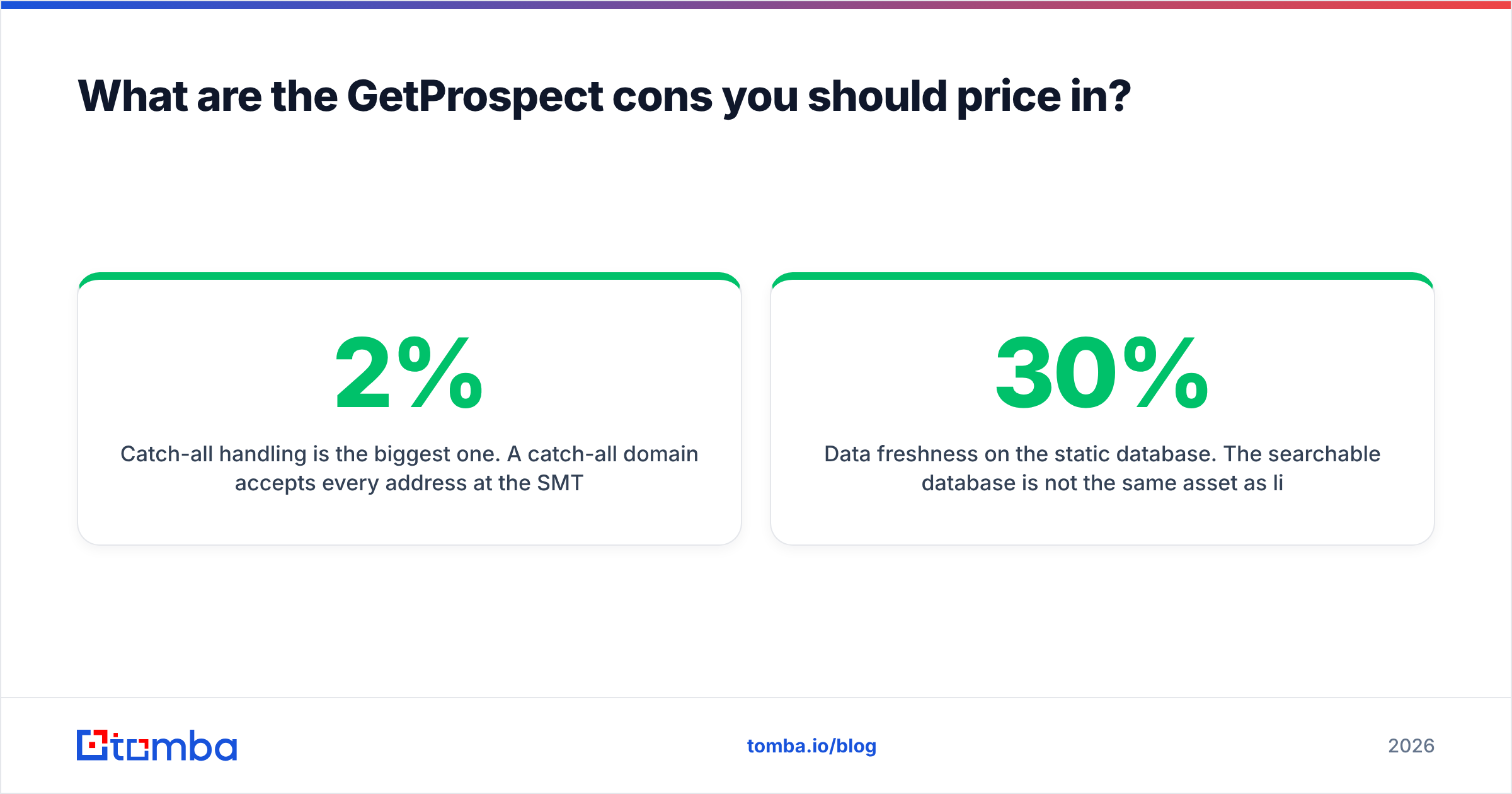
Catch-all handling is the biggest one. A catch-all domain accepts every address at the SMTP layer, so a naive verifier marks anything@company.com as deliverable. GetProspect, like most finders, leans permissive here. If a meaningful chunk of your ICP sits on catch-all infrastructure (common in enterprise, education, and European mid-market), your "verified" list carries hidden bounce risk. Running a dedicated catch-all verifier as a second pass is not optional — it is the difference between a 2% and a 9% bounce rate.
Credits expire. On monthly plans, unused credits generally do not roll over. Outbound is lumpy — you burn 3,000 credits in launch week and 200 the next month. Expiring credits quietly convert into a higher effective price than the sticker suggests.
Match rate varies hard by geography and seniority. North American mid-market director-level contacts resolve well. APAC, LATAM, and non-English SMB resolve noticeably worse. Test your actual segment on the free tier before committing to an annual plan.
Data freshness on the static database. The searchable database is not the same asset as live LinkedIn extraction. Records sourced from the static index skew older, and job-change decay in B2B runs roughly 20–30% annually according to widely cited G2 reviewer data and vendor churn reports. Expect stale titles.
Support responsiveness on lower tiers. Email-only, with multi-day turnaround reported by several reviewers. If a scrape breaks mid-campaign, you wait.
No phone data of consequence. If your motion is multichannel, you will need a separate phone finder layer.
How does GetProspect compare to the alternatives in 2026?#
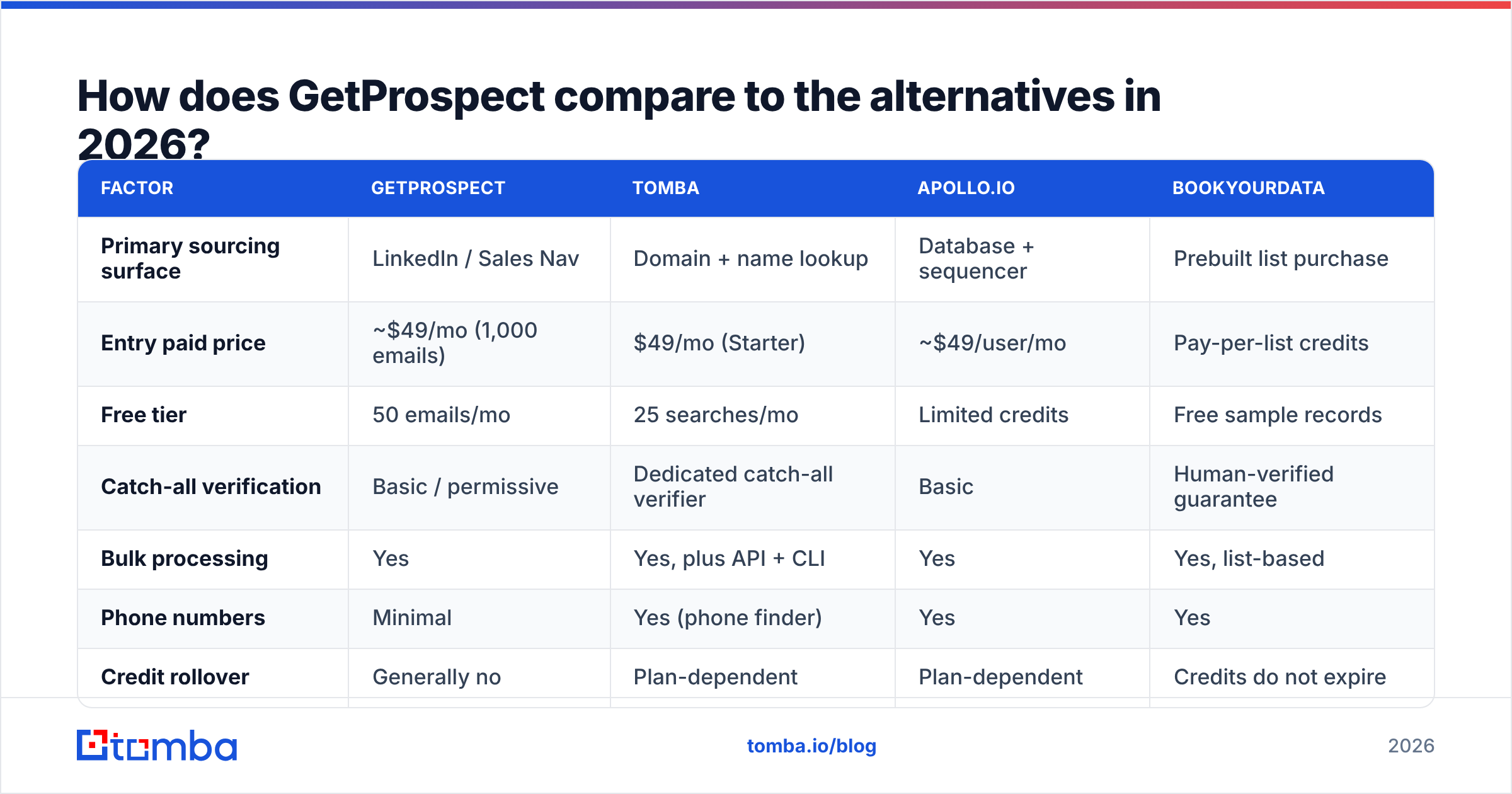
The honest comparison is not "which tool is best" but "which sourcing surface do you start from." LinkedIn-first, domain-first, and database-first tools optimize for different failure modes.
| Factor | GetProspect | Tomba | Apollo.io | BookYourData |
|---|---|---|---|---|
| Primary sourcing surface | LinkedIn / Sales Nav | Domain + name lookup | Database + sequencer | Prebuilt list purchase |
| Entry paid price | ~$49/mo (1,000 emails) | $49/mo (Starter) | ~$49/user/mo | Pay-per-list credits |
| Free tier | 50 emails/mo | 25 searches/mo | Limited credits | Free sample records |
| Catch-all verification | Basic / permissive | Dedicated catch-all verifier | Basic | Human-verified guarantee |
| Bulk processing | Yes | Yes, plus API + CLI | Yes | Yes, list-based |
| Phone numbers | Minimal | Yes (phone finder) | Yes | Yes |
| Credit rollover | Generally no | Plan-dependent | Plan-dependent | Credits do not expire |
| Best fit | LinkedIn-heavy SDRs | Domain/company-led prospecting | All-in-one outbound teams | Buyers who want vetted lists upfront |
A few notes on the peers, because "pros and cons" without context is useless:
- Apollo.io bundles sequencing, so the comparison is not apples-to-apples on price. You are buying a workflow, not just data. If you already run Instantly or Smartlead, that bundle is dead weight.
- BookYourData takes a different, defensible route: pay-per-list with a human-verification guarantee and credits that do not expire. If your objection to GetProspect is expiring credits and bounce exposure, that model directly addresses both.
- Tomba is domain-first. You give it a company domain and it returns patterns, people, and verification status — useful when your list starts as a spreadsheet of company URLs rather than LinkedIn profiles.

Is GetProspect accurate enough for cold email in 2026?#
Accuracy has two components people constantly conflate: match rate (did it find an address at all?) and validity (does that address accept mail?). A tool can post a great match rate by guessing patterns aggressively and then let your sender reputation absorb the damage.
Test it yourself with a controlled sample:
- Pull 200 contacts from your actual ICP — not a generic tech list. Segment matters more than any published benchmark.
- Record the match rate — found addresses divided by attempted lookups.
- Run every found address through an independent verifier — do not trust the source tool to grade its own homework. An email verifier from a different vendor gives you an unbiased second opinion.
- Isolate the catch-all bucket — count what percentage of "valid" results sit on catch-all domains. This is your hidden risk pile.
- Send a 100-address warmup batch and measure the real bounce rate against a healthy inbox.
If your combined hard-bounce rate clears 3%, you have a deliverability problem, not a data problem — and inbox providers will treat it that way. Google and Yahoo's bulk-sender requirements, documented in the Google Postmaster guidelines, put spam-complaint thresholds at 0.3% and expect authenticated, low-bounce sending. Dirty lists breach that fast.

What should you check before you buy GetProspect?#
Run this checklist before any annual commitment — it applies to every finder, not just this one.
- Test on your real segment, not a demo list. Vendor demos are run on the geographies where their data is strongest.
- Ask about credit rollover in writing. Sales reps sometimes grant it on annual contracts even when the pricing page says otherwise.
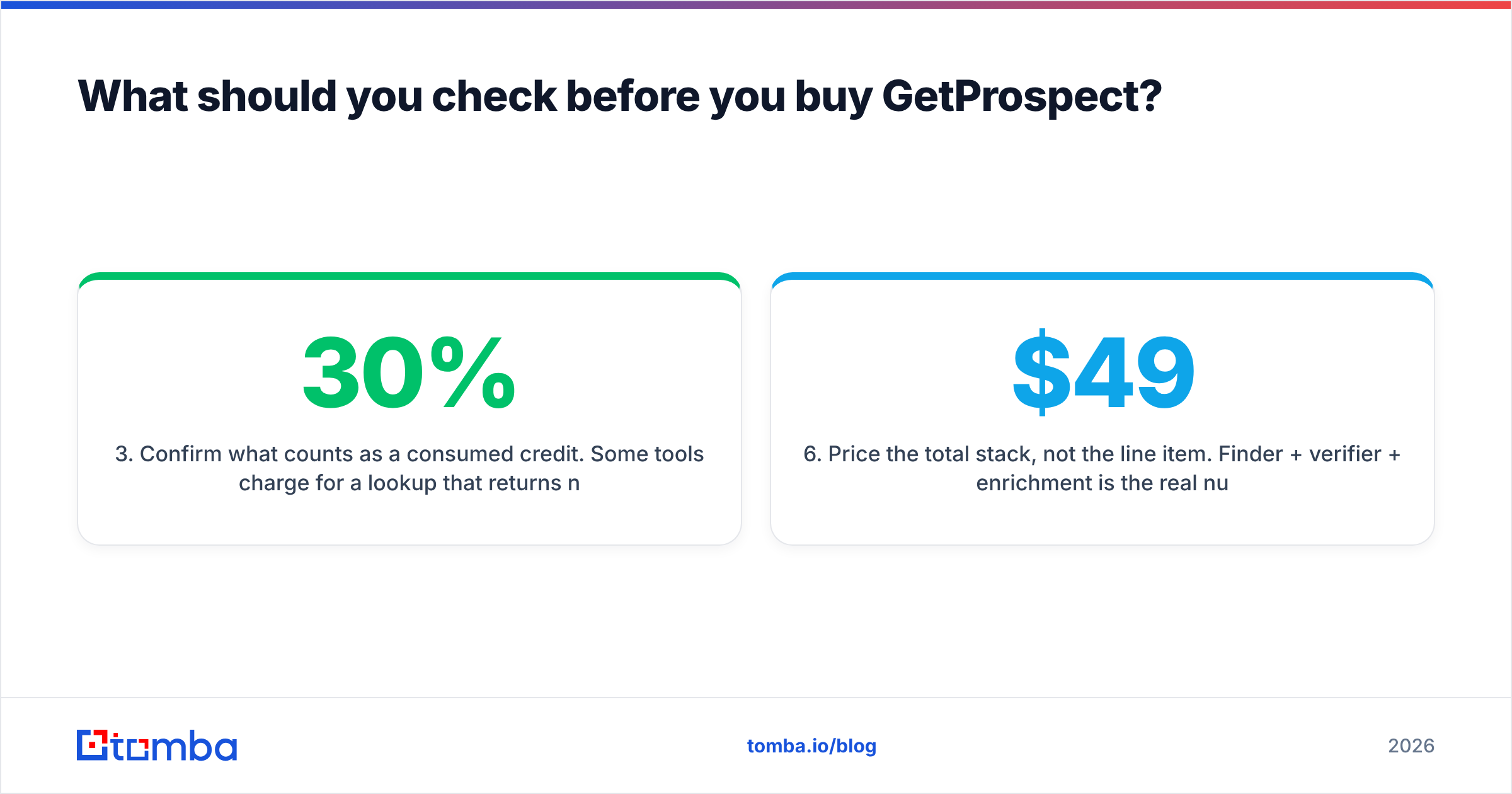
- Confirm what counts as a consumed credit. Some tools charge for a lookup that returns nothing. That single policy detail can shift effective cost by 30%.
- Check the export format and API limits. If you plan to automate, rate limits matter more than the headline credit count.
- Verify the catch-all policy. Ask directly: "Does your 'valid' status include catch-all domains?" The answer tells you how much second-pass verification you will need to budget for.
- Price the total stack, not the line item. Finder + verifier + enrichment is the real number. Comparing one tool's $49 against another's $49 while ignoring the $30/mo verification you bolt on top is how outbound budgets quietly double.
When is GetProspect the wrong choice?#
Four scenarios where you should look elsewhere:
- Your list starts as domains, not profiles. If you have 2,000 company websites and need contacts at each, a domain search workflow is faster and cheaper than reconstructing those companies inside LinkedIn.
- You need high-confidence, low-volume precision. ABM into 150 named accounts does not benefit from bulk economics. You want the strictest verification available and you do not care about per-credit price.
- Your ICP is heavily non-US. Match rates fall off, and you will pay for lookups that return nothing.
- You need phone plus email in one pass. Multichannel motions get expensive when you stitch two vendors together at export time.
Conversely, GetProspect is a reasonable buy when LinkedIn is genuinely your primary sourcing channel, your volume is above 1,000 contacts/month, and you already have a separate verification step in your pipeline.
What does a clean data stack actually look like?#
The teams with sub-2% bounce rates almost never rely on a single vendor's verdict. The pattern is consistent:
- Source from wherever your ICP is discoverable — LinkedIn, domain lists, event attendee pages, or a purchased list.
- Enrich to fill firmographic and contact gaps with a data enrichment pass.
- Verify independently with a vendor that did not find the address, so you get a genuine second opinion instead of a self-graded one.
- Segment catch-alls into a lower-risk sending pool rather than mixing them with confirmed-valid addresses.
- Monitor bounce and complaint rates weekly, and pull any source that drifts.
That fourth step is the one most teams skip. Catch-all addresses are not worthless — many are perfectly deliverable — but they belong on separate, warmed domains where a bad batch cannot poison your primary sending reputation.
The verdict on GetProspect pros and cons#
GetProspect is a competent LinkedIn-first email finder with honest bulk pricing and a real free tier. Its weaknesses are structural rather than fixable by a feature update: permissive catch-all handling, expiring credits, and uneven international coverage. None of those disqualify it — they just mean you should budget for a verification layer and test your own segment before signing anything annual.
If your prospecting starts from company domains rather than LinkedIn profiles, or you want catch-all verification handled properly in the same platform, run a side-by-side test. The Tomba Email Finder gives you 25 free searches a month — enough to benchmark match rate and validity against your existing tool on your own ICP, with no card required. Compare the two on the same 200 contacts, count the bounces, and let the numbers pick the winner. Full Tomba pricing starts at $49/mo for Starter, $99/mo for Growth, and $249/mo for Pro.
Related guides#
Ready to find emails that actually work?
Join 150,000+ professionals who stopped guessing and started sending. Free credits on signup — no credit card required.
Get the Tomba newsletter
Practical outbound tactics and product updates — once every two weeks.
About the author