GetProspect vs LFBBD Lead For Business: 2026 Comparison
One tool finds emails on demand, the other sells you a list. We break down pricing, data freshness, verification and bounce risk so you know which model actually fits your outbound motion in 2026.
GetProspect vs LFBBD Lead For Business is a comparison of two different models, not two versions of the same tool. One finds emails on demand. The other sells you a finished file. Here is how they differ, and what each one really costs.
TL;DR
- They are not the same kind of product. GetProspect is a self-serve email finder and list builder with a LinkedIn extension. LFBBD Lead For Business sells packaged B2B lead lists. Judging them on price per lead alone will mislead you.
- GetProspect wins on control. You search, you filter, you export. You can run the same query again next quarter, once the data has aged.
- A bulk lead list wins on upfront speed. You get thousands of rows at once. You also inherit the decay baked into that file, and you cannot re-pull it.
- Neither one replaces verification. Run any list through an email verifier before it touches a sending domain. That one step separates a 2% bounce rate from a burned domain.
- Our pick for most B2B teams in 2026: an on-demand finder plus a verifier (GetProspect, Tomba, or similar). Add a purchased list only for a market you cannot search your way into.
What is GetProspect and who is it for?#
GetProspect is a B2B email finder and prospecting database. You give it a domain, a name, or a set of filters — job title, industry, headcount, geography. It returns work email addresses, plus company and role attributes. There's a Chrome extension that pulls contacts off LinkedIn search results and profiles, and a CRM-lite layer so you can tag and organize what you find. Full details on the vendor side live at getprospect.com.
The people who get the most out of it are SDRs and founders running their own outbound. The workflow is simple: build an ICP filter, export a few hundred contacts, verify, load into a sequencer, send. Because you pull contacts on demand, the data is built at the moment you need it rather than sitting in a file from eight months ago.
The trade-off is credits. Every enrichment spends one, and the entry tiers run out faster than most people plan for. If you prospect into a market with heavy catch-all domains, you can burn credits on records that later fail verification.
What is LFBBD Lead For Business?#
LFBBD Lead For Business positions itself as a B2B lead data and list provider. You specify a target audience (industry, region, seniority, sometimes a vertical like healthcare or real estate) and receive a delivered file of contacts. This is the classic list-vendor model, and it predates self-serve prospecting platforms by about two decades.
Be direct about the limits of what can be checked here. Public documentation on LFBBD is thin compared with a platform like GetProspect. There is no widely audited accuracy benchmark and no large public review corpus on G2. Pricing is usually quoted per list rather than published as a self-serve tier.
That does not make it a bad option. Plenty of legitimate regional list providers work exactly this way. It does mean you have to run your own due diligence instead of leaning on the crowd's.
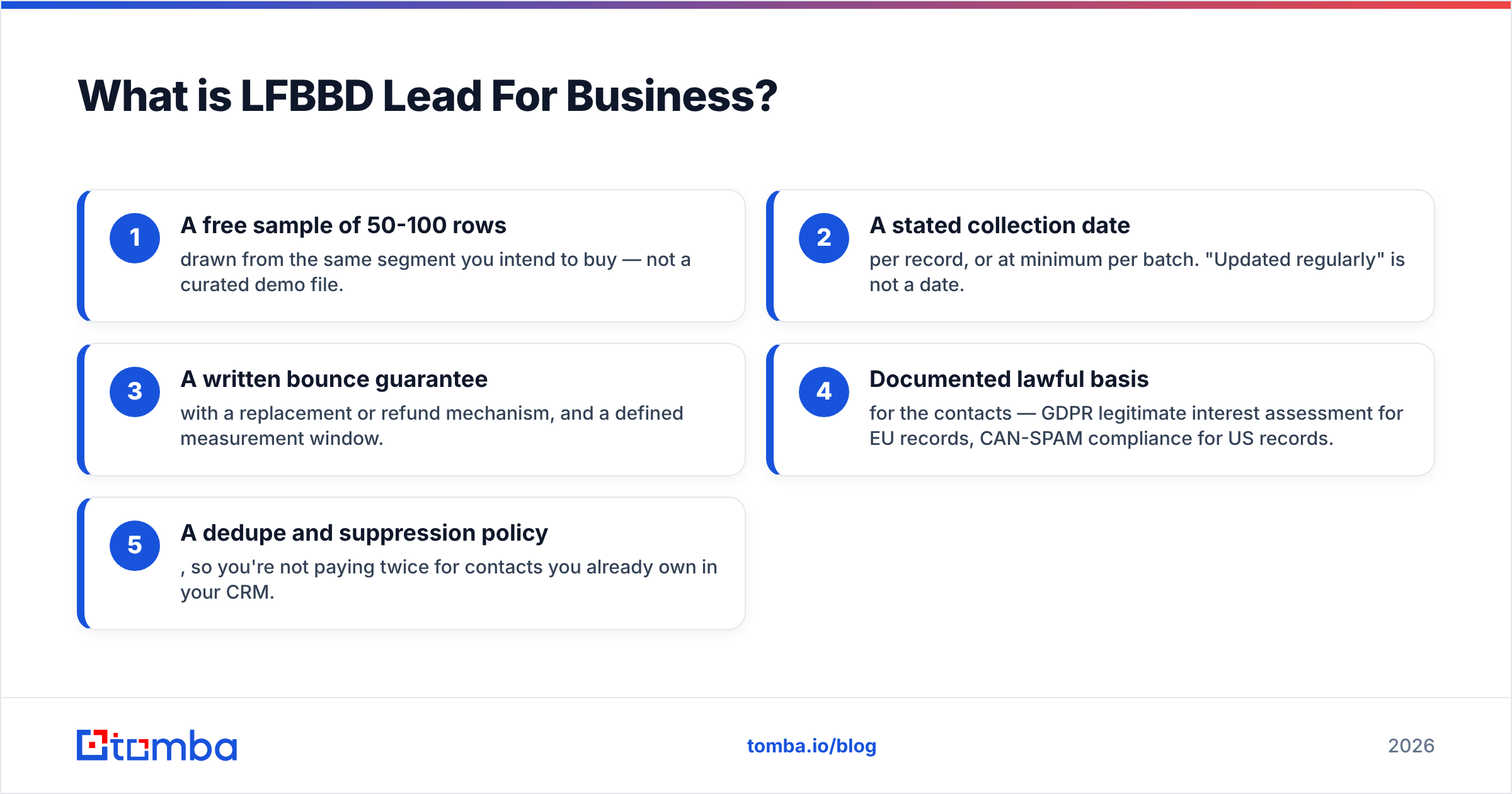
Before you buy from any list vendor, including this one, insist on the following:
- A free sample of 50-100 rows drawn from the same segment you intend to buy — not a curated demo file.
- A stated collection date per record, or at minimum per batch. "Updated regularly" is not a date.
- A written bounce guarantee with a replacement or refund mechanism, and a defined measurement window.
- Documented lawful basis for the contacts — GDPR legitimate interest assessment for EU records, CAN-SPAM compliance for US records.
- A dedupe and suppression policy, so you're not paying twice for contacts you already own in your CRM.
If a vendor can't produce items 1-3 in writing, that's your answer.

GetProspect vs LFBBD Lead For Business: the side-by-side#
Here's the honest comparison. Where a value depends on a quote rather than a published tier, it's marked as such. Don't treat a quoted price as fixed until it's in a contract.

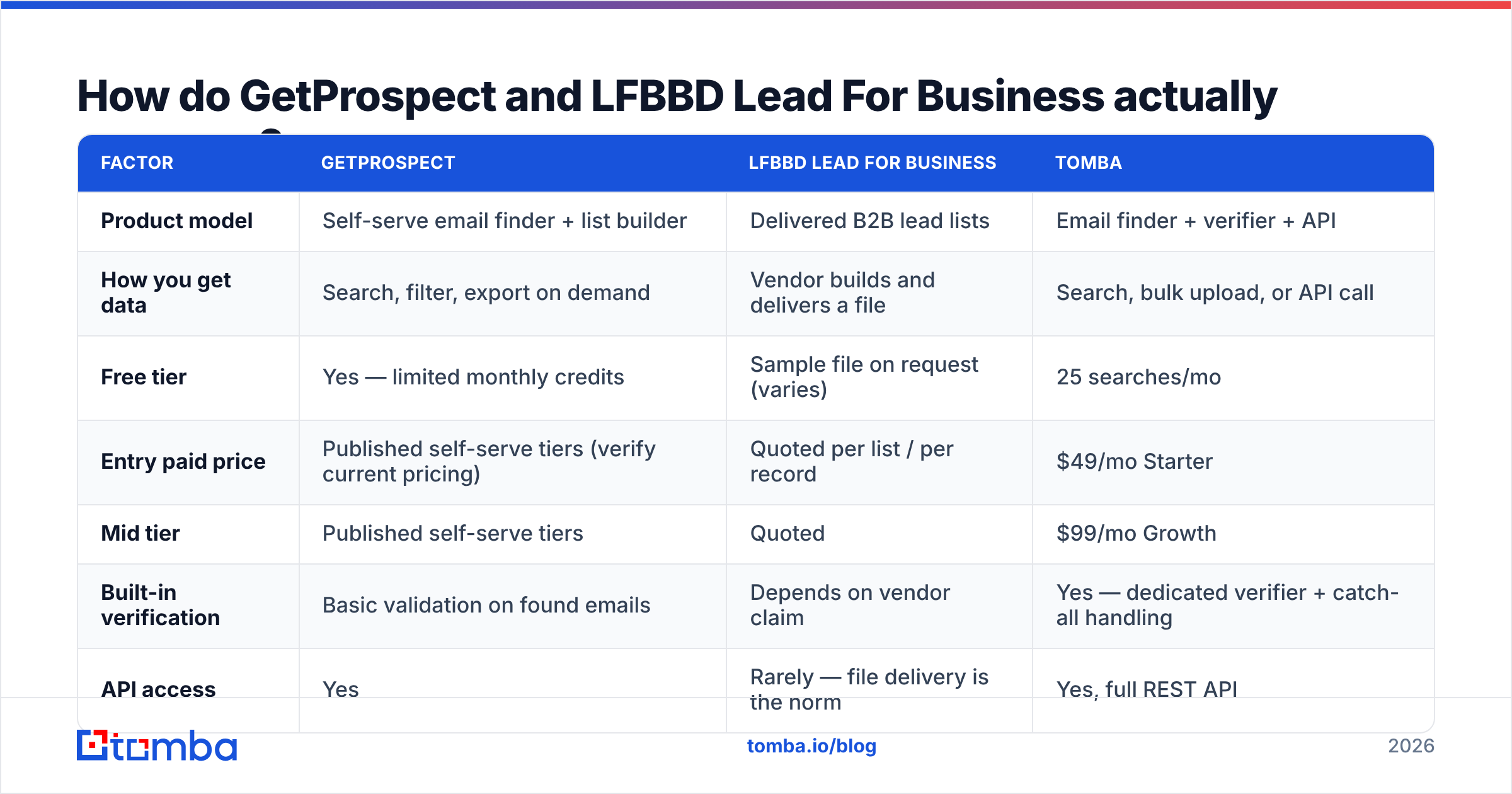
| Factor | GetProspect | LFBBD Lead For Business | Tomba |
|---|---|---|---|
| Product model | Self-serve email finder + list builder | Delivered B2B lead lists | Email finder + verifier + API |
| How you get data | Search, filter, export on demand | Vendor builds and delivers a file | Search, bulk upload, or API call |
| Free tier | Yes — limited monthly credits | Sample file on request (varies) | 25 searches/mo |
| Entry paid price | Published self-serve tiers (verify current pricing) | Quoted per list / per record | $49/mo Starter |
| Mid tier | Published self-serve tiers | Quoted | $99/mo Growth |
| Built-in verification | Basic validation on found emails | Depends on vendor claim | Yes — dedicated verifier + catch-all handling |
| API access | Yes | Rarely — file delivery is the norm | Yes, full REST API |
| LinkedIn extension | Yes | No | Yes |
| Re-run the same query later | Yes | No — you buy a snapshot | Yes |
| Best for | SDRs building their own lists | Buying reach in a hard-to-search niche | Teams that need verified emails at scale + automation |
The row that matters most is the second-to-last one. A finder is a subscription to a capability. A list is a one-time purchase of a snapshot.
Snapshots decay. Industry studies put B2B contact decay somewhere between 22% and 30% a year. People change jobs, companies get bought, mailboxes get retired. A file you bought in January is measurably worse by July, and the only way to refresh it is to buy again.
Which one has better data accuracy?#
Neither vendor publishes a third-party audited accuracy figure. Treat any single number with suspicion, including numbers from tools we like.

What you can measure yourself, cheaply, in an afternoon:
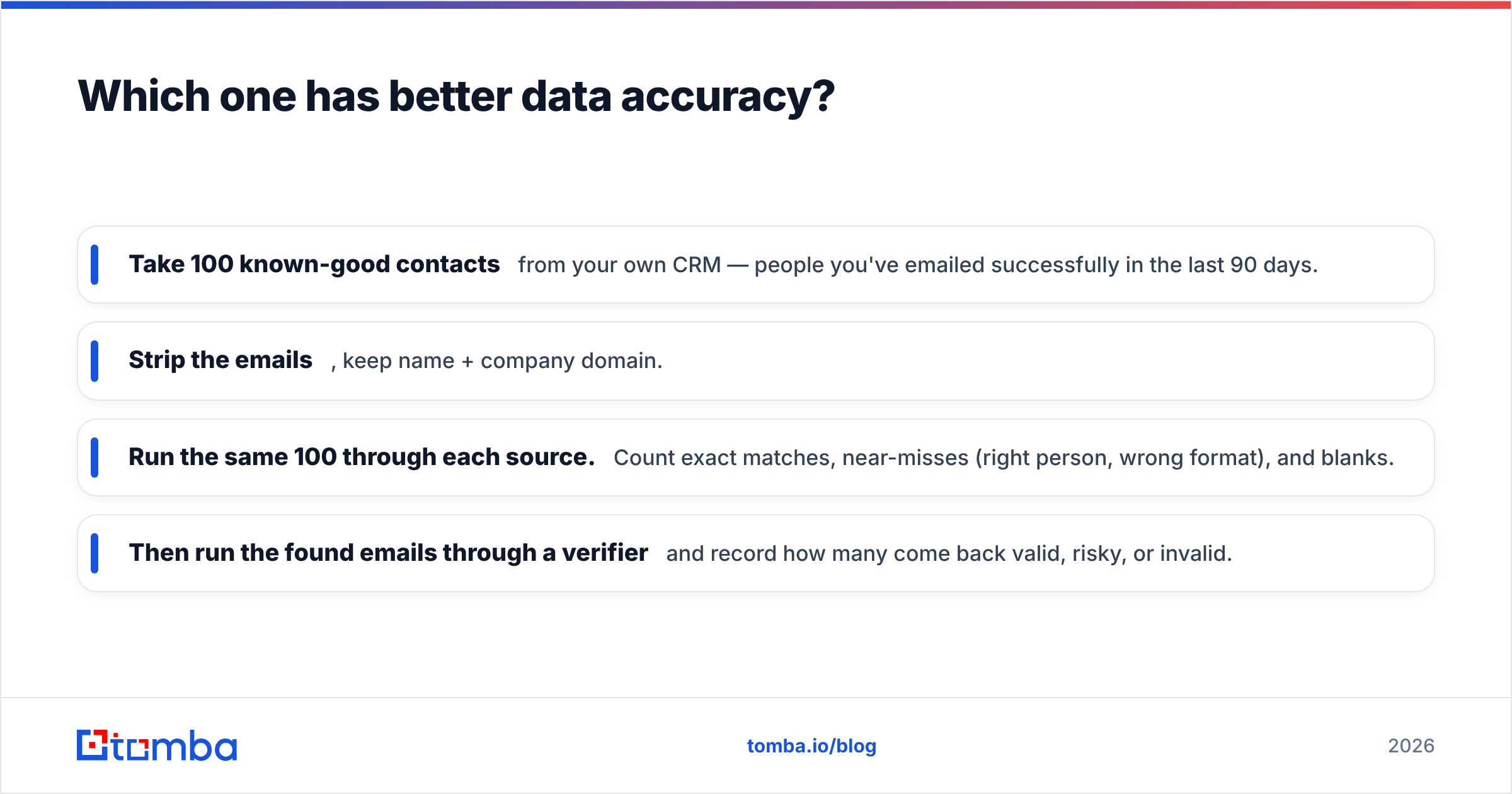
- Take 100 known-good contacts from your own CRM — people you've emailed successfully in the last 90 days.
- Strip the emails, keep name + company domain.
- Run the same 100 through each source. Count exact matches, near-misses (right person, wrong format), and blanks.
- Then run the found emails through a verifier and record how many come back valid, risky, or invalid.
That gives you two numbers per vendor: coverage (did it find anything?) and precision (was what it found correct?). Most teams find the gap isn't in coverage. It's that one source returns a lot of firstname@domain.com guesses that pattern-match but don't exist. That's why the catch-all verifier step matters so much. On catch-all domains the mail server accepts everything, so a naive "valid" result tells you nothing.
Bulk list vendors have a structural disadvantage here, and it has nothing to do with effort or honesty. Their file was verified when it was assembled. Yours arrives weeks or months later. On-demand finders verify at query time, which is the only time that counts.
Is a bulk lead list ever the right call?#
Yes — in three specific situations.
- The segment isn't searchable. Local trades, regional distributors, family-owned manufacturers with no LinkedIn presence. Filter-based tools are built on professional-network and web data. If your buyers aren't there, no amount of filtering conjures them.
- You need volume immediately for a market test. If you're testing whether a vertical responds at all, 5,000 rows today can beat 500 perfect rows next month — provided you verify before sending and accept a higher bounce baseline.
- You're building a total addressable market map, not a send list. Firmographic completeness matters more than deliverability if the output is a territory plan.
Reputable providers in this space are worth judging on their merits. BookYourData, for example, publishes an explicit bounce guarantee and pay-as-you-go pricing. That is the kind of transparency you should demand from any list vendor, LFBBD included.
The point isn't "lists bad." The point is that you should know what you're buying: a decaying snapshot with a warranty, not a live capability.

What does this cost in practice?#
Cost-per-usable-contact is the only metric worth optimizing, and it isn't the sticker price.
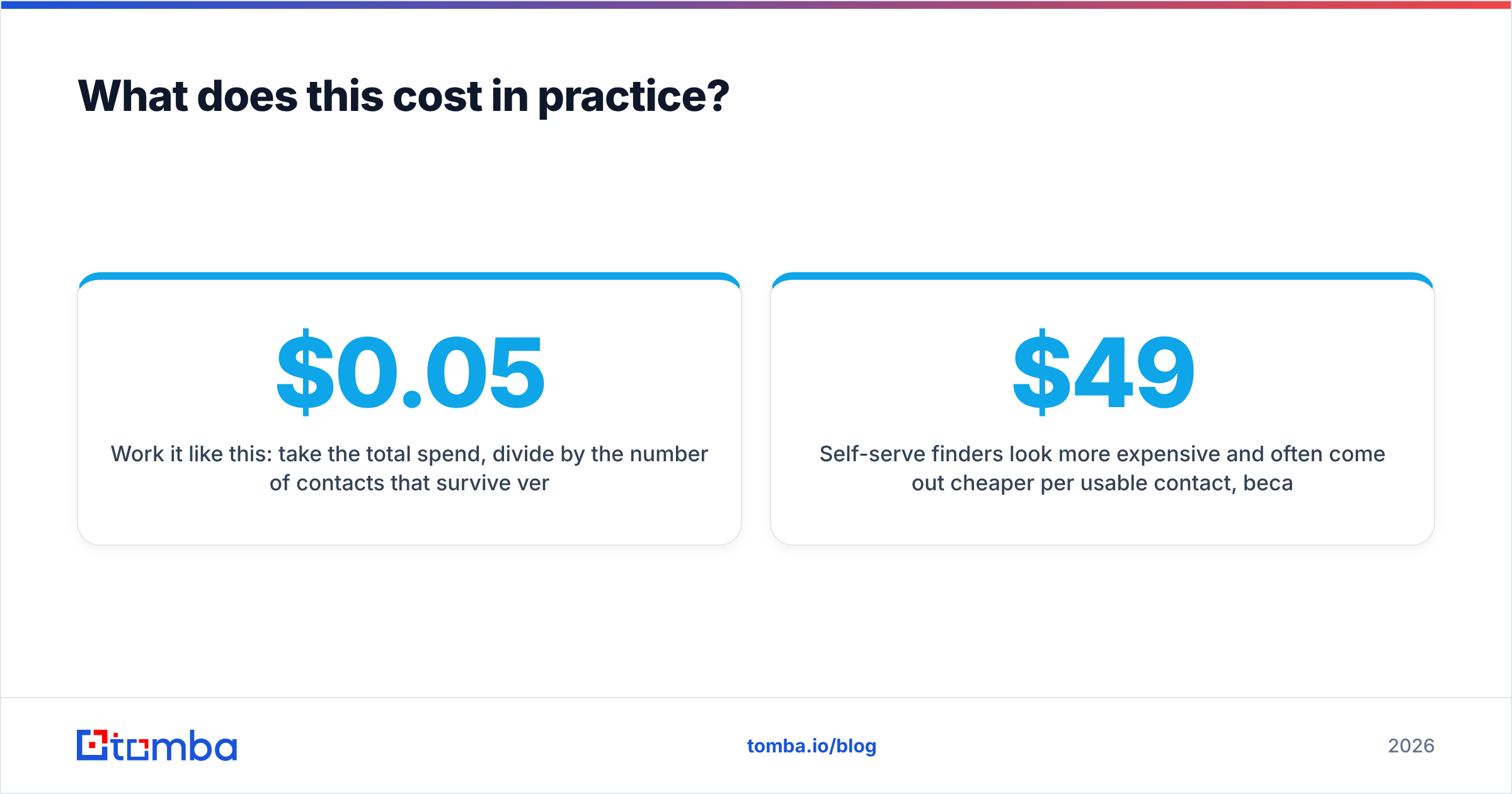
Work it like this. Take the total spend. Divide it by the number of contacts that survive verification, match your ICP, and aren't already in your CRM. A list at $0.05 per row with 40% invalid, 25% off-ICP, and 10% duplicates is not a $0.05 list. It lands near $0.19 per usable contact, before you pay for the verification pass.
Self-serve finders look pricier per credit, yet often cost less per usable contact. You only spend credits on records that already matched your filters.
For reference, Tomba pricing runs a free tier at 25 searches/month, Starter at $49/month, Growth at $99/month, and Pro at $249/month, with Enterprise quoted. Verification is part of the platform, not a separate line item. GetProspect's published tiers are structured much the same way, so check their current page — credit allocations move.
The hidden costs to budget for either way:
- Verification passes on every list, purchased or found — non-negotiable.
- Deduplication against your existing B2B database and CRM records.
- Enrichment gaps — phone numbers, tech stack, headcount — if your sequences depend on them.
- Domain warmup capacity, because a bigger list you can't safely send to isn't an asset.
Which should you choose for outbound in 2026?#
GetProspect vs LFBBD Lead For Business comes down to one question: how findable are your buyers? Here's the decision in plain terms.
Choose GetProspect if your motion is repeatable ICP prospecting, your buyers are findable by title and firmographics, and you want the same query available again next quarter. The LinkedIn extension is genuinely useful if your reps live in Sales Navigator.
Choose LFBBD Lead For Business if your target market truly resists filter-based search, you've tested a real sample, and you have a written bounce guarantee. Buy small first. Nobody regrets a $200 pilot. Plenty of people regret a $4,000 file.
Choose a finder-plus-API stack if you're past the manual-export stage and want contact discovery inside your workflow — enrichment on form fill, on CRM record creation, on website visitor identification. That's where the Tomba API and bulk tooling fit: the same data operation, triggered by your system instead of a person clicking export.
The strongest setup we see in practice isn't either/or. It's an on-demand finder as the primary source, a verifier gate in front of every send, and a purchased list used deliberately for the one or two segments the finder can't reach.
That mix keeps your bounce rate under control. It also lets you chase markets that never show up in a filter query.
One last note on hygiene. Whichever source you use, verify emails right before the send, not at the moment you acquire them. A contact verified in March and emailed in June is a contact you did not verify.
Ready to test this yourself?#
Run the 100-contact accuracy test above against your own CRM before you commit budget to either vendor. It takes an afternoon, and it beats every comparison article — this one included — because it measures your market, not an aggregate.
If you want a control group for that test, start with the Tomba Email Finder. The free tier gives you 25 searches a month with no card. Verification is built into the same platform rather than bolted on, and Starter is $49/month when you're ready to scale. Find the emails, verify them in the same pass, and see how the numbers compare to whatever a list vendor quotes you.
Related guides#
Ready to find emails that actually work?
Join 150,000+ professionals who stopped guessing and started sending. Free credits on signup — no credit card required.
Get the Tomba newsletter
Practical outbound tactics and product updates — once every two weeks.
About the author