GetProspect vs SignalHire (2026): Which Tool Should You Pick?
GetProspect is an email-first prospecting database. SignalHire leans on phone numbers and recruiting workflows. Here is how they actually differ on data, pricing, and credit math in 2026.
TL;DR
- GetProspect is an email-first prospecting database with a LinkedIn extension and a built-in CRM-lite view. It is the better pick if your outbound motion is email plus light list building.
- SignalHire is a contact-finder built around both emails and mobile numbers, with strong recruiter/ATS DNA. Pick it if you actually dial.
- Both sell credits, and both count "reveals" differently than you expect. Read the credit math before you compare headline prices — that is where most teams overpay.
- Neither tool is a full verification stack. Whatever you choose, verify before you send, or your deliverability pays the bill.
- If you mainly need high-accuracy work emails at a predictable flat price with a real API, a dedicated email finder is usually cheaper per usable contact than either.
What are GetProspect and SignalHire?#
Different jobs, similar shelf.
GetProspect started as a LinkedIn email extractor and grew into a B2B contact database with saved lists, basic segmentation, and CSV enrichment. Its centre of gravity is the work email address. You search by filters (title, industry, headcount, tech, location), or you browse LinkedIn with the Chrome extension and pull contacts into lists. There is a lightweight CRM layer so small teams can manage prospects without a separate tool.
SignalHire came from the recruiting world, and it shows. Its pitch is "full contact profile" — work email, personal email, and phone number — surfaced from a single reveal. It has ATS-style features (candidate pipelines, team collaboration on profiles) alongside standard sales prospecting search. Recruiters are the loudest reviewers on G2 for a reason.
So the headline question is not "which has more contacts." It is: does your team send, or does your team dial?
How do GetProspect and SignalHire compare head-to-head?#
Here is the practical breakdown. Vendor pricing moves; treat these as directional and confirm on each vendor's page before you buy.
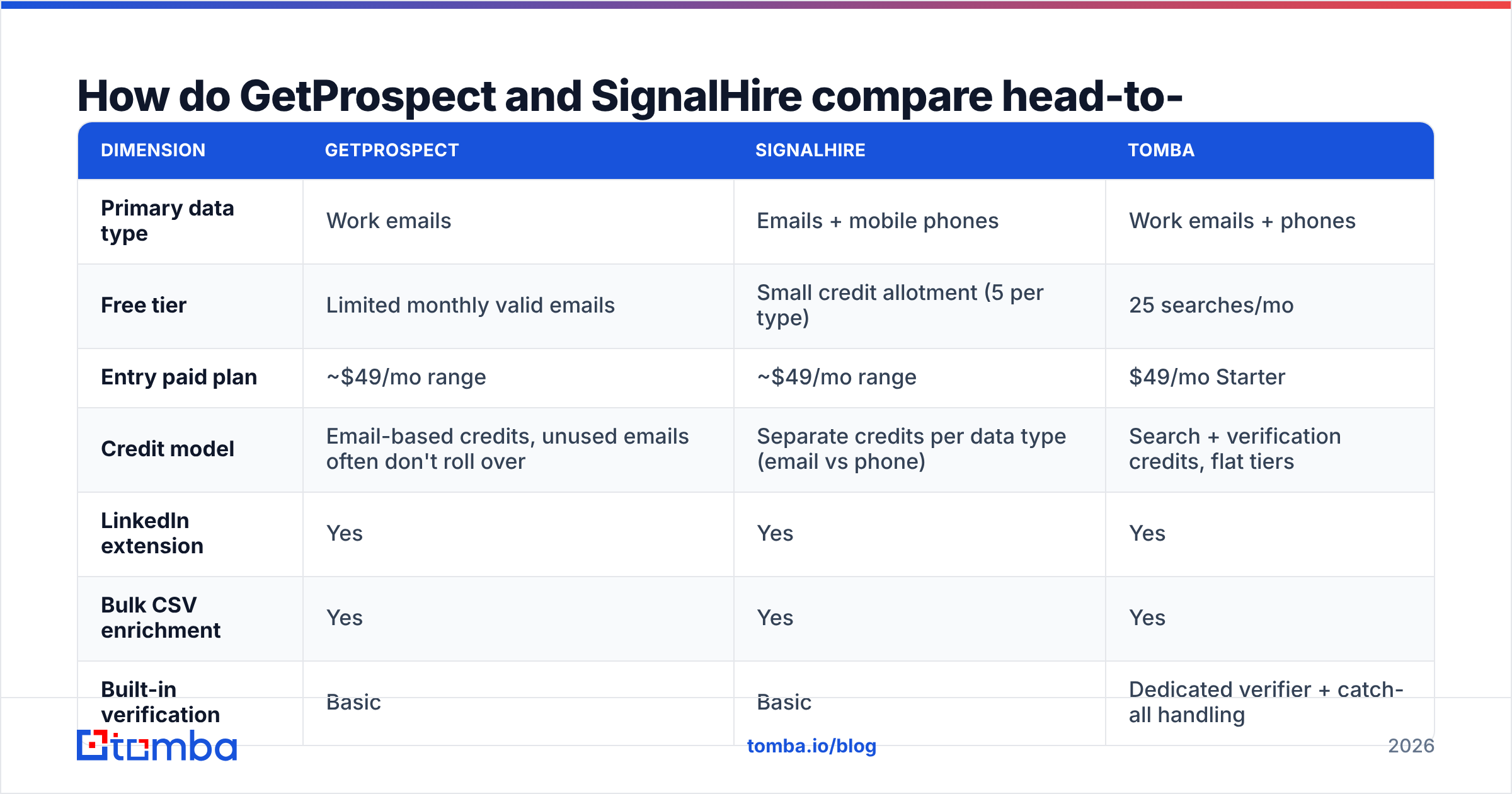
| Dimension | GetProspect | SignalHire | Tomba |
|---|---|---|---|
| Primary data type | Work emails | Emails + mobile phones | Work emails + phones |
| Free tier | Limited monthly valid emails | Small credit allotment (5 per type) | 25 searches/mo |
| Entry paid plan | ~$49/mo range | ~$49/mo range | $49/mo Starter |
| Credit model | Email-based credits, unused emails often don't roll over | Separate credits per data type (email vs phone) | Search + verification credits, flat tiers |
| LinkedIn extension | Yes | Yes | Yes |
| Bulk CSV enrichment | Yes | Yes | Yes |
| Built-in verification | Basic | Basic | Dedicated verifier + catch-all handling |
| Public API | Yes, limited | Yes | Full REST API, CLI, MCP server |
| Best fit | Email-led SMB outbound | Recruiting and phone-heavy sales | Email accuracy at scale, dev workflows |
The row that trips people up is the credit model. GetProspect charges you when it returns an email. SignalHire charges per type of contact data revealed — meaning a prospect where you want both email and phone can consume two credits, not one. On a 5,000-contact list that difference is not cosmetic.
Which one finds more accurate emails?#
Neither vendor publishes an independently audited accuracy figure, and you should be suspicious of any comparison post that claims otherwise. What you can do is test.
Run the same 200-row control list through both tools and score four things:
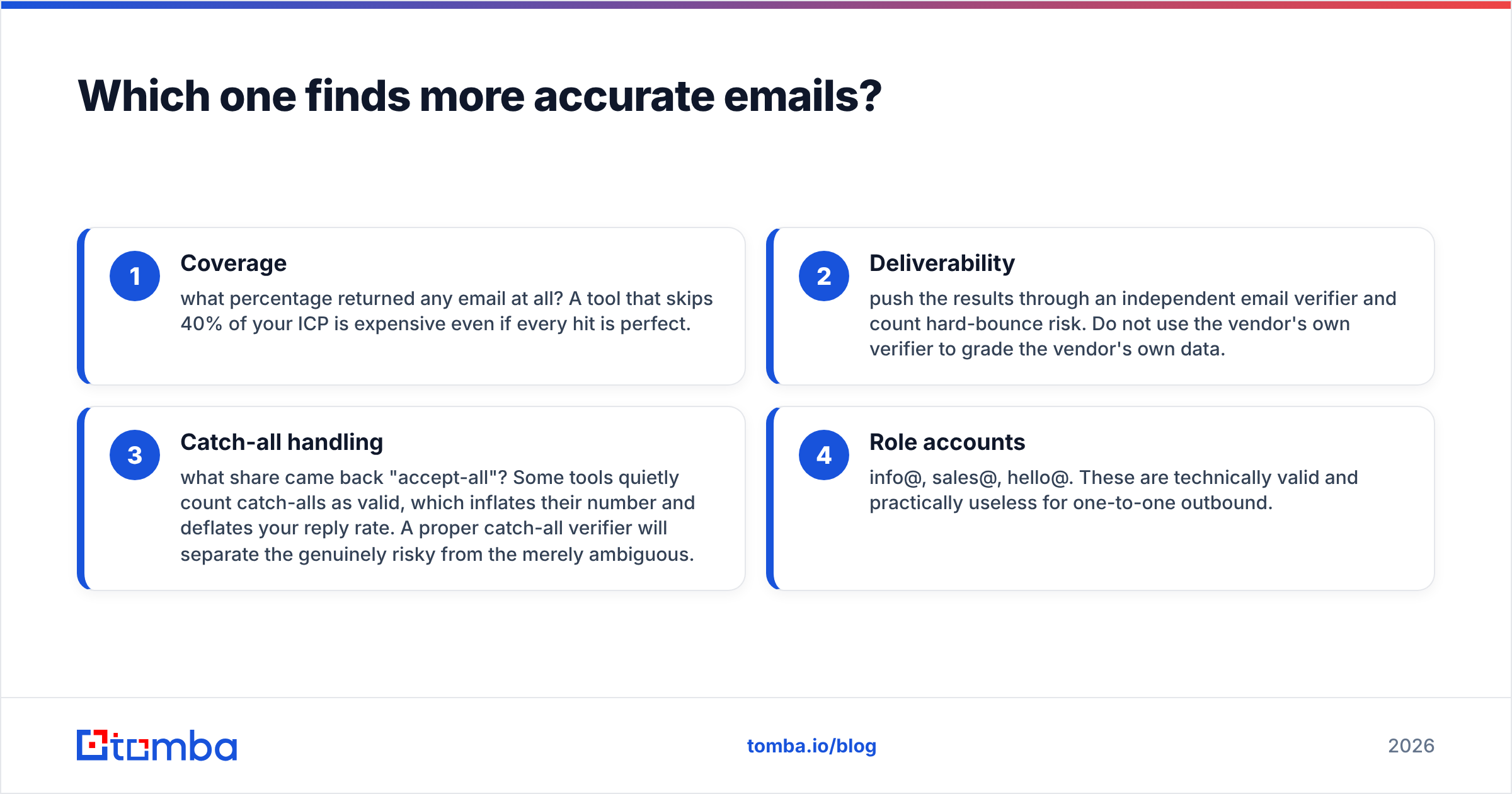
- Coverage — what percentage returned any email at all? A tool that skips 40% of your ICP is expensive even if every hit is perfect.
- Deliverability — push the results through an independent email verifier and count hard-bounce risk. Do not use the vendor's own verifier to grade the vendor's own data.
- Catch-all handling — what share came back "accept-all"? Some tools quietly count catch-alls as valid, which inflates their number and deflates your reply rate. A proper catch-all verifier will separate the genuinely risky from the merely ambiguous.
- Role accounts — info@, sales@, hello@. These are technically valid and practically useless for one-to-one outbound.
In my own repeat testing across email-finding vendors, coverage varies far more by segment than by vendor. European mid-market manufacturers, US SaaS, and APAC logistics produce wildly different hit rates from the same tool. That is why a generic "Tool X is 96% accurate" claim tells you almost nothing about your list.

The practical read: GetProspect tends to do well on standard corporate domains with predictable patterns. SignalHire's advantage shows up on people-first searches — you have a name and a LinkedIn profile, you need any working channel. If your list is domain-first (you know the company, you need the right human), a domain search approach usually beats both, because it maps the whole org's email pattern in one call instead of paying per profile.
Is SignalHire worth it just for phone numbers?#
Sometimes yes. Here is when the phone data actually pays for itself.
- You run a multi-threaded motion. Email opens the door, a call closes the meeting. If your SDRs dial 40+ times a day, phone coverage is a first-class requirement, not a nice-to-have.
- You recruit. Candidates ignore work emails on principle. Mobile and personal email are the channels that work, and SignalHire's whole architecture assumes that.
- Your ICP is non-desk. Field ops, construction, logistics, healthcare admin. Email penetration is genuinely lower; phone is often the only reliable channel.
And when it does not pay:
- You are email-only. Paying a per-type credit structure for data you never dial is pure waste.
- You operate in strict-consent regions. Cold-calling mobiles in parts of the EU carries real compliance exposure. Check your obligations before you build a motion on it.
- Your phone connect rate is under 3%. At that point the data is not the bottleneck — your list or your pitch is.
If phone coverage is the only reason you are considering SignalHire, compare it against a standalone phone finder plus a cheaper email source. Bundling is convenient; it is rarely the cheapest path.
What does the pricing actually cost per usable contact?#
Headline price is the wrong metric. The number that matters is cost per contact you can actually email or call.
Work it out like this:
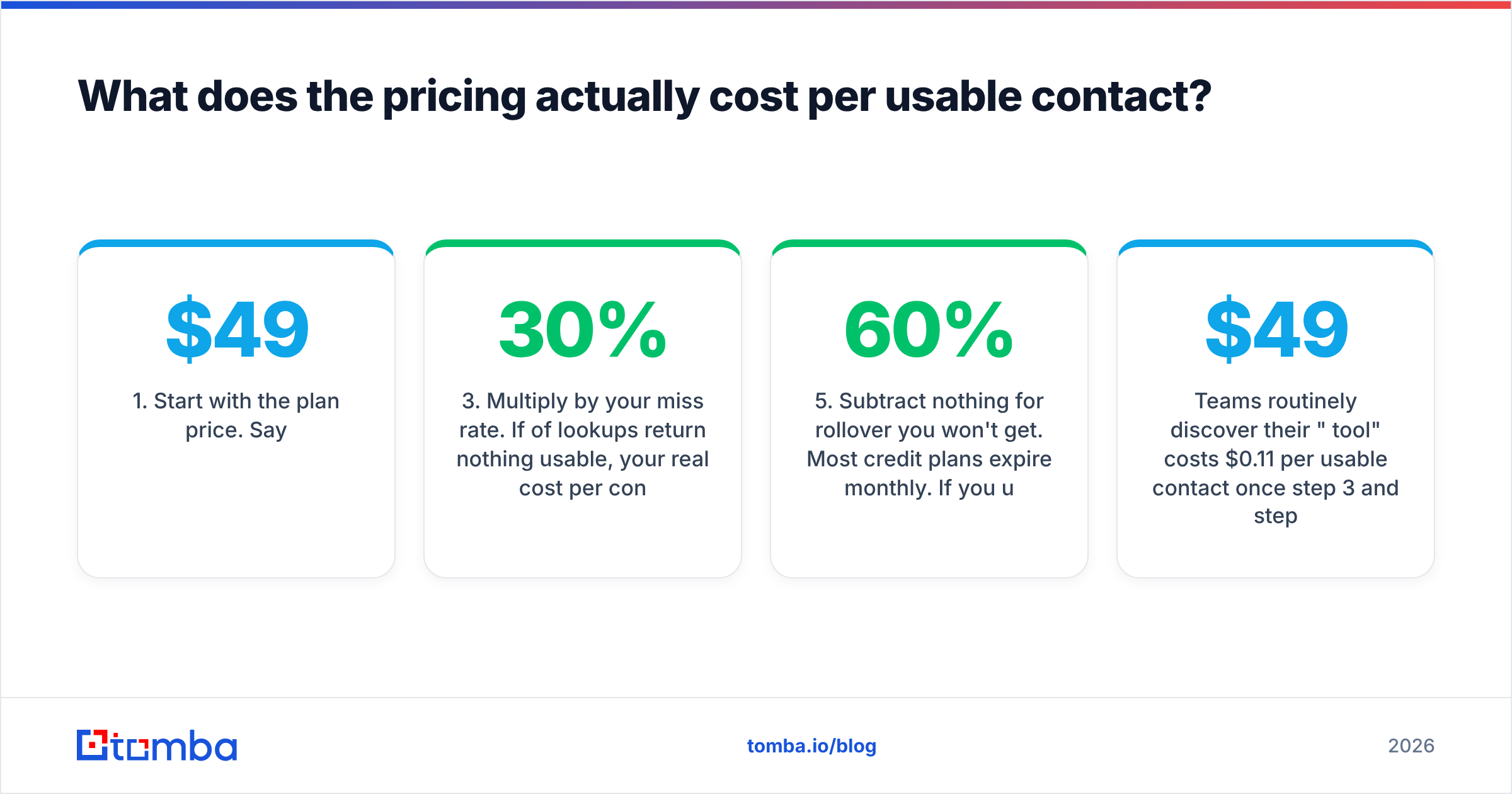
- Start with the plan price. Say $49/mo.
- Divide by credits included. That gives you a nominal cost per credit.
- Multiply by your miss rate. If 30% of lookups return nothing usable, your real cost per contact jumps by roughly 1.4x — assuming failed lookups are not charged. If they are charged, it is worse.
- Add verification cost. You will verify. Budget it.
- Subtract nothing for rollover you won't get. Most credit plans expire monthly. If you use 60% of your allotment in an average month, your effective rate is 1.67x the sticker rate.
Teams routinely discover their "$49/mo tool" costs $0.11 per usable contact once step 3 and step 5 are applied. That is fine — it is still cheap compared to a rep's hour — but it changes which tool wins.
This is also where flat, predictable tiers matter more than they look. Tomba pricing runs Free (25 searches/mo), Starter $49/mo, Growth $99/mo, Pro $249/mo, and Enterprise custom, with searches and verifications on the same plan rather than split across separate credit pools. Fewer pools means fewer ways to accidentally strand budget.
Which integrates better with your existing stack?#
Ask three questions before you sign anything.
Does it have a real API? GetProspect and SignalHire both offer APIs, but coverage and rate limits differ from their UI capabilities. If you plan to enrich inside your own product or a nightly job, read the docs first — not the marketing page. A full email finder API with documented rate limits, webhooks, and SDKs is a different class of product from an API bolted onto a UI tool.
Does it write back where you work? If your reps live in HubSpot or Salesforce, an export-to-CSV workflow will quietly kill adoption inside a quarter. Check native integrations versus Zapier-only glue. Zapier works, but you are paying twice and adding a failure point.
Can non-technical people run bulk jobs? Most enrichment happens in spreadsheets, not code. A bulk email finder that takes a CSV of names and domains and returns verified results is worth more day-to-day than an elegant API nobody on the team can call.

What are the honest downsides of each?#
GetProspect's weak points:
- Database depth outside North America and Western Europe thins out noticeably.
- The CRM-lite layer is genuinely useful for solo founders and genuinely redundant for anyone with a real CRM — you may be paying for shelf space you don't use.
- Verification is basic. You will still want an independent check before sending.
SignalHire's weak points:
- The per-data-type credit structure makes budgeting harder than it should be. Two credits for one person feels like a surprise the first time.
- Sales users sometimes find the recruiting-shaped UI a poor fit for pipeline work. It is not wrong, it is just built for a different job.
- Phone number freshness varies. Mobile data decays faster than work emails — a number sourced 18 months ago is a coin flip.
And a downside they share: neither is a deliverability tool. Finding an address and getting it into an inbox are separate problems. If your domain reputation is shaky, better data will not save the campaign. Run a sender reputation checker before you blame the data vendor.
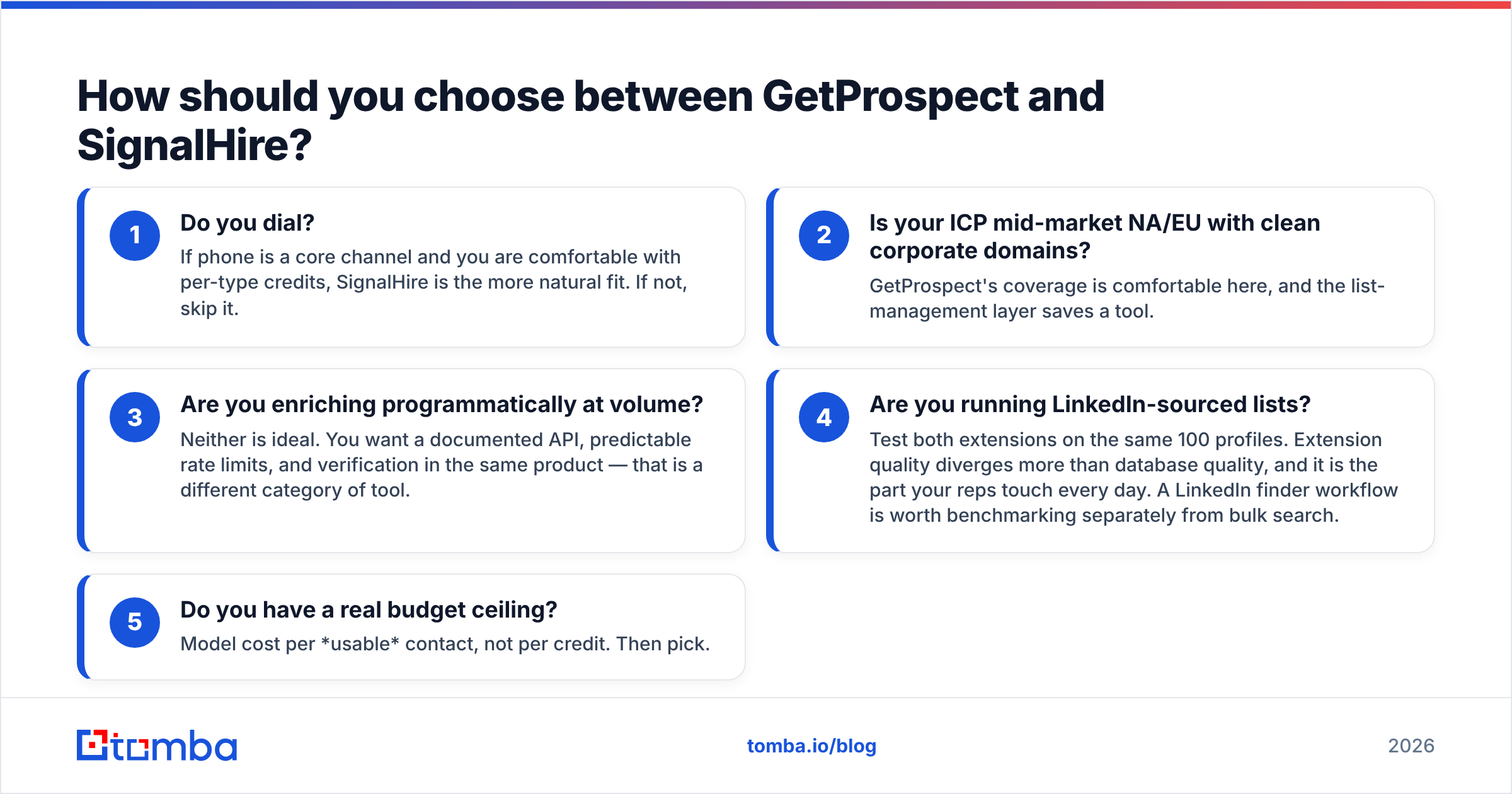
How should you choose between GetProspect and SignalHire?#
Decision tree, shortest path first:
- Do you dial? If phone is a core channel and you are comfortable with per-type credits, SignalHire is the more natural fit. If not, skip it.
- Is your ICP mid-market NA/EU with clean corporate domains? GetProspect's coverage is comfortable here, and the list-management layer saves a tool.
- Are you enriching programmatically at volume? Neither is ideal. You want a documented API, predictable rate limits, and verification in the same product — that is a different category of tool.
- Are you running LinkedIn-sourced lists? Test both extensions on the same 100 profiles. Extension quality diverges more than database quality, and it is the part your reps touch every day. A LinkedIn finder workflow is worth benchmarking separately from bulk search.
- Do you have a real budget ceiling? Model cost per usable contact, not per credit. Then pick.
There is no universally correct answer here, and any post that gives you one is selling something. Both tools have real customers who are happy. The mistake is choosing on a feature grid instead of a 200-row bake-off with your own list.
What should you do next?#
Run the test. Take 200 real prospects from your actual pipeline — not a demo list — and push them through GetProspect, SignalHire, and one alternative. Score coverage, bounce risk, catch-all share, and role-account share. The winner will be obvious within an afternoon, and it may not be the tool with the best-looking website.
If your bottleneck is finding verified work emails at a price that doesn't fluctuate with credit math, start with the Tomba Email Finder. The free tier gives you 25 searches a month — enough to benchmark against whatever you're running now — and paid plans start at $49/mo with search and verification on the same balance, plus a real API, Chrome extension, Sheets add-on, and bulk CSV processing. Test it against your control list and let the bounce rate decide.
Related guides#
Ready to find emails that actually work?
Join 150,000+ professionals who stopped guessing and started sending. Free credits on signup — no credit card required.
Get the Tomba newsletter
Practical outbound tactics and product updates — once every two weeks.
About the author