GoCustomer Pricing Reviews Pros and Cons: 2026 Analysis
GoCustomer sells AI SDR automation behind a demo-gated quote. Here's what the pricing model actually costs, what reviewers praise and complain about, and when a cheaper data-first stack beats it.
Looking for a straight answer on GoCustomer pricing reviews pros and cons? Here it is. This guide covers what the platform really costs, what users praise and complain about, and when a cheaper data-first stack does the same job.
TL;DR
- GoCustomer is an AI-SDR / outbound automation platform: it researches accounts, writes personalized sequences, and sends them for you. It is not primarily a contact-data vendor.
- Pricing is quote-based and demo-gated in most regions. There is no full public self-serve price list, so budget by seat + contact volume + sending workload, not by a sticker price.
- The strongest reviews praise personalization quality and time saved per rep. The most common complaints are onboarding length, contract minimums, and data coverage outside the US/UK.
- If your real bottleneck is finding and verifying contacts — not writing copy — an AI SDR is an expensive fix. A data-first stack starting around $49/mo covers that job for a fraction of the cost.
- Buy GoCustomer if you have a funded outbound motion and want fewer humans per sequence. Skip it if you're still validating ICP or sending under ~2,000 emails a month.
What is GoCustomer, and what are you actually paying for?#
GoCustomer positions itself as an AI-powered outbound engine. You give it an ICP. It builds a list, researches each account, and drafts personalized first lines and full sequences. Then it runs the sending and the reply handling. It sits with the "AI SDR" cohort — the same shelf as Regie, 11x, Artisan, and Amplemarket's AI layer — not with pure email-finder tools.
That distinction matters more than any feature checklist, because it decides what you're buying:
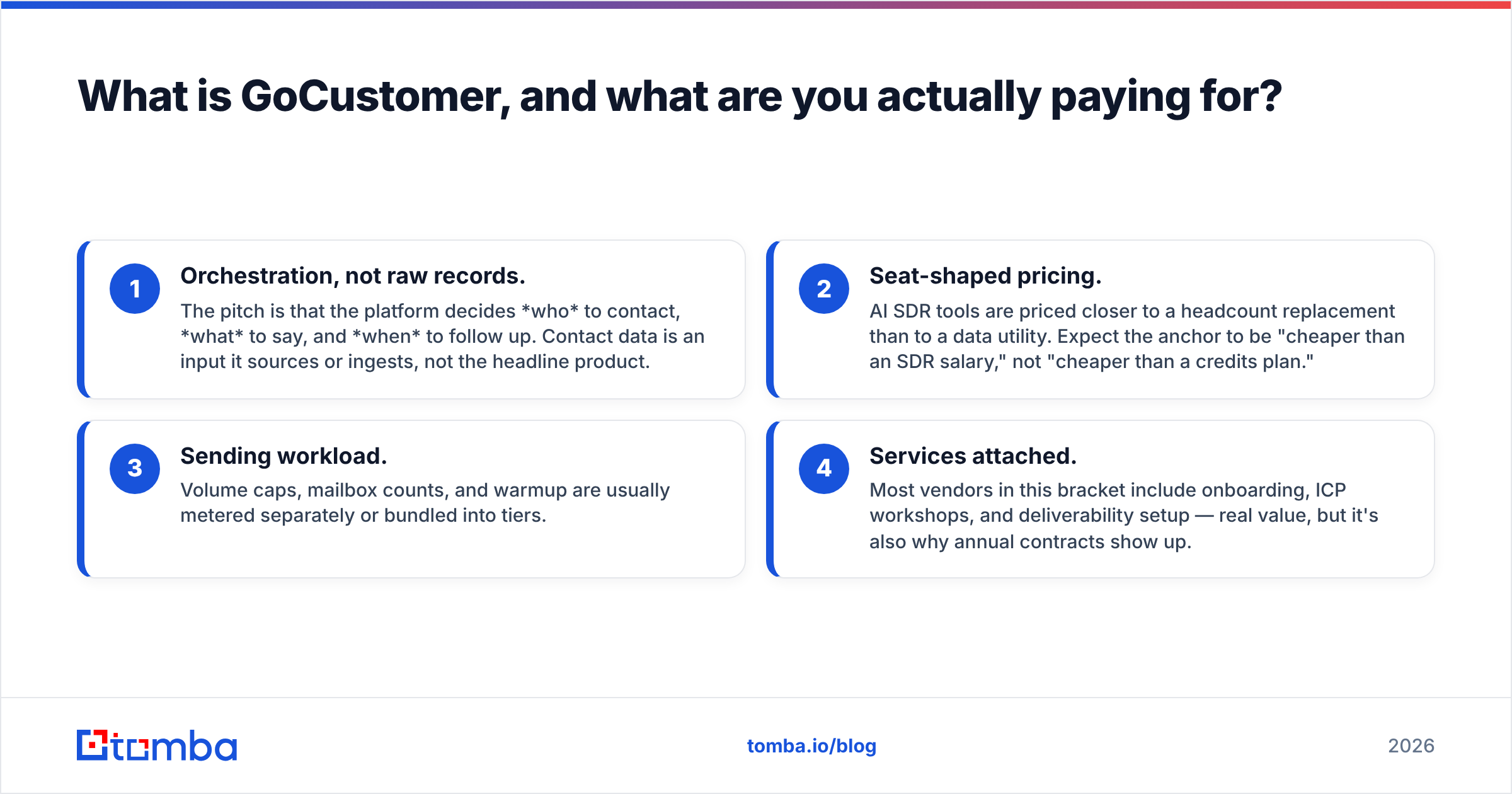
- Orchestration, not raw records. The pitch is that the platform decides who to contact, what to say, and when to follow up. Contact data is an input it sources or ingests, not the headline product.
- Seat-shaped pricing. AI SDR tools are priced closer to a headcount replacement than to a data utility. Expect the anchor to be "cheaper than an SDR salary," not "cheaper than a credits plan."
- Sending workload. Volume caps, mailbox counts, and warmup are usually metered separately or bundled into tiers.
- Services attached. Most vendors in this bracket include onboarding, ICP workshops, and deliverability setup — real value, but it's also why annual contracts show up.
Strip those four layers away. If what you actually needed was accurate email addresses at scale, you're shopping in the wrong aisle. Hold that thought — the cost math at the end depends on it.

What does GoCustomer pricing actually look like in 2026?#
Straight answer: GoCustomer does not publish a complete, self-serve price card the way a credits-based tool does. Pricing comes through a demo. It is scoped to your seat count, contact volume, and sending footprint. Anyone quoting an exact "$X/mo" figure from a blog post is guessing. Check gocustomer.ai for current terms before you budget.
What you can plan around is the shape of the invoice. AI SDR platforms in this bracket almost always price on some combination of these levers:
- Per-seat or per-"AI rep" fee — the base subscription, typically the largest line item.
- Contact / credit allowance — how many records you can enrich or export per cycle, with overage rates.
- Sending volume and mailbox count — caps on monthly sends, connected inboxes, and warmup slots.
- Onboarding or implementation fee — one-time, sometimes waived on annual.
- Contract term — monthly is rare or carries a premium; annual is the default discount lever.
One practical move: ask the rep for the fully loaded 12-month cost. That means onboarding, overages at your realistic volume, and the renewal uplift. Vendors in this category quote the base seat price first and let the volume math surface later. Ask for it in writing on the first call.
How does the cost compare to adjacent tooling?#
Here is the honest comparison — an AI SDR platform against the two cheaper layers most teams could assemble instead.
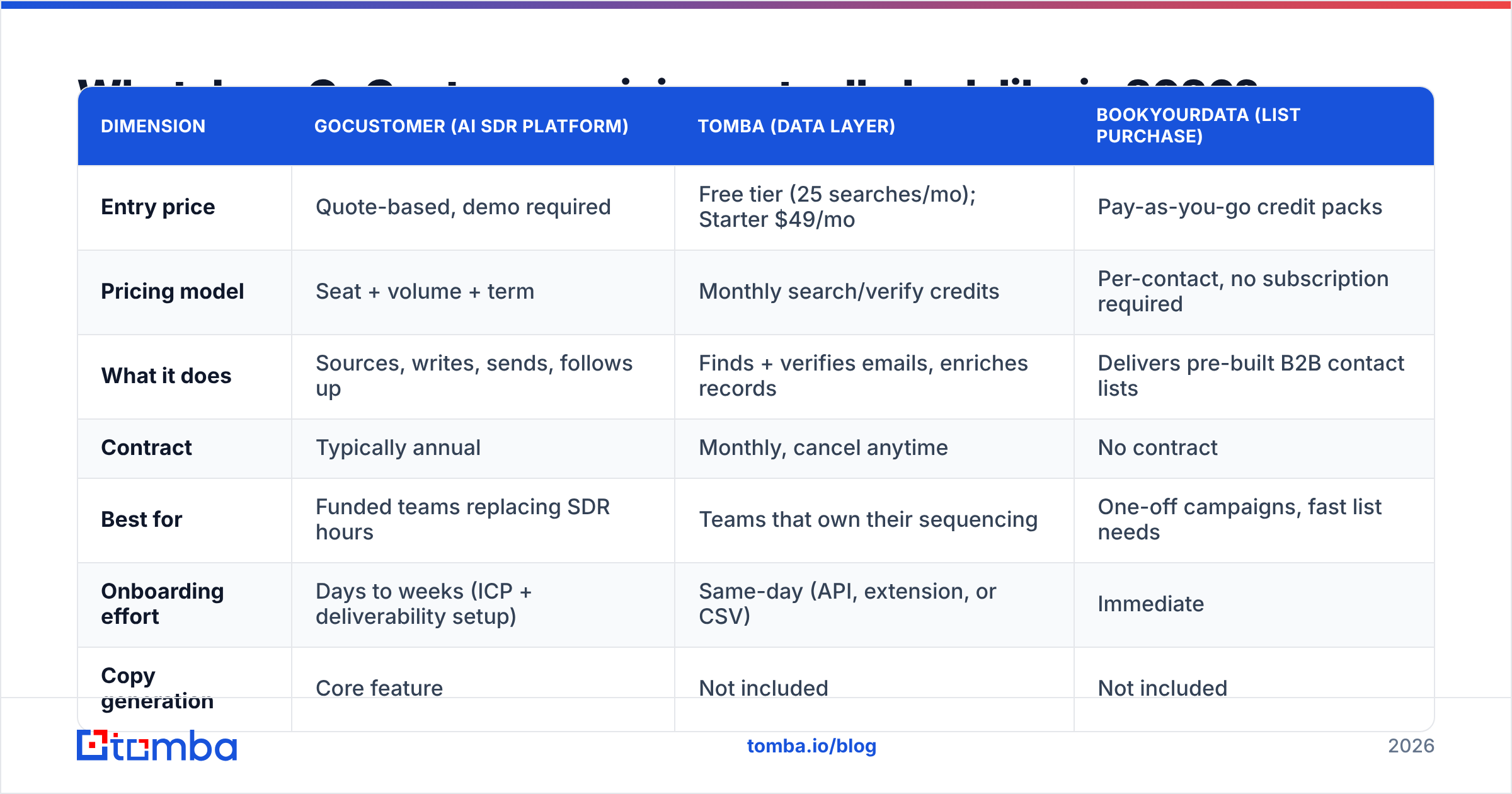
| Dimension | GoCustomer (AI SDR platform) | Tomba (data layer) | BookYourData (list purchase) |
|---|---|---|---|
| Entry price | Quote-based, demo required | Free tier (25 searches/mo); Starter $49/mo | Pay-as-you-go credit packs |
| Pricing model | Seat + volume + term | Monthly search/verify credits | Per-contact, no subscription required |
| What it does | Sources, writes, sends, follows up | Finds + verifies emails, enriches records | Delivers pre-built B2B contact lists |
| Contract | Typically annual | Monthly, cancel anytime | No contract |
| Best for | Funded teams replacing SDR hours | Teams that own their sequencing | One-off campaigns, fast list needs |
| Onboarding effort | Days to weeks (ICP + deliverability setup) | Same-day (API, extension, or CSV) | Immediate |
| Copy generation | Core feature | Not included | Not included |
| Biggest risk | Paying for orchestration you already have | You still need a sending tool | List freshness varies by vertical |
Read that table as three different jobs, not three competitors. GoCustomer replaces process. A tool like Tomba's email finder replaces research hours. BookYourData — a well-regarded option when you need volume fast — replaces list building. Teams overspend when they buy the first to solve the second.
What do GoCustomer reviews say — the honest pros?#
Pull the recurring themes from user reviews on G2 and Capterra for this category, and the positives cluster tightly:
- Personalization at volume actually lands. Account research that took a rep 6–10 minutes per prospect now happens in seconds. The output is good enough to send with light editing. That is a real, measurable time win.
- Fewer tools in the stack. Consolidating list building, sequencing, and reply routing into one login removes the classic three-vendor Zapier tax. Ops teams like it.
- Faster ramp for junior reps. New hires inherit a working sequence library instead of a blank page. Managers report shorter time-to-first-meeting.
- Hands-on onboarding. Because these deals are sold, not self-served, you generally get a human walking you through ICP definition and deliverability setup — something no credits-based tool provides.
- Follow-up discipline. Automated multi-touch cadences don't forget step 4. Most human-run sequences quietly die there, which is where a large share of replies actually come from.
If your team's problem is "we know who to email but nobody writes the follow-ups," these strengths are worth paying for.
What are the real cons and hidden costs?#
The complaints are just as consistent. Most of them are structural to the category rather than unique to any one vendor:
- Demo-gated pricing slows evaluation. You cannot compare three vendors in an afternoon when each requires a 30-minute call. Budget a week just to get comparable numbers.
- Annual contracts front-load risk. If your ICP shifts in month three — normal for early-stage teams — you're locked into a configuration you no longer need.
- Data coverage is uneven by geography. These platforms are strongest in US/UK tech. EMEA mid-market, APAC, and non-English markets thin out fast. Test coverage on your accounts during the trial, not the vendor's sample list.
Three more issues quietly add cost after you sign:
- AI copy still needs a human. "Personalized" first lines drawn from a company blog post read as personalized to the sender and as templated to the recipient. Reviewers who got poor reply rates almost always shipped unedited output.
- Deliverability is still your problem. No platform exempts you from SPF, DKIM, DMARC, and warmup. Pushing more volume through under-configured domains is the fastest way to burn a sending domain. Run an SPF record check and a warmup plan before you scale anything.
- Overlap with tools you already pay for. If you have Outreach, Salesloft, or Instantly plus a data vendor, you may be buying a third copy of the same capability.
Is GoCustomer worth it for your team?#
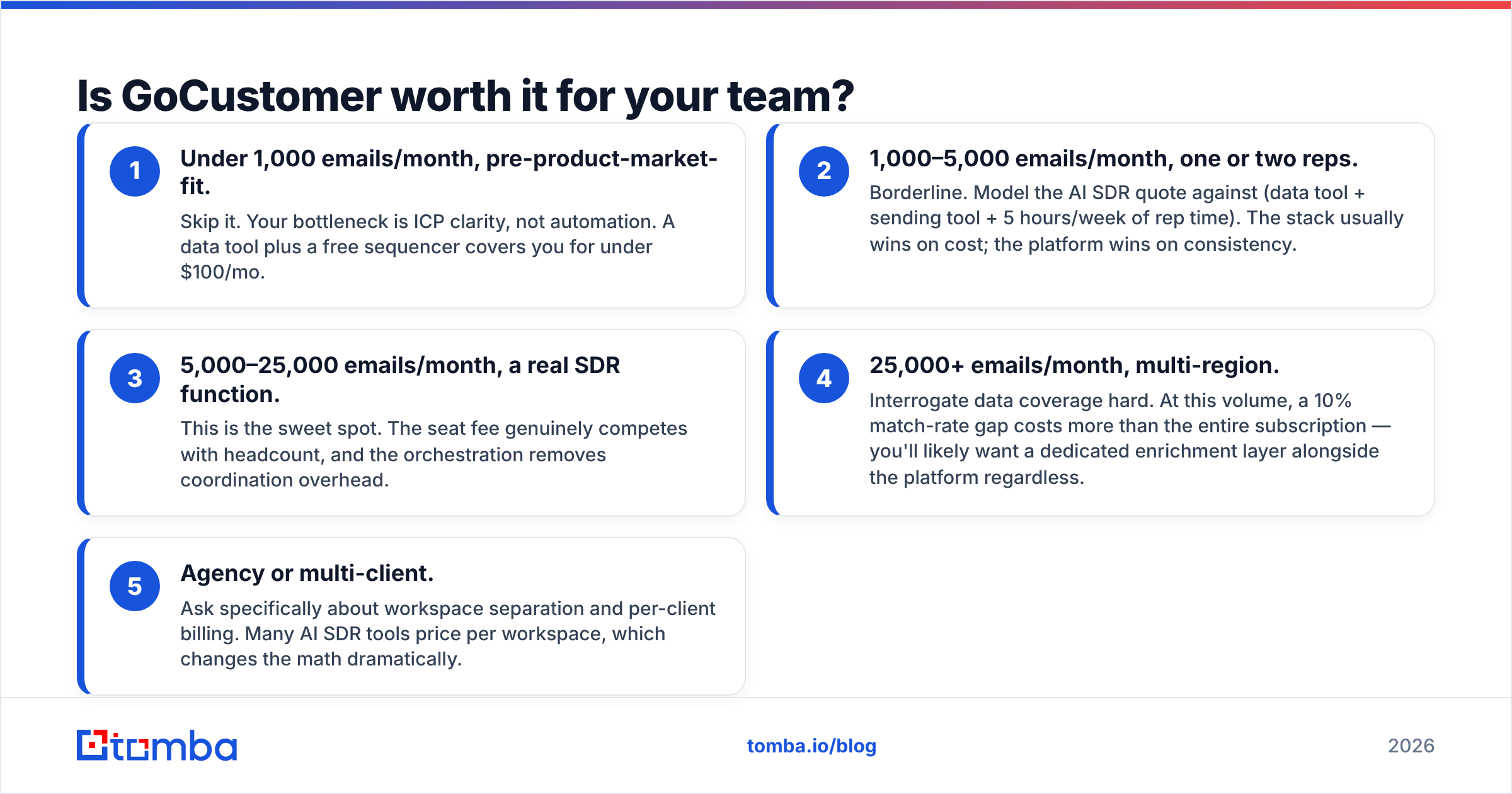
Decide with volume and stage, not with feature lists. Use this as the filter:
- Under 1,000 emails/month, pre-product-market-fit. Skip it. Your bottleneck is ICP clarity, not automation. A data tool plus a free sequencer covers you for under $100/mo.
- 1,000–5,000 emails/month, one or two reps. Borderline. Model the AI SDR quote against (data tool + sending tool + 5 hours/week of rep time). The stack usually wins on cost; the platform wins on consistency.
- 5,000–25,000 emails/month, a real SDR function. This is the sweet spot. The seat fee genuinely competes with headcount, and the orchestration removes coordination overhead.
- 25,000+ emails/month, multi-region. Interrogate data coverage hard. At this volume, a 10% match-rate gap costs more than the entire subscription — you'll likely want a dedicated enrichment layer alongside the platform.
- Agency or multi-client. Ask specifically about workspace separation and per-client billing. Many AI SDR tools price per workspace, which changes the math dramatically.
A useful gut check: if you removed the AI writing feature entirely, would your pipeline change? If the honest answer is "no, our reply rate problem is bad contact data," fix the data first. Bad addresses produce bounces, bounces damage sender reputation, and a damaged domain makes even excellent copy invisible.
What are the best GoCustomer alternatives?#
Three viable directions, depending on which job you're actually buying:
If you want the same category (AI SDR / full orchestration): look at Amplemarket, Regie.ai, and Instantly's AI layer. Compare them on data coverage in your target geography first, copy quality second. Gartner and Forrester both track this space under sales engagement — Gartner's peer reviews are a reasonable neutral starting point before you take five demo calls.
If you want lists fast without a contract: BookYourData is a solid pay-as-you-go option — you buy contacts outright, no subscription, no seat fee. It's a different purchase shape and a good fit when you need one campaign's worth of records this week rather than an ongoing motion.
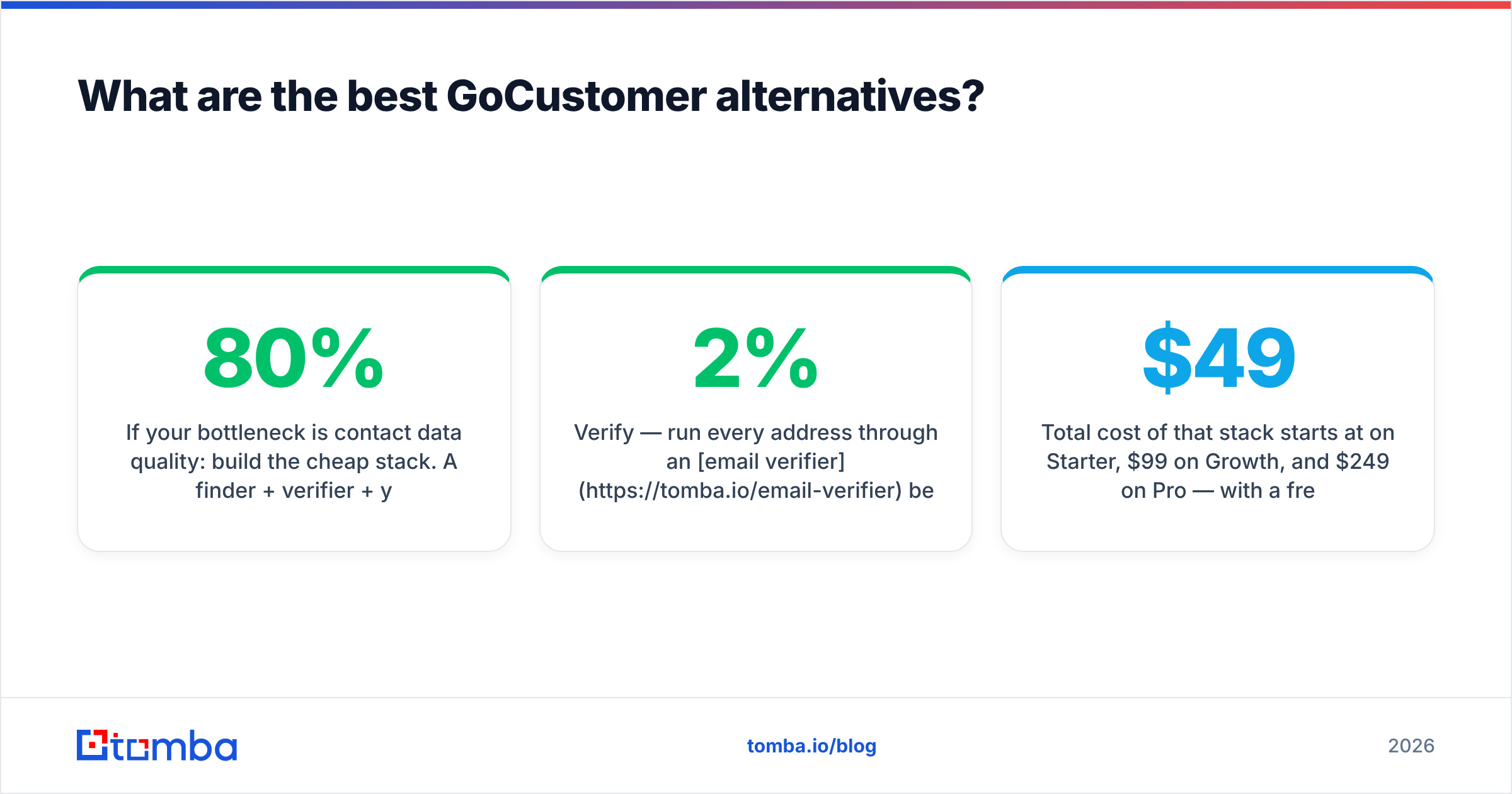
If your bottleneck is contact data quality: build the cheap stack. A finder + verifier + your existing sequencer covers 80% of what an AI SDR platform does for a small fraction of the price:
- Find — domain-level discovery via domain search or name-based lookup, so you're not scraping LinkedIn by hand.
- Verify — run every address through an email verifier before it enters a sequence. Sub-2% bounce rate is the target.
- Enrich — add title, company size, and tech signals through data enrichment so your segmentation is real, not guessed.
- Automate — push the clean records into your sequencer through the Tomba API or a HubSpot/Pipedrive integration.
That stack starts at $49/mo on Starter, $99/mo on Growth, and $249/mo on Pro. A free tier of 25 searches lets you test coverage on your own accounts before spending anything. Full Tomba pricing is public, which is itself the point: you can compare it in ninety seconds instead of ninety minutes.
How should you run the evaluation?#
Whatever you pick, run the same three-week test:
- Week 1 — coverage. Take 200 real target accounts. Ask each vendor to return contacts for them. Measure match rate and, separately, verified match rate. Vendors quote the first number; your bounce rate depends on the second.
- Week 2 — deliverability. Send an identical 300-contact campaign from each list through the same warmed mailbox. Compare bounce rate, spam-folder placement, and reply rate. Same copy, so the variable is data quality.
- Week 3 — total cost. Multiply your realistic monthly volume by each vendor's overage rate, add onboarding, add the annual uplift. Compare the 12-month number, not the monthly one.
Any vendor that won't let you run step 1 before signing is telling you something about their coverage.
GoCustomer pricing reviews pros and cons: the bottom line#
GoCustomer is a legitimate AI SDR platform. For a funded team with a working ICP and real sending volume, replacing rep hours with orchestration is a defensible spend. Weigh the GoCustomer pricing reviews pros and cons in this order: the demo gate, the annual term, and geographic data coverage. You can test all three before you sign.
But most teams that shop for an AI SDR are solving a data problem with an automation budget. If your sequences underperform because half your addresses bounce, no amount of AI-written copy fixes it.
Start with the layer that everything else depends on. Tomba's Email Finder gives you verified professional email addresses by domain, name, or company — free for your first 25 searches, $49/mo on Starter, with public pricing and no demo call required. Test it against your own account list this week, then decide whether you still need the rest of the platform.
Related guides#
Ready to find emails that actually work?
Join 150,000+ professionals who stopped guessing and started sending. Free credits on signup — no credit card required.
Get the Tomba newsletter
Practical outbound tactics and product updates — once every two weeks.
About the author