Grasshopper Alternatives: 9 Best Business Phone Systems
Grasshopper is a virtual number layered on your cell phone — great until you need call recording, CRM sync, or real analytics. Here are 9 alternatives compared on price, features, and who they actually fit.
TL;DR
- Grasshopper is a virtual phone number system, not a sales phone system. It forwards calls to phones you already own and stops short of call recording, CRM sync, and analytics.
- Flat pricing (roughly $18–$80/mo, unlimited users on the top plan) is Grasshopper's single best feature. Almost every alternative charges per user instead.
- For most small sales and support teams, OpenPhone is the closest upgrade: shared inboxes, CRM integrations, and real texting at about $15/user/mo.
- If you need AI transcription and coaching, look at Dialpad. If you need enterprise call routing and compliance, RingCentral or Nextiva. If you only need cheap DIDs, Google Voice or Talkroute.
- The phone system is the easy part. Dial quality dies without accurate numbers — pair whatever you pick with verified contact data.
What does Grasshopper actually do?#
Grasshopper sells you a business phone number that rings your existing devices. That's the whole product, and it's an honest one. You get a toll-free or local number, extensions for teammates, a custom greeting, voicemail transcription, and business texting — all layered over the cell phones and desk phones your team already carries.
It was built in 2003 for the solo consultant who did not want to hand out a personal mobile number, and Grasshopper still serves that person well. What it is not: a contact center, a sales dialer, or a unified communications platform. There is no call recording on standard plans, no native CRM write-back, no call analytics beyond basic usage reporting, and no power or parallel dialing.
That gap is the entire reason "grasshopper alternatives" gets searched. Teams outgrow the forwarding model the moment calls become a measurable revenue channel instead of an inbound courtesy line.
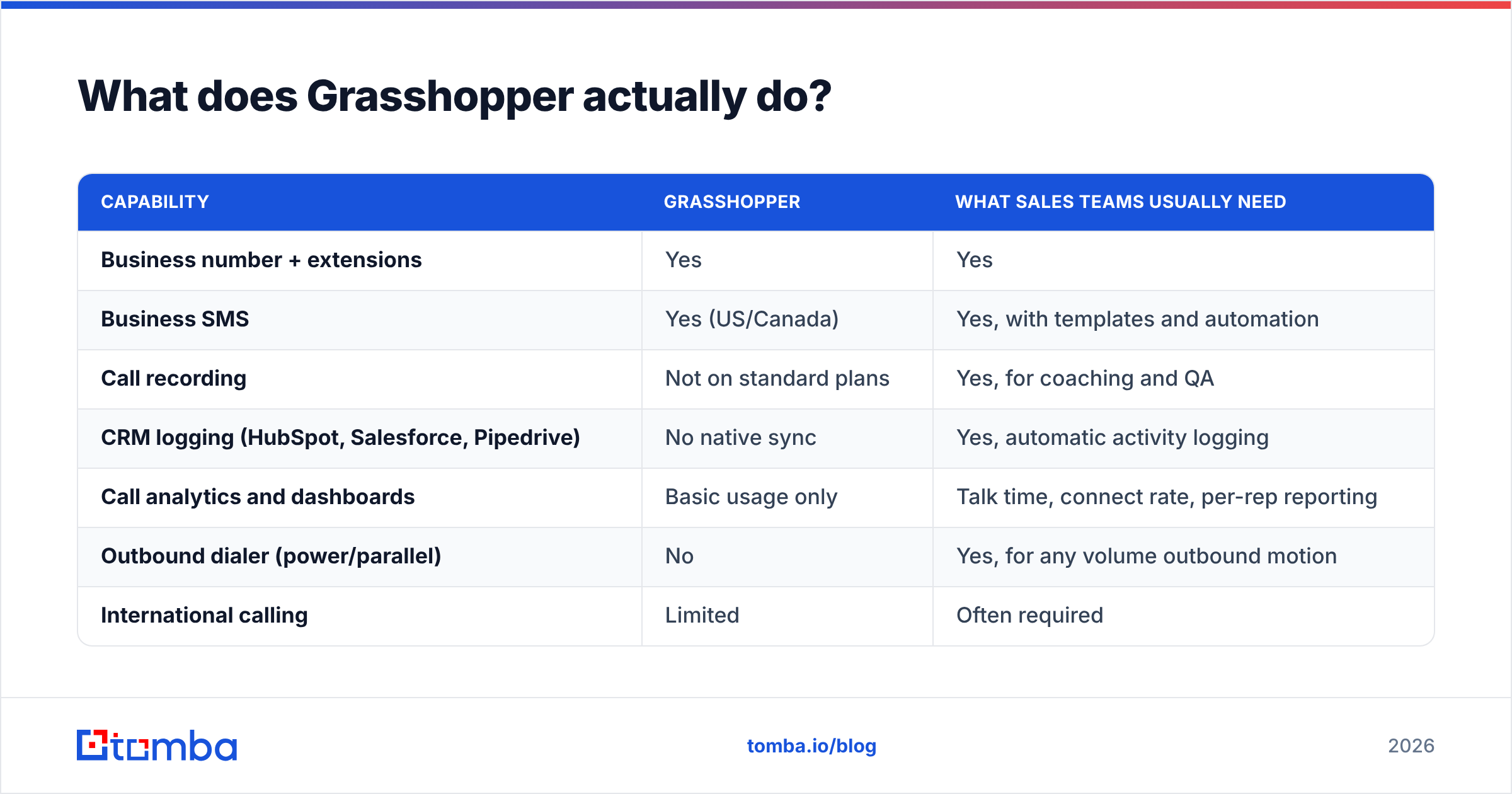
Here is the honest split of what Grasshopper covers versus what it doesn't:
| Capability | Grasshopper | What sales teams usually need |
|---|---|---|
| Business number + extensions | Yes | Yes |
| Business SMS | Yes (US/Canada) | Yes, with templates and automation |
| Call recording | Not on standard plans | Yes, for coaching and QA |
| CRM logging (HubSpot, Salesforce, Pipedrive) | No native sync | Yes, automatic activity logging |
| Call analytics and dashboards | Basic usage only | Talk time, connect rate, per-rep reporting |
| Outbound dialer (power/parallel) | No | Yes, for any volume outbound motion |
| International calling | Limited | Often required |
| Pricing model | Flat per account | Almost always per user |
Why do teams look for Grasshopper alternatives?#
Four reasons come up over and over in G2 reviews and in migration threads:
- No call recording or coaching. If you manage reps, you need to hear calls. Grasshopper's model — forward to a personal device — makes recording structurally awkward.
- No CRM integration. Every call has to be logged by hand, which means it does not get logged. Your pipeline reporting then lies to you.
- Voice quality depends on the forwarded device. Because calls route to a cell network, quality is your carrier's problem, not the vendor's. A VoIP-native app gives you HD codecs and diagnostics.
- Price stops making sense at scale — in both directions. Solo users find $18/mo expensive for one number when Google Voice is $10. Growing teams find $80/mo cheap but functionally capped.
How should you compare Grasshopper alternatives?#
Do not start with a feature grid. Start with how your team actually uses the phone, then filter. These six criteria separate a good fit from an expensive mistake:
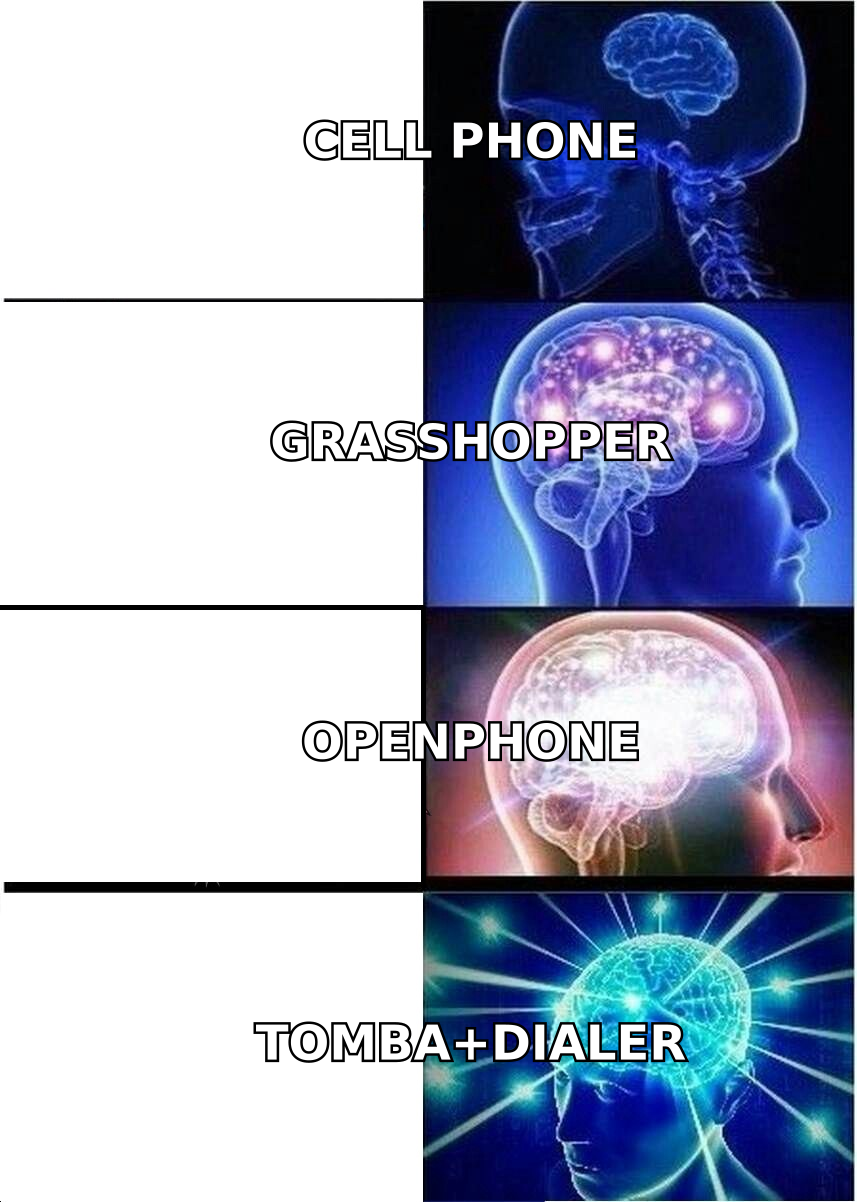
- Pricing model — flat-rate per account (Grasshopper, Talkroute) versus per user per month (almost everyone else). A 6-person team on a $25/user plan pays $150/mo, not $80. Run the math before you fall in love with a feature list.
- Inbound vs. outbound weight — inbound-heavy teams need IVR, ring groups, and business hours routing. Outbound-heavy teams need dialers, local presence, and connect-rate reporting. Very few tools are excellent at both.
- CRM depth — "has a HubSpot integration" can mean a one-way activity log or true bi-directional sync with click-to-call from the record. Ask which.
- Texting compliance — US A2P 10DLC registration is now mandatory for business SMS. Confirm the vendor handles registration for you or your texts will silently fail.
- Number portability — can you bring your existing number in, and can you take it out? Get the port-out policy in writing before you sign anything annual.
- Recording, transcription, and retention — who can access recordings, how long are they stored, and does the plan you are pricing actually include it? Recording is frequently a tier-up.
What are the 9 best Grasshopper alternatives in 2026?#
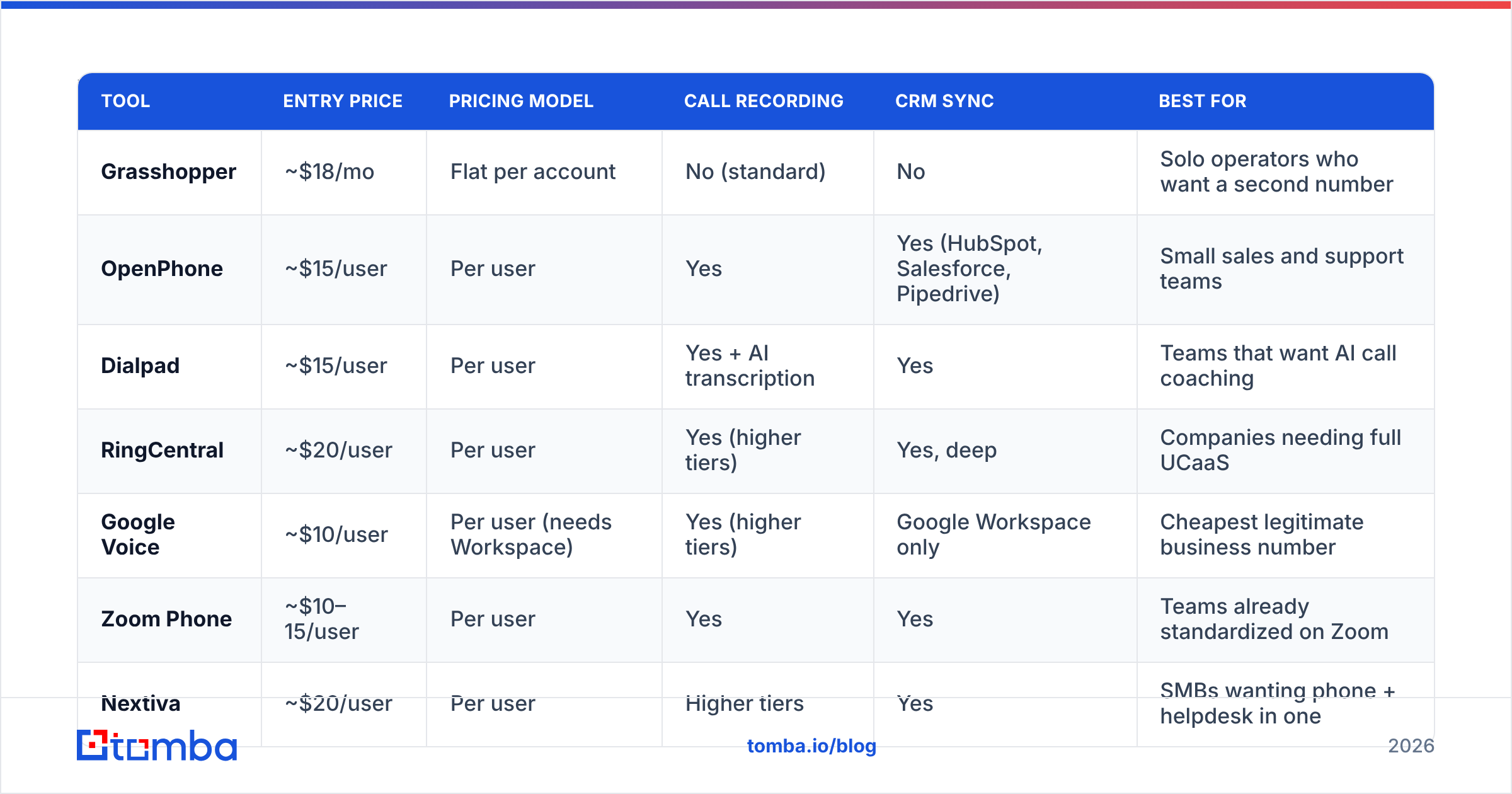
List prices below are per user per month on monthly billing unless noted; annual billing typically shaves 15–20%. Verify against the vendor page before you budget — telecom pricing changes quarterly.
| Tool | Entry price | Pricing model | Call recording | CRM sync | Best for |
|---|---|---|---|---|---|
| Grasshopper | ~$18/mo | Flat per account | No (standard) | No | Solo operators who want a second number |
| OpenPhone | ~$15/user | Per user | Yes | Yes (HubSpot, Salesforce, Pipedrive) | Small sales and support teams |
| Dialpad | ~$15/user | Per user | Yes + AI transcription | Yes | Teams that want AI call coaching |
| RingCentral | ~$20/user | Per user | Yes (higher tiers) | Yes, deep | Companies needing full UCaaS |
| Google Voice | ~$10/user | Per user (needs Workspace) | Yes (higher tiers) | Google Workspace only | Cheapest legitimate business number |
| Zoom Phone | ~$10–15/user | Per user | Yes | Yes | Teams already standardized on Zoom |
| Nextiva | ~$20/user | Per user | Higher tiers | Yes | SMBs wanting phone + helpdesk in one |
| Aircall | ~$30/user (3 min.) | Per user, seat minimum | Yes | Yes, extensive | Support and sales teams with volume |
| Talkroute | ~$19/mo | Flat per account | Yes | Limited | Closest flat-rate Grasshopper clone |
OpenPhone — the default upgrade#
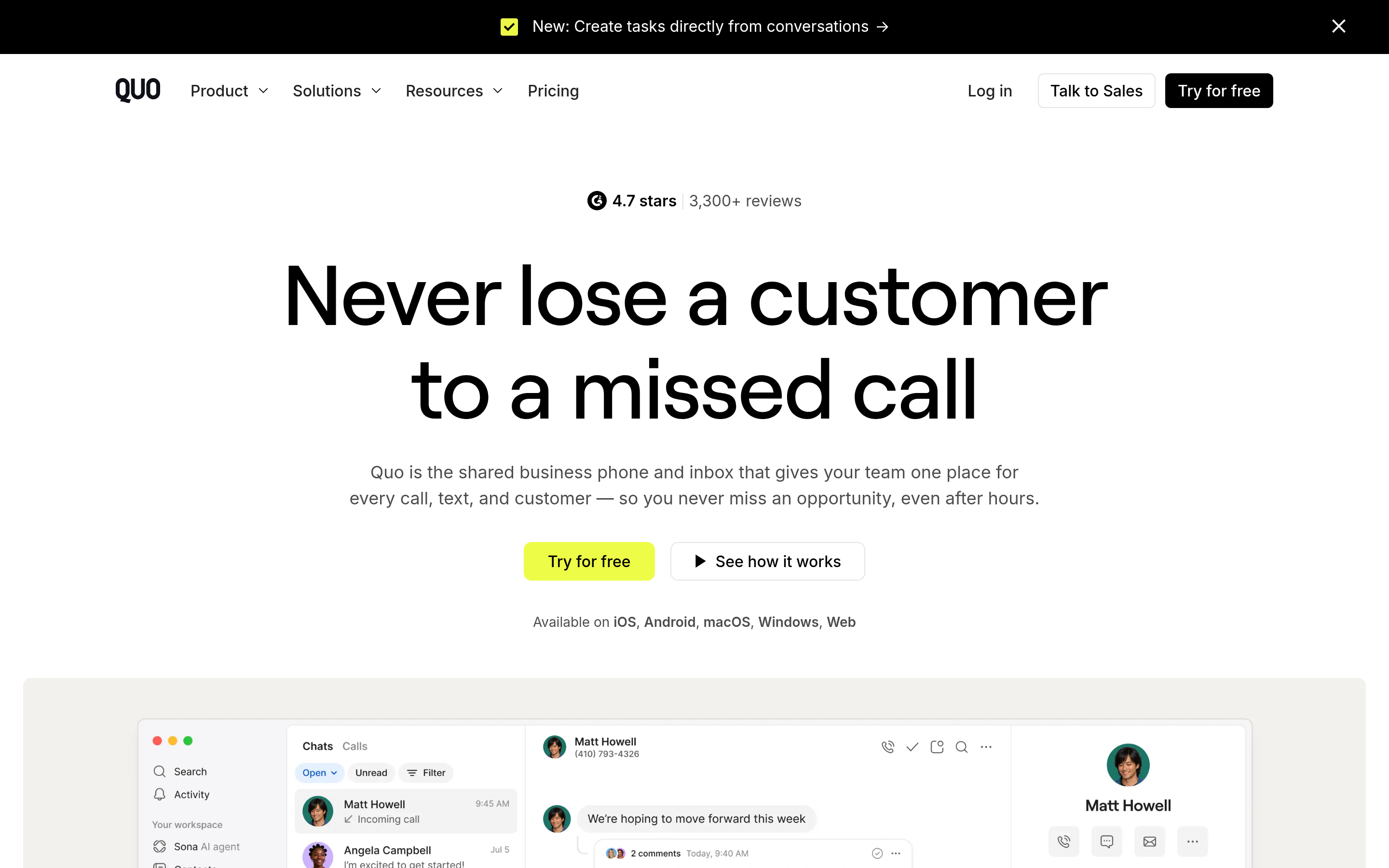
OpenPhone is what most Grasshopper refugees land on. It keeps the simplicity — numbers, extensions, texting — and adds the things Grasshopper skipped: shared number inboxes where a whole team sees and replies to one thread, automatic CRM logging, call recording, and AI call summaries on higher tiers. Starter is around $15/user/mo, Business around $23.
The tradeoff versus Grasshopper is real: three users on OpenPhone Starter costs about $45/mo, where Grasshopper's Small Business plan supports unlimited users at roughly $80. Above five or six users, Grasshopper is genuinely cheaper — it is just cheaper at a lower ceiling.
Dialpad — AI-first calling#
Dialpad's differentiator is real-time transcription, sentiment tagging, and post-call summaries baked into the base product rather than sold as an add-on. Standard sits near $15/user/mo, Pro near $25. If your managers currently coach from memory, this is the biggest jump in capability per dollar on this list.
RingCentral — the full platform#
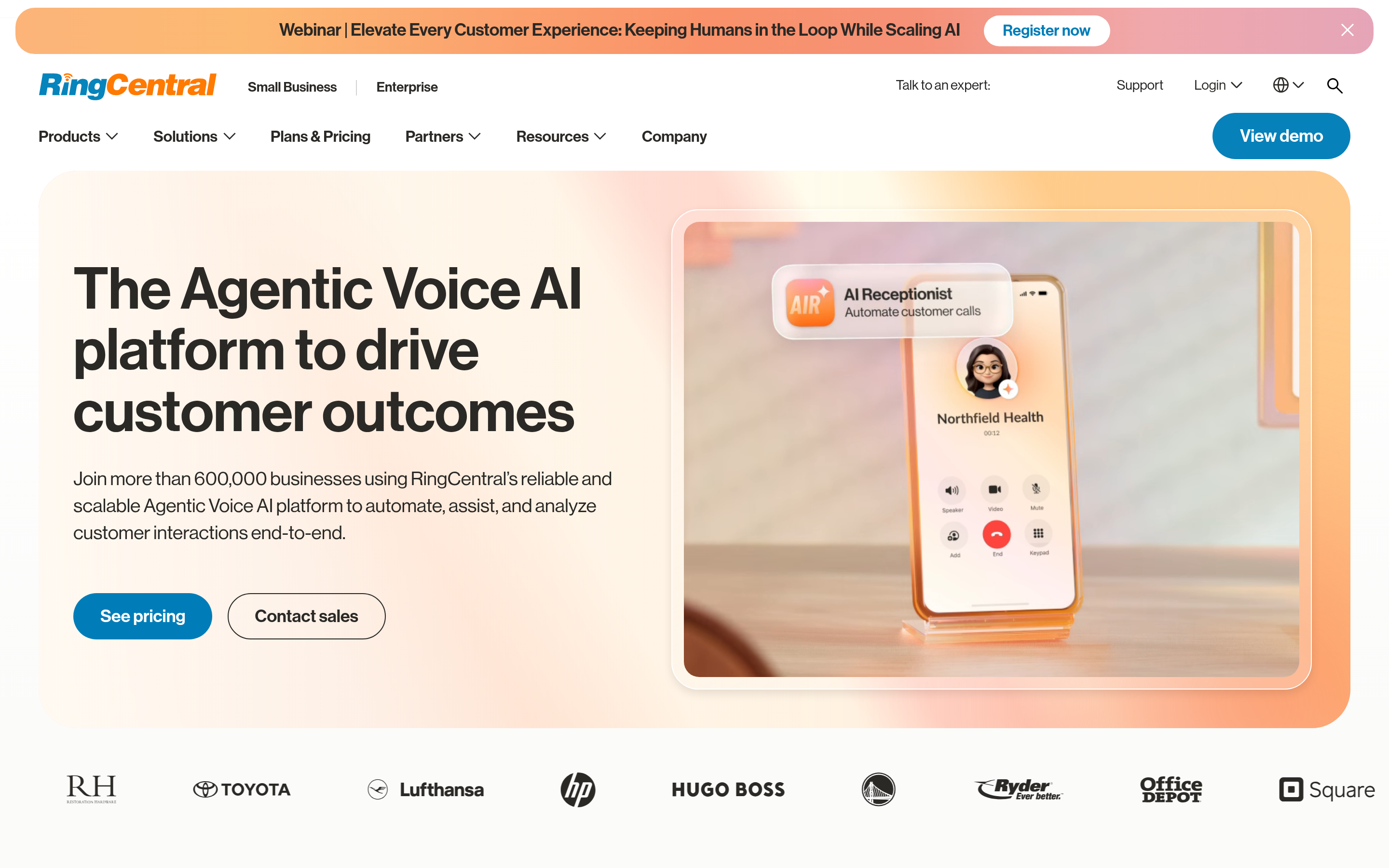
RingCentral is a complete unified communications suite: phone, video, SMS, fax, contact center, and an integration catalog measured in hundreds. Core starts around $20/user/mo. Choose it when you need call queues, supervisor barge, SLA-backed uptime, and compliance paperwork. Do not choose it if you have four people and one number — the configuration surface will bury you.
Google Voice — the cheapest defensible option#
At roughly $10/user/mo on the Starter tier (Google Workspace subscription required), Google Voice is the price floor for a legitimate business number. You get numbers, voicemail transcription, ring groups, and Google Meet integration. You do not get meaningful CRM integration outside Google's own ecosystem, and international support is uneven. It is a great fit for internal-facing roles and a poor fit for outbound sales.
Zoom Phone — cheap if you already pay Zoom#
Metered plans start around $10/user/mo, unlimited US/Canada around $15. Because it lives inside the Zoom client your team already opens 20 times a day, adoption friction is near zero. Analytics are decent, the dialer is basic.
Nextiva — phone plus customer conversations#
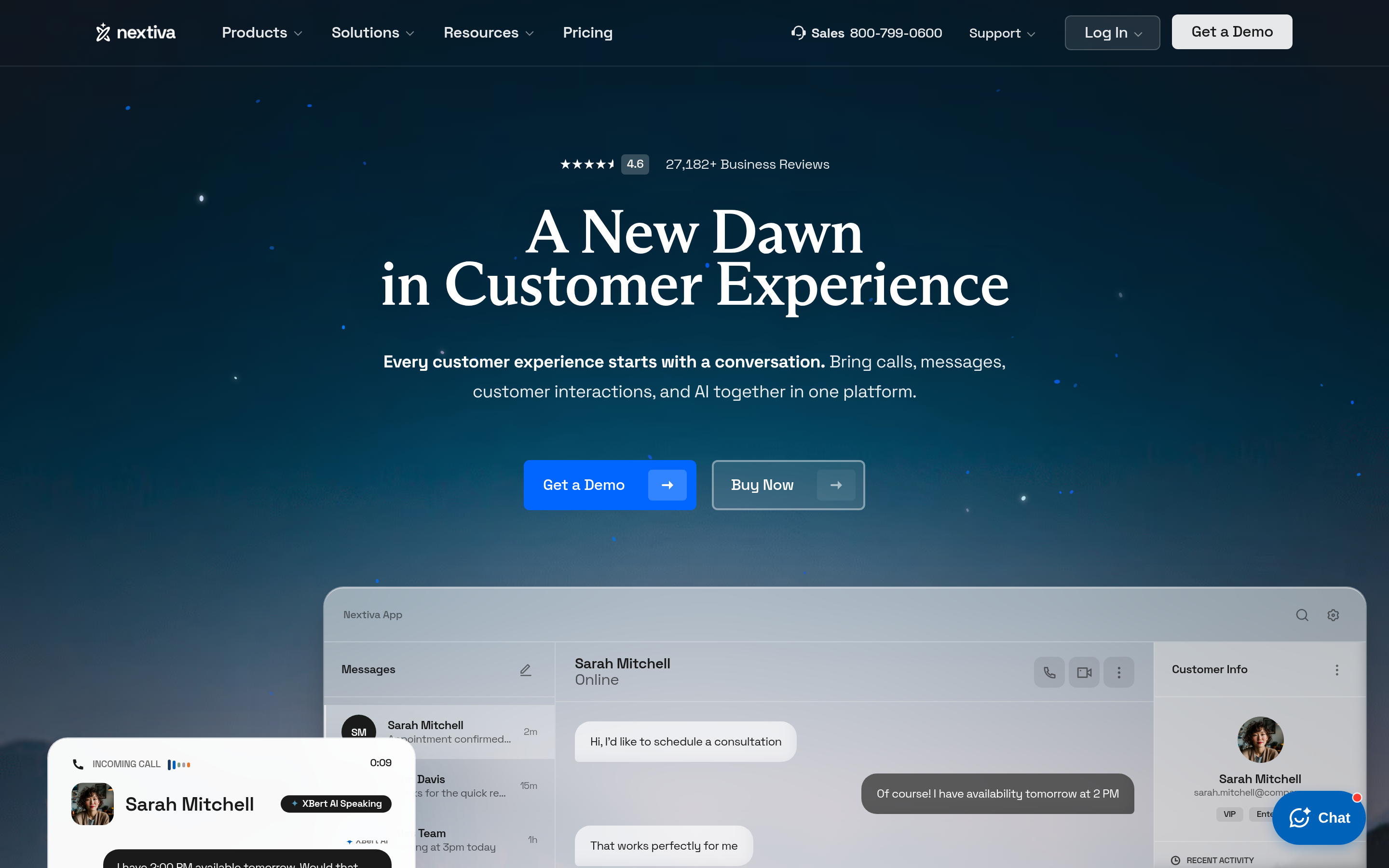
Nextiva bundles voice with shared inboxes, chat, and helpdesk-style workflows starting around $20/user/mo. It is a strong pick when the same small team answers sales calls and support tickets and you would rather buy one system than two.
Aircall — built for call volume#
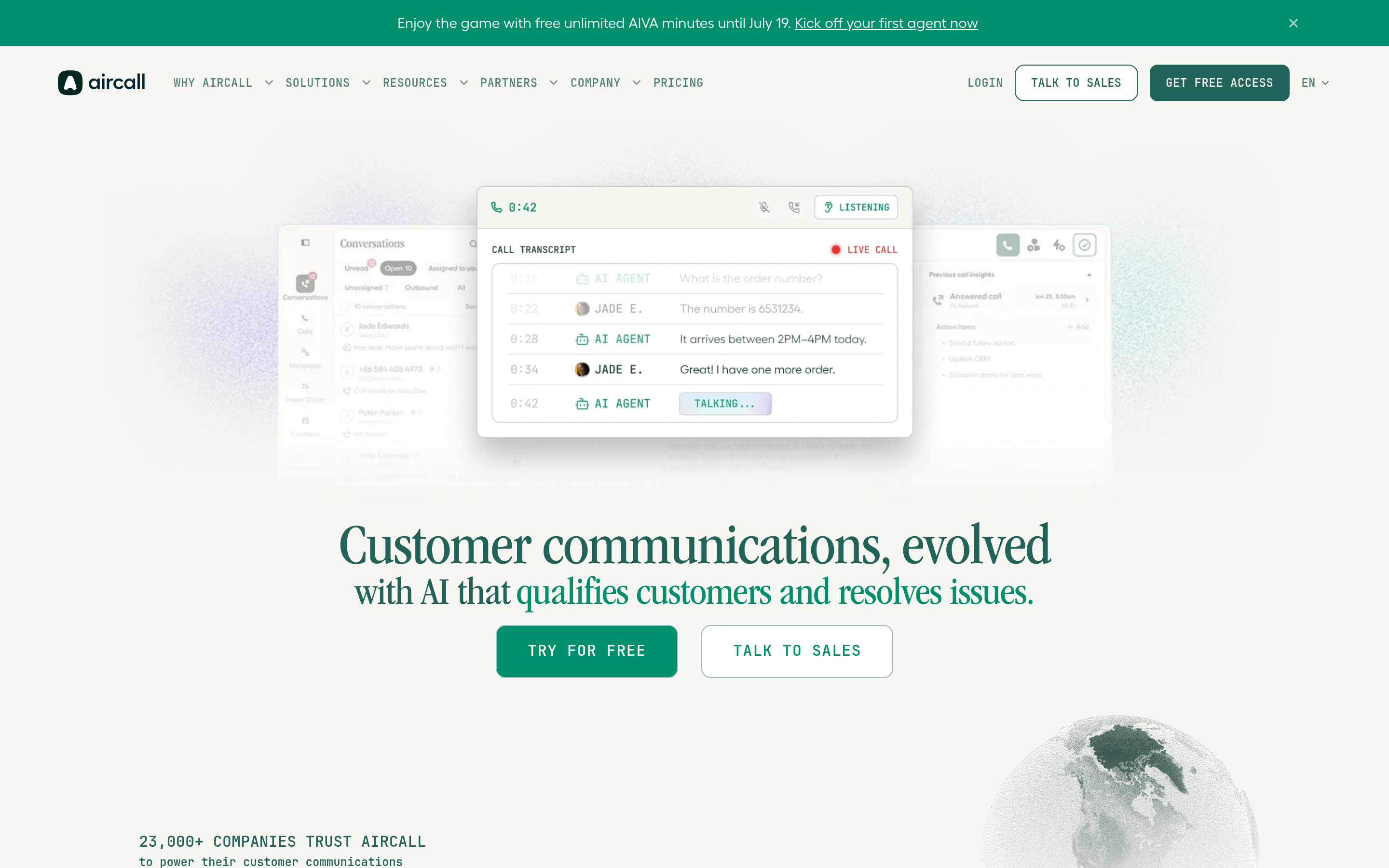
Aircall starts near $30/user/mo with a three-seat minimum, so it is the most expensive entry point here. You are paying for a purpose-built call center: routing rules, live queue monitoring, power dialer, tags, and a very deep integration layer. If your reps make 60+ calls a day, the per-seat cost is defensible. If they make six, it is not.
Ooma Office — the desk-phone-friendly option#
Around $20/user/mo, Ooma is the choice when part of your team still uses physical handsets — a clinic front desk, a warehouse, a showroom. Hardware support is better than the software-first vendors on this list.
Talkroute — the closest flat-rate clone#
Talkroute is the most direct like-for-like swap: virtual numbers, extensions, forwarding to existing devices, flat account pricing starting around $19/mo. It adds call recording that Grasshopper lacks. Pick it when you like Grasshopper's model and just want a slightly better version of it at a similar price.
Which alternative fits which team?#
- Solo consultant, one number, hates per-user billing → Talkroute or Grasshopper itself. Nothing here beats flat pricing at n=1.
- 2–8 person sales team, HubSpot or Pipedrive in the stack → OpenPhone. Best ratio of capability to setup time.
- Manager who needs to coach calls → Dialpad. Transcription in the base tier changes how you run 1:1s.
- 50+ seats, procurement and security review involved → RingCentral or Nextiva.
- High-volume outbound SDR motion → Aircall, or a dedicated dialer layered on your CRM.
- Budget is the only constraint → Google Voice.
Is Grasshopper still worth it in 2026?#
Yes — for a narrow, real use case. If you are a single operator or a very small team, you already own phones you like, you want a professional number and greeting, and you have no intention of measuring calls, Grasshopper does that job with less setup than anything else on this list. The unlimited-user Small Business plan is legitimately good value for a 10-person shop that treats the phone as a utility rather than a channel.
It stops being worth it the second someone asks "what's our connect rate?" or "can I hear that call?" Those questions require a system that owns the call path, not one that forwards it.
How do you switch without losing your number?#
Port carefully. The failure mode here is losing a number your customers have had for years.
- Do not cancel first. Porting out of a cancelled account is difficult to impossible. Keep the Grasshopper account active until the port completes.
- Pull a Customer Service Record. Your new provider will need the exact account name, service address, and account number as they appear on file. Mismatches are the number one cause of port rejections.
- Port the main line first, extensions second. Test inbound and outbound on the new system before moving anything else.
- Register for 10DLC before you need to text. A2P registration takes days to weeks. Start it during the port, not after.
- Rebuild greetings and routing in advance. Record IVR prompts and configure business hours on the new platform before cutover so there is no dead air.
- Update every listing. Google Business Profile, email signatures, invoices, website footer, ad extensions. Then cancel Grasshopper.
Budget two to four weeks end to end. Ports themselves usually clear in 5–10 business days for US numbers.
Does the phone system actually fix your call problem?#
Usually not, and this is the part most comparison posts skip.
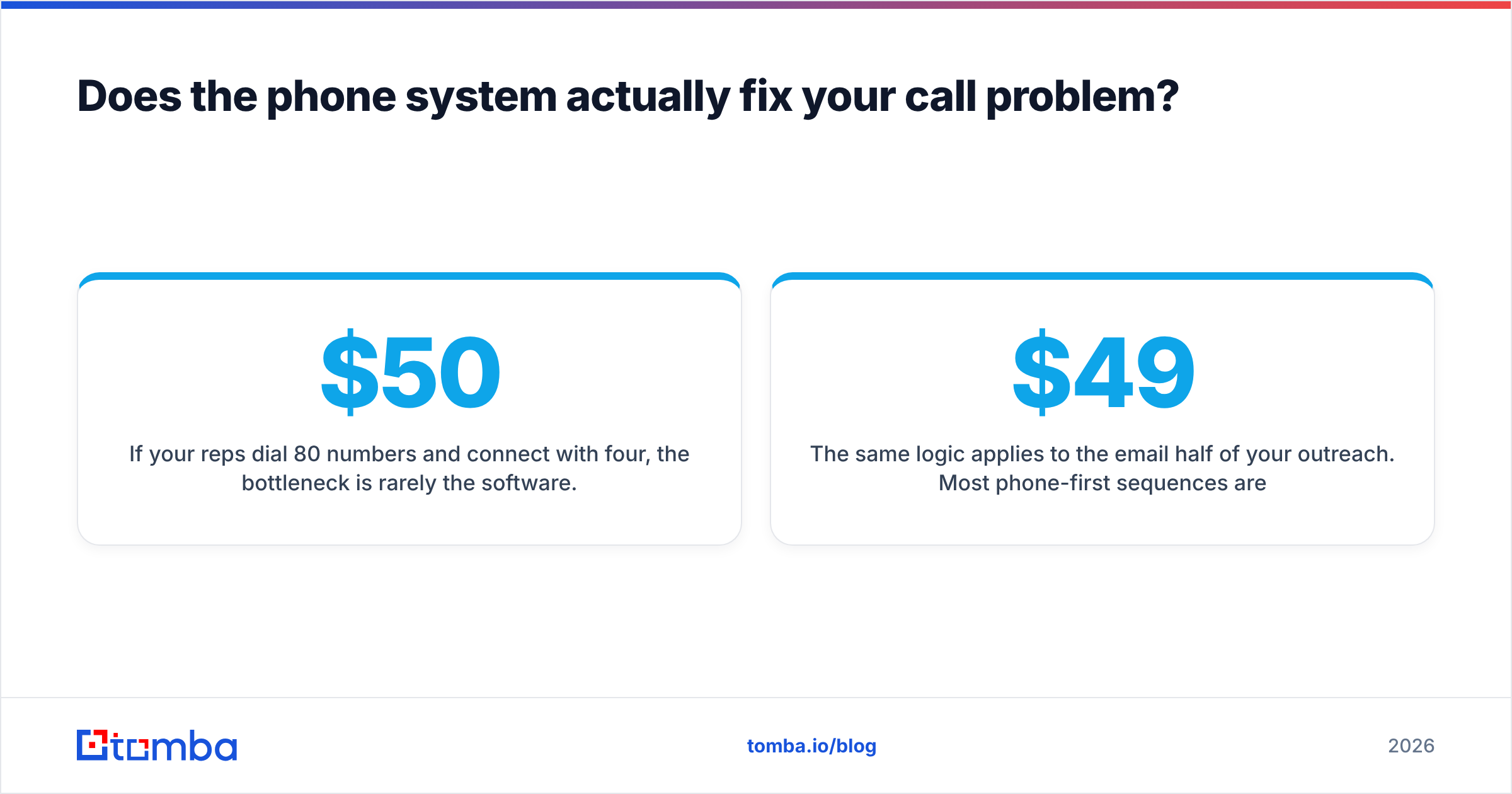
If your reps dial 80 numbers and connect with four, the bottleneck is rarely the software. It is the list. Disconnected direct dials, main switchboard numbers standing in for mobiles, and stale records from a database that was scraped 18 months ago will sink connect rates on any platform. A $50/user dialer feeding bad numbers performs worse than a $15/user app feeding good ones.
Two fixes carry most of the weight:
- Source direct dials, not switchboards. A verified mobile or direct line converts at multiples of a company main number that routes through a gatekeeper. Tomba's phone finder pulls B2B phone numbers tied to a specific person and company rather than a generic corporate line.
- Validate before you dial. Line-type and status checks catch disconnected and invalid numbers before they burn a rep's afternoon. Run lists through a phone validator as a standing step in your list-build process, not as a one-time cleanup.
The same logic applies to the email half of your outreach. Most phone-first sequences are really multi-channel sequences, and a bounced email costs sender reputation the way a dead number costs rep morale. Contact enrichment that fills in verified emails, phones, and firmographics in one pass keeps both channels honest. Tomba's own plans start with a free tier at 25 searches per month and scale to $49/mo Starter and $99/mo Growth — see Tomba pricing for the full breakdown.
What should you do next?#
Pick the phone system that matches your team size and your reporting needs, not the one with the longest feature list. If you are one person, stay flat-rate. If you are a small team with a CRM, OpenPhone is the safe default. If you manage reps, buy transcription. If you run volume, buy a real dialer.
Then fix the input. Before your next outbound push, run your target account list through Tomba's Email Finder to pull verified contacts, and pair it with the phone finder so your reps dial numbers that actually ring a human. A better phone system amplifies whatever data you feed it — make sure that data is worth amplifying. Start free with 25 searches a month and see what your real connect rate looks like when the list is clean.
Related guides#
Ready to find emails that actually work?
Join 150,000+ professionals who stopped guessing and started sending. Free credits on signup — no credit card required.
Get the Tomba newsletter
Practical outbound tactics and product updates — once every two weeks.
About the author