GrowMeOrganic vs LeadsForge: Which B2B Tool Wins in 2026?
GrowMeOrganic bundles scraping, email finding, and sequences. LeadsForge sells AI-built lists. We compared pricing, data accuracy, and export limits to find who each one actually fits.
GrowMeOrganic vs LeadsForge is a fair fight, but not an even one. One tool bundles everything. The other builds a list fast from a chat prompt. Here is the short version first.
TL;DR
- GrowMeOrganic is an all-in-one suite. It scrapes LinkedIn, finds emails, and sends cold email sequences. Plans start near $49/mo. Breadth is the selling point. Depth in any one tool is not.
- LeadsForge is an AI chat list builder. You describe your ideal buyer in plain English and it returns a contact list. It is fast for a first pass. It is thin on verification controls and API depth.
- Neither tool wins on data accuracy. Both resell the same third-party pools. Bounce rates on raw exports often land between 8% and 20% unless you re-verify.
- The simple 2026 stack: pick one tool for sourcing. Then run every export through a dedicated email verifier before it touches your sending domain.
- If you only need clean contact data, a focused finder like Tomba at $49/mo Starter is usually cheaper than suite pricing for features you already own.
What are GrowMeOrganic and LeadsForge?#
They solve the same job from opposite ends. Both get B2B contacts into a sequence.
GrowMeOrganic started as a LinkedIn scraper and grew outward. Today it sells itself as an all-in-one prospecting platform. You get a Chrome extension that pulls profiles from LinkedIn and Sales Navigator. You also get a contact database, an email finder, a verifier, and a cold email sender with drip sequences. The pitch is simple: cancel four subscriptions, keep one.
LeadsForge takes the newer route. Instead of filter panels with 40 checkboxes, you type a request into a chat box. Something like "heads of RevOps at Series B SaaS companies in the UK using HubSpot." The system then builds the list. It is aimed at founders and small teams who do not want to learn a filter UI.
That gap matters more than the feature grids suggest. GrowMeOrganic assumes you know your buyer and want volume. LeadsForge assumes you are still finding your buyer and want a list today. In short, GrowMeOrganic vs LeadsForge is a choice between breadth and speed. Pick the wrong one and you will feel it in week two.

GrowMeOrganic vs LeadsForge: features and price compared#
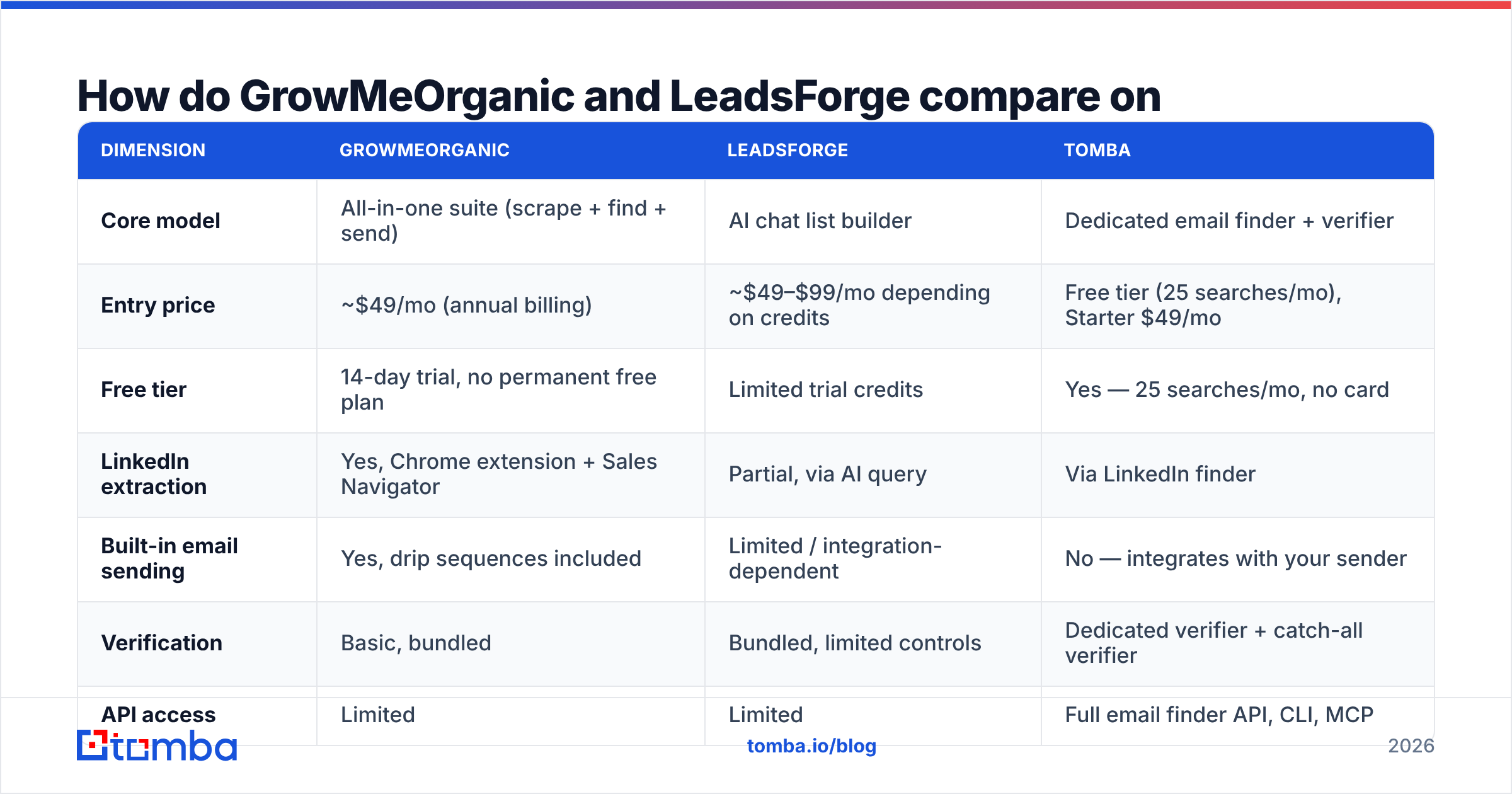
Here is the head-to-head. Prices reflect public tiers as of early 2026. Always check the vendor page before you buy. Both have changed packaging more than once.
| Dimension | GrowMeOrganic | LeadsForge | Tomba |
|---|---|---|---|
| Core model | All-in-one suite (scrape + find + send) | AI chat list builder | Dedicated email finder + verifier |
| Entry price | ~$49/mo (annual billing) | ~$49–$99/mo depending on credits | Free tier (25 searches/mo), Starter $49/mo |
| Free tier | 14-day trial, no permanent free plan | Limited trial credits | Yes — 25 searches/mo, no card |
| LinkedIn extraction | Yes, Chrome extension + Sales Navigator | Partial, via AI query | Via LinkedIn finder |
| Built-in email sending | Yes, drip sequences included | Limited / integration-dependent | No — integrates with your sender |
| Verification | Basic, bundled | Bundled, limited controls | Dedicated verifier + catch-all verifier |
| API access | Limited | Limited | Full email finder API, CLI, MCP |
| Bulk workflows | CSV enrichment | List export | Bulk email finder, Sheets, Excel, Airtable |
| Best for | Solo founders wanting one bill | Teams testing new ICPs fast | Teams that need accurate data feeding existing tools |
Two things stand out.
First, GrowMeOrganic's "unlimited" wording covers scraping and sending, not verified email discovery. Credits for finding and verifying still slow you down. The extension does the real work. So your volume is capped by LinkedIn's own limits and your risk tolerance, not by the plan.
Second, LeadsForge prices on list volume rather than seats. That is kind to a solo founder. It is rough on a five-person sales team that burns through lists every week.
Which one has better data accuracy?#
Neither, honestly. And that answer should shape your choice.
Both platforms pull from the same kinds of pools: scraped public profiles, shared contact databases, licensed third-party data, and pattern-based email guesses. When two tools guess first.last@company.com from the same pattern, you get the same address and the same bounce.
What matters is what happens after the guess:
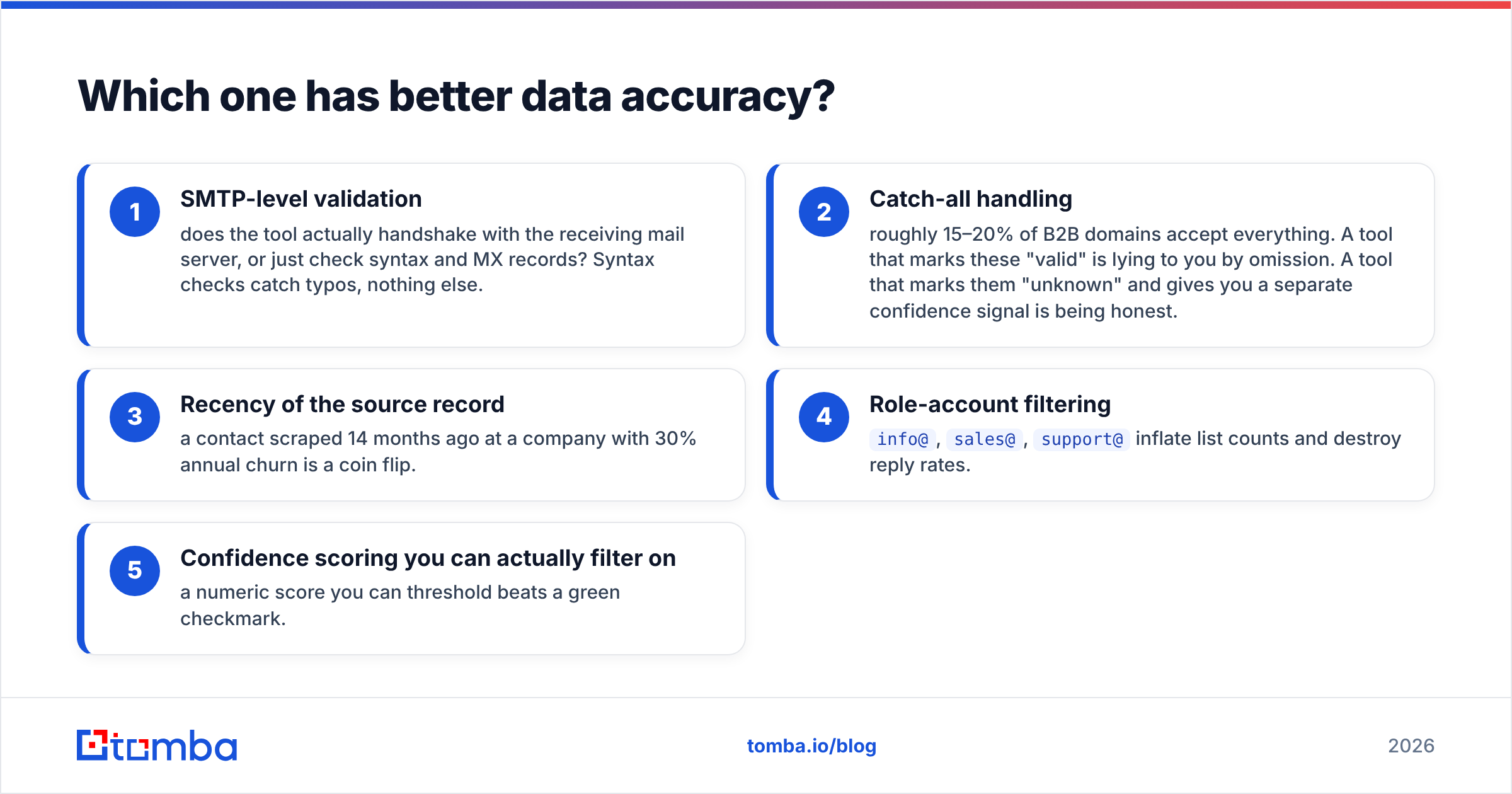
- SMTP checks — does the tool talk to the receiving mail server, or just check the syntax and MX record? Syntax checks catch typos and nothing else.
- Catch-all handling — about 15% to 20% of B2B domains accept every address. A tool that calls these "valid" is hiding the truth. A tool that calls them "unknown" and gives you a separate signal is being honest.
- How fresh the record is — a contact scraped 14 months ago at a company with 30% annual staff turnover is a coin flip.
- Role account filtering —
info@,sales@, andsupport@pad your list count and kill reply rates. - A score you can filter on — a number you can set a cutoff for beats a green check mark.
On this front, GrowMeOrganic vs LeadsForge ends in a draw. GrowMeOrganic bundles verification but gives you few controls. LeadsForge is even more opaque. The AI hands back a list, and you cannot see where each row came from. That is the cost of a chat interface: you lose the audit trail.
The fix is boring and it works. Treat every export as raw material. Run it through a catch-all finder and a real verification pass. Drop any row below your score cutoff. Only then load it into your sender. Teams that skip this step write the "our domain got flagged" post three weeks later. Google's own sender guidelines spell out how bounce and complaint rates hurt inbox placement.
Is GrowMeOrganic's all-in-one bundle cheaper?#
Only if you would otherwise buy all the parts. Most teams would not.
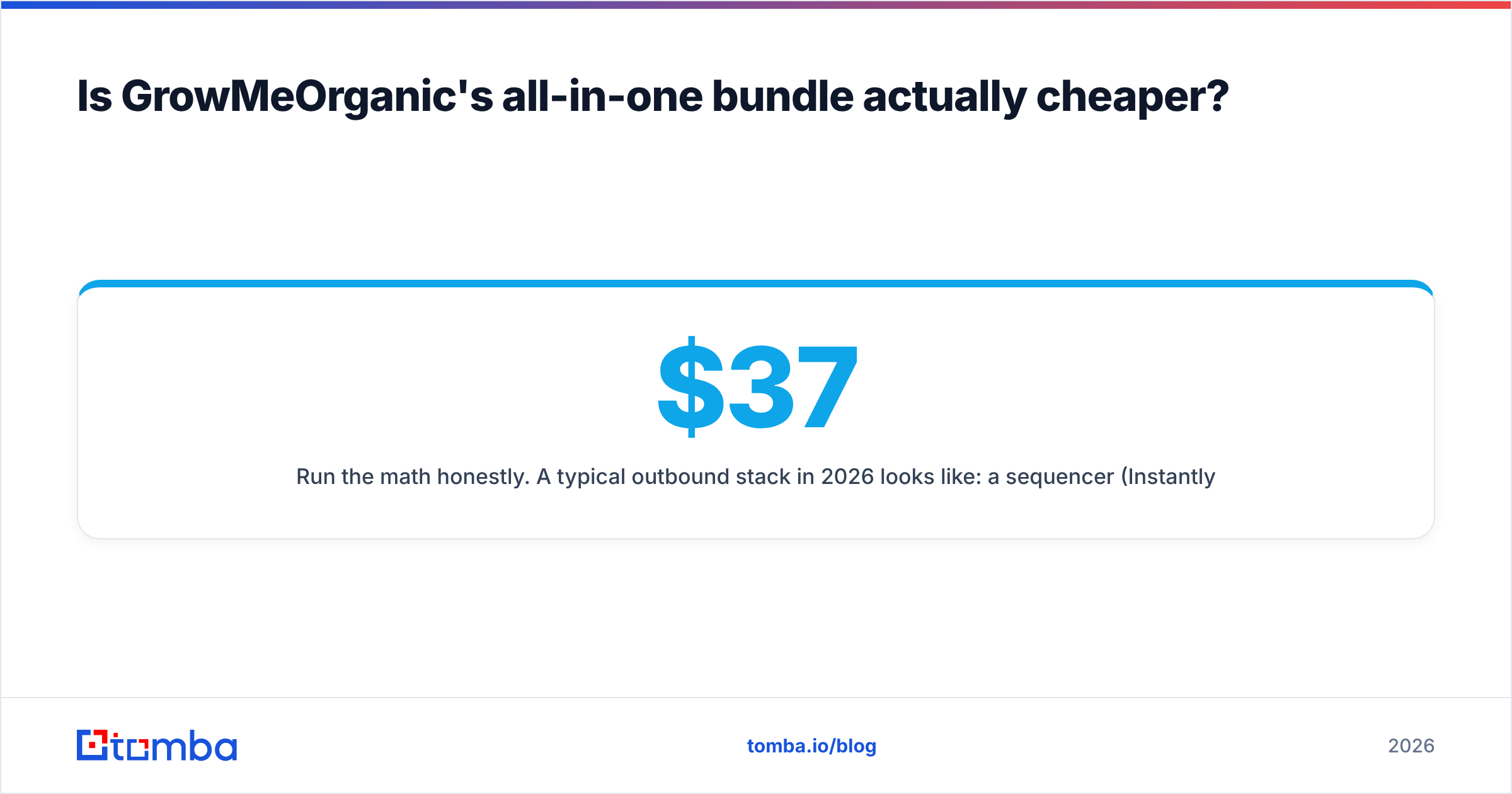
Run the math. A normal outbound stack in 2026 has three pieces: a sequencer such as Instantly or Smartlead ($37–$97/mo), a data source ($49–$149/mo), and a verifier (often bundled, sometimes $20–$50/mo). If GrowMeOrganic really replaces all three near $49/mo, you save real money.
But the swap rarely holds:
- You already have a sequencer. Say your team runs Instantly with warmup and inbox rotation. GrowMeOrganic's sender is a step down, so you will not switch. Now you pay suite prices for a data tool.
- You already have a CRM. HubSpot or Pipedrive is your source of truth. A suite that wants to be a mini-CRM adds a sync problem, not a saved bill.
- Deliverability is not a bolt-on. Sending from a bundled tool without warmup, throttling, and reputation checks is how new domains get burned. G2 reviews of these suites flag the same pattern. The sending module is the weak link.
The suite math works for a solo founder starting from zero. It stops working once you have a stack worth keeping.
When does LeadsForge's AI approach beat filters?#
Three cases, and they are real:
You are entering a new market. You do not know the job titles yet. Describing the outcome you want beats guessing at filters. For example: "companies that just hired their first RevOps person."
You need a list in ten minutes. No setup, no filter tutorial. Type, get rows, judge them.
Your buyer is defined by signals, not firmographics. "Companies hiring sales reps right now" is hard to express in a checkbox UI.
Where it breaks: you cannot repeat a result. Run the same prompt twice and the list may differ. For a marketing test, that is fine. For territory planning, where two reps must not get the same account, it is a real problem. Filters are predictable. Same input, same output, every time. That matters once your reps carry a quota.
One more thing. AI lists inherit the bias of the index behind them. If that index leans toward US tech firms, your "European manufacturing" prompt returns thin, stale rows — and no warning that it did.

What should you actually buy in 2026?#
Match the tool to the problem that is actually biting you. In the GrowMeOrganic vs LeadsForge choice, that problem is usually budget, speed, or data quality.
Buy GrowMeOrganic if: you are a solo founder or a two-person team starting outbound from zero. You have no sequencer yet. LinkedIn is your main source. One bill makes your life simpler. Accept that each module is good enough, not best in class.
Buy LeadsForge if: you are still testing your ideal buyer. You value speed over an audit trail. Your volume is low enough that per-list pricing stays fair. Re-verify everything before you send.
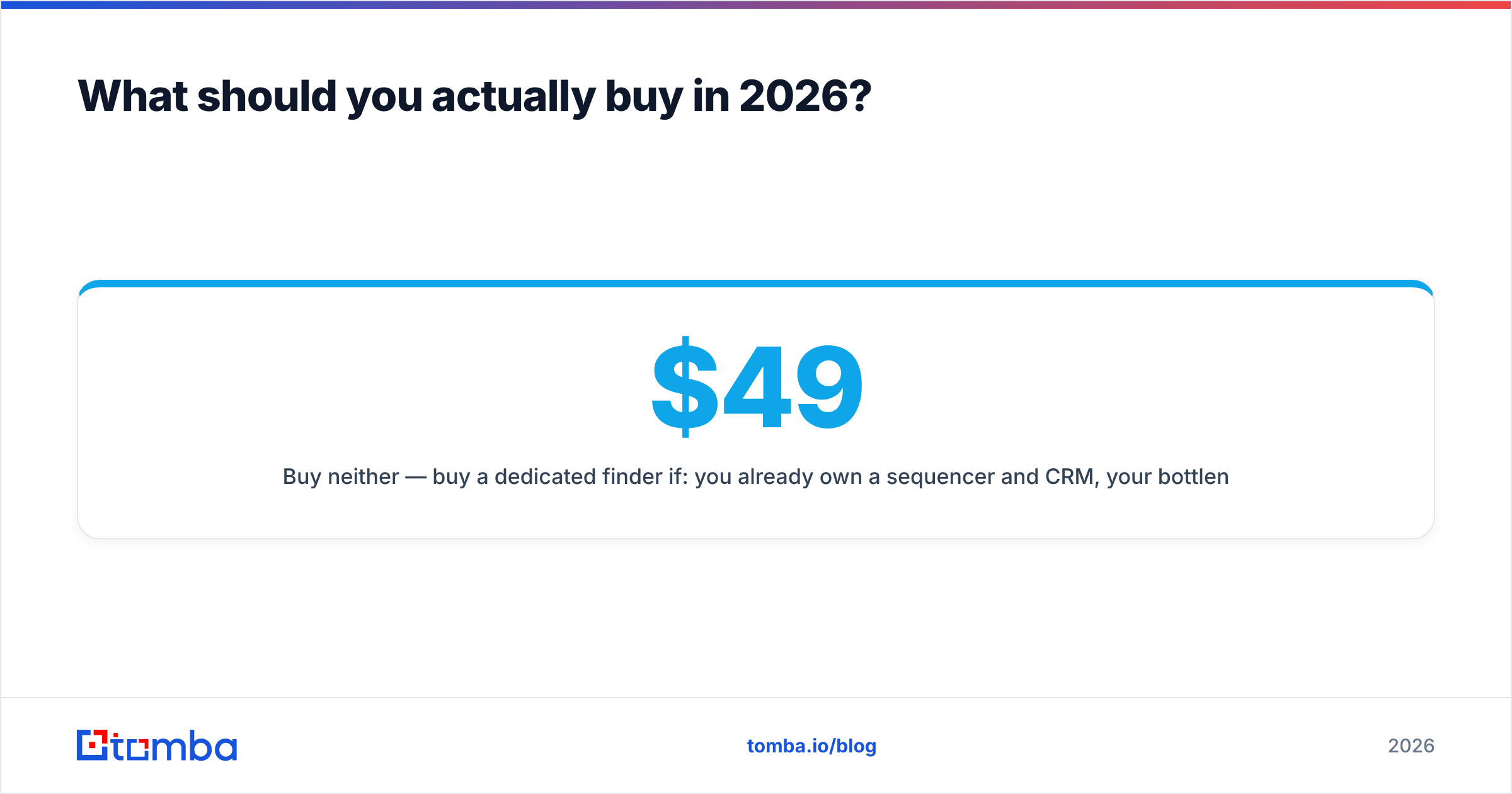
Buy neither if: you already own a sequencer and a CRM. Your problem is data quality, not missing features. You also need programmatic access. A focused tool wins here on both price and depth. Tomba's free tier gives you 25 searches a month, so you can test accuracy against your own known-good list before you spend a dollar. Starter is $49/mo, Growth $99/mo, and Pro $249/mo when volume justifies it.
That last test is the only accuracy check worth trusting. Take 50 contacts whose emails you already know. Run them through each tool. Measure the hit rate and the false positives. Vendor accuracy numbers are marketing claims with hidden methods. Your own 50-row test takes an afternoon and settles the argument for good.
How do you build a stack that works?#
Split the layers. Most "which all-in-one should I buy" questions assume that sourcing, verification, and sending belong to one vendor. They do not. Each layer has its own switching cost and its own failure mode.
- Sourcing. Whatever finds the contacts: a scraper, a database, an AI list builder, or a domain search across target companies. Swap it freely. The switching cost is low.
- Verification. Not optional, and it should sit outside the sourcing tool. A vendor grading its own homework has a clear conflict.
- Enrichment. Job title, company size, tech stack, phone. Data enrichment fills the gaps your source left blank.
- Sending. Warmup, inbox rotation, reputation checks, reply detection. Deliverability lives here, so use a specialist.
- CRM. Your source of truth. Everything syncs here. Nothing skips it.
Build it this way and GrowMeOrganic vs LeadsForge shrinks to one small question: which sourcing tool? That is a $49 call you can reverse next month, not an architecture you are stuck with.
One more note for teams. It is worth checking vendors that publish how they source data. BookYourData, for example, verifies at the point of purchase. That is a different guarantee than credit-based finders offer. Know the tradeoff before you spend the budget.
Final verdict#
GrowMeOrganic wins on breadth for teams starting from nothing. LeadsForge wins on speed when your buyer is still fuzzy. Neither wins on data accuracy, API depth, or deliverability. For most teams past the first ten customers, those three are what limit pipeline.
So run the 50-contact benchmark before you commit. It costs an afternoon. It replaces every claim in this GrowMeOrganic vs LeadsForge comparison with your own numbers.
If your problem is clean, verified contact data rather than one more dashboard, start with the Tomba Email Finder. The free tier gives you 25 searches a month with no card required. That is enough to test accuracy against your own list first. Plug it into your sequencer through the API, the Chrome extension, or the Google Sheets add-on. Keep the stack you already trust, and fix the one layer that is costing you replies.
Related guides#
Ready to find emails that actually work?
Join 150,000+ professionals who stopped guessing and started sending. Free credits on signup — no credit card required.
Get the Tomba newsletter
Practical outbound tactics and product updates — once every two weeks.
About the author