How to Find Business Owners Email Addresses (2026 Guide)
Owner inboxes are gatekept, unlisted, and often hidden behind a generic info@. Here are seven repeatable methods to find business owners email addresses, plus the verification step that keeps your bounce rate under 3%.
TL;DR
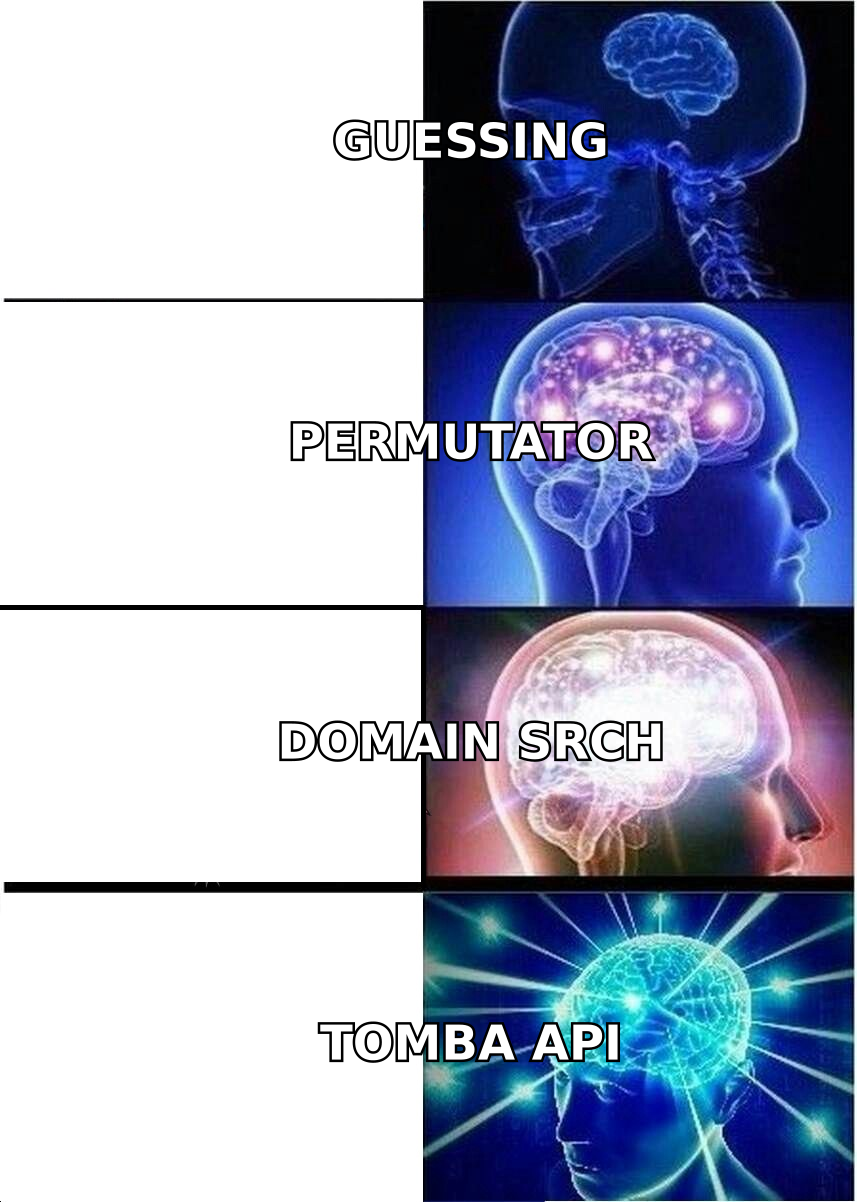
- Learning how to find business owners email addresses starts with one fact: owners rarely publish theirs. You find them by pairing a pattern guess with a data source that has seen the address in the wild.
- The highest hit-rate sequence is: domain search → name + domain lookup → pattern permutation → verification. Skip any step and your bounce rate climbs.
- Small businesses (1–20 staff) hide behind
info@; mid-market owners use standardfirst.last@patterns. Different company sizes need different methods. - Never send to an unverified guess. A single 8% bounce rate on a cold domain can cost you weeks of sender reputation repair.
- Budget reality: a free tier gets you 20–30 owner emails a month. Paid finders start around $49/mo for a few thousand lookups.
Why is a business owner's email harder to find than a rep's?#
Because owners are the least incentivized people in a company to be reachable.
Think of a company's contact surface like a hotel. The front desk (info@, hello@, the contact form) is built to absorb traffic. Sales reps sit in the lobby — they publish their emails because inbound is their job. The owner is in the penthouse. There is no button for that floor in the public elevator.
That structural fact shapes everything about how you search:
- Owners don't appear in marketing footers. They appear in incorporation records, LinkedIn bios, podcast show notes, conference speaker lists, and press quotes.
- Small-business owners often use one mailbox for everything. The same address handles invoices, vendors, and their kid's school. That mailbox is real and monitored. But it may be a personal-domain or Gmail address rather than a company one.
- Owner-operators in trades, clinics, and agencies often have no corporate email pattern at all. There is nothing to permutate, because only one employee has an address.
- Larger owner/founder profiles are protected deliberately. Once a company crosses ~50 employees, the founder's inbox is routed through an EA or filtered aggressively.
The practical takeaway: one method will never cover your list. You need a waterfall.
What counts as a usable business owner email address?#
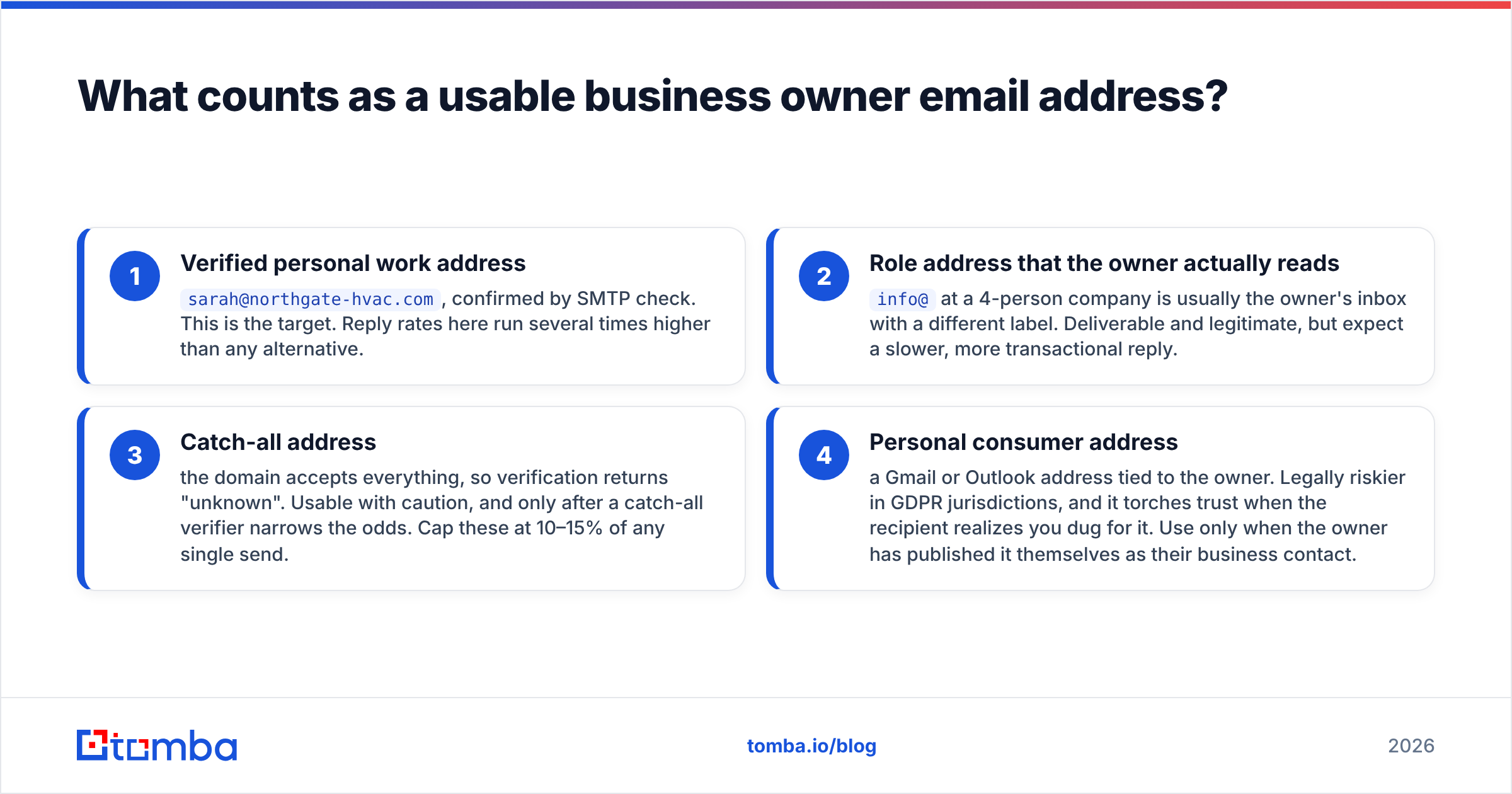
Not every address you find is worth a send. Sort what you collect into four buckets before you write a single line of copy:
- Verified personal work address —
sarah@northgate-hvac.com, confirmed by SMTP check. This is the target. Reply rates here run several times higher than any alternative. - Role address that the owner actually reads —
info@at a 4-person company is usually the owner's inbox with a different label. Deliverable and legitimate, but expect a slower, more transactional reply. - Catch-all address — the domain accepts everything, so verification returns "unknown". Usable with caution, and only after a catch-all verifier narrows the odds. Cap these at 10–15% of any single send.
- Personal consumer address — a Gmail or Outlook address tied to the owner. It is legally riskier in GDPR jurisdictions. It also torches trust when the recipient realizes you dug for it. Use it only when the owner has published it as their business contact.
If you only remember one rule: bucket 1 and bucket 2 go in the sequence. Bucket 3 goes in a separate, smaller send. Bucket 4 mostly gets deleted.
How to find business owners email addresses: the 7 methods#
1. Start with a domain search, not a name search#
Pull every known address on the company domain first. A domain search returns the addresses a provider has actually observed, along with job titles and the dominant email pattern for that domain.
Two things fall out of one query. Either you find the owner directly, which is common at companies under 30 people where the founder's address was indexed from a press release or an old sign-up. Or you learn the pattern — first.last@, flast@, first@. That pattern makes every later guess accurate instead of random.
Run this before anything else. It's the single highest-leverage step and it costs one credit.
2. Confirm who the owner actually is#
Half of failed owner searches are identity failures, not email failures. "Owner" appears on LinkedIn as Founder, Managing Director, Principal, Proprietor, Managing Partner, President, or CEO. And at franchises, the person running the location is not the person who owns the entity.
Cross-check two sources before you spend lookups:
- The company's LinkedIn page, filtered to people with owner-adjacent titles
- A public registry — state business filings, Companies House in the UK, or a WHOIS record for older domains (see the WHOIS protocol overview for what those records still expose after GDPR redaction)
Registry data is stale by design. But it is authoritative on legal ownership in a way that a website "Our Team" page is not.
3. Run a name + domain lookup#
Once you have "Sarah Okonkwo" and "northgate-hvac.com", a direct email finder query resolves the address. It also returns a confidence score and the sources where the address was seen. Sources matter more than the score. An address seen on three independent public pages is far stronger than one inferred from a pattern alone.
This is the workhorse method. At scale, it's an API call inside your enrichment pipeline, not a manual search.
4. Permutate the pattern when the lookup comes back empty#
If the finder returns nothing, generate candidates from the pattern you learned in step 1. An email permutator turns a first name, last name, and domain into the 20–30 plausible variants. A company email pattern check then tells you which format the domain actually uses.
Never send to permutations directly. Generate, then verify, then keep only the addresses that pass. Sending to an unverified permutation list is the most common way teams destroy a warmed domain in a week.
5. Mine the owner's own published content#
Owners publish more than they realize. Podcast appearances, guest posts, conference bios, local news quotes, Substack newsletters, and community forum profiles routinely contain a direct address or a personal domain. Search operators still work: "owner" "@companydomain.com", or the owner's name plus contact plus the industry.
For content specifically, an author finder resolves the byline on an article to a contact. That helps when the owner writes for trade publications, which is common in professional services.
6. Work the LinkedIn layer#
LinkedIn tells you who, when, and what they care about; it almost never tells you the email. The workflow that works is: build the owner list on LinkedIn with title and headcount filters, export the profile URLs, and resolve them through a LinkedIn finder. Treat LinkedIn as the identity graph and a finder as the contact graph.
One caveat, stated plainly: check the platform's terms before you automate anything against it. Prefer tools that resolve profile URLs against their own dataset rather than scraping the logged-in session.
7. Use a purchased list only for the long tail#
When you need 5,000 owners in a specific SIC code and geography, a curated B2B database is faster than any manual method. Providers like BookYourData sell pay-as-you-go credits with pre-verified owner contacts. That suits teams that want a one-off list rather than a subscription. Blend the result with your own verification pass, whatever the vendor promises. Every list, from every vendor, decays about 2–3% per month.
Which method should you use for which company size?#
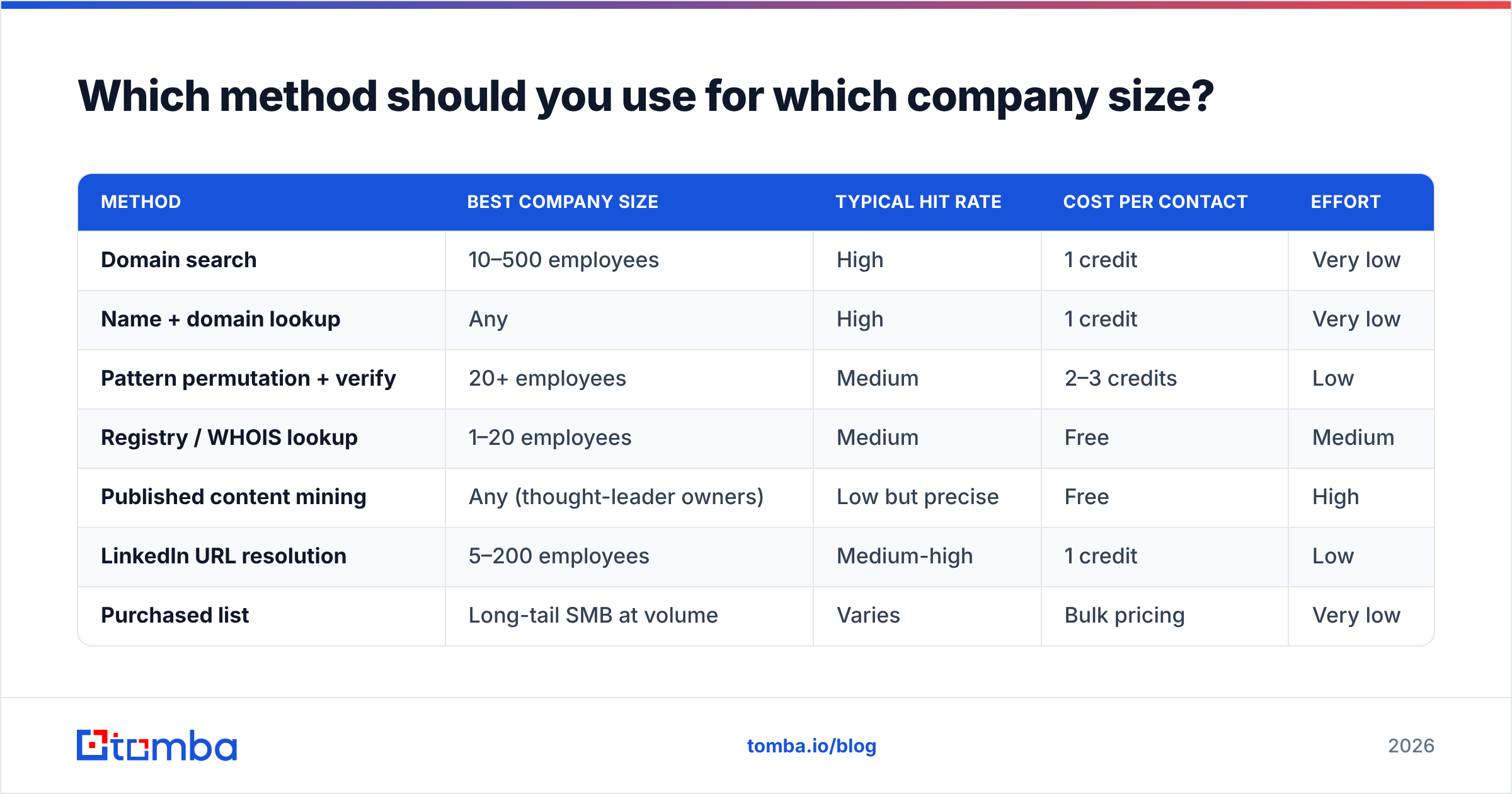
| Method | Best company size | Typical hit rate | Cost per contact | Effort |
|---|---|---|---|---|
| Domain search | 10–500 employees | High | 1 credit | Very low |
| Name + domain lookup | Any | High | 1 credit | Very low |
| Pattern permutation + verify | 20+ employees | Medium | 2–3 credits | Low |
| Registry / WHOIS lookup | 1–20 employees | Medium | Free | Medium |
| Published content mining | Any (thought-leader owners) | Low but precise | Free | High |
| LinkedIn URL resolution | 5–200 employees | Medium-high | 1 credit | Low |
| Purchased list | Long-tail SMB at volume | Varies | Bulk pricing | Very low |
Read that table as a waterfall, not a menu. Run rows 1–2 on the whole list, send rows that fail into row 3, and reserve rows 4–5 for named accounts worth the manual time.
What do the tools actually cost?#
Pricing structures differ more than the feature lists do. Some vendors charge per successful find, some per lookup attempt, and some bundle sequencing you may not need.
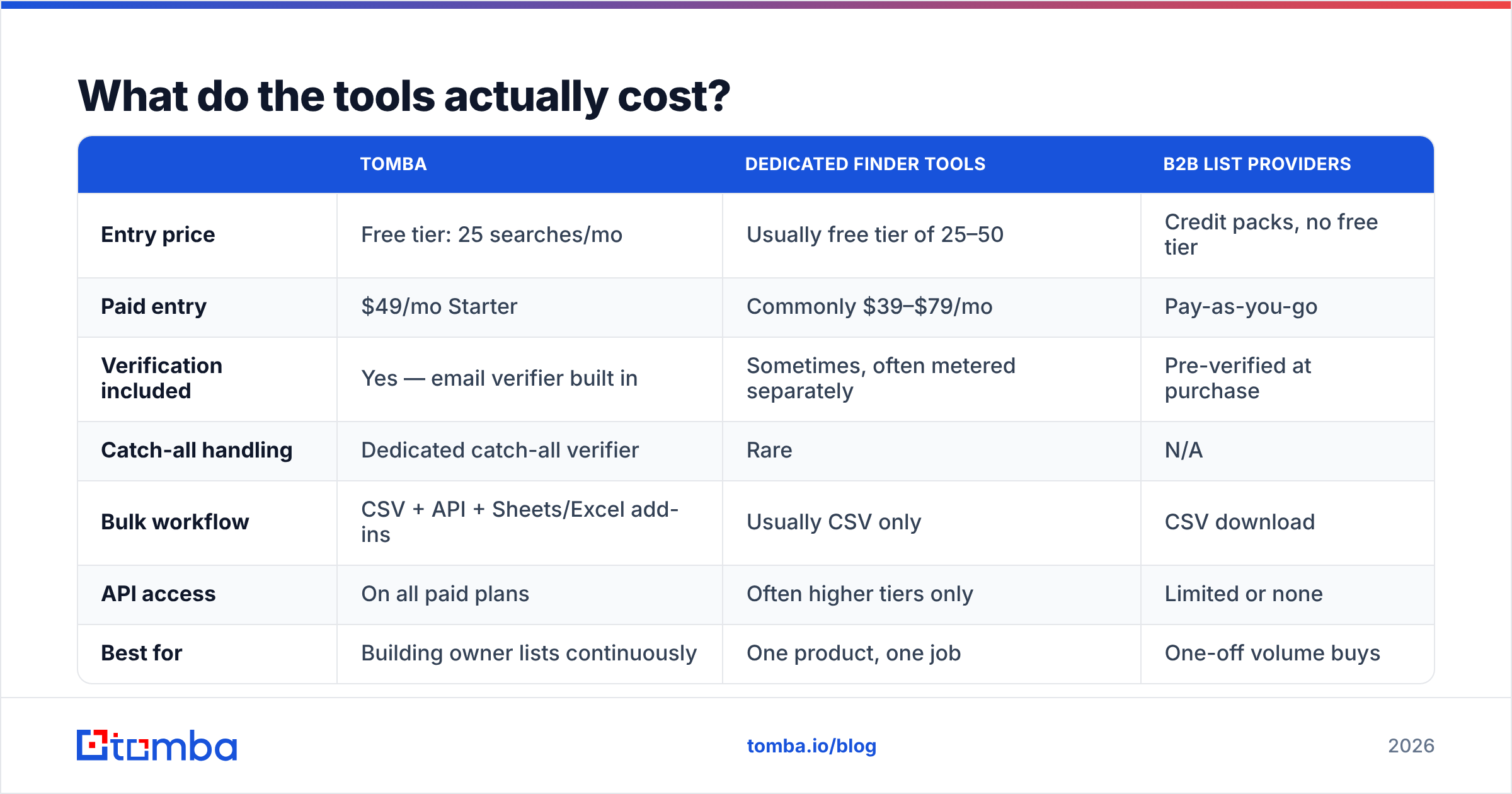
| Tomba | Dedicated finder tools | B2B list providers | |
|---|---|---|---|
| Entry price | Free tier: 25 searches/mo | Usually free tier of 25–50 | Credit packs, no free tier |
| Paid entry | $49/mo Starter | Commonly $39–$79/mo | Pay-as-you-go |
| Verification included | Yes — email verifier built in | Sometimes, often metered separately | Pre-verified at purchase |
| Catch-all handling | Dedicated catch-all verifier | Rare | N/A |
| Bulk workflow | CSV + API + Sheets/Excel add-ins | Usually CSV only | CSV download |
| API access | On all paid plans | Often higher tiers only | Limited or none |
| Best for | Building owner lists continuously | One product, one job | One-off volume buys |
Tomba's paid ladder runs $49/mo Starter, $99/mo Growth, $249/mo Pro, with Enterprise custom. Full Tomba pricing is public. For comparison shopping across the category, the review volume on G2 is a better signal than any vendor's own comparison page, including this one.
How do you verify an owner email before you send?#
Knowing how to find business owners email addresses is only half the job. Verification is the other half, and it is not the same skill. A finder tells you an address probably exists. A verifier tells you a mail server will accept it today.
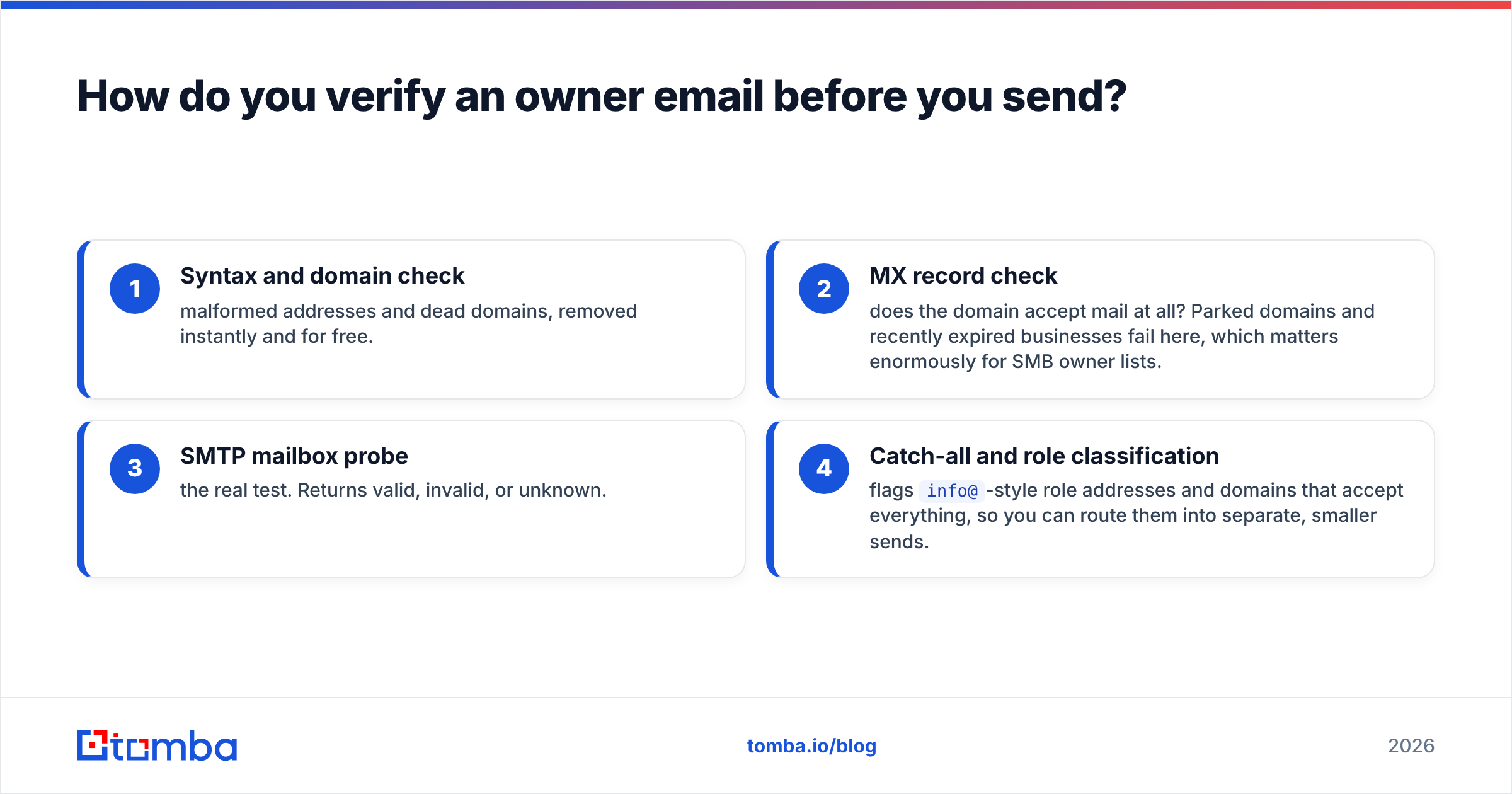
Run every address through four gates:
- Syntax and domain check — malformed addresses and dead domains, removed instantly and for free.
- MX record check — does the domain accept mail at all? Parked domains and recently closed businesses fail here, which matters a lot for SMB owner lists.
- SMTP mailbox probe — the real test. Returns valid, invalid, or unknown.
- Catch-all and role classification — flags
info@-style role addresses and domains that accept everything, so you can route them into separate, smaller sends.
Anything that comes back "unknown" is a coin flip. Keep unknowns under 15% of any campaign. Keep your overall bounce rate under 3%, the line most inbox providers treat as the edge between a normal sender and a suspicious one. HubSpot's research on email deliverability covers why that number carries so much reputation weight.
For lists over a few hundred rows, do this as a batch job. A bulk email finder run that finds and verifies in one pass removes the most common failure mode in owner prospecting: finding 2,000 addresses, getting excited, and sending before verifying.
Is it legal to find and email business owners?#
Short answer: in most jurisdictions, yes, with conditions — and the conditions are not the same everywhere.
- United States (CAN-SPAM): B2B cold email is permitted. You need accurate header and sender information, a physical mailing address, a clear and functioning opt-out, and no deceptive subject lines.
- EU/UK (GDPR + PECR): You need a lawful basis. Legitimate interest generally covers relevant B2B outreach to a business address. But you must document the assessment, honor deletion requests promptly, and disclose where you got the data if asked.
- Canada (CASL): Stricter. Implied consent exists for published business addresses relevant to the recipient's role, but the burden of proof is on you.
Two practical rules cover most of the risk. First, keep a record of where each address came from. A provider that exposes data sources per contact makes this trivial; a scraped list makes it impossible. Second, suppress on request instantly, across every sequence, permanently.
What should you send once you have the owner's email?#
Owners read differently from managers. They are pattern-matching for one thing: is this person going to cost me time or make me money?
Three adjustments that measurably help on owner-level sends:
- Lead with a business outcome, not a feature. "Cut your no-show rate" beats "AI-powered scheduling platform" every time at this level.
- Keep it under 90 words. Owners triage on mobile between other tasks.
- Reference something only research would surface — a new location, a hiring push, an equipment purchase, a review theme. It proves you targeted them specifically rather than buying a list.
And send from a warmed domain. All the accuracy work in this guide is wasted if your sending infrastructure lands you in spam.
Start with the highest-hit-rate step#
If you take one workflow from this guide, take this one: run a domain search on your target accounts, resolve the owner by name against that domain, permutate only what fails, verify everything, and send in small batches from a warm domain. That is how to find business owners email addresses at scale, and it turns owner prospecting from a scavenger hunt into a repeatable pipeline.
The Tomba Email Finder handles the first four steps in one place: domain search, name-and-domain lookup, pattern detection, and verification with catch-all handling. The free tier gives you 25 searches a month to test list quality before you commit. Run 25 owner lookups against accounts you already know, check the hit rate yourself, and scale from there.
Related guides#
// get started
Find, verify and enrich your first contacts today
Start on the free plan with 25 searches a month, then scale when your team is ready.
Free plan · No credit card required · GDPR & CCPA
// about the author