How to Get a Company Email Address: 6 Methods for 2026
Two very different problems hide behind the same search: creating a branded inbox on your own domain, and finding someone else's work address. Here's how to do both, what each costs, and where free methods quietly fail.
TL;DR
- "How to get a company email" means one of two things: creating a branded inbox like
you@yourcompany.com, or finding someone else's work address likecto@acme.com. This guide covers both. - Creating one takes about 20 minutes and costs $6–$12 per user per month (Google Workspace, Microsoft 365, or Zoho) plus roughly $10–$15 a year for the domain.
- Finding one is a different job. Free permutation guessing gets you a plausible string; only SMTP-level verification tells you whether it exists.
- The cheapest reliable stack is a domain search or email finder plus a verifier. Skip verification and you'll burn your sender reputation on bounces.
- Buying a prebuilt list is faster but riskier — quality varies enormously between vendors, and you still verify before you send.
What does "getting a company email" actually mean?#
Two audiences type this phrase into Google and they want opposite things.
The first is someone who just registered a business and is embarrassed to put myshop2026@gmail.com on an invoice. They want a professional address on their own domain.
The second is a salesperson, recruiter, or founder trying to reach a specific human at a specific company. They already have an inbox. What they need is somebody else's.
Both are legitimate. Both are covered below. If you're in the first camp, start at the next section. If you're prospecting, jump to "How do you find someone else's company email address?"
How do you create a company email on your own domain?#
Six steps, in order. Nothing here requires a developer.
- Register the domain. Buy
yourcompany.comfrom any registrar — Namecheap, Cloudflare Registrar, Porkbun, Google Domains successors. Expect $10–$15 a year for a.com. Buy the exact-match domain if you can; a hyphenated or.bizfallback costs you credibility in every cold inbox you ever land in. - Pick a mailbox provider. This is the actual "email" part. Google Workspace and Microsoft 365 dominate; Zoho Mail is the budget option; your registrar may bundle basic forwarding for free.
- Point your MX records at the provider. Your provider gives you a list of MX records to paste into your DNS panel. This is the instruction that tells the rest of the internet where to deliver mail addressed to your domain. Think of it as filing a change-of-address form with the post office — until it propagates, mail goes to the old place or nowhere.
- Add SPF, DKIM, and DMARC. These three DNS records prove that mail claiming to be from your domain actually came from your servers. Without them, Gmail and Outlook will route you to spam by default under the bulk-sender rules that have been enforced since 2024. Your provider generates all three; you paste them in.
- Choose your address format before you create mailbox #2. Changing formats later means broken business cards, broken signatures, and broken CRM records. Pick one and enforce it.
- Warm the domain before you send volume. A brand-new domain sending 300 cold emails on day one looks exactly like a spammer to every filter in existence. Ramp from 10–20 sends a day over two to four weeks.
Which provider should you use?#
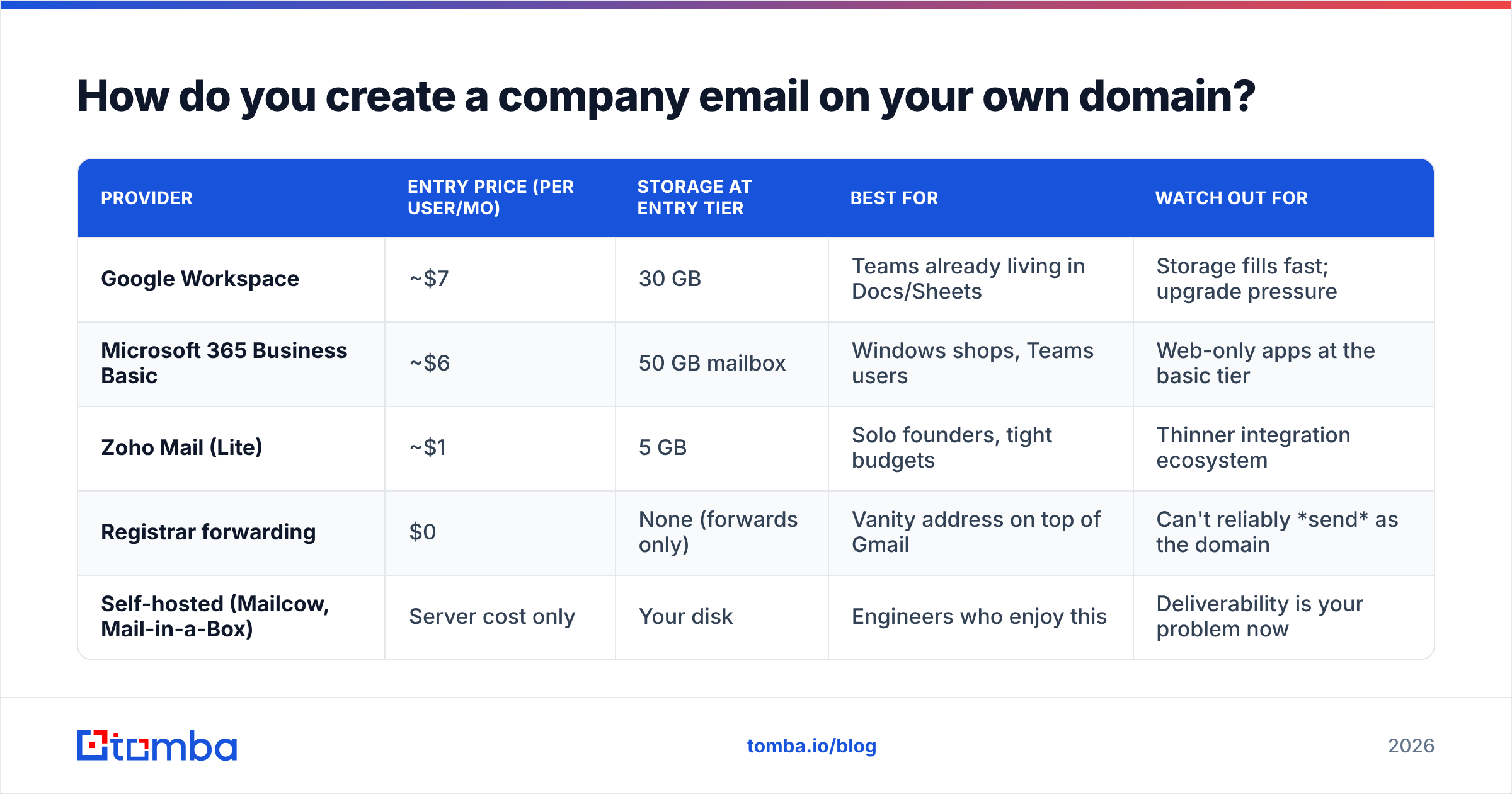
| Provider | Entry price (per user/mo) | Storage at entry tier | Best for | Watch out for |
|---|---|---|---|---|
| Google Workspace | ~$7 | 30 GB | Teams already living in Docs/Sheets | Storage fills fast; upgrade pressure |
| Microsoft 365 Business Basic | ~$6 | 50 GB mailbox | Windows shops, Teams users | Web-only apps at the basic tier |
| Zoho Mail (Lite) | ~$1 | 5 GB | Solo founders, tight budgets | Thinner integration ecosystem |
| Registrar forwarding | $0 | None (forwards only) | Vanity address on top of Gmail | Can't reliably send as the domain |
| Self-hosted (Mailcow, Mail-in-a-Box) | Server cost only | Your disk | Engineers who enjoy this | Deliverability is your problem now |
For most businesses the honest answer is Google Workspace or Microsoft 365 — not because they're clever, but because inbox providers trust their sending infrastructure and your deliverability starts from a better place.
Free registrar forwarding deserves a specific warning. It receives mail at you@yourcompany.com and drops it into your Gmail. It does not let you send from that address in a way that survives DMARC checks at the recipient's end. It's a mailbox with no outbound door.
What email format should you choose?#
Roughly 90% of B2B domains use one of five patterns:
first.last@company.com— the most common corporate standard, and the easiest for outsiders to guess. Fine for most companies.first@company.com— clean, startup-flavored, collides the moment you hire a second Sarah.flast@company.com— compact, common in finance and legacy enterprises.firstl@company.com— less common, slightly harder to guess.first_last@company.com— underscores read as dated to most recipients.
Whichever you choose, also create role aliases: support@, billing@, careers@. Route them to shared inboxes so they survive employee turnover. If you're curious what pattern a specific company already uses — yours after an acquisition, or a prospect's — a company email pattern lookup returns the dominant format for a domain in one query.
How do you find someone else's company email address?#
This is where most of the search volume actually comes from, and where most people waste the most time.

The naive approach is to guess. You know the person's name, you know the domain, you assume first.last@, you hit send. Sometimes it works. Often the mail bounces, and every bounce nudges your sender reputation down. Send enough of them and Google starts filtering your legitimate mail too.
Here are the six methods that actually get used, ranked from most manual to most automated.
1. Check the public web first. Team pages, press releases, GitHub commit histories, conference speaker bios, PDF whitepapers, and WHOIS records all leak work addresses. A search like site:acme.com "@acme.com" or "john smith" "@acme.com" takes ten seconds and sometimes ends the hunt. This is free and it is underrated.
2. Ask for it. Connect on LinkedIn, reply to their newsletter, or ask a mutual contact. Slower, but it produces a warm thread rather than a cold one. For a handful of high-value accounts this beats any tool.
3. Generate permutations, then verify. Take the name and domain, generate the 20-odd plausible combinations, and test which one resolves. An email permutator does the first half in a second. The critical part is the second half — a permutation you haven't verified is a guess wearing a costume.
4. Use a domain search. Instead of starting from a person, start from the company: pull every publicly known address on acme.com, see the dominant pattern, and locate your target inside it. This works well when you don't yet know who the right contact is.
5. Use an email finder. Give it a name plus a domain and it returns the verified address with a confidence score and, on better tools, the sources it drew from. This is the fastest path per contact and the only one that scales past a few dozen prospects a week.
6. Buy a prebuilt list. Vendors like BookYourData sell filtered, pre-verified B2B contact lists with pay-as-you-go pricing, which is genuinely useful when you need 5,000 contacts in a specific SIC code by Friday. The tradeoff across the whole list-buying category is freshness: any static file starts decaying the day it's exported, because people change jobs. Re-verify before you load it into a sequence.
How do these methods compare?#
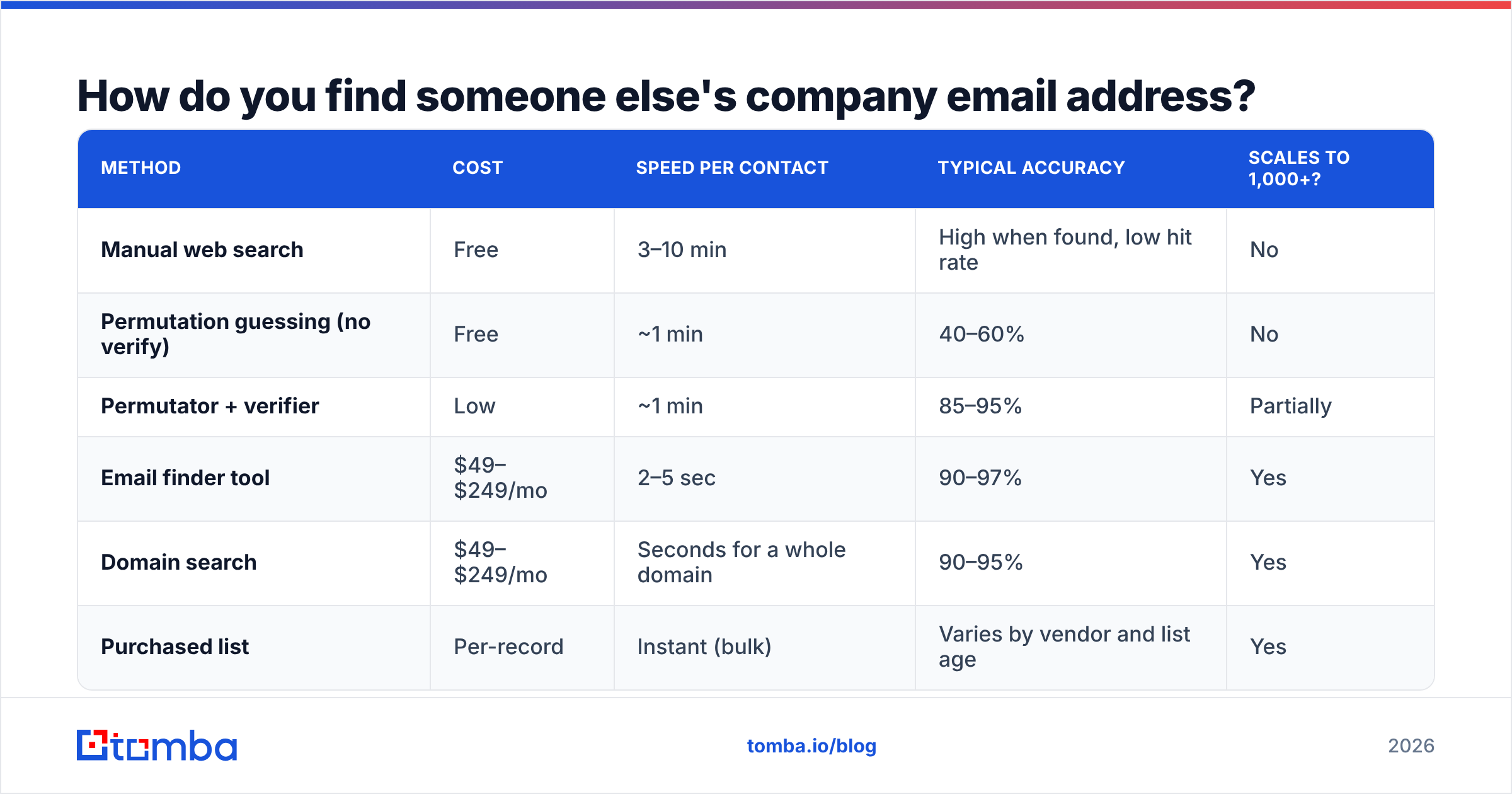
| Method | Cost | Speed per contact | Typical accuracy | Scales to 1,000+? |
|---|---|---|---|---|
| Manual web search | Free | 3–10 min | High when found, low hit rate | No |
| Permutation guessing (no verify) | Free | ~1 min | 40–60% | No |
| Permutator + verifier | Low | ~1 min | 85–95% | Partially |
| Email finder tool | $49–$249/mo | 2–5 sec | 90–97% | Yes |
| Domain search | $49–$249/mo | Seconds for a whole domain | 90–95% | Yes |
| Purchased list | Per-record | Instant (bulk) | Varies by vendor and list age | Yes |
The pattern in that table is simple: free methods cost time and accuracy, paid methods cost money and buy back both. Below roughly 20 contacts a month, do it manually. Above that, tooling pays for itself in the first week.
Why does verification matter more than finding?#
Because a wrong address doesn't just fail — it damages the channel.
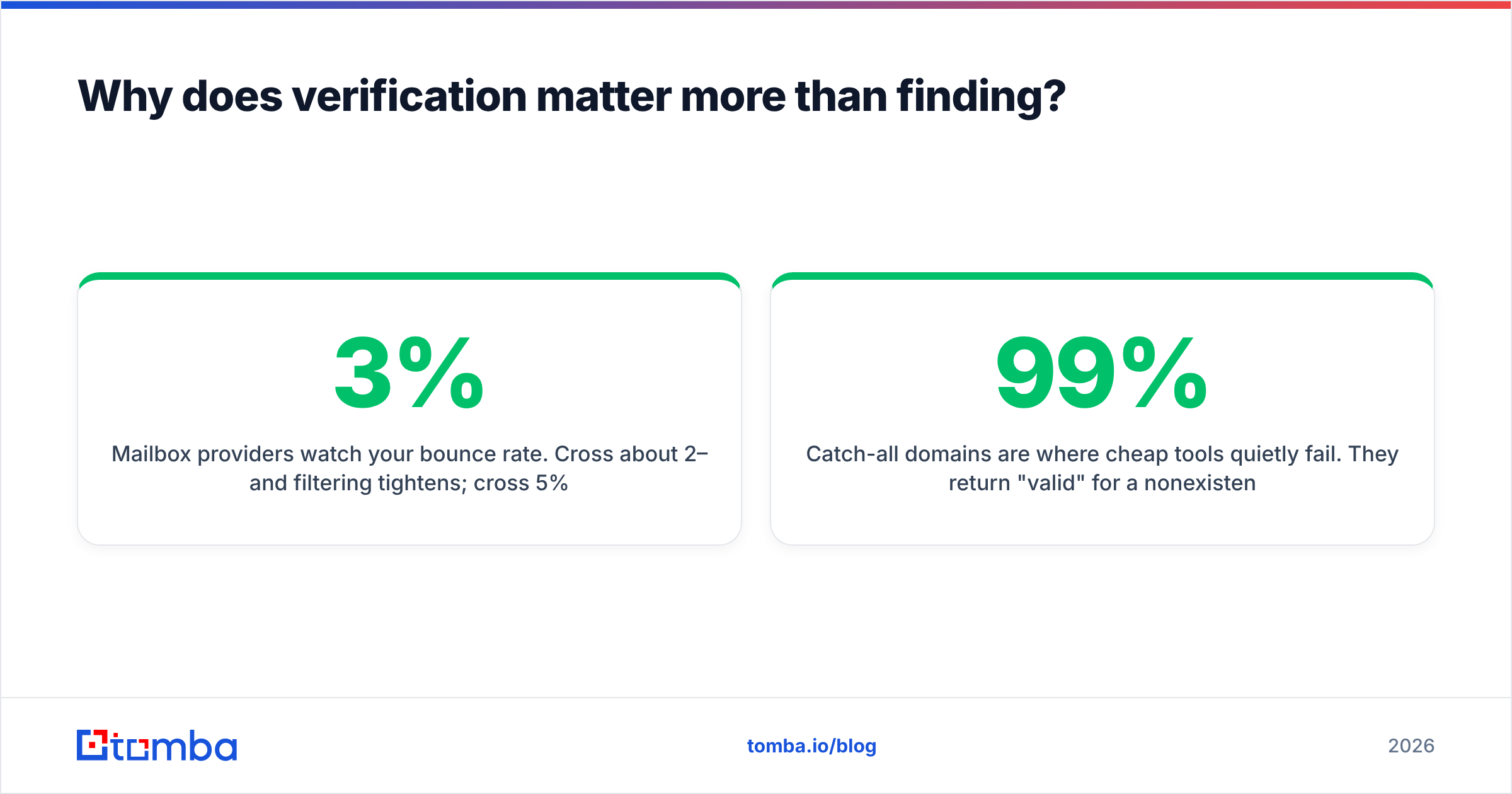
Mailbox providers watch your bounce rate. Cross about 2–3% and filtering tightens; cross 5% and you're in trouble across every campaign, including the ones with a clean list. One bad batch can suppress the deliverability of good mail for weeks.
Verification works in layers, and knowing them helps you read a tool's confidence score honestly:
- Syntax check — is it a structurally valid address? Catches typos, catches nothing else.
- Domain and MX check — does the domain exist and accept mail at all? Kills dead companies and parked domains.
- SMTP handshake — the verifier opens a conversation with the receiving mail server and asks whether that specific mailbox exists, without delivering anything.
- Catch-all detection — some servers accept mail for every address at the domain, so the handshake always says yes. These need separate handling.
- Risk flags — disposable domains, known spam traps, role accounts (
info@,sales@) that rarely reach a decision maker.
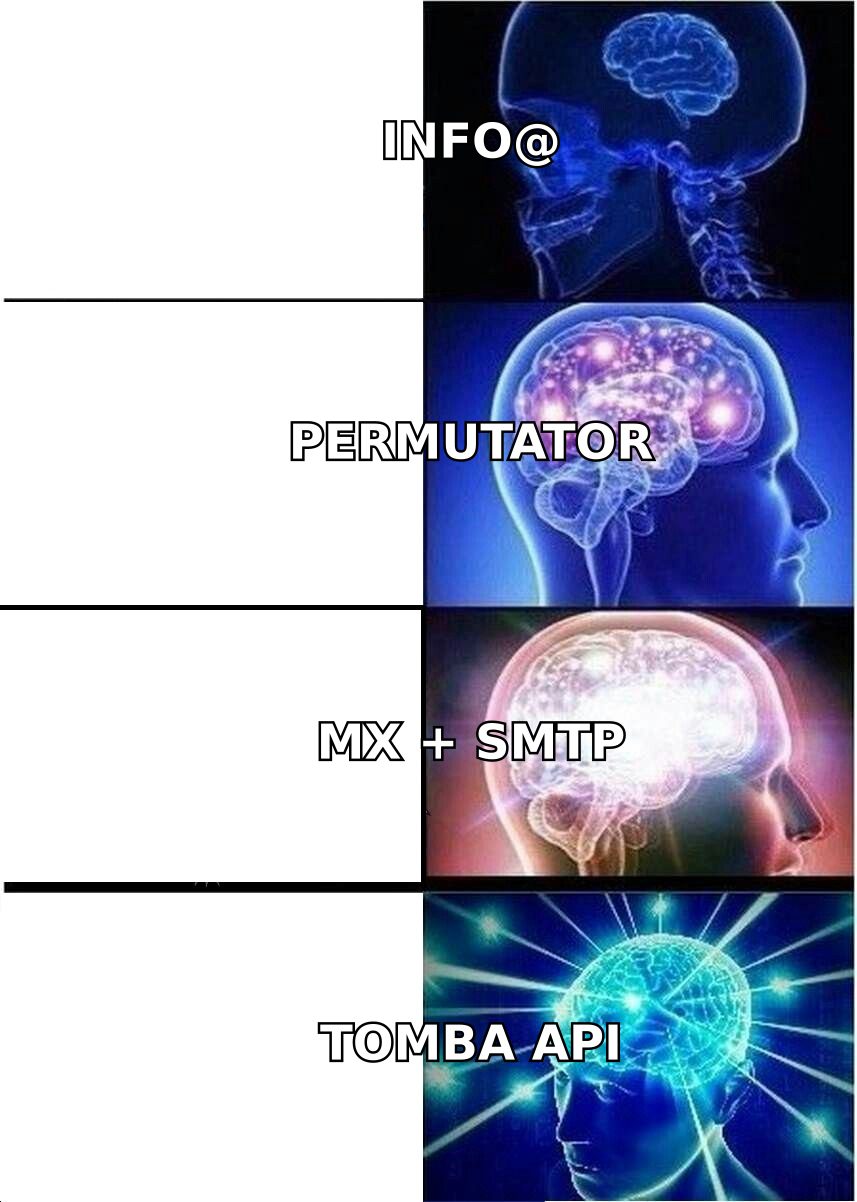
Catch-all domains are where cheap tools quietly fail. They return "valid" for a nonexistent mailbox because the server never says no. A serious email verifier marks these as catch-all rather than pretending to be certain, and dedicated catch-all handling uses pattern confidence and secondary signals to estimate deliverability instead of bluffing. If a vendor claims 99%+ accuracy with no catch-all category at all, they're rounding a guess up.
What does this cost in 2026?#
Two separate budgets, depending on which problem you're solving.
If you're creating company email: the domain runs $10–$15 a year, mailboxes run $6–$12 per user per month, and that's the whole bill. A five-person team lands around $400–$700 a year.
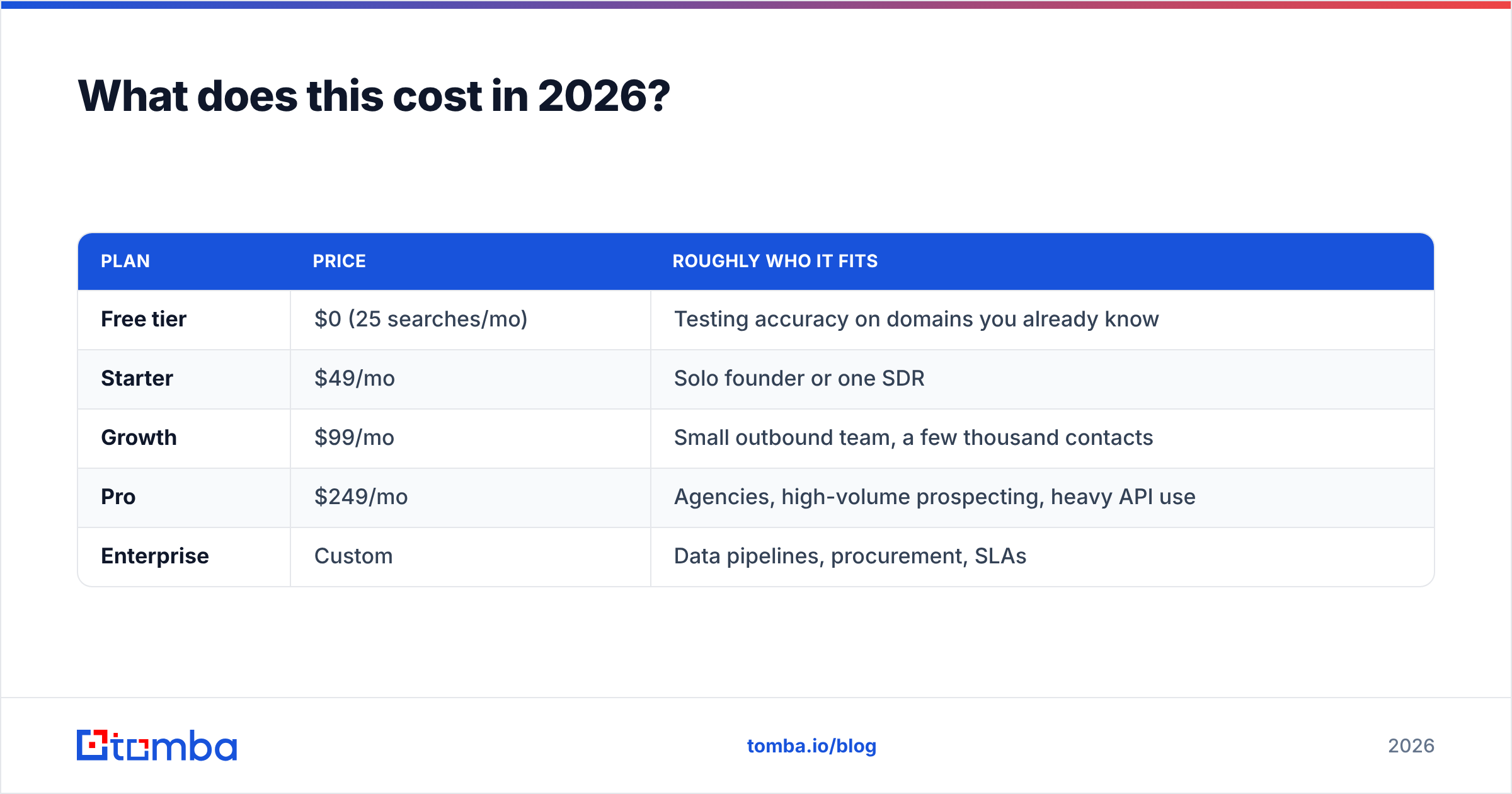
If you're finding company emails: you're buying credits.
| Plan | Price | Roughly who it fits |
|---|---|---|
| Free tier | $0 (25 searches/mo) | Testing accuracy on domains you already know |
| Starter | $49/mo | Solo founder or one SDR |
| Growth | $99/mo | Small outbound team, a few thousand contacts |
| Pro | $249/mo | Agencies, high-volume prospecting, heavy API use |
| Enterprise | Custom | Data pipelines, procurement, SLAs |
The free tier matters more than it looks. Before you commit to any vendor — Tomba or otherwise — run 25 lookups against people whose addresses you already know. That single test tells you more than every accuracy claim on every pricing page combined. Full Tomba pricing is public, as is the per-credit math, which is worth comparing against competitors that hide overage rates.
Is finding company emails legal?#
Generally yes for B2B outreach, with conditions that vary by jurisdiction.
Under GDPR, a business email address is personal data, but legitimate interest can be a lawful basis for B2B outreach if the message is relevant to the recipient's professional role, you disclose where you got the data, and you honor opt-outs immediately. Under CAN-SPAM in the US, the rules are looser: accurate headers, no deceptive subject lines, a working unsubscribe mechanism, and a physical postal address.
Three practical rules keep you clear:
- Only contact people about their job. Pitching a work address about a personal matter fails both the legal test and the human one.
- Honor opt-outs on the first request, permanently. Maintain a suppression list across every tool you use.
- Prefer vendors that document their sources. If a data provider can't tell you where a record came from, you can't answer a subject access request about it.
This isn't legal advice — check your own jurisdiction, especially in Canada under CASL, where consent rules are stricter than most teams assume.
What's the fastest workflow end to end?#
If you're starting from zero today:
- Register a domain and set up Google Workspace or Microsoft 365. Twenty minutes.
- Add SPF, DKIM, and DMARC. Ten minutes, and skipping it invalidates everything after.
- Warm the domain for two to four weeks while you build your list.
- Build the list with a domain search per target company, or an email finder per named contact.
- Verify everything, including addresses a finder already scored, before the first send.
- Send in small batches and watch bounce rate as your leading indicator, not open rate.
Most teams get steps 1 and 4 right and skip 2, 3, and 5. That's the reason their reply rates look nothing like the case studies.
Where should you start?#
If you need your own address, buy the domain and pick a provider today — the whole setup is a lunch break, and every day on a Gmail address costs you credibility you can't measure.
If you need other people's addresses, start with the free tier and test it against contacts you can already confirm. Tomba's Email Finder returns a verified work address from a name and domain in a couple of seconds, flags catch-all domains honestly instead of guessing, and gives you 25 free searches a month to check its accuracy before you spend anything. Run your own control group first, then decide.
Related guides#
// get started
Find, verify and enrich your first contacts today
Start on the free plan with 25 searches a month, then scale when your team is ready.
Free plan · No credit card required · GDPR & CCPA
// about the author