How to Use ChatGPT for Sales and Marketing in 2026
A practical, no-hype guide to using ChatGPT across prospecting, copy, and campaign work in 2026 — including the four jobs it does well, the three it quietly ruins, and the exact prompts and guardrails that keep output usable.
TL;DR
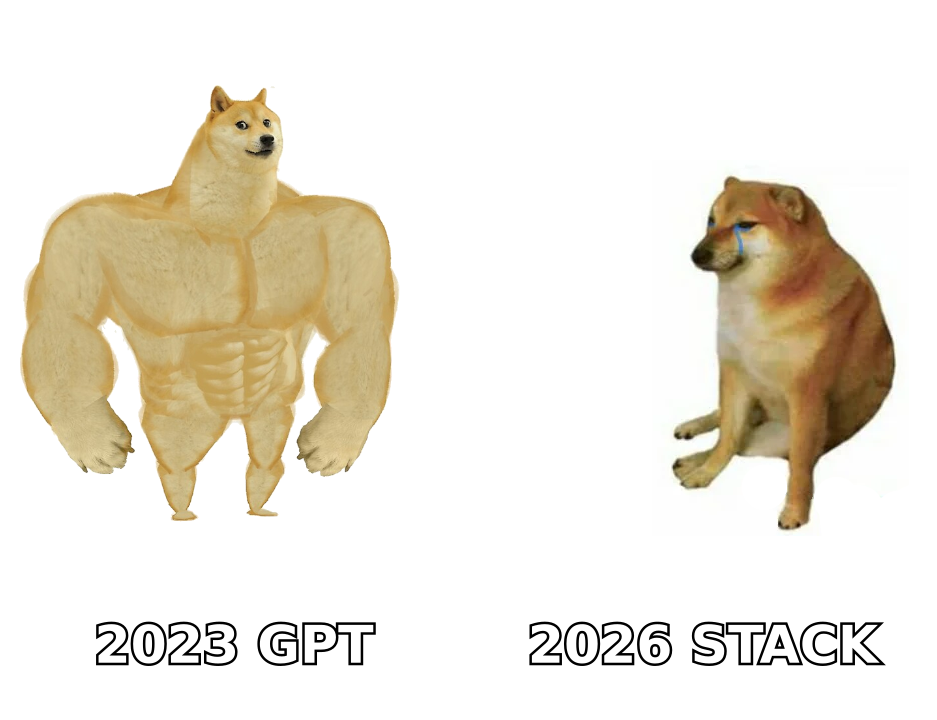
- ChatGPT is a strong drafting and reasoning layer for sales and marketing. It is a terrible data layer — it does not know real email addresses, real headcounts, or who got promoted last quarter.
- The four jobs it reliably wins: first-draft copy, research synthesis, list segmentation logic, and call/meeting summarization.
- The three jobs it quietly ruins: contact data, statistics you plan to publish, and anything that needs your actual pipeline numbers.
- The workflow that works: verified data in → ChatGPT for language and structure → human edit → send. Never the reverse.
- Budget roughly 60% of your time on the input (ICP definition, verified contacts, real customer language) and 40% on the prompt. Most bad output is bad input.
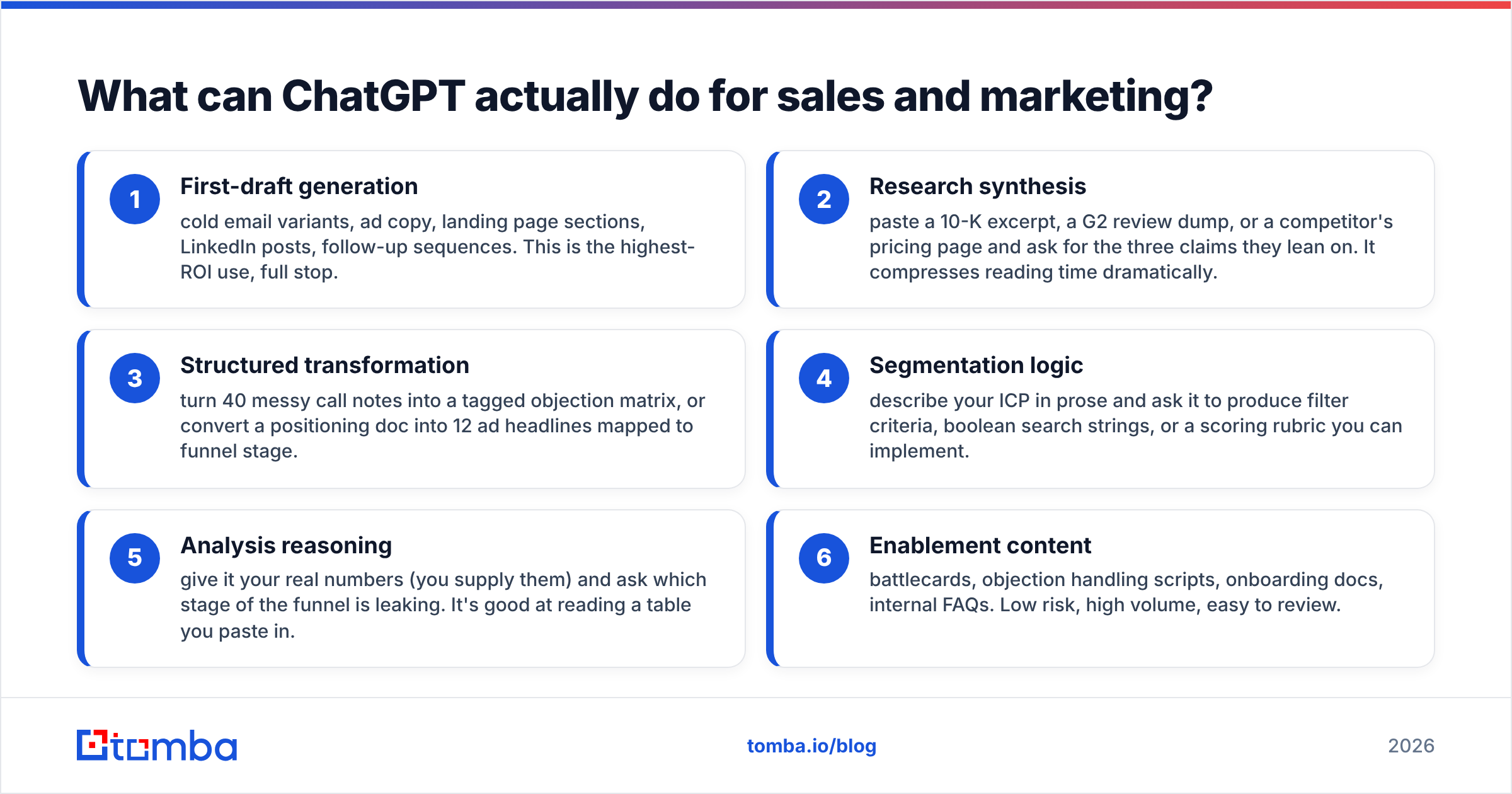
What can ChatGPT actually do for sales and marketing?#
ChatGPT is a language engine, not a database. That single distinction decides which of your tasks it should touch.
Think of it like a very fast junior copywriter who has read the entire internet up to a cutoff date but has never seen your CRM, never met your customers, and will confidently invent a phone number rather than say "I don't know." You would hand that person a positioning brief and ask for ten subject lines. You would not hand them a blank list and ask them to fill in the prospects' work emails.
Here is the honest split of where it lands in a 2026 revenue stack:
- First-draft generation — cold email variants, ad copy, landing page sections, LinkedIn posts, follow-up sequences. This is the highest-ROI use, full stop.
- Research synthesis — paste a 10-K excerpt, a G2 review dump, or a competitor's pricing page and ask for the three claims they lean on. It compresses reading time dramatically.
- Structured transformation — turn 40 messy call notes into a tagged objection matrix, or convert a positioning doc into 12 ad headlines mapped to funnel stage.
- Segmentation logic — describe your ICP in prose and ask it to produce filter criteria, boolean search strings, or a scoring rubric you can implement.
- Analysis reasoning — give it your real numbers (you supply them) and ask which stage of the funnel is leaking. It's good at reading a table you paste in.
- Enablement content — battlecards, objection handling scripts, onboarding docs, internal FAQs. Low risk, high volume, easy to review.
Everything outside those six categories deserves scrutiny.
How do you use ChatGPT for prospecting without breaking your list?#
You use it for the thinking, never for the contacts.
The most common and most expensive mistake in 2026 is still asking ChatGPT for email addresses. It will produce something that looks perfect — sarah.chen@acmecorp.com — with the right pattern, the right domain, the right name. And it's a guess. The model is pattern-matching on what an email at that company probably looks like. Sometimes that's right. Often it isn't, and you find out via a bounce that damages your sender reputation.
The correct division of labor:
| Prospecting step | Use ChatGPT? | Use instead / alongside |
|---|---|---|
| Define ICP + trigger events | Yes — strong | Your closed-won data as input |
| Build boolean search strings | Yes — strong | LinkedIn Sales Nav, Apollo filters |
| Find the actual email address | No | A real email finder with SMTP-level checks |
| Verify deliverability | No | An email verifier before every send |
| Research the account's pain | Yes — with sources you paste | 10-Ks, job posts, review sites |
| Write the personalized opener | Yes — from research you supply | Human edit pass |
| Log activity + summarize call | Yes — strong | Your CRM |
A workflow that actually holds up under volume looks like this. Pull the target account list from your criteria. Run domain search to get real, sourced contacts at each domain. Verify the list. Then feed the verified names, titles, and your research notes into ChatGPT and ask for personalized first lines. The model never touches the data layer — it only writes about data that already exists.
Run it the other way around and you'll spend your first month writing beautiful emails to addresses that don't exist.
Which ChatGPT prompts actually produce usable sales copy?#
Vague prompts produce vague copy. The pattern that consistently works has four parts: role, constraint, input, output format.
Here are seven prompts worth stealing. Adapt the bracketed parts.
1. The cold email variant generator
You are a B2B SDR writing to [title] at [company type]. Constraint: under 90 words, no adjectives before nouns unless they carry information, one question at the end, no "I hope this finds you well." Input: this prospect just [trigger event]. Our product [one-sentence value]. Output: three variants with different angles — problem-led, peer-proof-led, curiosity-led.
2. The objection extractor
Here are 25 raw notes from lost deals. Group them into no more than six recurring objections. For each, give the underlying fear, the surface phrasing reps hear, and one reframe. Output as a table.
3. The positioning stress test
Here is our homepage copy. Act as a skeptical VP of Ops evaluating three vendors. List every claim you don't believe, and what evidence would change your mind.
4. The subject line matrix
Generate 15 subject lines for this email. Five under 4 words, five that reference a specific number, five that pose a question. No clickbait, no "quick question."
5. The call-notes-to-CRM converter
Convert this transcript into: next step with owner and date, three qualification gaps, the exact phrasing the buyer used to describe their problem, and one risk to the deal.
6. The sequence architect
Design a 5-touch sequence over 14 days for [persona]. Each touch must add new information, not repeat the last. Specify channel, day, angle, and word count. Do not write the copy yet.
7. The rewrite-for-specificity pass
Rewrite this paragraph. Replace every abstract noun with a concrete one. Replace every claim with a number or delete it. Cut 30% of the words.
The last one is the highest-leverage prompt in this list. Most ChatGPT output fails because it's abstract, and abstraction is exactly what a generic model defaults to. Prompt 7 is the antidote and takes ten seconds.
If you'd rather not build a prompt library from scratch, a cold email AI tool or a subject line generator bakes many of these constraints in already.
Is ChatGPT better than a purpose-built sales AI tool?#
Not for data. Often yes, for language.
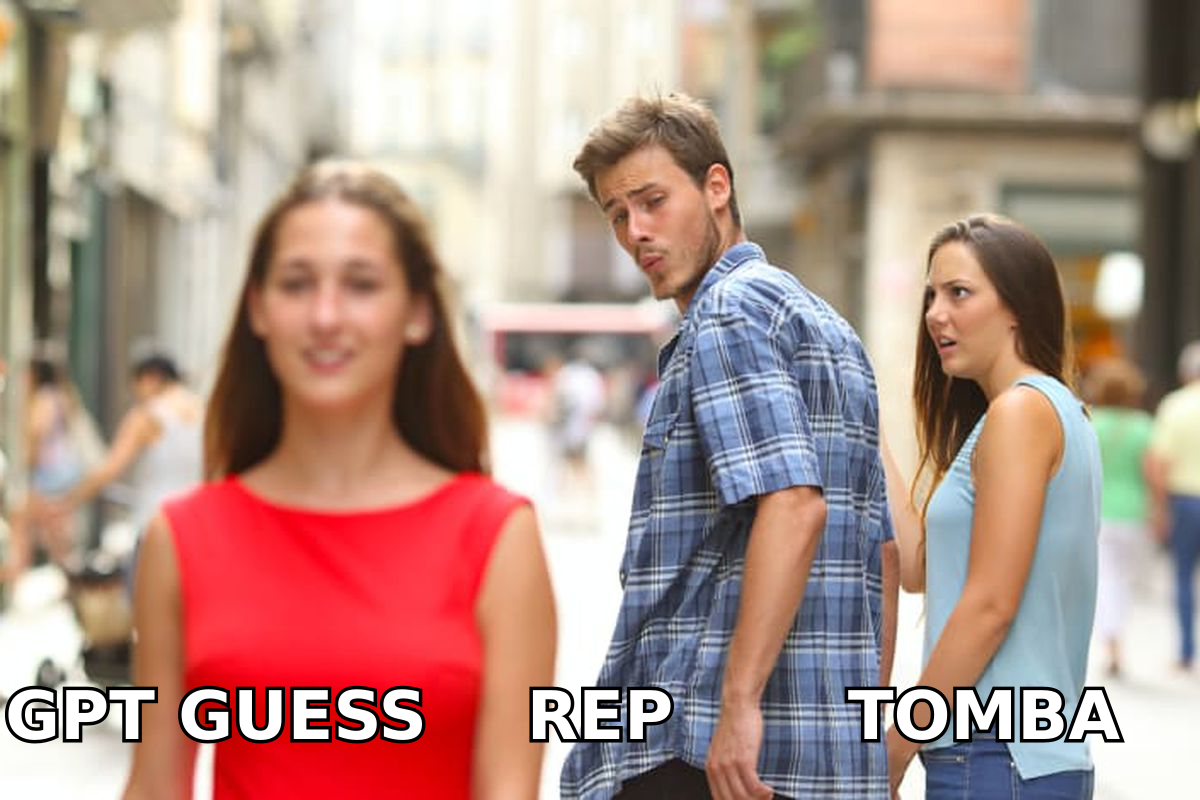
The market split hard in 2025-2026. General LLMs got better at reasoning; vertical sales tools got better at data freshness and workflow integration. They now solve different halves of the problem, and the teams doing well use both.
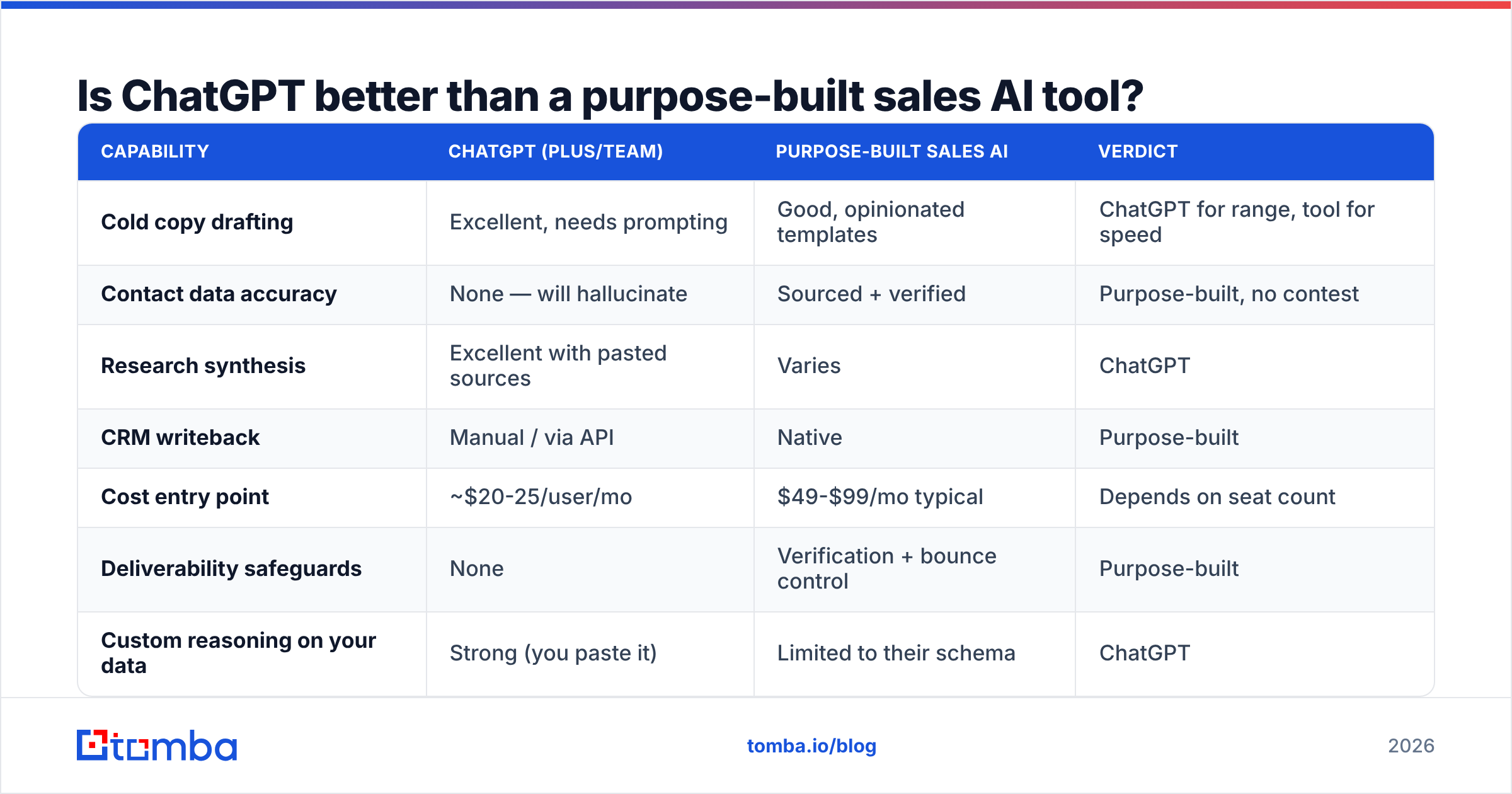
| Capability | ChatGPT (Plus/Team) | Purpose-built sales AI | Verdict |
|---|---|---|---|
| Cold copy drafting | Excellent, needs prompting | Good, opinionated templates | ChatGPT for range, tool for speed |
| Contact data accuracy | None — will hallucinate | Sourced + verified | Purpose-built, no contest |
| Research synthesis | Excellent with pasted sources | Varies | ChatGPT |
| CRM writeback | Manual / via API | Native | Purpose-built |
| Cost entry point | ~$20-25/user/mo | $49-$99/mo typical | Depends on seat count |
| Deliverability safeguards | None | Verification + bounce control | Purpose-built |
| Custom reasoning on your data | Strong (you paste it) | Limited to their schema | ChatGPT |
| Compliance / data residency | Enterprise tier only | Varies by vendor | Check per vendor |
The pricing math matters more than people admit. A ChatGPT Team seat plus a data provider like Tomba pricing at $49/mo Starter or $99/mo Growth covers both halves for less than most all-in-one platforms charge for one. If you're comparing all-in-one suites, G2's sales intelligence category is a reasonable place to sanity-check what teams your size actually run.
Data providers vary in how they source records, too. Some run large static databases — BookYourData is a solid example of the pre-built list model, useful when you want volume by industry and title without building the search yourself. Others verify on request. Both approaches work; the question is whether you need breadth or freshness for the campaign in front of you.
What should you never let ChatGPT do?#
Three things, and each one has burned a real team.
Never let it produce contact data. Covered above, but worth restating because it's the one that costs money. A hallucinated email is indistinguishable from a real one until it bounces. At 500 sends with a 15% hallucination rate, you've torched your domain. Route every address through a verification step — a free email checker for spot checks, or bulk verification before a campaign.
Never let it produce statistics you plan to publish. Ask ChatGPT for "the average B2B cold email reply rate" and it will give you a number with a confident-sounding attribution. That attribution is frequently invented, or real but misremembered, or real but from 2019. If you're citing a stat in a deck or a blog post, find the primary source. HubSpot's research library and vendor benchmark reports are actual sources; a model's recollection of them is not.
Never let it be the final voice on anything customer-facing. Not because the writing is bad — it's often clean — but because it's median. It writes the statistically most likely sentence. Your differentiation lives in the unlikely sentence: the specific number, the odd analogy, the thing only someone who has done the job would say. Use the model to get to draft three in five minutes, then spend fifteen minutes making it sound like a person who has opinions.
A useful test: read the output aloud. If you'd be embarrassed to say it in a meeting, it's not ready.
How do you build a ChatGPT workflow that scales past one person?#
Templates, not improvisation.
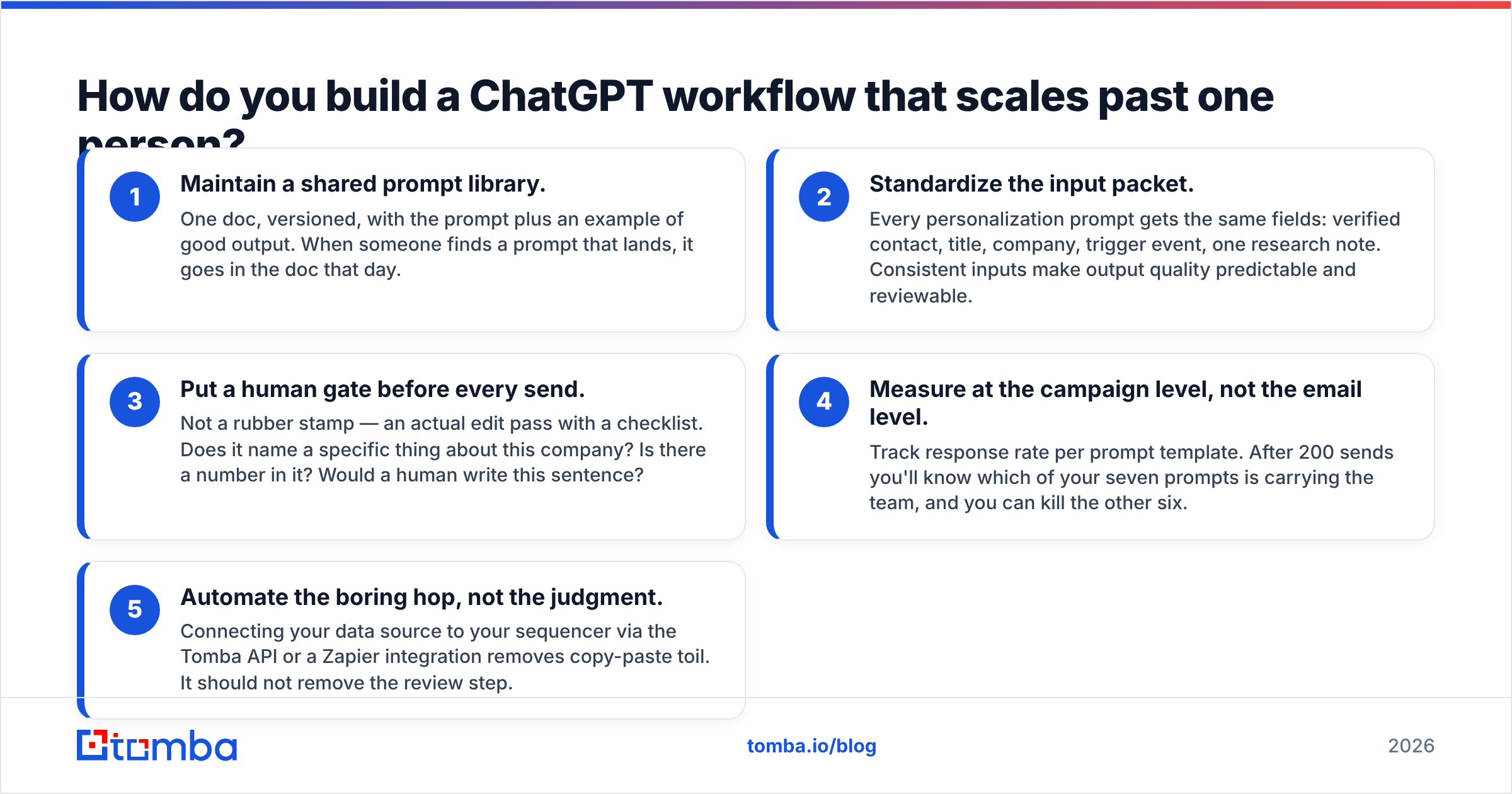
Individual reps prompting ad hoc produces wildly variable output and zero institutional learning. Teams that get real leverage do four things:
- Maintain a shared prompt library. One doc, versioned, with the prompt plus an example of good output. When someone finds a prompt that lands, it goes in the doc that day.
- Standardize the input packet. Every personalization prompt gets the same fields: verified contact, title, company, trigger event, one research note. Consistent inputs make output quality predictable and reviewable.
- Put a human gate before every send. Not a rubber stamp — an actual edit pass with a checklist. Does it name a specific thing about this company? Is there a number in it? Would a human write this sentence?
- Measure at the campaign level, not the email level. Track response rate per prompt template. After 200 sends you'll know which of your seven prompts is carrying the team, and you can kill the other six.
- Automate the boring hop, not the judgment. Connecting your data source to your sequencer via the Tomba API or a Zapier integration removes copy-paste toil. It should not remove the review step.
The teams doing this well treat ChatGPT the way a newsroom treats a wire service: enormously useful raw material, never published unedited.
What does a realistic weekly cadence look like?#
Concrete, so you can copy it.
Monday — Pull the week's target accounts. Run domain search and verification. Load verified contacts into the sequencer. ChatGPT does nothing yet.
Tuesday — Research pass. Paste each account's recent job posts, funding news, or product changelog into ChatGPT and ask for one specific hook per account. Output goes into a spreadsheet column.
Wednesday — Copy pass. Feed hook + persona + prompt template. Generate three variants per account. Human edits down to one. Load and schedule.
Thursday — Call day. Post-call, run prompt 5 on every transcript. Push to CRM.
Friday — Retro. Which subject lines got opened, which openers got replies. Update the prompt library. Kill the losers.
That's roughly four hours of AI-assisted work replacing what used to be a twelve-hour week of manual drafting — with the data layer handled by tools built for it, and the language layer handled by a model that's genuinely good at language.
Where should you start this week?#
Start with the input, not the prompt.
If your contact list is guesswork, no prompt will save the campaign. Get a clean, verified list first — then let ChatGPT do what it's actually good at.
The Tomba Email Finder gives you sourced, verifiable professional email addresses by name, domain, or company, so the data feeding your prompts is real. The free tier covers 25 searches a month if you want to test the workflow on a small list before committing; Starter is $49/mo and Growth is $99/mo when you scale. Pair it with your ChatGPT seat, keep the human edit pass, and you have a stack where each layer does the job it's built for.
Related guides#
// get started
Find, verify and enrich your first contacts today
Start on the free plan with 25 searches a month, then scale when your team is ready.
Free plan · No credit card required · GDPR & CCPA
// about the author