Howdygo Alternatives: 9 Interactive Demo Tools Compared
Howdygo is a fast, cheap way to build interactive product demos — until you need branching, CRM sync, or seat-level pricing that scales. Here are nine alternatives, what each one is genuinely good at, and how the pricing really works.
TL;DR
- Howdygo is a lightweight interactive demo builder aimed at small SaaS teams who want a clickable product tour without an enterprise contract. It is genuinely good at that and genuinely limited beyond it.
- The three reasons people shop for Howdygo alternatives: they need branching or multi-path demos, they need demo engagement pushed into a CRM, or they outgrew a screenshot-capture workflow and want live-app cloning.
- Cheapest credible swaps: Supademo and Arcade (both have free tiers). Best mid-market: Storylane. Best for enterprise demo environments: Navattic, Walnut, or Reprise.
- Pricing traps are real — several vendors publish a low per-editor number but gate analytics, custom domains, and CRM sync behind annual-only plans.
- A demo only converts if a qualified person sees it. Sourcing and verifying the contacts you send it to matters at least as much as the tool you build it in.
What is Howdygo, and who is it actually built for?#
Howdygo is an interactive product demo tool. You record a flow through your app, it captures the screens, and you publish a clickable walkthrough that a prospect can drive themselves — embedded on a landing page, dropped into an email, or sent as a standalone link.
Its positioning is deliberate: simple, fast, priced for small teams. There is no six-week implementation, no solutions engineer required, no annual commitment to get started. For a seed-stage SaaS company that wants a "see it in action" button on the homepage by Friday, that is exactly the right shape of product.
The trade-off is that Howdygo optimises for the first 80% of the job. Once your demo strategy grows past a single happy-path tour — personalised demos per segment, branching by persona, engagement data flowing into your pipeline, demo libraries maintained by a whole enablement team — you start bumping into ceilings. That is when the search for Howdygo alternatives usually starts.
Why do teams look for Howdygo alternatives?#
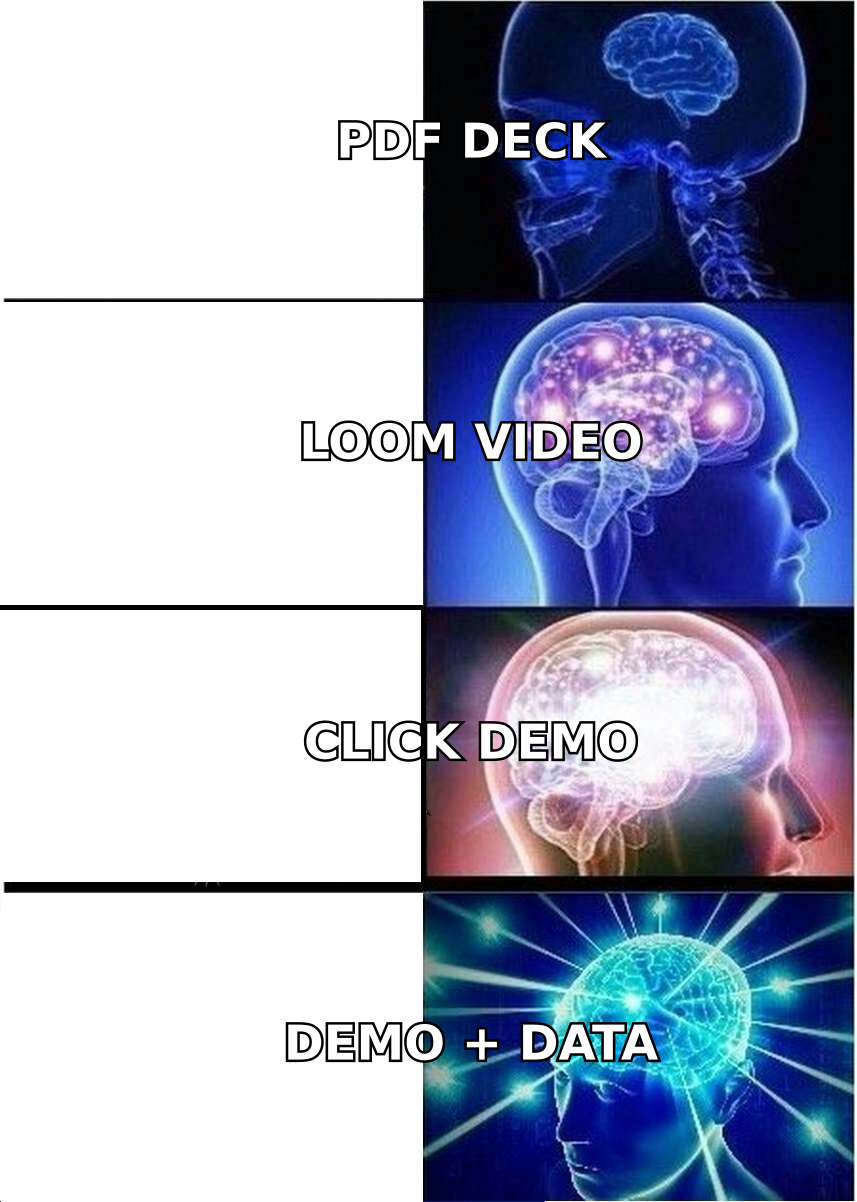
From talking to teams who have made the switch, the reasons cluster tightly:
- Branching and multi-path flows. A single linear tour works for a homepage. It fails when a CFO and a DevOps lead need to see very different things from the same product.
- CRM and marketing automation sync. Marketing wants demo engagement as a scoring signal inside HubSpot or Salesforce, not as a chart in a separate dashboard.
- Live-app cloning instead of screenshot capture. Screenshot-based demos drift out of date every time your UI ships. HTML-cloned demos update more gracefully and handle dynamic states better.
- Team scale and permissions. Five people editing demos need roles, folders, templates, and shared component libraries. Solo-friendly tools rarely have them.
- Compliance and hosting requirements. Enterprise buyers ask about SOC 2, data residency, and custom domains. Not every lightweight tool answers those questions well.
If none of those five apply to you, honestly — stay where you are. Switching demo platforms costs a week of rebuild time, and "slightly nicer editor" is not worth that.
How do interactive demo tools actually differ?#
Under the marketing language, there are only a few real architectural decisions, and they determine everything about price and capability:
- Capture method. Screenshot/DOM capture (Arcade, Supademo, Howdygo) is fast to record and cheap to host. Full HTML cloning (Navattic, Storylane) preserves interactivity and lets you edit text in the demo like it were the real app. Sandboxed environments (Walnut, Reprise, Demostack) mirror a running instance of your product and are the most faithful — and the most expensive.
- Demo type. Marketing-led (public, embedded, self-serve) versus sales-led (personalised, sent by an AE, gated behind a form) versus post-sale (onboarding and support walkthroughs). Most tools do one of these excellently and the others adequately.
- Personalisation depth. Token replacement (swap logo and company name) is table stakes. Branching by role, conditional CTAs, and per-account demo variants are not.
- Analytics granularity. Step-level drop-off, time-per-step, and identified-visitor tracking are the features that justify a jump from a $30 plan to a $500 plan.
- Integration surface. Native HubSpot/Salesforce objects, Segment events, webhooks, and an API. This is where the "cheap tool" bill quietly becomes a "we need Zapier plus an engineer" bill.
Pick the capture method first. Everything else follows from it.
What are the best Howdygo alternatives in 2026?#
Navattic — best for marketing-led growth teams#
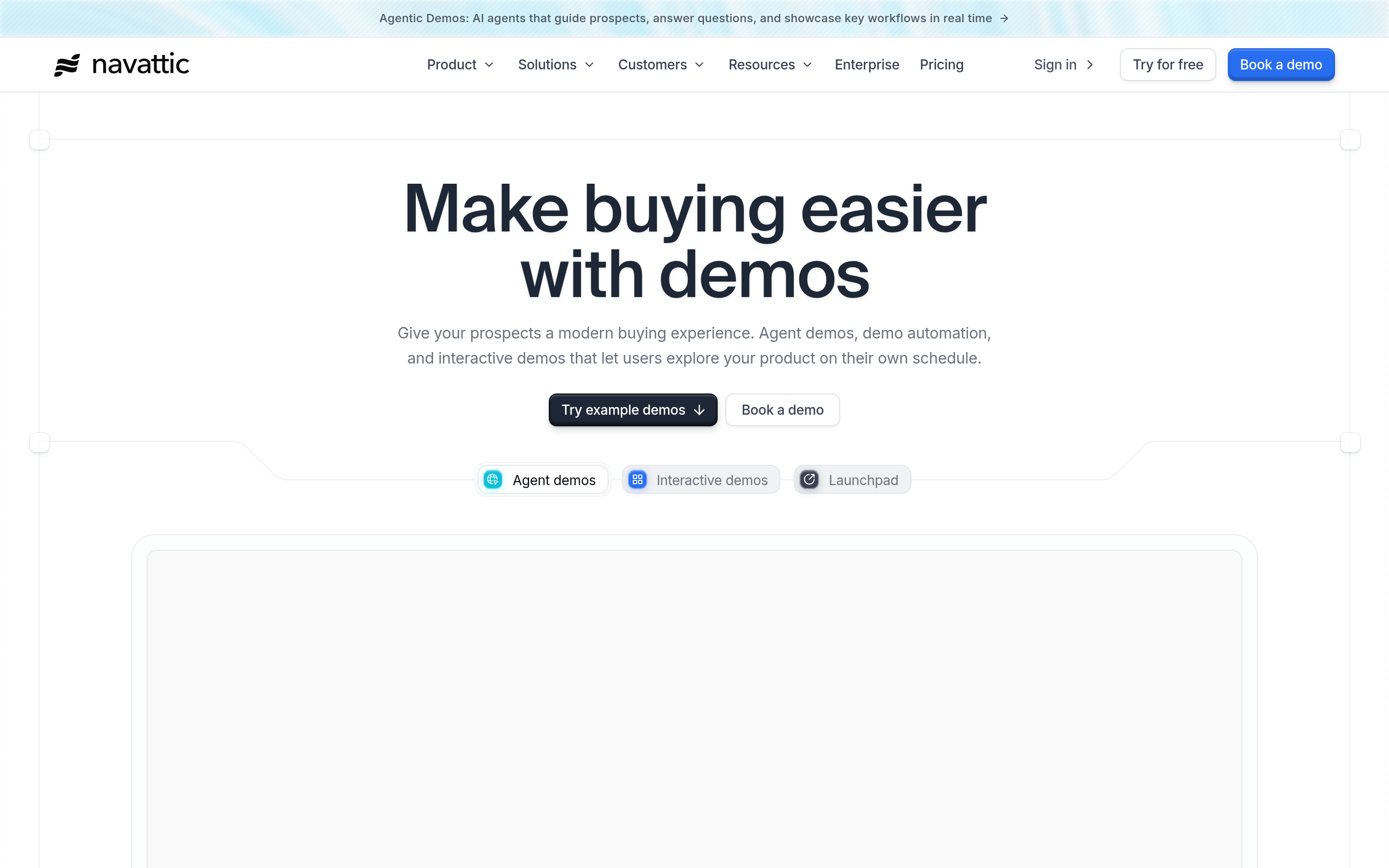
Navattic clones your app's front end, so demos feel like the real product rather than a slideshow. Its strength is the go-to-market side: conversion-focused embeds, strong CTA handling, identified-visitor tracking, and clean HubSpot/Salesforce sync. It is the default recommendation for a Series A-plus company running product-led acquisition.
Weakness: it is priced for companies with a real demand-gen budget, and the editor rewards teams who invest time in it.
Storylane — best all-rounder for mid-market#
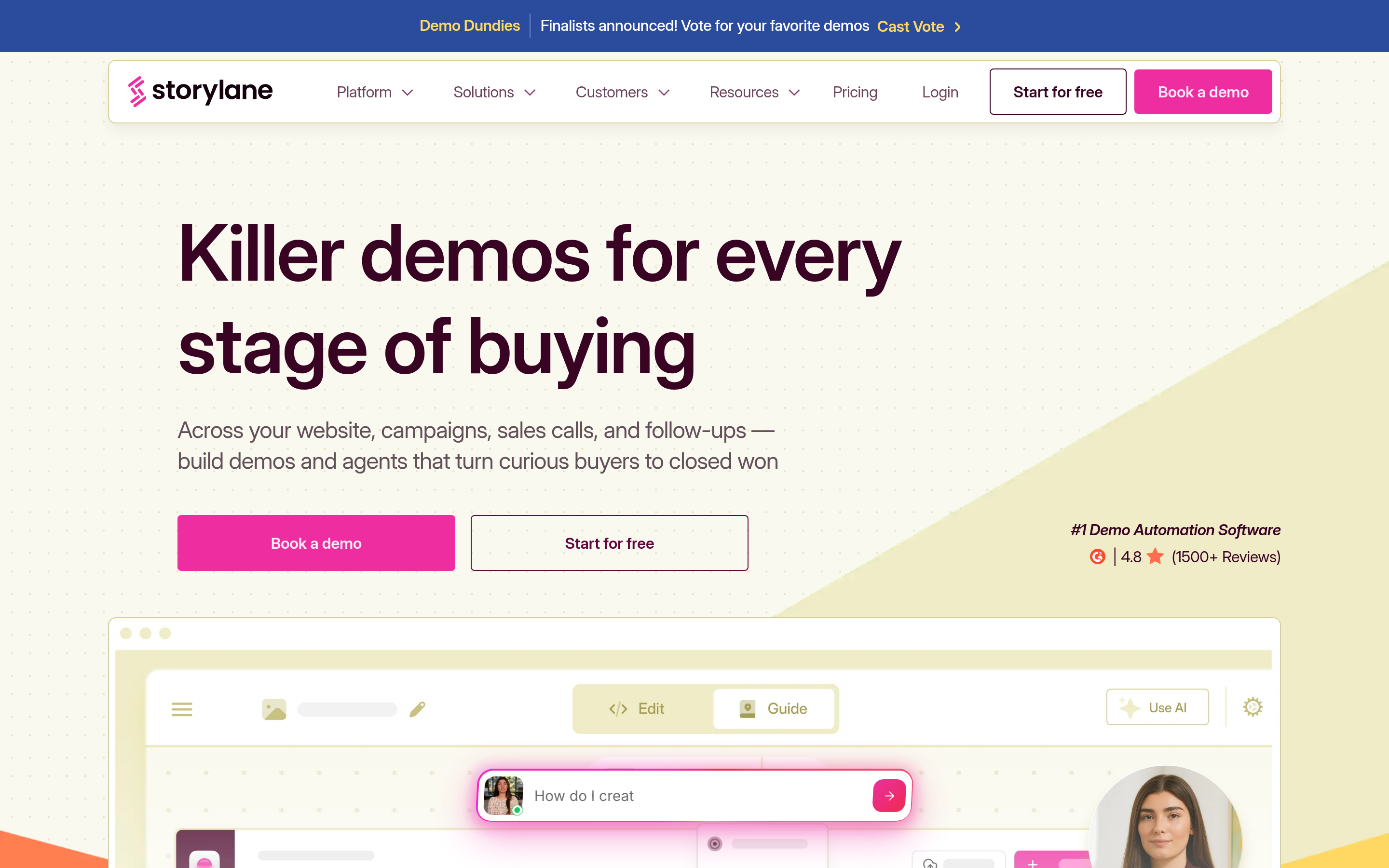
Storylane sits between the cheap tools and the enterprise platforms. It supports both screenshot and HTML capture, handles branching, and has a genuinely usable free tier for evaluation. Sales teams like the personalised-demo workflow; marketers like the embed analytics. If you want one tool that covers both marketing and sales demos without an enterprise contract, this is the first one to trial.
Arcade — best for speed and design polish#
Arcade is the tool people reach for when they want a beautiful demo in fifteen minutes. Chrome-extension capture, excellent default styling, strong sharing UX. It is very popular with product marketing and social distribution because the output looks good with almost zero effort.
Weakness: analytics and CRM depth are lighter than Navattic or Storylane, and it is less suited to long, complex, multi-branch enterprise walkthroughs.
Supademo — best budget alternative with real features#
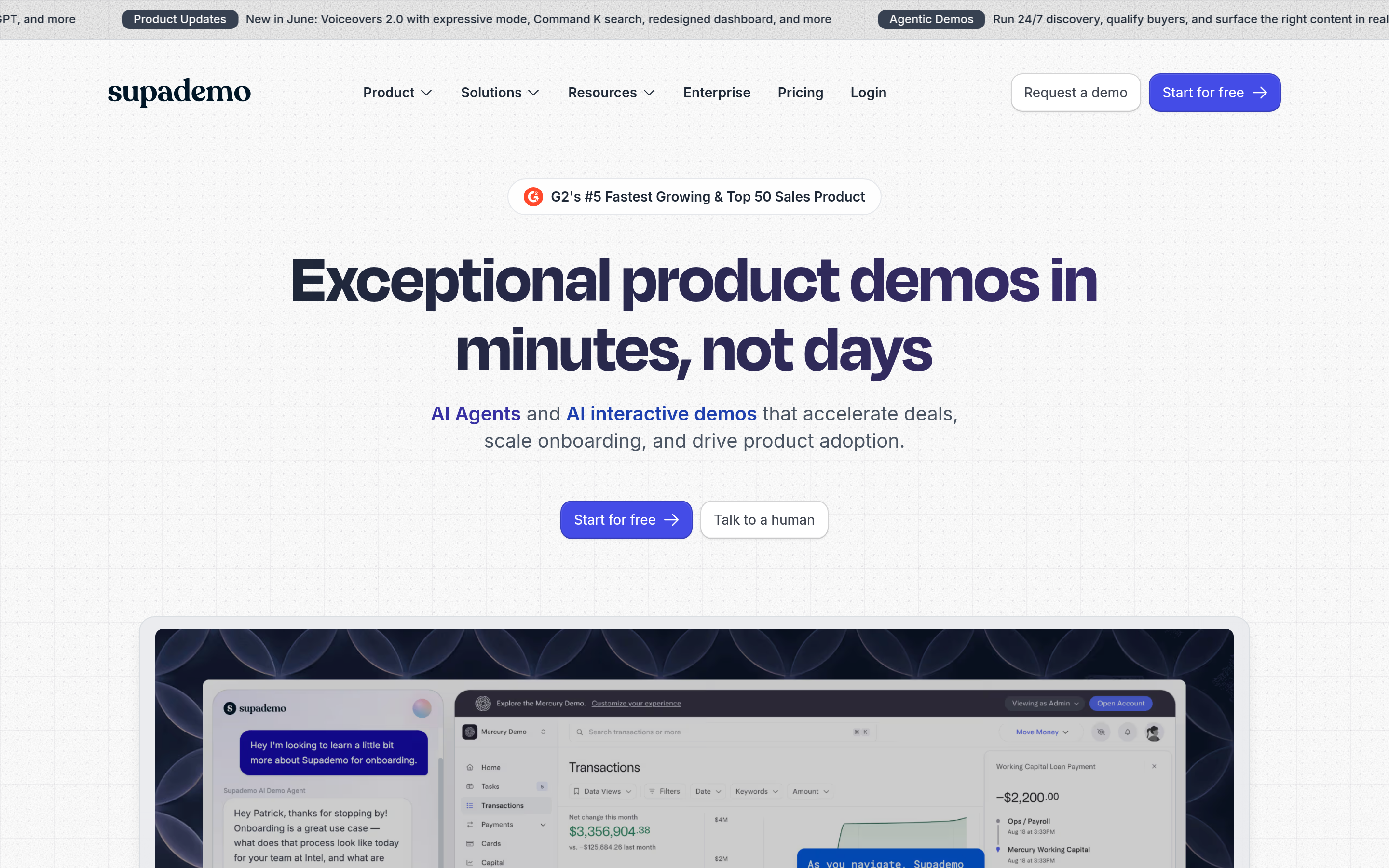
Supademo undercuts most of the category on per-editor price while still shipping AI voiceovers, multi-language demos, branching, and reasonable analytics. For a small team that has outgrown Howdygo on features but not on budget, this is the most direct upgrade path.
Walnut — best for sales-led enterprise motions#
Walnut is built for AE-delivered demos at scale: templated demo libraries, per-prospect customisation, and analytics that roll up to sales leadership. Expect a custom quote and a real onboarding process. In exchange you get governance that lightweight tools do not attempt.
Reprise — best for complex, data-heavy products#
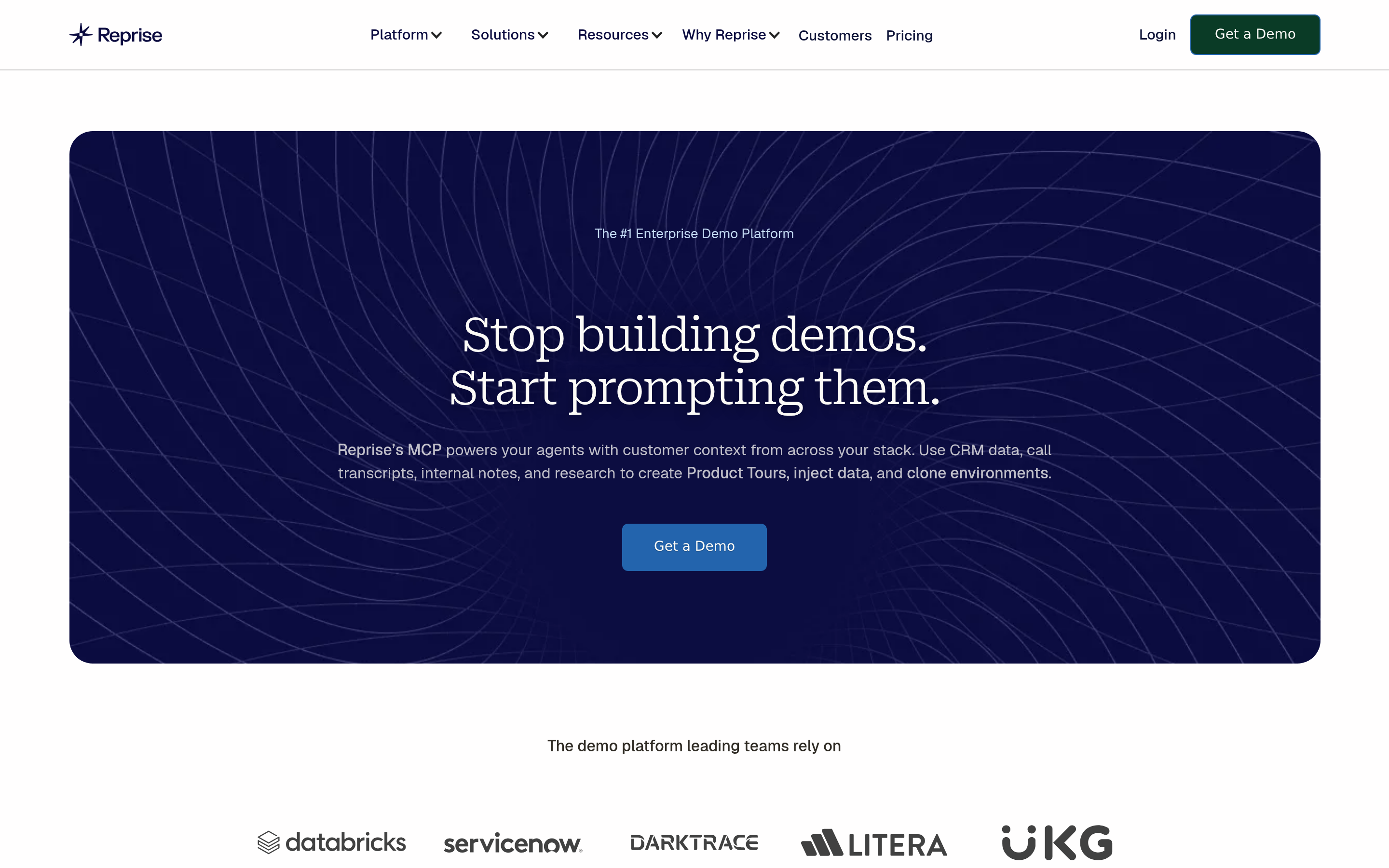
Reprise offers sandboxed replicas of your live application, including back-end state. If your product is a data platform where a static screenshot capture would look absurd, this is the category to look at. It is the heaviest lift and the highest cost.
Guideflow — best free-tier stretch#
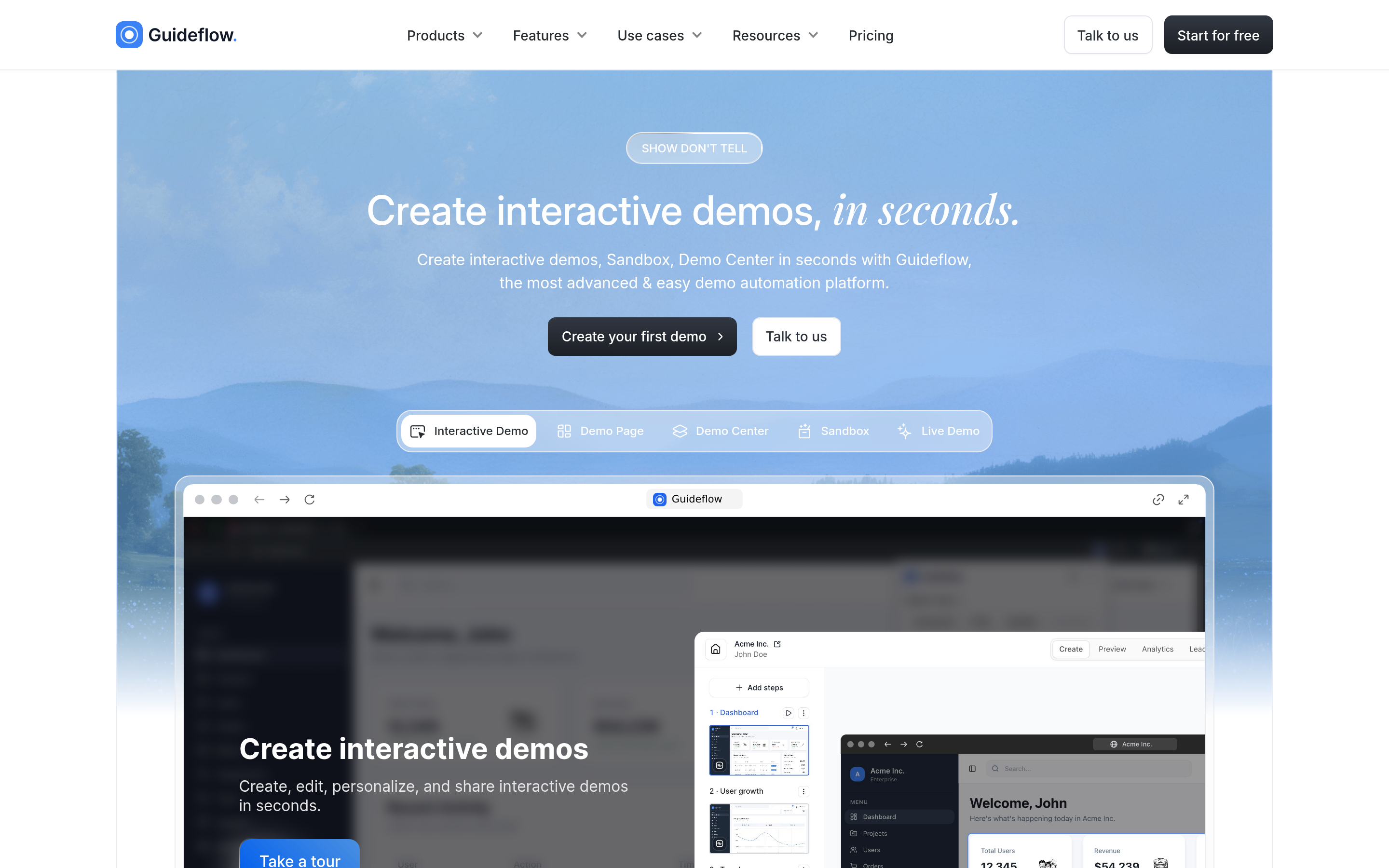
Guideflow is a straightforward interactive-demo builder with a usable free plan and affordable paid tiers. It covers embeds, basic personalisation, and analytics. It is a fair Howdygo substitute rather than an upgrade — choose it on price and interface preference.
Demostack — best for demo environments as infrastructure#
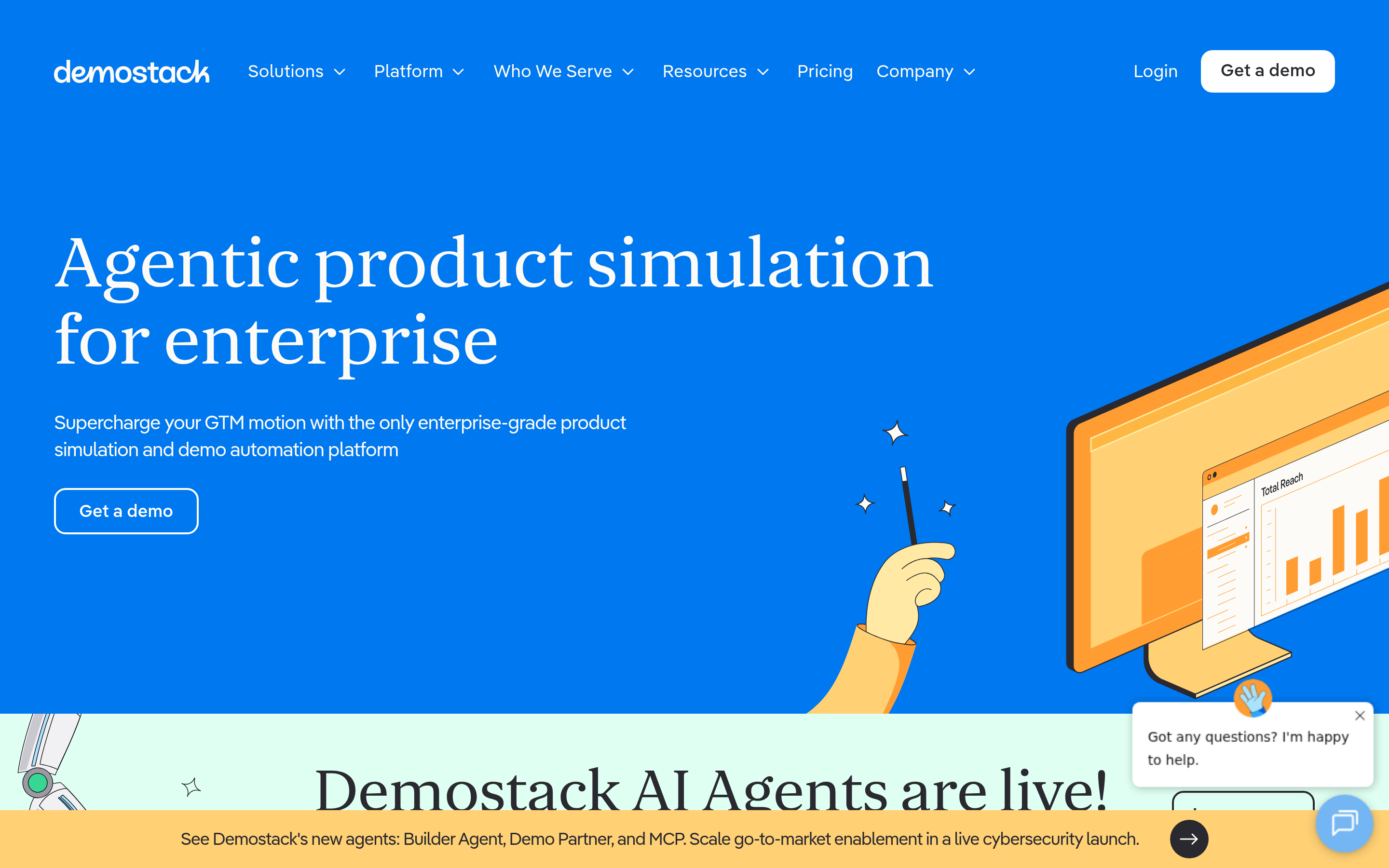
Demostack treats the demo environment as a managed asset: cloned data, resettable states, and control over what every rep can show. Enterprise-only in practice.
Consensus — best for asynchronous, buyer-led video demos#
Consensus is a different shape: interactive video demos that adapt to what the viewer says they care about, with stakeholder-tracking built in. If your problem is "our buying committee has nine people and we only ever talk to two," this solves a problem the click-demo tools do not.

How do the Howdygo alternatives compare on price and features?#
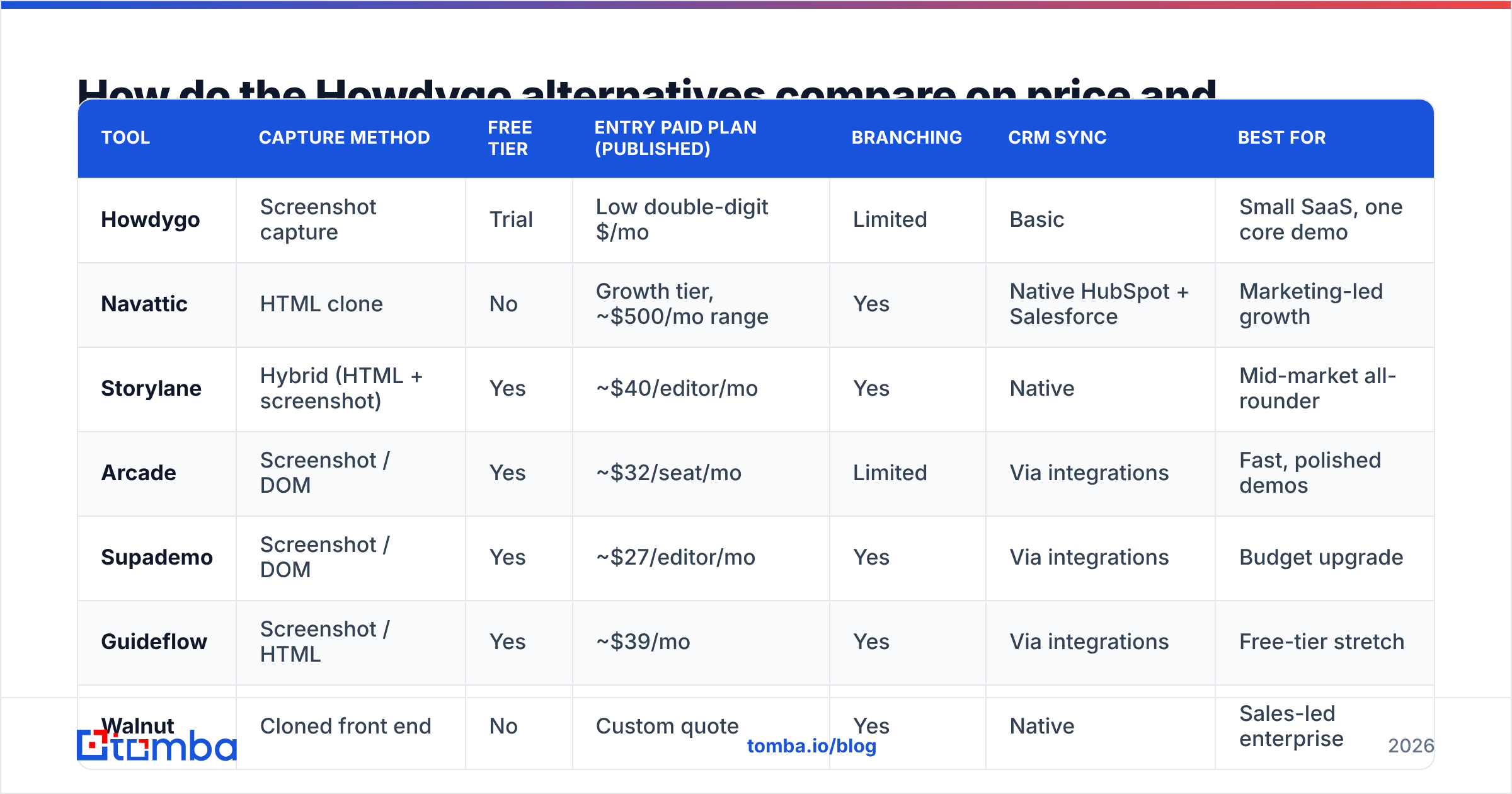
Published list pricing moves constantly in this category. The table below reflects the shape of each vendor's public pricing at the time of writing — always confirm on the vendor's own pricing page before you budget.
| Tool | Capture method | Free tier | Entry paid plan (published) | Branching | CRM sync | Best for |
|---|---|---|---|---|---|---|
| Howdygo | Screenshot capture | Trial | Low double-digit $/mo | Limited | Basic | Small SaaS, one core demo |
| Navattic | HTML clone | No | Growth tier, ~$500/mo range | Yes | Native HubSpot + Salesforce | Marketing-led growth |
| Storylane | Hybrid (HTML + screenshot) | Yes | ~$40/editor/mo | Yes | Native | Mid-market all-rounder |
| Arcade | Screenshot / DOM | Yes | ~$32/seat/mo | Limited | Via integrations | Fast, polished demos |
| Supademo | Screenshot / DOM | Yes | ~$27/editor/mo | Yes | Via integrations | Budget upgrade |
| Guideflow | Screenshot / HTML | Yes | ~$39/mo | Yes | Via integrations | Free-tier stretch |
| Walnut | Cloned front end | No | Custom quote | Yes | Native | Sales-led enterprise |
| Reprise | Sandboxed replica | No | Custom quote | Yes | Native | Complex/data products |
| Consensus | Interactive video | No | Custom quote | Yes (buyer-driven) | Native | Async buying committees |
Two things worth flagging before you compare rows literally:
Per-editor pricing hides the real number. A $30/editor plan across a six-person team is $180/mo, and that is before the annual-only tier that unlocks custom domains and step-level analytics. Model your actual seat count.
"Integration" is not one feature. Pushing a demo-completed event to a webhook is not the same as writing engagement data onto a Salesforce contact record. Ask vendors which object the data lands on. Cross-check claims on G2 reviews from companies your size rather than trusting the feature matrix alone.
Which Howdygo alternative fits your team?#
- You are pre-Series A with one product and one demo. Stay on Howdygo, or move to Supademo or Guideflow if you need branching. Do not buy an enterprise platform for a homepage embed.
- Your demo is your top-of-funnel conversion asset. Navattic or Storylane. You want identified-visitor analytics and native CRM sync, because the demo is a lead source, not a brochure.
- Your AEs send bespoke demos after discovery. Storylane at mid-market, Walnut above that. Templating and governance are the deciding features.
- Your product is genuinely complicated to fake. Reprise or Demostack. Screenshot tools will look wrong and your prospects will notice.
- Your problem is stakeholder reach, not demo quality. Consensus. Different category, different problem, better fit.
What should you check before you switch?#
Run the same five checks on every shortlisted vendor. It takes an afternoon and saves a quarter:
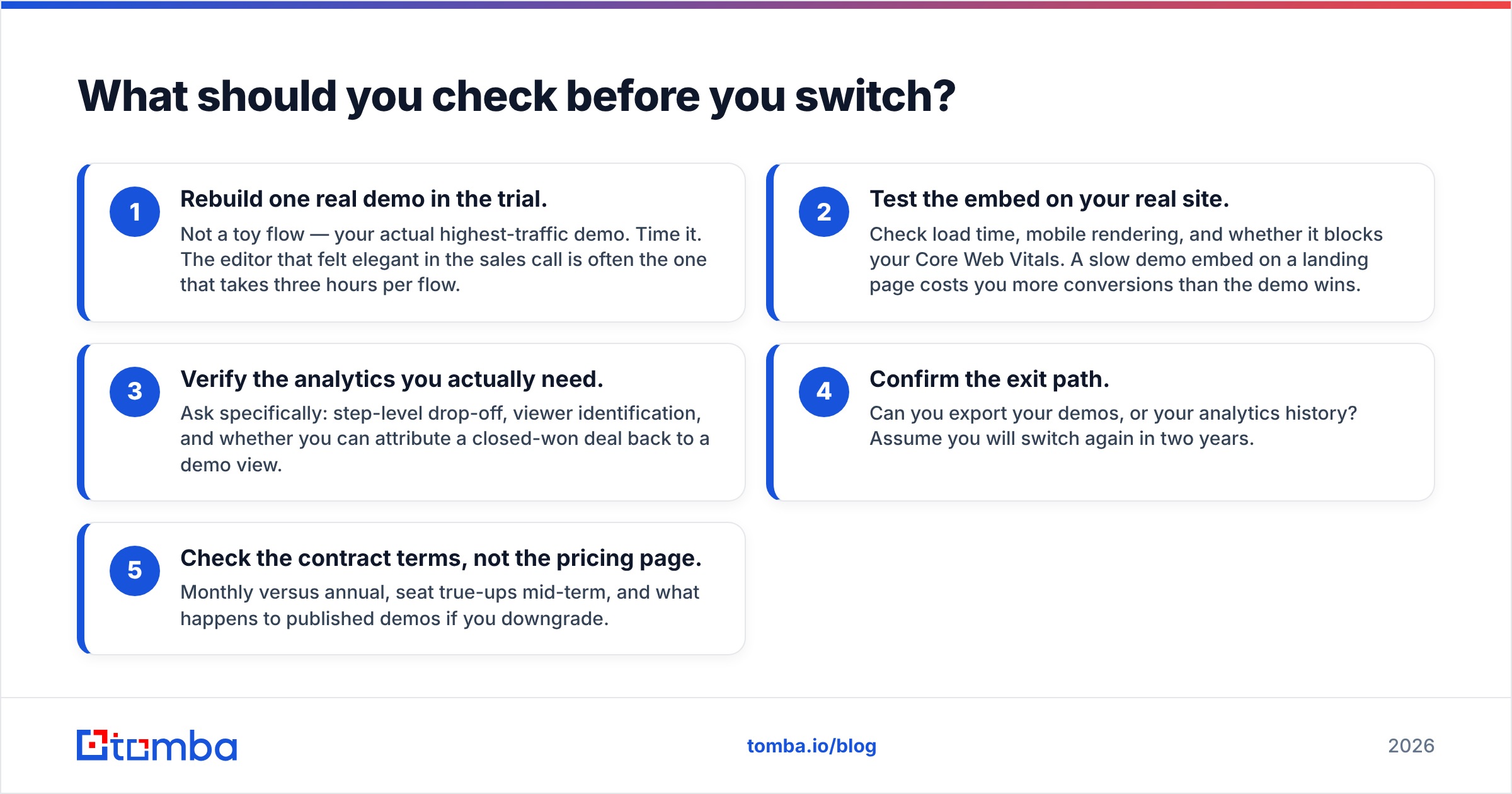
- Rebuild one real demo in the trial. Not a toy flow — your actual highest-traffic demo. Time it. The editor that felt elegant in the sales call is often the one that takes three hours per flow.
- Test the embed on your real site. Check load time, mobile rendering, and whether it blocks your Core Web Vitals. A slow demo embed on a landing page costs you more conversions than the demo wins.
- Verify the analytics you actually need. Ask specifically: step-level drop-off, viewer identification, and whether you can attribute a closed-won deal back to a demo view.
- Confirm the exit path. Can you export your demos, or your analytics history? Assume you will switch again in two years.
- Check the contract terms, not the pricing page. Monthly versus annual, seat true-ups mid-term, and what happens to published demos if you downgrade.
How does demo tooling fit into the rest of your outbound stack?#
A demo tool is a conversion asset, not a pipeline generator. It improves what happens after someone lands on your page or opens your email. It does nothing about whether the right people got there.
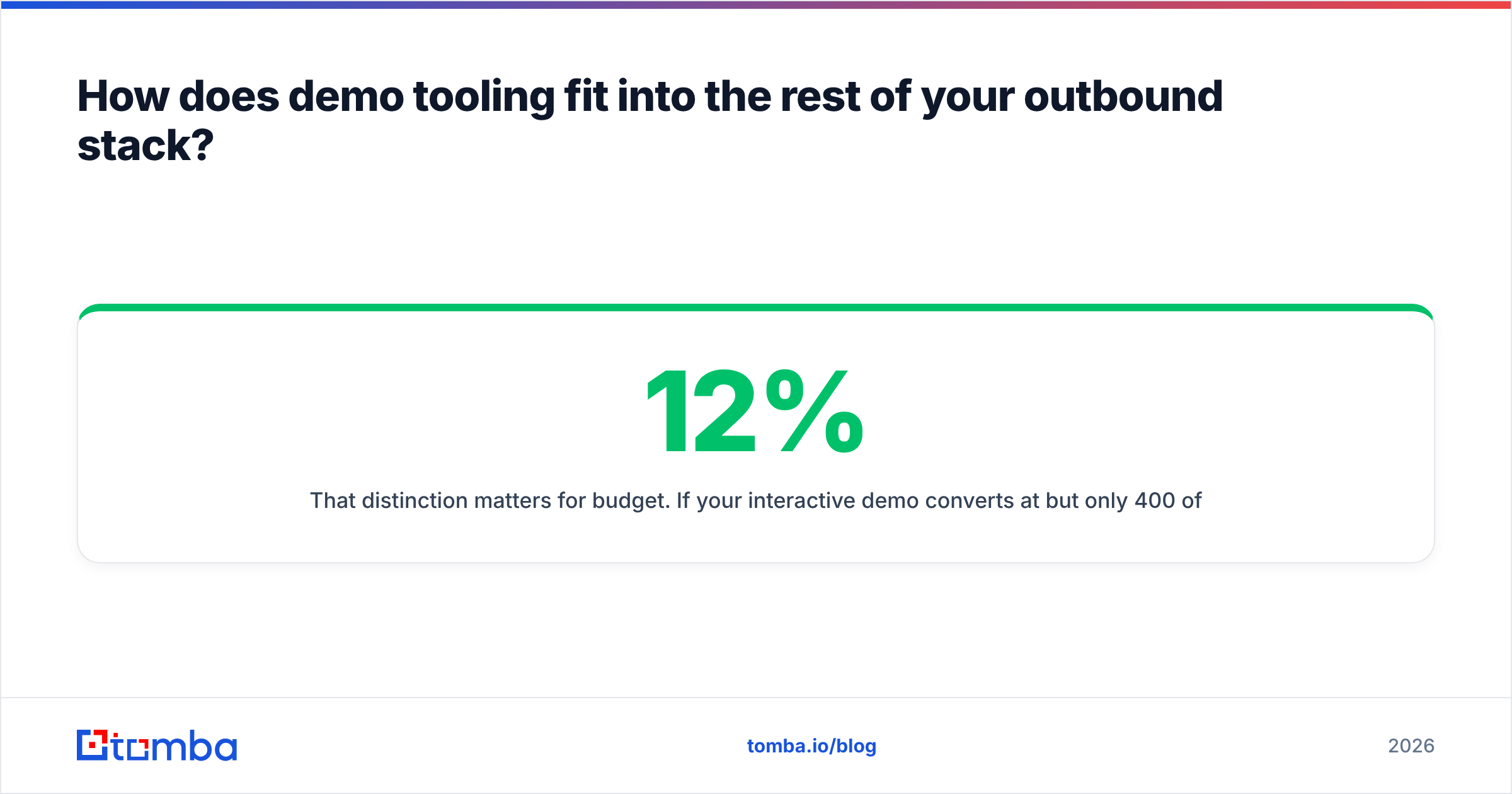
That distinction matters for budget. If your interactive demo converts at 12% but only 400 of the right people see it a month, the constraint is distribution, not tooling. Teams routinely spend $500/mo upgrading a demo platform while running outbound off a stale contact list with a 30% bounce rate — which torches sender reputation and guarantees the demo link never gets seen at all.
The healthier sequence is: build a clean target list, verify it, then point qualified traffic at your best demo. Use domain search to map every relevant contact at an account you already know you want, then run the list through an email verifier before a single demo link goes out. Compare that cost against your demo platform quote — for most teams, list quality moves the response rate further than editor polish does.
Also worth doing once per quarter: audit which demo variant your highest-intent segments actually complete, and rebuild your outbound messaging around what they lingered on. That feedback loop is more valuable than any single feature on the comparison table above.
Are cheaper Howdygo alternatives good enough?#
For most teams under about 20 people, yes. Supademo, Arcade, and Guideflow will cover a public product tour, a handful of feature-specific demos, and basic engagement analytics for a fraction of an enterprise contract. The honest upgrade triggers are narrow: you need branching by persona, you need demo data in your CRM as a scoring input, or your product is too dynamic for screenshot capture.
Buy for the constraint you have this quarter, not the one you imagine having in 2028. Interactive demo tools are easy to migrate between compared to a CRM or a marketing automation platform, and the category is competitive enough that prices keep moving in the buyer's favour.
Where should you start?#
Trial two tools, not six. Take one from the budget tier (Supademo or Arcade) and one from the growth tier (Storylane or Navattic), rebuild your single most important demo in both, and measure completion rate on live traffic for two weeks. That test tells you more than any comparison table — including this one.
Then fix the other half of the equation. A great demo shown to the wrong inbox is wasted spend. Tomba Email Finder finds verified professional email addresses by name, company, or domain, so the demo you just spent a week building lands with people who can actually buy. Start free with 25 searches a month, or check Tomba pricing — plans begin at $49/mo for Starter, with Growth at $99/mo when your outbound volume grows past the demo you are optimising today.
Related guides#
Ready to find emails that actually work?
Join 150,000+ professionals who stopped guessing and started sending. Free credits on signup — no credit card required.
Get the Tomba newsletter
Practical outbound tactics and product updates — once every two weeks.
About the author