9 Best HubSpot Alternatives in 2026 for Sales and Marketing
HubSpot is excellent software with a punishing renewal curve. Here are nine HubSpot alternatives compared on real pricing, CRM depth, onboarding fees, and the migration traps nobody warns you about.
TL;DR
- HubSpot is not bad software. It is expensive software that gets dramatically more expensive at exactly the moment you can't leave — seat expansion, marketing-contact tiers, and mandatory onboarding fees on Professional and Enterprise.
- If you want a sales CRM, the strongest HubSpot alternatives are Pipedrive, Close, Attio, and Zoho CRM. If you want marketing automation, look at ActiveCampaign, Brevo, and EngageBay.
- The cheapest switch is rarely the cheapest tool. Migration cost is data cleanup, workflow rebuild, and reporting parity — budget two to six weeks.
- Almost every alternative is thinner on contact data than HubSpot's built-in enrichment. Pair whatever CRM you pick with a dedicated data layer so you don't trade a billing problem for a pipeline problem.
- Nobody should switch because of a blog post. Switch because you can name the three HubSpot features you pay for and never use.
Why are people looking for HubSpot alternatives in 2026?#
Because of the renewal email. That is the honest answer, and it shows up in almost every G2 review thread and Reddit migration post you'll find.
HubSpot's free CRM is genuinely one of the best onboarding funnels ever built in B2B software. You start free, you add a Starter seat or two, marketing adds a landing page, someone turns on sequences, and eighteen months later you're on Marketing Hub Professional with 40,000 marketing contacts, six sales seats, and a five-figure annual bill you can't defend to finance.
The complaints cluster into five patterns:
- Price escalation is non-linear. Going from Starter to Professional is not a 2x jump. On the marketing side it's roughly a 10x jump, and it's the tier where most useful automation lives.
- Onboarding fees are mandatory, not optional. Professional and Enterprise tiers carry one-time onboarding charges that land on the first invoice.
- Marketing contacts are billed, not just stored. Your bill grows with your list even when your revenue doesn't.
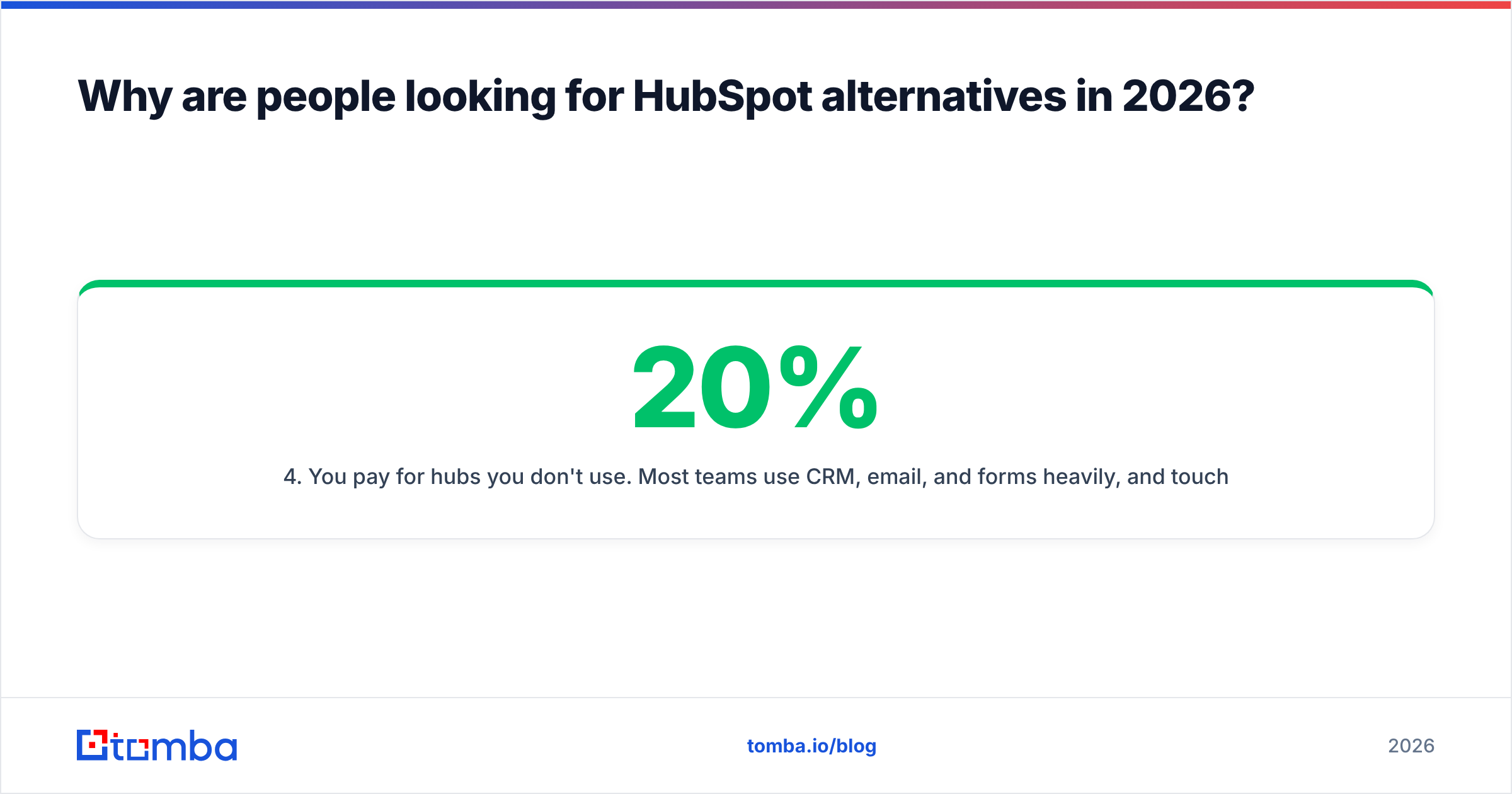
- You pay for hubs you don't use. Most teams use CRM, email, and forms heavily, and touch maybe 20% of what they're licensed for.
- Reporting still needs Operations Hub. The custom reporting people expect to have at Professional often sits behind another add-on.
None of that makes HubSpot a bad product. It makes it a bad fit for a specific and very common company shape: 5–50 people, sales-led, one marketer, tight cash.
What does HubSpot actually cost once you're past the free tier?#
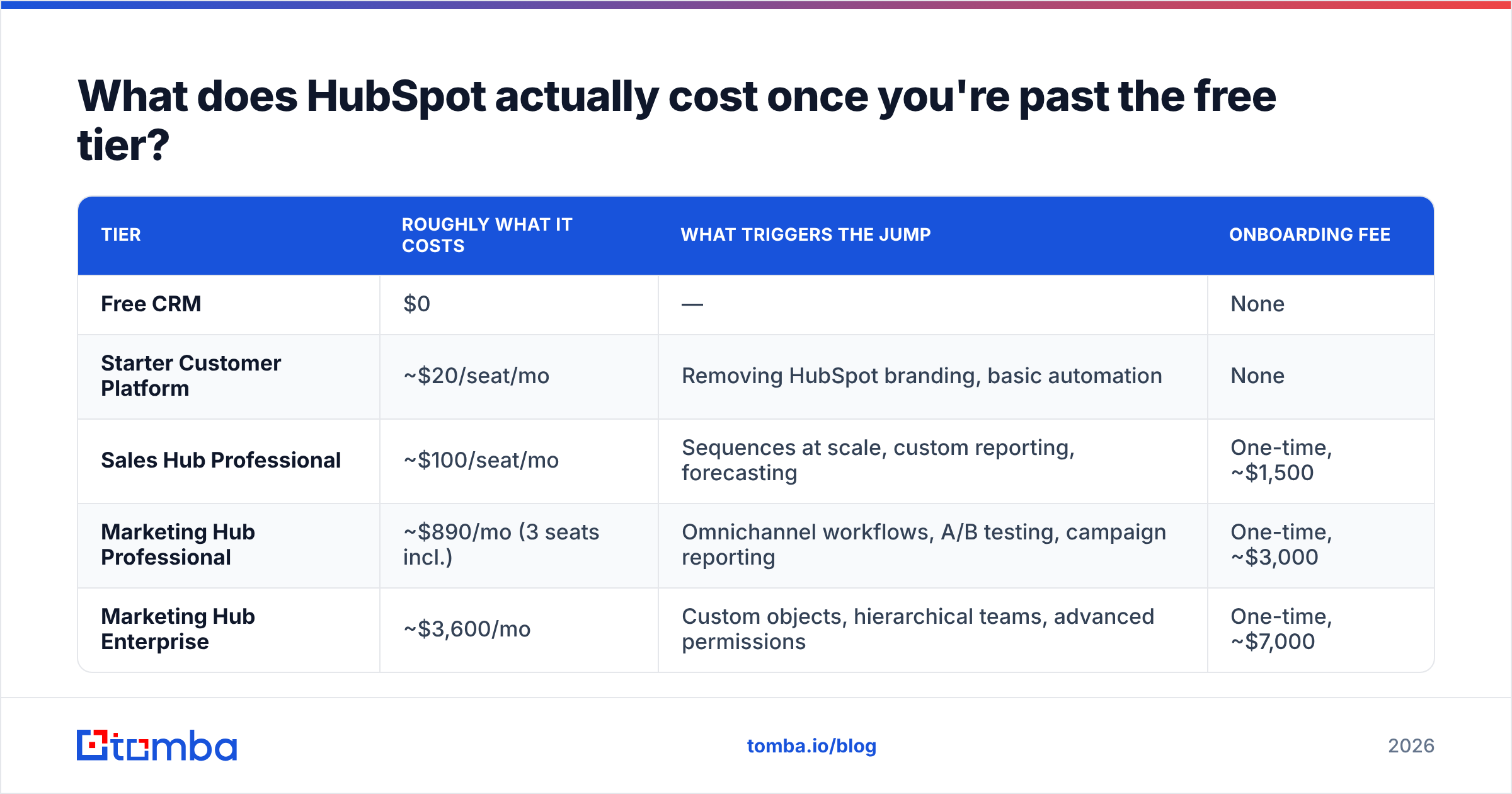
Here's the shape of the pricing curve as published at the time of writing. Always verify against HubSpot's own pricing page before you budget — the tiers get renamed regularly.
| Tier | Roughly what it costs | What triggers the jump | Onboarding fee |
|---|---|---|---|
| Free CRM | $0 | — | None |
| Starter Customer Platform | ~$20/seat/mo | Removing HubSpot branding, basic automation | None |
| Sales Hub Professional | ~$100/seat/mo | Sequences at scale, custom reporting, forecasting | One-time, ~$1,500 |
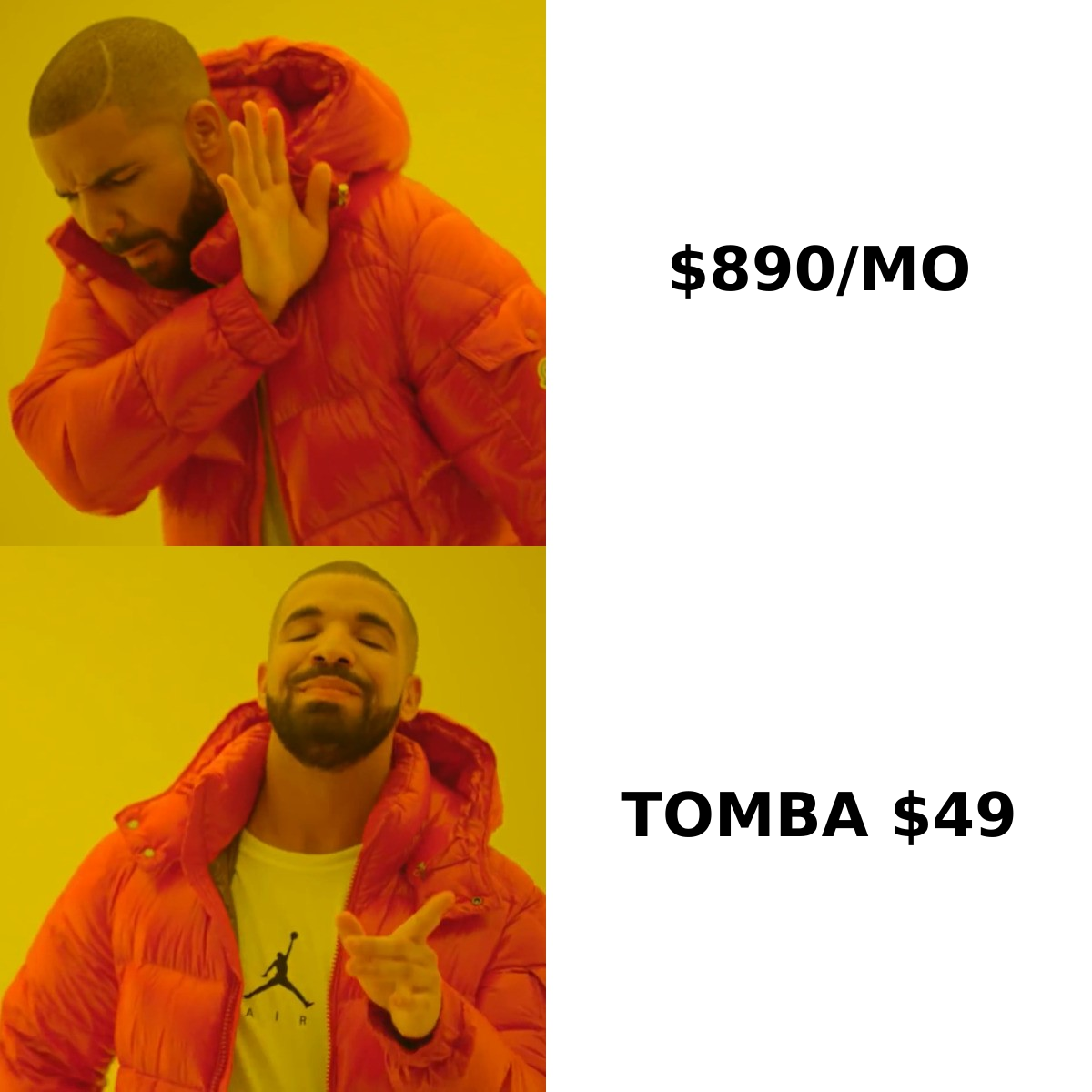
| Marketing Hub Professional | ~$890/mo (3 seats incl.) | Omnichannel workflows, A/B testing, campaign reporting | One-time, ~$3,000 |
| Marketing Hub Enterprise | ~$3,600/mo | Custom objects, hierarchical teams, advanced permissions | One-time, ~$7,000 |
The number that surprises people is the third row. A six-person sales team on Sales Hub Professional is around $600/month before a single marketing feature. Add Marketing Hub Professional and you're near $1,500/month plus $4,500 of one-time fees in year one.
For companies with $2M+ ARR and a real marketing function, that math often still works. For a 12-person company running outbound, it usually doesn't.
What should you actually compare when choosing a HubSpot alternative?#
Feature checklists lie. These five criteria predict switching regret far better:
- Seat model vs. contact model. Sales CRMs (Pipedrive, Close, Attio) charge per seat — cost scales with headcount. Marketing platforms (ActiveCampaign, Brevo) charge per contact — cost scales with list size. Pick the axis you control.
- Workflow depth at the tier you'll actually buy. Everyone has automation on the pricing page. Ask specifically: branching logic, time delays, and record updates — at the entry tier, not the top one.
- Reporting parity. This is where migrations die. Write down the five reports your leadership looks at weekly and confirm each one is reproducible before you sign anything.
- Native data enrichment. HubSpot auto-fills company data. Most alternatives don't, or do it badly. If you skip this, your reps go back to manually googling companies.
- Exit cost. Can you export every object — contacts, deals, notes, activities, custom fields — as CSV without a support ticket? If the answer is fuzzy, that's your next migration nightmare.
Read real reviews with those five criteria in hand. G2's CRM category is useful precisely because you can filter by company size — a 500-person review of a tool is irrelevant to a 15-person team.
What are the 9 best HubSpot alternatives?#
| Tool | Best for | Entry price (approx.) | Free tier | Biggest trade-off |
|---|---|---|---|---|
| Pipedrive | Pipeline-first sales teams | ~$24/seat/mo | No (14-day trial) | Marketing automation is an add-on |
| Zoho CRM | Budget-conscious full suite | ~$14/user/mo | Yes (3 users) | UI feels dated; setup is deep |
| Close | High-volume outbound + calling | ~$29/seat/mo | No (trial) | Not a marketing platform at all |
| Attio | Modern, data-heavy GTM teams | ~$29/seat/mo | Yes | Young ecosystem, fewer integrations |
| Salesforce Starter Suite | Teams that will scale into enterprise | ~$25/user/mo | No | Cost curve is steeper than HubSpot's later |
| Freshsales | AI-assisted sales at low cost | ~$11/user/mo | Limited | Support quality varies by region |
| ActiveCampaign | Marketing automation replacement | ~$15/mo (contact-based) | No (trial) | CRM is functional, not great |
| Brevo | Email + SMS on a tight budget | ~$9/mo | Yes (300 emails/day) | Lightweight CRM, basic reporting |
| EngageBay | All-in-one HubSpot clone, cheaper | ~$13/user/mo | Yes | Fewer integrations; rougher edges |
Prices reflect publicly listed annual-billing rates at the time of writing. Verify before purchase.
Pipedrive — the default HubSpot alternative for sales-led teams#
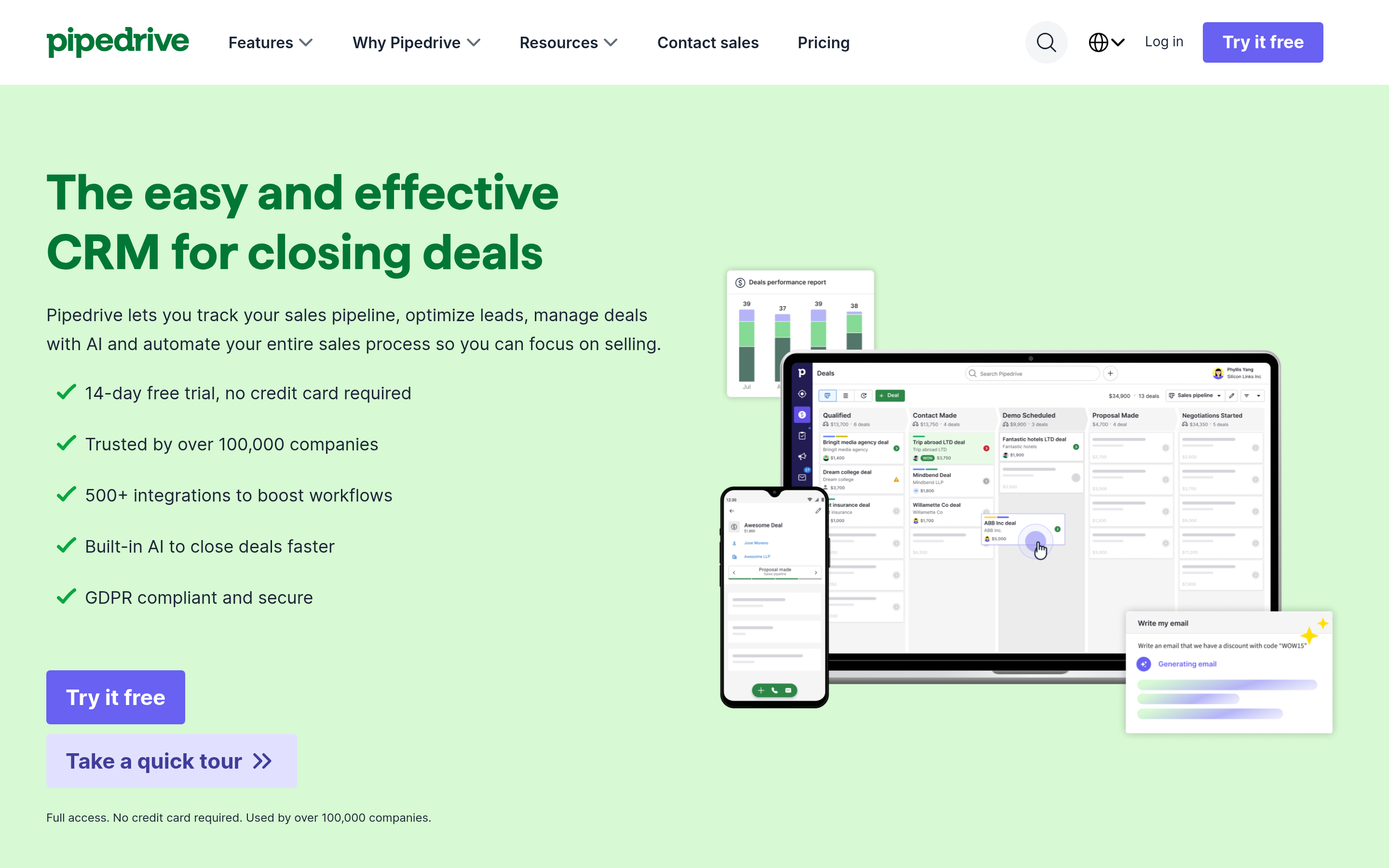
Pipedrive does one thing extremely well: it makes a pipeline legible. Drag deals across stages, see rotting deals highlighted, forecast off weighted values. Reps adopt it in a day, which is not something you can say about most CRMs.
Where it falls short of HubSpot is marketing. Campaigns is a paid add-on, and it's a competent email tool, not a marketing automation platform. If your "marketing" is a monthly newsletter and some cold sequences, that's fine. If you run nurture programs with lifecycle scoring, it isn't.
Pick it if: you're 3–30 reps, sales-led, and you want the team to actually log activity.
Zoho CRM — the value play#
Zoho's Professional tier costs roughly a quarter of HubSpot Sales Hub Professional and does most of the same jobs: workflow rules, blueprints, custom modules, decent forecasting. If you're already in the Zoho ecosystem (Books, Desk, Campaigns), the bundle economics get absurd in your favor.
The cost is time. Zoho rewards configuration effort. Handed to a team with no admin, it becomes a database nobody trusts.
Pick it if: you have someone who enjoys building systems and a mandate to cut software spend.
Close — for teams that live on the phone#
Close is built around the activity, not the record. Calling, SMS, and email sequences are native, and the reporting is oriented toward "how many touches produced how many opportunities." For an SDR-heavy outbound motion, it beats HubSpot on ergonomics.
It is not trying to be a marketing platform, and it doesn't pretend to be. That clarity is the feature.
Pick it if: cold calling and multi-touch sequences are the core of your motion. Pair it with a phone finder so your dialer isn't chewing through dead numbers.
Attio — the modern data-native CRM#
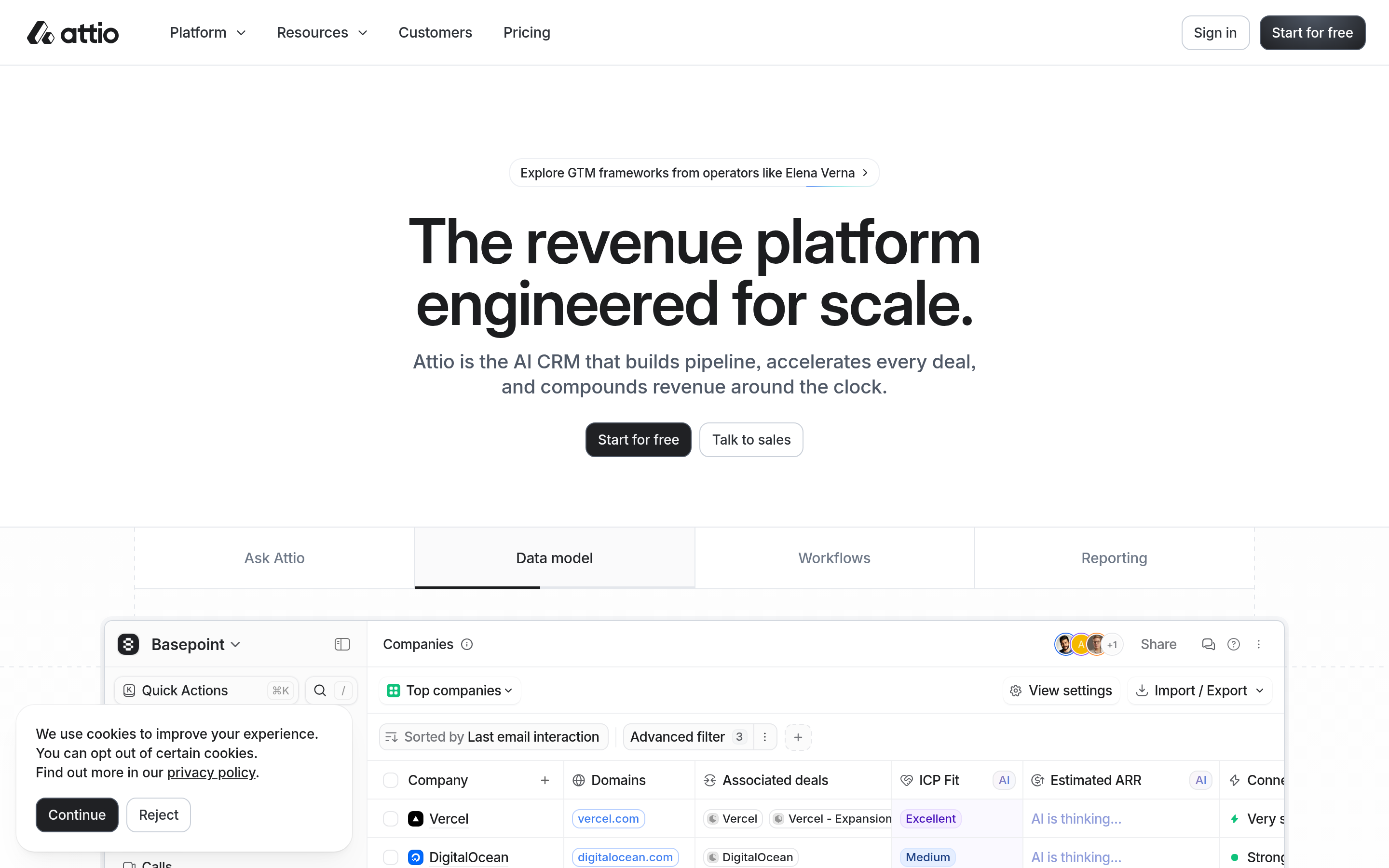
Attio treats your CRM like a flexible database with a good UI on top. Custom objects at every tier, real-time collaboration, and relationship intelligence that pulls from your email and calendar. It feels like software built in 2024, not 2011.
The trade-off is maturity. The integration catalog is thinner than HubSpot's, and if your ops team needs an obscure connector, check first.
Pick it if: you're a technical GTM team that finds traditional CRMs constraining.
Salesforce Starter Suite — the "we'll grow into it" option#
Starter Suite gets you into the Salesforce ecosystem at around $25/user/month, which is genuinely competitive. The argument for it is trajectory: if you're confident you'll be 200 people in three years, starting on Salesforce avoids a second migration.
The counter-argument is that Salesforce's cost curve past Starter is steeper than HubSpot's, and its admin burden is heavier. You're pre-paying pain for optionality you may never use.
Freshsales, ActiveCampaign, Brevo, and EngageBay — the specialists#
- Freshsales delivers AI lead scoring and built-in phone at prices that undercut nearly everyone. Good for cost-sensitive inside sales teams.
- ActiveCampaign is the closest true replacement for Marketing Hub. Its automation builder is arguably better than HubSpot's, and it's dramatically cheaper at comparable contact volumes. The bundled CRM is adequate rather than good — many teams run ActiveCampaign plus Pipedrive.
- Brevo wins on raw cost, especially if you need transactional email and SMS in the same account. Reporting is basic. Fine for early-stage.
- EngageBay is the most literal HubSpot substitute on this list — marketing, sales, and service in one cheap suite. Fewer integrations and rougher edges, but the feature map genuinely matches.
Which HubSpot alternative fits your specific situation?#
- Solo founder doing outbound: Attio free tier or Zoho free, plus a dedicated email finder. Don't pay for a CRM until you have deals to lose track of.
- 3–15 person sales team, no marketing: Pipedrive or Close. Skip the all-in-one suites entirely.
- Marketing-led with a big list: ActiveCampaign or Brevo. The contact-based pricing will save you thousands versus HubSpot marketing contacts.
- You genuinely need all-in-one and can't afford HubSpot: EngageBay or Zoho One.
- You need HubSpot but not at Professional: stay on Starter and add point solutions. This is underrated and often the correct answer.
Do you still need a separate data layer after switching?#
Yes — and this is the part most switching guides skip.
One quiet thing HubSpot does is fill in gaps. Company records auto-populate, contacts get associated, domains get matched. Move to Pipedrive or Close and that stops. Your CRM becomes exactly as good as the data you put into it, which for most teams means a rep pasting a LinkedIn URL and guessing at an email format.
That gap is filled by a dedicated data stack rather than the CRM itself:
- Finding contacts: an email finder that resolves a name and domain into a verified professional address, or a domain search when you want everyone at a target account.
- Keeping the list clean: an email verifier run before every send. Bounce rate is the single fastest way to destroy sender reputation on a new domain.
- Enriching records: contact enrichment that appends title, company size, and social profiles to rows your CRM imported half-empty.
- Buying lists when you need volume fast: vendors like BookYourData offer prepaid, verified B2B lists — a reasonable option when you want a bounded one-time spend rather than a subscription.
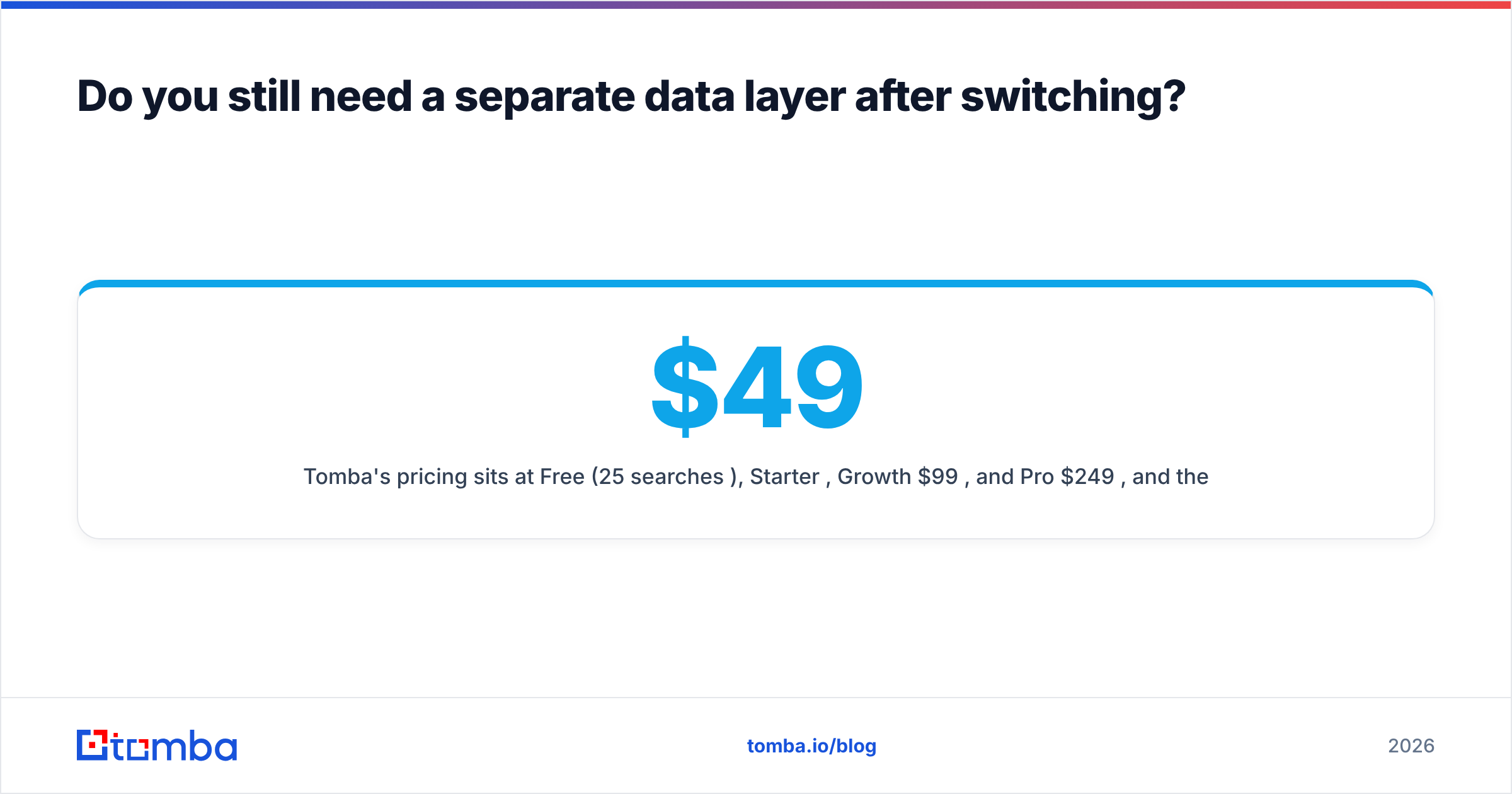
Tomba's pricing sits at Free (25 searches/month), Starter $49/month, Growth $99/month, and Pro $249/month, and there's a HubSpot integration if you decide to stay on HubSpot for CRM while cutting elsewhere. Full Tomba pricing is public — no sales call required.
How do you migrate off HubSpot without breaking your pipeline?#
Run it as a project, not a weekend:
- Export everything first, twice. Contacts, companies, deals, notes, activities, and custom properties as separate CSVs. Do this while your subscription is still active — access to historical data ends when the contract does.
- Audit before you import. Deduplicate, standardize country and industry fields, and drop contacts that haven't engaged in 24 months. Migrating garbage costs you money in the new system too.
- Rebuild the five reports leadership reads. If you can't reproduce them in a trial account, you have not validated the tool.
- Run parallel for two weeks. Both systems live, reps logging in the new one, old one read-only. Painful, and it catches everything.
- Cancel deliberately. Check your renewal date and notice period — annual HubSpot contracts commonly require advance written notice, and missing it costs you another full year.
Word of warning on step 2: verify contact data after import, not before. Lists that sat in a CRM for two years decay at roughly 25–30% annually as people change jobs. Importing them into a fresh sending domain without a verification pass is how new domains get blacklisted in week one.
Ready to make the switch stick?#
Pick the CRM that matches your motion — Pipedrive for pipeline, Close for calling, ActiveCampaign for marketing, Zoho for budget — then fix the thing the CRM won't fix for you: the data going into it.
Start with the Tomba Email Finder. Free tier gives you 25 searches a month to test accuracy against your own known contacts before you spend anything, and the $49/month Starter plan covers most small outbound teams comfortably. Whatever you replace HubSpot with, verified contact data is the part that decides whether the new system is a fresh start or the same mess in a cheaper wrapper.
Related guides#
// get started
Find, verify and enrich your first contacts today
Start on the free plan with 25 searches a month, then scale when your team is ready.
Free plan · No credit card required · GDPR & CCPA
// about the author