Hunter vs Reoon (2026): Email Finder and Verifier Compared
Hunter finds emails. Reoon verifies them cheaply. They are not the same product, and picking the wrong one costs you either bounces or budget. Here is the honest 2026 breakdown.
TL;DR
- Hunter and Reoon are not competitors in the way most comparison posts pretend. Hunter is primarily a finder (give it a domain or a name, get an email). Reoon is primarily a verifier (give it an email, get a deliverability verdict).
- If you already have a list and want the cheapest credible cleaning pass, Reoon usually wins on cost per email by a wide margin.
- If you need to build the list in the first place, Reoon can't do that job and Hunter can — but Hunter's verification is bundled at a price that only makes sense if you're already paying for the finder.
- Catch-all domains are where both tools get separated from the pack. Reoon's paid "power" mode makes a real attempt; Hunter tends to return "accept-all" and leave you to decide.
- The pragmatic 2026 answer for most outbound teams is one platform that does both, priced per credit rather than per seat. That's the argument for consolidating on a tool like Tomba at $49/mo instead of stacking two subscriptions.
What are Hunter and Reoon, exactly?#
Hunter launched in 2015 and became the default answer to "how do I find someone's work email." Its core assets are a crawled index of publicly-published email addresses, a domain-pattern engine (it learns that Acme uses first.last@), and a light CRM layer called Leads plus a basic sending tool called Campaigns. Verification exists in Hunter, but it's a supporting act.
Reoon came at the problem from the opposite end. It's an email verification service built around bulk list hygiene: upload a CSV of 50,000 addresses, get back deliverable/undeliverable/risky classifications, pay by the credit. It also ships a lighter set of adjacent utilities, but nobody buys Reoon to discover new contacts.
That distinction matters more than any feature table, so hold onto it: Hunter answers "who works there and what's their email?" Reoon answers "will this email bounce?" A lot of buyers only realize they asked the wrong question after the invoice clears.
The overlap that creates the "hunter vs reoon" search in the first place is that Hunter does verify and Reoon does offer some lookup-adjacent features. So the real comparison is: is Hunter's bundled verification good enough that you don't need Reoon, or is Reoon's verification good enough (and cheap enough) that you should pair it with a cheaper finder?

How do Hunter and Reoon compare feature by feature?#
Here's the head-to-head on the attributes that actually change your workflow. Prices are as advertised at the time of writing and move around — always confirm on the vendor's own pricing page before you buy.
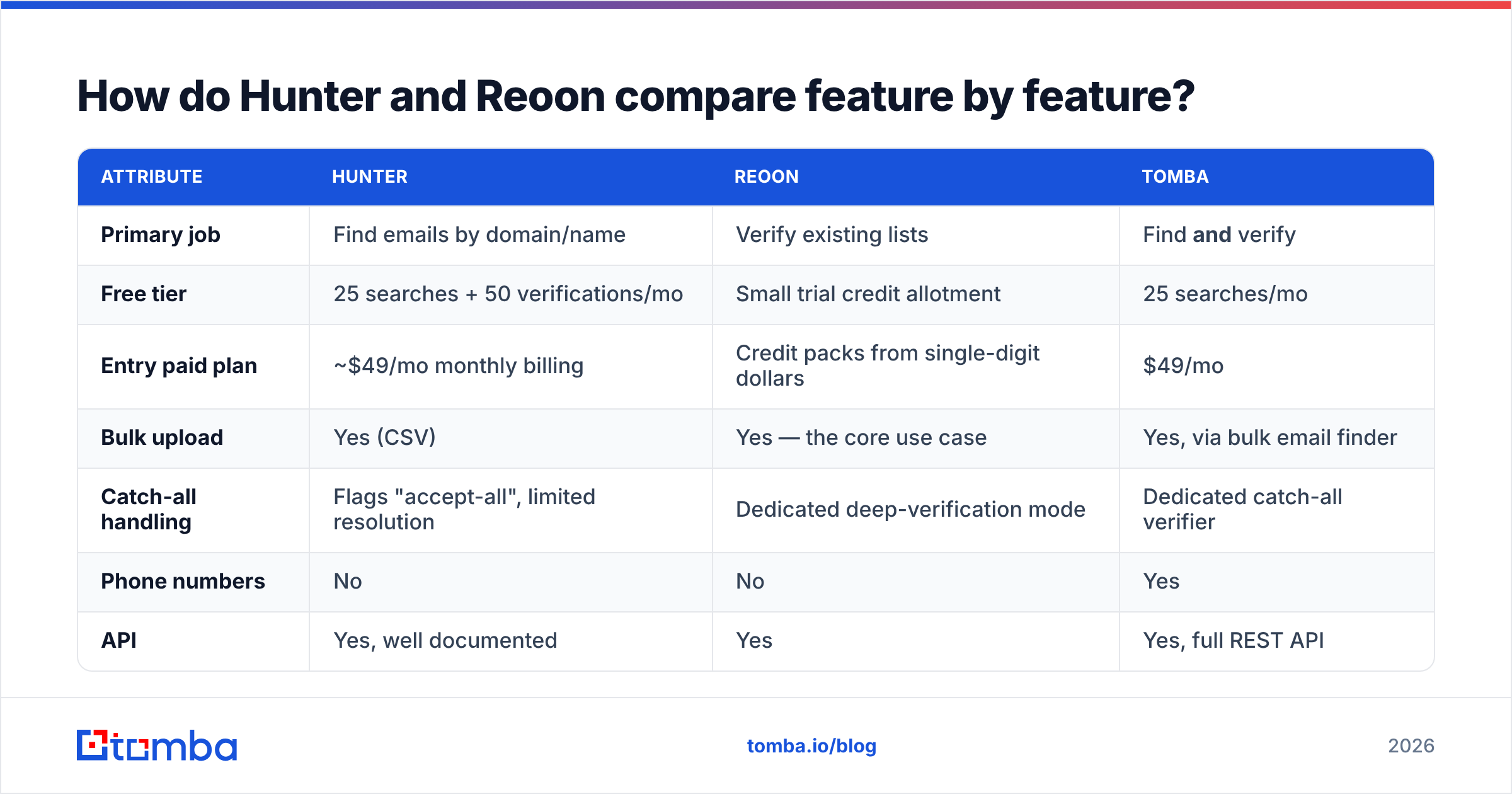
| Attribute | Hunter | Reoon | Tomba |
|---|---|---|---|
| Primary job | Find emails by domain/name | Verify existing lists | Find and verify |
| Free tier | 25 searches + 50 verifications/mo | Small trial credit allotment | 25 searches/mo |
| Entry paid plan | ~$49/mo monthly billing | Credit packs from single-digit dollars | $49/mo |
| Bulk upload | Yes (CSV) | Yes — the core use case | Yes, via bulk email finder |
| Catch-all handling | Flags "accept-all", limited resolution | Dedicated deep-verification mode | Dedicated catch-all verifier |
| Phone numbers | No | No | Yes |
| API | Yes, well documented | Yes | Yes, full REST API |
| Chrome extension | Yes | Limited | Yes |
| Best for | Building lists from scratch | Cleaning lists you already own | Teams that need both in one credit pool |
Read that table twice and you'll see why the "winner" depends entirely on which row you care about. A demand-gen team importing a 200,000-row list from a trade show has a Reoon problem. An SDR opening a blank spreadsheet on Monday has a Hunter problem.
Which one is more accurate?#
Accuracy claims in this category are close to useless without defining the test. Vendors quote 95–99% on their own homepages, and every one of those numbers comes from a sample the vendor chose.

What holds up across independent testing on mixed B2B lists:
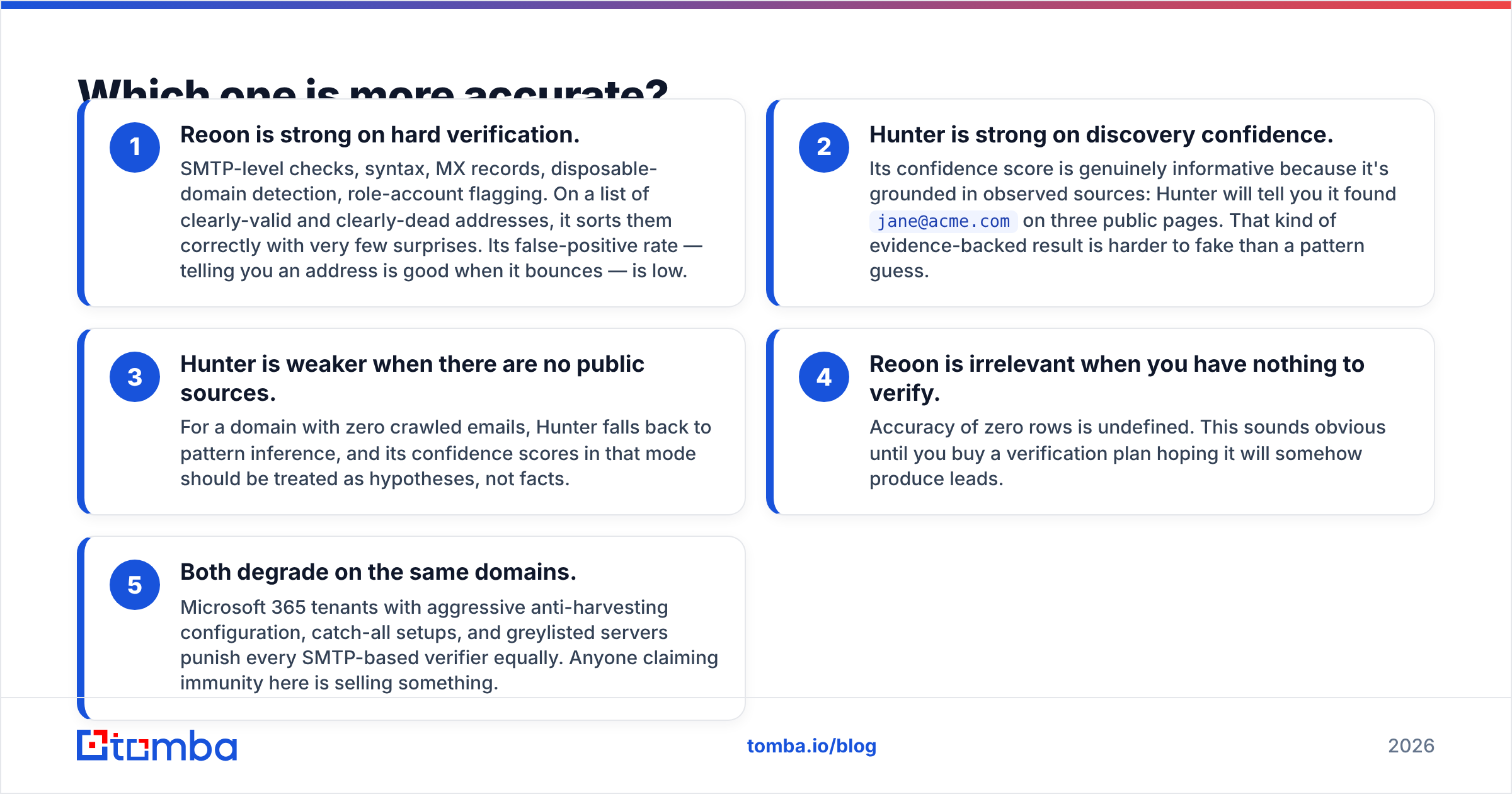
- Reoon is strong on hard verification. SMTP-level checks, syntax, MX records, disposable-domain detection, role-account flagging. On a list of clearly-valid and clearly-dead addresses, it sorts them correctly with very few surprises. Its false-positive rate — telling you an address is good when it bounces — is low.
- Hunter is strong on discovery confidence. Its confidence score is genuinely informative because it's grounded in observed sources: Hunter will tell you it found
jane@acme.comon three public pages. That kind of evidence-backed result is harder to fake than a pattern guess. - Hunter is weaker when there are no public sources. For a domain with zero crawled emails, Hunter falls back to pattern inference, and its confidence scores in that mode should be treated as hypotheses, not facts.
- Reoon is irrelevant when you have nothing to verify. Accuracy of zero rows is undefined. This sounds obvious until you buy a verification plan hoping it will somehow produce leads.
- Both degrade on the same domains. Microsoft 365 tenants with aggressive anti-harvesting configuration, catch-all setups, and greylisted servers punish every SMTP-based verifier equally. Anyone claiming immunity here is selling something.
The practical takeaway: measure accuracy on your ICP, not on a vendor benchmark. Take 200 addresses from your target segment, run them through both trials, then send a real campaign and reconcile against your ESP's bounce log. That is the only test that predicts your results. If you want a shortcut for the finder half of that test, Tomba publishes its data sources so you can see what's behind a given result rather than trusting a bare percentage.
What does each actually cost per usable lead?#
Cost-per-credit is a vanity metric. The number that matters is cost per usable, verified, deliverable contact — and that changes the ranking dramatically.

Work through a realistic scenario. You need 5,000 verified contacts a month at a target ICP.
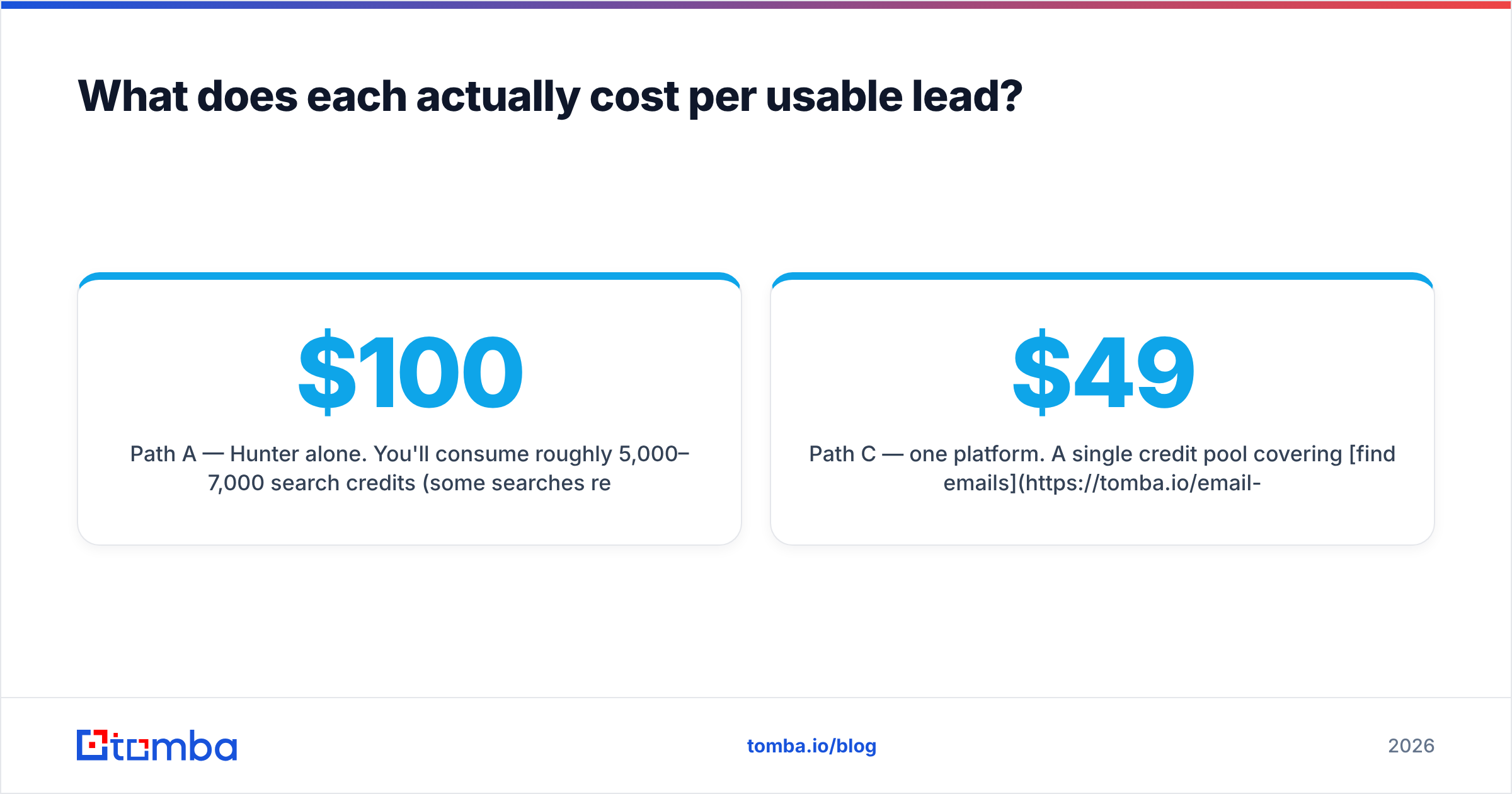
Path A — Hunter alone. You'll consume roughly 5,000–7,000 search credits (some searches return nothing) plus verification credits. At Hunter's mid-tier pricing, you're comfortably in the $100–$150/mo band on annual billing, higher month-to-month. Verification is included but doesn't resolve catch-alls, so a slice of your list stays ambiguous.
Path B — cheap finder + Reoon. You pay a low-cost finder for discovery, then push everything through Reoon at a fraction of a cent per email. Verification cost is close to noise; the finder is now your main line item, and cheap finders are cheap for a reason — thinner coverage, more nulls, more pattern guesses that fail.
Path C — one platform. A single credit pool covering find emails, verify emails, and catch-all resolution. Tomba's Starter is $49/mo, Growth $99/mo, Pro $249/mo — see Tomba pricing for the current credit allocations. The saving isn't just the sticker; it's not paying twice for the same contact record and not writing glue code between two APIs.
The hidden cost in Path B is engineering time. Two vendors means two API keys, two rate limits, two retry strategies, two invoices, and a reconciliation step where the finder's output format doesn't quite match the verifier's input format. Teams routinely spend more on maintaining that seam than they save on credits.

Does Reoon's catch-all detection actually work?#
Partly, and that partial answer is the most honest one available.
A catch-all (or accept-all) domain accepts mail to every address at the SMTP layer, then silently discards the invalid ones downstream. Standard verification asks the server "does this mailbox exist?" and a catch-all server answers "yes" to everything. Roughly 20–30% of B2B domains are configured this way, and the number keeps climbing as more companies move behind mail gateways.
Reoon's deeper verification mode uses additional signals and heuristics to make a call on catch-all addresses rather than just labeling them "risky." In testing it does meaningfully better than a naive SMTP probe. It also costs more credits per check and takes longer, which is fair — the work is genuinely harder.
Hunter, by contrast, will generally tell you the domain is accept-all and stop there. That's defensible and honest, but it leaves you holding a decision: send anyway and risk the bounce, or drop contacts who might be your best accounts. Neither is free.
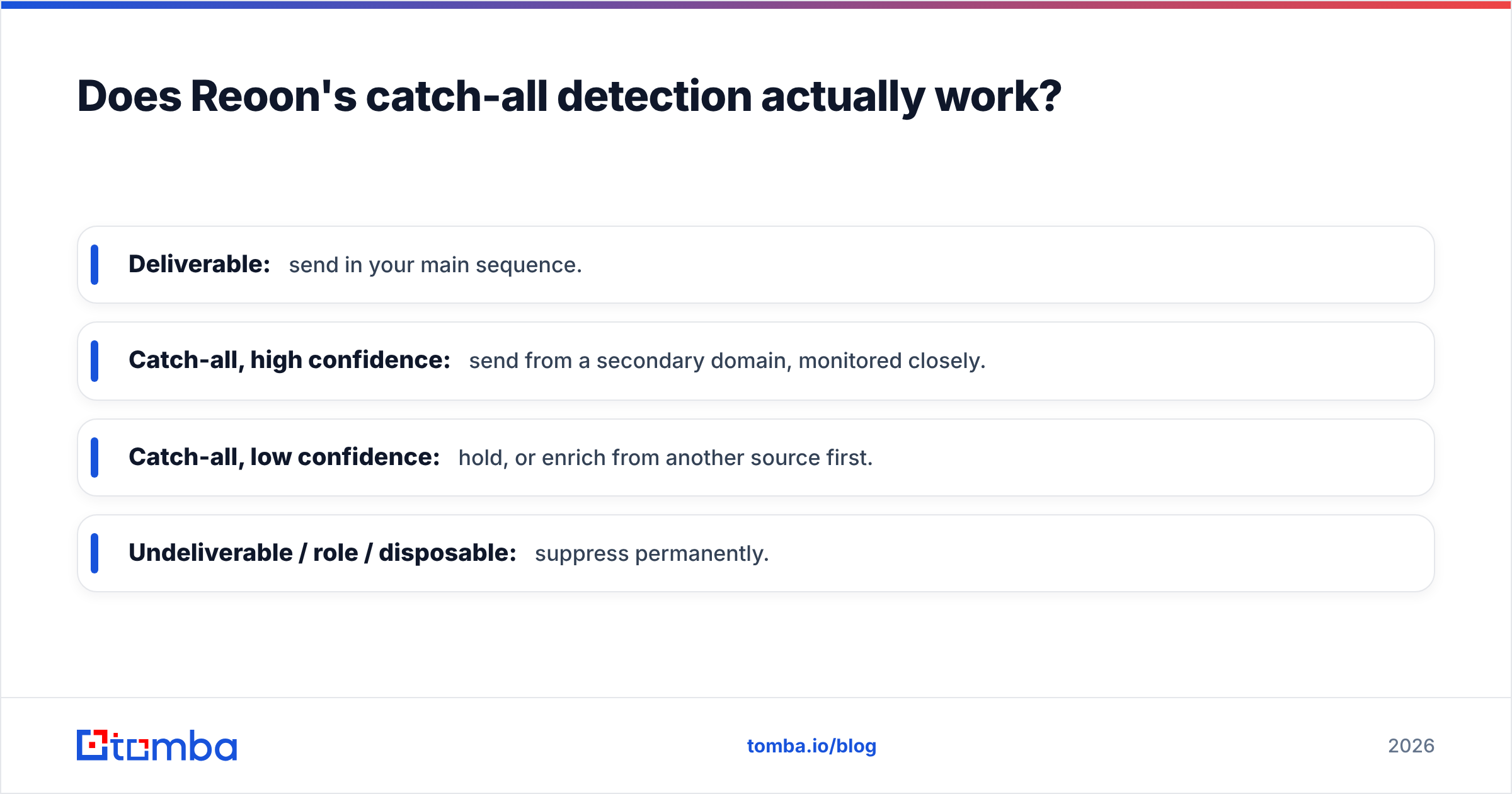
Whichever vendor you pick, treat catch-all results as a separate tier in your sending strategy:
- Deliverable: send in your main sequence.
- Catch-all, high confidence: send from a secondary domain, monitored closely.
- Catch-all, low confidence: hold, or enrich from another source first.
- Undeliverable / role / disposable: suppress permanently.
If you route catch-alls into your primary domain without segmentation, your email deliverability will erode whether you used Hunter, Reoon, or anything else. The tool is not the whole safety net.
Which should you pick for your use case?#
- You're an SDR building lists from scratch. Hunter, or a finder-first platform. Reoon cannot help you until you have addresses.
- You inherited a 100k-row database of unknown age. Reoon. It's built for exactly this, and the per-email cost at that volume is hard to beat.
- You run agency campaigns for multiple clients. You need both, and you need an API. Two subscriptions with different credit models makes client-level cost attribution painful — a single metered platform is worth the switch.
- You're a founder doing your own outbound. Start on free tiers. Hunter's 25 searches and Tomba's 25 free searches per month are enough to validate whether the segment is even reachable before you spend anything.
- You're building a product feature on top of contact data. Compare API ergonomics, not dashboards. Rate limits, webhook support, and bulk endpoint behavior determine your build time far more than UI polish.
- You care most about not burning your domain. Prioritize the tool with the better catch-all story and pair it with a proper warmup ramp. Verification is necessary, not sufficient.
What does the market actually say about these tools?#
Both vendors carry solid public ratings. Hunter's review profile on G2 skews toward "easy to use, good data, gets expensive at volume." Reoon's skews toward "shockingly cheap, accurate on bulk, thinner product surface." Those two patterns have been stable for years and match what you'll find in a trial.
The recurring complaint on the Hunter side is credit consumption — searches that return nothing still cost you, and overage pricing on mid-tier plans surprises people who scale a campaign mid-month. The recurring complaint on the Reoon side is scope: users like it, then discover it doesn't solve the discovery half of their problem and go shopping again anyway.
That second pattern is exactly why the "vs" framing breaks down. A large share of people searching hunter vs reoon end up buying both, which means what they actually needed was a single tool covering discovery, verification, catch-all resolution, and enrichment on one credit balance. Alternatives like BookYourData approach it from the prebuilt-database angle, which is a legitimate third path if you'd rather buy a list than build one — different tradeoff, same underlying goal of not stitching four vendors together.
How should you run the trial?#
Don't compare marketing pages. Run this in an afternoon:
- Pull 100 real target accounts from your CRM — not famous logos, your actual ICP.
- Run domain discovery in Hunter and note coverage rate (how many accounts produced at least one contact) and null rate.
- Take the resulting addresses plus 100 known-good and 100 known-dead addresses, and run them through Reoon and through any competing verifier.
- Score each verifier on false positives (said good, bounced) — these are the expensive errors — and separately on false negatives (said bad, actually fine) — these are the silent revenue leak.
- Send to the "deliverable" cohort and reconcile against your ESP's bounce report after 72 hours.
- Compute cost per contact that got a real inbox placement. That number, not the plan price, is your answer.
Most teams that run this honestly find the accuracy gap between credible vendors is smaller than the workflow gap. The tool that fits your pipeline with the fewest CSV round-trips usually wins on total cost even when it loses on per-credit price.
The bottom line#
Hunter and Reoon are both good at what they were built for, and neither is built for the whole job. Hunter is a finder with adequate verification. Reoon is an excellent, extremely cheap verifier with no discovery. Buying one and expecting both is the mistake this comparison is really about.
If you'd rather stop maintaining a seam between two vendors, run your discovery and verification through one credit pool. The Tomba Email Finder covers domain search, name-based lookup, and pattern detection, with verification and catch-all checks on the same balance — starting free at 25 searches a month and $49/mo when you're ready to scale. Test it against your own 100-account sample alongside Hunter and Reoon, and let the bounce log pick the winner.
Related guides#
// get started
Find, verify and enrich your first contacts today
Start on the free plan with 25 searches a month, then scale when your team is ready.
Free plan · No credit card required · GDPR & CCPA
// about the author