Infofree vs Kipplo: B2B Lead Data Compared for 2026
Infofree sells unlimited lists. Kipplo sells targeted contact data. Neither is automatically right for a 2026 outbound team — here is how they differ on accuracy, pricing and bounce risk.
TL;DR
- Infofree is a subscription lead database built around "unlimited" list downloads — huge coverage of US businesses and consumers, compiled largely from directory-style sources, priced per seat rather than per record.
- Kipplo is a newer, smaller contact-data and email-finding tool aimed at outbound teams who want targeted lookups instead of bulk list dumps.
- The real split is volume vs. verification. Infofree wins on raw record count and flat pricing; Kipplo wins on workflow fit for modern cold email.
- Neither tool solves the problem that actually kills campaigns: a stale address that passes a list export but bounces on send. Both need a verification layer in front of your sequencer.
- If your seat cost is going to $99+/month either way, run a targeted finder plus a verifier — that is where Tomba's $49/month Starter tier tends to beat "unlimited" plans on cost per delivered email.
What are Infofree and Kipplo, exactly?#
They are not the same category of product, and that is the first thing to get straight before you compare price tags.
Infofree is a long-running US lead database. Its pitch is scale and simplicity: pay a flat monthly fee, get unlimited access to a compiled database of tens of millions of US businesses and consumer records, download lists by SIC code, geography, sales volume, employee count, and similar firmographic filters. A basic CRM ships alongside it on higher tiers. You can see the current lineup on infofree.com. The model is descended from the classic compiled-data business — the same lineage as the old business-directory publishers — and it shows in both the strengths and the weaknesses.
Kipplo is a much younger, much smaller B2B contact tool. It sits in the email-finder/prospecting bracket: look up a person or a company, get back a work email, enrich a list, push contacts into outreach. Its public positioning (kipplo.com) is targeted lookups and enrichment rather than bulk directory downloads. Because it is early-stage, published details change more often than Infofree's — check the vendor's own pricing page before you commit, rather than trusting any third-party summary, including this one.
So the honest framing of Infofree vs Kipplo is not "which is the better version of the same thing." It is: do you want a wide net, or a precise hook?

How do Infofree and Kipplo compare head-to-head?#
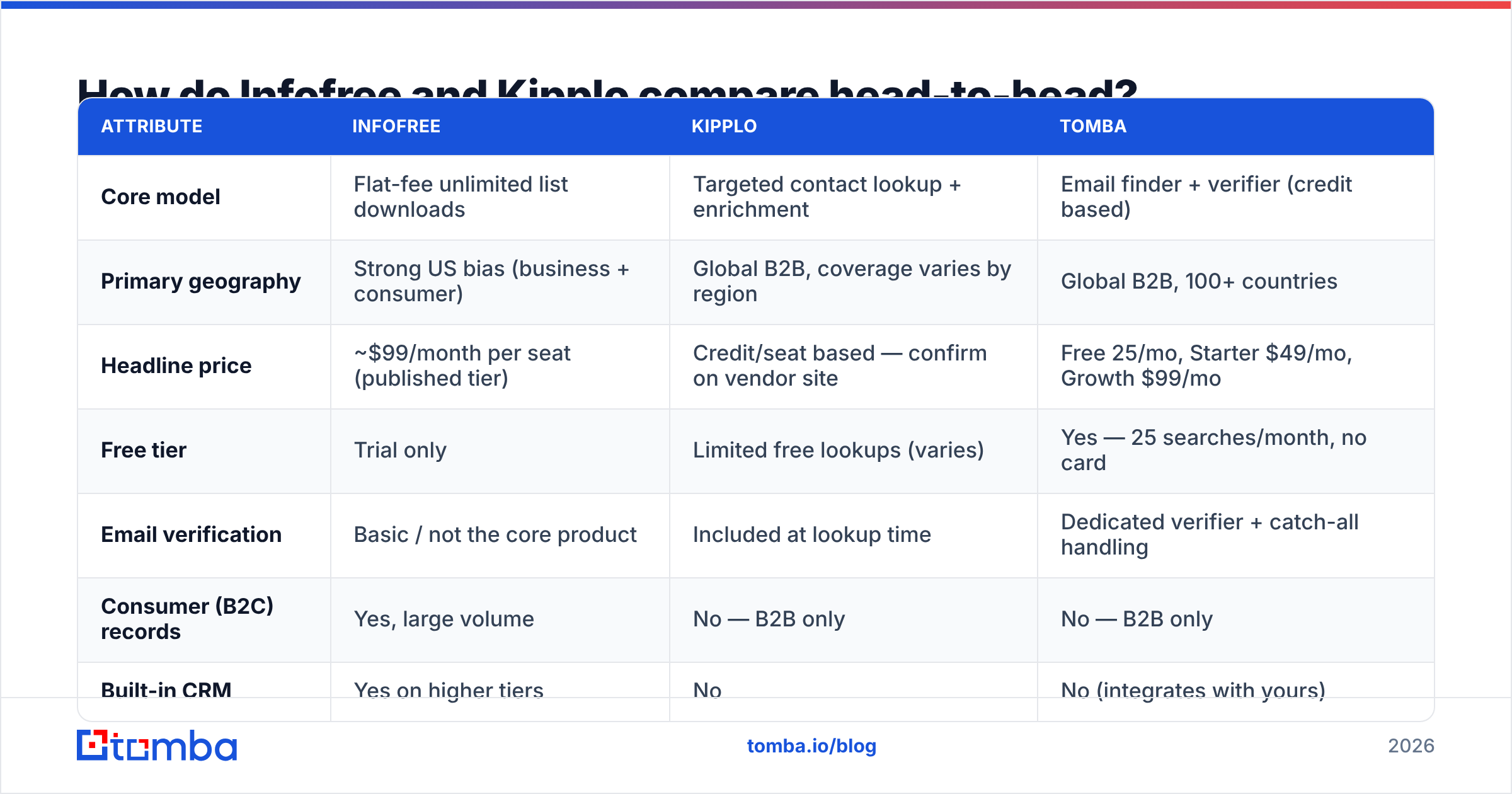
Here is the practical comparison. Where a vendor has not published a firm number, this table says so rather than inventing one.
| Attribute | Infofree | Kipplo | Tomba |
|---|---|---|---|
| Core model | Flat-fee unlimited list downloads | Targeted contact lookup + enrichment | Email finder + verifier (credit based) |
| Primary geography | Strong US bias (business + consumer) | Global B2B, coverage varies by region | Global B2B, 100+ countries |
| Headline price | ~$99/month per seat (published tier) | Credit/seat based — confirm on vendor site | Free 25/mo, Starter $49/mo, Growth $99/mo |
| Free tier | Trial only | Limited free lookups (varies) | Yes — 25 searches/month, no card |
| Email verification | Basic / not the core product | Included at lookup time | Dedicated verifier + catch-all handling |
| Consumer (B2C) records | Yes, large volume | No — B2B only | No — B2B only |
| Built-in CRM | Yes on higher tiers | No | No (integrates with yours) |
| API access | Limited | Yes | Yes — documented REST API |
| Best for | Local/SMB territory prospecting, cold calling | Small outbound teams doing targeted email | Accuracy-sensitive cold email at any volume |

The table hides one detail worth stating plainly: "unlimited" and "accurate" are different axes. A plan that lets you download 50,000 records a month is only valuable if a usable share of those records still route to a live inbox.
Which one has better data accuracy?#
Kipplo, in the narrow sense that matters for email — but neither publishes the kind of independently audited accuracy figure you should want.
Compiled databases like Infofree's are built for breadth. Records are assembled from public filings, directories, phone listings, and licensed feeds, then refreshed on a cycle. That works well for a field rep who needs every HVAC contractor within 40 miles with a phone number and an address. It works less well for email, because the email field on a compiled business record is often a generic mailbox (info@, sales@, contact@) rather than a named decision-maker, and because job changes churn roughly 20–25% of B2B contacts a year while a compiled record sits still.
Kipplo's model is the opposite: it resolves a specific person at a specific domain at the moment you ask, which is structurally more likely to be current. The trade-off is coverage. A small index will simply not have some of the contacts you want, and a "not found" is an honest answer that still costs you a prospect.

What to do about it, in order:
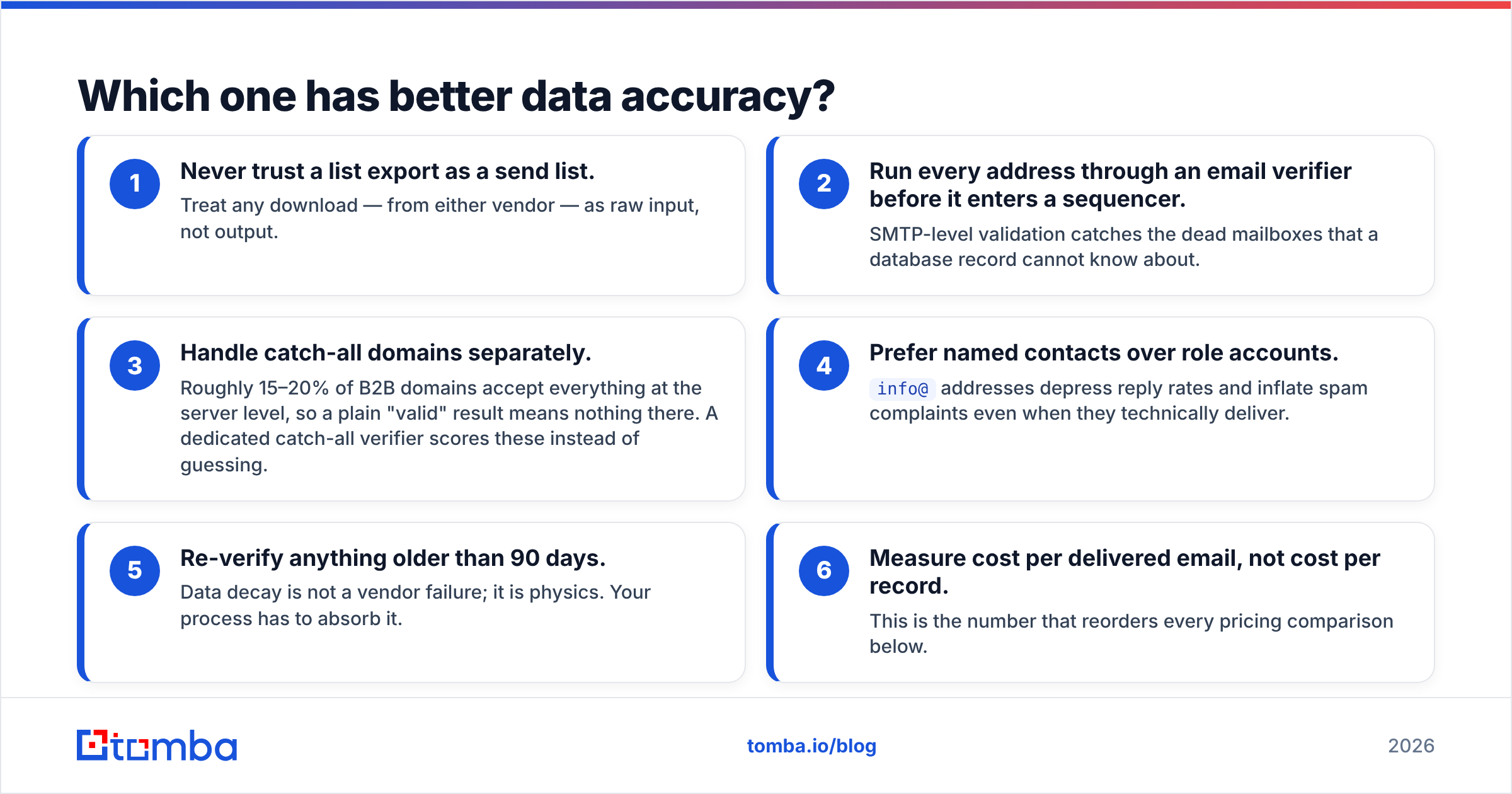
- Never trust a list export as a send list. Treat any download — from either vendor — as raw input, not output.
- Run every address through an email verifier before it enters a sequencer. SMTP-level validation catches the dead mailboxes that a database record cannot know about.
- Handle catch-all domains separately. Roughly 15–20% of B2B domains accept everything at the server level, so a plain "valid" result means nothing there. A dedicated catch-all verifier scores these instead of guessing.
- Prefer named contacts over role accounts.
info@addresses depress reply rates and inflate spam complaints even when they technically deliver. - Re-verify anything older than 90 days. Data decay is not a vendor failure; it is physics. Your process has to absorb it.
- Measure cost per delivered email, not cost per record. This is the number that reorders every pricing comparison below.
How does the pricing actually work?#
Different enough that the sticker prices are close to meaningless side by side.
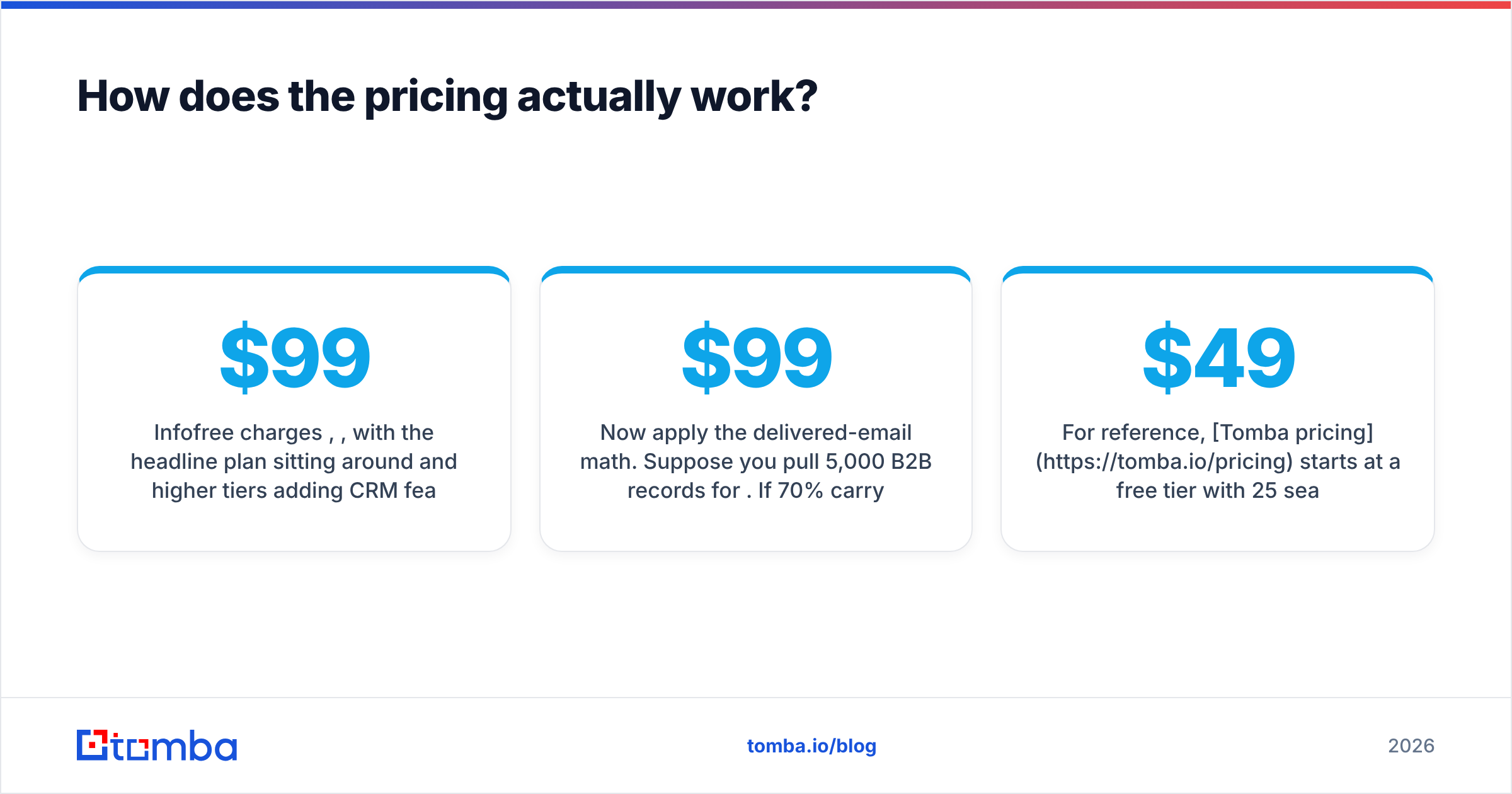
Infofree charges per seat, per month, with the headline plan sitting around $99/month and higher tiers adding CRM features. The appeal is predictability: three reps, three seats, no metering, no credit anxiety. The catch is that seats scale linearly. Five reps on a $99 plan is a $495/month line item whether they pull 500 records or 50,000 — and whether or not those records convert.
Kipplo, like most modern finders, meters usage. You buy lookups or credits, and the cost tracks what you actually consume. For a two-person team running 1,500 targeted lookups a month, metered almost always wins. For a ten-person call floor grinding through territory lists, flat-fee usually wins.
Now apply the delivered-email math. Suppose you pull 5,000 B2B records for $99. If 70% carry a usable named email and 12% of those bounce, you have roughly 3,080 deliverable named contacts — about $0.032 each. Now suppose a targeted finder returns 2,000 contacts at a 97% verified-deliverable rate for the same spend: 1,940 deliverable contacts at $0.051 each. Higher unit cost, fewer contacts, dramatically better sender reputation — and reputation is a compounding asset, not a line item. Once bounce rates cross 3–4%, mailbox providers start throttling your whole domain, which quietly taxes every campaign you run afterwards.
For reference, Tomba pricing starts at a free tier with 25 searches/month, then $49/month Starter, $99/month Growth, and $249/month Pro — and verification is part of the same workflow rather than a separate vendor contract. That matters because the hidden cost in both Infofree and Kipplo comparisons is usually the second tool you end up buying to clean their output.
Who should pick Infofree?#
Pick Infofree if three things are true:
- Your motion is phone-first. If reps dial more than they email, compiled business data with addresses and main lines is genuinely useful, and email quality matters less.
- You sell to US SMBs by territory. Local services, insurance, financial advisory, home services, franchise sales — categories where "every business of type X in county Y" is the actual query.
- You want one flat bill. Finance teams like flat. Reps like not watching a credit counter.
Skip it if you sell SaaS to named accounts, if you need contacts outside the US, or if your entire pipeline runs on cold email. In that last case you will spend the savings on deliverability cleanup. Buyers echo this split in public reviews — worth reading the unfiltered ones on G2 before signing, and noting how many mention list freshness.

Who should pick Kipplo?#
Pick Kipplo if you are a small outbound team doing considered prospecting: you build target-account lists by hand or from intent signals, then need the right person's email at each account. Metered pricing fits that shape, and you avoid paying for millions of records you will never query.
Be realistic about two limits. First, coverage: newer indexes are thinner outside major markets and tech verticals, so expect gaps on SMB, non-English, and non-tech domains. Second, ecosystem: fewer native integrations means more manual CSV movement, and every CSV hop is a chance for duplicates and formatting errors to creep in. If your team lives in a CRM, check integration support before you standardise on it.
Where does Tomba fit in this comparison?#
As the verification and finding layer that both of the above assume you already have.
The realistic 2026 stack is not "one vendor to rule them all." It is a sourcing layer plus a resolution layer plus an outreach layer. Infofree can be a decent sourcing layer for US SMB territory. Kipplo can be a decent resolution layer for targeted B2B. But if your bottleneck is "we have company names and no reliable contacts," a dedicated email finder attacks that directly:
- Domain search takes a company domain and returns the named contacts behind it, with roles and confidence scores — the exact gap in compiled-database records.
- Bulk processing handles a 5,000-row export from any source, finds and verifies in one pass, and hands back a list you can send to without flinching.
- API access means the verification step lives inside your enrichment pipeline rather than in someone's Tuesday afternoon.
The point is not that one logo wins. It is that "unlimited records" and "accurate contacts" are purchased separately, and teams who pretend otherwise discover it through their bounce rate.
Is there a clear winner in Infofree vs Kipplo?#
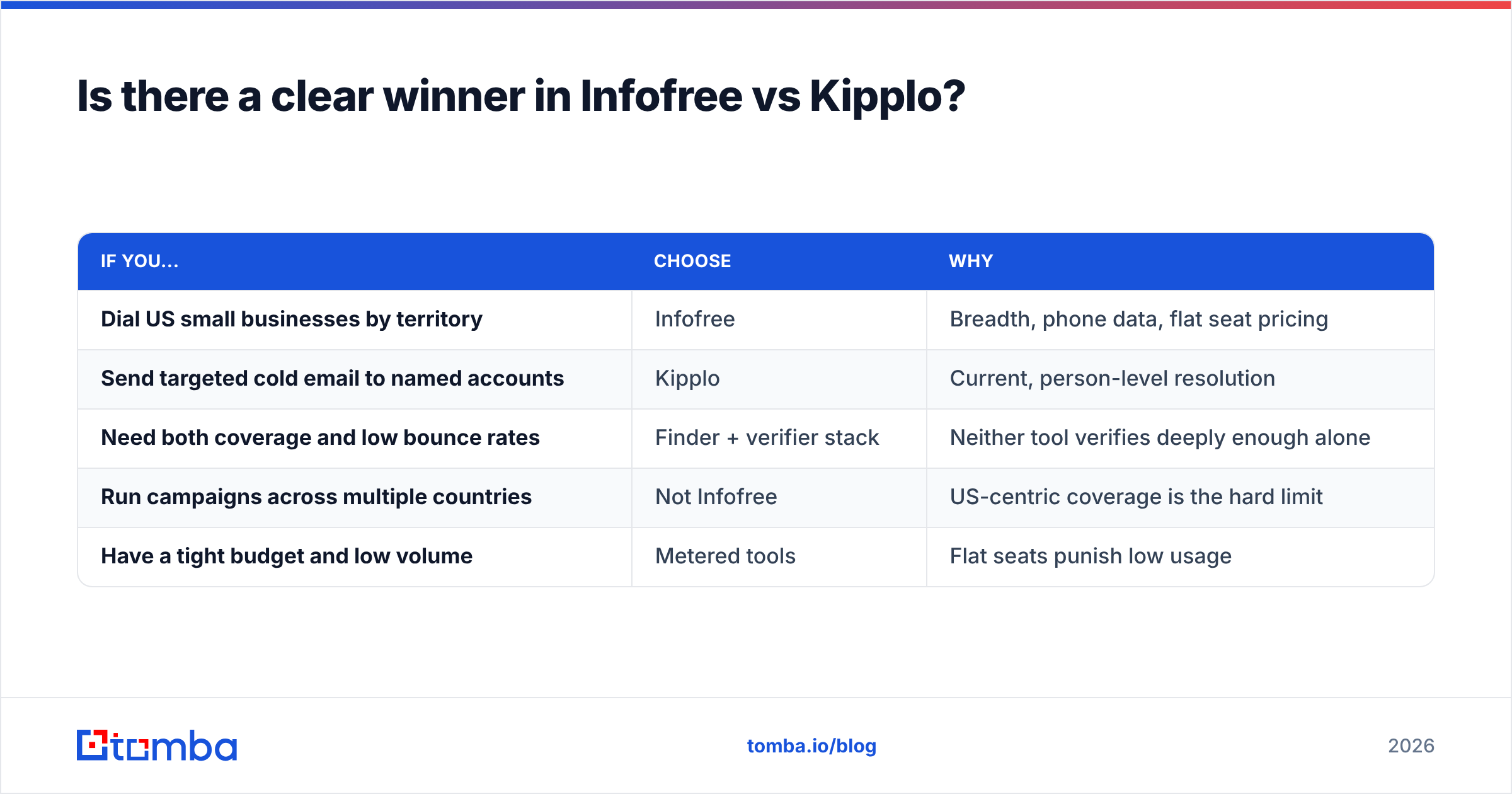
No universal winner — but there is a clear answer per use case:
| If you... | Choose | Why |
|---|---|---|
| Dial US small businesses by territory | Infofree | Breadth, phone data, flat seat pricing |
| Send targeted cold email to named accounts | Kipplo | Current, person-level resolution |
| Need both coverage and low bounce rates | Finder + verifier stack | Neither tool verifies deeply enough alone |
| Run campaigns across multiple countries | Not Infofree | US-centric coverage is the hard limit |
| Have a tight budget and low volume | Metered tools | Flat seats punish low usage |
The failure mode to avoid is buying an "unlimited" plan, treating the export as a send list, and burning your sending domain in week three. Recovering sender reputation takes longer than any list saves you.
Ready to stop guessing which addresses are real?#
Whichever side of the Infofree vs Kipplo decision you land on, the contacts still have to be current on the day you press send. Start with the Tomba Email Finder — search by domain, name, or company, get confidence-scored results with verification built into the same workflow, and test it on 25 free searches a month before you pay anything. If it holds up against your own accounts, Starter is $49/month. If it does not, you have lost nothing but an afternoon.
Related guides#
// get started
Find, verify and enrich your first contacts today
Start on the free plan with 25 searches a month, then scale when your team is ready.
Free plan · No credit card required · GDPR & CCPA
// about the author