Jet Leads Pro vs Leadsforge: Which Lead Tool Wins in 2026?
Jet Leads Pro and Leadsforge chase the same buyer: a small outbound team that needs contact data fast. Here is how they actually differ on accuracy, pricing structure, coverage and export limits — plus how to test both before you pay.
TL;DR
- Jet Leads Pro and Leadsforge target the same buyer — a 2-to-20 person outbound team that needs B2B contact data without an enterprise contract — so the decision comes down to verified-email yield, credit mechanics and export freedom, not feature lists.
- Neither vendor publishes an independently audited accuracy figure. Treat every "98% accurate" claim on either site as marketing until you run the same 200-contact test list through both.
- The number that decides your winner is cost per verified email, not cost per credit. A cheap credit that returns a catch-all guess is more expensive than a pricier credit that returns a deliverable address.
- Watch for the three margin-killers in this category: credits burned on failed searches, monthly credit expiry, and CSV export caps on the entry tier.
- If you want a third quote to sanity-check both, Tomba starts free (25 searches/mo) and runs $49/mo on Starter with the email finder, verifier and API on the same credit pool.
What are Jet Leads Pro and Leadsforge?#
Both are B2B contact-data tools built around the same core job: you give the platform a name and a company domain (or just a domain), and it returns a work email address, sometimes with a phone number, job title and LinkedIn URL attached.
Jet Leads Pro positions itself on speed and volume — bulk uploads, list building, "find 1,000 leads in an afternoon." The pitch is aimed at agencies and freelancers running high-volume cold email.
Leadsforge positions itself on workflow — building lists inside a guided interface, enriching them, and pushing them into a sequencer or CRM. The pitch leans toward in-house SDR teams that want fewer tabs open.
That difference in positioning matters less than it looks. Under the hood, nearly every tool in this category does the same four things:
- Pattern inference — work out that a company uses
first.last@domain.comby observing addresses already in the index. - Web crawling — scrape public sources (company sites, press releases, directories, article bylines) for addresses in the clear.
- SMTP validation — open a conversation with the receiving mail server to ask whether a mailbox exists, without sending mail. Wikipedia's SMTP overview explains the handshake the verifiers lean on.
- Contributed / licensed data — pooled data from extensions, partners or purchased databases.
What separates vendors is the size of the index behind step 1, how aggressively they guess when steps 1–3 fail, and whether they charge you for a guess.

How do Jet Leads Pro and Leadsforge compare head-to-head?#
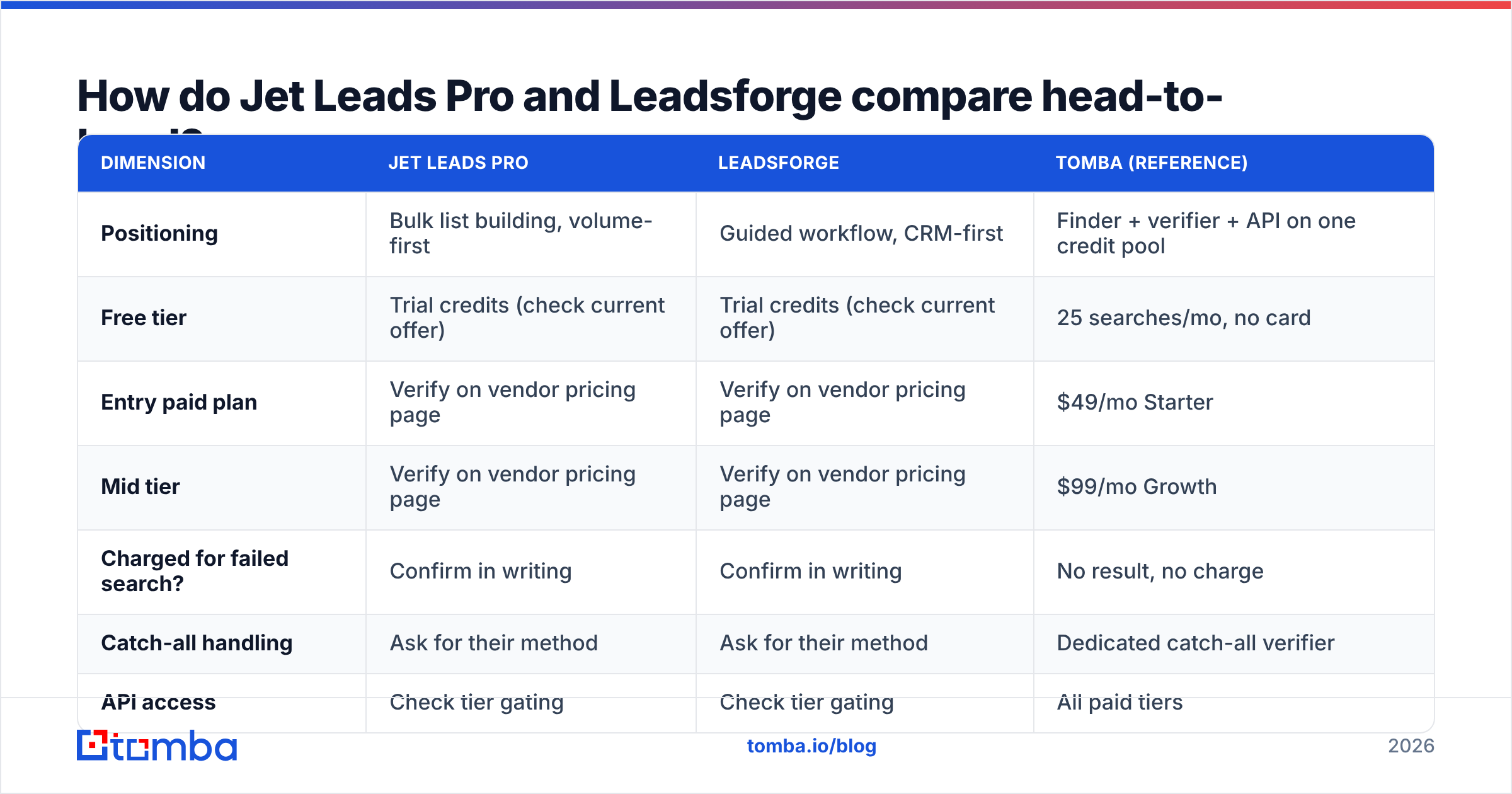
Here is the comparison framework I use when a client asks me to pick between two tools in this tier. Fill the middle two columns from each vendor's current pricing page before you buy — list prices in this category change several times a year — and use the Tomba column as a fixed reference point, since those numbers are published and stable.
| Dimension | Jet Leads Pro | Leadsforge | Tomba (reference) |
|---|---|---|---|
| Positioning | Bulk list building, volume-first | Guided workflow, CRM-first | Finder + verifier + API on one credit pool |
| Free tier | Trial credits (check current offer) | Trial credits (check current offer) | 25 searches/mo, no card |
| Entry paid plan | Verify on vendor pricing page | Verify on vendor pricing page | $49/mo Starter |
| Mid tier | Verify on vendor pricing page | Verify on vendor pricing page | $99/mo Growth |
| Charged for failed search? | Confirm in writing | Confirm in writing | No result, no charge |
| Catch-all handling | Ask for their method | Ask for their method | Dedicated catch-all verifier |
| API access | Check tier gating | Check tier gating | All paid tiers |
| Credit rollover | Usually none — confirm | Usually none — confirm | Confirm on plan |
| CSV export | Often capped on entry tier | Often capped on entry tier | Uncapped on paid tiers |
I am deliberately not inventing price points for two vendors whose pages I cannot verify for you today. Anyone who hands you a precise $XX/mo for a small tool in a blog post published months ago is quoting a number that has probably already moved. What is stable is the shape of the question — and that shape is where most buyers lose money.

Cross-check whatever the vendors tell you against third-party review sites. G2's lead intelligence category and Capterra's lead generation listings both surface unfiltered complaints about billing behaviour and data staleness that never appear in a sales demo.
Which one actually finds more valid emails?#
Run the test yourself. It takes ninety minutes and it is the only evidence that matters.
Build a 200-contact control list with a mix that mirrors your real market:
- 60 contacts at companies with 1–50 employees (where index coverage is thinnest)
- 60 at companies with 51–500 employees
- 40 at enterprises over 1,000 employees
- 40 at domains you already know are catch-all
Push the identical list through both tools, then push the combined output through a neutral verifier so neither vendor grades its own homework. Record four numbers per tool:
- Hit rate — addresses returned ÷ contacts submitted.
- Verified rate — addresses the neutral verifier marks deliverable ÷ contacts submitted. This is the number that pays your bills.
- Catch-all share — how much of the "found" volume is really an unconfirmable guess.
- Credits consumed — including credits burned on searches that returned nothing.
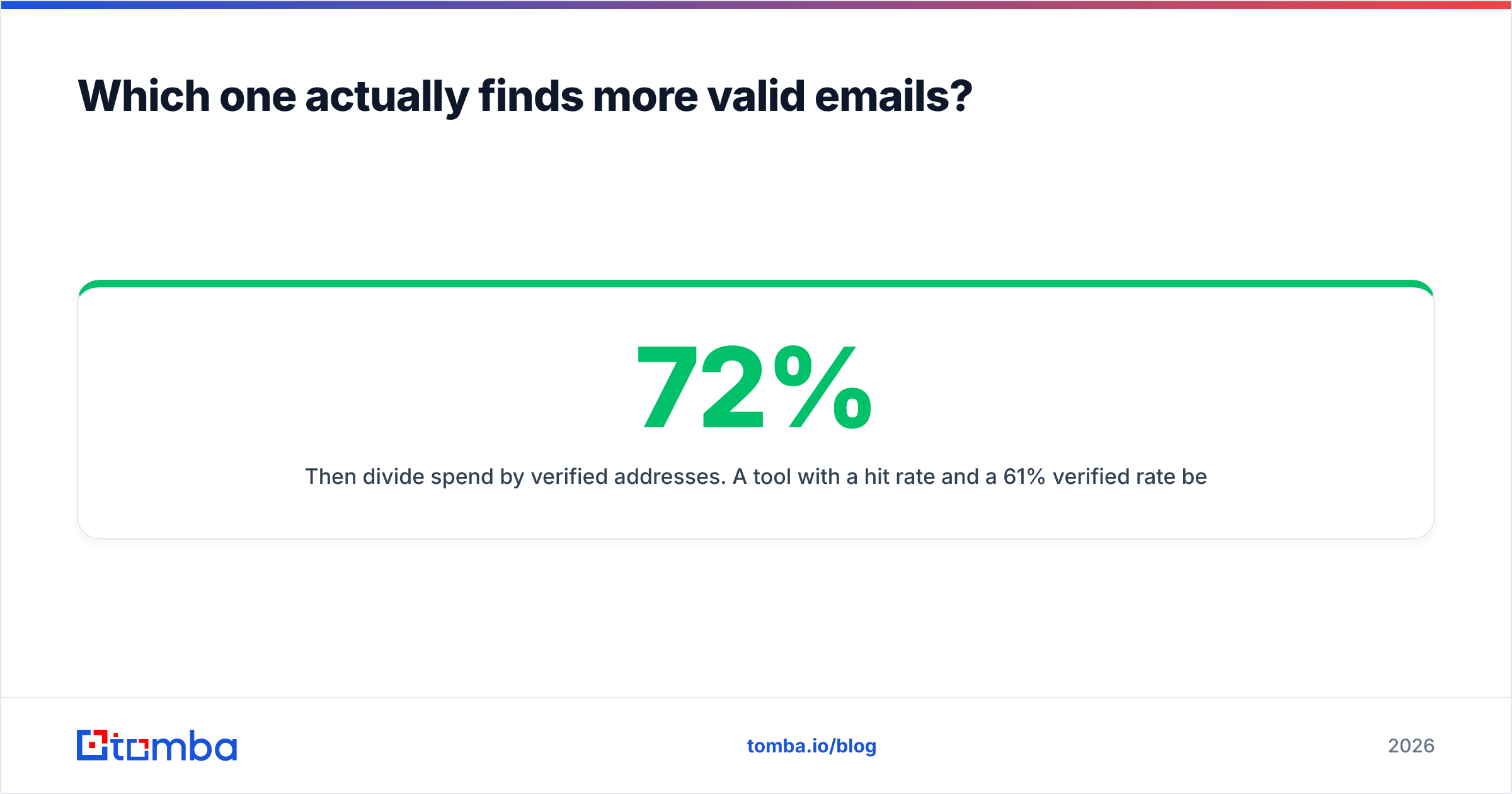
Then divide spend by verified addresses. A tool with a 72% hit rate and a 61% verified rate beats a tool with an 89% hit rate and a 44% verified rate every single time, even if the second one looks better in the dashboard.

The catch-all bucket is where this category gets slippery. A catch-all domain accepts mail to any address at the SMTP layer, so asdfgh@company.com returns the same "valid" signal as the CEO's real inbox. Tools that count catch-alls as hits inflate their headline accuracy by double digits. If neither Jet Leads Pro nor Leadsforge will tell you how they classify catch-alls, run those 40 test domains through a dedicated catch-all verifier and see how the numbers change.
What does each tool cost per verified lead?#
Sticker price is the least useful number on a pricing page. Four mechanics decide what you actually pay:
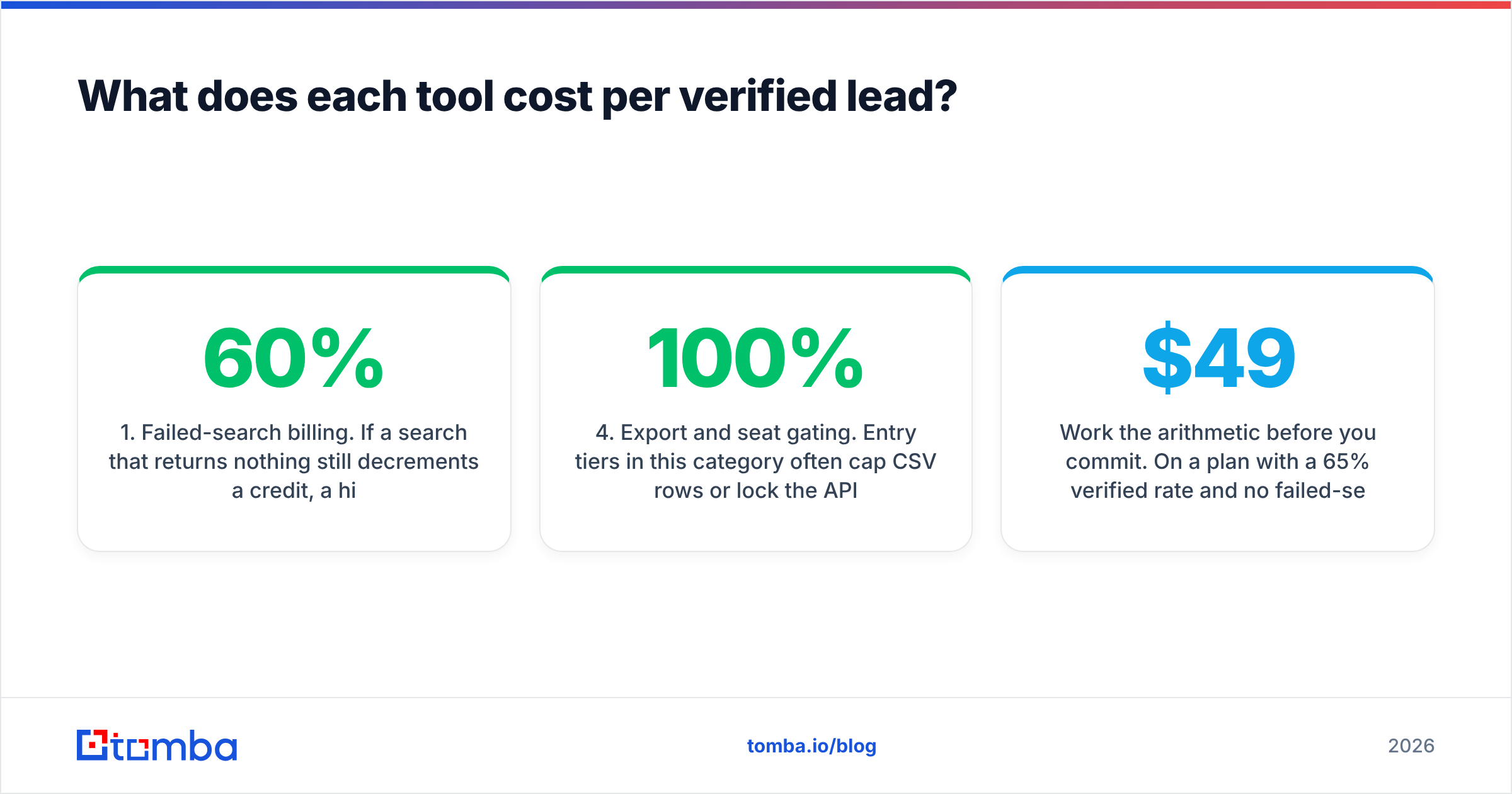
- Failed-search billing. If a search that returns nothing still decrements a credit, a 60% hit rate means you are paying roughly 1.67x the advertised per-credit price for every address you keep.
- Enrichment multipliers. Phone numbers and firmographic fields frequently cost 2–10 credits each versus 1 for an email. A "5,000 credit" plan can evaporate into 900 enriched contacts.
- Monthly expiry. Credits that reset on the first of the month punish seasonal outbound. If you prospect hard in Q1 and Q4, an annual pool is worth real money.
- Export and seat gating. Entry tiers in this category often cap CSV rows or lock the API. Ask directly: "Can I export 100% of what I find, on the plan I'm quoting, without an upsell?"
Work the arithmetic before you commit. On a $49/mo plan with a 65% verified rate and no failed-search billing, 1,000 credits yields 650 usable addresses at roughly 7.5 cents each. The same $49 at a 40% verified rate with failed searches billed yields 400 addresses at about 12 cents — 60% more expensive for identical headline pricing. Tomba's pricing page lists the tiers and what each credit covers, so you can drop real numbers into that formula rather than a demo estimate.
What about coverage, compliance and data sourcing?#
Coverage is regional and vertical, not universal. A tool that is excellent on US SaaS mid-market can be thin on German Mittelstand manufacturers or Japanese enterprises. If more than a quarter of your pipeline sits outside North America, weight your 200-contact test toward those regions or your result will not generalise.
On compliance, ask both vendors three questions and get answers in writing:
- Where does the data come from? Crawled public sources, contributed extension data, licensed databases, or inference? Each carries a different legal profile under GDPR.
- How do you handle deletion requests? A suppression workflow that takes 30 days is a liability if you send to EU contacts.
- What is the refresh cadence? B2B contact data decays roughly 25–30% per year through job changes alone, a figure HubSpot has documented repeatedly in its database-decay research. A database refreshed annually is a database that is wrong a third of the time.
Tomba publishes its data sources openly, which is a reasonable bar to hold any vendor to. If a vendor will not describe its sourcing in a sentence you can repeat to your legal team, that is your answer.
Which tool fits which team?#
- Choose Jet Leads Pro if your workflow is genuinely bulk-first: you upload thousands of rows, you care about throughput over interface polish, and you have a separate verification step already in place. Volume tools reward teams that already own a verifier.
- Choose Leadsforge if your SDRs live in one tool and you want list-building, enrichment and CRM push in a single flow. Workflow consolidation is worth paying for when you have 5+ reps whose time is expensive.
- Choose a verification-first platform if your bounce rate is the thing keeping you up at night. Deliverability damage costs more than data does.
- Choose an API-first platform if you are enriching inside your own product or a RevOps pipeline, where a UI is irrelevant and rate limits and uptime are everything.
- Choose a database subscription — BookYourData is a solid option here, with pay-as-you-go pricing and per-record guarantees — if you want to buy a finished list rather than build one search at a time.

What do buyers get wrong when comparing these two?#
They compare feature checklists instead of outputs. Every tool in this bracket lists "email finder, verifier, enrichment, Chrome extension, API." The checklists are identical. The yields are not.
They run the trial on easy companies. Testing with Salesforce, Stripe and Shopify tells you nothing — every vendor nails those. Test with 30-person companies in your actual ICP, the ones with no press coverage and a WordPress site.
They skip verification because the finder "already verifies." Finder-side verification is optimistic by design; the vendor is incentivised to call a result a hit. An independent email verifier pass before send is cheap insurance against a domain reputation problem that takes six weeks to unwind.
They ignore the API until month three. If there is any chance you will automate enrichment later, check API availability and rate limits on the plan you are buying now — not the plan you would have to upgrade to.
They forget that the list is the smaller half of the problem. A perfect list into a cold domain with no SPF, DKIM or warmup still lands in spam. Data quality and email deliverability are separate projects and both need to be solved.
Frequently asked questions#
Is Jet Leads Pro or Leadsforge more accurate? Neither publishes audited third-party accuracy data, so the honest answer is that it depends entirely on your ICP. Run the 200-contact test above on your own market and measure verified rate, not hit rate.
Can I use both at once? Yes, and for high-value accounts it is often the right call — a waterfall approach where the second tool only runs on contacts the first one missed. Just make sure neither charges you for the empty results.
How many bounces are acceptable? Keep hard bounces under 2%. Above 3% you are actively damaging sender reputation at the major mailbox providers, and recovery takes far longer than the list took to build.
Do I need a separate verifier if the finder verifies? For anything over a few hundred sends a month, yes. Independent verification catches the catch-all and role-account cases that finder-side checks tend to wave through.
Where does Tomba fit in this comparison?#
Tomba is worth adding as a third quote for one structural reason: finding and verifying run on the same credit pool, which removes the most common hidden cost in this category. You are not paying one vendor to find an address and a second to tell you the first one was wrong.
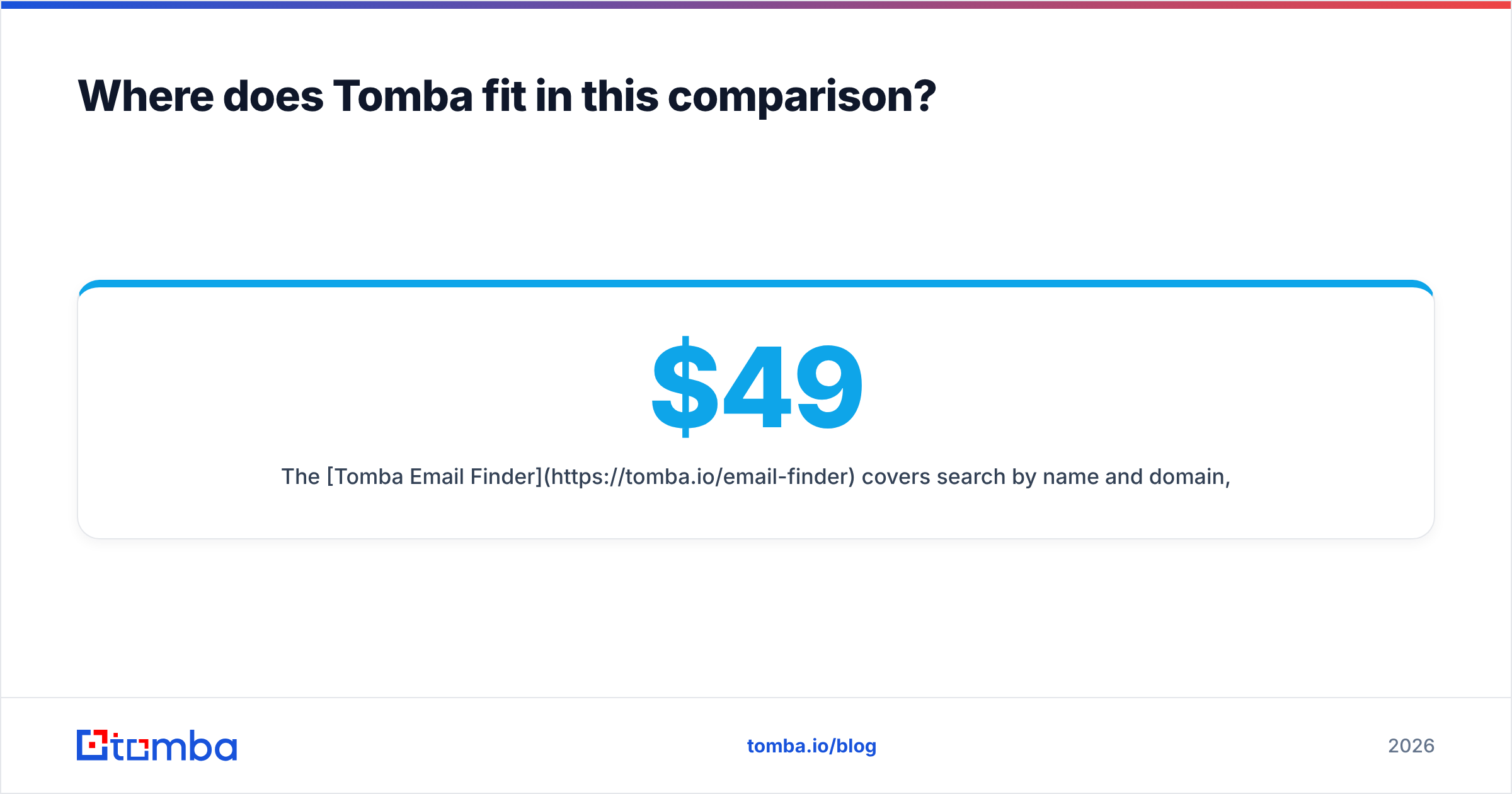
The Tomba Email Finder covers search by name and domain, domain search for pulling every public address at a company, catch-all verification, phone lookup and enrichment — with the API available on every paid tier. Pricing is public and unambiguous: free for 25 searches a month, $49/mo Starter, $99/mo Growth, $249/mo Pro, custom for enterprise.
Start with the free tier and run the same 200-contact control list you built for Jet Leads Pro and Leadsforge. Ninety minutes of testing beats a year of paying for credits that return guesses.
Related guides#
// get started
Find, verify and enrich your first contacts today
Start on the free plan with 25 searches a month, then scale when your team is ready.
Free plan · No credit card required · GDPR & CCPA
// about the author