9 Best karmaCRM Alternatives in 2026 (Free and Paid)
karmaCRM is simple and cheap, which is exactly why teams outgrow it. Here are nine alternatives ranked by pipeline depth, automation, data quality and real cost per seat.
TL;DR
- karmaCRM is a lightweight, relationship-first CRM built for solopreneurs and small teams. Most people who search for karmaCRM alternatives want more automation, deeper reporting, or native prospecting data — not a cheaper tool.
- If you want the biggest free tier, go HubSpot. If you want pipeline discipline, go Pipedrive. If you want flat-rate simplicity closest to karmaCRM's spirit, go Less Annoying CRM or Capsule.
- Switching CRMs does not fix an empty CRM. Contact data quality is a separate purchase — an email finder, a verifier, and an enrichment layer.
- Budget realistically: a 5-seat team lands between $70 and $250/month once you add data tooling on top of the CRM seat cost.
- The migration itself is the risk, not the software. Export, dedupe, verify, then import — in that order.
What is karmaCRM, and who is it actually for?#
karmaCRM is a small-business CRM that leans on contacts, tags, tasks and simple deal tracking rather than on enterprise-grade workflow engines. It has been around for well over a decade, and its pitch has stayed consistent: give a one-to-ten-person team a place to remember conversations without the configuration overhead of Salesforce. You can see the current feature set and plan structure on karmaCRM's own site.
That focus is a genuine strength. Consultants, agencies, real-estate brokers and B2B founders who live in their inbox get a usable system in an afternoon. There is no admin certification, no object model to design, no six-week implementation.
The strength is also the ceiling. Once you hire a second or third rep, once you run multi-step outbound sequences, or once you need forecast-grade reporting, a relationship notebook starts feeling like a relationship notebook. That is the point where most teams start shopping.
Why do teams look for karmaCRM alternatives?#
Across review threads on G2 and switching conversations, the same five triggers come up again and again:
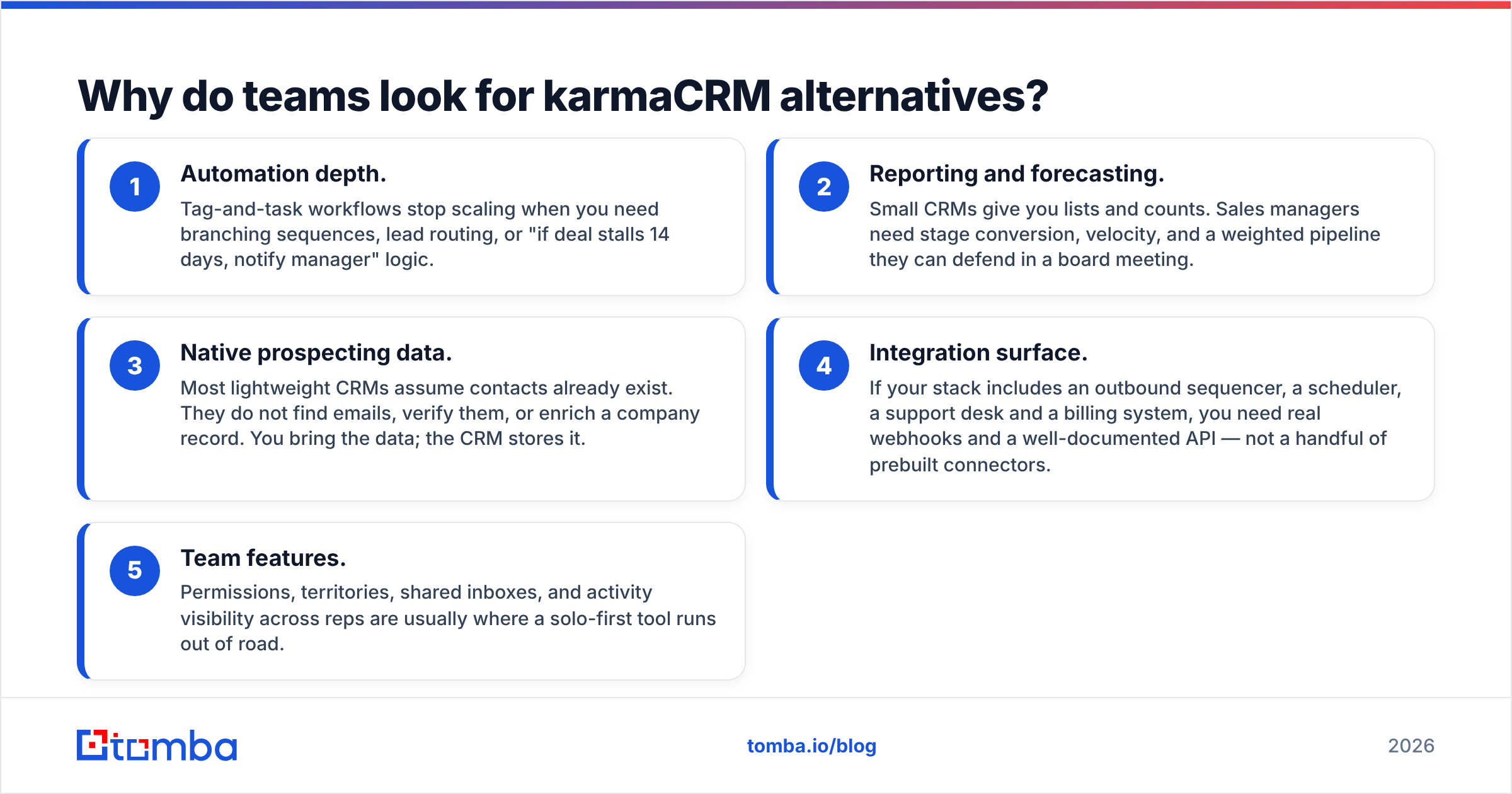
- Automation depth. Tag-and-task workflows stop scaling when you need branching sequences, lead routing, or "if deal stalls 14 days, notify manager" logic.
- Reporting and forecasting. Small CRMs give you lists and counts. Sales managers need stage conversion, velocity, and a weighted pipeline they can defend in a board meeting.
- Native prospecting data. Most lightweight CRMs assume contacts already exist. They do not find emails, verify them, or enrich a company record. You bring the data; the CRM stores it.
- Integration surface. If your stack includes an outbound sequencer, a scheduler, a support desk and a billing system, you need real webhooks and a well-documented API — not a handful of prebuilt connectors.
- Team features. Permissions, territories, shared inboxes, and activity visibility across reps are usually where a solo-first tool runs out of road.
Notice that only one of those five is about price. If you are switching purely to save $8 a seat, you are almost certainly going to be disappointed by the migration cost.
What should you compare before switching CRMs?#
Score every candidate on these six dimensions before you look at a demo. Weight them for your team, not for a generic "best CRM" list.
- Cost per seat at your real headcount. Annual-billing headline prices are not what you will pay monthly. Multiply by seats, then add the data layer.
- Pipeline model. Single pipeline or multiple? Can stages differ per product line? Can you require fields before a stage advance?
- Email and calendar sync depth. Two-way sync with Gmail and Outlook, thread capture, and templates are table stakes. Shared inbox visibility is not.
- Data hygiene tooling. Deduplication, required-field validation, and bounce-back handling. A CRM that happily stores 400 dead addresses is a liability.
- API and automation quality. Check rate limits, webhook reliability, and whether the vendor documents its endpoints publicly. Free tiers often exclude API access entirely.
- Exit cost. Can you export every object — contacts, deals, notes, attachments, custom fields — as CSV without a support ticket? If the answer is unclear, that is your answer.
Which karmaCRM alternatives are worth a shortlist in 2026?#
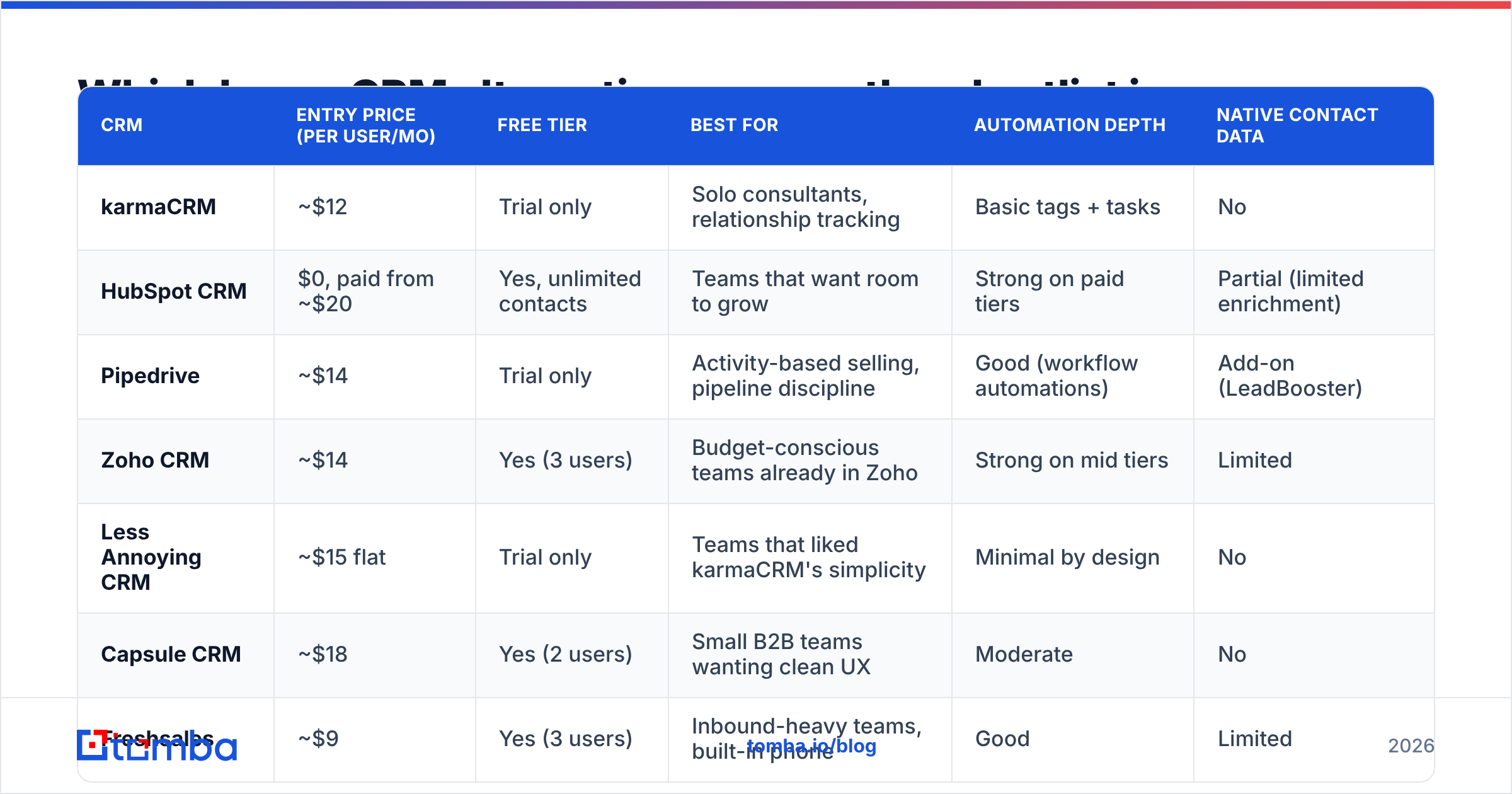
Here is the head-to-head. Prices are list prices at the time of writing, per user per month, and vendors change them often — always confirm on the vendor page before you commit.
| CRM | Entry price (per user/mo) | Free tier | Best for | Automation depth | Native contact data |
|---|---|---|---|---|---|
| karmaCRM | ~$12 | Trial only | Solo consultants, relationship tracking | Basic tags + tasks | No |
| HubSpot CRM | $0, paid from ~$20 | Yes, unlimited contacts | Teams that want room to grow | Strong on paid tiers | Partial (limited enrichment) |
| Pipedrive | ~$14 | Trial only | Activity-based selling, pipeline discipline | Good (workflow automations) | Add-on (LeadBooster) |
| Zoho CRM | ~$14 | Yes (3 users) | Budget-conscious teams already in Zoho | Strong on mid tiers | Limited |
| Less Annoying CRM | ~$15 flat | Trial only | Teams that liked karmaCRM's simplicity | Minimal by design | No |
| Capsule CRM | ~$18 | Yes (2 users) | Small B2B teams wanting clean UX | Moderate | No |
| Freshsales | ~$9 | Yes (3 users) | Inbound-heavy teams, built-in phone | Good | Limited |
| Copper | ~$12 | Trial only | Google Workspace-native teams | Moderate | No |
| Nutshell | ~$19 | Trial only | Small teams wanting CRM + email marketing | Good | Limited |
| Insightly | ~$29 | Trial only | Teams needing project delivery after the sale | Strong | No |
The column that matters most and gets ignored most is the last one. Almost none of these tools will find you a verified work email. That job belongs elsewhere in the stack.
HubSpot CRM — the default if you expect to grow#
HubSpot's free CRM remains the most generous starting point in the category: unlimited users on the free tier, contact and deal management, and email tracking. Paid tiers add sequences, reporting, and workflow automation. You can compare the tiers directly on HubSpot's pricing page.
The tradeoff is the classic one — the free tier is a funnel. Marketing contact pricing and seat-based upgrades escalate quickly, and features you assumed were included (custom reporting, sequences, required fields) sit two tiers up. Budget for the year-two price, not the month-one price.
Pipedrive — the pipeline-first upgrade#
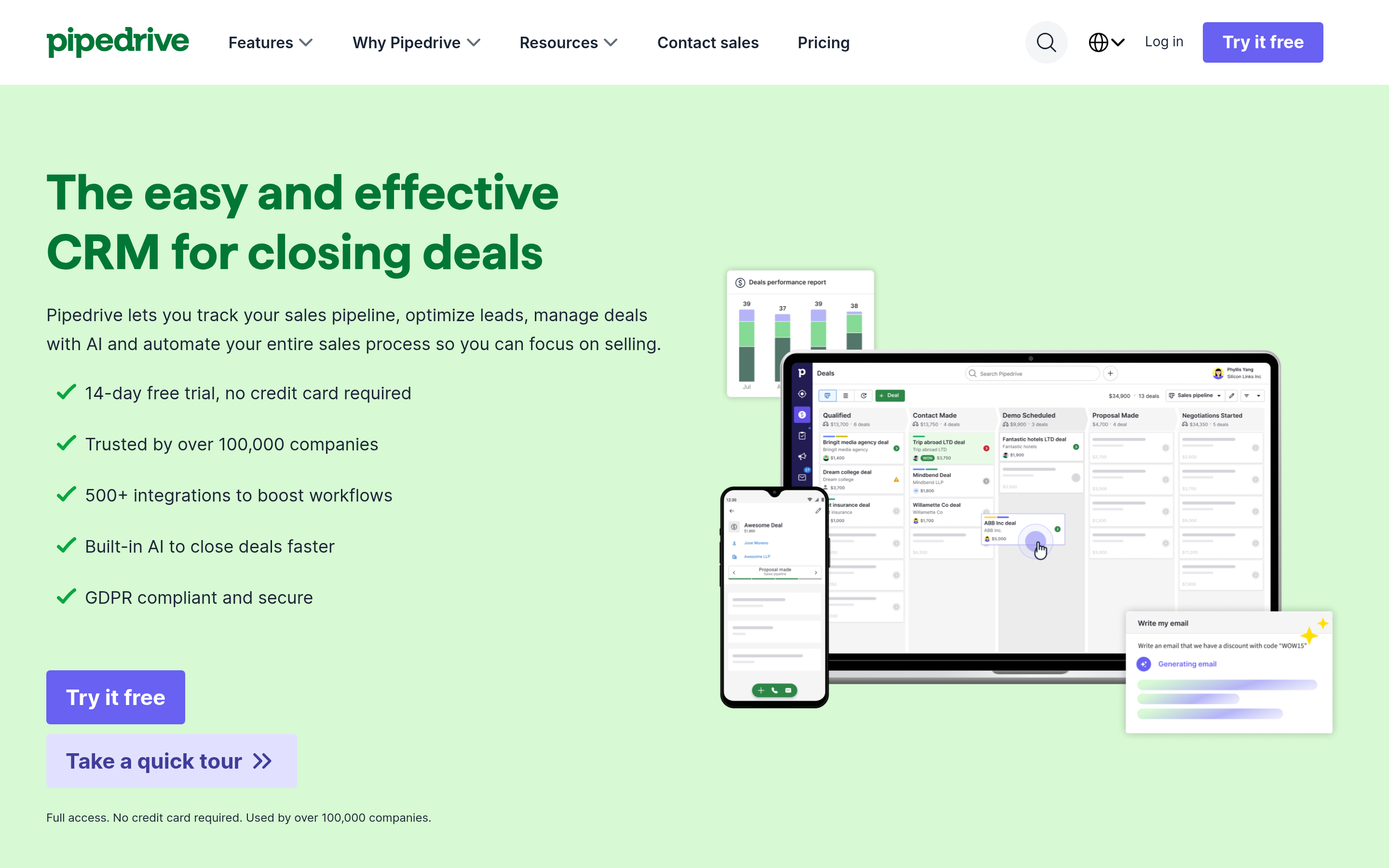
Pipedrive is the cleanest step up from karmaCRM if your problem is "I can see my contacts but I cannot see my pipeline." Deals move through visual stages, activities are mandatory by design, and the reporting answers the two questions that matter: where do deals die, and how long do they take?
It is weaker as a system of record for post-sale work, and its data enrichment lives behind the LeadBooster add-on. If you are already paying for prospecting data separately, skip the add-on.
Zoho CRM — the value pick#
Zoho CRM at the Standard tier does more per dollar than almost anything on this list: workflow rules, multiple pipelines, scoring, and reasonable reporting. If your company already uses Zoho Books or Desk, the internal integration is genuinely seamless.
The cost is interface density and a learning curve that feels enterprise-ish for a five-person team. Plan a real configuration week.
Less Annoying CRM and Capsule — the "same spirit, more polish" picks#
If you liked karmaCRM and just want it maintained more actively with a cleaner UI, these are your two. Less Annoying CRM charges one flat per-user rate with everything included — no tier games. Capsule offers a small free tier and a more modern interface with decent pipeline reporting on paid plans.
Neither will give you automation depth. That is deliberate, and for a two-person consultancy it is correct.
Freshsales, Copper, Nutshell and Insightly — the situational picks#
Freshsales bundles a built-in phone dialer and AI-based scoring, which suits teams that call as much as they email. Copper lives inside Google Workspace and is the right answer if your team's real CRM today is Gmail plus a spreadsheet. Nutshell folds in email marketing, which removes one SaaS line item. Insightly is the pick when the sale is only the beginning and project delivery needs to live in the same record.
Does switching CRMs fix your bad contact data?#
No. This is the single most expensive misunderstanding in CRM migrations.
A CRM is a container. If you migrate 4,000 contacts where 22% of the email addresses bounce, you now have a more expensive container holding the same 880 dead records. Worse, those bounces damage your sender reputation, which quietly suppresses deliverability for the addresses that are still good.
Treat data as a separate layer with three jobs:
- Find. Get verified work emails for the people you actually want to reach. A dedicated email finder resolves a name plus a company domain into a deliverable address, and domain search pulls the addressable contacts at an account in one pass.
- Verify. Run every list — imported, purchased, or scraped — through an email verifier before it touches your sending tool. Catch-all domains need their own handling.
- Enrich. Fill in job title, seniority, company size and social profiles so your segmentation is not guesswork. Data enrichment is what makes CRM reporting trustworthy.
If you would rather buy a pre-built list than build one, BookYourData is a solid option in that lane — it sells verified B2B contacts by role and industry with a bounce guarantee, and it pairs well with an in-house verification step before import. Buying and finding are complementary, not competing: purchased lists give you breadth, a finder gives you precision on named accounts.
How much should a 5-person team actually budget?#
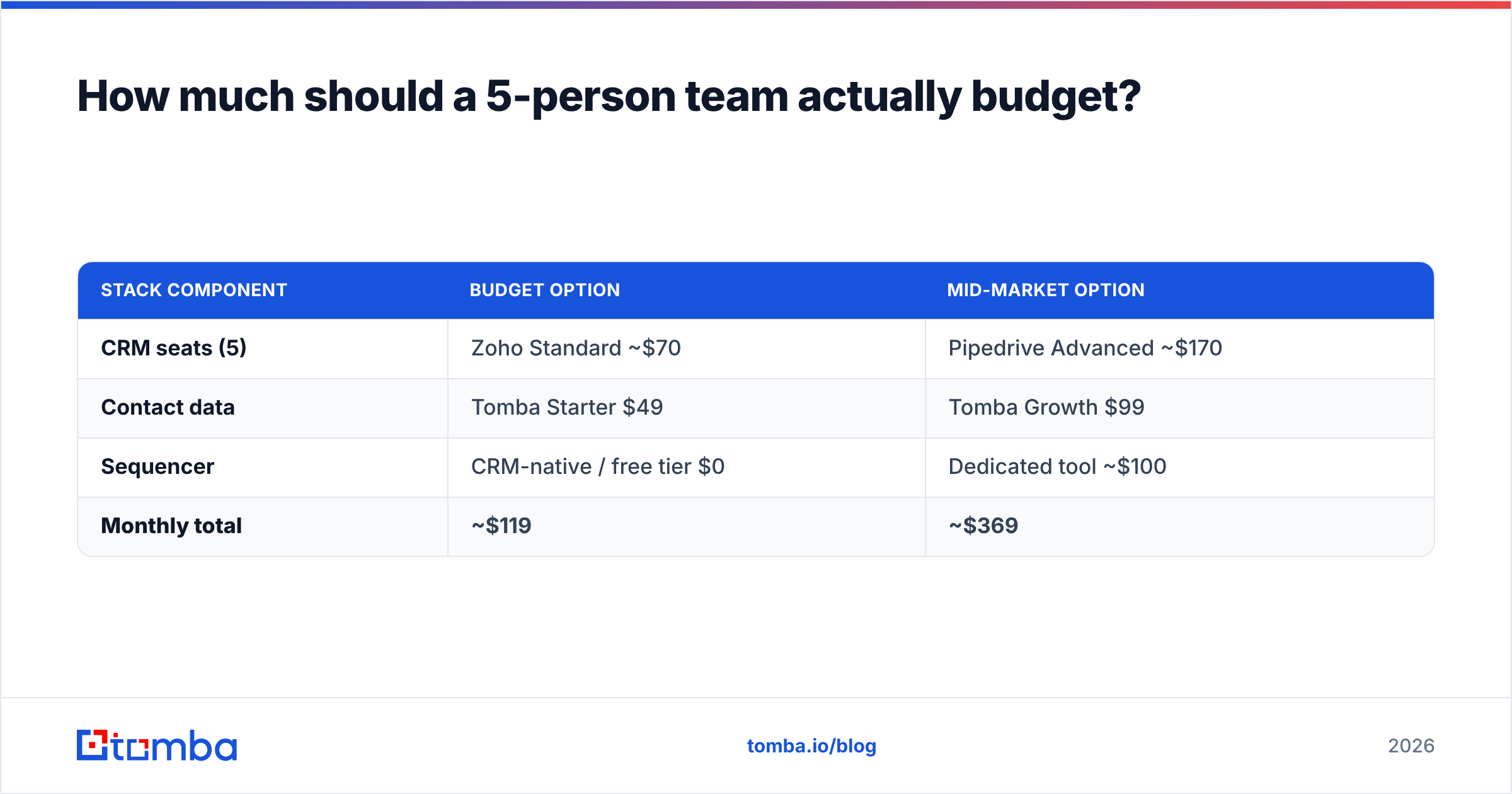
Here is the honest math for five seats, monthly, at list price:
| Stack component | Budget option | Mid-market option |
|---|---|---|
| CRM seats (5) | Zoho Standard ~$70 | Pipedrive Advanced ~$170 |
| Contact data | Tomba Starter $49 | Tomba Growth $99 |
| Sequencer | CRM-native / free tier $0 | Dedicated tool ~$100 |
| Monthly total | ~$119 | ~$369 |
Two notes on that table. First, the data line is not optional — it is the line that determines whether the other two produce revenue. Second, Tomba's plans start with a free tier at 25 searches a month, which is enough to sanity-check accuracy against your own known contacts before you pay anything. Run that test on 20 people you already have verified addresses for; any vendor that will not survive that test should not survive your shortlist.
How do you migrate off karmaCRM without losing history?#
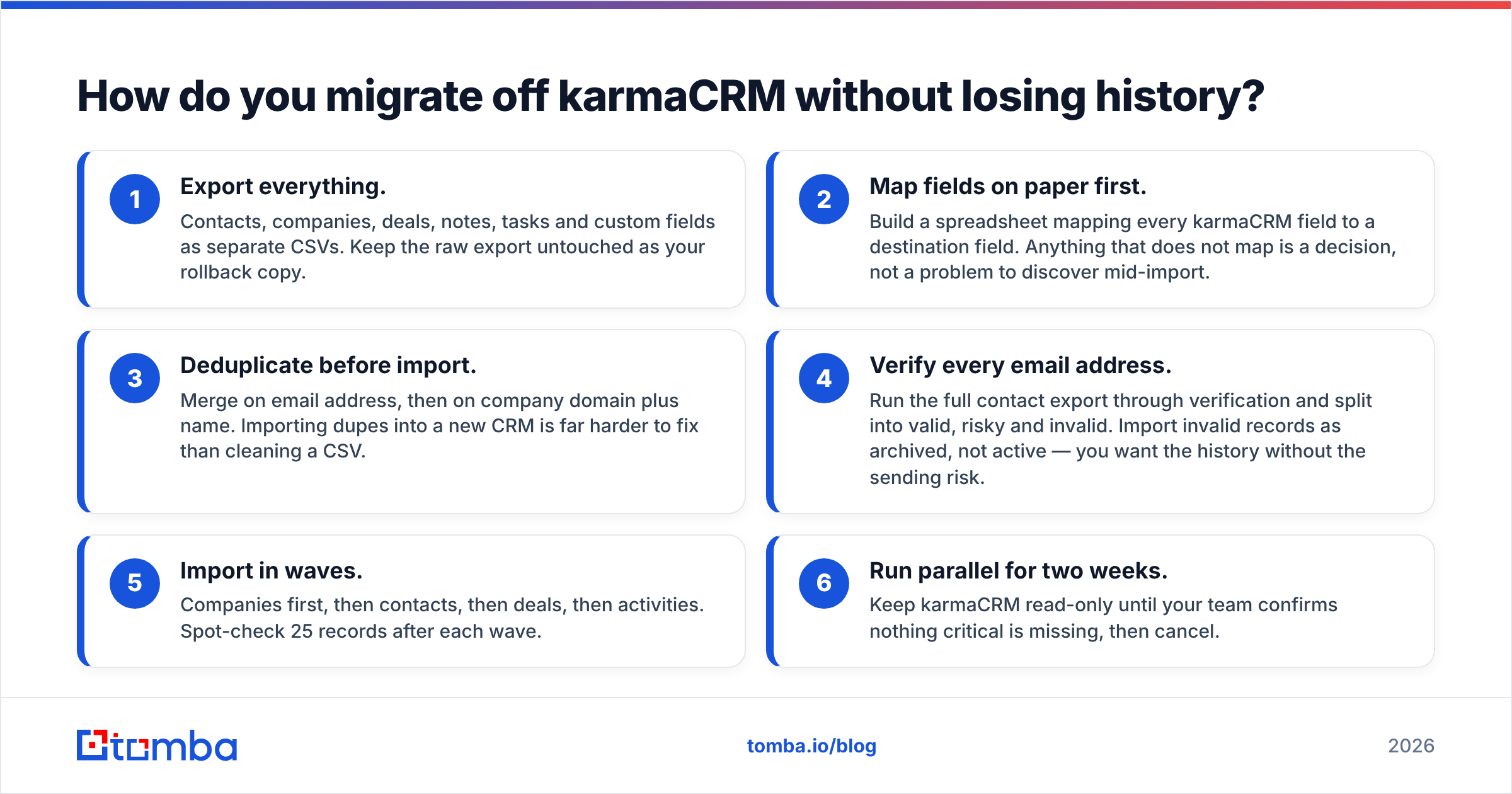
Run it in this order. Skipping steps three and four is how teams end up with a duplicate-riddled database they distrust within a month.
- Export everything. Contacts, companies, deals, notes, tasks and custom fields as separate CSVs. Keep the raw export untouched as your rollback copy.
- Map fields on paper first. Build a spreadsheet mapping every karmaCRM field to a destination field. Anything that does not map is a decision, not a problem to discover mid-import.
- Deduplicate before import. Merge on email address, then on company domain plus name. Importing dupes into a new CRM is far harder to fix than cleaning a CSV.
- Verify every email address. Run the full contact export through verification and split into valid, risky and invalid. Import invalid records as archived, not active — you want the history without the sending risk.
- Import in waves. Companies first, then contacts, then deals, then activities. Spot-check 25 records after each wave.
- Run parallel for two weeks. Keep karmaCRM read-only until your team confirms nothing critical is missing, then cancel.
Budget a full week of someone's attention for a 5,000-contact migration. Teams that budget an afternoon are the teams that end up back on spreadsheets.
Which karmaCRM alternative should you pick?#
Decide by constraint, not by feature list:
- You want simplicity and hate tiers → Less Annoying CRM or Capsule.
- You want the widest runway and a free start → HubSpot.
- Your problem is pipeline visibility → Pipedrive.
- You want the most feature per dollar and will tolerate setup → Zoho CRM.
- Your team calls as much as it emails → Freshsales.
- Delivery work follows the sale → Insightly.
Whichever you choose, the CRM is the cheaper half of the decision. Fill it with contacts you can actually reach: use the Tomba Email Finder to turn names and domains into verified work emails, verify your existing export before you import a single row, and start on the free tier so you can measure accuracy on your own accounts before you spend anything. A clean 500-contact CRM beats a bloated 5,000-contact one every quarter of the year.
Related guides#
// get started
Find, verify and enrich your first contacts today
Start on the free plan with 25 searches a month, then scale when your team is ready.
Free plan · No credit card required · GDPR & CCPA
// about the author