9 Best Koalendar Alternatives in 2026: Free and Paid Picks
Koalendar's free plan is generous until you need routing, reminders, or CRM sync. Here are nine Koalendar alternatives compared on price, limits, and how well they fit a real B2B pipeline.
TL;DR
- Koalendar is one of the most generous free scheduling tools available — unlimited booking pages and unlimited meetings on the free tier. Most people leave it for routing, team distribution, or CRM depth, not for price.
- If you want open-source control, Cal.com is the closest philosophical replacement. If you want the biggest integration ecosystem, it's Calendly. If you already run HubSpot, HubSpot Meetings is free and already in your stack.
- Teams doing inbound speed-to-lead need round-robin plus form routing — that means Chili Piper or Calendly Teams, not a $7/month tool.
- A booking link converts nothing on its own. Most "our calendar is empty" problems are prospecting problems: no verified contacts feeding the link.
- Budget honestly: most paid alternatives land between $10 and $25 per user per month, and lifetime deals like TidyCal exist if you only need the basics.
What is Koalendar, and why do people look for alternatives?#
Koalendar is a lightweight meeting scheduler. You connect Google Calendar, publish a booking page, and people pick a slot. The free plan is unusually generous — unlimited event types and unlimited bookings, which is exactly where Calendly's free plan stops you (one event type). Paid tiers add branding removal, reminders, and a few integrations for roughly $7 per user per month when billed annually.
So why search for Koalendar alternatives at all? In practice, four reasons come up repeatedly:
- Calendar coverage. Koalendar is Google-first. If your team lives in Outlook or Microsoft 365, availability checks get awkward fast.
- No real routing. There's no meaningful round-robin, no lead routing by form answer, no territory rules. For a solo consultant that's fine. For a five-rep SDR team it's a dealbreaker.
- Thin CRM sync. Bookings that don't land in your CRM as a tracked activity create reporting gaps your RevOps lead will complain about.
- Ecosystem depth. Payments, intake forms, workflows, SMS reminders, routing forms, and Zoom/Teams/Meet parity — Koalendar covers the basics, not the long tail.
None of that makes Koalendar bad. It makes it narrow. The question is whether your workflow has outgrown the narrow version.
What should you actually compare in a scheduling tool?#
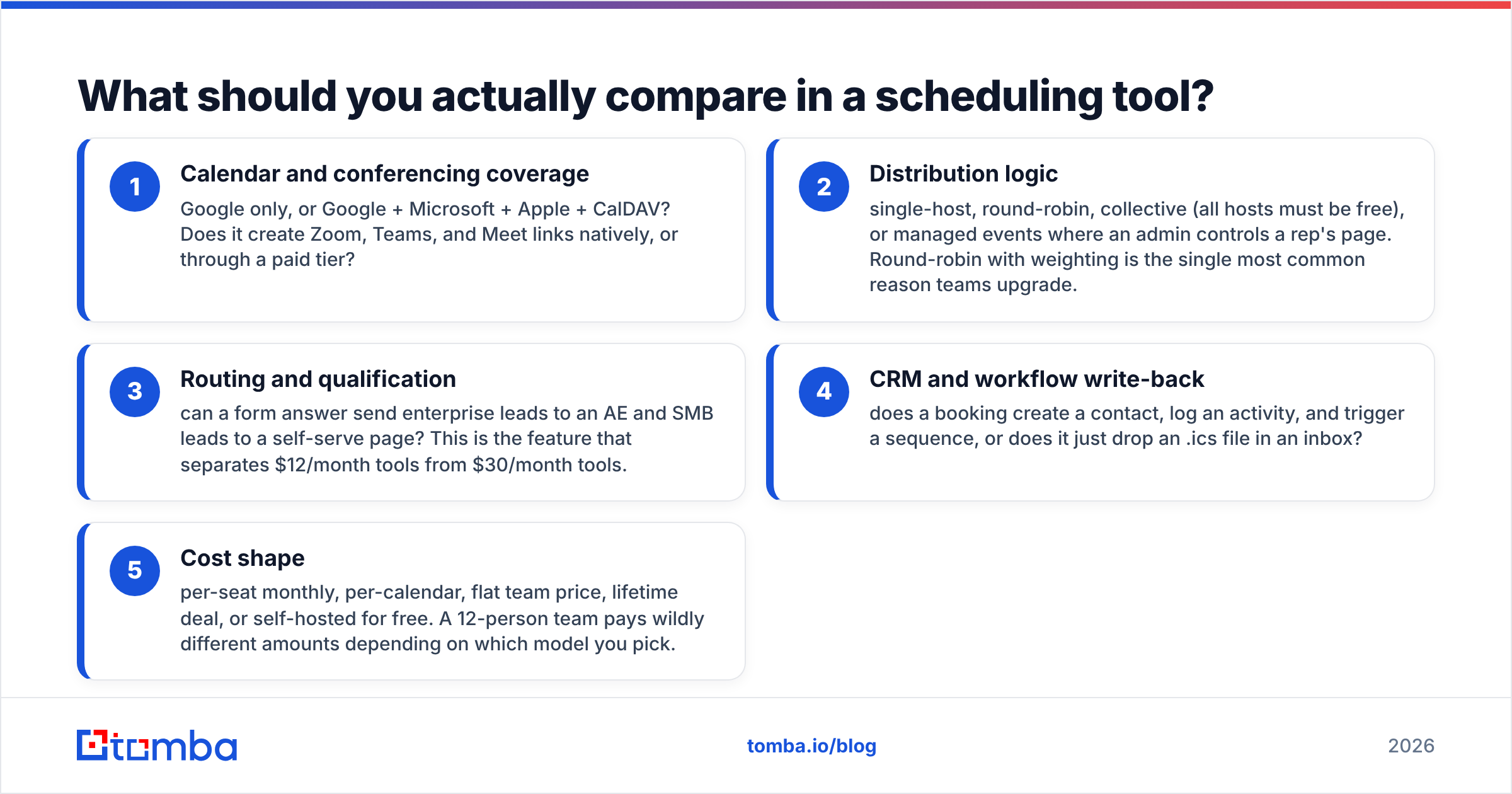
Before you read another listicle of logos, decide which of these five things you're actually buying. Scheduling tools look nearly identical on a landing page and diverge sharply once you have more than two people using them.
- Calendar and conferencing coverage — Google only, or Google + Microsoft + Apple + CalDAV? Does it create Zoom, Teams, and Meet links natively, or through a paid tier?
- Distribution logic — single-host, round-robin, collective (all hosts must be free), or managed events where an admin controls a rep's page. Round-robin with weighting is the single most common reason teams upgrade.
- Routing and qualification — can a form answer send enterprise leads to an AE and SMB leads to a self-serve page? This is the feature that separates $12/month tools from $30/month tools.
- CRM and workflow write-back — does a booking create a contact, log an activity, and trigger a sequence, or does it just drop an .ics file in an inbox?
- Cost shape — per-seat monthly, per-calendar, flat team price, lifetime deal, or self-hosted for free. A 12-person team pays wildly different amounts depending on which model you pick.
Write down which three matter most. Then the shortlist below shrinks itself.
Which Koalendar alternatives are worth your time in 2026?#
Prices below reflect publicly listed rates at the time of writing and are rounded; annual billing usually knocks 15-20% off. Always confirm on the vendor's own pricing page before you buy — scheduling vendors reprice often.
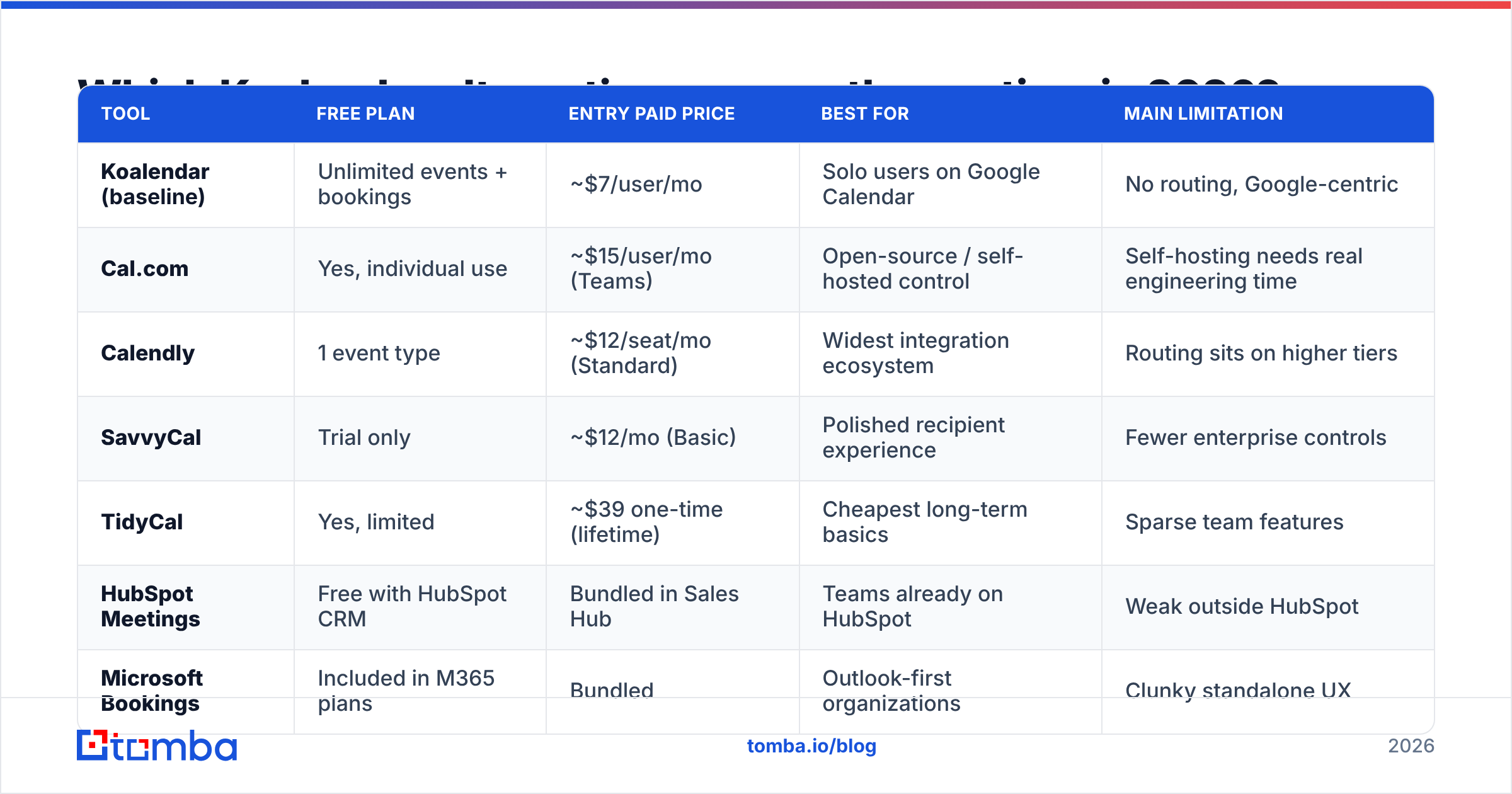
| Tool | Free plan | Entry paid price | Best for | Main limitation |
|---|---|---|---|---|
| Koalendar (baseline) | Unlimited events + bookings | ~$7/user/mo | Solo users on Google Calendar | No routing, Google-centric |
| Cal.com | Yes, individual use | ~$15/user/mo (Teams) | Open-source / self-hosted control | Self-hosting needs real engineering time |
| Calendly | 1 event type | ~$12/seat/mo (Standard) | Widest integration ecosystem | Routing sits on higher tiers |
| SavvyCal | Trial only | ~$12/mo (Basic) | Polished recipient experience | Fewer enterprise controls |
| TidyCal | Yes, limited | ~$39 one-time (lifetime) | Cheapest long-term basics | Sparse team features |
| HubSpot Meetings | Free with HubSpot CRM | Bundled in Sales Hub | Teams already on HubSpot | Weak outside HubSpot |
| Microsoft Bookings | Included in M365 plans | Bundled | Outlook-first organizations | Clunky standalone UX |
| Zoho Bookings | Free tier available | ~$6/user/mo | Zoho One customers, services businesses | Best value only inside Zoho |
| Acuity Scheduling | Trial only | ~$20/mo | Appointments with payments/intake | Overkill for simple B2B calls |
| Chili Piper | No | ~$22.50/user/mo+ | Inbound speed-to-lead routing | Enterprise pricing and setup |
Cal.com — the open-source replacement#
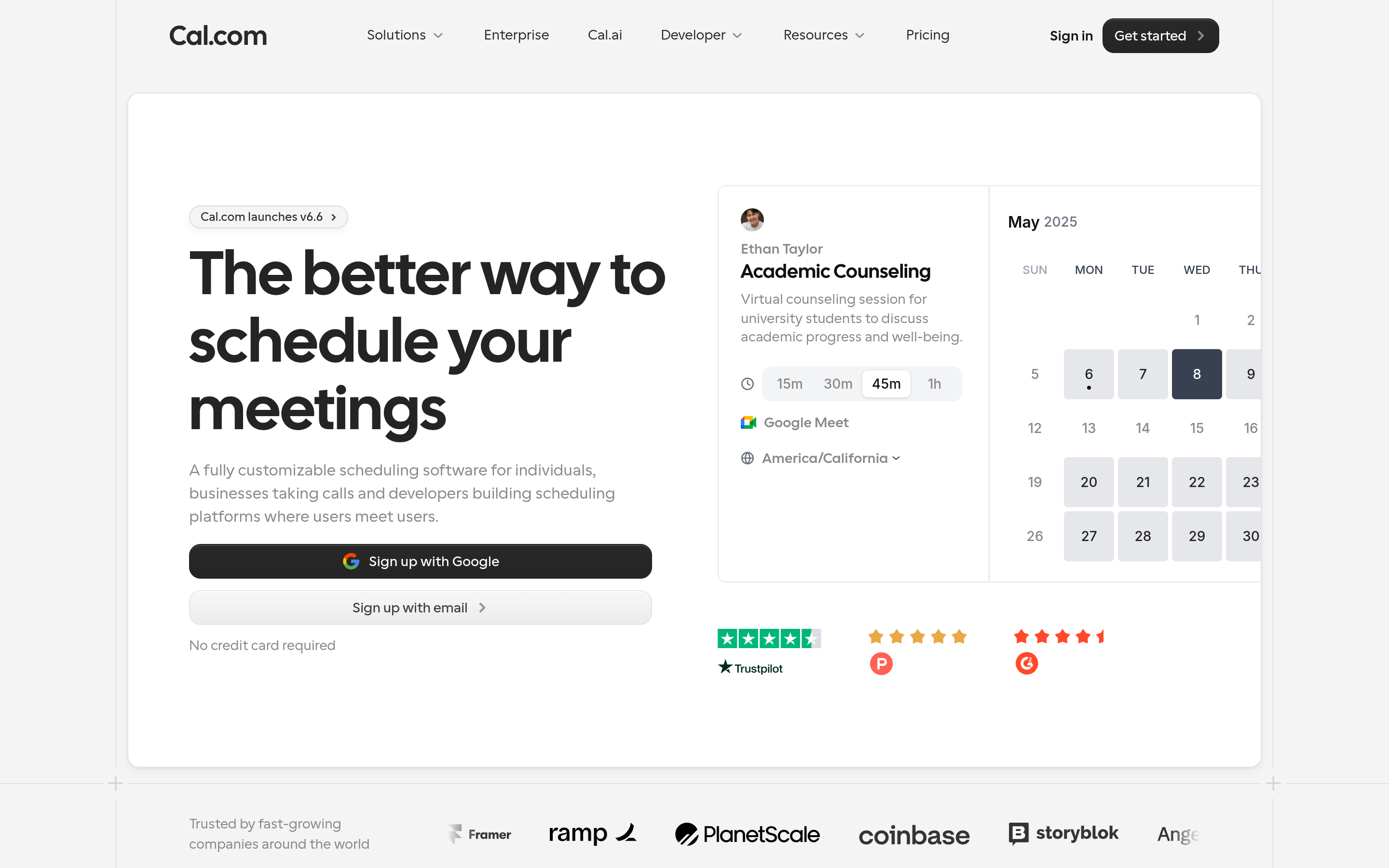
Cal.com is what Koalendar users pick when they want to own the scheduling layer. Self-host it and the license cost is zero; you pay in DevOps hours instead. The hosted version gives you round-robin, routing forms, workflows, and an API that's genuinely pleasant to build against. If your company has a policy about where booking data lives, this is usually the shortlist winner.
Choose it if: you have engineering capacity, or you want an API-first scheduler embedded in your own product.
Calendly — the default, for better and worse#
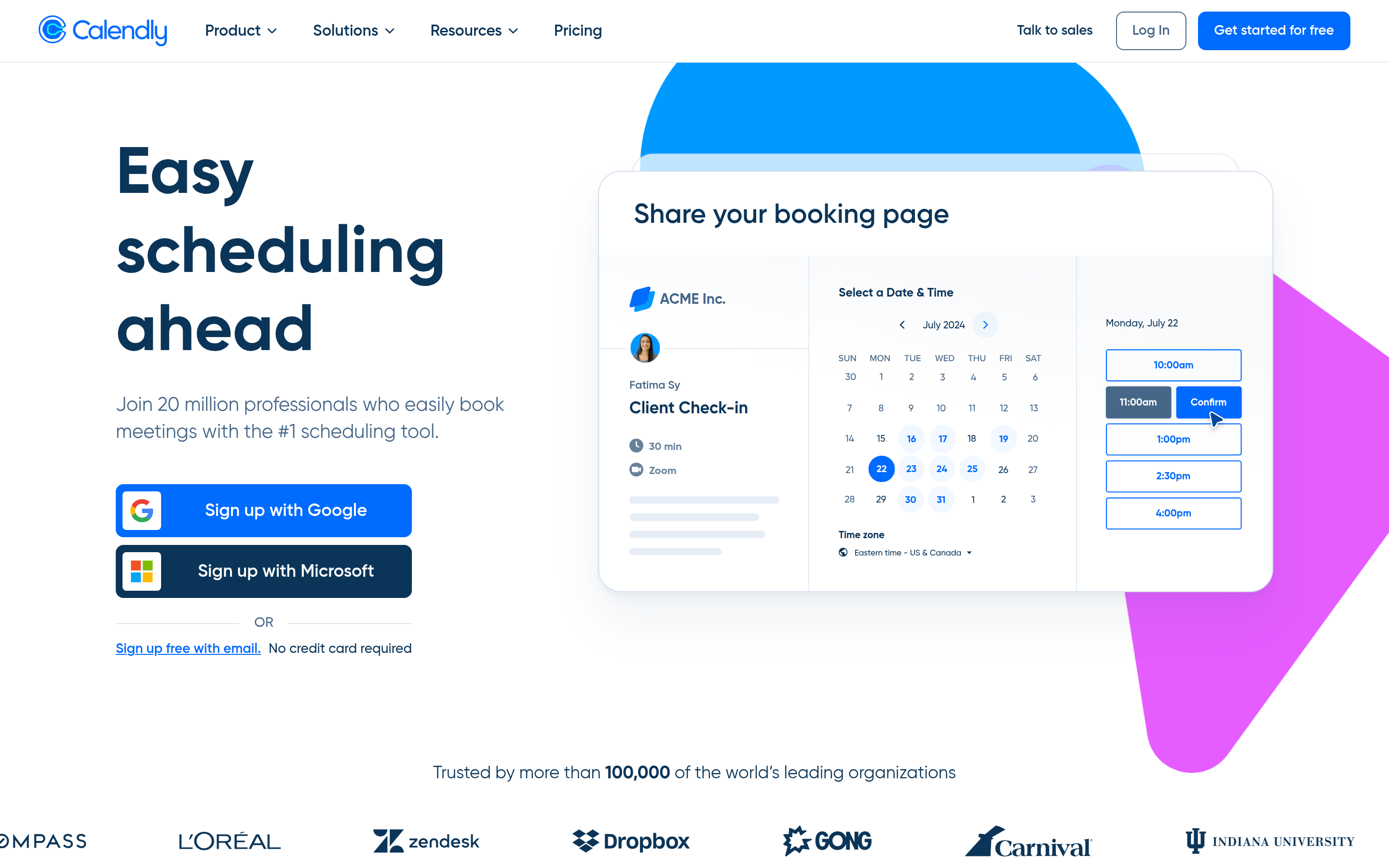
Calendly remains the category standard, and the reason is boring: it integrates with everything. The free plan is stingier than Koalendar's (one event type), so a free-to-free migration is a downgrade. The Standard tier is where most solo users land, and Teams unlocks round-robin. Routing forms and Salesforce routing sit at the top tiers, which is the pricing surprise most buyers hit in month three.
Choose it if: you want zero integration friction and don't mind paying per seat.
SavvyCal — the one your recipients like#
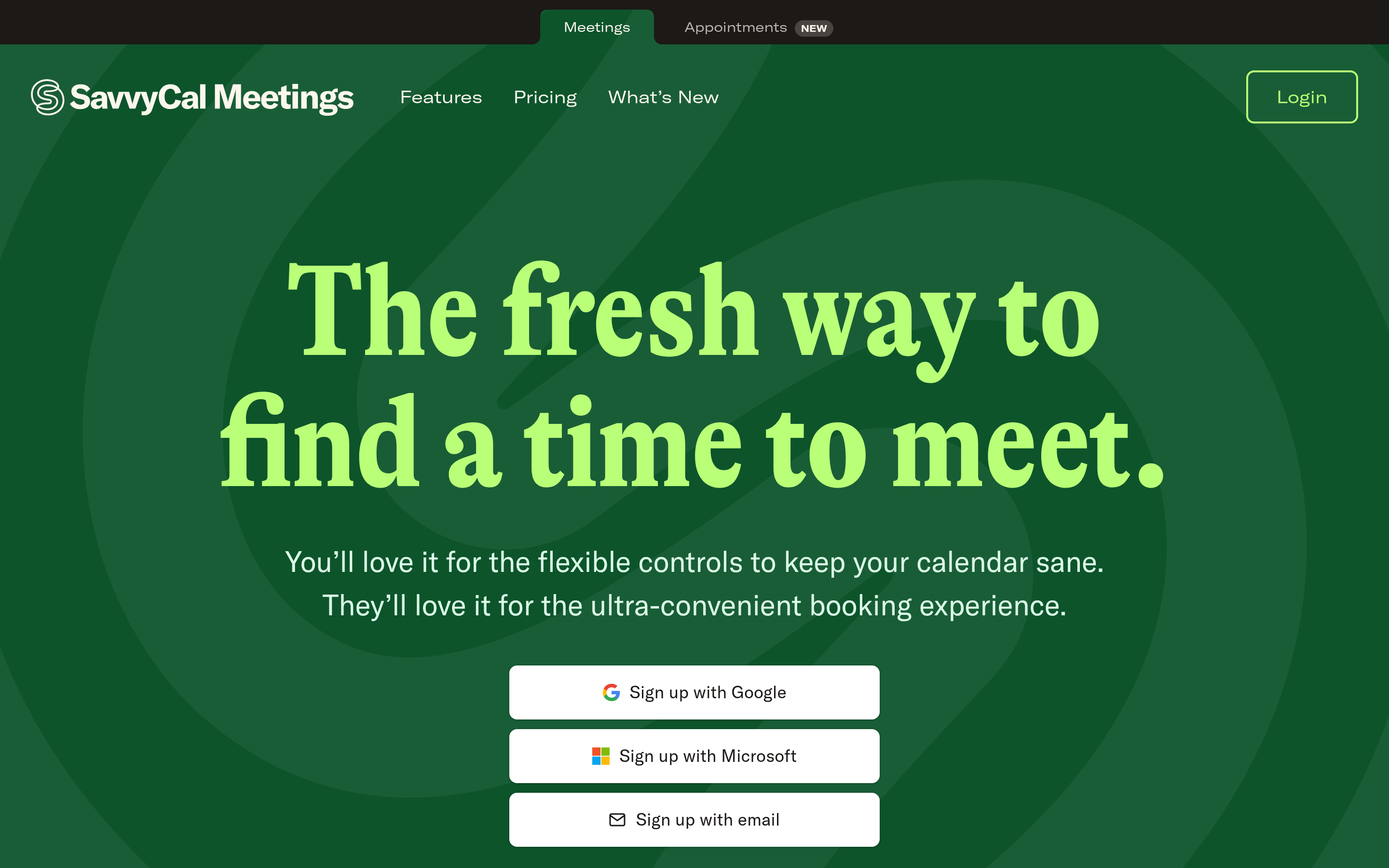
SavvyCal's differentiator is on the invitee side: they can overlay their own calendar on your availability, which kills the "none of those work for me" reply. Ranked availability lets you nudge people toward preferred slots without hiding the rest. It's a strong pick for founders, recruiters, and anyone whose meetings are with senior people who resent being sent a grid.
Choose it if: reply quality and booking rate matter more than admin controls.
TidyCal — the budget line#
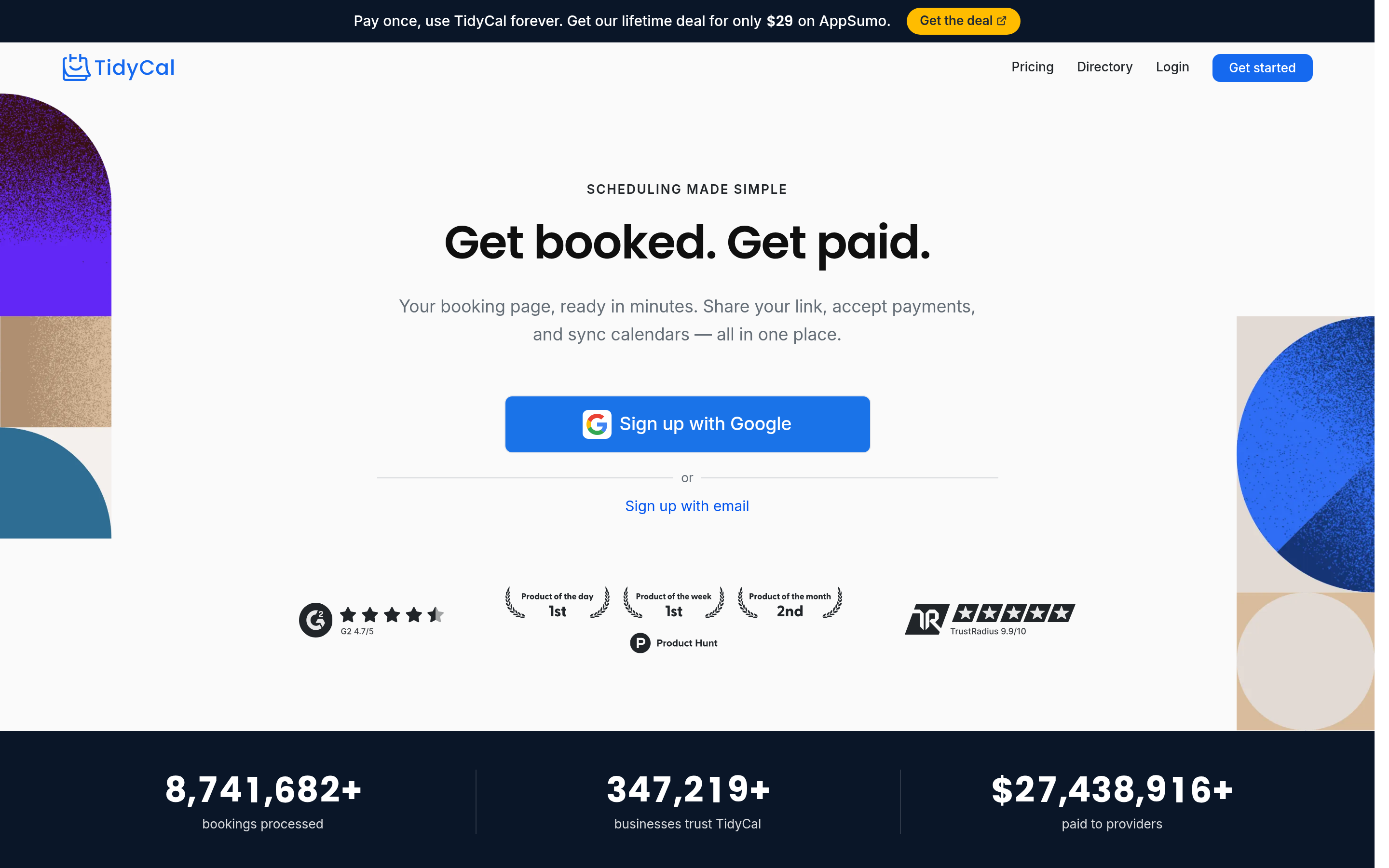
TidyCal's lifetime deal is the reason it's on this list. If your requirements genuinely stop at "publish a link, sync Google Calendar, take a payment occasionally," a one-time fee beats any subscription over a three-year horizon. Team features are thin, and it shows.
Choose it if: you're cost-sensitive and your needs will not grow.
HubSpot Meetings — free if you're already paying#
If your CRM is HubSpot, HubSpot's meetings tool is already included, and every booking writes straight to the contact record with no middleware. Round-robin is available on paid Sales Hub seats. The catch is obvious: outside HubSpot it's not a compelling standalone product. Pair it with a HubSpot integration that also pushes verified contact data in, and you remove two tools from the stack at once.
Choose it if: you're on HubSpot and tired of paying for a second scheduler.
Microsoft Bookings and Zoho Bookings — the "already in your bundle" options#
Both are bundled tools that beat their reputation. Microsoft Bookings handles Outlook availability natively and costs nothing extra on most M365 business plans. Zoho Bookings is strong for services businesses with staff, resources, and payment collection, and it's near-free inside Zoho One. Neither will win a design award. Both will save you a line item.
Acuity and Chili Piper — the two specialists#
Acuity Scheduling is built for appointment businesses: intake forms, packages, deposits, multi-staff resources. If you're scheduling clients rather than prospects, it beats every generic tool here.
Chili Piper sits at the opposite end. It's not a booking page — it's an inbound conversion system that qualifies a form submission, routes it by rules, and books the right rep while the lead is still on the page. If a 10% lift in demo bookings is worth five figures to you, the price is defensible. If not, it isn't. Check current user sentiment on G2 before committing to a seat count.
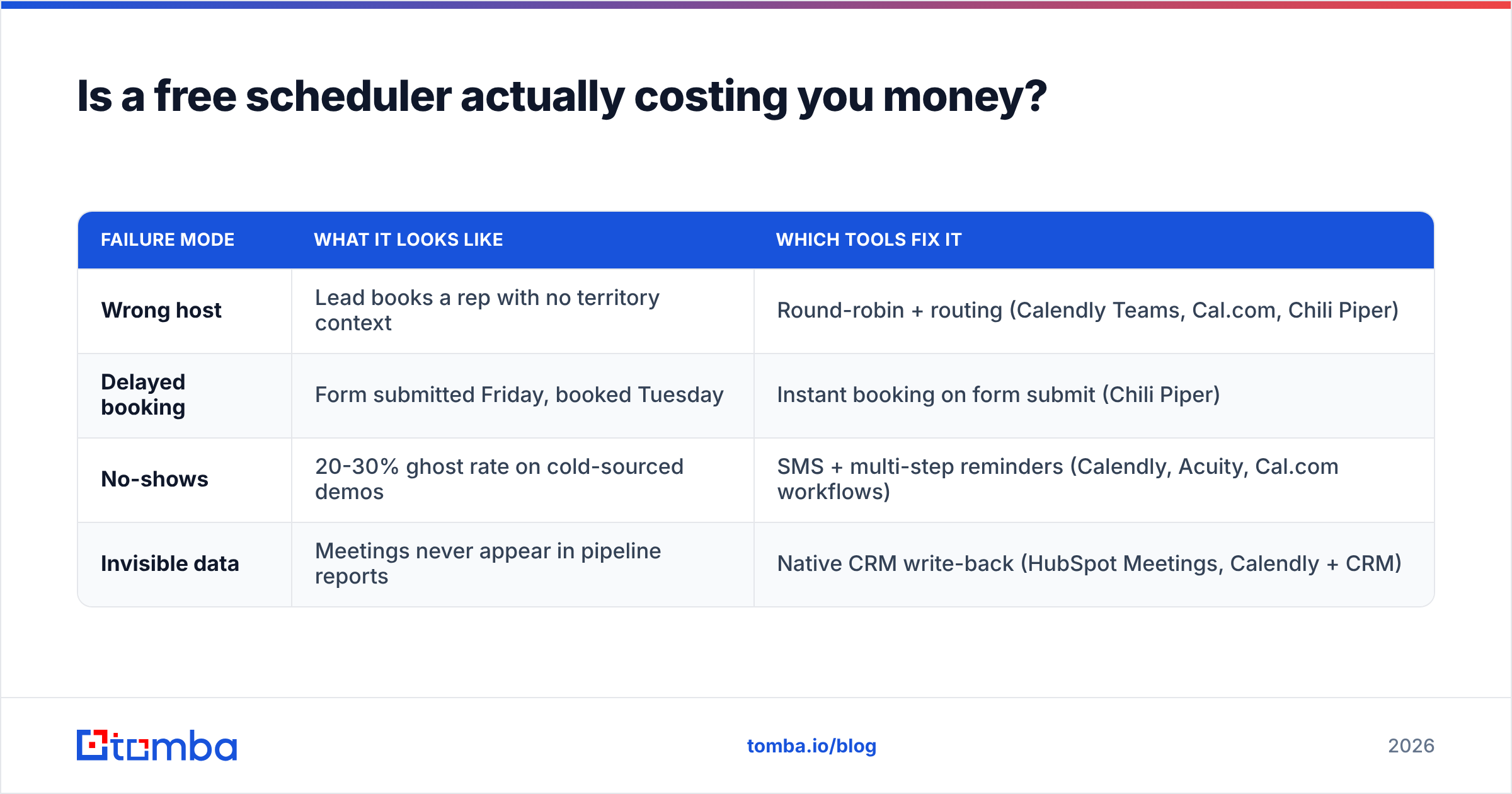
Is a free scheduler actually costing you money?#
Here's the test. Koalendar free versus Calendly Standard for a three-person team is a difference of about $430 a year. One extra closed deal covers that many times over. So the real question isn't "what's cheapest," it's "does the tool lose meetings."
Scheduling tools lose meetings in four specific ways:
| Failure mode | What it looks like | Which tools fix it |
|---|---|---|
| Wrong host | Lead books a rep with no territory context | Round-robin + routing (Calendly Teams, Cal.com, Chili Piper) |
| Delayed booking | Form submitted Friday, booked Tuesday | Instant booking on form submit (Chili Piper) |
| No-shows | 20-30% ghost rate on cold-sourced demos | SMS + multi-step reminders (Calendly, Acuity, Cal.com workflows) |
| Invisible data | Meetings never appear in pipeline reports | Native CRM write-back (HubSpot Meetings, Calendly + CRM) |
Run your own numbers against that table. If none of the four failure modes describes your team, stay on Koalendar and spend the money on data instead.
How do you make sure the booking link actually gets used?#
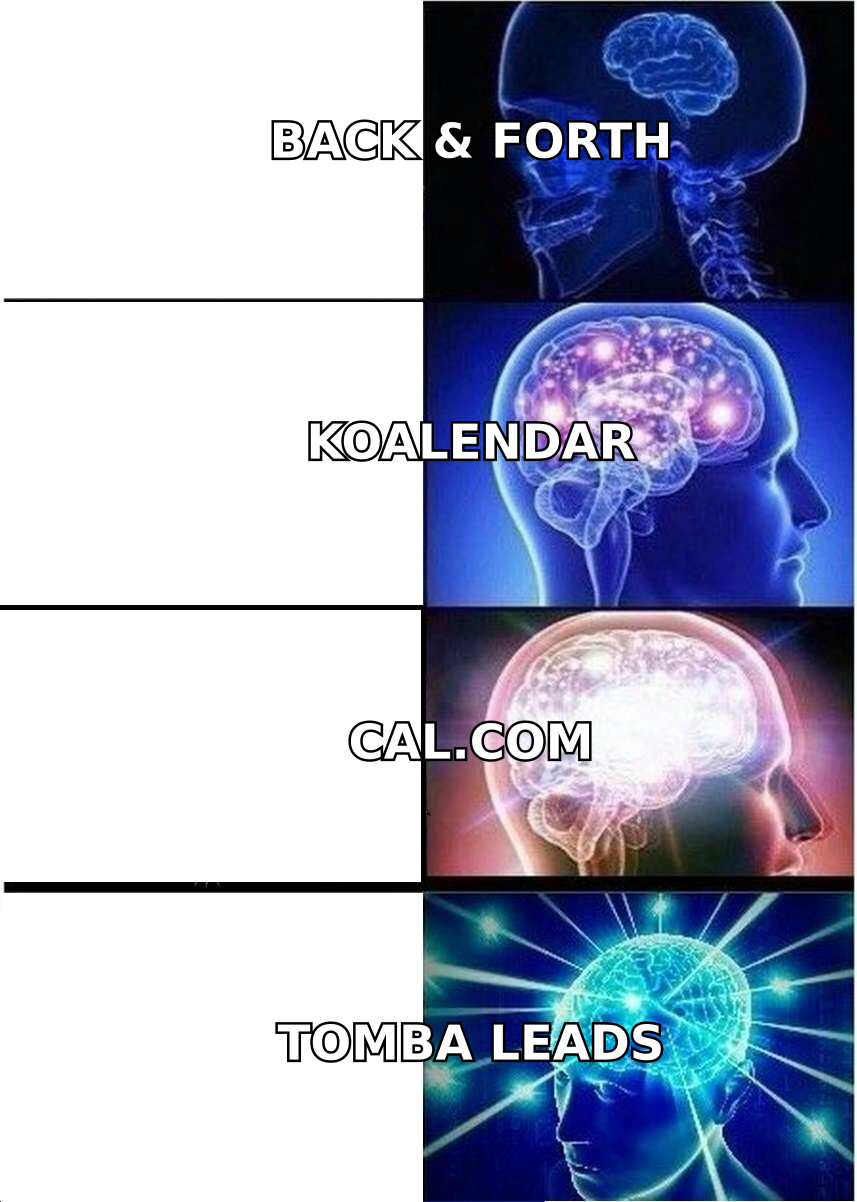
This is the part most alternatives posts skip. Swapping schedulers changes how meetings get booked. It does not change how many people are asked.
An empty calendar almost always traces back to the top of the funnel:
- You're sending to role addresses like info@ that nobody monitors.
- Your bounce rate is high enough that your domain reputation suppresses everything else.
- You're reaching the wrong seniority, so the reply is "send it to our ops person."

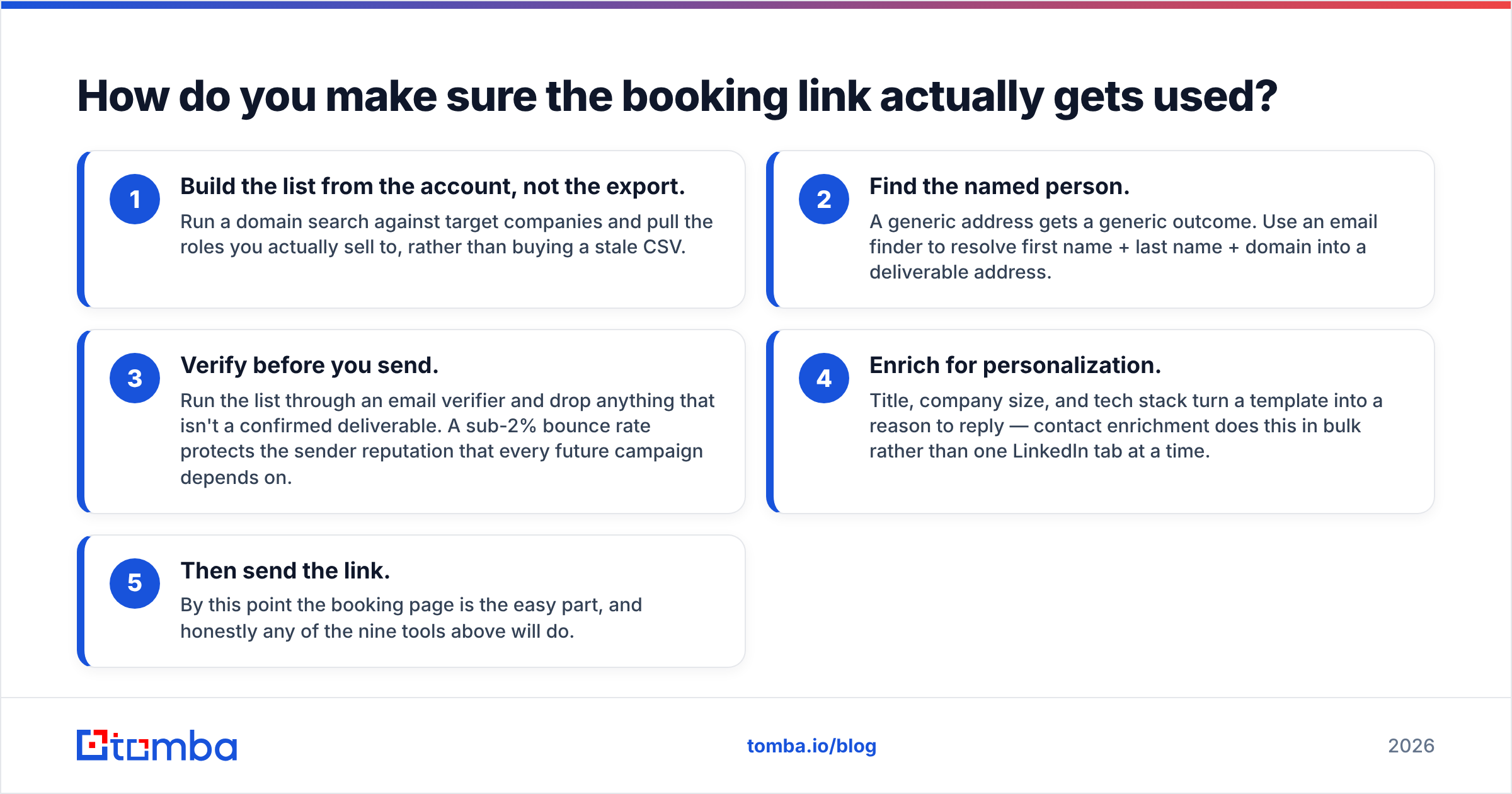
Fixing that is a data problem, not a calendar problem. The workflow that reliably fills a booking page looks like this:
- Build the list from the account, not the export. Run a domain search against target companies and pull the roles you actually sell to, rather than buying a stale CSV.
- Find the named person. A generic address gets a generic outcome. Use an email finder to resolve first name + last name + domain into a deliverable address.
- Verify before you send. Run the list through an email verifier and drop anything that isn't a confirmed deliverable. A sub-2% bounce rate protects the sender reputation that every future campaign depends on.
- Enrich for personalization. Title, company size, and tech stack turn a template into a reason to reply — contact enrichment does this in bulk rather than one LinkedIn tab at a time.
- Then send the link. By this point the booking page is the easy part, and honestly any of the nine tools above will do.
Teams that get this order backwards buy a $25/seat scheduler and wonder why the round-robin queue is idle.
What does switching from Koalendar actually cost?#
Migration is cheaper than people fear, but it isn't free:
- Broken links. Your
koalendar.com/...URL is in email signatures, proposals, LinkedIn bios, and probably a landing page or two. Budget an afternoon to hunt them down. Some tools support custom domains — use one this time so the next migration is a DNS change. - Lost event configuration. Buffers, minimum notice, date ranges, and custom questions rarely export. Screenshot your existing setup before you cancel.
- Reconnecting integrations. Zoom, Meet, Stripe, and CRM connections all need re-authorization, and someone with admin rights has to do it.
- Team retraining. Small, but real. Reps who have to think about their booking link stop sending it.
A realistic estimate for a five-person team: half a day of work, spread over a week.
Which Koalendar alternative should you pick?#
Short version, by situation:
- Solo, Google Calendar, budget-conscious: stay on Koalendar, or move to TidyCal for a lifetime fee.
- Solo, wants better reply rates: SavvyCal.
- Small team needing round-robin: Calendly Teams or Cal.com.
- Engineering-led or privacy-constrained: Cal.com, self-hosted.
- Already on HubSpot or Microsoft 365: use the scheduler you're already paying for.
- High-volume inbound with a real speed-to-lead problem: Chili Piper.
- Appointments with payments and staff: Acuity or Zoho Bookings.
Pick from that list, run a two-week trial with one rep, and measure booked-to-held rate rather than feature count.
Fill the calendar before you upgrade it. A better scheduler routes the meetings you already generate; it doesn't create them. If your booking page is quiet, start upstream: use the Tomba Email Finder to turn target-account names into verified, deliverable addresses, then verify the list before your first send. The free tier covers 25 searches a month so you can test the workflow on a single account list, and paid plans start at $49/month when you're ready to scale — see full Tomba pricing for the breakdown. Get the contacts right, and whichever Koalendar alternative you choose will have something to schedule.
Related guides#
// get started
Find, verify and enrich your first contacts today
Start on the free plan with 25 searches a month, then scale when your team is ready.
Free plan · No credit card required · GDPR & CCPA
// about the author