7 Best Kronologic Alternatives in 2026 (Compared & Priced)
Kronologic auto-books meetings from your lead list, but the AI negotiation model, pricing, and data dependency don't fit every team. Here are 7 alternatives compared on price, routing, and setup effort.
TL;DR
- Kronologic is an AI scheduling agent: it emails your leads on a rep's behalf, negotiates a time, and drops a calendar invite. It is not a booking-link tool, and that difference decides whether it fits you.
- Most teams shopping for Kronologic alternatives want one of three things: inbound speed-to-lead routing (Chili Piper, RevenueHero), a cheaper self-serve booking layer (Calendly, Cal.com, HubSpot Meetings), or a full outbound sequencer that also books (Salesloft, Outreach).
- Every one of these tools multiplies your contact data. An auto-invite sent to a stale or guessed address hits a bounce, not a calendar — which is why the verification layer matters more than the scheduler you pick.
- Budget reality: booking links start near free, inbound routing runs roughly $25–$40 per user per month, and AI-negotiation platforms like Kronologic are quote-only enterprise deals.
- Pick by motion, not by feature list: inbound demo requests, outbound cold lists, and existing-database reactivation each have a different winner.
What does Kronologic actually do?#
Kronologic is a meeting automation platform, not a calendar link. Think of a booking link as handing someone your business card and hoping they call. Kronologic is closer to hiring an assistant who emails the prospect first, proposes a specific Tuesday at 2:15, handles the "can we do Thursday instead?" reply, and puts the meeting on your rep's calendar without the rep touching anything.
Technically, it works by sending a calendar invite (or an invite-style email) directly to a contact, then using AI to parse and negotiate replies. The pitch is density: if you have 40,000 dormant MQLs, a rep will never work them one by one, but an AI agent can push an invite to all of them and surface only the accepted meetings.
That model has a specific consequence. Kronologic's output quality is bounded by your contact list quality. A booking link sits passively on a page; a Kronologic-style agent actively emails thousands of addresses from your domain. If 12% of those addresses are dead, you are not just losing meetings — you are damaging email deliverability for every other campaign running from that domain.
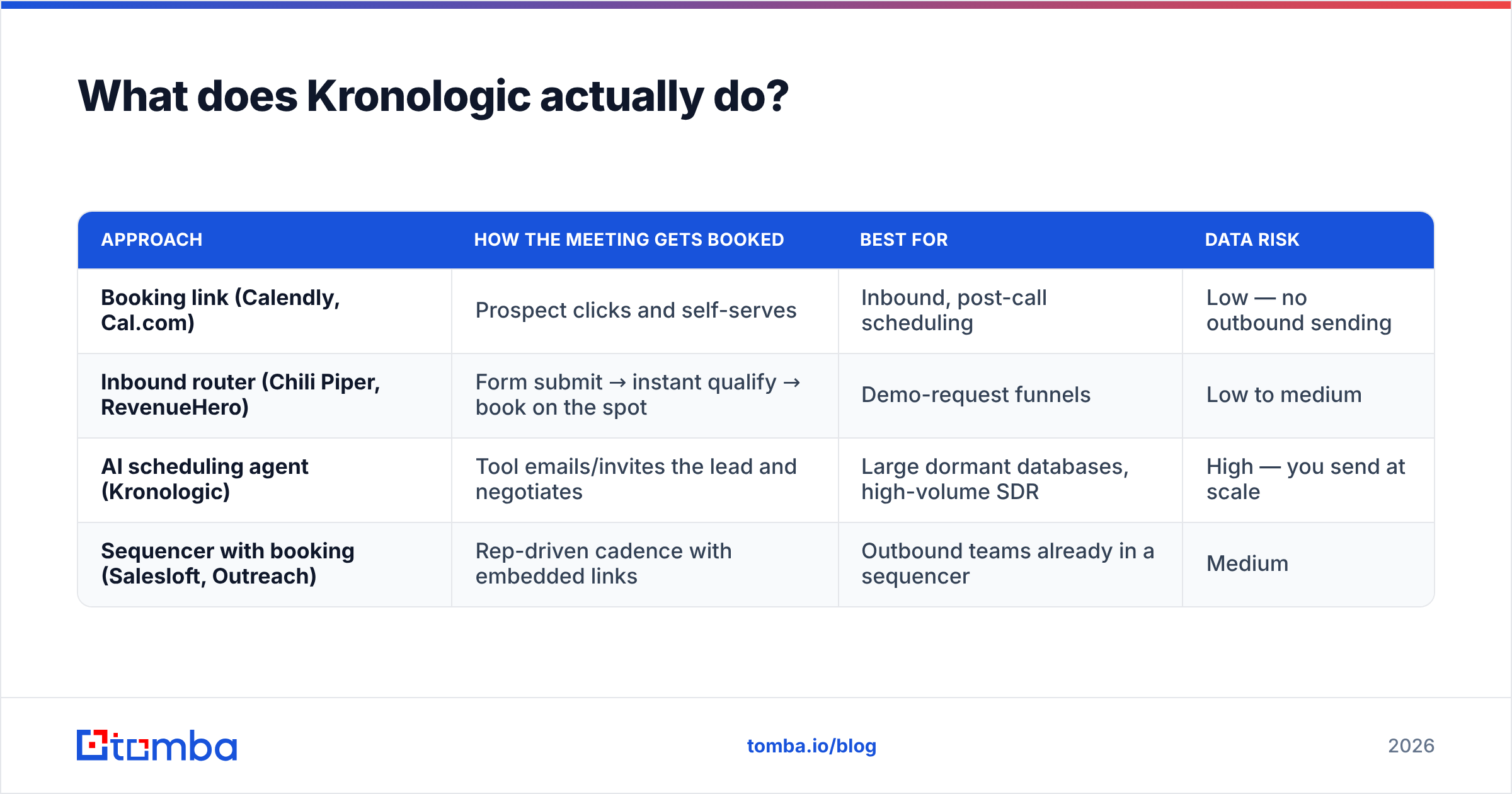
Here is how the main categories differ:
| Approach | How the meeting gets booked | Best for | Data risk |
|---|---|---|---|
| Booking link (Calendly, Cal.com) | Prospect clicks and self-serves | Inbound, post-call scheduling | Low — no outbound sending |
| Inbound router (Chili Piper, RevenueHero) | Form submit → instant qualify → book on the spot | Demo-request funnels | Low to medium |
| AI scheduling agent (Kronologic) | Tool emails/invites the lead and negotiates | Large dormant databases, high-volume SDR | High — you send at scale |
| Sequencer with booking (Salesloft, Outreach) | Rep-driven cadence with embedded links | Outbound teams already in a sequencer | Medium |
Why do teams look for Kronologic alternatives?#
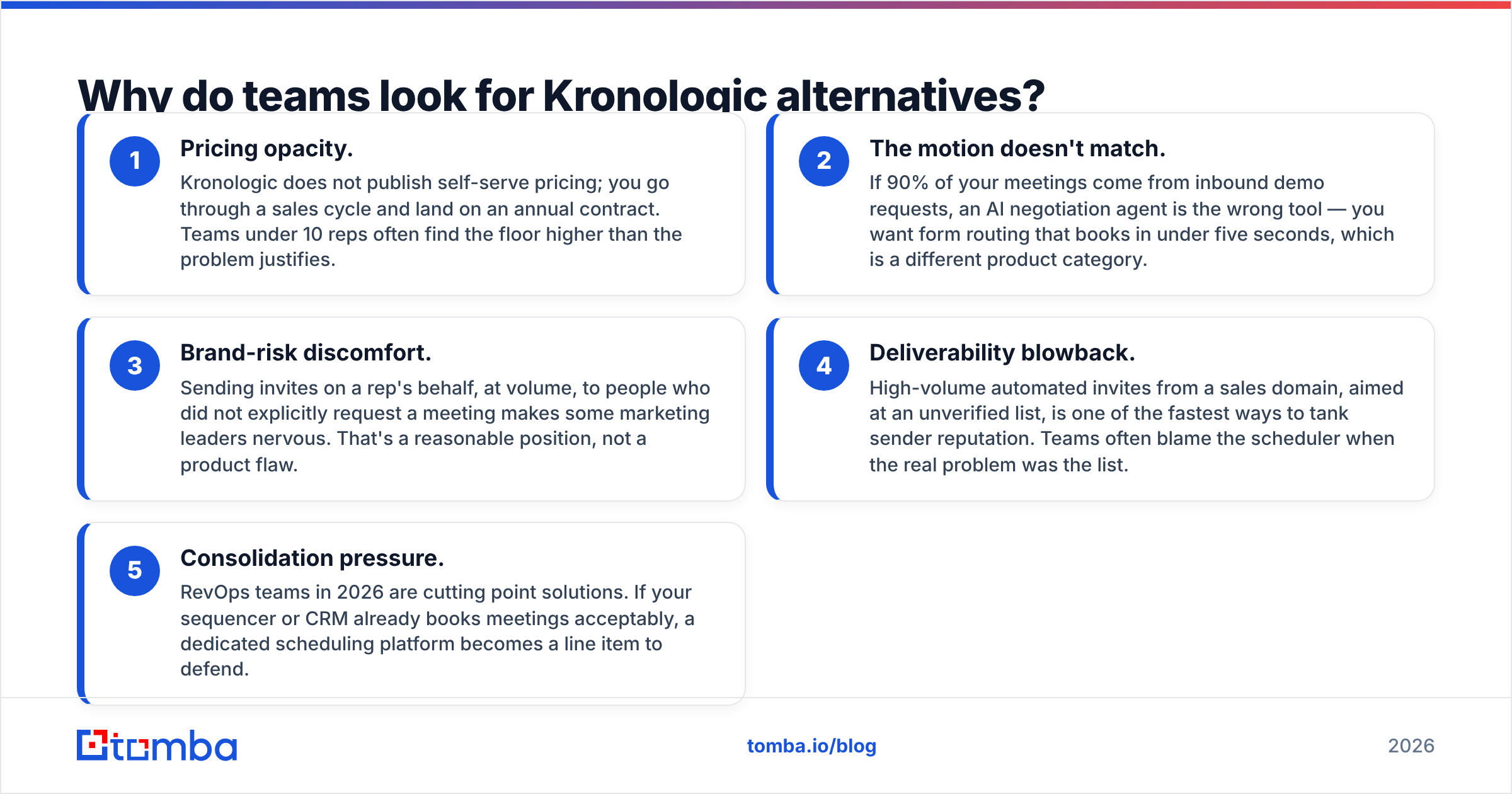
Nobody churns from a scheduling tool because the calendar rendering is ugly. In practice, five reasons drive the search:
- Pricing opacity. Kronologic does not publish self-serve pricing; you go through a sales cycle and land on an annual contract. Teams under 10 reps often find the floor higher than the problem justifies.
- The motion doesn't match. If 90% of your meetings come from inbound demo requests, an AI negotiation agent is the wrong tool — you want form routing that books in under five seconds, which is a different product category.
- Brand-risk discomfort. Sending invites on a rep's behalf, at volume, to people who did not explicitly request a meeting makes some marketing leaders nervous. That's a reasonable position, not a product flaw.
- Deliverability blowback. High-volume automated invites from a sales domain, aimed at an unverified list, is one of the fastest ways to tank sender reputation. Teams often blame the scheduler when the real problem was the list.
- Consolidation pressure. RevOps teams in 2026 are cutting point solutions. If your sequencer or CRM already books meetings acceptably, a dedicated scheduling platform becomes a line item to defend.
If reasons 1 or 2 describe you, a cheaper category swap solves it. If reason 4 describes you, changing tools won't help — fix the data first.
What are the best Kronologic alternatives in 2026?#
1. Chili Piper — best for inbound demo routing#
Chili Piper is the default answer for "someone filled out our demo form, now what?" Its Form Concierge qualifies the submitter against your CRM rules, routes to the right territory or account owner, and books the meeting before the tab closes. Handoff handles live transfer from SDR to AE during a call.
It is not trying to do what Kronologic does. Chili Piper waits for intent; Kronologic manufactures it. If your pipeline problem is leakage between form-fill and first meeting, Chili Piper is the stronger fit and the pricing is published.
Watch for: per-user pricing across multiple modules adds up fast, and the routing rule builder has a real learning curve. Budget a week of RevOps time for a clean setup.
2. RevenueHero — best cheaper inbound alternative#
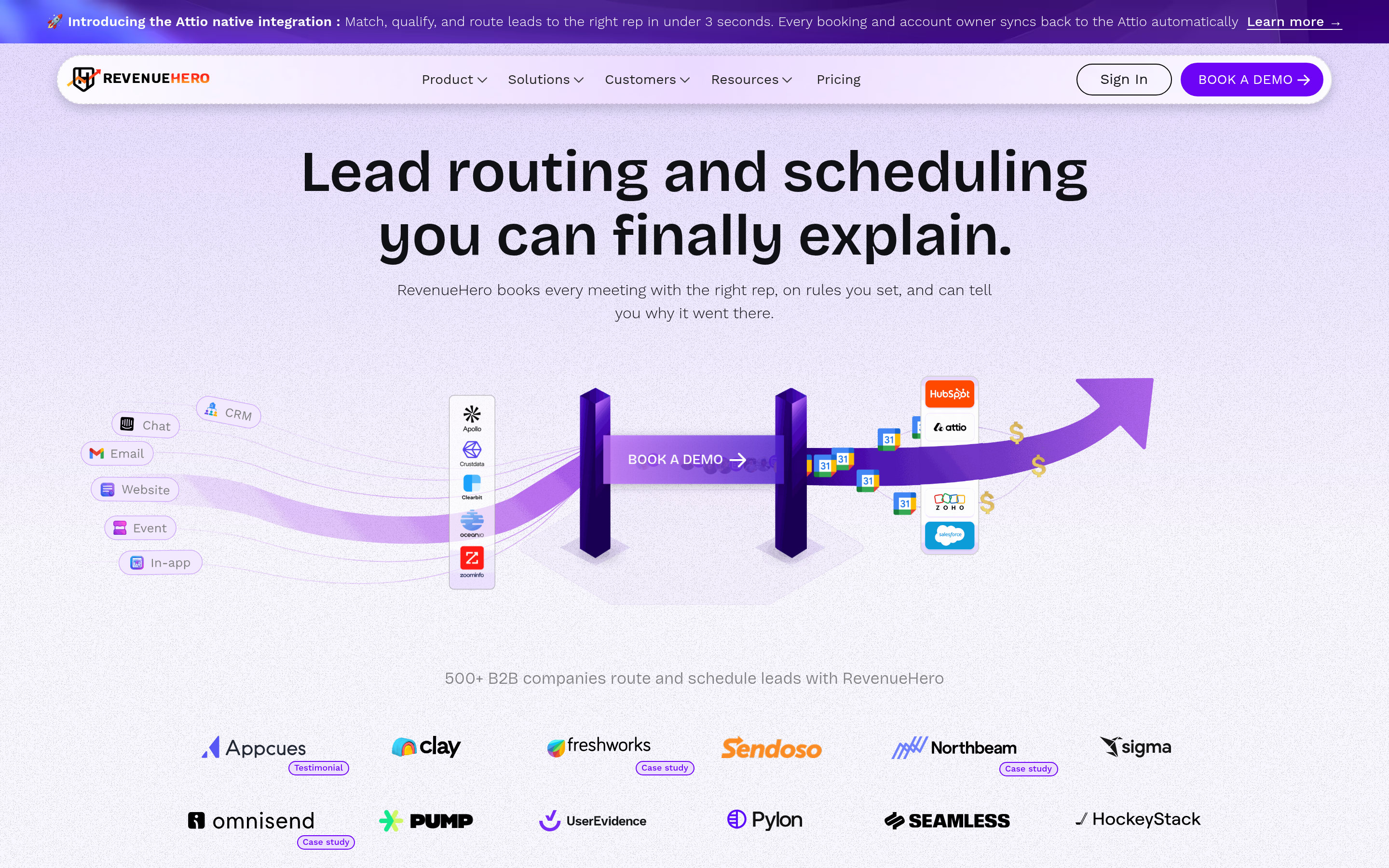
RevenueHero covers most of the same inbound scheduling and routing ground as Chili Piper at a lower published price point, with a faster setup path. Newer product, smaller integration catalog, but for a team of 5–25 reps running a standard HubSpot or Salesforce funnel, it usually does the job.
Watch for: fewer enterprise-grade routing edge cases (complex territory hierarchies, multi-product round-robins) than the incumbents.
3. Calendly — best for simplicity and cost#
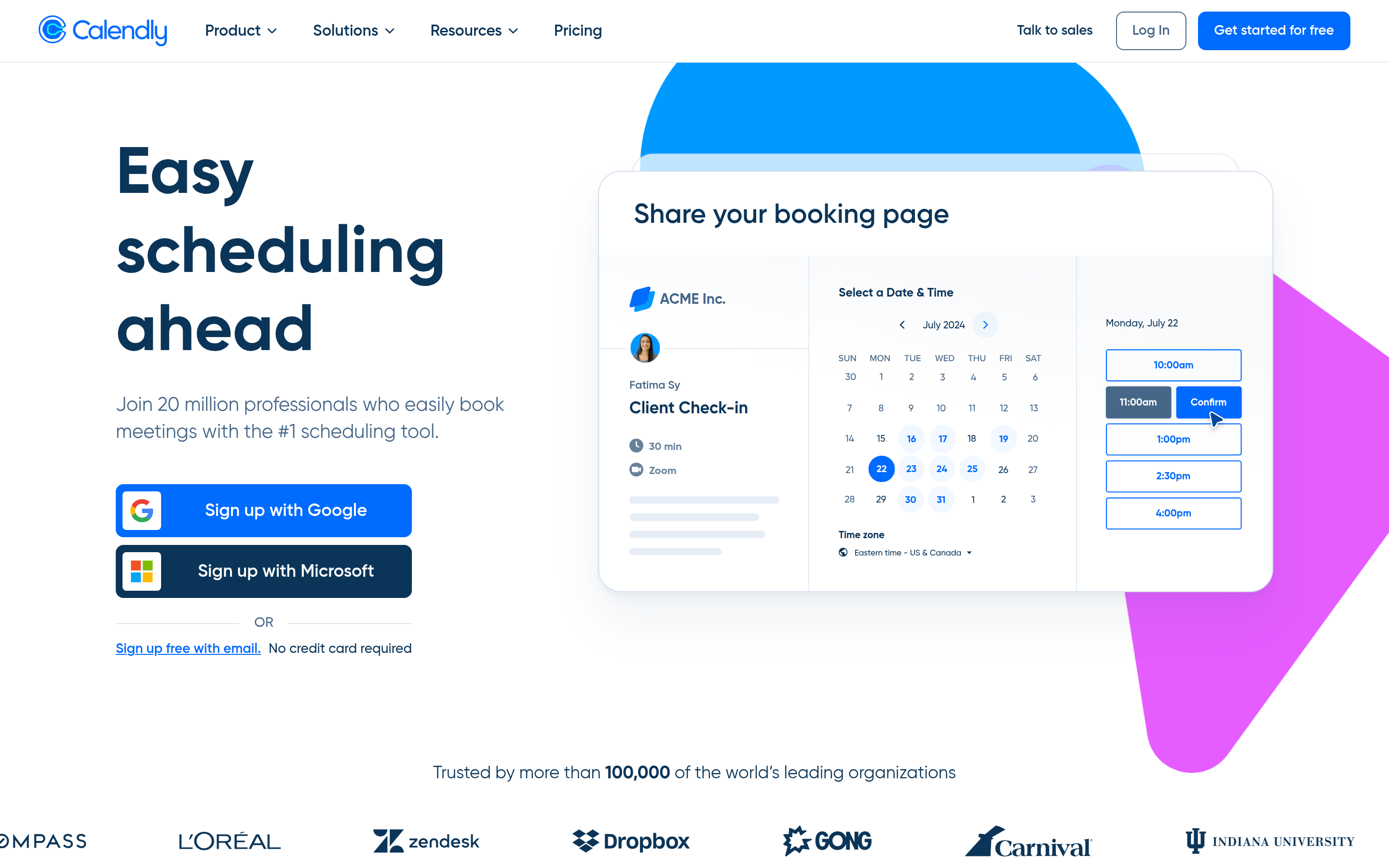
Calendly remains the baseline. Free tier for one event type, paid tiers add round-robin, routing forms, and Salesforce integration. It will never negotiate a time by email for you — but it also costs a fraction of anything else on this list.
Watch for: routing logic on the higher tiers is capable but not as deep as dedicated routers. If you need instant-book-on-form-submit at scale, you'll outgrow it.
4. Cal.com — best open-source option#
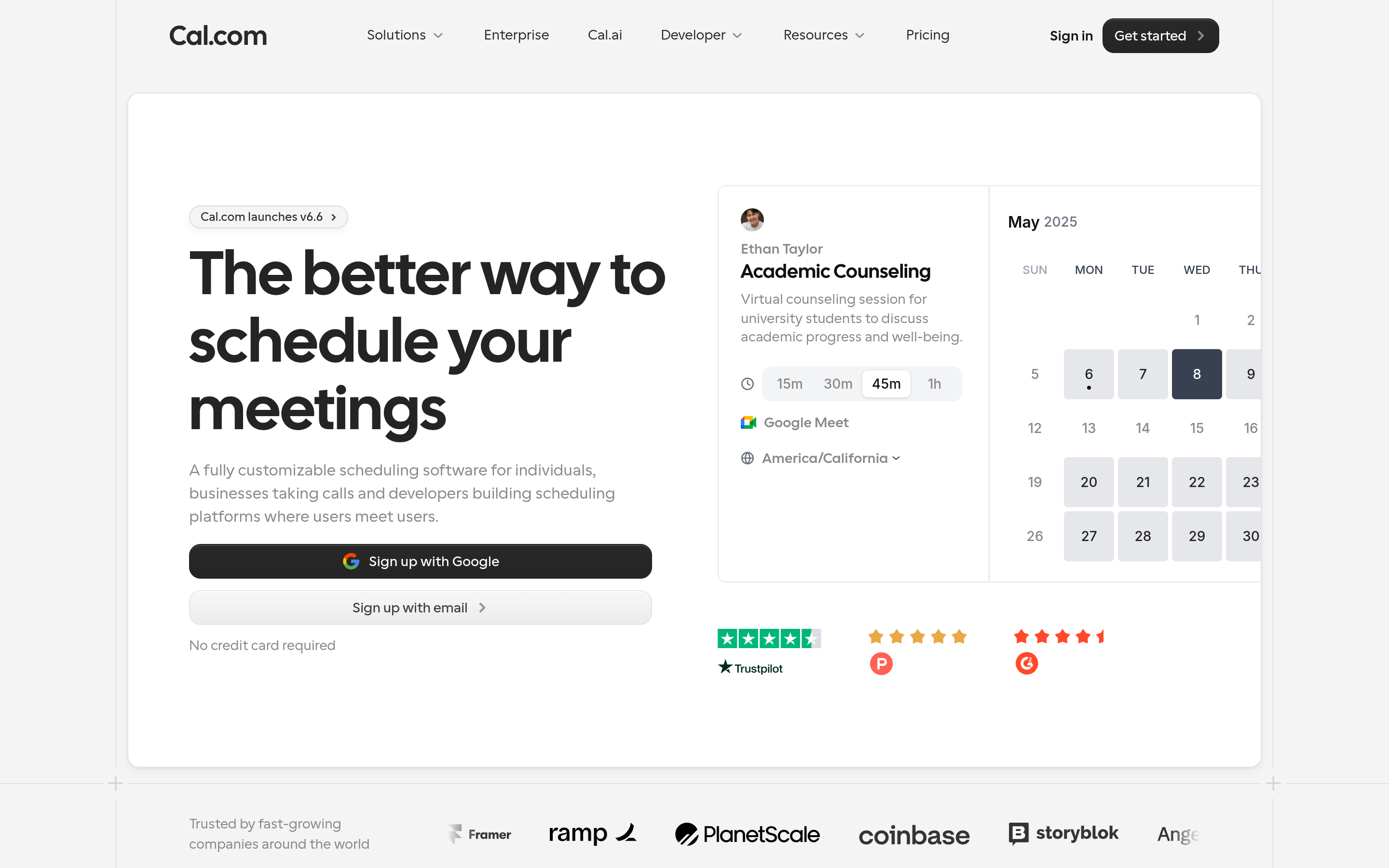
Cal.com is the self-hostable scheduler. Run it on your own infrastructure, keep calendar data in your environment, and extend it via API. Attractive for security-sensitive orgs and for engineering teams that want scheduling embedded in their own product.
Watch for: self-hosting is a real operational commitment. The hosted plans remove that, but then you're comparing on price against Calendly.
5. HubSpot Meetings — best if you already pay for HubSpot#
If you run HubSpot Sales Hub, meeting links, round-robin, and basic routing are already included. Before buying anything, check what's sitting unused in your existing seat. A HubSpot integration that pipes verified contacts straight into the CRM often closes the gap that made you shop in the first place.
Watch for: routing depth is thinner than dedicated tools, and it only makes sense inside the HubSpot ecosystem.
6. Salesloft / Outreach — best for outbound teams that already sequence#
If your team lives in a sales engagement platform, the meeting-booking functionality there is usually good enough. Cadences, reply detection, and calendar integration are native. You lose the AI negotiation layer but gain one less vendor. Tomba users comparing this route often start from our Salesloft alternative and Outreach alternative breakdowns.
Watch for: enterprise pricing and long contracts. These are platform decisions, not tool decisions.
7. Qualified — best for website-visitor-driven meetings#

Qualified books meetings from live website intent — chat, signals, and AI-driven engagement with visitors who are already on your pricing page. Different trigger, same outcome. If your traffic is strong but your form conversion is weak, this attacks the problem from the other end. Pairing it with website visitor reveal gives you names for the anonymous traffic that never converts.
Watch for: it only works if you have meaningful inbound traffic. Low-traffic sites see little return.
How do the Kronologic alternatives compare on price and fit?#
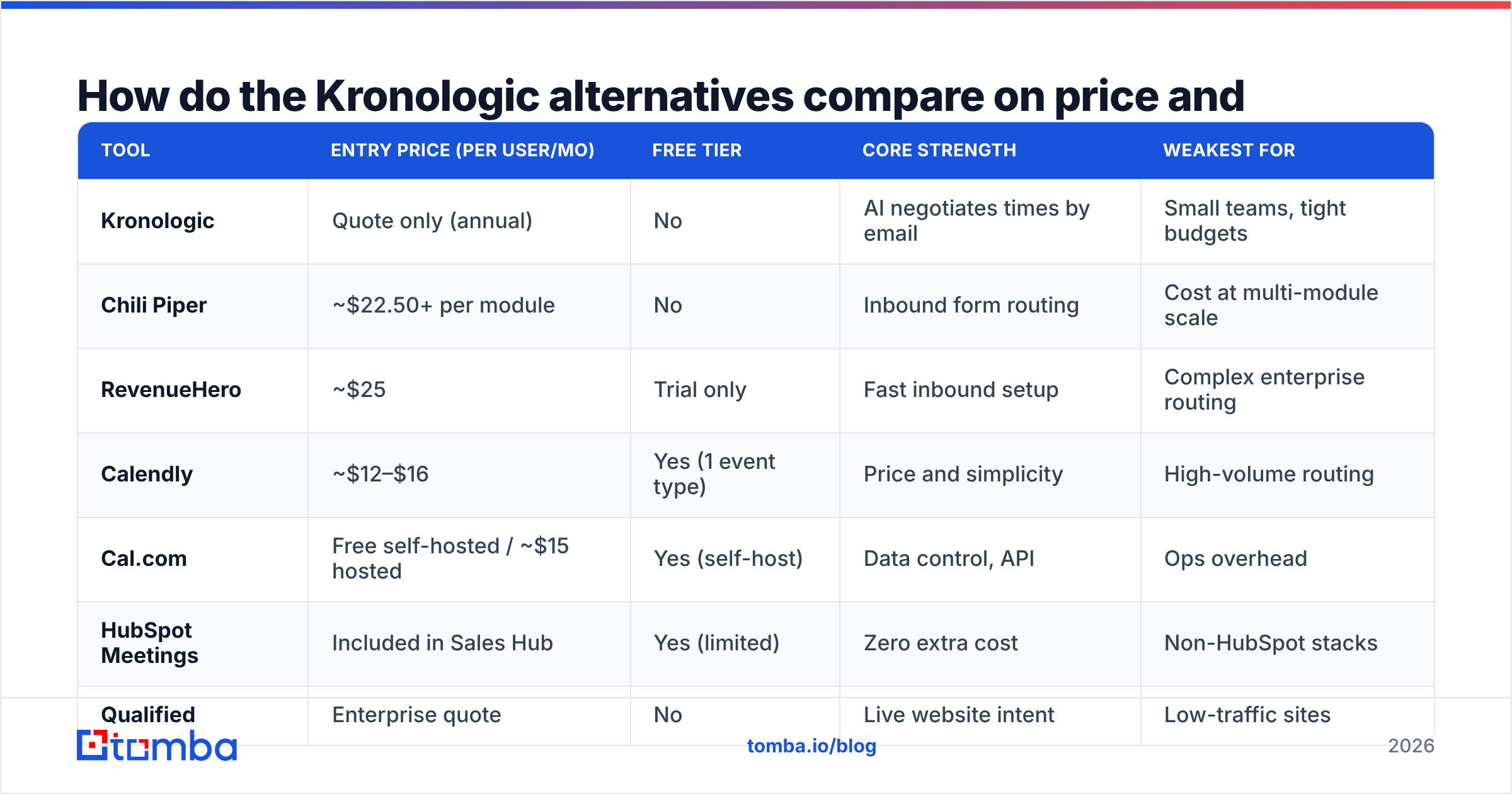
Prices below are published list rates at the time of writing and change often — always confirm on the vendor's own pricing page before you budget.
| Tool | Entry price (per user/mo) | Free tier | Core strength | Weakest for |
|---|---|---|---|---|
| Kronologic | Quote only (annual) | No | AI negotiates times by email | Small teams, tight budgets |
| Chili Piper | ~$22.50+ per module | No | Inbound form routing | Cost at multi-module scale |
| RevenueHero | ~$25 | Trial only | Fast inbound setup | Complex enterprise routing |
| Calendly | ~$12–$16 | Yes (1 event type) | Price and simplicity | High-volume routing |
| Cal.com | Free self-hosted / ~$15 hosted | Yes (self-host) | Data control, API | Ops overhead |
| HubSpot Meetings | Included in Sales Hub | Yes (limited) | Zero extra cost | Non-HubSpot stacks |
| Qualified | Enterprise quote | No | Live website intent | Low-traffic sites |
Read that table by column two only and you'll pick wrong. The honest decision rule: match the tool to where your meetings actually come from. Inbound-heavy? Chili Piper or RevenueHero. Database reactivation at scale? Kronologic's category is genuinely differentiated — the alternatives don't replicate it. Outbound-heavy? Your sequencer plus a verified list beats a dedicated scheduler almost every time.
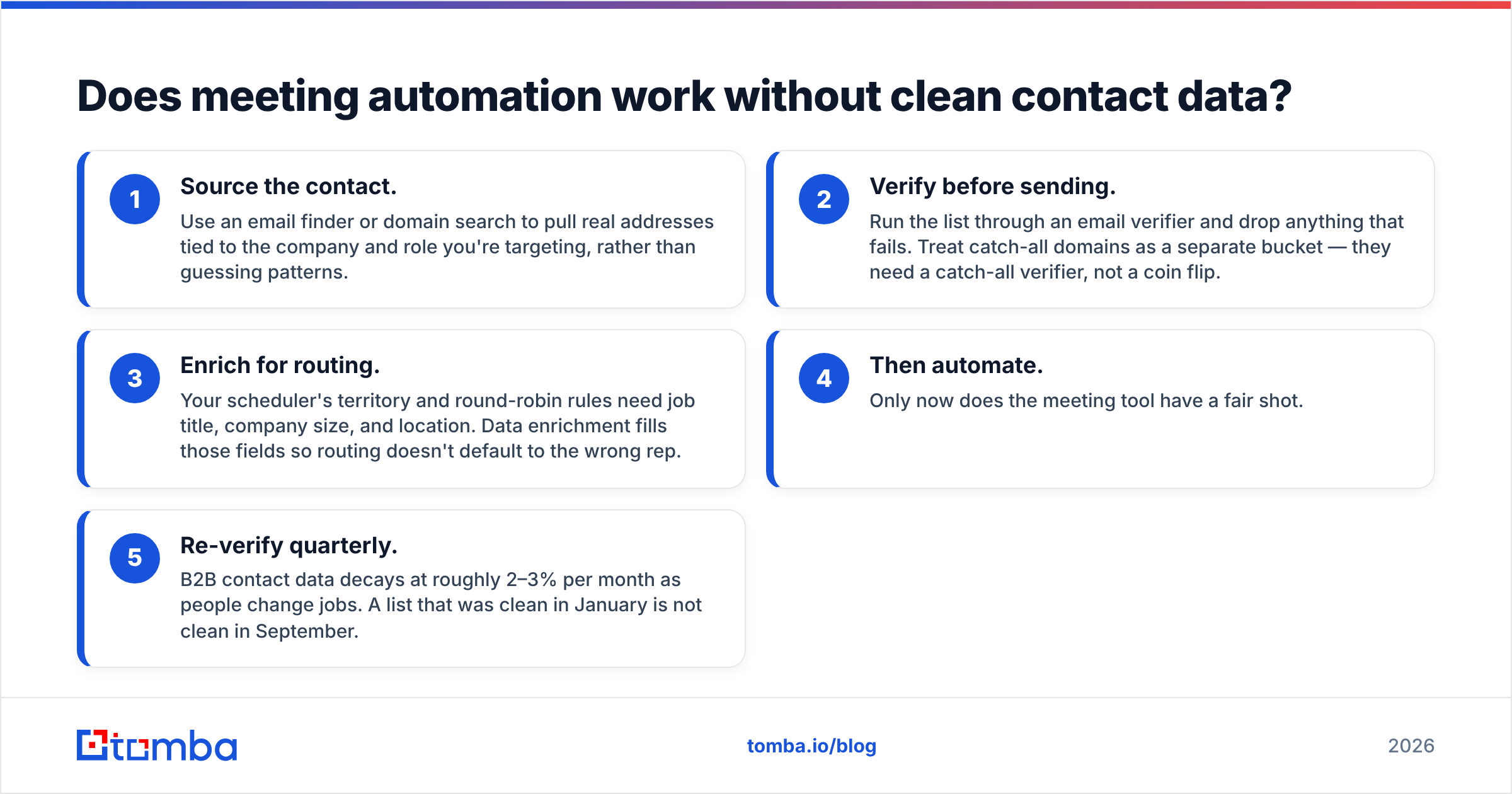
Does meeting automation work without clean contact data?#
No — and this is the part most comparison posts skip.
Every tool above assumes you already have a correct, deliverable email address for the person you want to meet. Kronologic-style automation assumes it hardest, because it sends unprompted invites at volume from your reps' real mailboxes. Run 10,000 invites against a list with a 15% invalid rate and you've generated 1,500 hard bounces in a day. Mailbox providers read that as a spam signal. Your reputation drops, your legitimate replies start landing in Promotions, and the scheduler gets blamed for a data problem.

The sequence that actually works:
- Source the contact. Use an email finder or domain search to pull real addresses tied to the company and role you're targeting, rather than guessing patterns.
- Verify before sending. Run the list through an email verifier and drop anything that fails. Treat catch-all domains as a separate bucket — they need a catch-all verifier, not a coin flip.
- Enrich for routing. Your scheduler's territory and round-robin rules need job title, company size, and location. Data enrichment fills those fields so routing doesn't default to the wrong rep.
- Then automate. Only now does the meeting tool have a fair shot.
- Re-verify quarterly. B2B contact data decays at roughly 2–3% per month as people change jobs. A list that was clean in January is not clean in September.
Skip step 2 and no scheduler on this list will save you. Independent review platforms like G2 are full of scheduling-tool complaints that are, on closer reading, deliverability complaints.
Which Kronologic alternative should you choose?#
- You have a large dormant contact database and a mandate to reactivate it. Kronologic's own category is the right one. The realistic alternative is a sequencer plus a verified list, at lower cost and more manual effort.
- Your meetings come from demo-request forms. Chili Piper if you have RevOps capacity and budget; RevenueHero if you want the same outcome with less setup.
- You need scheduling to just work and cost almost nothing. Calendly, or HubSpot Meetings if it's already in your subscription.
- You care about data residency or want scheduling inside your own product. Cal.com.
- You have strong website traffic and weak form conversion. Qualified.
- You're already deep in Salesloft or Outreach. Use what you have and put the saved budget into data quality instead.
One more practical note: whichever you pick, test the full path with 50 contacts before you turn it on for 5,000. Source, verify, enrich, route, book. If meetings land at an acceptable rate on 50, scale. If they don't, the problem is upstream of the calendar.
Start with the data layer, not the calendar#
The fastest way to get more meetings out of any scheduling tool is to stop sending invites into the void. Tomba's Tomba Email Finder gives you verified, source-cited business emails by domain, name, or company — with verification built into the same workflow, so the list you hand your scheduler is one you can actually send to. Free tier covers 25 searches a month, paid plans start at $49/mo, and the Tomba API drops it straight into whatever routing stack you end up choosing. Compare Tomba pricing against what a week of bounced invites costs you, and the math tends to settle itself.
Related guides#
// get started
Find, verify and enrich your first contacts today
Start on the free plan with 25 searches a month, then scale when your team is ready.
Free plan · No credit card required · GDPR & CCPA
// about the author