Lead Carrot vs Tomba: Which B2B Lead Tool Wins in 2026?
Lead Carrot sells local-business lead lists. Tomba sells verified B2B email data and an API. They look similar on a pricing page and behave nothing alike in a real outbound stack. Here is the honest split.
TL;DR
- Lead Carrot is a local-business lead generation tool: you search a niche and a city, and it returns scraped business listings with contact details, often bundled with agency-style outreach features.
- Tomba is a B2B email finding and verification platform: you start from a domain, a person, or a LinkedIn profile, and it returns a verified professional email plus enrichment data, available through an API.
- They overlap for about ten minutes of your workflow and diverge everywhere else. Lead Carrot is built for volume list-pulling in local markets. Tomba is built for targeted, verified contact discovery at company level.
- Pricing is close enough that cost is not the deciding factor. Data type, verification depth, and API access are.
- Pick Lead Carrot if you sell to plumbers, dentists, and gyms. Pick Tomba if you sell to SaaS, agencies, mid-market, or anything where you need a specific named decision-maker at a specific domain.
If you are comparing Lead Carrot vs Tomba, you are probably somewhere between "I need leads" and "I need the right leads." Those are different problems, and the two tools solve different halves of it. This breakdown covers what each one actually does, where the data comes from, how they price, and which outbound motion each one fits.
What is Lead Carrot and who is it built for?#
Lead Carrot is a lead generation platform aimed squarely at agencies and local service businesses. The core workflow is search-by-category: pick an industry (roofing, chiropractic, med spa), pick a geography, and the tool returns a list of matching businesses with website, phone, address, and — where it can find one — an email address. Many users layer it with a website audit angle, since a large share of local businesses have obvious gaps you can pitch against.
The data model is fundamentally directory and web-derived. It is aggregating what is publicly listed about a business: the storefront, the general inbox, the listed phone line. That is genuinely useful when your buyer is the business — when "info@" reaches the owner because the owner reads info@.
You can see the full feature set on the official Lead Carrot site. The positioning is consistent: local lead volume, delivered fast, at a price an agency operator will not blink at.
Where it gets thin is the moment your ICP stops being a storefront. A 400-person logistics company does not have an owner reading info@. It has a VP of Operations with a firstname.lastname@ address and a gatekeeper inbox you will never reach.
What is Tomba and how does it find emails?#
Tomba approaches the problem from the opposite end. You do not search "dentists in Phoenix." You start from a company you already want, or a person you already identified, and Tomba resolves the contact.
The main entry points:
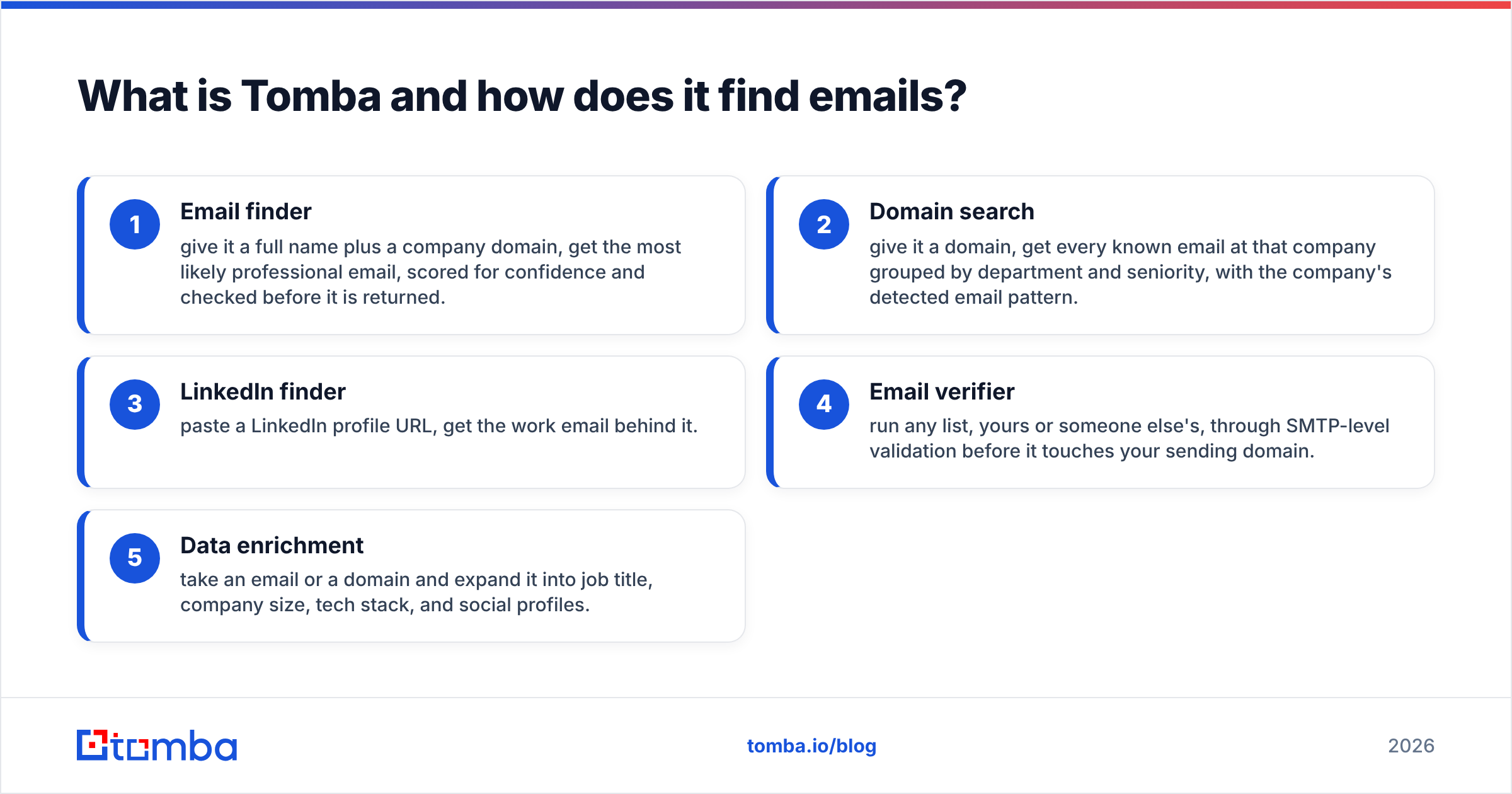
- Email finder — give it a full name plus a company domain, get the most likely professional email, scored for confidence and checked before it is returned.
- Domain search — give it a domain, get every known email at that company grouped by department and seniority, with the company's detected email pattern.
- LinkedIn finder — paste a LinkedIn profile URL, get the work email behind it.
- Email verifier — run any list, yours or someone else's, through SMTP-level validation before it touches your sending domain.
- Data enrichment — take an email or a domain and expand it into job title, company size, tech stack, and social profiles.
The data lineage is different too. Tomba indexes public web sources and publishes where its data comes from, then layers pattern inference and live verification on top. That last step matters more than most buyers realize — a scraped address that was accurate in 2023 is a bounce in 2026, and only verification catches the difference.

Lead Carrot vs Tomba: how do they compare feature by feature?#
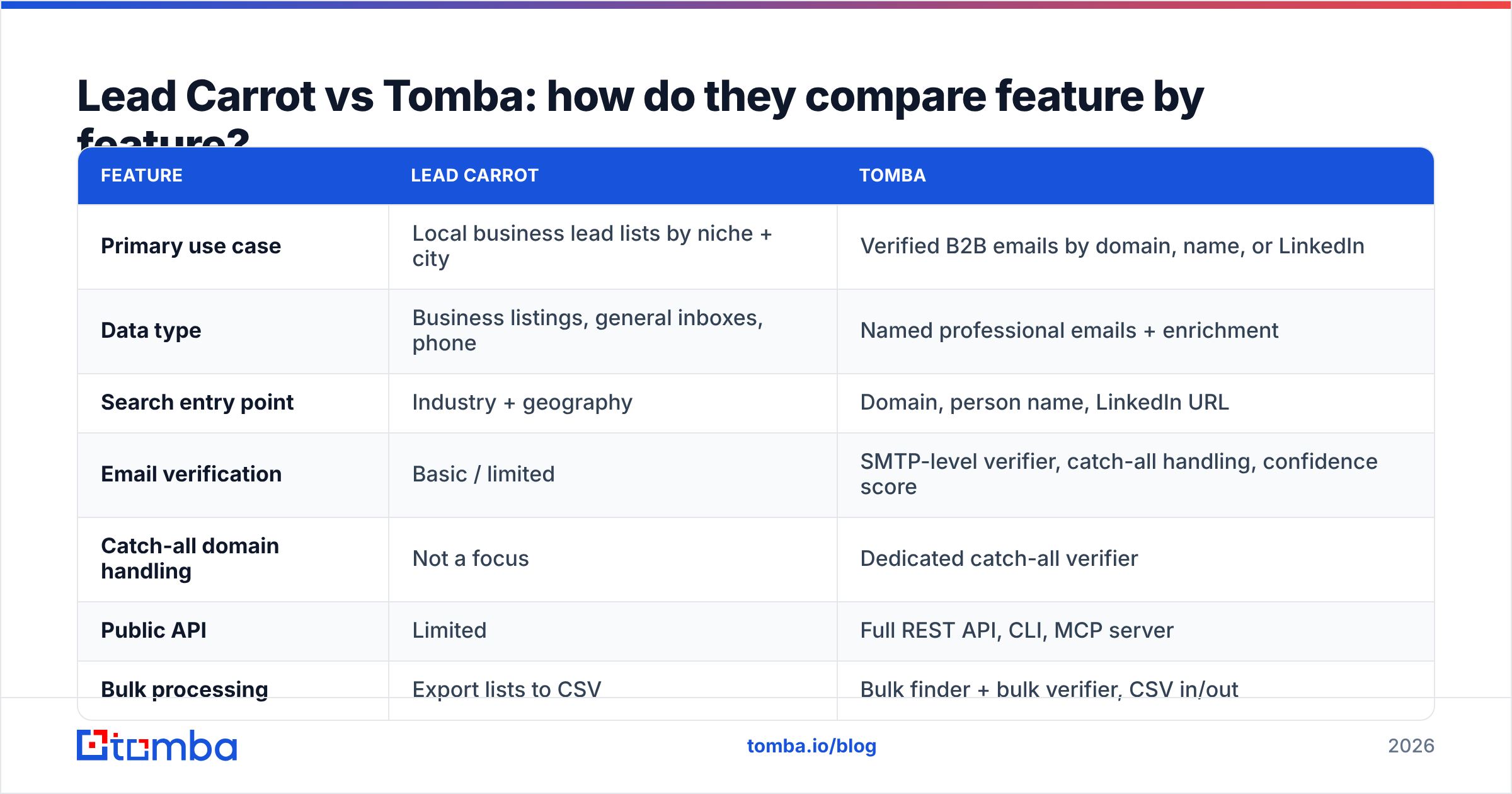
Here is the side-by-side on the attributes that actually change your results.
| Feature | Lead Carrot | Tomba |
|---|---|---|
| Primary use case | Local business lead lists by niche + city | Verified B2B emails by domain, name, or LinkedIn |
| Data type | Business listings, general inboxes, phone | Named professional emails + enrichment |
| Search entry point | Industry + geography | Domain, person name, LinkedIn URL |
| Email verification | Basic / limited | SMTP-level verifier, catch-all handling, confidence score |
| Catch-all domain handling | Not a focus | Dedicated catch-all verifier |
| Public API | Limited | Full REST API, CLI, MCP server |
| Bulk processing | Export lists to CSV | Bulk finder + bulk verifier, CSV in/out |
| Native integrations | Agency CRM-style workflow | HubSpot, Salesforce, Pipedrive, Zapier, Make, Sheets, Airtable |
| Free tier | Trial-based | 25 searches/month, no card |
| Entry paid price | Around $47/mo (verify current) | $49/mo Starter |
| Best fit ICP | Local service businesses | SaaS, agencies, mid-market, enterprise |

The row that decides most evaluations is API access. If your team is doing outbound manually out of a CSV, it does not matter. If you are enriching form fills in real time, building a lead router, or feeding a CRM automatically, a tool without a proper API is a dead end. The Tomba API covers every product surface — finder, verifier, domain search, enrichment — plus a CLI and an MCP server if you are wiring it into an AI agent workflow.
Which one has better data accuracy?#
Different question for each tool, honestly.
For Lead Carrot, "accurate" means: is this business real, open, and reachable at the listed number? Directory-sourced data does well here. Local business listings get corrected constantly because the business itself has an incentive to keep them current.
For Tomba, "accurate" means: will this specific email address for this specific person accept mail today? That is a harder standard, and it is the one that governs your bounce rate.

Three things separate a verified finder from a scraper:
- Pattern inference. Knowing a company uses
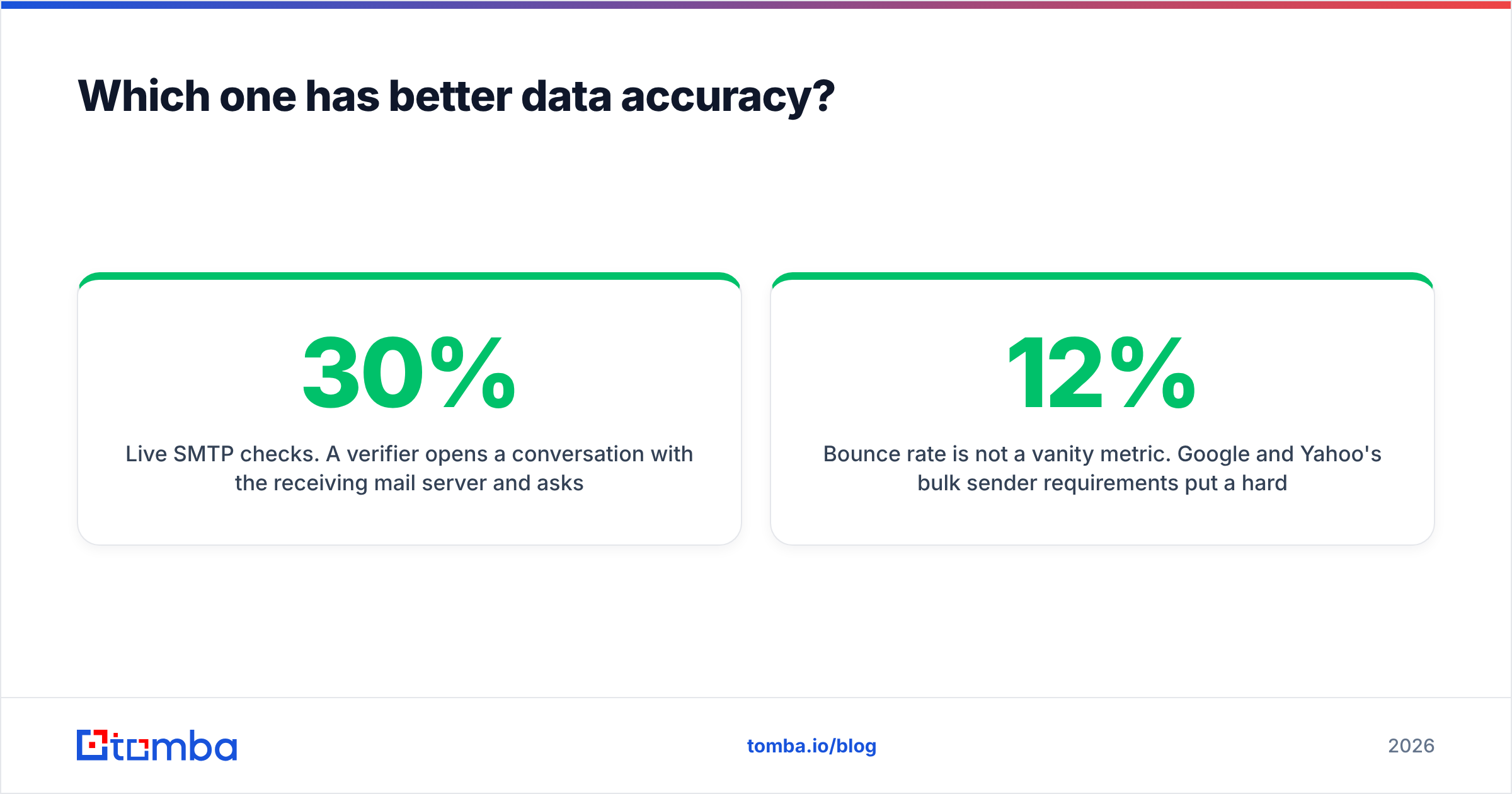
first.last@lets a tool construct and then test a candidate address for someone who has never appeared in a public dataset. Scrapers can only return what they already saw. - Live SMTP checks. A verifier opens a conversation with the receiving mail server and asks whether the mailbox exists, without sending anything. That is how you catch the 20-30% of B2B addresses that go stale each year.
- Catch-all resolution. Roughly a fifth of B2B domains accept every address, which makes naive verification useless. Tomba's catch-all verifier applies additional signals instead of returning a shrug.
Bounce rate is not a vanity metric. Google and Yahoo's bulk sender requirements put a hard ceiling on spam complaints and reward clean lists, and sender reputation damage from a single bad import takes weeks to repair. A cheaper list that bounces at 12% costs more than a verified one that bounces at 2%.
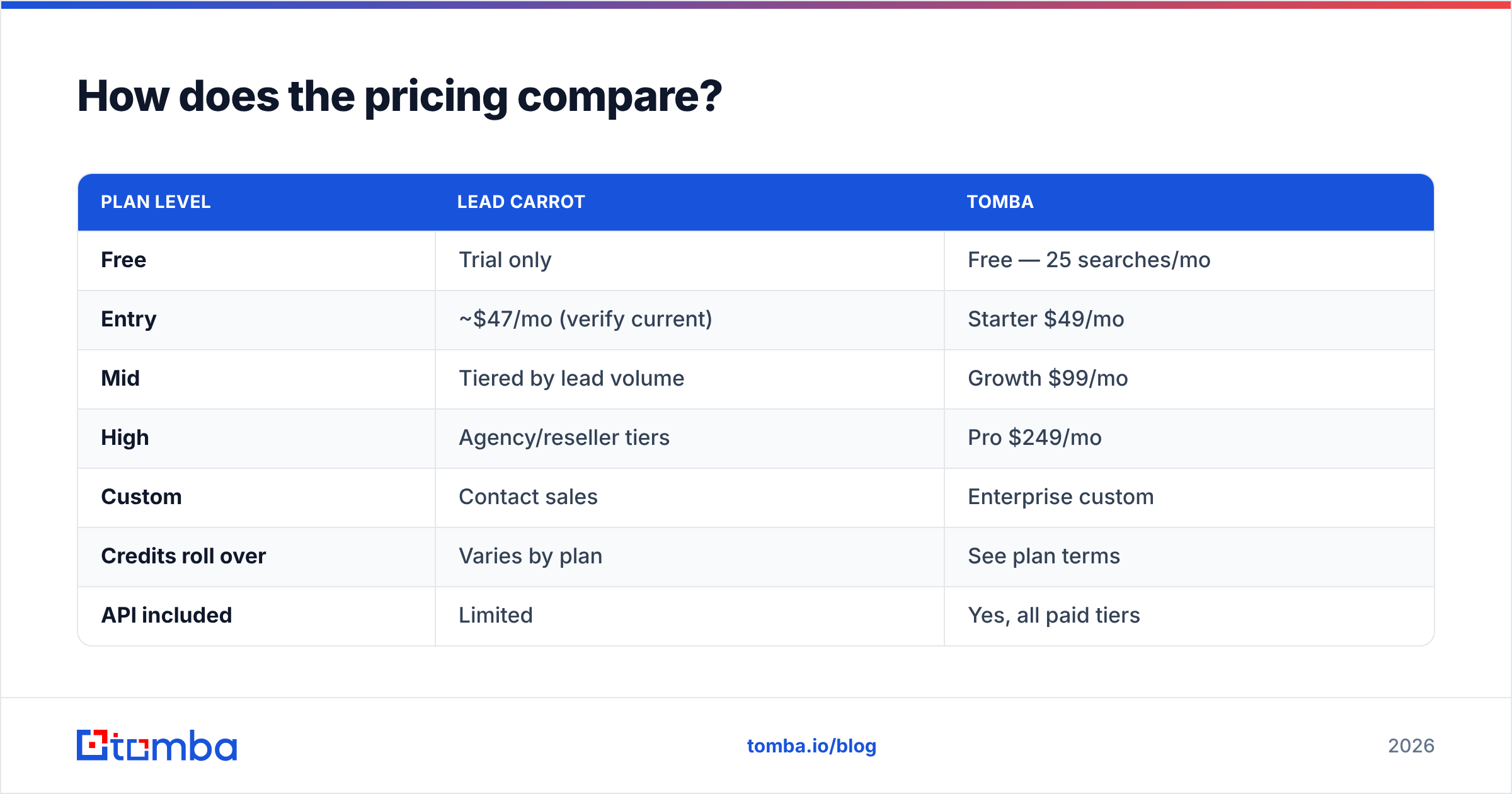
How does the pricing compare?#
Both tools sit in the same neighborhood at entry level, which is why price alone will not settle this.
| Plan level | Lead Carrot | Tomba |
|---|---|---|
| Free | Trial only | Free — 25 searches/mo |
| Entry | ~$47/mo (verify current) | Starter $49/mo |
| Mid | Tiered by lead volume | Growth $99/mo |
| High | Agency/reseller tiers | Pro $249/mo |
| Custom | Contact sales | Enterprise custom |
| Credits roll over | Varies by plan | See plan terms |
| API included | Limited | Yes, all paid tiers |
Full details are on the Tomba pricing page, and Lead Carrot publishes current numbers on its own site — check both before you commit, since tiers move.
The real cost question is not the monthly number. It is cost per usable contact. If you pull 1,000 local listings for $47 and 300 of them have a real, reachable email for the person who can say yes, you paid about $0.16 per usable contact. If you find 500 verified named contacts for $49 and 470 of them land, you paid about $0.10. The math flips depending entirely on whether your buyer is a storefront owner or a titled decision-maker.
Which tool fits your outbound motion?#
Map it to how you actually sell:
- Local services agency, cold calling first. Lead Carrot. You need phone numbers and volume in a geography, and the owner answers the phone. Email is the secondary channel.
- B2B SaaS selling to named titles. Tomba. You have a target account list already. You need the VP of Engineering at each of those 200 accounts, not a general inbox.
- Recruiting and talent sourcing. Tomba. You are working from LinkedIn profiles backward to a contact, which is exactly what the LinkedIn finder and reverse email lookup are for.
- Building a product that enriches user data. Tomba, on API. This is not a list-buying use case at all; it is infrastructure.
- Franchise or multi-location prospecting. Split it. Lead Carrot for discovering locations, Tomba for resolving the corporate decision-maker behind them.
- Cleaning a list you already own. Tomba's bulk verify regardless of where the list came from — including lists exported out of Lead Carrot.
That last one is the underrated combination. These tools are not strictly either/or. Pulling local listings in one tool and running the resulting addresses through a dedicated verifier before sending is a completely reasonable stack, and it costs less than the bounces would.

What about deliverability after you have the list?#
Neither tool sends your email, and neither one protects you from a badly configured sending domain. A verified list is necessary and not sufficient.
Before a campaign goes out, confirm the boring infrastructure: SPF, DKIM, and DMARC records published correctly, a warmed sending domain, and a separate domain from your primary corporate one. HubSpot's research on email deliverability covers the fundamentals well, and the general guidance on email deliverability holds regardless of which data vendor you picked. If you are unsure where you stand, an SPF checker takes ten seconds.
The sequencing that works: verify the list, warm the domain, send at a ramp, monitor bounce and complaint rates daily for the first two weeks. Skipping straight to volume with an unverified export is the single most common way teams burn a domain.
What are the alternatives worth considering?#
If neither tool is a clean fit, a few honest options:
- BookYourData — a strong choice if you want a pre-built, human-verified B2B list with a pay-as-you-go model rather than a subscription. Good coverage and a bounce guarantee; worth a look if you prefer buying a finished list over running searches yourself.
- Apollo.io — all-in-one database plus sequencer. Heavier and pricier, and you are buying the sequencing engine whether you want it or not. See the Apollo alternative breakdown.
- Hunter.io — closest direct analogue to Tomba's finder, similar workflow, different pricing curve and API limits.
- Google Maps scrapers — cheapest possible way to replicate the Lead Carrot input, with none of the cleanup or interface.
Cross-check current user sentiment on G2 before you buy anything; category leaders shift faster than most comparison posts get updated, including this one.
So which should you pick?#
Lead Carrot if your buyer has a storefront, your first touch is a phone call, and geography is your primary filter. It does that job at a fair price and the interface is built for it.
Tomba if your buyer has a job title, your first touch is email, and you already know which companies you want. The verification layer, catch-all handling, and API access are the difference between a list and a pipeline.
And if you are somewhere in the middle — pulling listings in one place, then trying to reach an actual human inside those businesses — use both, with verification as the last step before send. That is not a compromise, it is just the correct architecture.
Ready to test the data yourself? Start with the Tomba Email Finder — the free tier gives you 25 searches a month with no card, which is enough to run your own accuracy test against whatever list you are using now. Take twenty contacts you already believe are correct, run them through, and compare. That head-to-head on your own ICP beats any comparison table, including this one.
Related guides#
// get started
Find, verify and enrich your first contacts today
Start on the free plan with 25 searches a month, then scale when your team is ready.
Free plan · No credit card required · GDPR & CCPA
// about the author