Lead Generation Tools in 2026: The Complete No-Fluff Guide
Most lead gen stacks are three tools too many and one data source too few. Here's what each layer actually does, what it costs in 2026, and how to tell a real pipeline driver from an expensive dashboard.
TL;DR
- A "lead generation tool" is really five different product categories wearing one label: capture, data/contact discovery, verification, engagement, and routing/scoring. Buying two tools from the same layer is the most common waste in B2B stacks.
- Data quality beats feature count. A sequencer with a 28% bounce rate loses to a plain CSV with verified addresses every single time.
- All-in-one platforms (Apollo, ZoomInfo, HubSpot) win on convenience; best-of-breed stacks win on cost per usable contact — usually by 3-5x at small team sizes.
- Entry pricing in 2026 clusters around $39-$99/month per seat for contact data, $50-$150/month for sending infrastructure, and $0.001-$0.01 per verification.
- Before you buy anything, run the same 50 target accounts through every trial and count verified, reachable contacts. That number is the only benchmark that matters.
What counts as a lead generation tool in 2026?#
Almost nothing and almost everything, which is why buying is hard. Vendors from six different categories all use the phrase "lead generation tools" on their homepage, so a form builder, a database of 200 million contacts, and an AI SDR agent all show up in the same G2 search.
Think of it like building a water system for a house. You need a source (where the water comes from), a filter (removing what you don't want), pipes (delivery), and a meter (measuring what got used). Nobody would buy four filters and no source — but that's precisely what a lot of B2B teams do when they stack three intent platforms on top of a contact database nobody has verified.
Technically, the market splits into five layers. Each layer solves one problem, and each has a different pricing model, a different failure mode, and a different way of lying to you in the demo.
What are the five layers of a lead generation stack?#
Map every tool you own — and every tool you're evaluating — to exactly one of these. If two tools land in the same box, one of them is probably redundant.
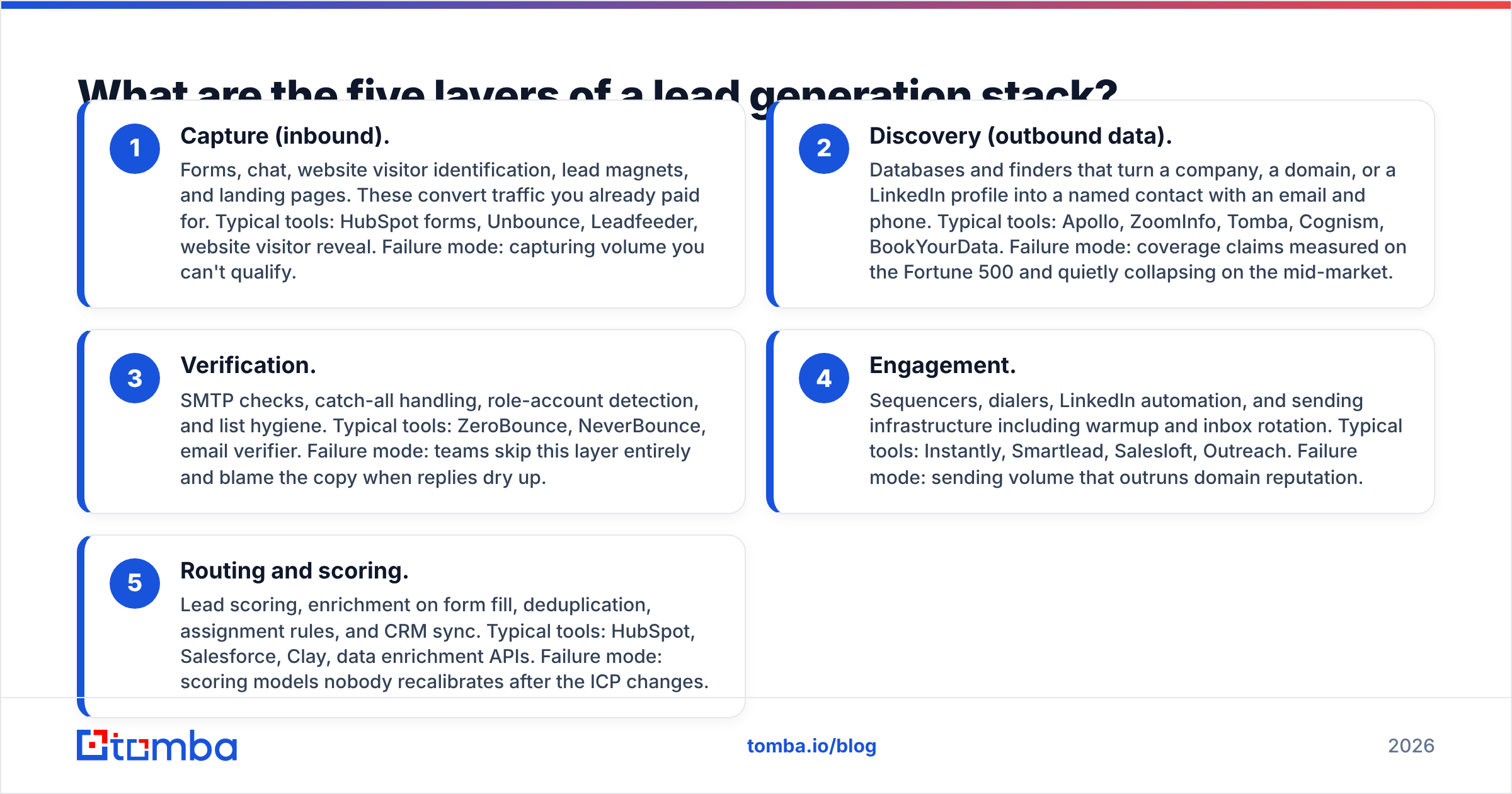
- Capture (inbound). Forms, chat, website visitor identification, lead magnets, and landing pages. These convert traffic you already paid for. Typical tools: HubSpot forms, Unbounce, Leadfeeder, website visitor reveal. Failure mode: capturing volume you can't qualify.
- Discovery (outbound data). Databases and finders that turn a company, a domain, or a LinkedIn profile into a named contact with an email and phone. Typical tools: Apollo, ZoomInfo, Tomba, Cognism, BookYourData. Failure mode: coverage claims measured on the Fortune 500 and quietly collapsing on the mid-market.
- Verification. SMTP checks, catch-all handling, role-account detection, and list hygiene. Typical tools: ZeroBounce, NeverBounce, email verifier. Failure mode: teams skip this layer entirely and blame the copy when replies dry up.
- Engagement. Sequencers, dialers, LinkedIn automation, and sending infrastructure including warmup and inbox rotation. Typical tools: Instantly, Smartlead, Salesloft, Outreach. Failure mode: sending volume that outruns domain reputation.
- Routing and scoring. Lead scoring, enrichment on form fill, deduplication, assignment rules, and CRM sync. Typical tools: HubSpot, Salesforce, Clay, data enrichment APIs. Failure mode: scoring models nobody recalibrates after the ICP changes.
Most teams under 20 reps need one tool per layer. Teams under five can usually collapse layers 2 and 3 into a single vendor and layers 1 and 5 into their CRM.

Which lead generation tools are worth paying for in 2026?#
The honest answer depends on which layer you're short on. Here's how the most-searched options compare on the attributes that change outcomes rather than the ones that fill feature grids. Prices are list prices at time of writing and move often — verify before you commit annually.
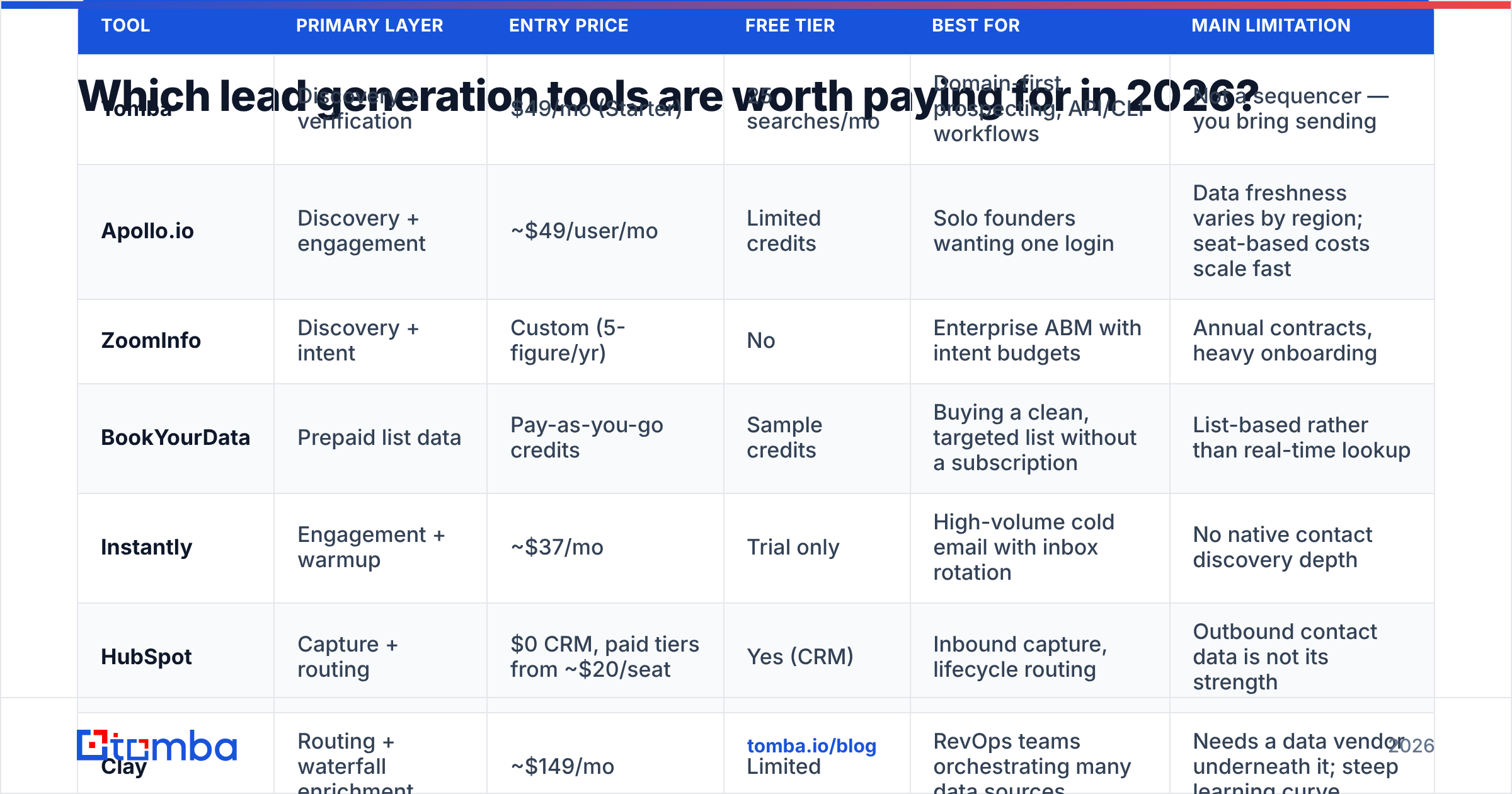
| Tool | Primary layer | Entry price | Free tier | Best for | Main limitation |
|---|---|---|---|---|---|
| Tomba | Discovery + verification | $49/mo (Starter) | 25 searches/mo | Domain-first prospecting, API/CLI workflows | Not a sequencer — you bring sending |
| Apollo.io | Discovery + engagement | ~$49/user/mo | Limited credits | Solo founders wanting one login | Data freshness varies by region; seat-based costs scale fast |
| ZoomInfo | Discovery + intent | Custom (5-figure/yr) | No | Enterprise ABM with intent budgets | Annual contracts, heavy onboarding |
| BookYourData | Prepaid list data | Pay-as-you-go credits | Sample credits | Buying a clean, targeted list without a subscription | List-based rather than real-time lookup |
| Instantly | Engagement + warmup | ~$37/mo | Trial only | High-volume cold email with inbox rotation | No native contact discovery depth |
| HubSpot | Capture + routing | $0 CRM, paid tiers from ~$20/seat | Yes (CRM) | Inbound capture, lifecycle routing | Outbound contact data is not its strength |
| Clay | Routing + waterfall enrichment | ~$149/mo | Limited | RevOps teams orchestrating many data sources | Needs a data vendor underneath it; steep learning curve |
Two patterns fall out of that table. First, nobody is genuinely best at all five layers — the all-in-ones are strong in two and adequate in the rest. Second, price per seat and price per credit behave very differently as you grow: a $49/seat tool at 12 reps is $588/month, while a credit-based email finder at the same volume can stay on one plan with shared API access.
What separates good lead data from bad lead data?#
Deliverability, not volume. A database advertising 700 million contacts and a database advertising 100 million can produce identical usable output, because the constraint is how many of those records survive verification against your ICP.
Four measurements tell you the truth about a data vendor:
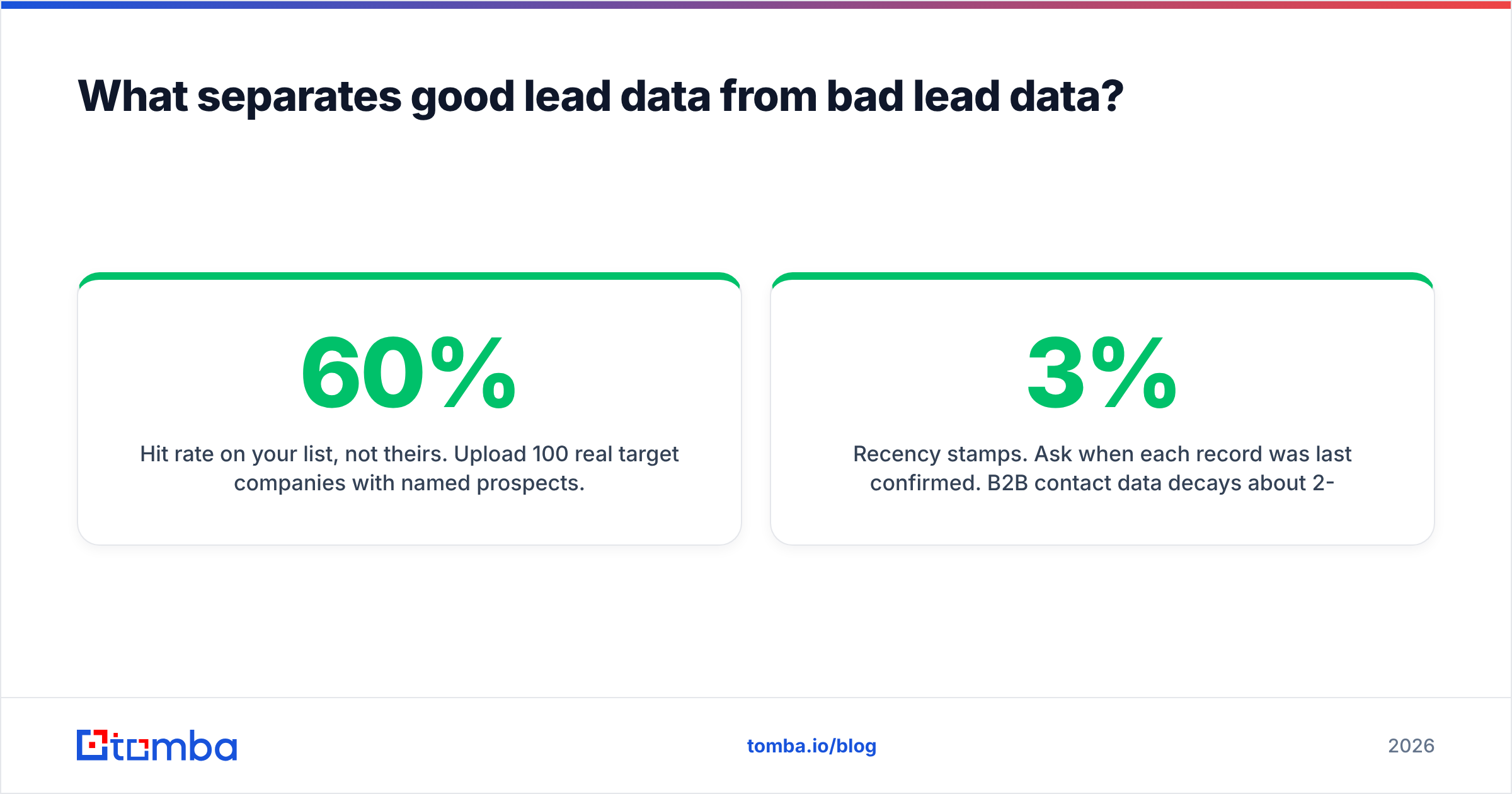
- Hit rate on your list, not theirs. Upload 100 real target companies with named prospects. Count how many return an email. Anything below 55-60% on mid-market SaaS is weak; above 75% is genuinely good.
- Verified rate, not found rate. Vendors count a guessed pattern as "found." Re-verify every returned address through an independent checker — the gap between found and verified is the number you should compare across vendors.
- Catch-all handling. Roughly a quarter of B2B domains accept everything at the SMTP layer. A vendor that marks all of them "valid" is inflating its accuracy; one that marks them all "unknown" is throwing away pipeline. The right behavior is a separate confidence tier, which is what a dedicated catch-all verifier exists to produce.
- Recency stamps. Ask when each record was last confirmed. B2B contact data decays about 2-3% per month through job changes alone, so a record last touched 18 months ago is a coin flip.
If a vendor won't let you test these before signing, that refusal is your answer. Reputable comparison sources like G2 publish user-reported accuracy complaints that rarely show up in sales decks, and they're worth ten minutes before any annual commitment.
Do you need an all-in-one platform or a best-of-breed stack?#
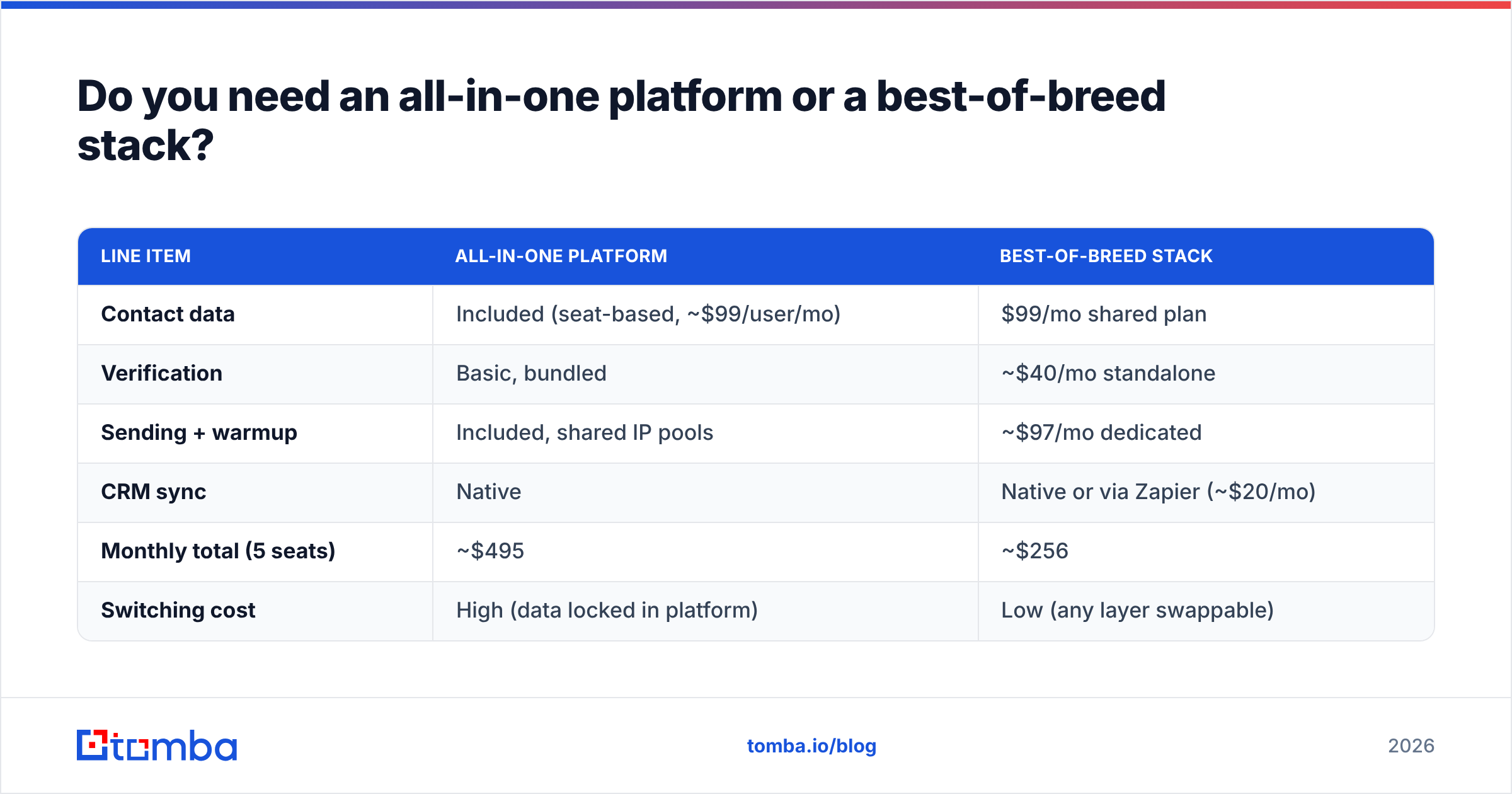
Pick all-in-one if fewer logins is worth more to you than cost per usable contact. Pick best-of-breed if you're measured on pipeline efficiency.
Here's the arithmetic that usually decides it, modeled on a five-person outbound team needing roughly 4,000 verified contacts per month:
| Line item | All-in-one platform | Best-of-breed stack |
|---|---|---|
| Contact data | Included (seat-based, ~$99/user/mo) | $99/mo shared plan |
| Verification | Basic, bundled | ~$40/mo standalone |
| Sending + warmup | Included, shared IP pools | ~$97/mo dedicated |
| CRM sync | Native | Native or via Zapier (~$20/mo) |
| Monthly total (5 seats) | ~$495 | ~$256 |
| Switching cost | High (data locked in platform) | Low (any layer swappable) |
The all-in-one is not a bad deal — it's a convenience premium, and for a two-person team the admin savings genuinely justify it. The trap is buying the convenience premium and still bolting on a second data vendor and a separate sequencer six months later, which is how teams end up paying for the same layer twice.

How do you evaluate a lead generation tool before you buy?#
Run a standardized bake-off. It takes about four hours and saves entire quarters.
- Freeze a test list. Pick 50 accounts that look exactly like your best customers — same size band, same region, same tech stack. Name a specific target title at each. This list never changes between trials.
- Run it through every trial identically. Same accounts, same titles, same day. Record found count, verified count, phone coverage, and time spent.
- Verify independently. Never accept the vendor's own validity flag. Push all results through a neutral checker such as a free email checker so you're comparing apples to apples.
- Send 50 real emails per vendor. Same copy, same sending domain, staggered by week. Measure hard bounce rate. Under 2% is healthy; over 5% means the data will damage your sender reputation regardless of what the dashboard claimed.
- Price the winner at 12-month volume, not trial volume. Ask explicitly about credit rollover, overage rates, seat minimums, and what happens to your exported data if you churn.
- Check the integration path you'll actually use. If your workflow lives in a spreadsheet, a slick web app doesn't help — an API or a Sheets add-on does.
Step four is the one teams skip, and it's the only step that measures the thing you actually care about: whether messages arrive. Both HubSpot's and Salesforce's own benchmarking guidance point the same direction — list hygiene moves reply rates more than subject-line optimization ever will.
What mistakes kill lead generation tool ROI?#
- Buying discovery before you have a reachable ICP. More contacts amplify whatever your targeting already is. If your close rate on inbound is 2%, outbound data won't fix it.
- Treating verification as optional. It costs roughly a thousandth of a dollar per record and protects the domain your entire pipeline runs through. Skipping it to save $40/month is the worst trade in B2B.
- Ignoring credit mechanics. "Unlimited" plans usually have fair-use throttles, and per-seat plans punish exactly the growth you're buying the tool for. Read the pricing details of every finalist side by side before the discount call.
- Letting tools replace process. An AI SDR agent that sends 4,000 generic emails produces 4,000 generic ignores. Sequencing multiplies message quality; it doesn't create it.
- Never auditing. Put a quarterly reminder on the calendar: list every tool, name its layer, name the metric it moved. Anything that can't answer both gets cancelled.
What's actually changing in 2026?#
Three shifts worth planning around. First, mailbox providers have kept tightening bulk-sender requirements, so authentication and complaint-rate discipline are now hard gates rather than best practices — check your SPF record and alignment before scaling any volume. Second, waterfall enrichment has gone mainstream: instead of one vendor, teams chain three or four and pay only for the first hit, which is why API-accessible finders matter more than pretty dashboards. Third, contact-level data is commoditizing while routing intelligence is not — the differentiated spend is moving toward scoring, timing, and sequencing decisions rather than raw records.
None of that changes the fundamentals. Find the right person, confirm the address is real, send something worth reading, and measure the whole chain.
Where should you start?#
If your stack is missing the discovery layer — or you're paying per seat for data you only need in bulk — start there, because every other layer depends on it. Tomba's Email Finder covers domain search, single lookups, bulk processing, and an API on the same credit pool, with a free tier of 25 searches per month so you can run the 50-account bake-off above before spending anything. Paid plans start at $49/month, and every result can be pushed straight through verification so what reaches your sequencer is already clean.
Run the test list. Count the verified contacts. Let the number pick your tool.
Sources:
Related guides#
// get started
Find, verify and enrich your first contacts today
Start on the free plan with 25 searches a month, then scale when your team is ready.
Free plan · No credit card required · GDPR & CCPA
// about the author