Lead Kahuna vs LeadRocks (2026): Which Lead Finder Wins?
Lead Kahuna pulls emails from LinkedIn profiles. LeadRocks sells a searchable B2B database. We compare data depth, verification, pricing, and workflow fit so you can choose the right one before you spend credits.
Lead Kahuna vs LeadRocks comes down to two ways of finding leads: pulling emails from LinkedIn, or searching a B2B contact database. Here's the short version.
TL;DR
- Lead Kahuna is a lightweight, LinkedIn-first tool. You open a profile or a Sales Navigator search and pull contact emails from it. It suits solo prospectors and small agencies whose lists already come from LinkedIn.
- LeadRocks is a searchable B2B contact database that also has a Chrome extension. You filter by title, industry, company size, and location, then export. It suits teams that build lists from scratch.
- Neither tool publishes independent accuracy benchmarks. Verify every exported list before you send to it, whichever one you pick.
- Both vendors change pricing often, and Lead Kahuna has been sold through lifetime deals in the past. Check each vendor's current pricing page before comparing costs.
- If you want one tool that finds emails by name, domain, or LinkedIn URL and verifies them on the same credit system, look at a dedicated email finder like Tomba too.
What are Lead Kahuna and LeadRocks?#
Both tools sit in the same low-cost corner of the lead-generation market. Both promise to get you B2B email addresses faster than manual research. They take different routes to get there.
Lead Kahuna is built around LinkedIn. The core experience is a browser extension. You browse LinkedIn or Sales Navigator, and the tool tries to find a professional email for the people on screen, one at a time or in batches from a search results page. It depends on LinkedIn for targeting. The tool itself doesn't give you much to search with.
LeadRocks starts from the other end. Its main interface is a database you can query directly. You set filters such as job title, seniority, industry, headcount, and country, preview matching contacts, then reveal and export them. It also has a Chrome extension for LinkedIn, but the database is the main product. You can see how it frames that on the LeadRocks homepage.
So the comparison comes down to one question: do you already know who you want to reach, or do you need help finding them?
How do the two tools actually work day to day?#
The real difference shows up in workflow, so here is what a typical prospecting session looks like in each tool.
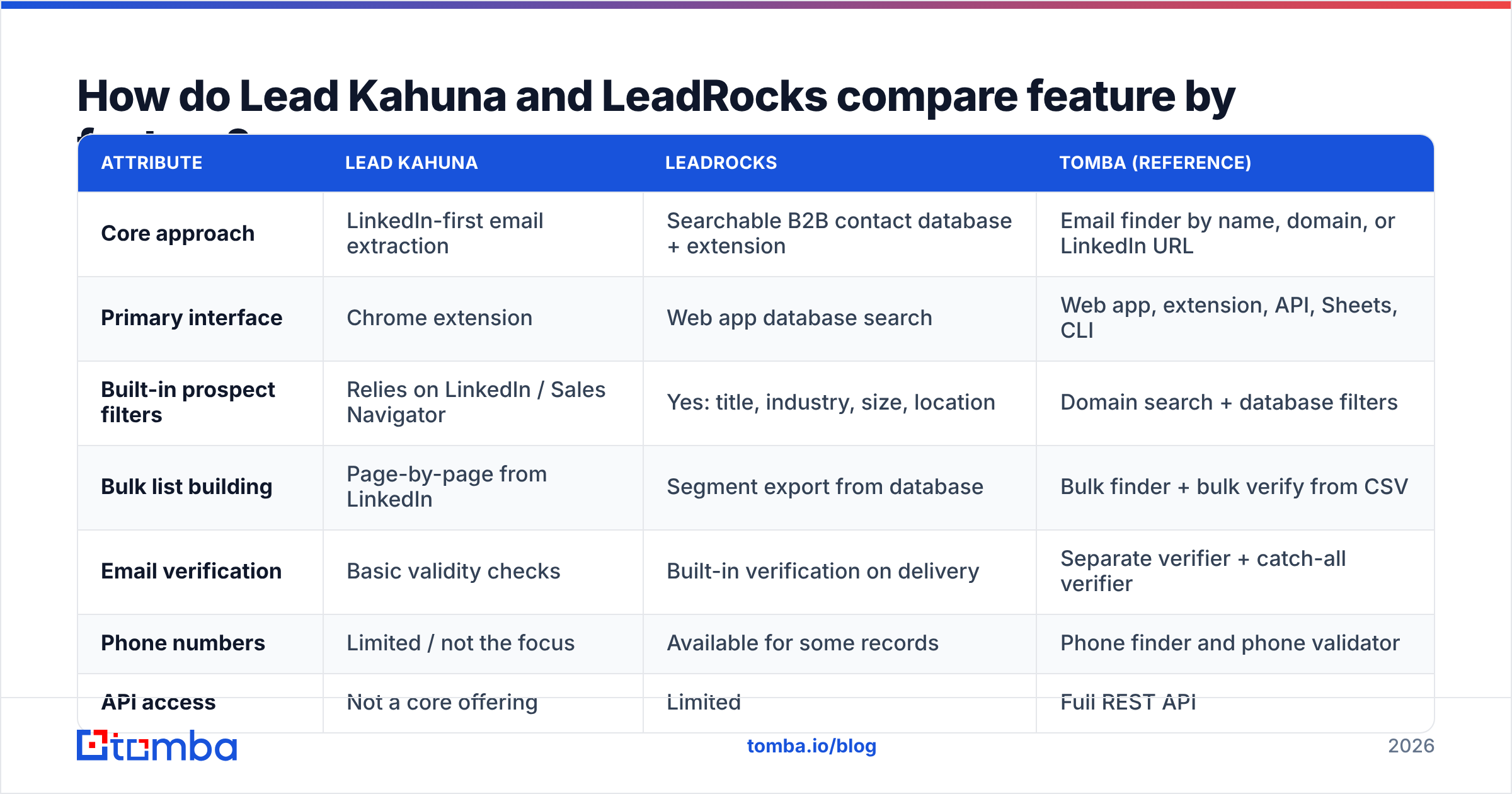
- Targeting. In Lead Kahuna, you target on LinkedIn. You build a Sales Navigator search, and the tool works on the results. In LeadRocks, you target inside the product with its own filters. LinkedIn is optional.
- Email discovery. Lead Kahuna uses a person's name and company domain, plus pattern matching, to guess a likely address. LeadRocks shows contacts that already have emails in its database. You unlock them with credits.
- Verification. Both vendors say they check emails before delivery. Neither publishes its method or a third-party audit. Treat "verified" as "probably deliverable" and run your own check.
- Export. Both export to CSV. To send records straight into a CRM, you'll need Zapier, Make, or manual uploads.
- Scale. Lead Kahuna is limited by how fast you can page through LinkedIn. LeadRocks can export a whole filtered segment at once.
If you mostly run account-based outreach to named contacts, Lead Kahuna's approach costs you little. If you're filling a top-of-funnel sequence with 2,000 new contacts a month, a database approach like LeadRocks saves you hours of clicking.

Which tool has better data accuracy?#
This is the question everyone asks, and neither vendor gives you enough public evidence to answer it with confidence.
What we can say:
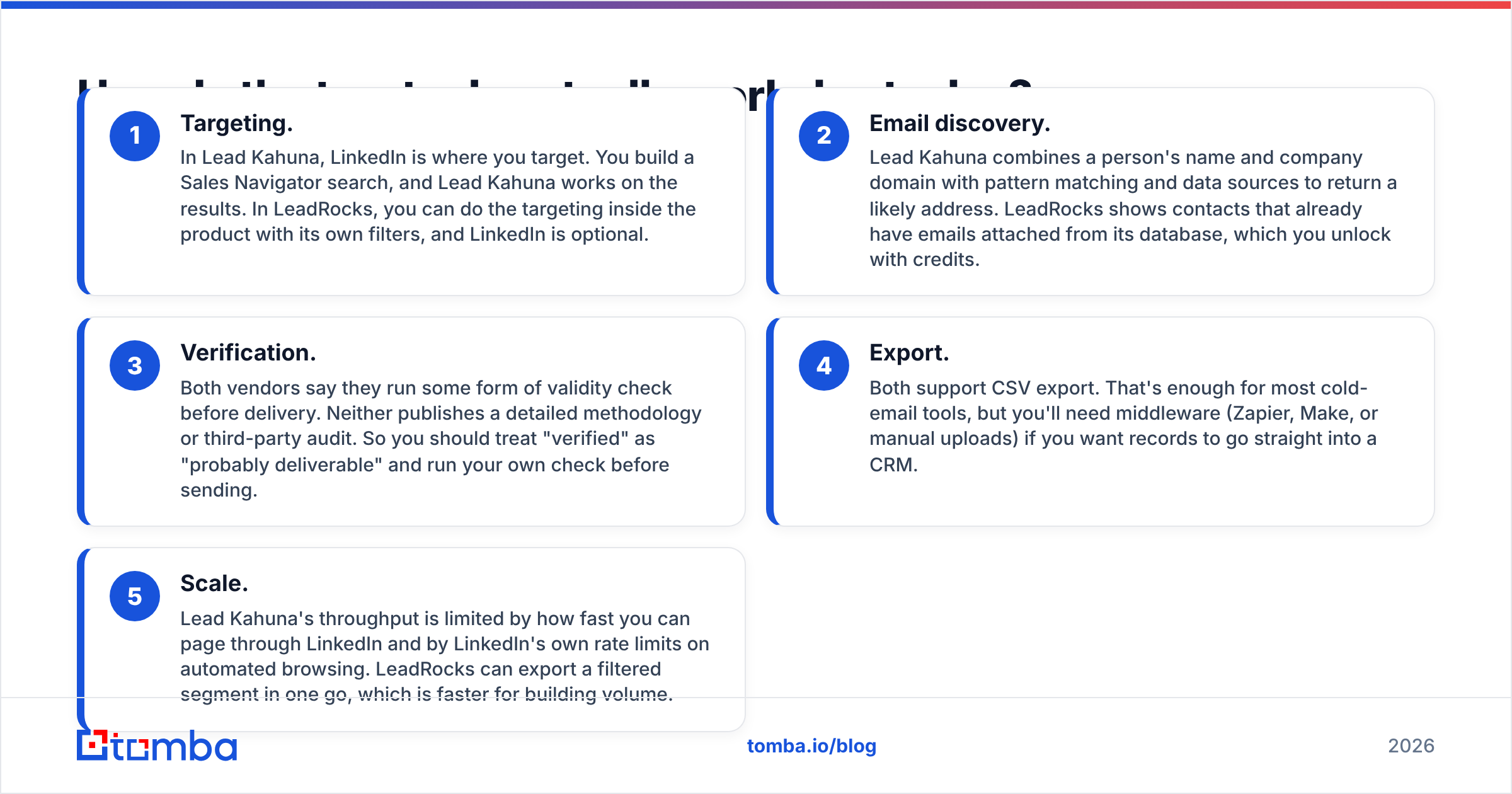
- Database age matters more than database size. A static B2B database decays as people change jobs, and industry estimates for B2B contact data decay usually land around 20-30% per year. LeadRocks' results depend on how recently each record was refreshed. You can't see that from the outside, so test a sample from your own target segment.
- Real-time lookups decay less but miss more. Tools like Lead Kahuna that work out an email at the moment you ask tend to return fewer stale addresses. The trade-off is lower coverage on small companies, unusual email formats, and catch-all domains.
- Catch-all domains are the blind spot for both. When a company's mail server accepts every address, a basic SMTP check can't confirm that a specific mailbox exists. Any tool that labels those addresses "valid" is guessing. A dedicated catch-all verifier is the only way to reduce that risk.

The practical test takes an afternoon. Take 100 contacts from your actual ICP, run them through both tools, then pass every returned address through an independent email verifier. Count three numbers for each tool: find rate (emails returned), valid rate (verified deliverable), and catch-all rate (unknown). Your sample will tell you more than any vendor's marketing page.
Lead Kahuna vs LeadRocks: how do they compare feature by feature?#
The table below is based on each product's publicly described positioning. Exact pricing, credit sizes, and feature availability change often, especially for smaller vendors, so confirm on each vendor's site before you buy. Tomba is included as a reference point because its pricing is public and stable.
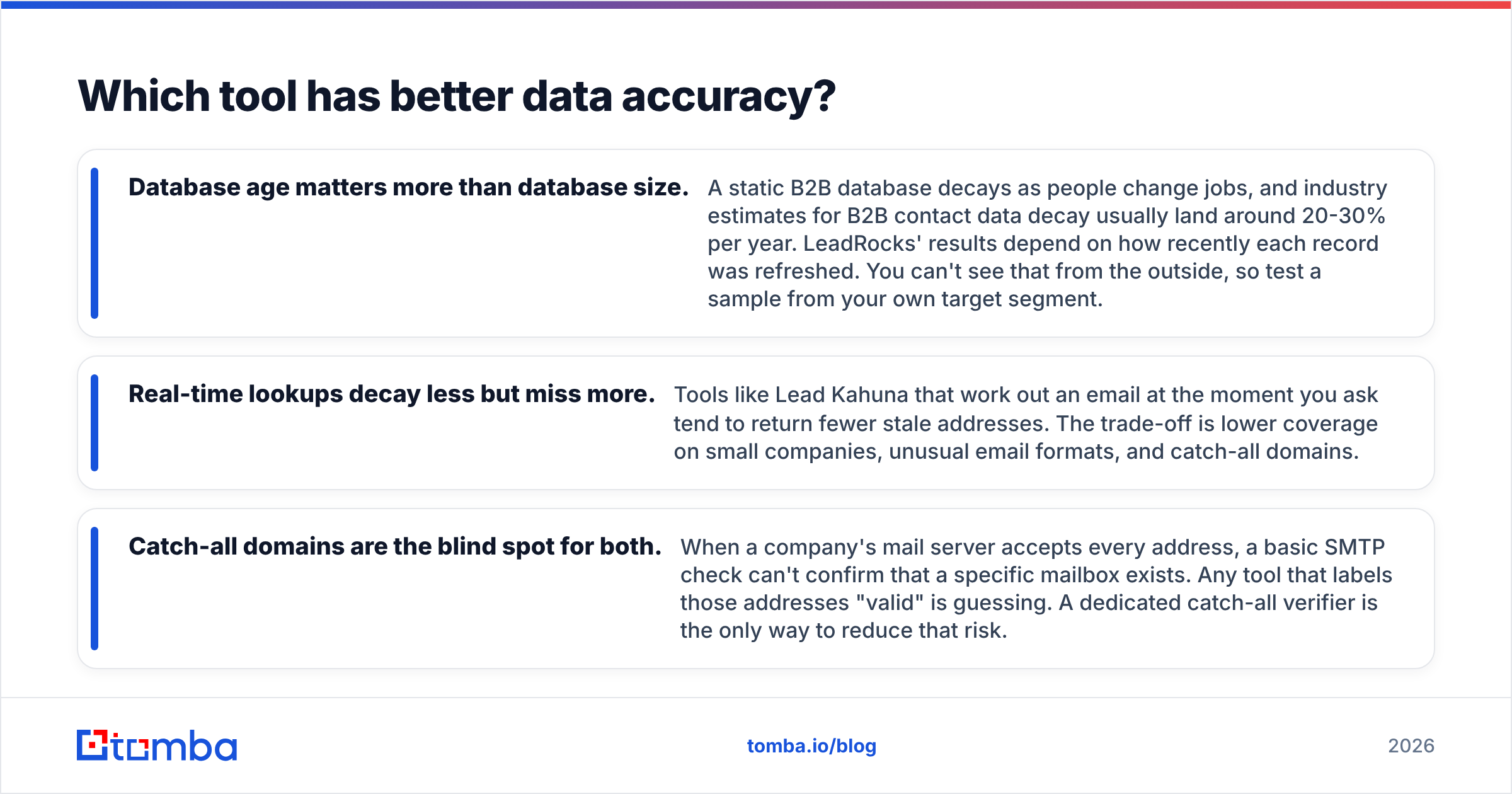
| Attribute | Lead Kahuna | LeadRocks | Tomba (reference) |
|---|---|---|---|
| Core approach | LinkedIn-first email extraction | Searchable B2B contact database + extension | Email finder by name, domain, or LinkedIn URL |
| Primary interface | Chrome extension | Web app database search | Web app, extension, API, Sheets, CLI |
| Built-in prospect filters | Relies on LinkedIn / Sales Navigator | Yes: title, industry, size, location | Domain search + database filters |
| Bulk list building | Page-by-page from LinkedIn | Segment export from database | Bulk finder + bulk verify from CSV |
| Email verification | Basic validity checks | Built-in verification on delivery | Separate verifier + catch-all verifier |
| Phone numbers | Limited / not the focus | Available for some records | Phone finder and phone validator |
| API access | Not a core offering | Limited | Full REST API |
| Free tier | Trial-based; check current offer | Trial credits; check current offer | 25 searches/mo free |
| Paid entry price | Varies; historically lifetime deals | Monthly subscription; check site | $49/mo Starter |
| Best fit | Solo reps and agencies living in Sales Navigator | Teams building net-new lists by ICP filters | Teams needing find + verify + API in one stack |

Is Lead Kahuna better than LeadRocks for LinkedIn prospecting?#
For pure LinkedIn workflows, Lead Kahuna has the simpler setup. You stay in the tab you already use, and there's no second search interface to learn. If your targeting is already done in Sales Navigator, adding a database on top can duplicate work you've finished.
There are real caveats, though:
- LinkedIn dependency. Any extension that reads LinkedIn pages breaks when LinkedIn changes its interface or its tolerance for automation. Before you commit, check that the extension currently works with your LinkedIn setup and that the vendor ships updates regularly.
- Account risk. Heavy automated scraping can trigger LinkedIn restrictions on your account. Page through slowly and keep your volume human.
- Vendor continuity. Smaller tools sold mainly through lifetime deals sometimes slow down development after the launch window. Look for a recent changelog, active support, and current reviews on sites such as G2 before you buy.
LeadRocks' Chrome extension also works on LinkedIn, so it covers the same use case to a degree. Its advantage is that when LinkedIn gets in the way, you still have the database to search. If you want LinkedIn email lookups without relying on a single extension, a LinkedIn finder that takes profile URLs in bulk is a more robust option.
Is LeadRocks better than Lead Kahuna for building lists at scale?#
Yes, for most teams that need volume. Database filtering is simply faster than paging through search results. You define a segment once ("VP Marketing, SaaS, 50-500 employees, United States"), preview the count, and export.
The weaknesses of the database model are also familiar:
- Freshness is invisible. You can't easily tell whether a record was confirmed last week or two years ago. Build a verification step into your process.
- Coverage is uneven. Databases are usually strongest in North America and in tech-heavy industries. If you sell into manufacturing in Central Europe or mid-market companies in LATAM, sample-test your segment before you buy a large plan.
- Compliance is your job. Exporting contacts from a database doesn't make emailing them lawful. If you prospect into the EU or UK, read up on your legitimate-interest basis under the GDPR and keep opt-out handling tight.
If you're choosing between the two only for high-volume, filter-driven list building, LeadRocks is the more natural fit.
How should you think about pricing?#
We aren't quoting exact prices for Lead Kahuna or LeadRocks here, for a simple reason: small lead-gen vendors change plans, credit sizes, and promotions often, and a stale number costs you more than no number. Compare them on these dimensions instead:
- Cost per verified email, not cost per credit. A cheap credit that returns a catch-all or bounced address is expensive. Divide plan price by the number of verified-deliverable emails from your 100-contact test.
- Credit rollover. Find out whether unused credits expire monthly. For seasonal prospecting, rollover can double your effective value.
- What costs a credit. Some tools charge for a search that finds nothing, and others only charge on a successful find. The difference adds up quickly.
- Lifetime deals. A one-time payment looks cheap until the product stops getting updates. Treat lifetime pricing as a bonus, not the main reason to buy.
- Verification cost. If the tool's built-in check is weak, add the cost of a separate verifier to the total.
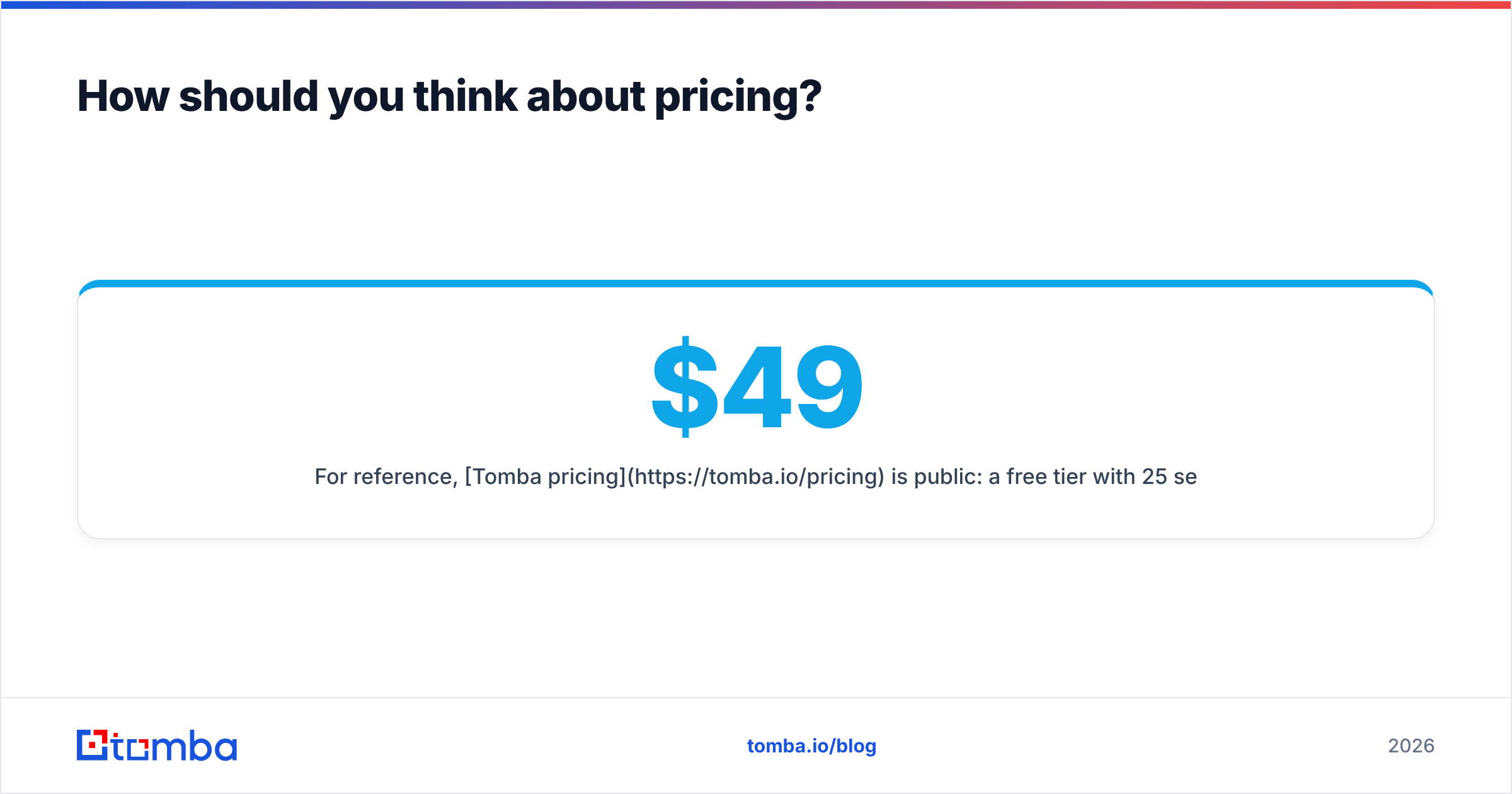
For reference, Tomba pricing is public: a free tier with 25 searches per month, Starter at $49/mo, Growth at $99/mo, Pro at $249/mo, and custom Enterprise plans. Finding and verification sit on the same account.

What are the pros and cons of each tool?#
Lead Kahuna: pros
- Minimal learning curve if you already live in LinkedIn
- Works on the exact contacts you've hand-picked, which suits account-based outreach
- Historically offered low upfront costs through lifetime deals
Lead Kahuna: cons
- Only as good as your LinkedIn access and LinkedIn's tolerance for extensions
- Slow for high-volume list building
- Limited integrations and no strong API story
- Little public information on update cadence or accuracy
LeadRocks: pros
- Built-in prospect filters, so LinkedIn isn't required
- Faster segment-level exports for volume outbound
- Chrome extension gives you a LinkedIn fallback path
- Verification is part of the delivery flow
LeadRocks: cons
- Data freshness varies by record and isn't always visible
- Coverage outside core markets needs testing
- Limited native CRM integrations, so CSV handling is common
- As with any database, you still need an independent verification pass
Which one should you choose?#
Use the scenario that matches your team:
- You're a solo SDR or freelancer working named accounts in Sales Navigator. Lead Kahuna's extension-first model fits your day, provided the extension is actively maintained when you buy.
- You run outbound for a startup and need 1,000+ new contacts a month. LeadRocks' database filters will save you real time. Budget for a verification step.
- You're an agency running campaigns for several clients. LeadRocks is usually the better base because list building by filter repeats well across clients.
- You need an API, spreadsheet enrichment, or CRM sync. Neither is the strongest option here. Look at a platform with a proper API and native integrations.
- Bounces are already hurting your sender reputation. The tool matters less than the process. Verify every list before upload, handle catch-alls separately, and keep your bounce rate under 2%.
Our Lead Kahuna vs LeadRocks verdict: LeadRocks is the more versatile choice for most B2B teams in 2026, because it doesn't depend entirely on LinkedIn and it handles volume better. Lead Kahuna remains reasonable for LinkedIn-native, low-volume prospecting, as long as you confirm the product is actively supported before paying.
Is there a middle ground between the two approaches?#
Many teams end up needing both approaches: filter-based discovery for new segments and precise lookups for named accounts. Running two separate tools means two credit balances, two export formats, and two different ideas of what "verified" means.
A dedicated email finder covers both. You can look up a single person by name and company, pull every public address on a company domain, process LinkedIn URLs, or upload a CSV for bulk finding. Verification runs on the same account. For teams that want the finding step to plug into their existing stack, the API, Google Sheets add-on, and CRM integrations mean less CSV shuffling.
Ready to find emails you can actually send to?#
Whichever of these two tools you test, what you measure in the end is how many addresses are valid and deliverable, not how many contacts you exported. The Tomba Email Finder lets you find professional emails by name, domain, company, or LinkedIn profile, then verify them (catch-all domains included) on the same account. Start with 25 free searches a month, run your own 100-contact Lead Kahuna vs LeadRocks benchmark, and let the valid-rate numbers make the decision.
Related guides#
// get started
Find, verify and enrich your first contacts today
Start on the free plan with 25 searches a month, then scale when your team is ready.
Free plan · No credit card required · GDPR & CCPA
// about the author