Lead Response Email Template: 7 Proven Replies for 2026
Most inbound leads go cold because the first reply is slow or generic, not because of price. Here are 7 lead response email templates, the timing that matters, and the mistakes that cost you the meeting.
TL;DR
- A lead response email template only works if it goes out fast. Harvard Business Review found that companies that contacted a lead within an hour were nearly 7x more likely to qualify it than companies that waited even one hour longer.
- Every good first reply does the same four things: it references the lead's exact action, answers the question they asked, proposes one next step, and makes that step easy to take.
- Below are 7 copy-paste templates: demo request, pricing inquiry, content download, free trial signup, vague contact form, no-reply follow-up, and after-hours reply.
- Match the template to the lead's intent. A pricing request and an ebook download are different conversations, and treating them the same is the most common way inbound gets wasted.
- Check and enrich the lead's email before you reply, so your fastest message doesn't bounce.
What is a lead response email template?#
A lead response email template is a pre-written reply you send when a prospect raises their hand. That might be a demo form, a pricing question, a trial signup, a webinar registration, or a download of gated content. The template gives your reps a starting point they can personalize in under two minutes instead of writing from scratch every time.
The template itself is the easy part. What separates a reply that books a meeting from one that sits unread is how closely it matches what the lead just did. Someone who requested a demo 90 seconds ago wants a calendar link. Someone who downloaded a benchmark report wants a useful follow-up thought, not a sales call.
Think of it like a restaurant host. A good host greets a walk-in, a reservation, and a delivery driver differently, even though all three came through the same door. Your lead response emails need that same sorting.
Why does lead response speed matter more than the copy?#
Speed is the biggest variable, and most teams are still slow. The widely cited Harvard Business Review study on online sales leads audited more than 2,000 US companies. Firms that tried to contact a lead within an hour were nearly seven times as likely to qualify it as firms that waited longer, and more than 60 times as likely as those that waited 24 hours or more. In the same audit, 23% of companies never responded at all.
The research is more than a decade old, but it has aged well. Buyers now research more on their own before filling out a form, so by the time they submit, they are usually comparing two or three vendors. The first credible reply often sets the agenda for the whole evaluation.

In practice, that means:
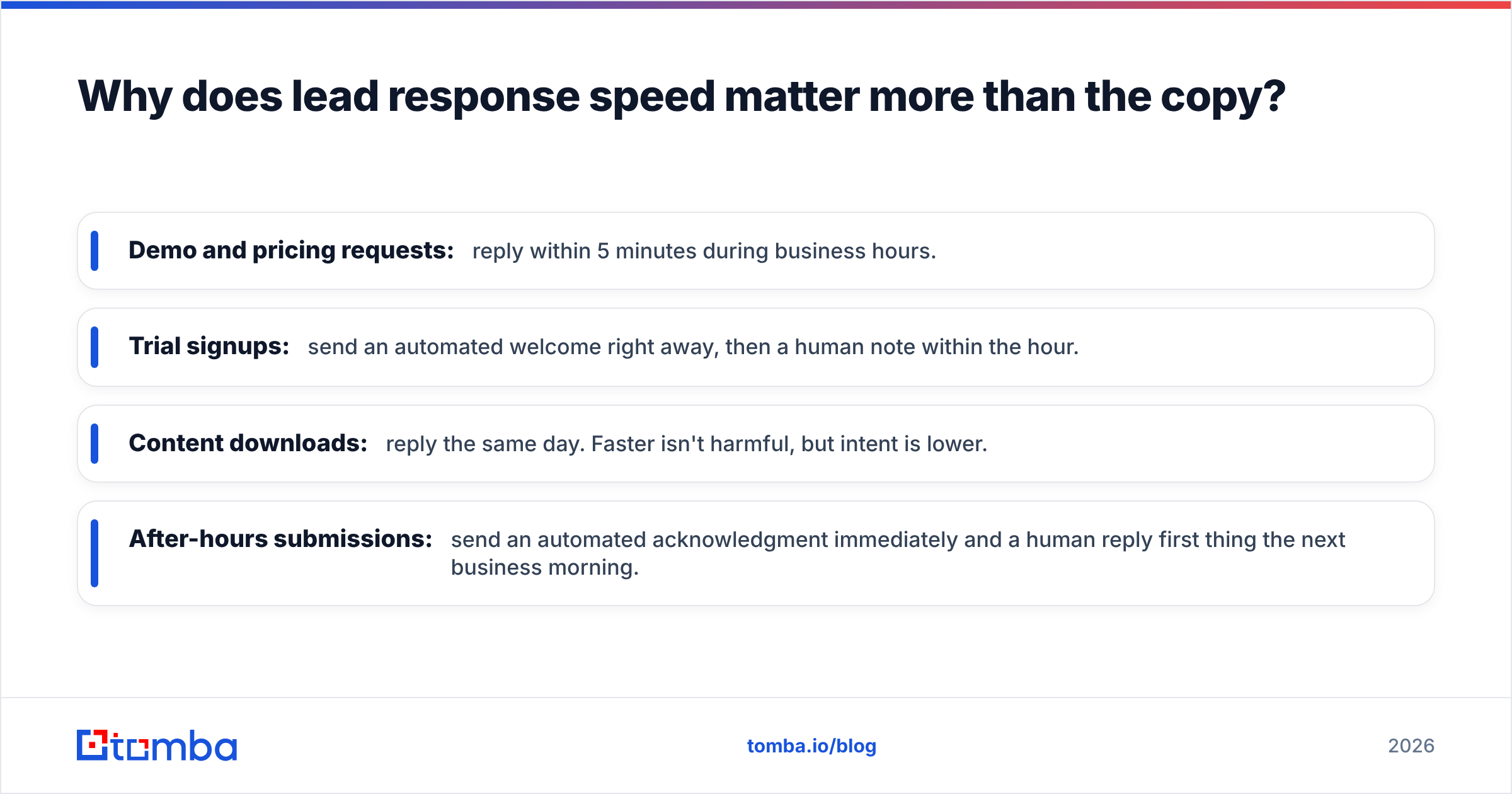
- Demo and pricing requests: reply within 5 minutes during business hours.
- Trial signups: send an automated welcome right away, then a human note within the hour.
- Content downloads: reply the same day. Faster isn't harmful, but intent is lower.
- After-hours submissions: send an automated acknowledgment immediately and a human reply first thing the next business morning.
If your CRM routes leads round-robin, set an SLA timer and escalate anything older than 15 minutes. A great template sent 26 hours late loses to an average one sent in 4 minutes.
What should every lead response email include?#
Before the templates, here is the structure they all follow. If you write your own, check it against this list.
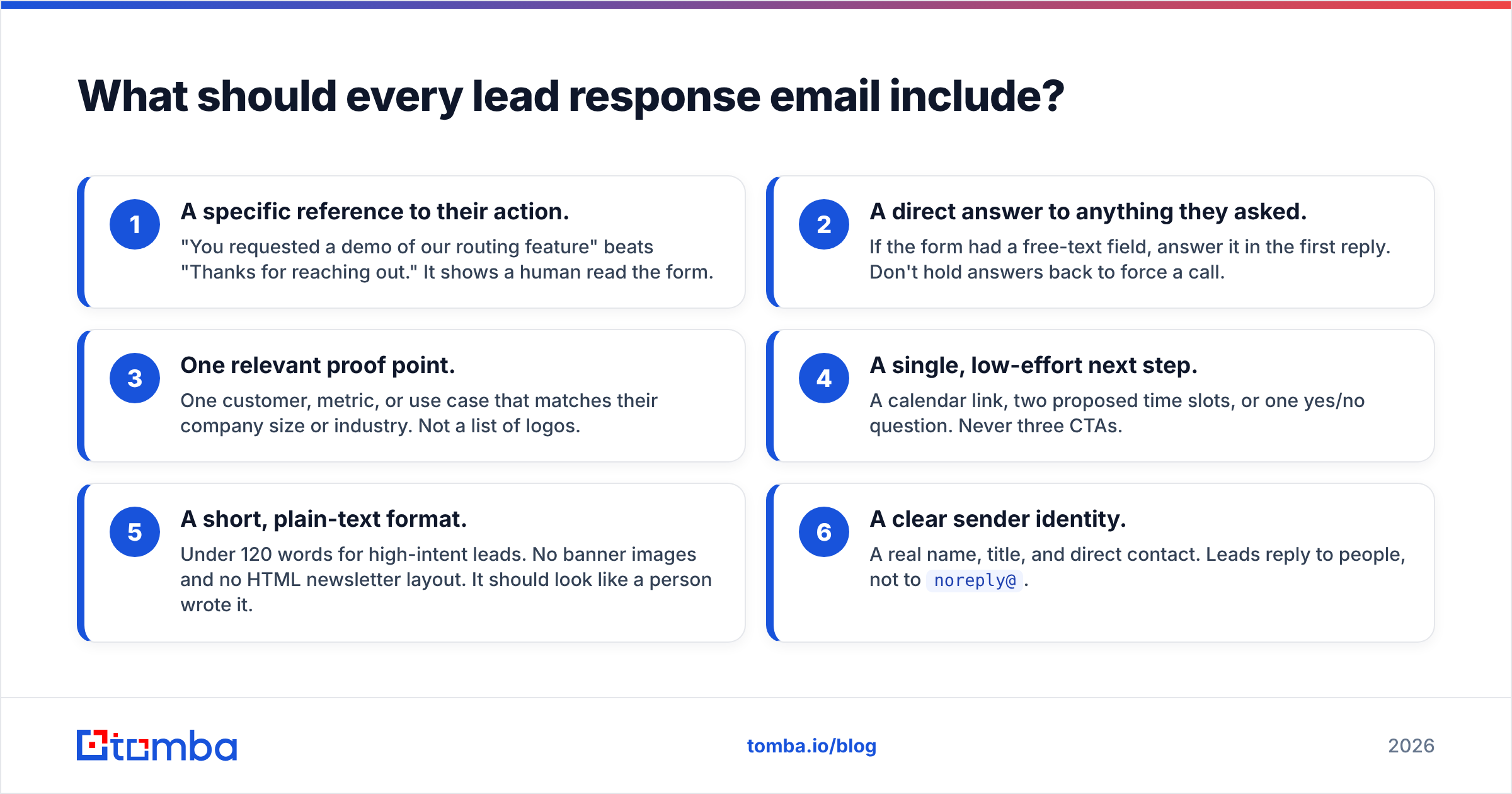
- A specific reference to their action. "You requested a demo of our routing feature" beats "Thanks for reaching out." It shows a human read the form.
- A direct answer to anything they asked. If the form had a free-text field, answer it in the first reply. Don't hold answers back to force a call.
- One relevant proof point. One customer, metric, or use case that matches their company size or industry. Not a list of logos.
- A single, low-effort next step. A calendar link, two proposed time slots, or one yes/no question. Never three CTAs.
- A short, plain-text format. Under 120 words for high-intent leads. No banner images and no HTML newsletter layout. It should look like a person wrote it.
- A clear sender identity. A real name, title, and direct contact. Leads reply to people, not to
noreply@.
Which lead response template should you use for each lead type?#
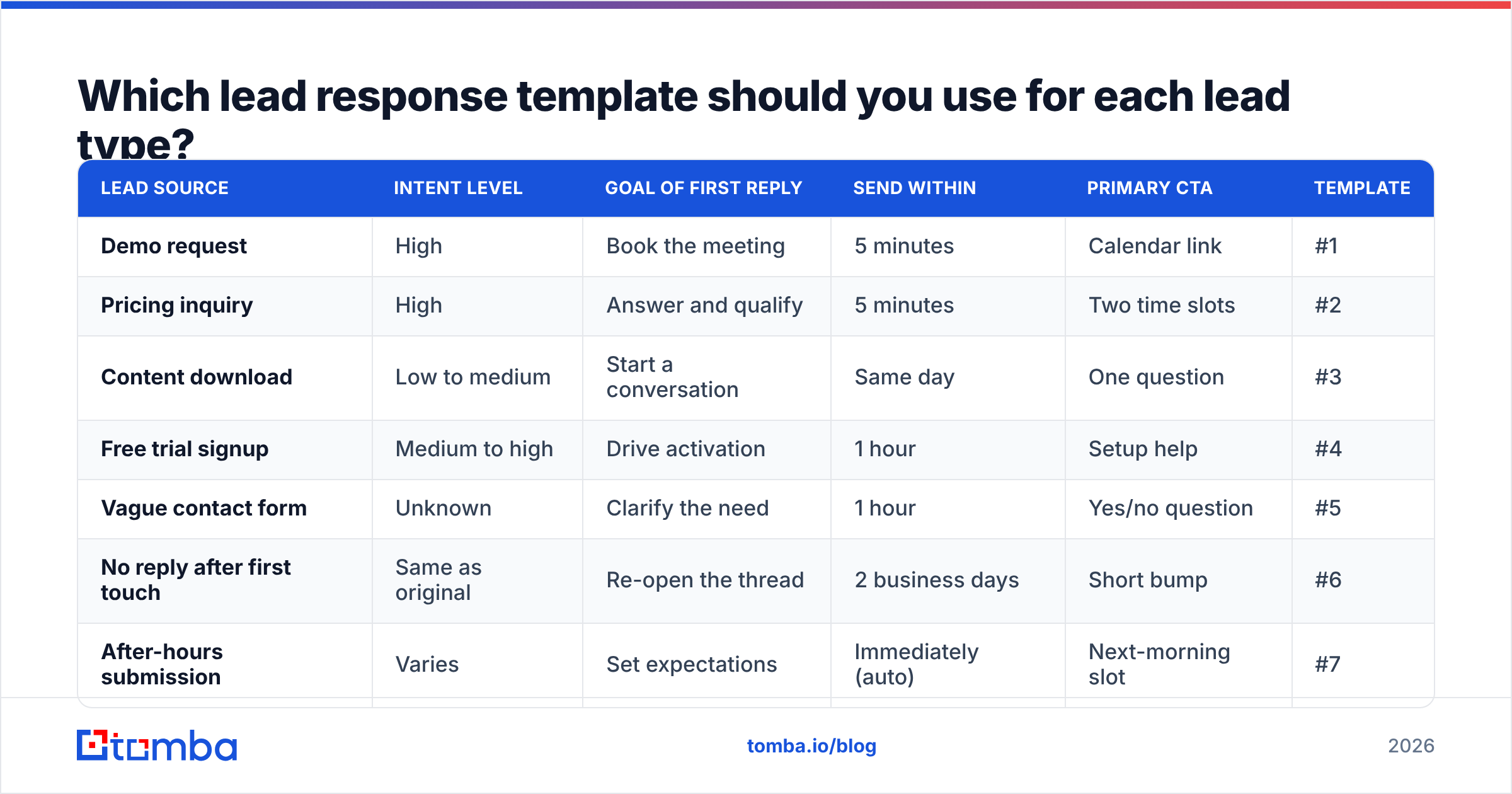
Use this table to map the inbound source to the right template, goal, and timing.
| Lead source | Intent level | Goal of first reply | Send within | Primary CTA | Template |
|---|---|---|---|---|---|
| Demo request | High | Book the meeting | 5 minutes | Calendar link | #1 |
| Pricing inquiry | High | Answer and qualify | 5 minutes | Two time slots | #2 |
| Content download | Low to medium | Start a conversation | Same day | One question | #3 |
| Free trial signup | Medium to high | Drive activation | 1 hour | Setup help | #4 |
| Vague contact form | Unknown | Clarify the need | 1 hour | Yes/no question | #5 |
| No reply after first touch | Same as original | Re-open the thread | 2 business days | Short bump | #6 |
| After-hours submission | Varies | Set expectations | Immediately (auto) | Next-morning slot | #7 |
Lead response email templates you can copy today#
Replace anything in [brackets]. Keep the structure and change the words to fit your voice.
Template 1: Demo request#
Subject: Your [Product] demo, [First name]
Hi [First name],
Thanks for requesting a demo. I saw you're looking at [feature or use case from form] for your [team type] at [Company].
We helped [similar company] [specific result, e.g. cut lead routing time from 4 hours to 10 minutes], and I'd guess your setup is similar.
Here's my calendar for a 20-minute walkthrough focused on [their use case]: [link]
If none of those times work, reply with two that do and I'll make it happen.
[Your name]
[Title], [Company] | [Direct phone]
Why it works: It confirms what they asked for, gives one relevant proof point, and removes scheduling friction.
Template 2: Pricing inquiry#
Subject: Re: pricing for [Company]
Hi [First name],
Straight answer first: most teams your size land on our [Plan] at [$X/month], which covers [key limit, e.g. 10 seats and 5,000 contacts].
Where pricing moves is [variable, e.g. seat count or API volume]. If you can tell me roughly how many [units] you expect, I can give you an exact number.
Or, if it's easier, I can walk through it live on [Day] at [time] or [Day] at [time]. Which works?
[Your name]
Why it works: Pricing leads hate evasion. Give a real number up front and you earn the right to ask a qualifying question.
Template 3: Content download#
Subject: One thing from the [report name] worth a look
Hi [First name],
Thanks for grabbing [report name]. The section most [job title]s tell us is useful is [specific section], especially the part on [specific finding].
Curious: are you researching this for a project that's already underway, or getting ahead of something for next quarter?
Either way, happy to share how [similar company] applied it.
[Your name]
Why it works: It adds value without pushing for a meeting, and the question sorts active buyers from casual readers.
Template 4: Free trial signup#
Subject: Getting [Company] set up in [Product]
Hi [First name],
Welcome aboard. Teams that get the most out of the first week usually do one thing first: [key activation step, e.g. connect their CRM].
It takes about [X] minutes. Here's the guide: [link]
If you'd rather I set it up with you, grab 15 minutes here: [link]. No sales pitch, just setup.
[Your name]
Why it works: Trial users are judging the product, not your pitch. Helping them activate is the best sales move you have.
Template 5: Vague contact form#
Subject: Quick question about your message
Hi [First name],
Thanks for getting in touch. So I can point you to the right person: is this mainly about [option A, e.g. evaluating us for your team], or [option B, e.g. a question about an existing account]?
A one-word reply is fine.
[Your name]
Why it works: A one-word reply is the lowest possible bar, and it keeps a support question from being routed to sales.
Template 6: No reply after first touch#
Subject: Re: [original subject]
Hi [First name],
Bumping this in case it got buried. Still happy to [original offer, e.g. walk you through routing for your team].
If the timing's off, just let me know when to check back and I'll put it on my calendar.
[Your name]
Why it works: Replying in the same thread keeps the context, and offering a "later" option gets replies from leads who would otherwise stay quiet.
Template 7: After-hours auto-reply#
Subject: Got your request, [First name]
Hi [First name],
Your request came in after hours, so here's what happens next: [Rep name] will reach out by [time] tomorrow with [what they asked for].
If you want to skip the wait, you can book a time directly here: [link].
[Company] team
Why it works: It sets a concrete expectation and lets high-intent leads self-serve instead of calling your competitor.
If you want more starting points for outbound as well as inbound, Tomba's free cold email templates library covers many other scenarios.
How do you personalize a template without slowing down?#
The problem is real: personalization takes time, and speed is the whole game. The answer is to decide ahead of time which fields to personalize and pull them automatically.
A practical setup looks like this:
- Auto-fill from the form: first name, company, use case, and any free-text question.
- Auto-fill from enrichment: job title, company size, industry, and tech stack. Running data enrichment on each new submission means your rep sees "VP Sales, 200-person SaaS, uses HubSpot" before they write a word.
- Rep-written (60 seconds max): the proof point and one sentence that responds to their specific question.
This split lets a rep send a reply that reads as personal in under two minutes. Platforms like HubSpot and Salesforce can merge these fields into sequences automatically. Your team just has to decide which fields matter.
What mistakes kill lead response rates?#
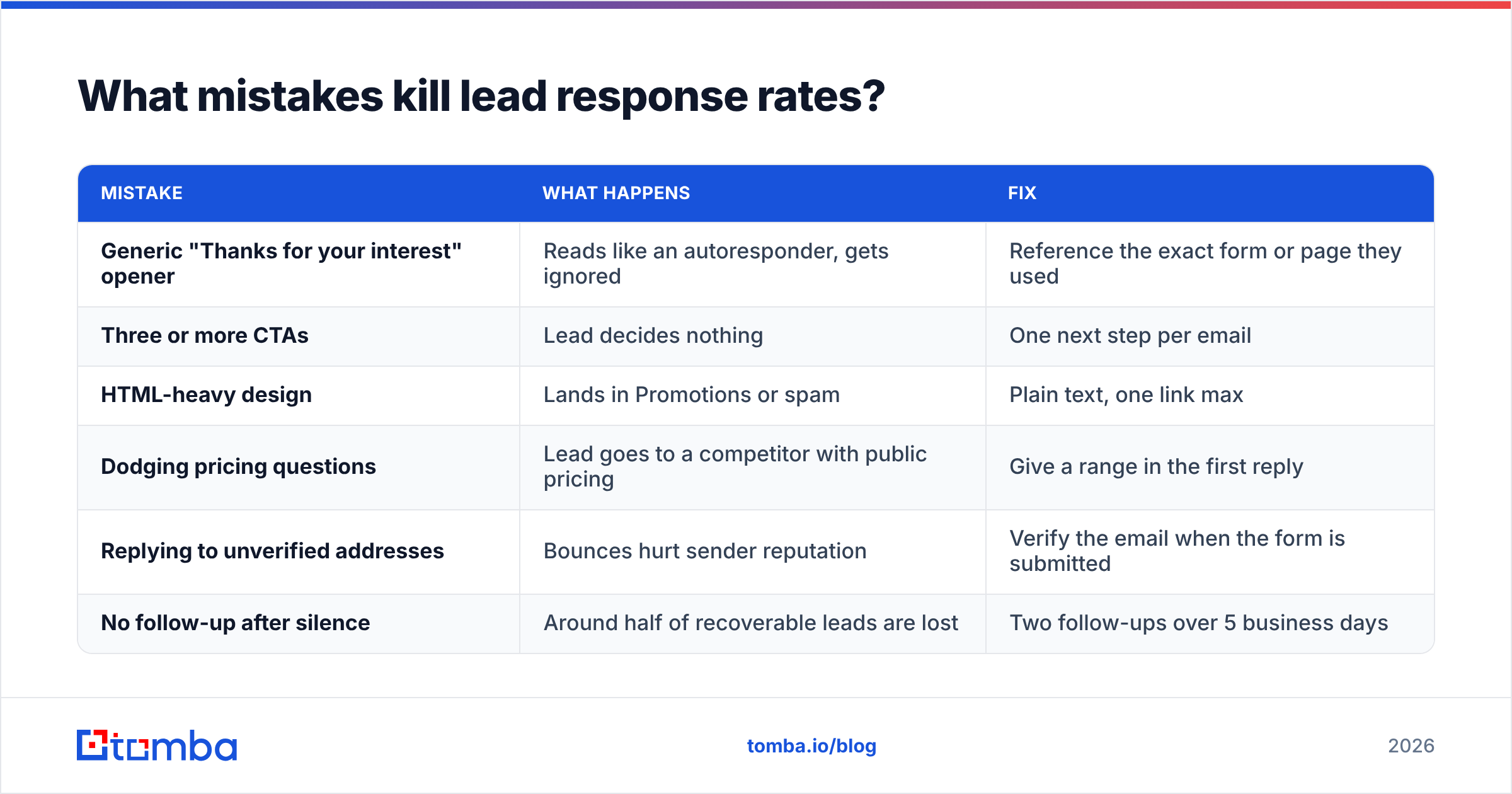
Most inbound problems come down to a handful of repeat mistakes. Here's how they compare to the fix.
| Mistake | What happens | Fix |
|---|---|---|
| Generic "Thanks for your interest" opener | Reads like an autoresponder, gets ignored | Reference the exact form or page they used |
| Three or more CTAs | Lead decides nothing | One next step per email |
| HTML-heavy design | Lands in Promotions or spam | Plain text, one link max |
| Dodging pricing questions | Lead goes to a competitor with public pricing | Give a range in the first reply |
| Replying to unverified addresses | Bounces hurt sender reputation | Verify the email when the form is submitted |
| No follow-up after silence | Around half of recoverable leads are lost | Two follow-ups over 5 business days |
The bounce row gets underestimated. Inbound forms collect a steady stream of typos ("gmial.com"), role addresses, and disposable inboxes. If your fastest reply goes to a bad address, you get no speed advantage and you take a hit to deliverability. Running each submission through an email verifier before the first send keeps your domain healthy and flags leads that need a corrected address.
How do you measure whether your templates are working?#
Track three numbers per template, not just overall:
- Median time to first response: your SLA metric. Measure it in minutes, not hours.
- Reply rate: the share of first-touch emails that get any reply. For high-intent templates (#1, #2), aim for 30% or more. For content leads, 8–15% is healthy. See how teams benchmark email response rate for more context.
- Meeting-booked rate: the number that pays the bills. If reply rate is high but meetings are low, your CTA is the problem, not your opener.
Change one variable at a time: subject line, proof point, or CTA. Run each version for at least 50 sends before drawing conclusions, because inbound volumes are too small for faster tests to mean much.
Frequently asked questions#
How fast should I respond to an inbound lead?#
For demo and pricing requests, within 5 minutes during business hours. For lower-intent leads like content downloads, the same business day is fine. Response time is the single biggest factor in whether an inbound lead qualifies.
Should lead response emails be automated?#
Automate the acknowledgment and the data enrichment. Keep the proof point and the answer to their question human. Fully automated replies to high-intent leads usually read as generic and underperform.
How long should a lead response email be?#
Under 120 words for high-intent leads. Content-download follow-ups can run slightly longer if they add real value, but a first reply should never need scrolling.
How many follow-ups should I send if a lead doesn't reply?#
Two follow-ups over about five business days is a reasonable default for inbound. After that, move the lead into a longer-term nurture track rather than continuing direct outreach.
Make every lead response land in the inbox#
The best lead response email template fails if it bounces or goes to the wrong person. Before your reps hit send, make sure the address is real and, when a form only gives you a name and company, find the right contact. Tomba Email Finder finds professional email addresses from a name and company domain, and it pairs with verification and enrichment so your fastest reply is also accurate. Start on the free tier with 25 searches a month, or see Tomba pricing if your team handles inbound at volume.
Related guides#
// get started
Find, verify and enrich your first contacts today
Start on the free plan with 25 searches a month, then scale when your team is ready.
Free plan · No credit card required · GDPR & CCPA
// about the author