LeadGibbon vs Leadzen.ai (2026): Which Lead Tool Wins?
One tool exports LinkedIn lists. The other runs an AI-driven India-heavy contact database. We compare coverage, email accuracy, pricing and workflow fit so you can pick the right one for your outbound motion in 2026.
LeadGibbon vs Leadzen.ai is a choice between two very different tools. One exports lists out of LinkedIn. The other runs an AI-driven contact database that is strongest in India. Here is how the two compare on coverage, email accuracy, price and workflow fit.
TL;DR
- LeadGibbon is a LinkedIn-first list builder. You search, you export, and emails arrive attached to the rows. Its center of gravity is North America and Western Europe.
- Leadzen.ai is an AI-driven contact intelligence platform. Its deepest coverage is India, and its phone-number density is strong. It sells discovery, not just export.
- Neither tool is a drop-in replacement for the other. Picking wrongly costs you a quarter of wasted prospecting, not a subscription fee.
- Both publish limited pricing detail. The real numbers sit behind a sales call, which makes budgeting harder than it should be.
- In a LeadGibbon vs Leadzen.ai bake-off, neither side wins on verification. Need verified emails at a predictable per-credit cost, with an API? A dedicated email finder will usually beat both on cost per usable contact.
LeadGibbon vs Leadzen.ai: what is each tool?#
The short version: LeadGibbon vs Leadzen.ai is not a fight between two identical products. It is a fight between two ideas about where B2B contact data comes from.
LeadGibbon sits on top of LinkedIn. You run a search, often inside Sales Navigator. LeadGibbon turns that result set into a downloadable list with business emails attached. The pitch is speed. A list you already built becomes a CSV in your hands, with no copy-paste. You can see the current product on the LeadGibbon site.
Leadzen.ai starts from the database side. It keeps its own contact graph, then layers AI-assisted search and intent signals on top. You query by company attributes, technographics or person filters. Its positioning leans on real-time discovery and mobile numbers. Indian coverage is the real differentiator, because most Western vendors are thin there. The vendor's own overview lives at leadzen.ai.
Here is the structural difference in five points:
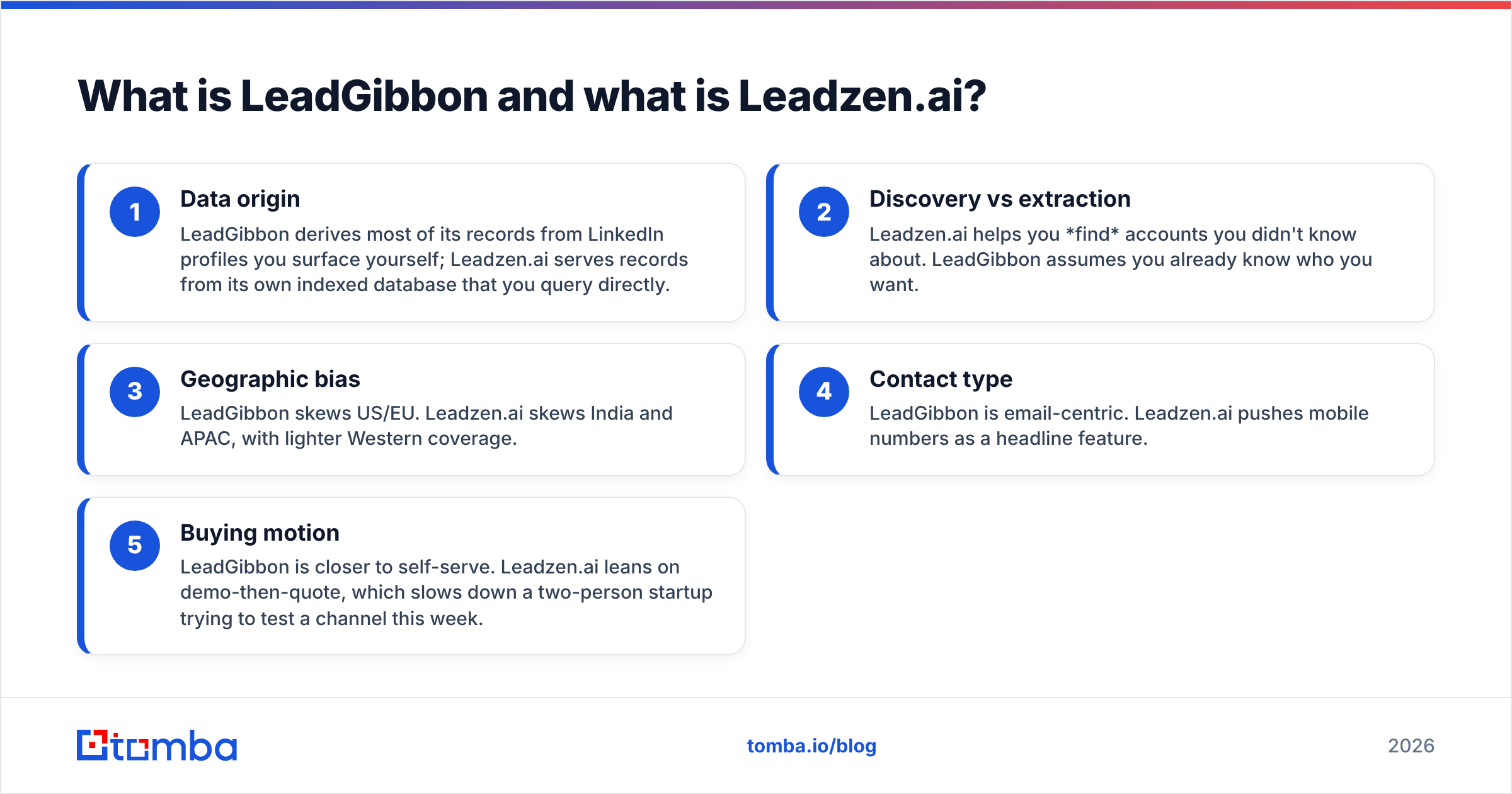
- Data origin — LeadGibbon pulls most records from LinkedIn profiles you surface yourself. Leadzen.ai serves records from its own indexed database.
- Discovery vs extraction — Leadzen.ai helps you find accounts you did not know about. LeadGibbon assumes you already know who you want.
- Geographic bias — LeadGibbon skews US and EU. Leadzen.ai skews India and APAC, with lighter Western coverage.
- Contact type — LeadGibbon is email-centric. Leadzen.ai pushes mobile numbers as a headline feature.
- Buying motion — LeadGibbon is closer to self-serve. Leadzen.ai leans on demo-then-quote. That slows down a two-person startup testing a channel this week.
LeadGibbon vs Leadzen.ai: a feature-by-feature comparison#
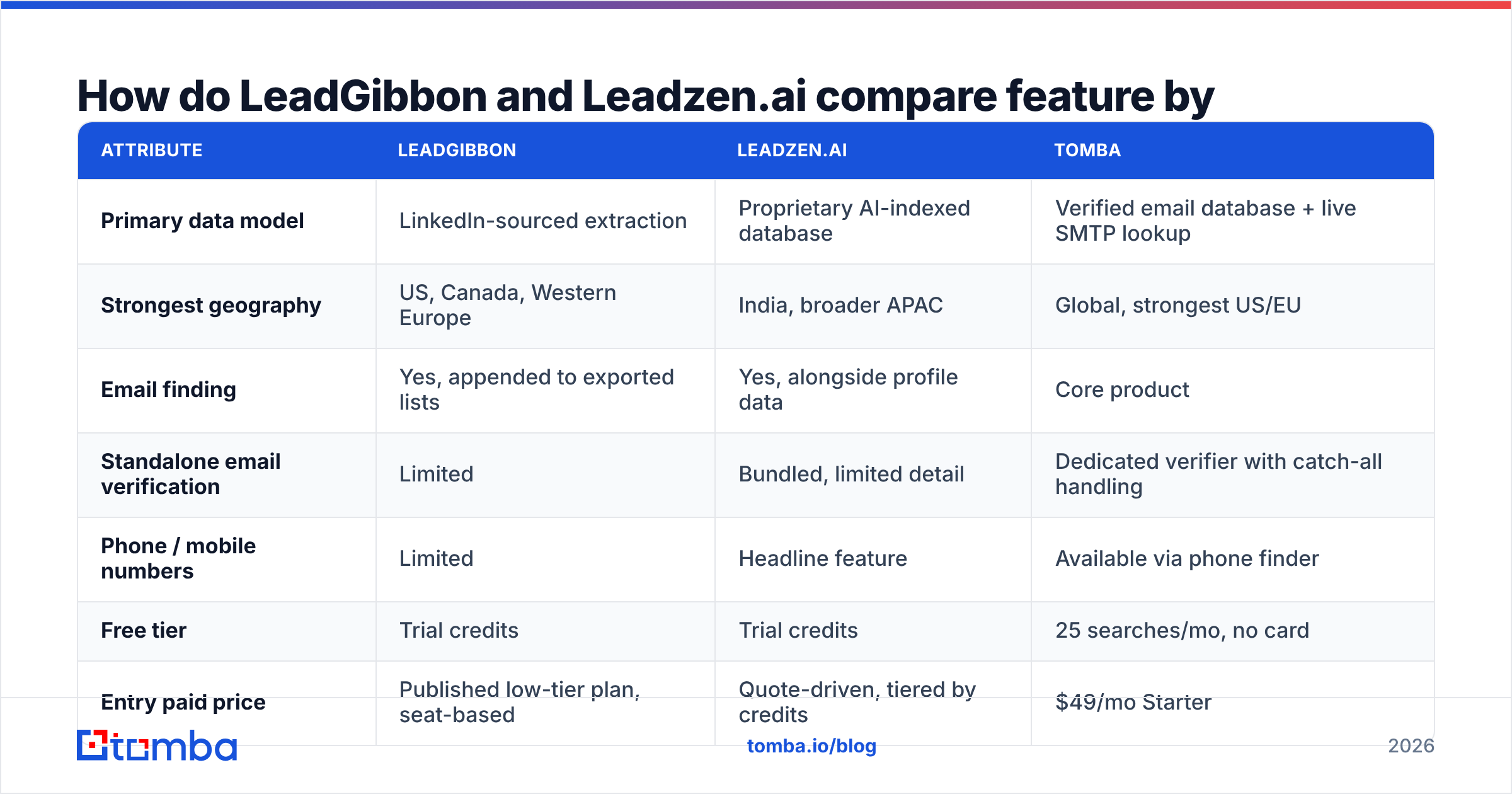
This LeadGibbon vs Leadzen.ai table reflects public product information at the time of writing. Both vendors change plans without much notice. Treat the pricing row as a starting point for your own check, not as gospel.
| Attribute | LeadGibbon | Leadzen.ai | Tomba |
|---|---|---|---|
| Primary data model | LinkedIn-sourced extraction | Proprietary AI-indexed database | Verified email database + live SMTP lookup |
| Strongest geography | US, Canada, Western Europe | India, broader APAC | Global, strongest US/EU |
| Email finding | Yes, appended to exported lists | Yes, alongside profile data | Core product |
| Standalone email verification | Limited | Bundled, limited detail | Dedicated verifier with catch-all handling |
| Phone / mobile numbers | Limited | Headline feature | Available via phone finder |
| Free tier | Trial credits | Trial credits | 25 searches/mo, no card |
| Entry paid price | Published low-tier plan, seat-based | Quote-driven, tiered by credits | $49/mo Starter |
| Public API | Limited | Available on higher tiers | Full REST API on all paid plans |
| Bulk CSV enrichment | Yes | Yes | Yes, plus Sheets and Excel add-ins |
| Best fit | LinkedIn-native SDRs | India/APAC market entry | Predictable global email sourcing |
Two things jump out of that grid. First, the overlap is narrower than the category page suggests. These tools compete for budget, not for the same job. Second, both products leave a gap on verification. Verification is where most cold email programs actually die.

LeadGibbon vs Leadzen.ai: which one has better email accuracy?#
This question decides whether you keep the tool after month two. Every vendor answers it with a number you cannot audit.
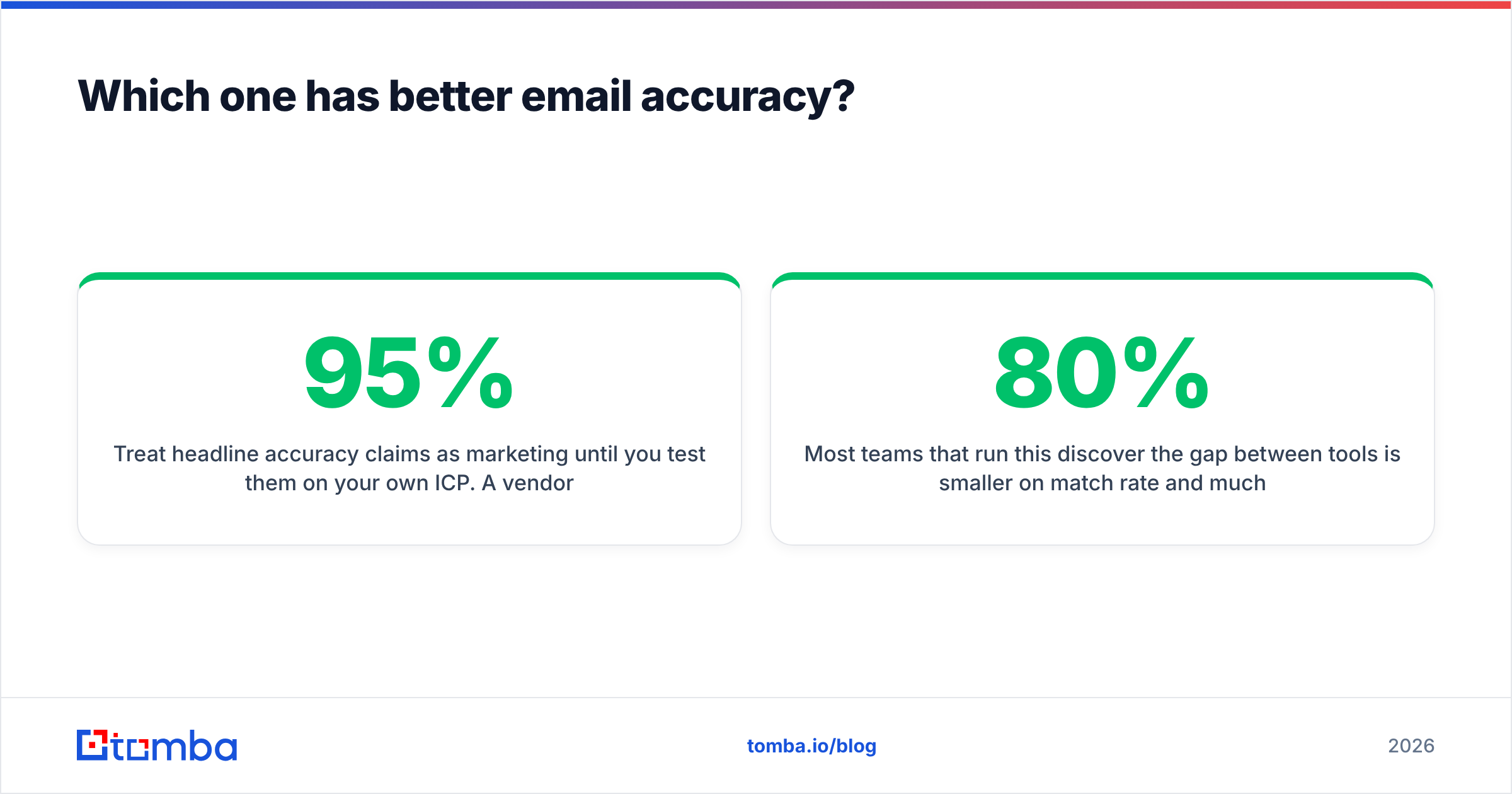
Treat headline accuracy claims as marketing until you test them on your own ICP. A vendor quoting 95% accuracy is usually quoting a favorable slice. Think large US tech firms with public teams and predictable email patterns. Run the same test on 200 contacts at 50-person manufacturers in a non-English market. The number moves a lot.
Here is the test protocol that settles it, and it takes about an hour:
- Build one control list of 200 contacts that looks like your real pipeline. Same industries, same company sizes, same countries. Not a list of Fortune 500 CROs.
- Run the identical list through each tool. Record match rate, meaning how many rows came back with any email. Record accuracy separately, meaning how many of those emails are deliverable.
- Verify every returned address with a third-party verifier you do not buy leads from. Conflict of interest matters here. Use an independent email verifier rather than the finder's own confidence score.
- Count catch-all domains separately. A catch-all address is not a win and not a loss. It is an unknown. Tools that silently count catch-alls as "valid" inflate their accuracy by 10–20 points on some verticals.
- Divide total spend by deliverable emails. That is your real cost per usable contact. It is almost never the number on the pricing page.
Most teams that run this find the gap is small on match rate and large on bounce rate. A tool that returns 80% of rows with a 2% bounce rate beats one that returns 92% of rows with a 14% bounce rate. The second one quietly torches your sender reputation while it inflates your CRM.

On catch-all domains, both tools return addresses without much nuance about confidence state. Catch-all mail servers are common in enterprise and in agencies. If a meaningful share of your target accounts run one, add a catch-all verifier to the stack. That holds whichever platform you pick.
LeadGibbon vs Leadzen.ai pricing: what does each tool cost?#
Pricing is where this comparison gets frustrating for buyers. It is worth being blunt about it.
LeadGibbon publishes plan tiers. The effective cost still depends on how many rows you export and how many seats you need. Seat-based pricing punishes small teams that share one list-building workflow across three SDRs.
Leadzen.ai leans toward quote-driven pricing with credit bundles. You will usually be routed through a demo before you see a number. That is fine for a 30-seat rollout. It is annoying if you are one founder validating a channel this month.
For comparison, Tomba pricing is published in full. There is a free tier with 25 searches per month, Starter at $49/mo, Growth at $99/mo, Pro at $249/mo, and custom Enterprise. No demo is required to see the number. The API is included on paid plans rather than sold as an upsell.
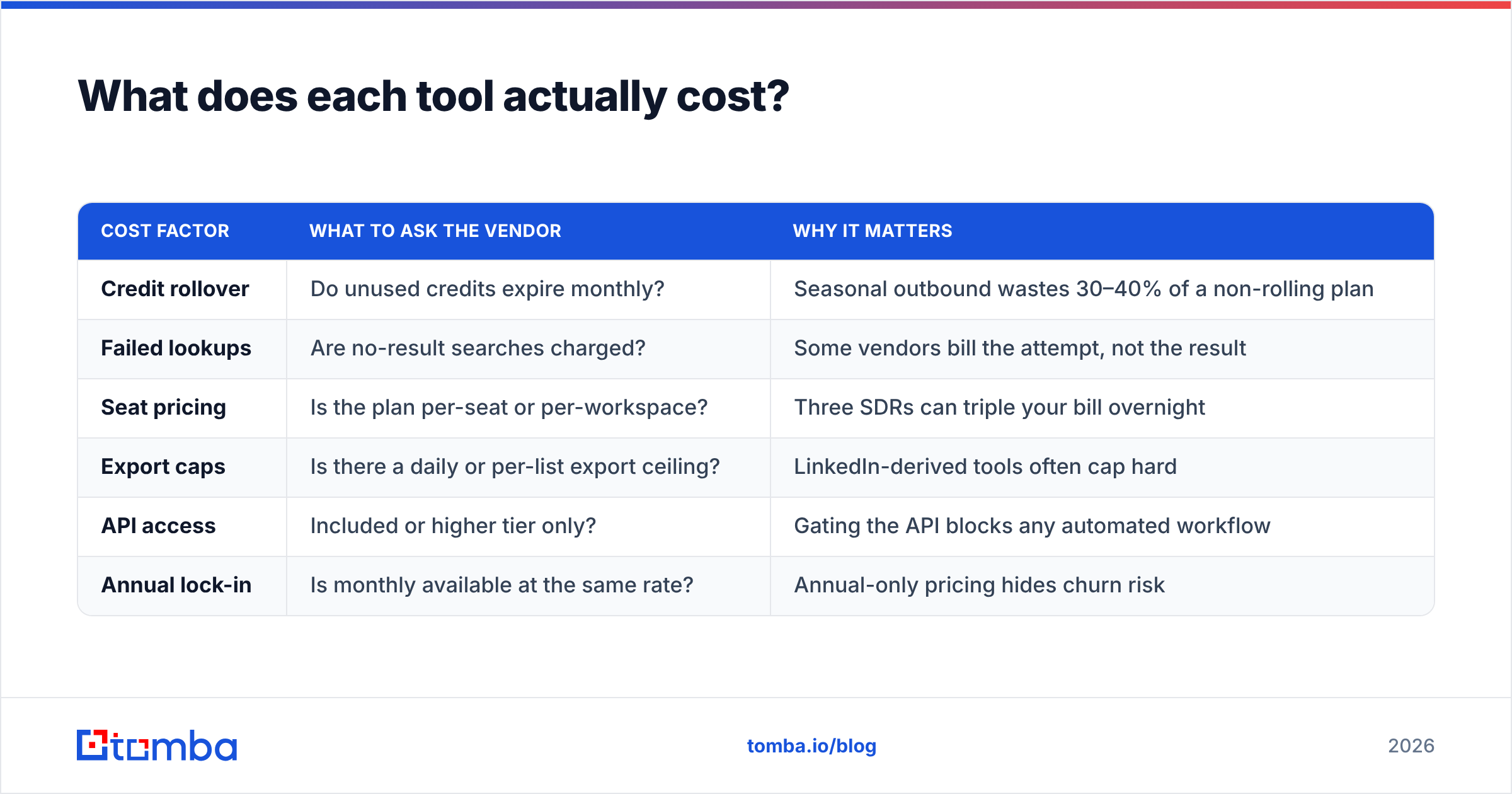
| Cost factor | What to ask the vendor | Why it matters |
|---|---|---|
| Credit rollover | Do unused credits expire monthly? | Seasonal outbound wastes 30–40% of a non-rolling plan |
| Failed lookups | Are no-result searches charged? | Some vendors bill the attempt, not the result |
| Seat pricing | Is the plan per-seat or per-workspace? | Three SDRs can triple your bill overnight |
| Export caps | Is there a daily or per-list export ceiling? | LinkedIn-derived tools often cap hard |
| API access | Included or higher tier only? | Gating the API blocks any automated workflow |
| Annual lock-in | Is monthly available at the same rate? | Annual-only pricing hides churn risk |
Ask those six questions in writing before you sign anything. The answers explain far more about your real annual cost than the headline price does.
LeadGibbon vs Leadzen.ai: which is better for outbound teams?#
It depends on where your buyers are and how you source them.
Choose LeadGibbon if: your prospecting starts in LinkedIn Sales Navigator, and your ICP is US or Western European. Your bottleneck is turning a saved search into a working list fast. LeadGibbon's whole design assumes the LinkedIn search is the source of truth. If that is how your SDRs already work, the tool disappears into the workflow. That is the highest compliment you can pay a data tool.
Choose Leadzen.ai if: you sell into India or broader APAC, or you need mobile numbers as much as emails. This is where Leadzen.ai has a real, defensible edge. Most Western vendors treat India as an afterthought, and their match rates show it. If half your pipeline sits in Bengaluru and Mumbai, a US-centric database will fail you.
Choose neither if: what you need is high-volume, verified email sourcing across regions, with an API and predictable per-credit economics. That is a different product category. Paying a lead-intelligence platform for it means paying for discovery features you will not open.
One more practical factor: LinkedIn-derived tooling carries platform risk. LinkedIn keeps tightening enforcement against automated extraction, and tools in that lane periodically break or throttle. That is not a knock on LeadGibbon specifically. It is a structural risk across every product in that category. Database-first vendors and API-first finders do not share it. Build your process so one extraction tool going dark does not stop your quarter.
How does Tomba fit into this comparison?#
Honestly: as a narrower tool that does one part of the job better. It is not a superset of either platform.
Tomba will not build your account list from intent signals the way Leadzen.ai aims to. It is not a LinkedIn list exporter in the LeadGibbon sense. What it does is take a name and a domain — or just a domain — and return verified business emails. Verification is built in rather than bolted on. Domain search returns every findable address at a company plus the detected email pattern. That is often faster than enriching row by row.
Where that matters in a real stack:
- After list building. Export from whichever platform fits your market. Then run the list through bulk verification before it reaches your sequencer. This one step does more for deliverability than any subject-line test.
- Inside automated workflows. The Tomba API ships on paid plans. Enrichment can run on form submits, CRM record creation, or a scheduled job, with no human exporting CSVs.
- As a cost floor. At $49/mo for Starter, it is cheap enough to run alongside a bigger platform. Use it as an accuracy referee when a vendor's confidence score looks optimistic.
Independent review data on G2 is worth reading for all three before you commit. Filter reviews by company size close to yours. A 5,000-seat enterprise and a 4-person startup describe different products, even when the logo is the same.
What should you do next?#
Whatever you decide in LeadGibbon vs Leadzen.ai, run the hour-long bake-off first. Two hundred contacts from your real ICP. All three tools. Independent verification. Cost divided by deliverable emails. That number is the only one that survives contact with your pipeline.
If your bottleneck is discovery in India or APAC, Leadzen.ai earns the trial. If it is converting LinkedIn searches into lists for a US or EU motion, LeadGibbon earns it. And if you need verified email addresses at a price you can forecast, start free with the Tomba Email Finder. That is 25 searches a month, no card, no demo call. Check your cost per deliverable contact before you commit budget anywhere else.
Related guides#
// get started
Find, verify and enrich your first contacts today
Start on the free plan with 25 searches a month, then scale when your team is ready.
Free plan · No credit card required · GDPR & CCPA
// about the author