LeadGibbon vs Tomba (2026): Which Email Finder Wins?
LeadGibbon sells list-building convenience. Tomba sells verified email discovery with an API. We compared pricing, accuracy, verification depth, and workflow fit to show which one earns your budget in 2026.
LeadGibbon vs Tomba is a choice between two jobs. LeadGibbon builds you a list. Tomba finds and verifies the exact email you need, on demand. This guide compares both on price, accuracy, verification depth, and workflow fit.
TL;DR
- LeadGibbon is a list-building tool: you filter a B2B database, export contacts, and hand a CSV to your sequencer. It is fastest when you want volume without touching an API.
- Tomba is an email-discovery and verification platform: domain search, pattern detection, catch-all handling, bulk jobs, and a documented API that plugs into your own systems.
- Pricing: Tomba starts at $49/mo (Growth $99, Pro $249) with a free 25-search tier. LeadGibbon publishes credit-based plans that start higher per usable contact once you account for bounces.
- Pick LeadGibbon if you want a browser-first list builder and never plan to automate. Pick Tomba if you need verified emails on demand, inside a CRM, a script, or a product.
- Neither tool replaces a deliverability process. Whatever you export still needs verification before it enters a sending domain.
LeadGibbon vs Tomba: what does each tool do?#
They solve adjacent problems, not identical ones. That one difference decides most of the buying question.
LeadGibbon positions itself as a B2B lead database with a LinkedIn-adjacent workflow. You search or filter by title, company size, industry, and location, then export the matching contacts. The mental model is a phone book with filters: you go in with a persona, you come out with rows.
Tomba starts from a different place. Instead of "give me a list of people who match this persona," the primary question is "I already know this company or this person — give me their verified email address." The email finder takes a name plus a domain. Domain search takes a domain and returns every discoverable address with its detected pattern. The email verifier runs the SMTP and syntax checks that decide whether the address is safe to send to.
Think of it like grocery shopping. LeadGibbon hands you a pre-packed box of produce filtered by your preferences. Tomba is the shop where you walk the aisles, pick exactly the items you need, and get a freshness date stamped on each one. Both get dinner on the table. One gives you far more control over what actually lands in the basket.
That framing matters because the failure modes differ. A list-first tool fails by giving you stale rows that look plausible. A discovery-first tool fails by not finding anyone at all for an obscure domain. You feel those two failures very differently three weeks into a campaign.

LeadGibbon vs Tomba: features and pricing compared#
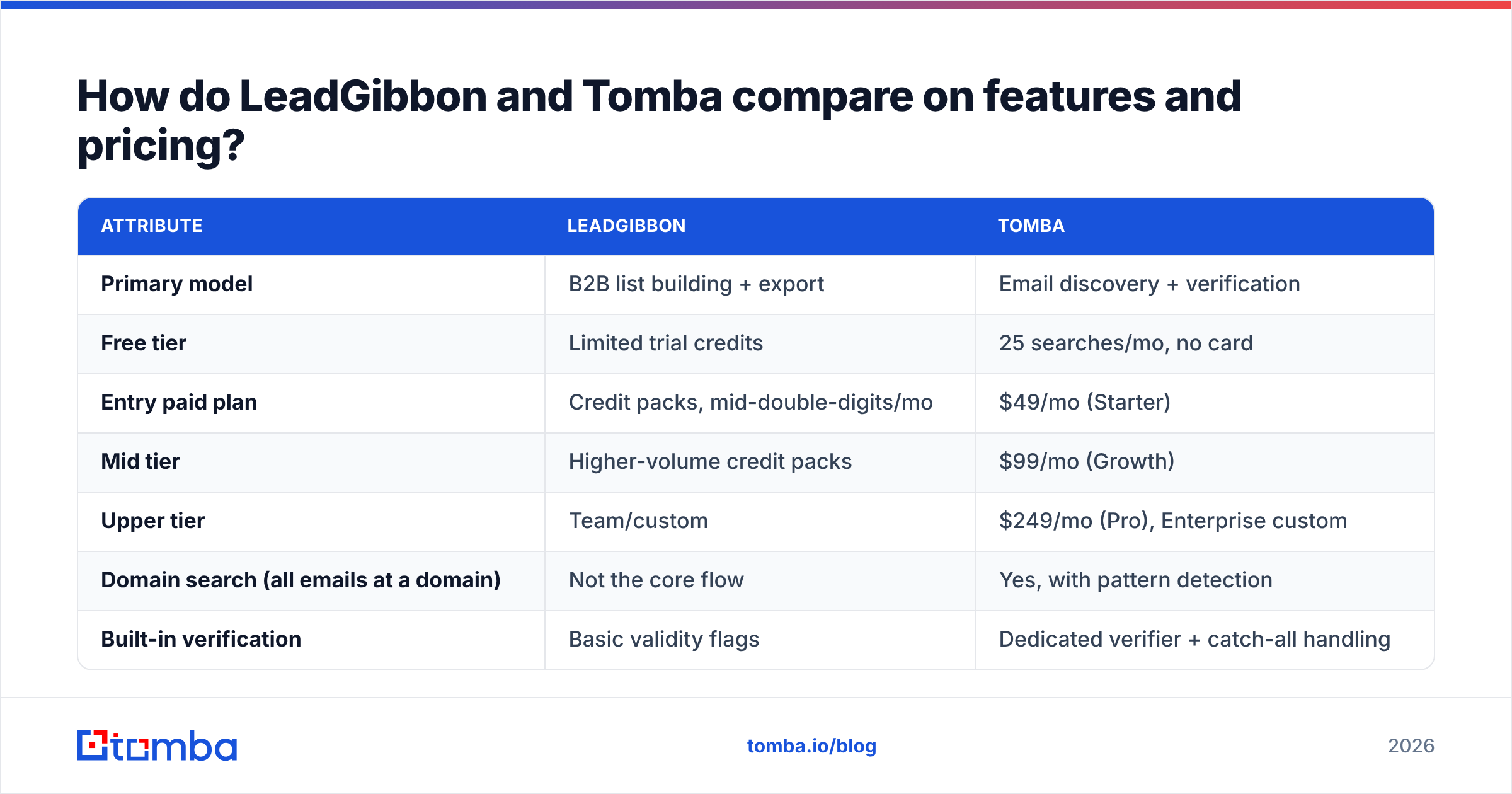
Here is the side-by-side. Where a vendor does not publish a number, we say so rather than inventing one.
| Attribute | LeadGibbon | Tomba |
|---|---|---|
| Primary model | B2B list building + export | Email discovery + verification |
| Free tier | Limited trial credits | 25 searches/mo, no card |
| Entry paid plan | Credit packs, mid-double-digits/mo | $49/mo (Starter) |
| Mid tier | Higher-volume credit packs | $99/mo (Growth) |
| Upper tier | Team/custom | $249/mo (Pro), Enterprise custom |
| Domain search (all emails at a domain) | Not the core flow | Yes, with pattern detection |
| Built-in verification | Basic validity flags | Dedicated verifier + catch-all handling |
| Catch-all domain handling | Limited | Catch-all verifier as a distinct product |
| Public REST API | Limited | Full Tomba API, CLI, and MCP server |
| Bulk processing | CSV export | Bulk email finder + bulk verify |
| Native integrations | Export to CSV/CRM | HubSpot, Salesforce, Pipedrive, Zapier, Sheets, Airtable |
| Phone numbers | Varies by plan | Phone finder + validator |
| Best for | Marketers building static lists | RevOps, SDR teams, developers |
The pricing row deserves a caveat that most comparison posts skip. Credit-based list tools and search-based finders are not directly comparable on sticker price. A "credit" means different things in each. In a list tool, a credit usually unlocks a row whether or not the email is still live. In a finder, a search either returns a confident result or it does not, and the good ones do not charge you for an empty result.
So the honest way to compare is cost per deliverable contact, not cost per credit. Run 1,000 exports at a 12% bounce rate and you paid for 1,000 rows to get 880 usable ones. Run 1,000 verified finds at a 2–3% bounce rate and the unit economics flip, even if the headline price looks similar. Check Tomba pricing against your own historical bounce rate before you decide.

Which one is more accurate?#
Tomba is more defensible on accuracy, because verification is a first-class product rather than a flag on an exported row.
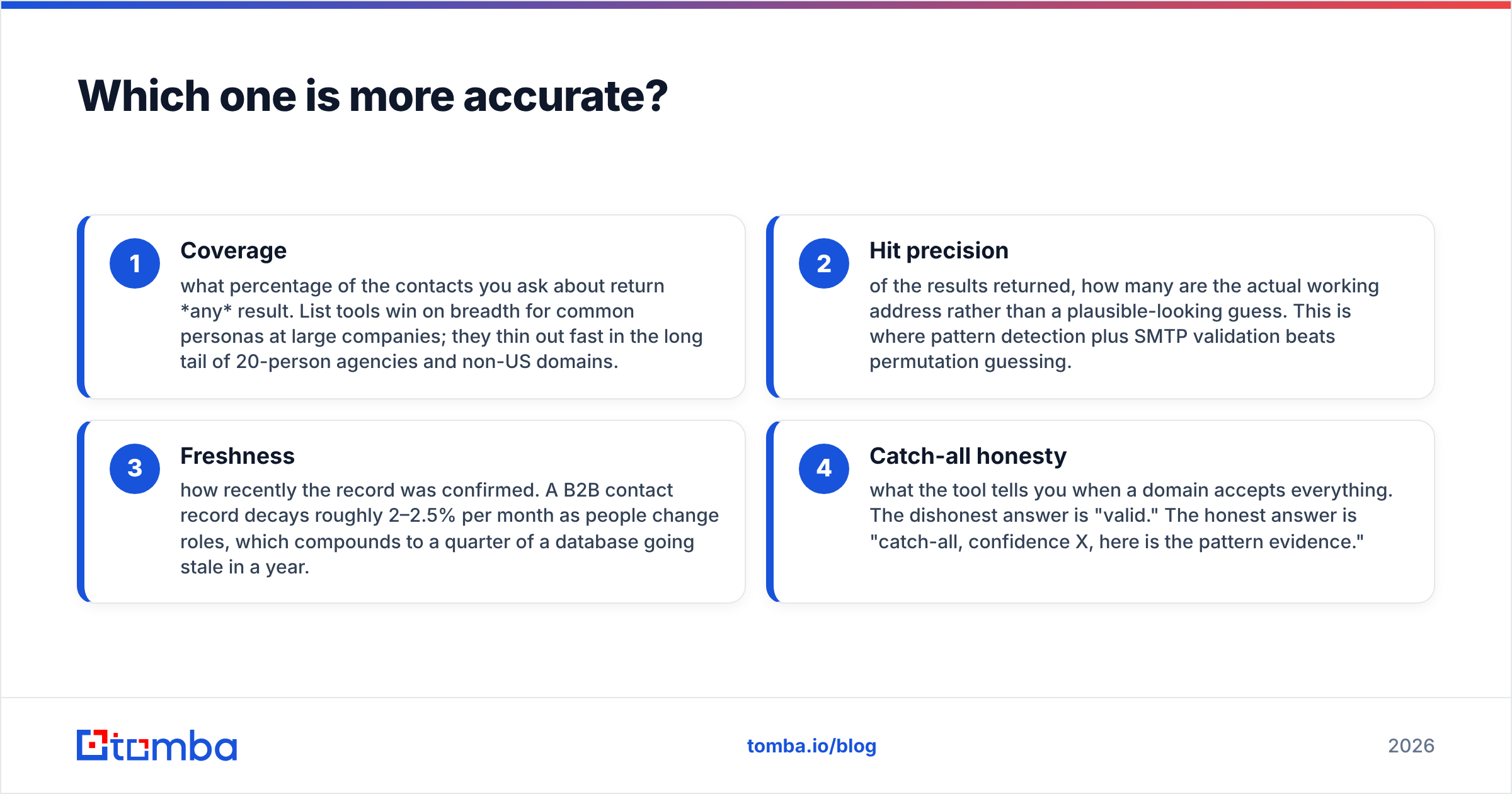
Accuracy in this category is not one number. It breaks into four parts, and vendors love to quote whichever one flatters them:
- Coverage — what percentage of the contacts you ask about return any result. List tools win on breadth for common personas at large companies; they thin out fast in the long tail of 20-person agencies and non-US domains.
- Hit precision — of the results returned, how many are the actual working address rather than a plausible-looking guess. This is where pattern detection plus SMTP validation beats permutation guessing.
- Freshness — how recently the record was confirmed. A B2B contact record decays roughly 2–2.5% per month as people change roles. That adds up to a quarter of a database going stale in a year.
- Catch-all honesty — what the tool tells you when a domain accepts everything. The dishonest answer is "valid." The honest answer is "catch-all, confidence X, here is the pattern evidence."
That fourth point is where most disappointment comes from. Roughly one in five B2B domains is configured as catch-all. The mail server accepts any address at SMTP time and decides later. A tool that marks those as "valid" inflates its own accuracy stat and hands you the bounce three days later. Tomba splits this out deliberately with the catch-all finder and reports confidence rather than a false binary.
LeadGibbon is not weak here in an absolute sense. For mainstream mid-market US targets, an exported list will perform acceptably. The gap shows up in the tail, and in the freshness of records you did not personally trigger a lookup for.
If you want a neutral read on how either vendor performs in practice, G2's lead intelligence category is the least biased public source, since reviews there are tied to verified accounts rather than vendor-curated testimonials.
Is LeadGibbon better than Tomba for list building?#
For pure static list building with zero engineering, LeadGibbon has a real advantage — and pretending otherwise would be dishonest.
Say your workflow is simple: open a browser, filter for "VP of Marketing, SaaS, 50–200 employees, United States," export 2,000 rows, load into your sequencer, and never think about it again. A list-first tool is the shorter path. You do not need to think about domains, patterns, or API keys. That convenience is the product.
Tomba can do this too, through domain search and the B2B database, but the design center is different. Tomba assumes you have a trigger — a company that raised funding, a visitor who hit your pricing page, a name someone dropped in a call — and you want that specific person's verified address right now, possibly from inside a script.
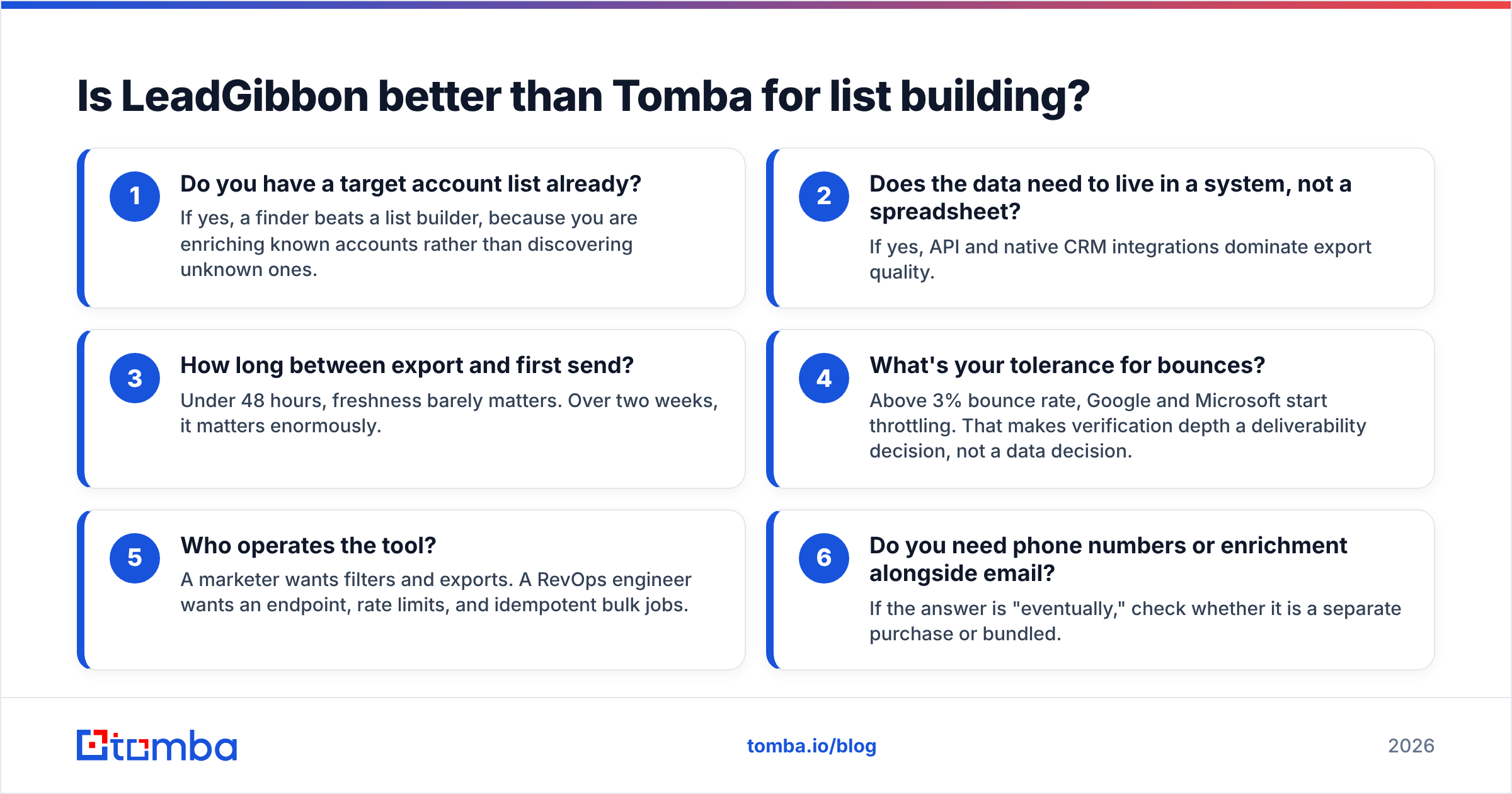
Here is the decision framework that actually predicts satisfaction:
- Do you have a target account list already? If yes, a finder beats a list builder, because you are enriching known accounts rather than discovering unknown ones.
- Does the data need to live in a system, not a spreadsheet? If yes, API and native CRM integrations dominate export quality.
- How long between export and first send? Under 48 hours, freshness barely matters. Over two weeks, it matters enormously.
- What's your tolerance for bounces? Above 3% bounce rate, Google and Microsoft start throttling. That makes verification depth a deliverability decision, not a data decision.
- Who operates the tool? A marketer wants filters and exports. A RevOps engineer wants an endpoint, rate limits, and idempotent bulk jobs.
- Do you need phone numbers or enrichment alongside email? If the answer is "eventually," check whether it is a separate purchase or bundled.
Answer those six honestly and the choice usually makes itself. Most teams that churn off one of these tools did so because they answered question 5 wrong at purchase time.

How does each tool fit into an outbound workflow?#
Tomba fits deeper into automated pipelines; LeadGibbon fits faster into manual ones.
The LeadGibbon path looks like this: filter → export CSV → dedupe → (optionally) run through a third-party verifier → import to sequencer → send. It is four to six manual steps, repeated every campaign. That is fine at one campaign a month. It becomes a part-time job at one campaign a week.
The Tomba path can run the same way through the dashboard, but it can also collapse into a single automated step. A webhook fires when a lead hits your form, the enrichment endpoint fills in the company and role, the finder returns the verified email, and the record lands in HubSpot already clean. No CSV touches a human hand. For teams running an AI SDR layer or a product-led motion, that difference is the whole ballgame.
There is a middle ground that most teams underuse: the Google Sheets add-on and the Tomba Chrome extension. These give you finder-grade verification without writing code, which covers the majority of non-technical teams who still want better data than a raw export.
One practical note on deliverability, because it applies no matter which vendor you pick. Verified data reduces hard bounces, but it does not fix authentication. Your SPF record, DKIM, and DMARC still need to be correct, and your sending domain still needs a warmup ramp. Google's own bulk sender guidelines are the authoritative reference here, and they have only gotten stricter since the 2024 enforcement wave. A pristine list sent from an unauthenticated domain still lands in spam.
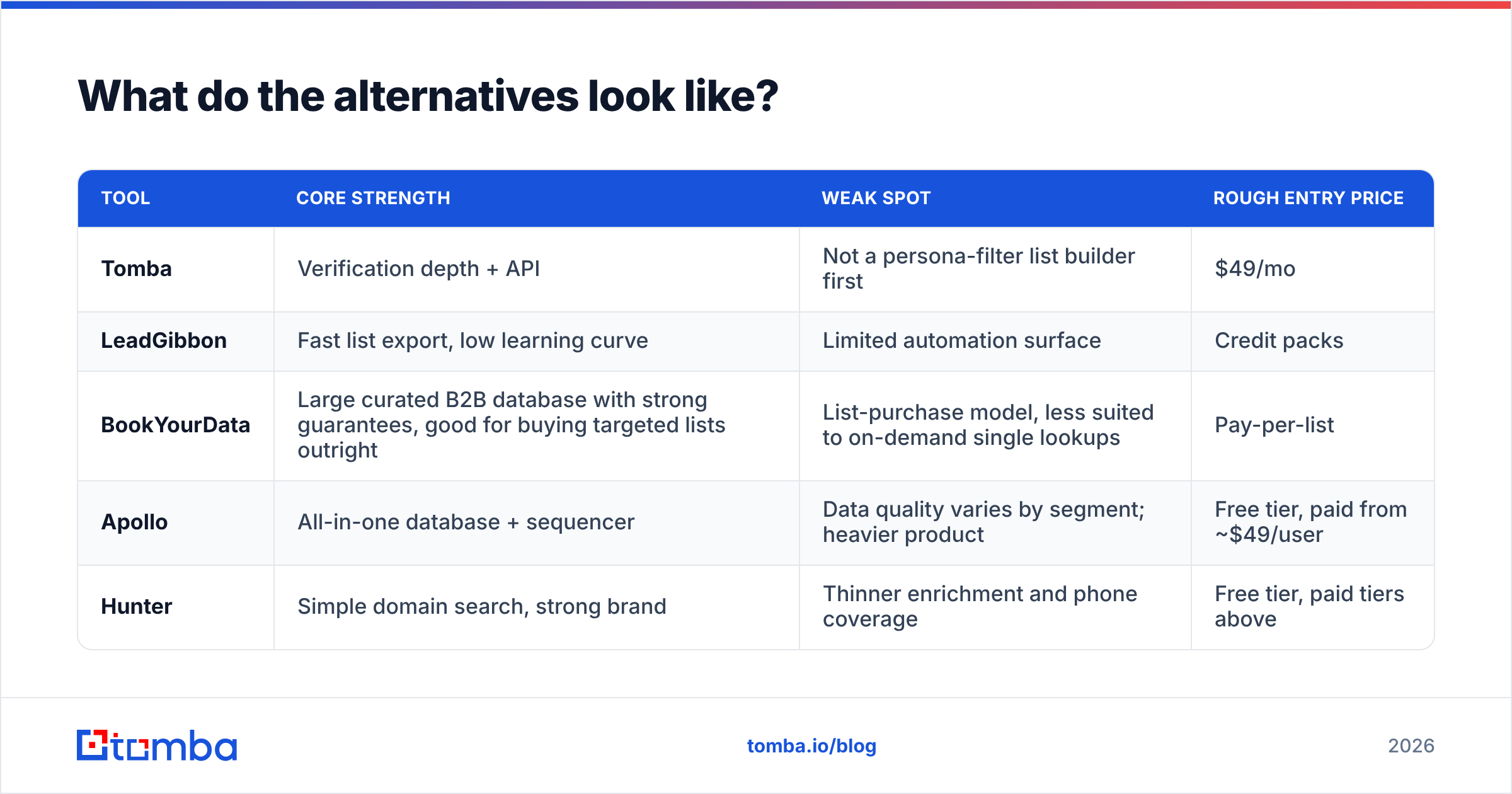
What do the alternatives look like?#
Neither tool exists in a vacuum, and a two-way comparison can mislead if it hides the field.
| Tool | Core strength | Weak spot | Rough entry price |
|---|---|---|---|
| Tomba | Verification depth + API | Not a persona-filter list builder first | $49/mo |
| LeadGibbon | Fast list export, low learning curve | Limited automation surface | Credit packs |
| BookYourData | Large curated B2B database with strong guarantees, good for buying targeted lists outright | List-purchase model, less suited to on-demand single lookups | Pay-per-list |
| Apollo | All-in-one database + sequencer | Data quality varies by segment; heavier product | Free tier, paid from ~$49/user |
| Hunter | Simple domain search, strong brand | Thinner enrichment and phone coverage | Free tier, paid tiers above |
BookYourData in particular is worth a look if your requirement is genuinely "I need a large, targeted, ready-to-send list" rather than "I need lookups on demand" — it is built squarely for that purchase motion and backs it with accuracy guarantees, which is a different and legitimate product philosophy from a search-based finder.
If you are evaluating more broadly, our breakdowns of Apollo alternatives and Findymail alternatives cover adjacent trade-offs in more depth.

What should you test before you buy either one?#
Run the same 50-contact benchmark through both. This takes an afternoon and beats every review article, including this one.
Build your test set deliberately, not randomly:
- 15 contacts at large, well-known companies. Every tool wins here. This is your baseline, not your differentiator.
- 15 contacts at companies under 50 employees. This is where coverage gaps appear.
- 10 contacts at non-US domains — .de, .fr, .co.uk, .com.au. European and APAC coverage is the single most under-tested dimension in this category.
- 5 contacts at known catch-all domains. Watch what each tool says, not just what it returns. Honest uncertainty beats confident wrongness.
- 5 contacts you already have verified emails for. This is your ground truth. If a tool returns a different address for someone you know, that is a precision failure you can measure exactly.
Score four columns: found, correct, honestly-flagged, and bounced-on-send. Then divide total spend by the "correct and did not bounce" count. That number — cost per landed email — is the only metric that survives contact with a real campaign.
Tomba's free tier gives you 25 searches without a card, which covers half the benchmark at zero cost. Most list tools offer a trial allotment too. Run both in the same week so you are testing against the same market conditions.
A last word on data provenance, since it is increasingly a procurement question rather than a marketing one. Under GDPR and the expanding patchwork of US state privacy laws, "where did this contact record come from" is a question your legal team may ask before your SDR team ever sends. Tomba publishes its data sources openly. Ask any vendor you are evaluating for the same, in writing. A vendor that cannot answer clearly is a risk you are absorbing on their behalf, and the ICO's guidance on direct marketing makes clear that the sender carries the compliance burden, not the data supplier.
The verdict: LeadGibbon vs Tomba#
If you are building static lists by persona and will never touch an API, LeadGibbon is the shorter path and a reasonable buy. If your emails need to be verified at the moment of use, flow into a CRM or a product, and survive a deliverability audit, Tomba is the stronger fit. At $49/mo, that is a low-risk test rather than a committee decision.
Start with the Tomba Email Finder on the free tier. Run the 50-contact benchmark above, measure cost per landed email, and let your own data pick the winner. Twenty-five searches is enough to know within an hour whether the accuracy holds up on the accounts you actually care about.
Related guides#
// get started
Find, verify and enrich your first contacts today
Start on the free plan with 25 searches a month, then scale when your team is ready.
Free plan · No credit card required · GDPR & CCPA
// about the author