Leadleaper vs Zintlr: Which B2B Prospecting Tool Fits You in 2026?
Leadleaper is a lean LinkedIn lead extractor. Zintlr is a sales intelligence platform with phone data and personality insights. Here's which one fits your team, your region, and your budget.
TL;DR
- Leadleaper is a lightweight Chrome extension for pulling leads from LinkedIn and Sales Navigator into lists, with email finding built in. It suits solo founders, freelancers, and small SDR teams who want a cheap workflow that starts on LinkedIn.
- Zintlr is a broader sales intelligence platform. It adds direct dials, company data, and personality insights (DISC-style profiles) to contact records. It's strongest in India and APAC.
- If you need volume and low cost from LinkedIn, lean toward Leadleaper. If you need phone numbers, India coverage, and pitch context, lean toward Zintlr.
- Whichever you pick, verify the emails before you send. Neither tool removes the need for a separate verification step, especially on catch-all domains.
- Pricing and credit limits change often for both tools. Check each vendor's pricing page before you commit.
What are Leadleaper and Zintlr?#
People compare these two tools because both sit next to LinkedIn and both promise to turn a profile into a reachable contact. They are built for different jobs, though.
Leadleaper is a prospecting extension. You open a LinkedIn search or a Sales Navigator list, click the extension, and it saves those profiles into a Leadleaper list. It adds work emails where it can find them. From there you can sort, tag, and export to CSV or a spreadsheet. It's close to a LinkedIn-native lead spreadsheet with an email finder attached.
Zintlr calls itself a sales intelligence platform. It also has a Chrome extension that works on LinkedIn, but the product goes further. You get contact data (emails and mobile numbers), firmographics, and a personality layer that estimates how a prospect likes to communicate: direct, analytical, relationship-driven, and so on. The company is based in India, and its data depth there is one of its main selling points.
In short, Leadleaper helps you collect leads faster, and Zintlr helps you understand and call them.
How do Leadleaper and Zintlr compare side by side?#
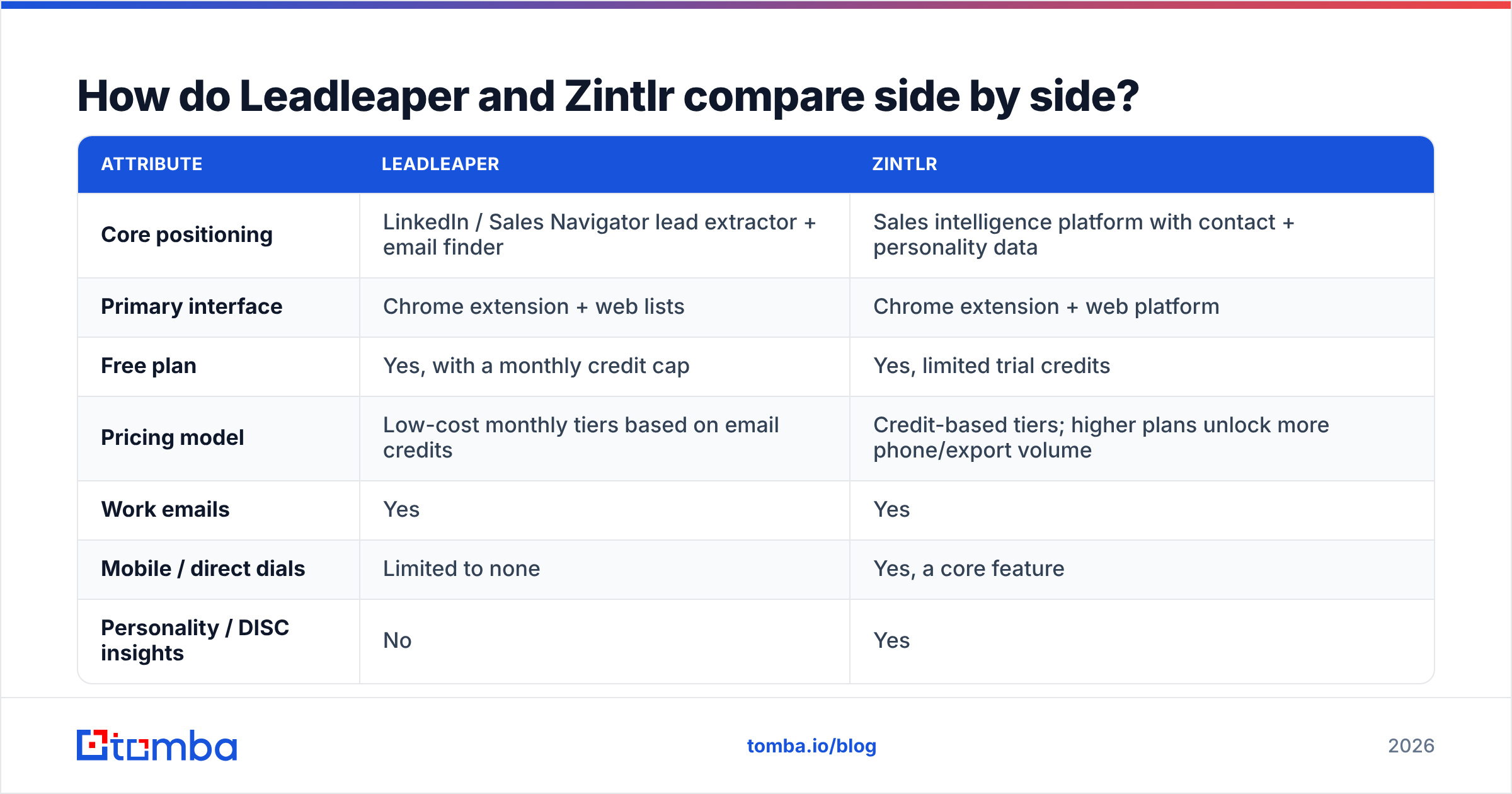
Here's the head-to-head on the attributes that usually decide a purchase. Pricing and credit numbers change often, so treat the plan-structure rows as directional and confirm the current figures on each vendor's site.
| Attribute | Leadleaper | Zintlr |
|---|---|---|
| Core positioning | LinkedIn / Sales Navigator lead extractor + email finder | Sales intelligence platform with contact + personality data |
| Primary interface | Chrome extension + web lists | Chrome extension + web platform |
| Free plan | Yes, with a monthly credit cap | Yes, limited trial credits |
| Pricing model | Low-cost monthly tiers based on email credits | Credit-based tiers; higher plans unlock more phone/export volume |
| Work emails | Yes | Yes |
| Mobile / direct dials | Limited to none | Yes, a core feature |
| Personality / DISC insights | No | Yes |
| Firmographic filters | Basic (inherits LinkedIn filters) | Broader company and industry data |
| Geographic strength | Global, follows LinkedIn coverage | Strongest in India and APAC, global coverage elsewhere |
| Bulk export | CSV / spreadsheet export | CSV export, CRM integrations on higher plans |
| Best for | Solo founders, agencies, lean SDR teams | Phone-heavy teams, India/APAC sellers, account-based reps |
| Main trade-off | Few extras beyond list-building + email | Costs more per usable contact if you don't need phones |

On most buying criteria this isn't a close call. The tools serve different buyers. The hard part is being honest about which buyer you are.
How does the LinkedIn workflow differ?#
Both tools need LinkedIn to do their best work, and both depend on it in ways you should understand before you build a process around them. (If you want background on the platform itself, LinkedIn's Wikipedia entry covers how Sales Navigator fits into the product.)
Leadleaper's workflow is built for batch collection:
- Run a search in LinkedIn or Sales Navigator using your ICP filters.
- Save the page of results into a Leadleaper list with the extension.
- Let it enrich the saved leads with emails where available.
- Export to CSV or a spreadsheet and push into your sequencer.
It's quick and predictable. If you already build lists in Sales Navigator, Leadleaper adds very little friction.
Zintlr's workflow is built around individual contacts:
- Open a profile (or a list) on LinkedIn.
- Reveal contact details: email, mobile number, company info.
- Read the personality insight to adjust your opener or call script.
- Save or sync the contact to your list or CRM.
You can work in bulk with Zintlr, but its value per contact comes from the extra context. If you're sending 2,000 emails a week from a templated sequence, most of that context goes unused. If you're working 40 named accounts by phone, it earns its keep.
One caveat applies to both: any tool that automates actions on LinkedIn carries some account risk under LinkedIn's terms. Keep your volumes reasonable and don't run several scraping extensions at the same time.
Which tool has better data accuracy?#
This is the question everyone asks, and the honest answer is that it depends on geography and segment more than on the brand.

A few patterns hold across most independent tests of email finders:
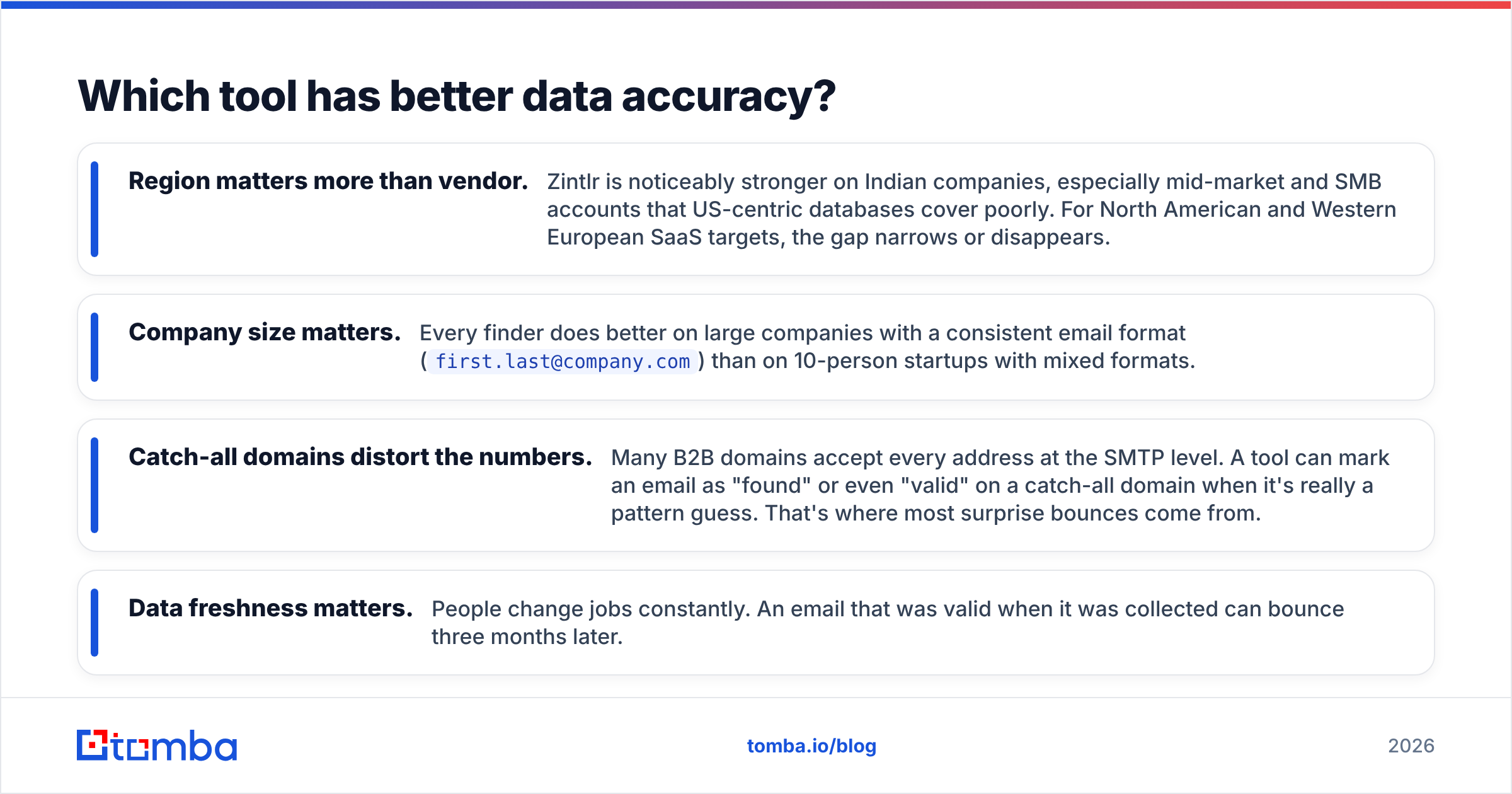
- Region matters more than vendor. Zintlr is noticeably stronger on Indian companies, especially mid-market and SMB accounts that US-centric databases cover poorly. For North American and Western European SaaS targets, the gap narrows or disappears.
- Company size matters. Every finder does better on large companies with a consistent email format (
first.last@company.com) than on 10-person startups with mixed formats. - Catch-all domains distort the numbers. Many B2B domains accept every address at the SMTP level. A tool can mark an email as "found" or even "valid" on a catch-all domain when it's really a pattern guess. That's where most surprise bounces come from.
- Data freshness matters. People change jobs constantly. An email that was valid when it was collected can bounce three months later.
In practice, whatever either tool returns, run the list through an email verifier before it reaches your sending domain. Bounce rates above roughly 2-3% hurt your sender reputation fast, and neither Leadleaper nor Zintlr is primarily a verification product.
User reviews on G2 reflect this split. Leadleaper reviewers mostly praise simplicity and price. Zintlr reviewers mostly praise phone numbers and India coverage. Complaints for both tend to focus on credit usage and inconsistent hit rates in certain segments, which is normal for this category.
Is Leadleaper or Zintlr cheaper?#
On sticker price, Leadleaper is usually the cheaper option. Its model is simple: a free tier to try it, then low-cost monthly plans that scale with email credits. For a solo operator who mostly needs emails from LinkedIn searches, it's one of the more affordable options available.
Zintlr's plans cost more per credit, and phone reveals usually cost more credits than emails. That's normal. Mobile numbers are more expensive to source and verify than work emails across the whole industry.
The better question is cost per usable contact, not cost per credit. Calculate it like this:
- Credits consumed ÷ contacts that actually reach an inbox or pick up the phone = real unit cost.
- If Zintlr gets you a direct dial that books a meeting, a higher credit cost is cheap.
- If Leadleaper gives you an email that bounces, the low credit cost doesn't help you.
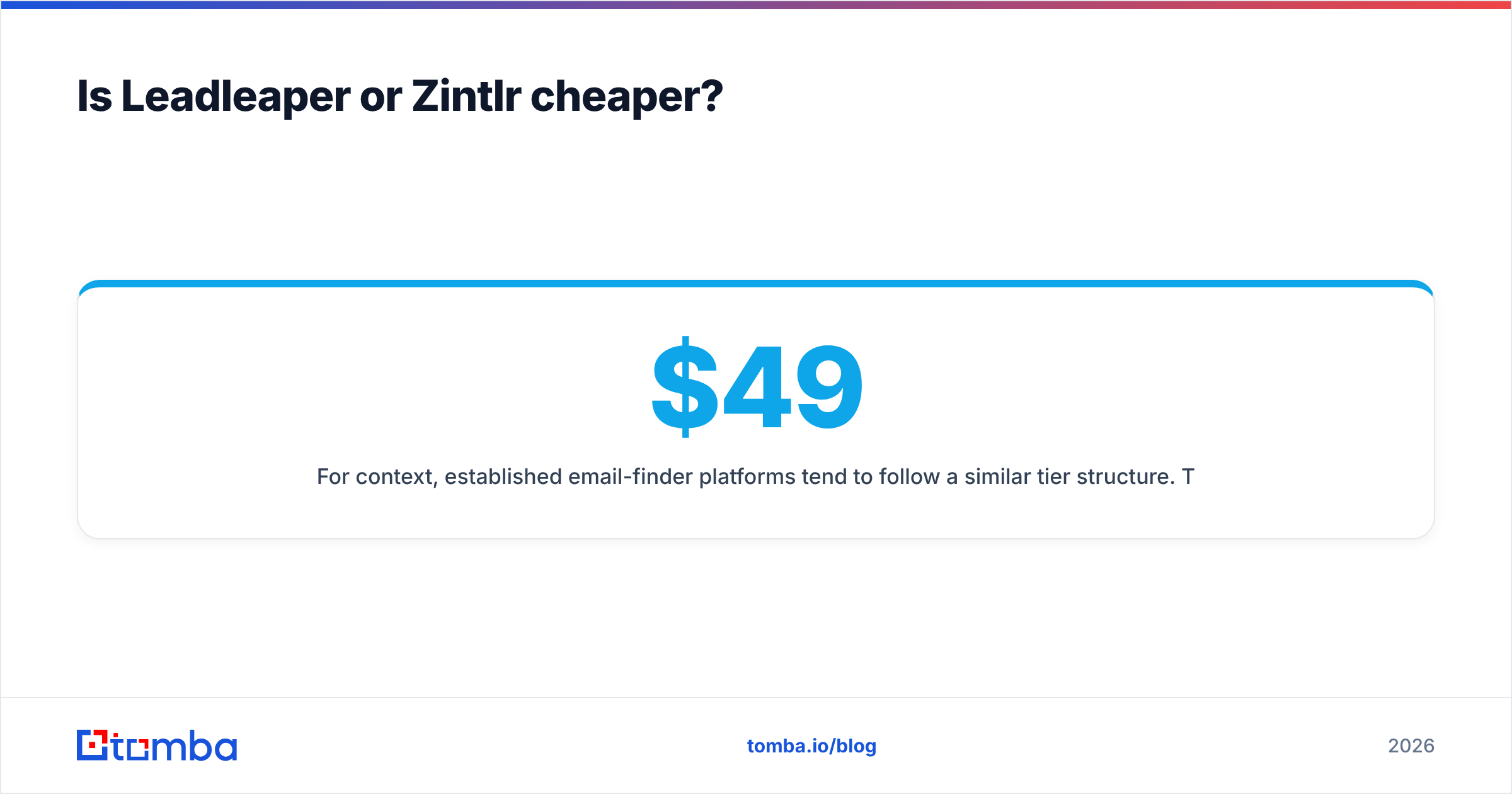
For context, established email-finder platforms tend to follow a similar tier structure. Tomba, for example, runs a free tier with 25 searches a month, then Starter at $49/mo, Growth at $99/mo, Pro at $249/mo, and custom Enterprise plans. See the Tomba pricing page for current credit allocations. Use benchmarks like these to judge whether a quote is reasonable for your volume.
Which tool is better for which team?#
Picking the wrong tool is usually a fit problem, not a feature problem. Match the tool to how your team actually prospects.
Choose Leadleaper if:
- You live in Sales Navigator and want saved searches turned into exportable lists quickly.
- Your outreach is email-first and fairly high volume.
- Budget is tight: bootstrapped founders, freelancers, small agencies.
- You already have a sequencer and CRM and just need clean inputs.
Choose Zintlr if:
- Your team calls prospects and needs mobile numbers.
- A meaningful share of your pipeline is in India or wider APAC.
- You run account-based motions where personalization per contact matters.
- Reps benefit from personality cues when preparing for first calls.
Consider neither as your only tool if:
- You need domain-level discovery (every email at a company) rather than profile-by-profile lookups.
- You prospect outside LinkedIn: conference lists, podcast guests, article authors, website visitors.
- You need API access for building your own enrichment pipelines.

What do both tools leave out?#
It's worth being clear about the gaps, because they decide what else ends up in your stack.
Verification depth. Both tools return emails with some kind of confidence signal. Neither replaces a dedicated verifier with catch-all handling. If a large share of your targets sit on Google Workspace or Microsoft 365 catch-all setups, add a verification layer.
Non-LinkedIn discovery. Leadleaper is almost entirely LinkedIn-bound. Zintlr goes further but still centres on profile-based lookup. If you start from a list of company domains, a domain search tool is the more natural fit.
Developer access. If your RevOps team wants to enrich leads automatically, for example on form fill or when a new account enters the CRM, check API availability and rate limits carefully. Extension-first tools often expose limited programmatic access on lower plans.
Compliance documentation. If you sell into the EU or UK, ask each vendor how the data was collected and what their GDPR position is. A reputable vendor will answer this directly. Zintlr's site publishes privacy and compliance information, so read it alongside your own legal guidance.
How should you actually decide?#
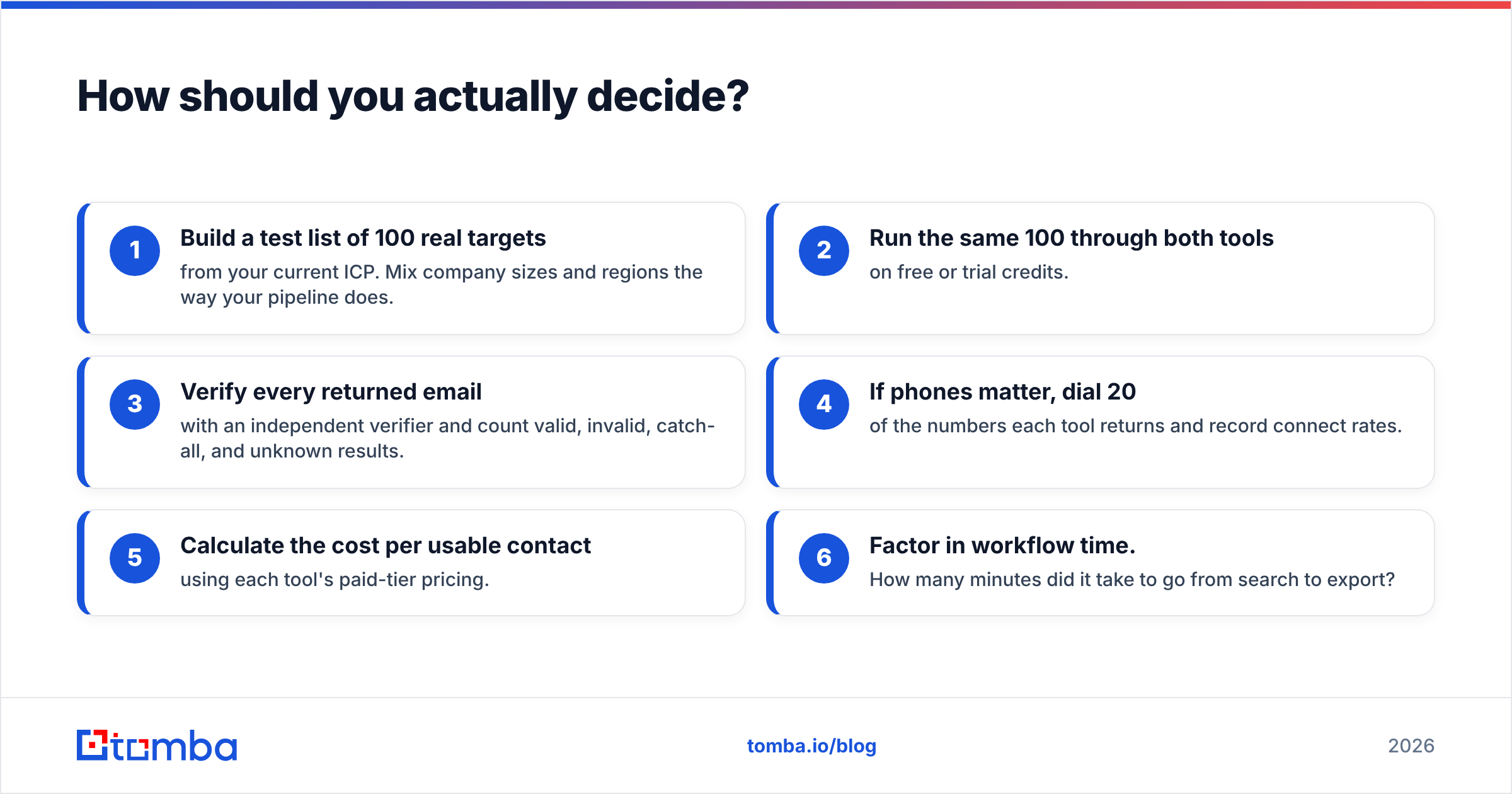
Run a short, cheap test instead of relying on feature pages:
- Build a test list of 100 real targets from your current ICP. Mix company sizes and regions the way your pipeline does.
- Run the same 100 through both tools on free or trial credits.
- Verify every returned email with an independent verifier and count valid, invalid, catch-all, and unknown results.
- If phones matter, dial 20 of the numbers each tool returns and record connect rates.
- Calculate the cost per usable contact using each tool's paid-tier pricing.
- Factor in workflow time. How many minutes did it take to go from search to export?
This takes an afternoon and tells you more than any review, this one included. Your ICP, your region, and your channel mix decide the winner, not the vendor's homepage.
Our verdict: Leadleaper or Zintlr?#
Leadleaper is the better pick for email-first, LinkedIn-driven prospecting on a budget. It does one job, turning LinkedIn searches into email lists, cheaply and without much friction.
Zintlr is the better pick for phone-heavy teams and anyone selling into India or APAC. Mobile numbers, regional depth, and personality context justify the higher cost if your team actually uses them.
If you're a two-person startup sending cold email to US SaaS companies, Zintlr's extras will mostly go unused. If you're an inside sales team in Bengaluru calling mid-market manufacturers, Leadleaper will leave you without the numbers you need.
Whichever you choose, treat the output as a starting point. Verify the emails, dedupe against your CRM, and keep bounce rates low so your domain stays healthy.
Where does Tomba fit alongside either tool?#
If your prospecting goes beyond LinkedIn profiles, you'll want a finder that works from names, domains, and companies directly. That includes building lists from company domains, enriching inbound leads, or checking what a LinkedIn tool returned. The Tomba Email Finder returns professional email addresses from a name plus domain or company, with built-in verification and catch-all checks, and it works through a Chrome extension, bulk uploads, spreadsheets, and an API. You can use it alongside Leadleaper or Zintlr as a verification and backfill layer, or on its own if you'd rather have one tool for finding and verifying. Start on the free tier with 25 searches a month and see how it performs on your own test list.
Related guides#
// get started
Find, verify and enrich your first contacts today
Start on the free plan with 25 searches a month, then scale when your team is ready.
Free plan · No credit card required · GDPR & CCPA
// about the author