8 Best LeadMagic Alternatives in 2026: Email Finders Compared
LeadMagic is fast and API-friendly, but it isn't the right fit for every team. Here are 8 LeadMagic alternatives compared on accuracy, catch-all handling, workflow fit and real cost per verified email.

TL;DR
- LeadMagic is a strong API-first enrichment tool. Teams usually look at LeadMagic alternatives for one of three reasons: they want a better browser and spreadsheet workflow, a bigger built-in database, or pricing that fits low-volume work.
- The alternatives to test first are Tomba (all-round email finder and verifier with a free tier), Findymail (verified-only emails for outbound teams), Apollo (database plus sequencing), and BookYourData (pre-built, verified B2B lists).
- Catch-all domains are where most tools differ. Before you buy, ask each vendor how it handles and bills catch-all results.
- Judge tools on cost per verified email, not on the plan's sticker price.
- Run the same 200-contact test list through two or three tools before you sign an annual contract.
What is LeadMagic, and why do teams look for alternatives?#
LeadMagic is a B2B contact enrichment platform. It finds professional emails and mobile numbers, validates emails, and enriches company and person records. It's built for developers and growth engineers who want to plug enrichment straight into Clay tables, n8n flows or their own backend, and it prices on credits so you pay per result.
That design has clear strengths: a clean API, low latency, and good coverage in the US tech and SaaS segments. The same design also explains why teams go looking elsewhere:
- Workflow fit. If your SDRs work in LinkedIn, Gmail or Google Sheets and not in an API, a tool with a stronger browser extension and add-ons saves hours.
- Database vs. lookup. LeadMagic mostly enriches contacts you already have. If you need to discover contacts by domain, title or industry, you need a searchable database.
- Budget shape. Credit packs make sense at scale. A founder who needs 150 emails a month often wants a free tier or a small monthly plan.
- Coverage gaps. Every provider is weaker in some regions and industries. EMEA mid-market, manufacturing and public sector are common weak spots across the market.
None of these are flaws. They're trade-offs, and the right alternative depends on which one affects you.

How should you evaluate LeadMagic alternatives?#
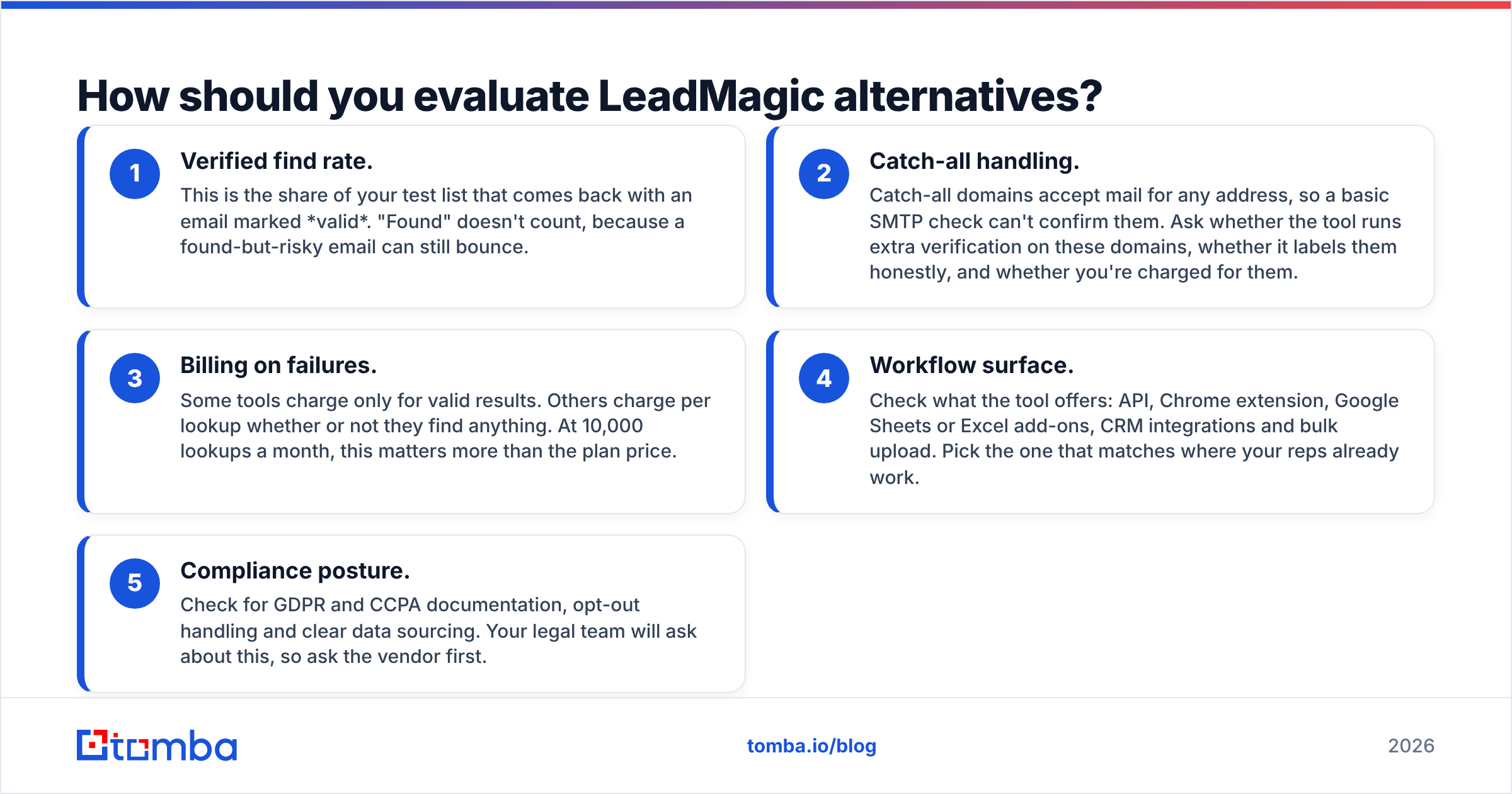
Judge every tool by what it costs you to get one deliverable email into a sequence. Headline accuracy claims and plan prices don't tell you that. Use these five criteria:
- Verified find rate. This is the share of your test list that comes back with an email marked valid. "Found" doesn't count, because a found-but-risky email can still bounce.
- Catch-all handling. Catch-all domains accept mail for any address, so a basic SMTP check can't confirm them. Ask whether the tool runs extra verification on these domains, whether it labels them honestly, and whether you're charged for them.
- Billing on failures. Some tools charge only for valid results. Others charge per lookup whether or not they find anything. At 10,000 lookups a month, this matters more than the plan price.
- Workflow surface. Check what the tool offers: API, Chrome extension, Google Sheets or Excel add-ons, CRM integrations and bulk upload. Pick the one that matches where your reps already work.
- Compliance posture. Check for GDPR and CCPA documentation, opt-out handling and clear data sourcing. Your legal team will ask about this, so ask the vendor first.

Accuracy benchmarks like the one above are useful for building a shortlist. Your own ICP is still the only benchmark that decides. A tool that scores 90%+ on US SaaS founders can drop sharply on German logistics companies.
What are the best LeadMagic alternatives in 2026?#
1. Tomba: best all-round alternative with a free tier#
Tomba started as an email finder and grew into a full contact-data toolkit. The Tomba Email Finder returns professional emails from a name plus a domain or company. Domain search lists every public email tied to a company, and a built-in email verifier checks deliverability before you export.
Its main advantage over LeadMagic is breadth of workflow. Tomba offers an API, a Chrome extension, add-ons for Google Sheets, Excel and Airtable, native HubSpot and Salesforce integrations, a CLI, and even an MCP server for AI agents. Its dedicated catch-all verifier addresses the problem that inflates bounce rates across the industry.
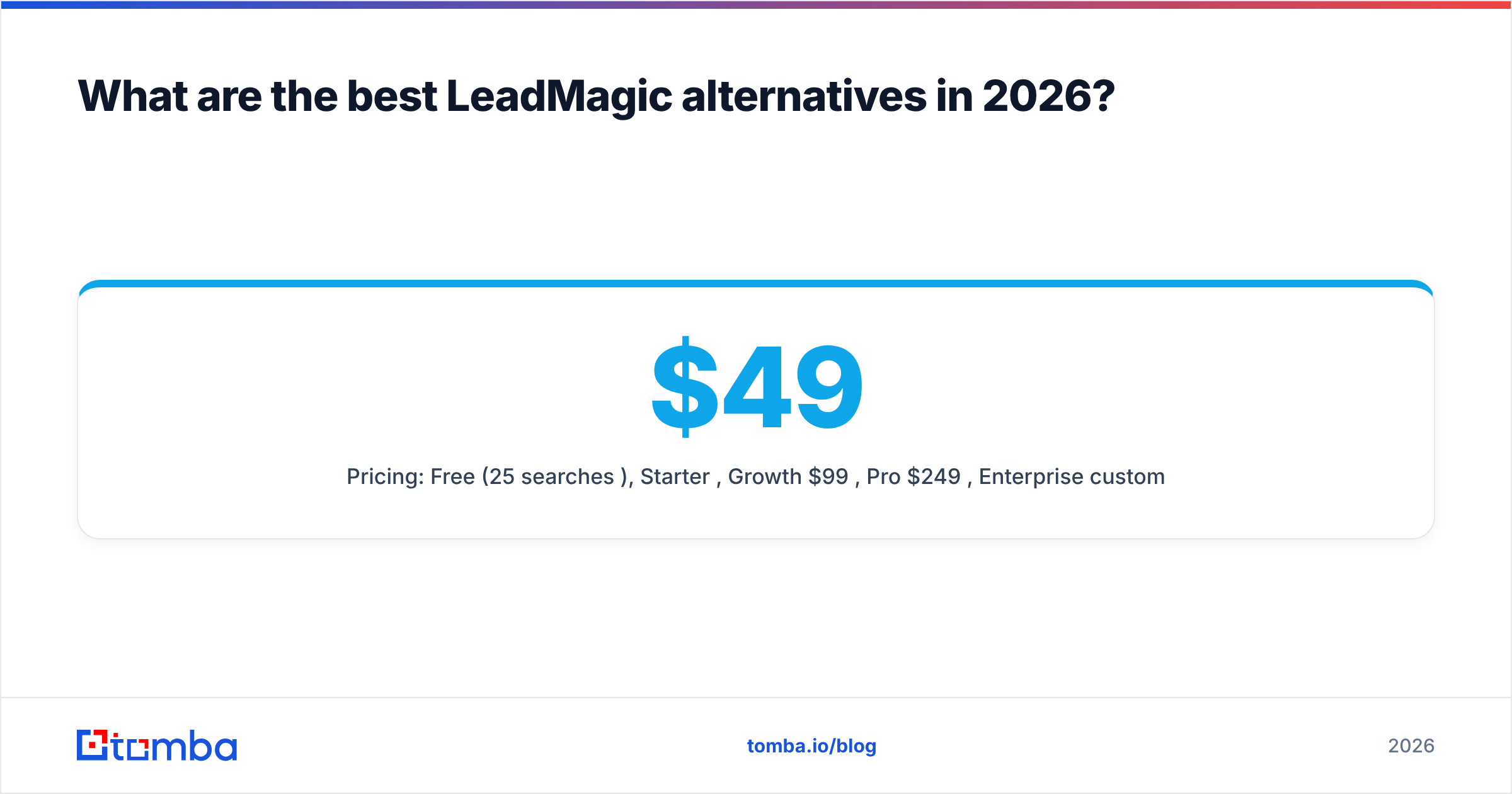
- Pricing: Free (25 searches/mo), Starter $49/mo, Growth $99/mo, Pro $249/mo, Enterprise custom.
- Best for: SMB and mid-market teams that want one tool for finding, verifying and enriching, with no minimum spend.
- Watch out for: Mobile phone coverage is a newer part of the product than email, so test phone numbers separately if they matter to you.
2. Findymail: best for verified-only outbound lists#
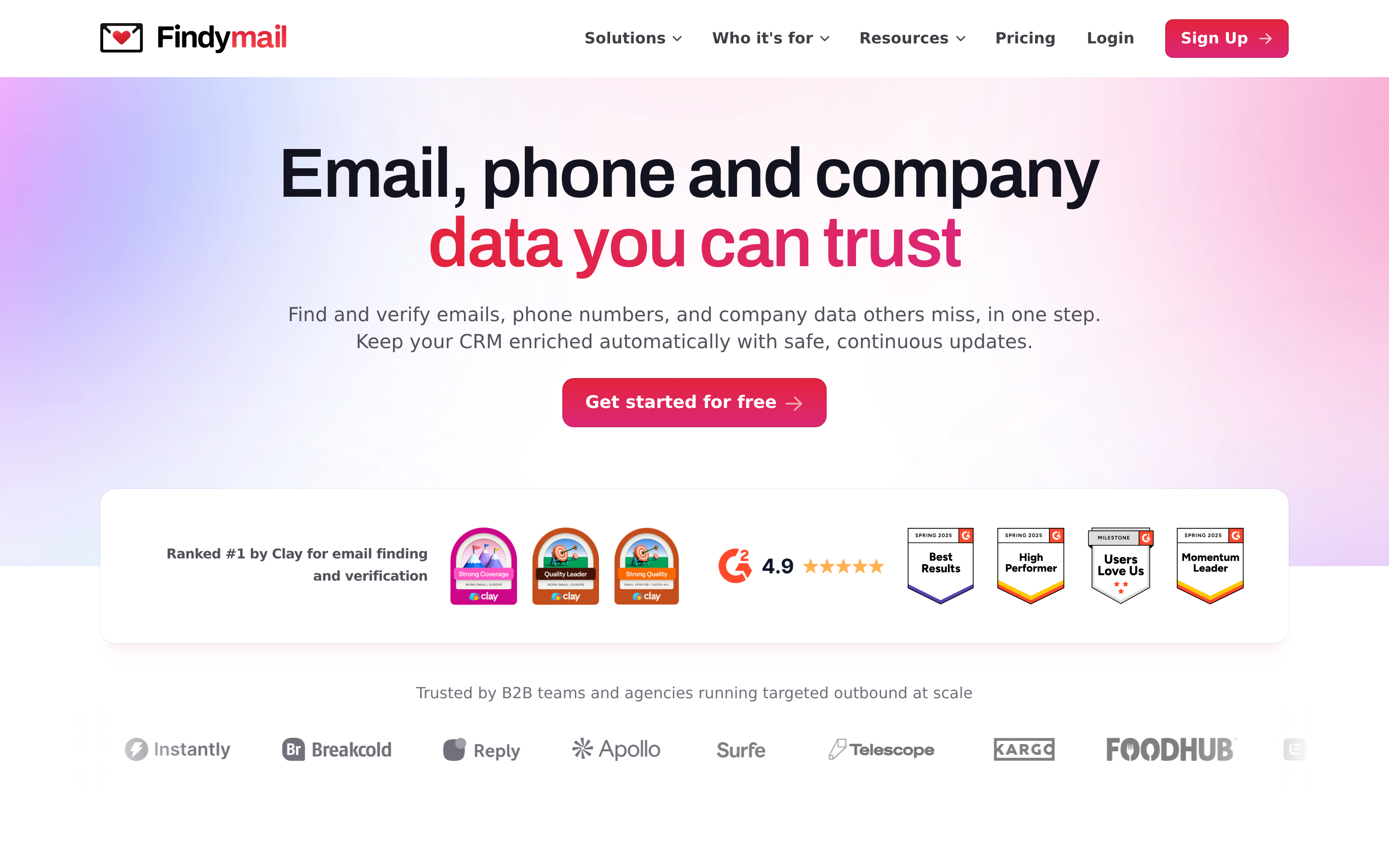
Findymail is built for outbound agencies and SDR teams that can't afford bounces. It returns only emails it has verified, and it's popular in Clay and Sales Navigator workflows. Its approach is close to LeadMagic's, so switching is easy.
- Best for: Cold-email agencies running high volumes on fragile sending domains.
- Watch out for: It's a lookup tool, not a database, so you still need a separate source to find prospects. See our Findymail alternative breakdown for the details.
3. Apollo.io: best if you also want a database and sequencer#

Apollo combines a large searchable B2B database with email sequencing, a dialer and basic intent signals. If your problem with LeadMagic is "I don't have a list to enrich," Apollo solves it in one place.
- Best for: Early-stage teams that want prospecting, enrichment and outreach under one login.
- Watch out for: Email accuracy varies by segment, and many teams run Apollo exports through a separate verifier before sending.
4. BookYourData: best for ready-made, verified B2B lists#
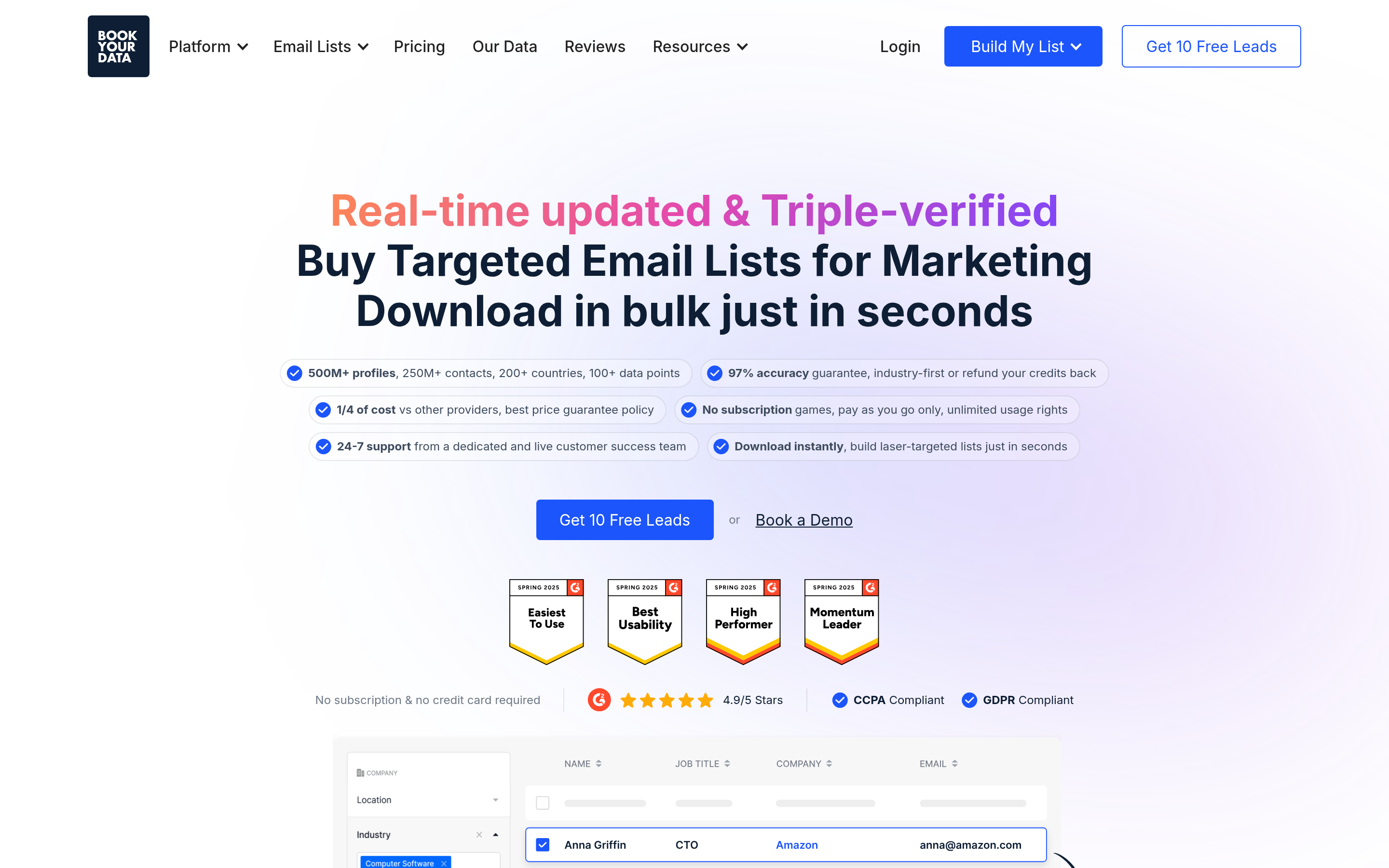
BookYourData takes a list-building approach. You filter a large B2B contact database by industry, title, location and company size, then buy the records you need. Its contacts come pre-verified, and it's known for straightforward pay-as-you-go purchasing without long contracts.
- Best for: Marketers and sales teams that want a finished, targeted list fast instead of enriching row by row.
- Watch out for: It fits a different job than per-contact lookup, so many teams use it next to an email finder rather than as a replacement.
5. Hunter.io: best for domain-first search and simplicity#
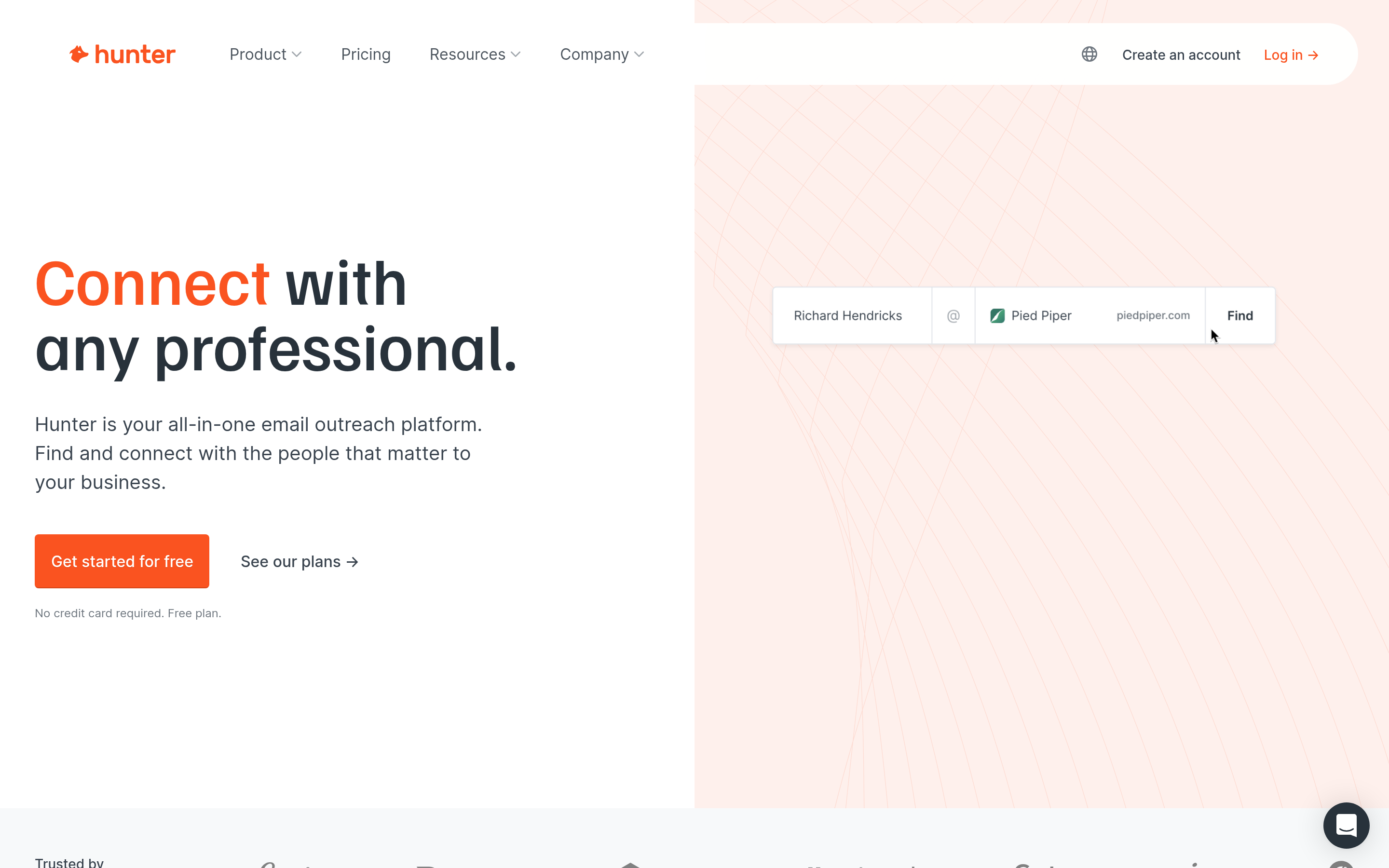
Hunter is one of the best-known names in the category. Its domain search, email finder, verifier and lightweight campaigns feature are easy to learn, and its free plan makes it a common first tool.
- Best for: Solo founders, PR and content teams, and anyone who searches by company domain.
- Watch out for: Its enrichment depth and phone data are thinner than LeadMagic's.
6. Prospeo: best LinkedIn-centric finder#
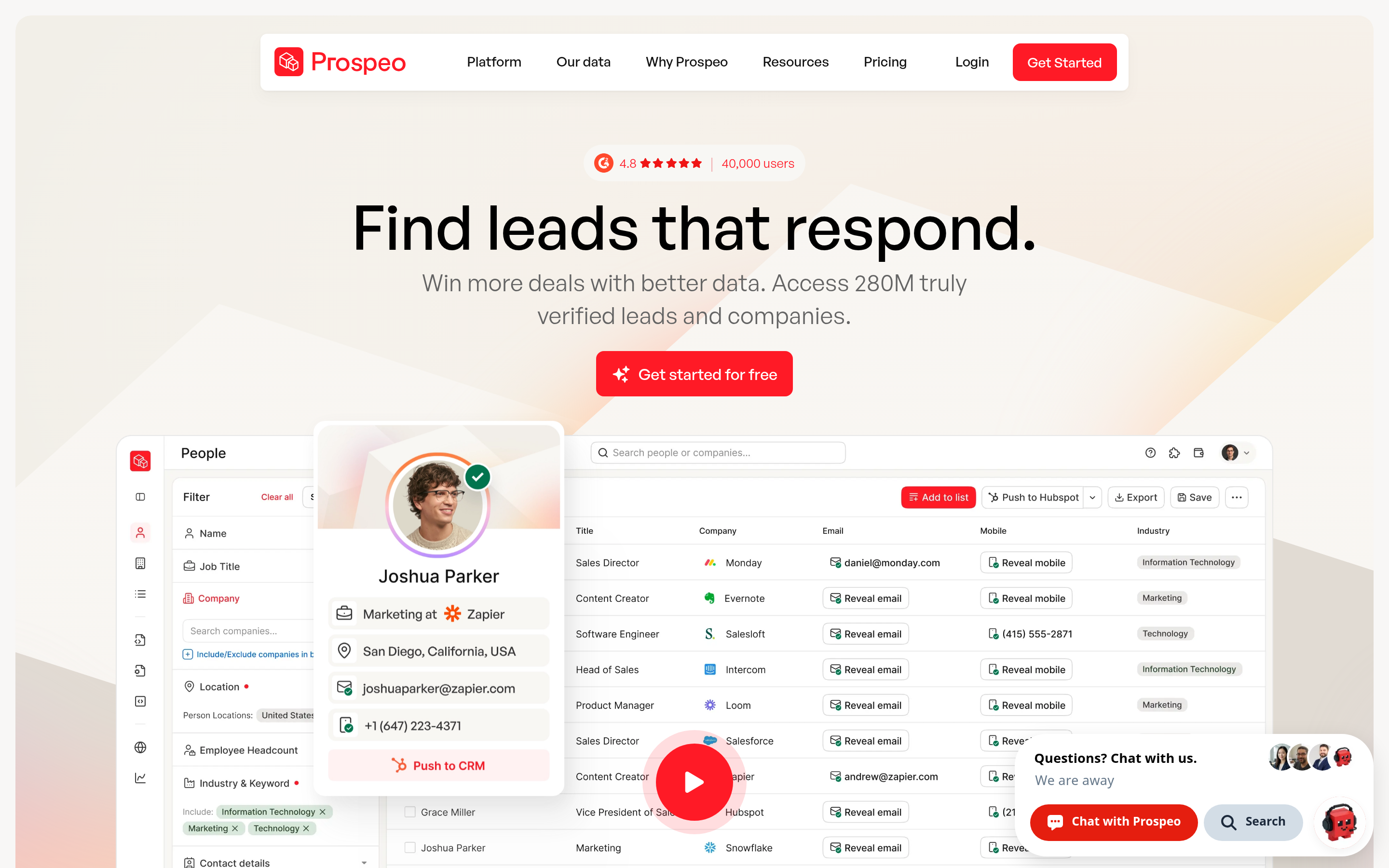
Prospeo works well when your prospects come from LinkedIn and Sales Navigator. The extension pulls emails and mobiles from profiles and search pages, and its API handles enrichment at scale.
- Best for: SDRs who build lists inside Sales Navigator.
- Watch out for: Results depend heavily on LinkedIn workflows, which carry their own platform-policy risk.
7. Icypeas: best budget option for bulk lookups#
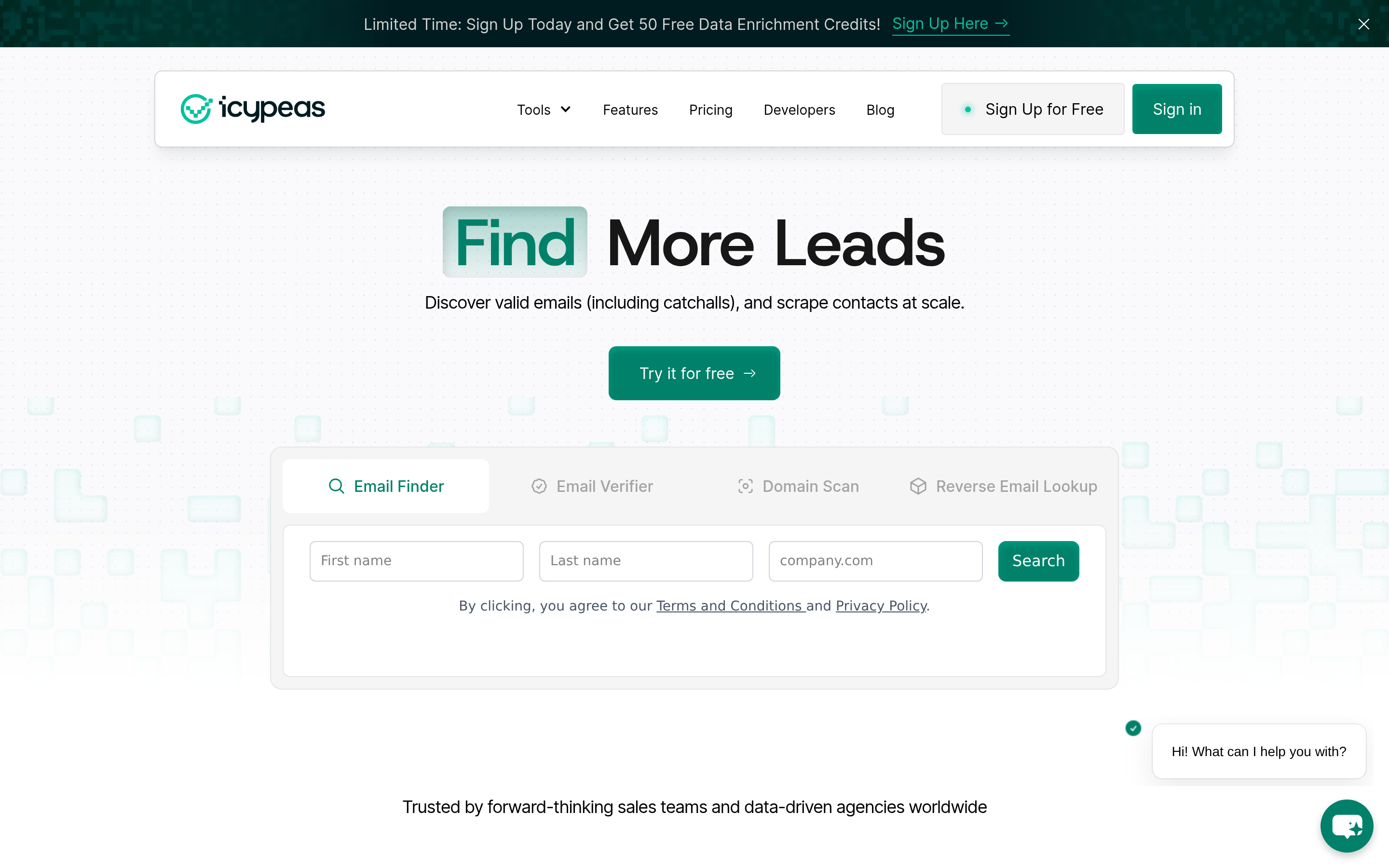
Icypeas competes on price per email while holding respectable accuracy, especially in European markets. It supports bulk searches and verification and has an API.
- Best for: Budget-conscious teams processing large CSVs, particularly in France and wider EMEA.
- Watch out for: It has fewer native integrations than bigger platforms. Compare it in our Icypeas alternative guide.
8. BetterContact: best waterfall enrichment#
BetterContact runs a waterfall. It queries several data providers in sequence until one returns a verified result. That raises find rates without you juggling multiple subscriptions.
- Best for: Teams that have outgrown a single provider's coverage.
- Watch out for: Waterfalls cost more per credit, and you have less visibility into which source supplied each contact.
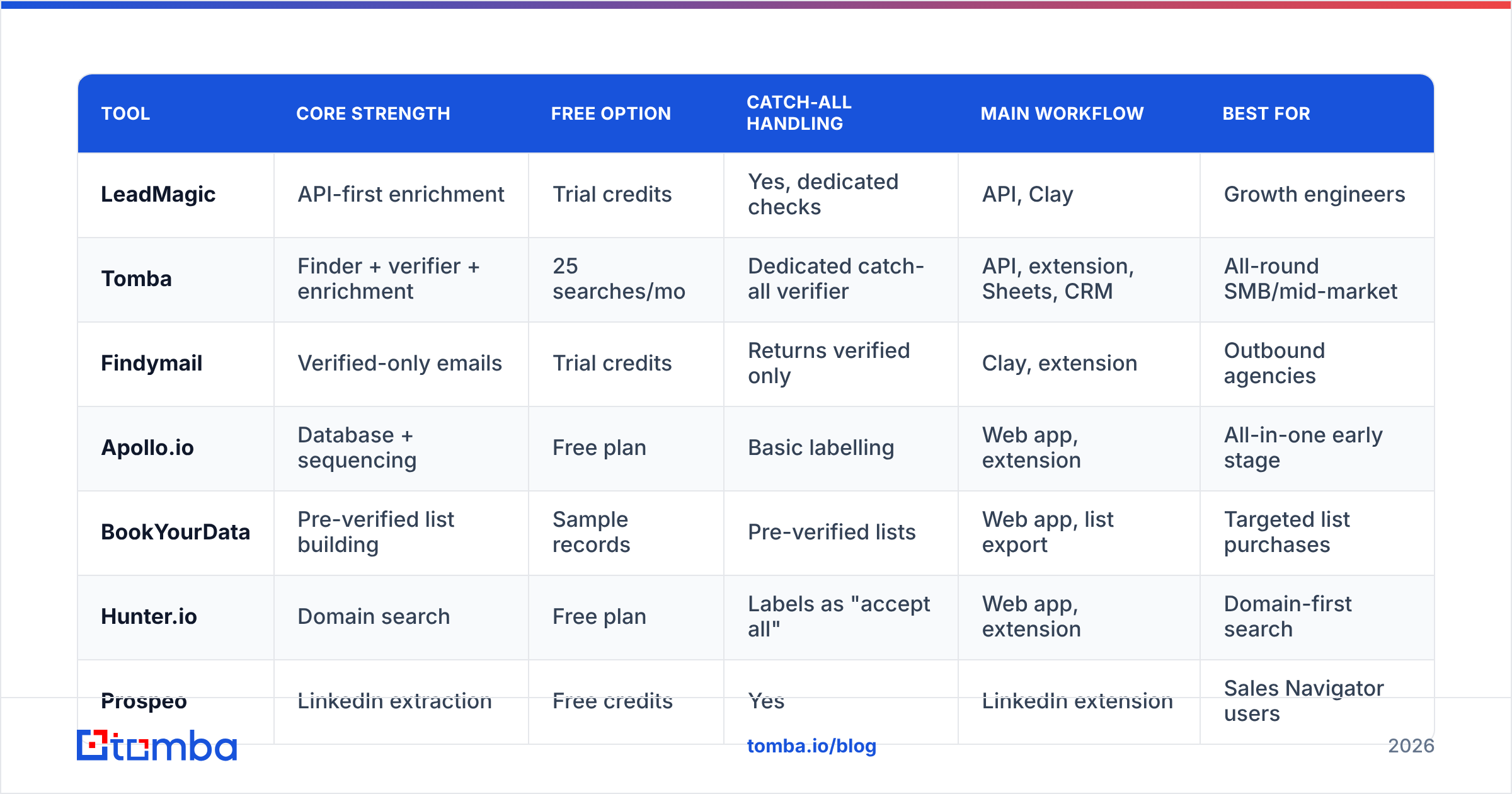
How do LeadMagic alternatives compare side by side?#

| Tool | Core strength | Free option | Catch-all handling | Main workflow | Best for |
|---|---|---|---|---|---|
| LeadMagic | API-first enrichment | Trial credits | Yes, dedicated checks | API, Clay | Growth engineers |
| Tomba | Finder + verifier + enrichment | 25 searches/mo | Dedicated catch-all verifier | API, extension, Sheets, CRM | All-round SMB/mid-market |
| Findymail | Verified-only emails | Trial credits | Returns verified only | Clay, extension | Outbound agencies |
| Apollo.io | Database + sequencing | Free plan | Basic labelling | Web app, extension | All-in-one early stage |
| BookYourData | Pre-verified list building | Sample records | Pre-verified lists | Web app, list export | Targeted list purchases |
| Hunter.io | Domain search | Free plan | Labels as "accept all" | Web app, extension | Domain-first search |
| Prospeo | LinkedIn extraction | Free credits | Yes | LinkedIn extension | Sales Navigator users |
| Icypeas | Low cost per email | Free credits | Yes | Bulk CSV, API | Budget bulk jobs |
| BetterContact | Multi-source waterfall | Free credits | Via waterfall | Web app, Clay | Maximum coverage |
Plans and credit bundles change often. Check each vendor's pricing page, and compare user reviews on G2 before you commit.
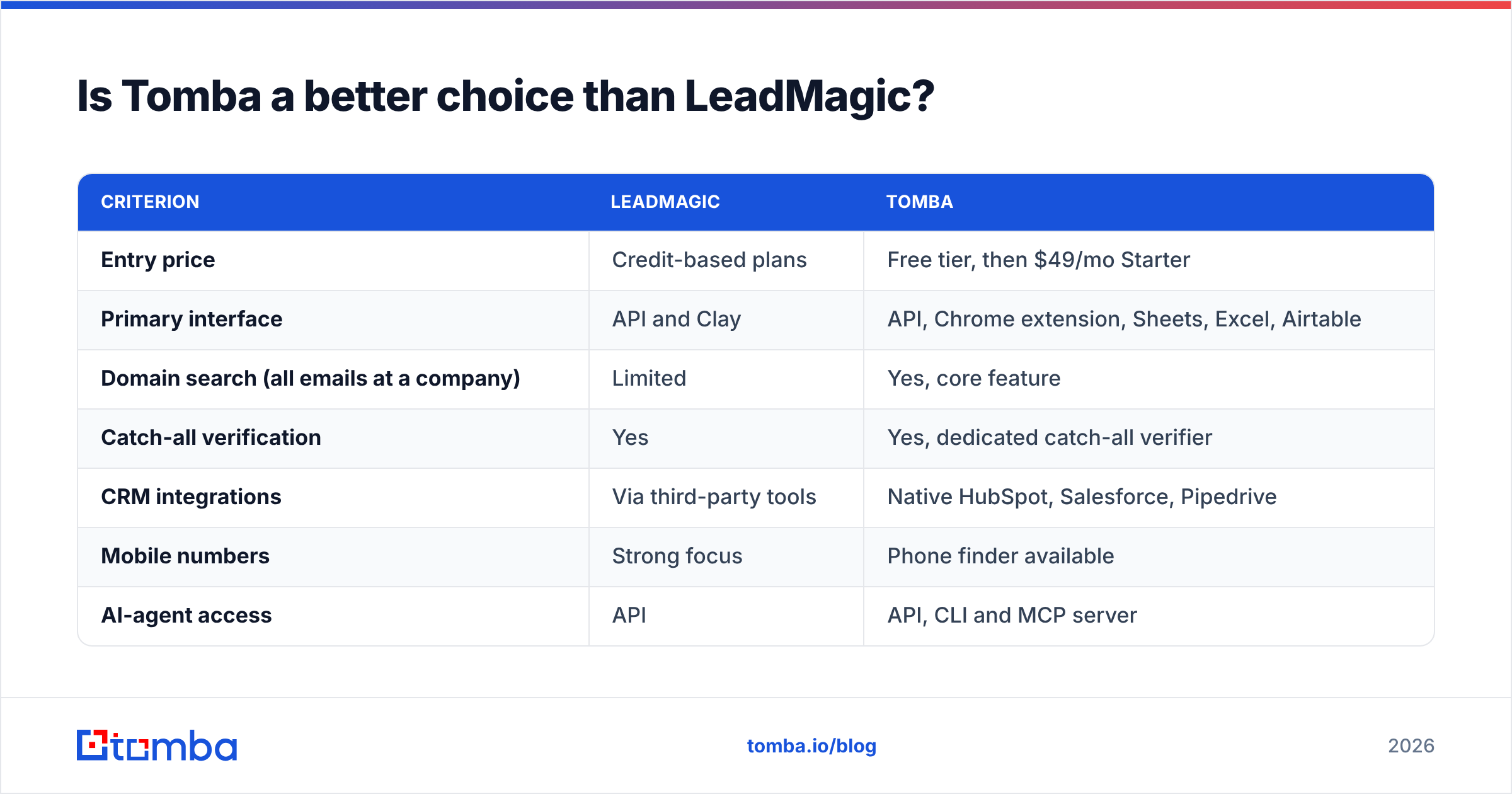
Is Tomba a better choice than LeadMagic?#
It depends on who uses the tool. The two overlap on core email finding and verification but serve different workflows.
| Criterion | LeadMagic | Tomba |
|---|---|---|
| Entry price | Credit-based plans | Free tier, then $49/mo Starter |
| Primary interface | API and Clay | API, Chrome extension, Sheets, Excel, Airtable |
| Domain search (all emails at a company) | Limited | Yes, core feature |
| Catch-all verification | Yes | Yes, dedicated catch-all verifier |
| CRM integrations | Via third-party tools | Native HubSpot, Salesforce, Pipedrive |
| Mobile numbers | Strong focus | Phone finder available |
| AI-agent access | API | API, CLI and MCP server |
Choose LeadMagic if your enrichment runs through Clay or custom code and mobile numbers are a top priority. Choose Tomba if non-technical reps need to find and verify emails where they already work, if you want domain search to discover contacts, or if you'd like to start on a free plan and grow into Growth or Pro. The full breakdown is on the Tomba pricing page.

How do you test an alternative before switching?#
Run a structured bake-off. It takes about an afternoon:
- Build a 200-row test list that reflects your real ICP: same regions, seniority and company sizes. Include 20 to 30 contacts whose emails you already know are correct.
- Run the list through LeadMagic and two alternatives in the same week. Data freshness drifts, so run them close together.
- Score three numbers per tool: verified find rate, false positives (valid-labelled emails that are wrong for your known contacts), and the share of catch-all results.
- Send a small live test. Put 50 verified emails from each tool into a warmed inbox, send a plain-text message, and log hard bounces.
- Calculate cost per deliverable email from the plan price and your monthly volume. That's the number to compare across tools.
HubSpot's guidance on email bounce rates is a good sanity check. If a tool pushes you above low single-digit hard bounces, it will hurt your domain no matter how cheap it is.
Which LeadMagic alternative should you pick?#
Your bottleneck decides it:
- "My reps aren't technical." Pick Tomba or Hunter for the extension and spreadsheet workflow.
- "I bounce too much." Pick Findymail, or Tomba paired with its catch-all verifier.
- "I don't have a list yet." Pick Apollo for self-serve search or BookYourData for ready-made verified lists.
- "I live in Sales Navigator." Pick Prospeo.
- "I need the lowest cost per email at volume." Pick Icypeas.
- "One provider isn't finding enough." Pick BetterContact's waterfall.
Many mature teams use two tools: one primary finder, plus a second source or a waterfall for the misses. That's normal, and it's usually cheaper than paying for a top-tier plan on a single provider to cover edge cases.
Ready to test a LeadMagic alternative?#
If you want one tool that finds, verifies and enriches professional emails without writing code first, start with the Tomba Email Finder. The free plan gives you 25 searches a month, which is enough to run the bake-off above on a real slice of your ICP. If the numbers hold up, the $49/mo Starter plan covers most small teams, and you can connect the same account to your CRM, Google Sheets or the API as you scale.
Related guides#
// get started
Find, verify and enrich your first contacts today
Start on the free plan with 25 searches a month, then scale when your team is ready.
Free plan · No credit card required · GDPR & CCPA
// about the author