LeadRocks vs Salutary Data: Which B2B Contact Database Wins in 2026?
LeadRocks is built for LinkedIn-first prospecting. Salutary Data leans on direct dials and bulk data. Here is where each tool fits, where each one falls short, and how to choose based on your outbound motion.
TL;DR
- LeadRocks is a LinkedIn-first prospecting tool. Its Chrome extension pulls emails from LinkedIn and Sales Navigator results, and it suits SDRs who build lists one search at a time.
- Salutary Data is more of a contact-data provider. It focuses on mobile numbers and direct dials, enrichment, and bulk data delivery, so it fits teams that call a lot or need records loaded into a CRM.
- Neither tool is clearly better overall. Pick LeadRocks for fast LinkedIn list building on email. Pick Salutary Data if phone reach and enrichment matter more.
- Whichever you choose, verify every email before you send. Database records go stale fast, and one bad batch can hurt your sender reputation for weeks.
- If your main job is finding and verifying work emails by domain or name, a dedicated email finder like Tomba may be cheaper per usable contact than either database.
What are LeadRocks and Salutary Data?#
These two tools get compared because both sell "B2B contact data," but they were built for different workflows.
LeadRocks is a B2B lead database and email finder built around LinkedIn. The typical workflow goes like this: you run a search in LinkedIn or Sales Navigator, open the LeadRocks extension, and it adds work emails (and sometimes phone numbers) to the profiles on the page. You can also search LeadRocks' own database by title, company, industry, and location, then export to CSV or send the records to your outreach tool.
Salutary Data presents itself as a B2B contact intelligence provider. It also has a browser extension for LinkedIn lookups, but its strengths are elsewhere. It puts mobile numbers and direct dials first, offers contact and company enrichment, and delivers data in bulk or through an API for teams that want records sent straight to their CRM or warehouse.
So LeadRocks is a prospecting tool that happens to have a database behind it. Salutary Data is a data provider that happens to have a prospecting extension.
How do LeadRocks and Salutary Data compare feature by feature?#
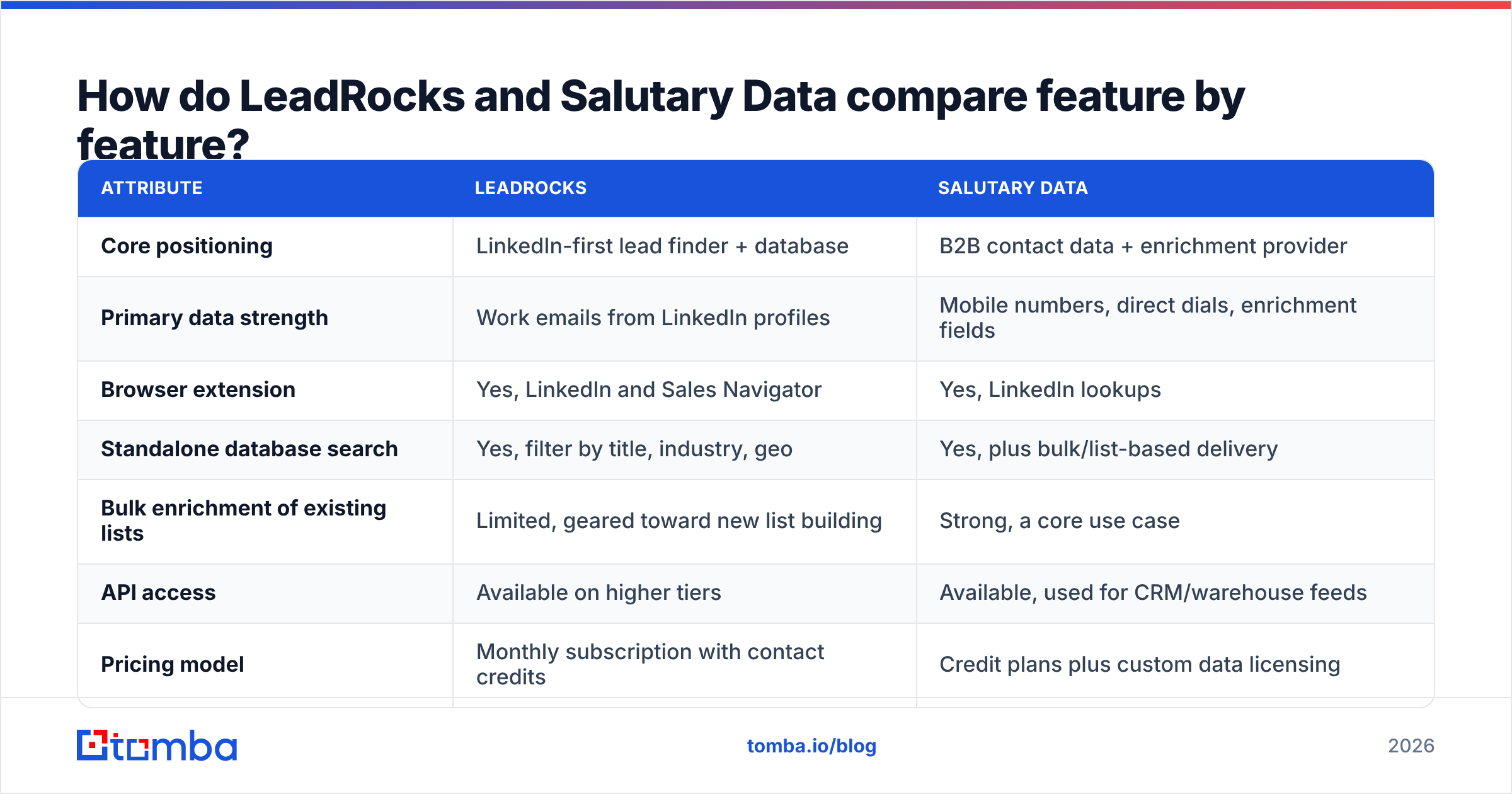
Here is the side-by-side view. Pricing and credit allowances change often in this category, so check each vendor's pricing page before you buy. The table describes how each vendor packages its product, not exact numbers.
| Attribute | LeadRocks | Salutary Data |
|---|---|---|
| Core positioning | LinkedIn-first lead finder + database | B2B contact data + enrichment provider |
| Primary data strength | Work emails from LinkedIn profiles | Mobile numbers, direct dials, enrichment fields |
| Browser extension | Yes, LinkedIn and Sales Navigator | Yes, LinkedIn lookups |
| Standalone database search | Yes, filter by title, industry, geo | Yes, plus bulk/list-based delivery |
| Bulk enrichment of existing lists | Limited, geared toward new list building | Strong, a core use case |
| API access | Available on higher tiers | Available, used for CRM/warehouse feeds |
| Pricing model | Monthly subscription with contact credits | Credit plans plus custom data licensing |
| Free option | Trial credits to test | Trial or demo-based evaluation |
| Best for | SDRs building email lists from LinkedIn | Phone-heavy teams, RevOps enrichment |
| Main tradeoff | Less depth on phones and enrichment | Less focused on the quick LinkedIn-to-email flow |

Which tool fits which buyer?#
Deciding by feature list alone rarely works, because both vendors check most boxes. Start from how your team actually works:
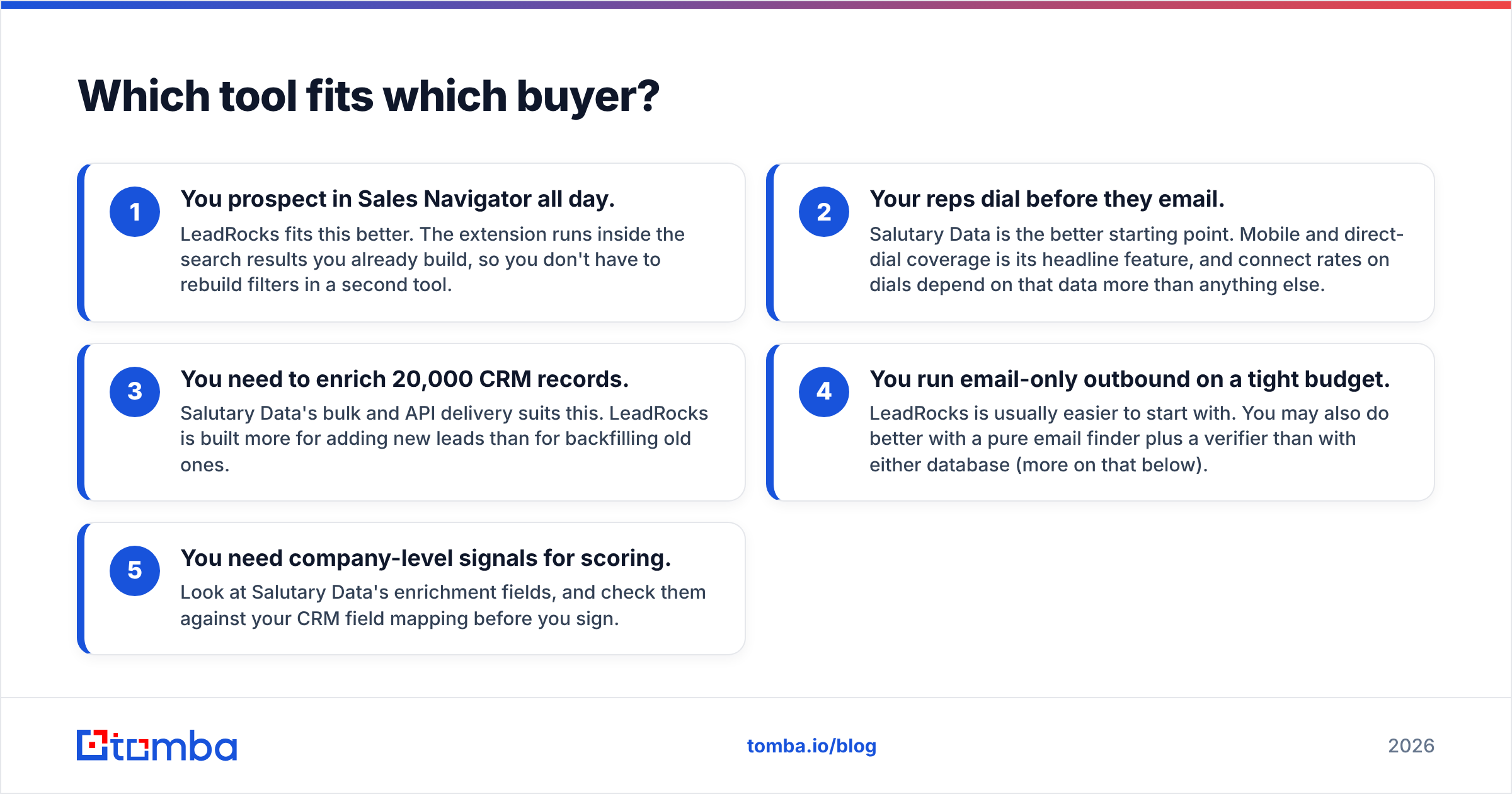
- You prospect in Sales Navigator all day. LeadRocks fits this better. The extension runs inside the search results you already build, so you don't have to rebuild filters in a second tool.
- Your reps dial before they email. Salutary Data is the better starting point. Mobile and direct-dial coverage is its headline feature, and connect rates on dials depend on that data more than anything else.
- You need to enrich 20,000 CRM records. Salutary Data's bulk and API delivery suits this. LeadRocks is built more for adding new leads than for backfilling old ones.
- You run email-only outbound on a tight budget. LeadRocks is usually easier to start with. You may also do better with a pure email finder plus a verifier than with either database (more on that below).
- You need company-level signals for scoring. Look at Salutary Data's enrichment fields, and check them against your CRM field mapping before you sign.
How accurate is the data from LeadRocks vs Salutary Data?#
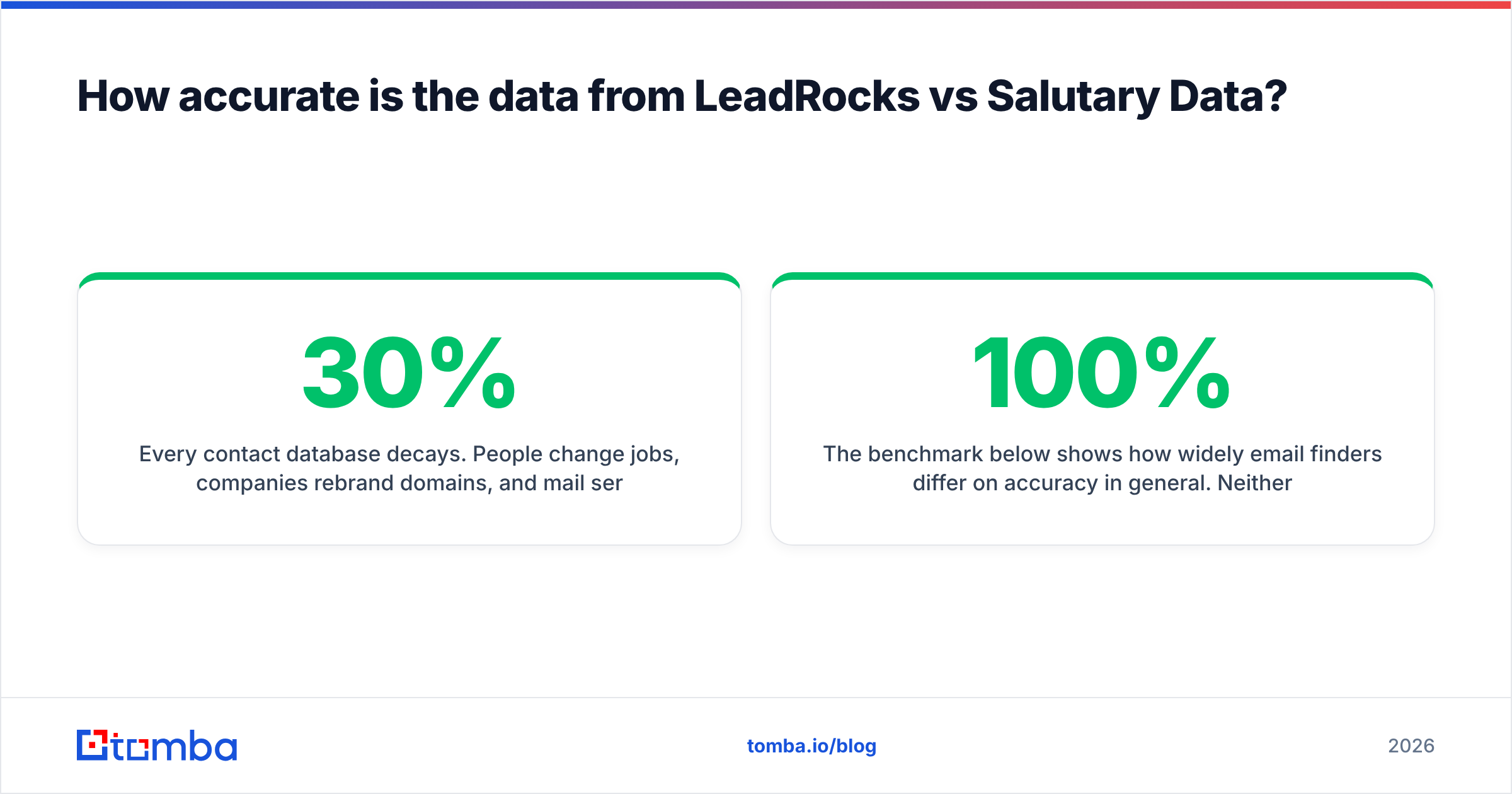
Every contact database decays. People change jobs, companies rebrand domains, and mail servers get reconfigured. Industry estimates of B2B data decay commonly land around 20–30% per year, and faster in high-turnover roles like SDRs and marketing coordinators.
The more useful question is how each vendor handles that decay:
- LeadRocks checks emails as it surfaces them. Because it works from live LinkedIn profiles, the person's current title and company are usually up to date. The email attached to that profile is where accuracy can vary, especially at companies with catch-all mail servers.
- Salutary Data says it verifies phones and emails. The practical issue is refresh cadence on bulk deliveries. A file delivered in January is a snapshot, and by June part of it will be stale unless you re-enrich.
The benchmark below shows how widely email finders differ on accuracy in general. Neither database will reach 100%, and your own verification step is what separates a 2% bounce rate from an 8% one.

What to do in practice: before any campaign, run exported emails through an email verifier. Flag catch-all domains separately. Sending to those blind is how teams lose inbox placement without realizing it. A catch-all verifier tells you which of those "accept-all" addresses are actually likely to reach a person.
How does pricing compare?#
Both vendors sell credit-based plans. How much you pay per usable contact depends on three things the pricing pages don't show:
- Credit burn on misses. Check whether a lookup that returns nothing still uses a credit. This varies by vendor and sometimes by plan.
- Email vs phone credits. Phone reveals usually cost more than email reveals. If you mostly need emails, a phone-first vendor can cost more than it needs to.
- Export and API gating. Bulk export, CRM sync, and API access often sit on higher tiers. If you need them, the entry-tier price isn't what you'll actually pay.
A simple way to compare: take a sample of 200 target contacts, run them through each tool's trial, verify the results, and divide the plan price by the number of verified, deliverable contacts. That cost-per-good-contact figure is the only one worth comparing. Review sites like G2 are useful for spotting common complaints (billing, credit expiry, support response), but your own sample test tells you much more.
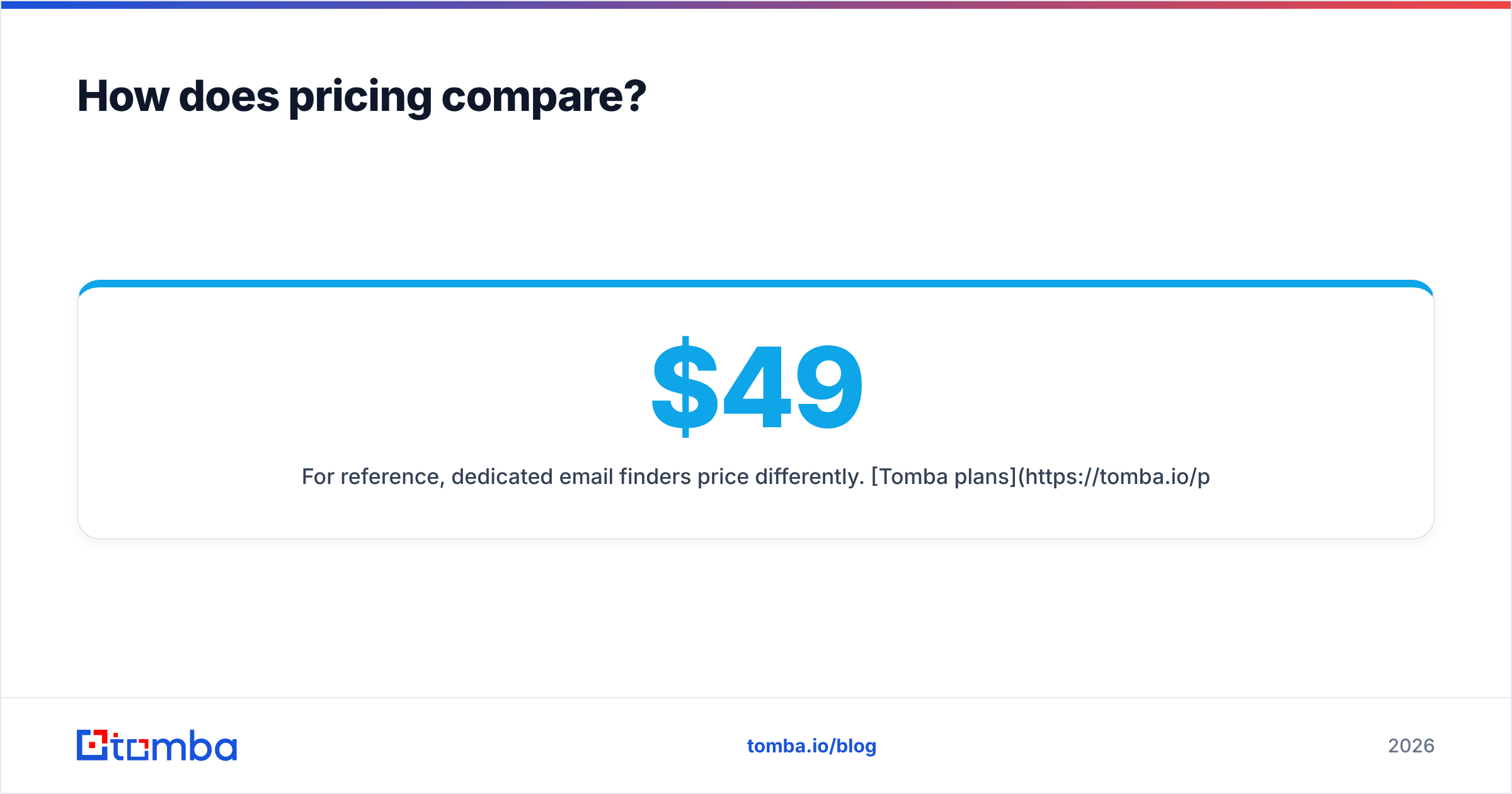
For reference, dedicated email finders price differently. Tomba plans start with a free tier of 25 searches per month, then Starter at $49/mo, Growth at $99/mo, Pro at $249/mo, and custom Enterprise. Verification is part of the same platform, which makes the cost-per-good-contact math simpler.
What are the pros and cons of each?#
LeadRocks: pros
- Fast LinkedIn and Sales Navigator workflow with little context-switching
- Easy for individual SDRs and small teams to get started
- Database search gives you a second way to build lists
LeadRocks: cons
- Phone coverage and enrichment depth are not its main strengths
- Less suited to backfilling or cleaning large existing CRM datasets
- Output still needs separate verification on catch-all domains
Salutary Data: pros
- Strong focus on mobile numbers and direct dials for call-heavy teams
- Enrichment and bulk delivery built for RevOps workflows
- API and data-licensing options for warehouse or CRM pipelines
Salutary Data: cons
- Can be more than you need if your motion is email-only
- Bulk snapshots need scheduled re-enrichment to stay current
- Custom or licensing deals take longer to evaluate than self-serve plans
Is LeadRocks better than Salutary Data?#
It depends on your channel mix. Here is the short version:
- Email-first, LinkedIn-sourced outbound: LeadRocks is the more natural fit.
- Phone-first or multichannel with heavy dialing: Salutary Data is the stronger candidate.
- RevOps enrichment of an existing database: Salutary Data, because bulk and API delivery are central to its product.
- Solo founders or small teams testing outbound: LeadRocks, because it's quicker to start. Also look at a standalone email finder, which may cover the same need for less.
A lot of teams end up using two tools: one for sourcing, one for verification or a specific channel. That's normal. What causes problems is treating any single database as the source of truth.
When should you skip both and use a dedicated email finder?#
Contact databases make sense when you need to discover who to target. If you already know the accounts, and often the people, paying for database breadth means paying for records you won't use.
Consider a dedicated email finder instead if:
- You work from a fixed account list. Domain-based lookup returns everyone publicly associated with a company, so you don't have to rebuild the list by filters. Tomba's domain search works this way.
- You already have names and companies. Name + domain lookups are cheaper and usually more accurate than database reveals for the same person.
- You prospect from LinkedIn but only need emails. A lightweight LinkedIn finder covers the main LeadRocks use case without a full database subscription.
- Deliverability is a real concern. Having finding and verification in one tool means you won't send unverified exports by mistake.
This doesn't replace Salutary Data for teams that rely on direct dials. For email-first teams, though, it's often the cheaper and cleaner option.
How should you evaluate them yourself?#
Run a two-week bake-off before you commit to an annual contract:
- Build one test list of 200 contacts that matches your real ICP: same titles, company sizes, and regions you'll actually target.
- Run the same list through both trials. Record match rate (records returned) and reveal type (email, mobile, direct dial).
- Verify every returned email with an independent verifier. Separate valid, invalid, and catch-all results.
- Test a sample of phone numbers with real dials if phones matter to you. Count connects, not just "number returned."
- Calculate cost per verified contact on the plan tier you'd actually need, including export and API access.
- Check integrations. Confirm each tool pushes cleanly into your CRM and sequencer. Official docs from HubSpot or your CRM vendor will show which fields map natively.
Whichever tool wins on your own numbers is the right one for you. Neutral reviews can narrow the list, but only your own ICP test settles it.
FAQ#
Is LeadRocks or Salutary Data cheaper? It depends on what you reveal. For email-only use, LeadRocks-style plans usually cost less per contact. For phone-heavy use, Salutary Data may cost less per connected contact even if the sticker price is higher. Compare cost per verified contact, not plan price.
Do I still need an email verifier with these tools? Yes. Both vendors do some checking, but data decays after export and catch-all domains can't be confirmed by a simple SMTP check. Verify immediately before each send.
Can I use both tools together? Yes, and many teams do. A common setup is LeadRocks (or an email finder) for sourcing emails from LinkedIn and Salutary Data for adding mobile numbers to high-priority accounts.
Which is better for Sales Navigator users? LeadRocks, because its workflow is built around the Sales Navigator search page.
What's the best next step?#
If your outbound is mostly email and you already know which companies you want to reach, you may not need a full contact database at all. Tomba Email Finder finds professional email addresses by domain, name, or company, and verification is available on the same platform, so the list you export is one you can send to. Start with the free tier's 25 searches, run your 200-contact bake-off against LeadRocks and Salutary Data, and keep the tool with the lowest cost per verified contact.
Related guides#
// get started
Find, verify and enrich your first contacts today
Start on the free plan with 25 searches a month, then scale when your team is ready.
Free plan · No credit card required · GDPR & CCPA
// about the author