Leadsfinder Alternatives: 9 Better Tools for B2B Leads in 2026
Leadsfinder-style scrapers make leads cheap to pull, but bounces and cleanup cost you later. Here are 9 Leadsfinder alternatives, grouped by what they do best: verified emails, all-in-one prospecting, or pay-as-you-go data.
TL;DR
- "Leadsfinder" can mean several different products. The best known is the Leads Finder scraper on Apify, which pulls Apollo-style B2B leads for roughly $1.50 per 1,000 records. Other tools, such as leadsfinder.tools and leadsfinder.net (which focuses on local leads), use nearly the same name.
- The price per lead is low. You pay for it in email verification, catch-all handling, compliance checks and enrichment, which you have to handle yourself.
- If you mainly need verified emails for named people, look at Tomba, Hunter or Skrapp. If you want a database plus sequences in one tool, look at Apollo, Snov.io or Saleshandy. For one-off list buys without a subscription, BookYourData is a good fit.
- Before you commit to any tool, run the same 200 contacts through two finalists and compare the bounce rates. It takes about 20 minutes and tells you more than any feature grid.
What is Leadsfinder, and why are people looking for alternatives?#
The name "Leadsfinder" covers several unrelated tools, so you need to know which one you're replacing before you compare anything. Most people searching for it mean the Leads Finder actor on Apify. It's a scraper sold as a cheap Apollo alternative. You enter filters like job title, industry, location and company size. It runs and returns a CSV of contacts with emails, charged by volume.
Other products with the same name, like leadsfinder.tools (lead generation and LinkedIn prospecting) and leadsfinder.net (local leads for agencies), have different use cases. Most of this comparison still applies to them, because the underlying problem is the same.
People start looking for alternatives for predictable reasons:
- Deliverability. Scraped emails are often out of date or guessed. When 10–20% of a list bounces, your sending domain gets hurt before a campaign has a chance to work.
- No built-in verification. You pull the list, then you still have to run it through a separate verifier and deal with catch-all domains yourself.
- Workflow friction. An Apify actor is a job you run, not a prospecting tool. There's no Chrome extension, no CRM sync and no lookup of one person at a time.
- Compliance uncertainty. When your data comes from a scraper, it's harder to answer where a contact came from if a prospect or your legal team asks.
- Hidden per-lead cost. $1.50 per 1,000 leads looks cheap until you add verification credits, enrichment and the hours spent cleaning the CSV.
None of this makes Leadsfinder a bad tool. It's a very efficient way to build a raw, high-volume list. The question is whether a raw list is really what your team needs.
How should you evaluate a Leadsfinder alternative?#
Evaluate on cost per usable contact, not cost per record. A usable contact is one that's verified, matches your ICP and is allowed into your sequencer. Use these five criteria:
- Email accuracy and verification. Does the tool verify at the moment you search, or only give you a "found" status? Does it flag catch-all domains separately?
- Search mode. Can you find one named person (name + company), or can you only pull bulk filtered lists? Most teams need both.
- Where the data comes from. Public web crawling, contributor networks and licensed databases have different trade-offs in freshness and compliance.
- Pricing model. Subscription credits, per-seat pricing or pay-as-you-go. Per-seat tools get expensive quickly once three or more reps use them.
- Integrations. Chrome extension, Google Sheets, CRM sync and an API. If exporting to CSV is the only way out, you'll end up doing manual work every week.

Accuracy varies a lot between tools, and you won't see the gap in a demo. A tool that "finds" 90% of emails but gets 15% of them wrong is worse than one that finds 75% and gets nearly all of them right. The bounces from the first tool are what damage your domain.
Which Leadsfinder alternatives are worth considering in 2026?#
Here are nine alternatives, grouped roughly by what they do best. Prices are entry points at the time of writing. Vendors change plans often, so check each pricing page before you buy.
1. Tomba: best for verified emails by domain or name#
Tomba is an email finder built around a domain and name lookup. You enter a company domain to get the known addresses, or a first name, last name and domain to find a specific person. Each result comes with a verification status and the public sources it was found on, so you can see where it came from.
Around the core finder there's an email verifier, a catch-all verifier, a phone finder, enrichment and a bulk email finder for CSV uploads. There are also Chrome, Google Sheets and Excel add-ons, plus an API.
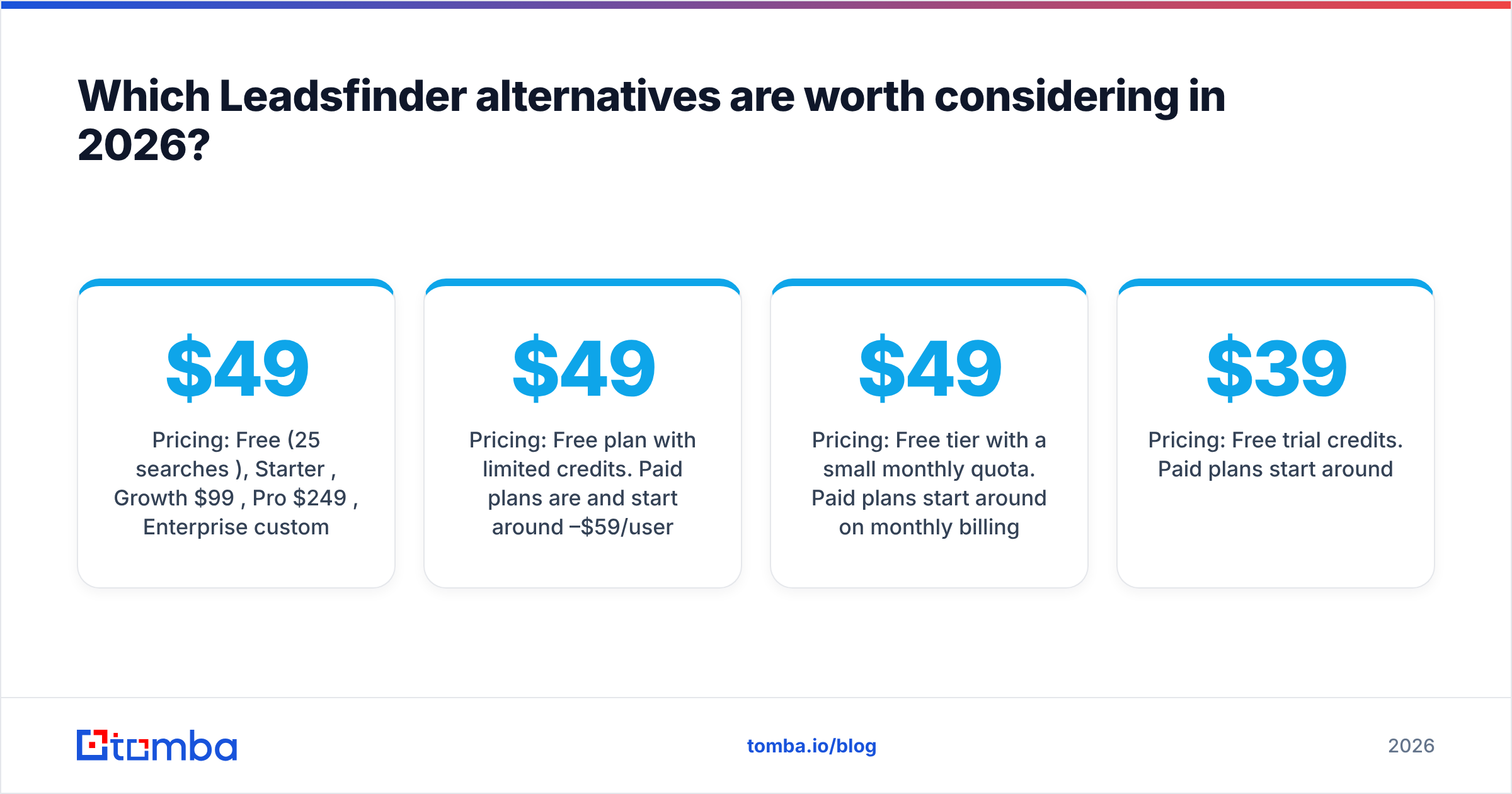
- Pricing: Free (25 searches/mo), Starter $49/mo, Growth $99/mo, Pro $249/mo, Enterprise custom
- Best for: Teams that already know which accounts they want and need clean, verified emails for the right people
- Trade-off: It isn't a "give me 50,000 VPs of Sales in Germany" list-scraping tool. You start from accounts or names, not from open-ended filters.
2. Apollo.io: best all-in-one database plus sequencing#

Apollo is the tool Leadsfinder most openly positions itself against. It combines a large B2B contact database with filters, email sequences, a dialer and CRM sync. If you like the idea of filter-based list building but want it inside a real product, Apollo is the most direct upgrade.
- Pricing: Free plan with limited credits. Paid plans are per user and start around $49–$59/user/mo.
- Best for: SDR teams that want search, enrichment and outreach in one place
- Trade-off: Email accuracy varies by region and segment, and per-seat pricing adds up. If cost is the problem, see our Apollo alternatives breakdown.
3. Hunter: best for simple domain search#
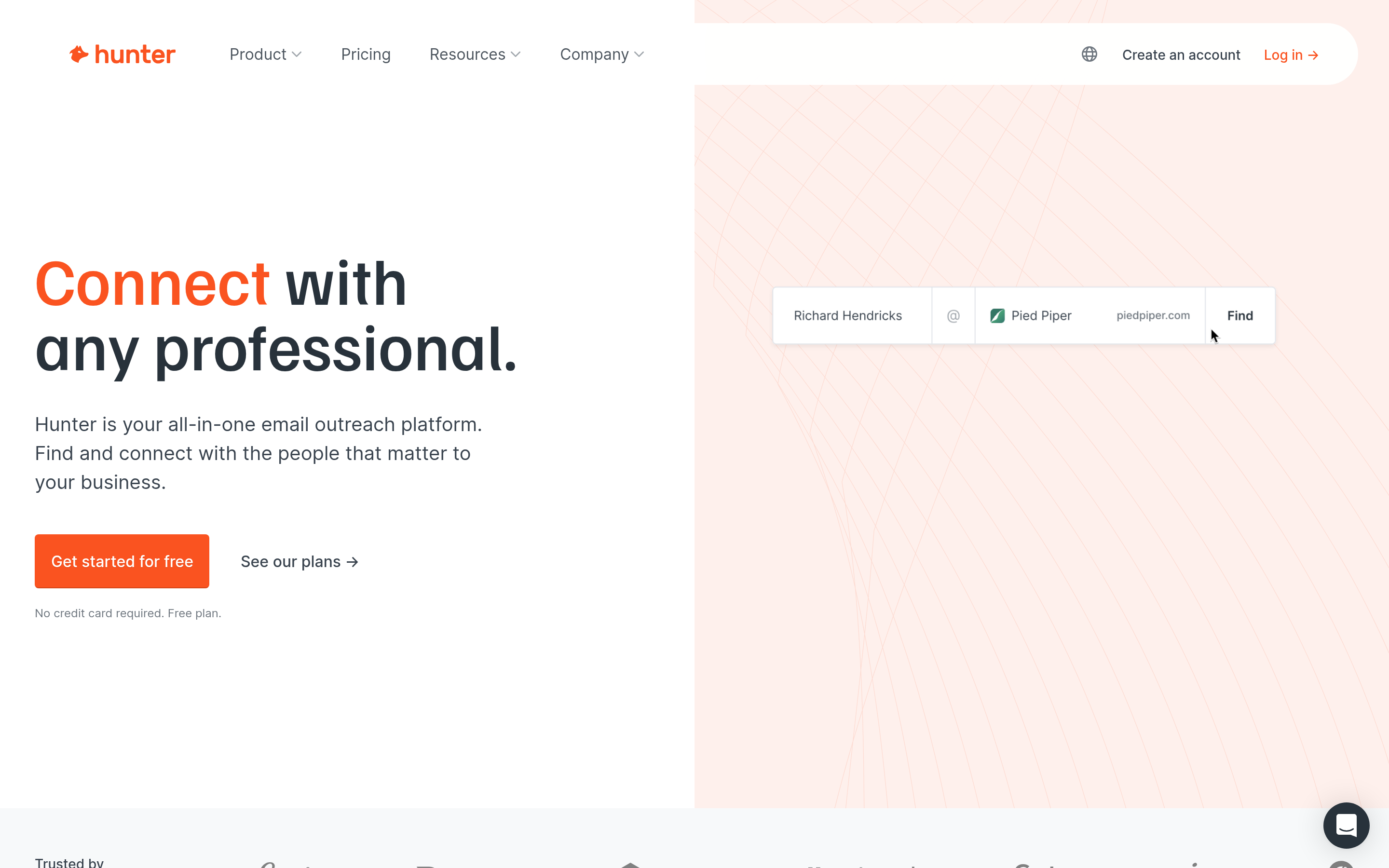
Hunter is one of the original domain-search tools. You enter a domain and it shows the email pattern and known addresses. It also has an email finder, a verifier and lightweight campaign sending.
- Pricing: Free tier with a small monthly quota. Paid plans start around $49/mo on monthly billing.
- Best for: Founders and marketers doing low-volume, account-by-account outreach
- Trade-off: It's a smaller database for filter-based list building than Apollo-style tools.
4. Snov.io: best budget all-rounder#
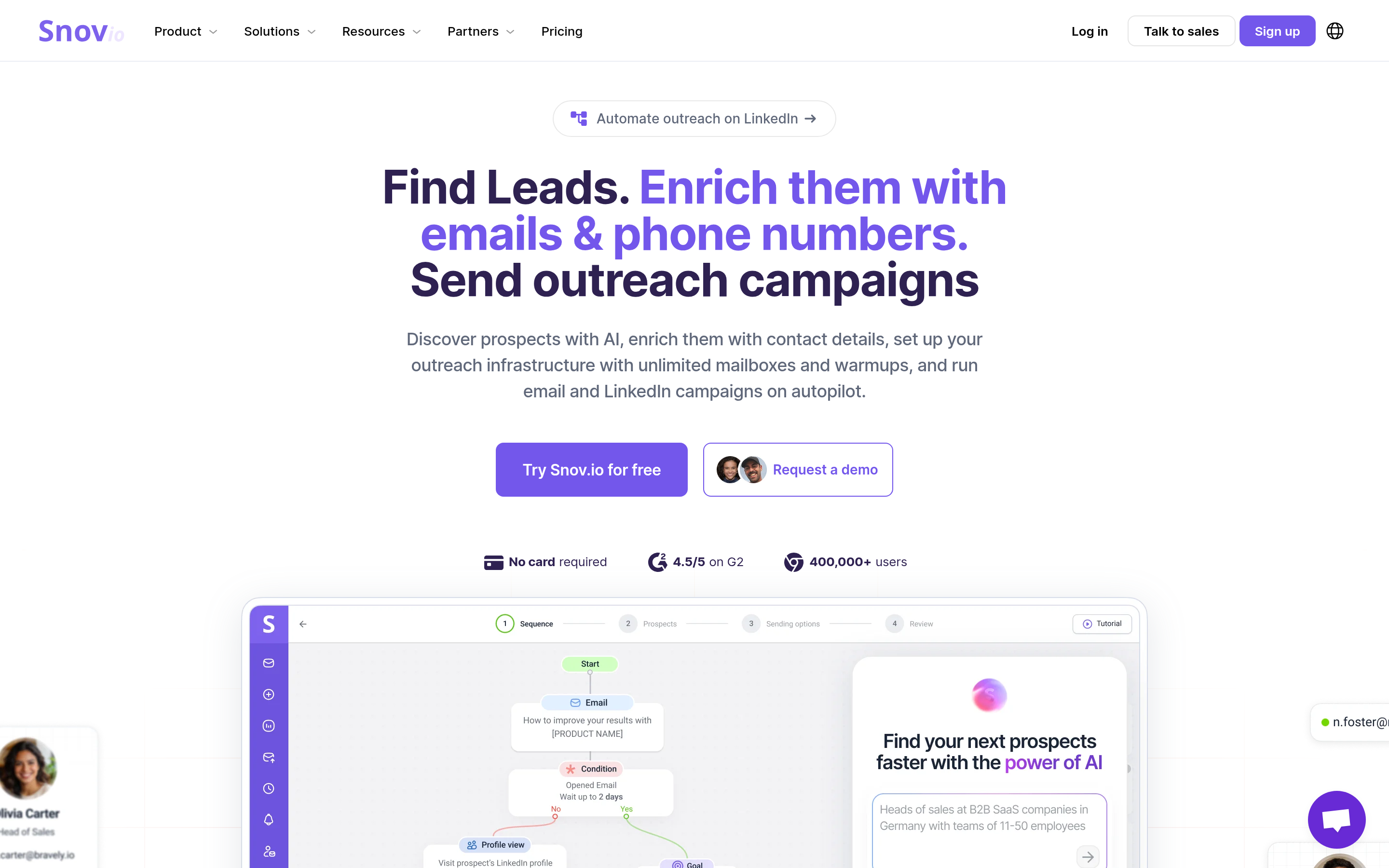
Snov.io bundles an email finder, verifier, drip campaigns and a basic CRM. Its B2B lead database lets you build filtered lists much like Leadsfinder does, but you get verification and sending in the same account.
- Pricing: Free trial credits. Paid plans start around $39/mo.
- Best for: Small teams that want one inexpensive tool for find, verify and send
- Trade-off: You get breadth rather than depth. Each module is solid, but none of them is best in class.
5. Saleshandy Lead Finder: best if you already use Saleshandy#
Saleshandy added a Lead Finder with a large contact database on top of its cold email platform. It charges by credit, and a phone number costs more credits than an email. If Saleshandy is already your sequencer, you get sourcing and sending in one place.
- Pricing: Credit-based and cheap per reveal at volume
- Best for: Saleshandy customers who want to stop exporting from a separate list tool
- Trade-off: It makes the most sense if you also send through Saleshandy.
6. Skrapp: best for LinkedIn-driven prospecting#
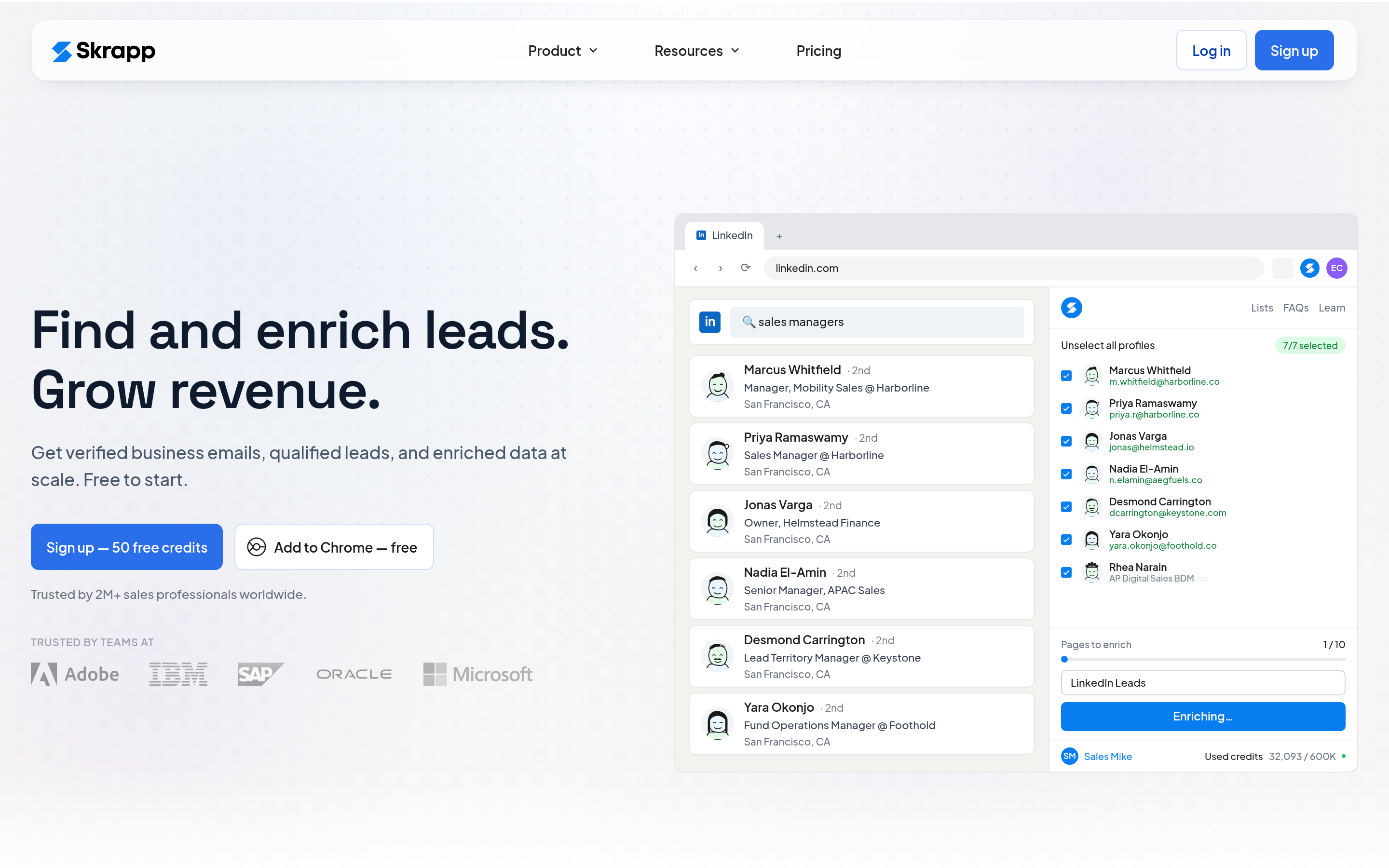
Skrapp started as a LinkedIn email extractor and has grown into a B2B lead finder with a searchable contact database. It's a good fit if your prospecting starts on LinkedIn profiles and Sales Navigator.
- Pricing: Free tier. Paid plans start around $49/mo.
- Best for: SDRs who do most of their research on LinkedIn
- Trade-off: Its features overlap heavily with other finders, and you'll get less enrichment depth than from database-first tools.
7. RocketReach: best for broad contact coverage#
RocketReach offers emails, direct dials and social profiles across a large database. It's often used by recruiters as well as sales teams.
- Pricing: Annual plans start around $50/mo equivalent. Phone data requires higher tiers.
- Best for: Teams that need emails and phones for senior contacts
- Trade-off: It's expensive for high-volume list building.
8. Lusha: best for quick phone and email reveals#
Lusha is a Chrome-extension-first tool that reveals direct dials and emails on LinkedIn and company websites. It's popular with teams that do a lot of calling.
- Pricing: Free plan with limited credits. Paid plans are per user.
- Best for: Phone-heavy outbound and account executives researching specific accounts
- Trade-off: Credits run out quickly if you use it for bulk list building.
9. BookYourData: best for pay-as-you-go list buying#
BookYourData lets you build targeted B2B contact lists and pay for what you download, with real-time email verification and no subscription required. For teams that buy lists occasionally, before a campaign or a territory launch, it's a clean and compliant alternative to running scrapers.
- Pricing: Pay-as-you-go credits, with plans available for heavier use
- Best for: Marketers and agencies that need a verified list on demand without a monthly commitment
- Trade-off: It's built around list purchasing rather than one-person-at-a-time lookups, so pair it with a finder if you also do account-based research.
How do the top Leadsfinder alternatives compare side by side?#
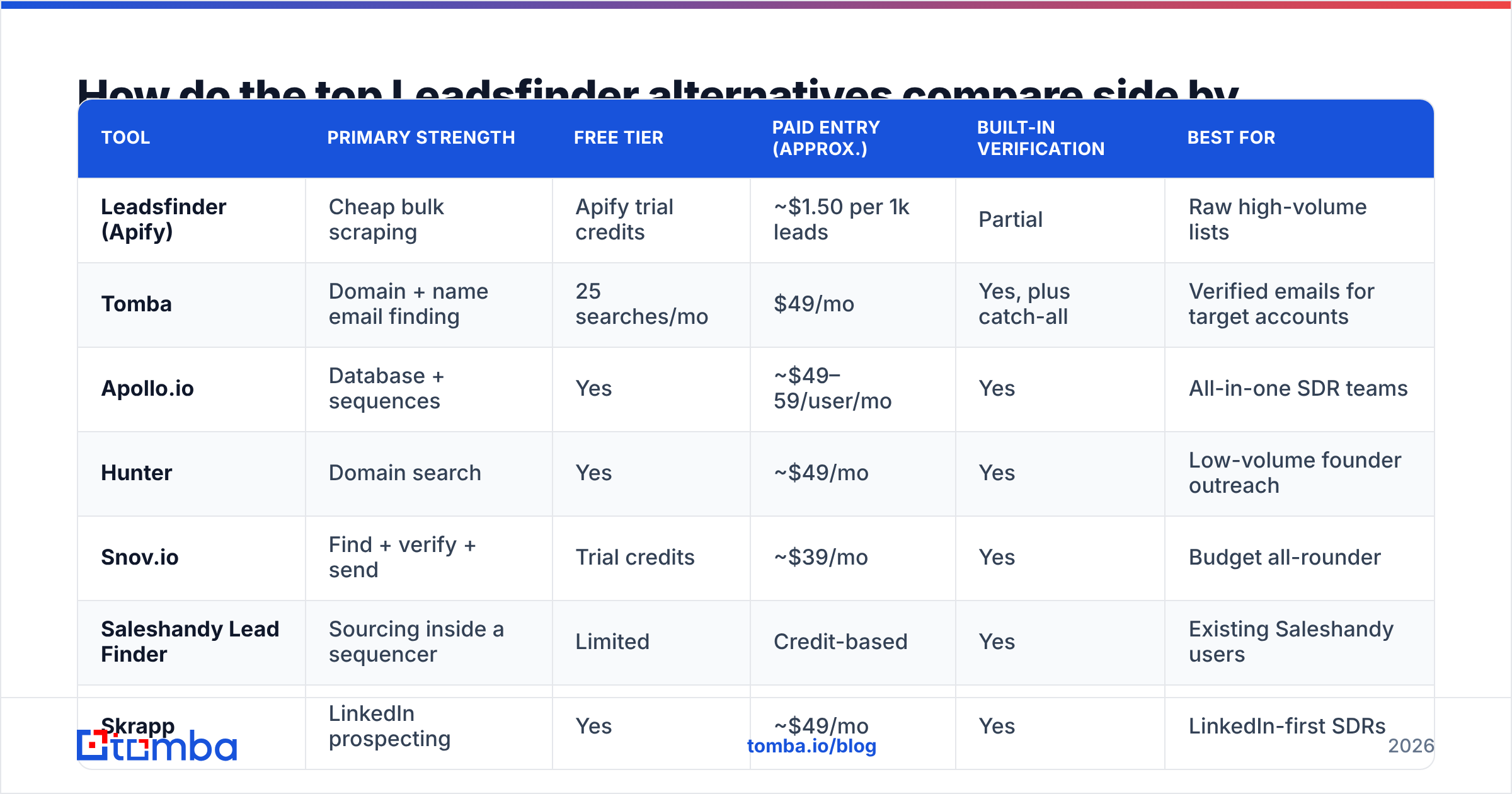
| Tool | Primary strength | Free tier | Paid entry (approx.) | Built-in verification | Best for |
|---|---|---|---|---|---|
| Leadsfinder (Apify) | Cheap bulk scraping | Apify trial credits | ~$1.50 per 1k leads | Partial | Raw high-volume lists |
| Tomba | Domain + name email finding | 25 searches/mo | $49/mo | Yes, plus catch-all | Verified emails for target accounts |
| Apollo.io | Database + sequences | Yes | ~$49–59/user/mo | Yes | All-in-one SDR teams |
| Hunter | Domain search | Yes | ~$49/mo | Yes | Low-volume founder outreach |
| Snov.io | Find + verify + send | Trial credits | ~$39/mo | Yes | Budget all-rounder |
| Saleshandy Lead Finder | Sourcing inside a sequencer | Limited | Credit-based | Yes | Existing Saleshandy users |
| Skrapp | LinkedIn prospecting | Yes | ~$49/mo | Yes | LinkedIn-first SDRs |
| RocketReach | Emails + phones | Limited | ~$50/mo (annual) | Yes | Senior contacts, recruiting |
| Lusha | Phone reveals | Yes | Per user | Yes | Calling-heavy teams |
| BookYourData | Pay-as-you-go lists | Sample credits | Pay-as-you-go | Yes, real-time | On-demand verified lists |

For more independent opinions, reviews on G2 are worth reading, especially recent ones from companies your size. Filter by company size and sort by newest. Enterprise complaints and startup complaints are usually about completely different things.
Is a cheap scraper ever the right choice over a paid Leadsfinder alternative?#
Yes, sometimes. A scraper like Leadsfinder makes sense when:
- You're validating a new market and just need a rough count and sample of who's out there.
- You're enriching or scoring accounts, not emailing them straight away.
- You have an in-house data pipeline that already handles dedupe, verification and suppression lists.
- You care about company-level data (industry, headcount, tech stack) more than individual emails.
It's a bad choice when the CSV goes straight into a sequencer. Scraped data has usually been sitting in someone's index for months. People change jobs, domains move to catch-all configurations, and guessed patterns fail. If you skip verification, those problems show up as bounces, and bounces are the fastest way to damage your sending reputation.

If you keep a scraper in your stack, at minimum run every export through a verifier and quarantine catch-all results before sending. Most of the alternatives above do this at search time, which is exactly why they cost more per record.
What does "cost per usable contact" actually look like?#
Here's a simple way to compare, using made-up round numbers. Swap in your own.
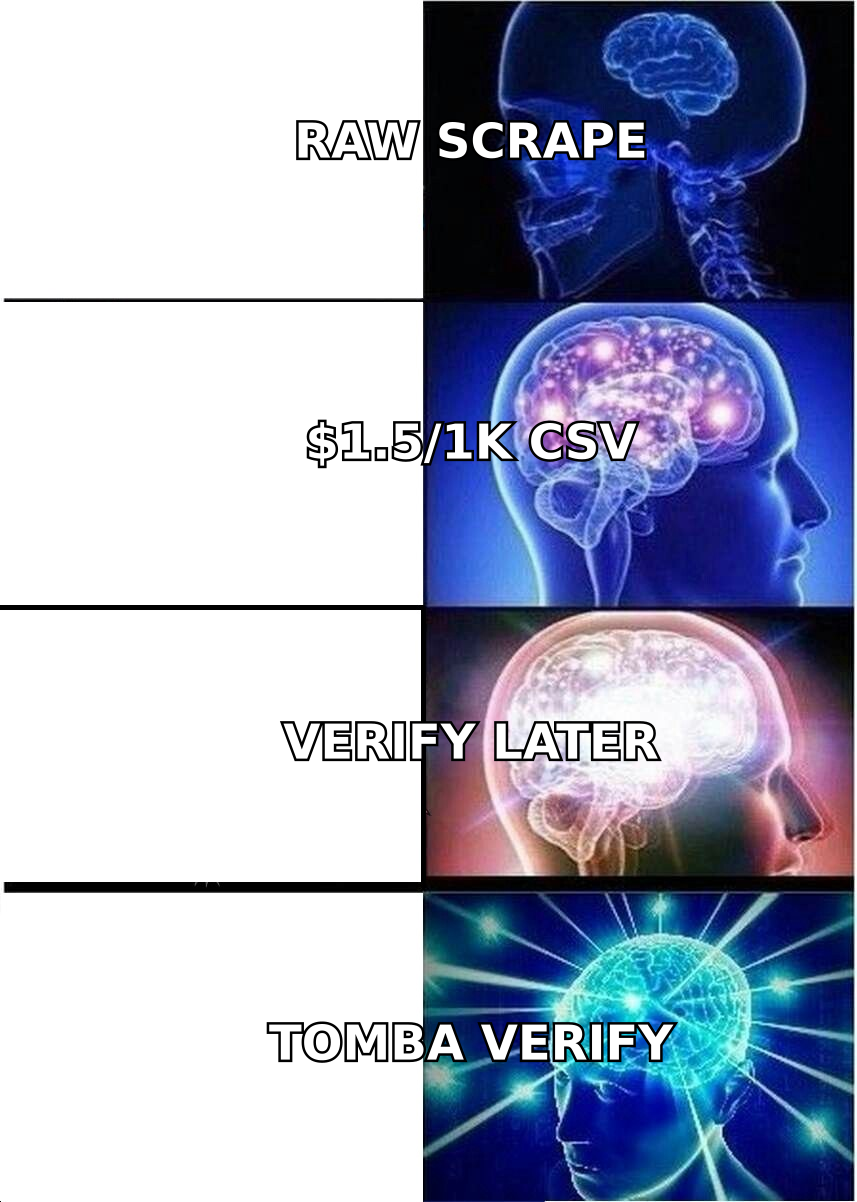
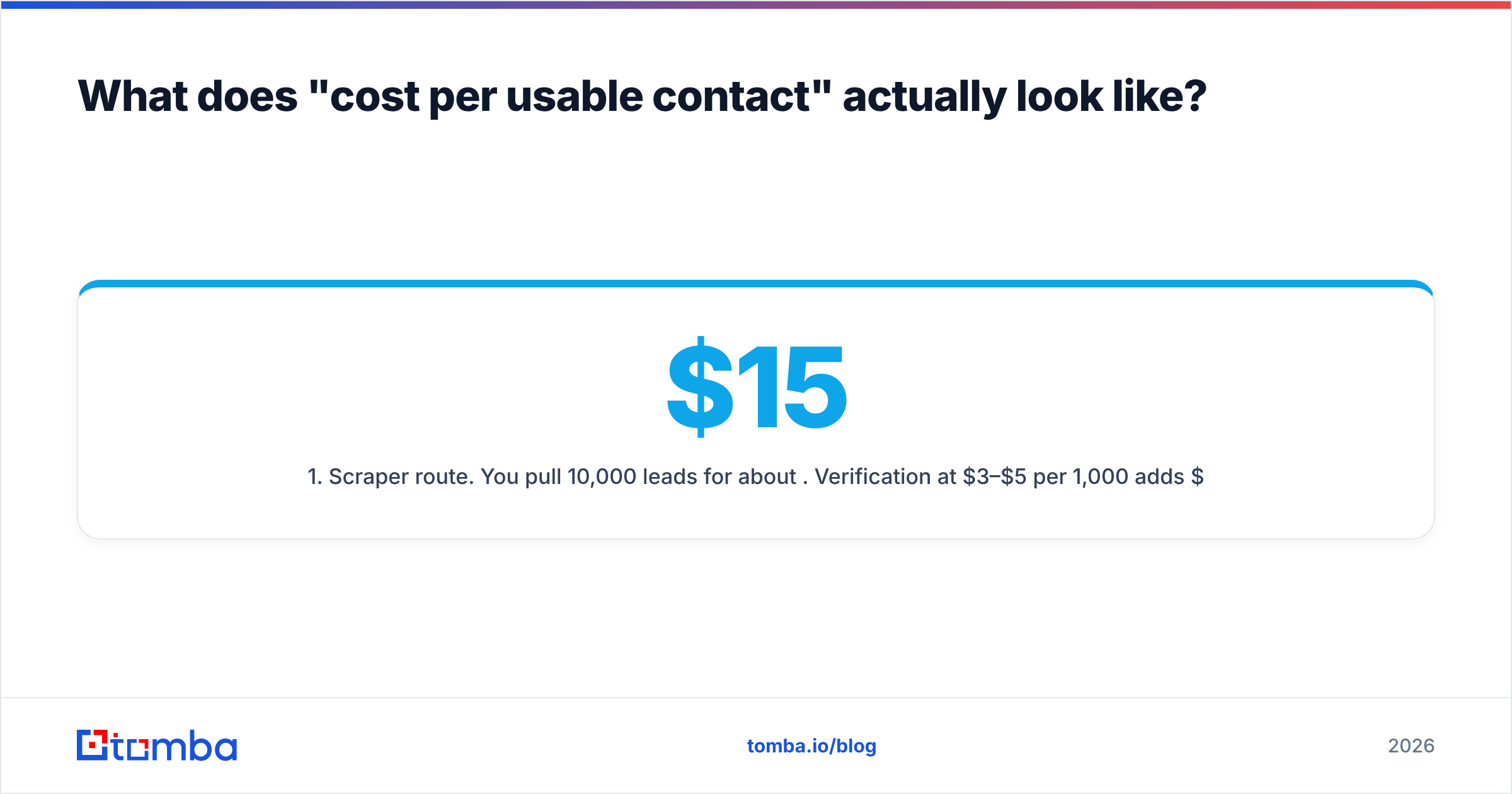
- Scraper route. You pull 10,000 leads for about $15. Verification at $3–$5 per 1,000 adds $30–$50. Say 30% of the list is invalid, risky or catch-all and gets removed. You end up with about 7,000 contacts that can be sent, after 2–3 hours of cleanup. Add your time and the cost per usable contact is no longer close to zero.
- Verified-finder route. You pay a monthly plan and only search the accounts you actually want. Because results are verified when you get them, almost everything you export can be sent. You get fewer records, but little is wasted.
- Pay-as-you-go list route. You buy exactly the segment you need, already verified, with no subscription left running after the campaign.
The right choice depends on volume. If you send 50,000+ cold emails a month and have RevOps support, a scraper plus a verifier can win on cost. If you're an SDR team of 2–10 people working named accounts, the verified-finder route almost always wins on hours saved and domain health.
Which Leadsfinder alternative should you pick?#
Pick the tool that matches how you find leads, not the one with the biggest database claim:
- You work named accounts or ABM lists: Tomba or Hunter. You start from a domain or a person and get verified emails back.
- You want one tool for search, sequences and calls: Apollo, or Snov.io on a tighter budget.
- You already send through Saleshandy: use its Lead Finder and drop the separate export step.
- You live in LinkedIn: Skrapp or Lusha.
- You need phone numbers for senior buyers: RocketReach or Lusha.
- You buy lists a few times a year: BookYourData's pay-as-you-go model avoids a subscription you'd barely use.
- You need raw volume and have a data team: keep Leadsfinder, and put a verifier between it and your sequencer.
Whatever you choose, run the 200-contact test from the TL;DR. Take 200 contacts you already know are valid, from closed-won deals or recent replies. Run them through two finalists and compare match rate, accuracy and catch-all handling. You'll have your answer in less than an hour.
Frequently asked questions#
Is Leadsfinder the same as Apollo? No. The Apify Leads Finder is a third-party scraper that describes itself as an Apollo alternative. Apollo is a full prospecting platform with its own database, sequencing and CRM integrations.
Are scraped leads legal to email? It depends on where the recipients are and what your lawful basis is. GDPR in the EU and UK and CAN-SPAM in the US set different requirements. Whatever tool you use, make sure you can document where each contact came from and honor opt-outs.
What's the cheapest Leadsfinder alternative with verification included? For low volume, the free tiers from Tomba, Hunter and Apollo cover light usage. For occasional larger pulls, pay-as-you-go options avoid paying a monthly fee for credits you don't use.
Do I still need a separate email verifier? If your finder verifies at search time and flags catch-all domains, usually not for fresh exports. Re-verify any list older than about 60 days before you send to it again.
Ready to replace scraped lists with verified emails?#
If you're moving away from Leadsfinder because of bounces rather than price, the fix is to verify at the point where you find the contact. Tomba Email Finder returns verified professional emails from a domain, a name or a company, shows the public sources behind each address, and flags catch-all domains before they reach your sequencer. Start on the free plan with 25 searches a month, run your own 200-contact test, and compare Tomba pricing with what cleanup is costing you now.
Related guides#
// get started
Find, verify and enrich your first contacts today
Start on the free plan with 25 searches a month, then scale when your team is ready.
Free plan · No credit card required · GDPR & CCPA
// about the author