Leadsforge vs MyEmailVerifier: Which Tool Fits Your Stack in 2026?
Leadsforge builds lead lists from a plain-English prompt. MyEmailVerifier cleans lists you already have. They do different jobs, so here is how to tell which one your outbound workflow needs, or whether you need both.
TL;DR
- Leadsforge is a lead generation tool. You describe your ideal customer in plain English and it builds a contact list from its database. It is part of the Forge ecosystem, next to Salesforge and Warmforge.
- MyEmailVerifier is an email verification service. It creates no leads. It checks the emails you already have and tells you which are valid, invalid, risky, or catch-all.
- These two tools are not really competitors. Leadsforge answers "who should I email?" and MyEmailVerifier answers "is this address safe to send to?"
- Buy Leadsforge if your problem is an empty pipeline. Buy MyEmailVerifier if your problem is bounces from lists you already own. If you want finding and verifying in one place, look at an all-in-one email finder.
- Pricing on both changes often. Check the current plans before you commit. The numbers in this article are there to show structure, not to be quoted as final.
What is Leadsforge?#
Leadsforge is an AI-assisted lead generation platform from the team behind Salesforge. Its main selling point is the interface. You don't stack filters in a sidebar the way you would in a traditional B2B database. You type a description of the customers you want, such as "Series A SaaS companies in Germany with 20–100 employees, VP of Sales or Head of Growth." The tool turns that prompt into a search and returns a list of matching contacts.
In practice, Leadsforge works like a research assistant that already has the filing cabinet open. You describe the person, and it pulls the folders.
What you get:
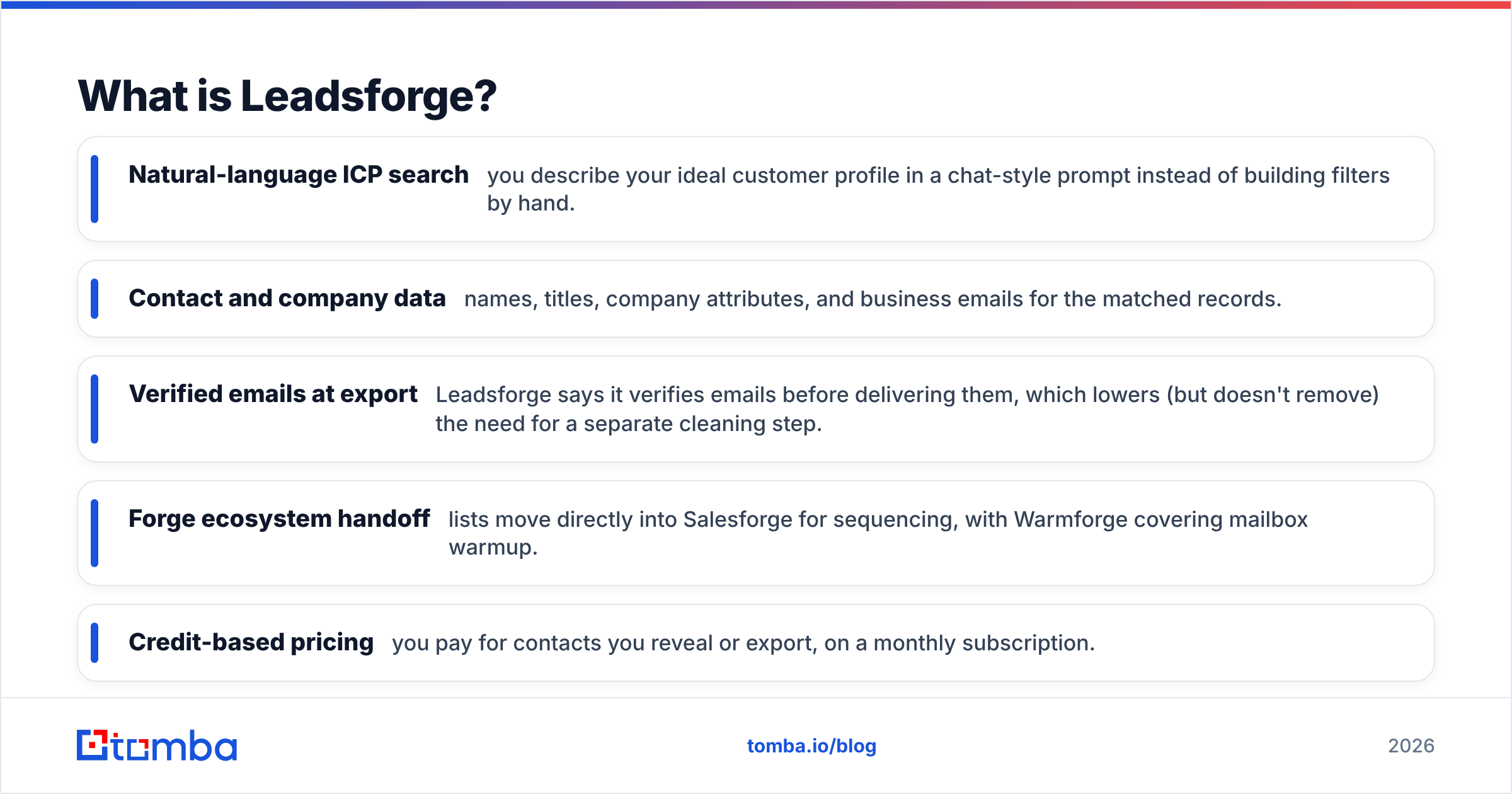
- Natural-language ICP search: you describe your ideal customer profile in a chat-style prompt instead of building filters by hand.
- Contact and company data: names, titles, company attributes, and business emails for the matched records.
- Verified emails at export: Leadsforge says it verifies emails before delivering them, which lowers (but doesn't remove) the need for a separate cleaning step.
- Forge ecosystem handoff: lists move directly into Salesforge for sequencing, with Warmforge covering mailbox warmup.
- Credit-based pricing: you pay for contacts you reveal or export, on a monthly subscription.
Leadsforge is built for founders, agencies, and small SDR teams who want a usable prospect list quickly and don't want to learn a complex filter UI.
What is MyEmailVerifier?#
MyEmailVerifier is a standalone email validation service. You upload a CSV, paste a list, or call its API, and it runs every address through a series of checks.
- Syntax and format checks: catches typos, malformed addresses, and invalid characters.
- Domain and MX validation: confirms the domain exists and can receive mail.
- SMTP mailbox check: asks the receiving server whether the mailbox exists, without sending an email.
- Catch-all detection: flags domains that accept every address, where a "valid" result doesn't prove the mailbox is real.
- Disposable and role-based flags: marks throwaway inboxes and generic addresses like info@ or sales@.
Its reputation rests on two things: low per-credit pricing and a pay-as-you-go model. You aren't locked into a subscription you don't use. The service has also offered a small free daily allowance for spot checks. Confirm the current terms on its site, because free-tier details change.
MyEmailVerifier is aimed at marketers cleaning newsletter lists, agencies checking client data before a campaign, and outbound teams that already source leads elsewhere but need bounce rates under control.
Is Leadsforge better than MyEmailVerifier?#
Neither is better overall, because they solve different problems. Comparing them head-to-head is a bit like comparing a fishing boat with a fish scale. One brings the catch in. The other tells you whether the catch is worth keeping.
Here is how they compare on the attributes that matter when you're choosing:
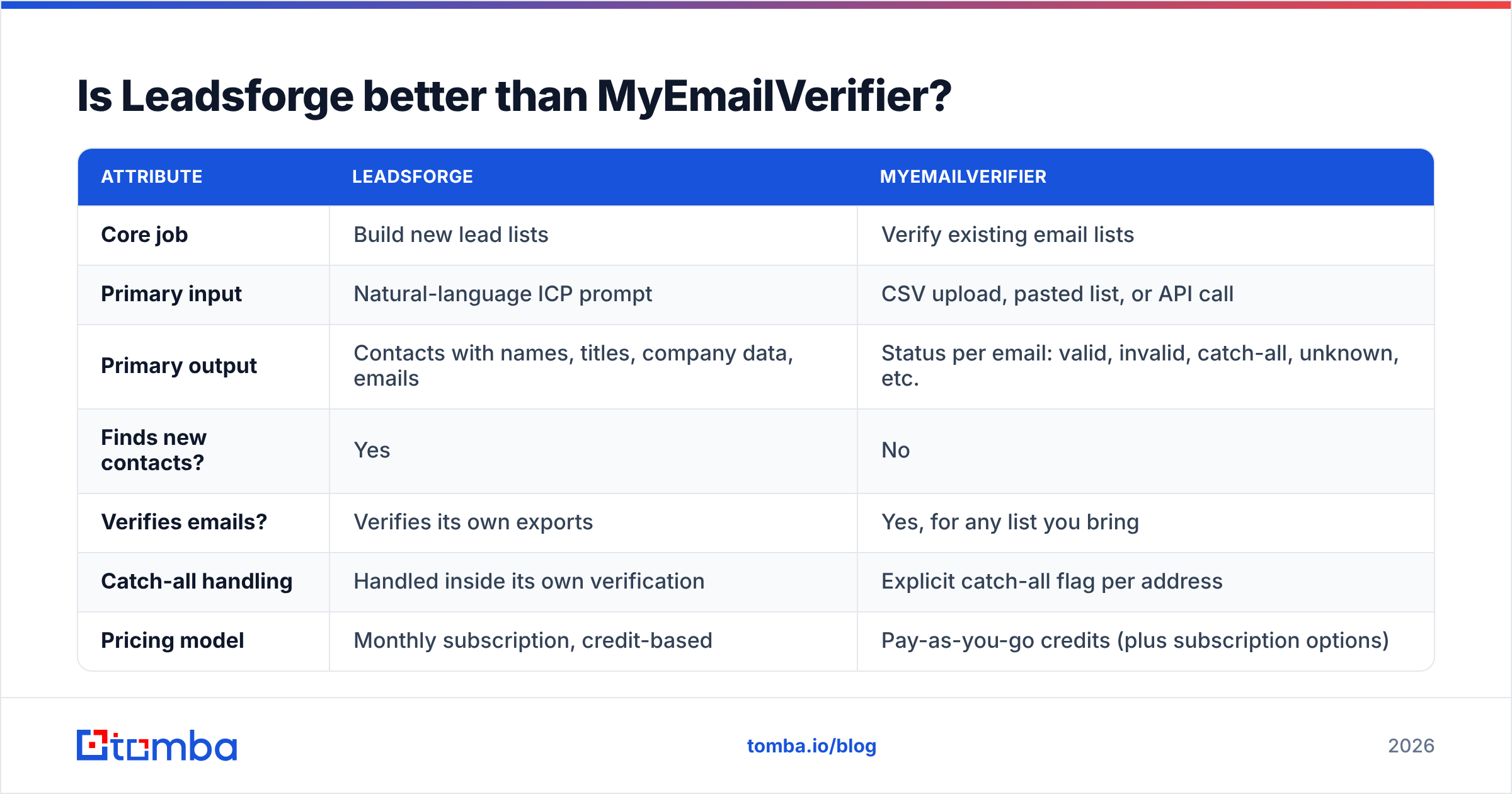
| Attribute | Leadsforge | MyEmailVerifier |
|---|---|---|
| Core job | Build new lead lists | Verify existing email lists |
| Primary input | Natural-language ICP prompt | CSV upload, pasted list, or API call |
| Primary output | Contacts with names, titles, company data, emails | Status per email: valid, invalid, catch-all, unknown, etc. |
| Finds new contacts? | Yes | No |
| Verifies emails? | Verifies its own exports | Yes, for any list you bring |
| Catch-all handling | Handled inside its own verification | Explicit catch-all flag per address |
| Pricing model | Monthly subscription, credit-based | Pay-as-you-go credits (plus subscription options) |
| Free option | Limited trial credits | Small free allowance for testing |
| API | Available, oriented to the Forge ecosystem | Yes, real-time and bulk verification API |
| Best-fit user | Founders, agencies, SDRs starting from zero | Marketers and teams with lists that already exist |
| Main integration story | Native handoff to Salesforge and Warmforge | Works with ESPs and CRMs via integrations and API |
| Biggest limitation | You depend on one database's coverage | Can't help if you have no list to verify |
The table shows the split clearly. Leadsforge replaces your list-sourcing step. MyEmailVerifier protects your sending step. The real question isn't which tool wins but which gap in your workflow costs you more.

How do Leadsforge and MyEmailVerifier compare on pricing?#
The pricing models reflect what each tool is for.
Leadsforge charges a monthly subscription with a credit allowance. Each revealed or exported contact uses credits. This fits teams that need a steady flow of new prospects every month. It fits poorly if you prospect in bursts, such as one big campaign per quarter, because unused monthly credits don't carry over forever. Check leadsforge.ai for the current tiers. Forge has changed its packaging several times as the product suite grew.
MyEmailVerifier is best known for pay-as-you-go credit packs. You buy a block of verifications and use them when you need them. Per email, it sits at the budget end of the verification market, which is why it shows up on so many "cheap email verifier" lists on G2 and similar review sites. For irregular usage this model is hard to beat, because nothing expires just because you had a quiet month.
A rough way to think about cost:
- You need 1,000 new prospects a month. Leadsforge covers most of that job. MyEmailVerifier covers none of it.
- You have a 50,000-row CRM export going stale. MyEmailVerifier is the cheap, obvious choice. Leadsforge doesn't solve this problem.
- You need both, every month. You end up paying two vendors and moving CSVs between them. This is where a combined finder-plus-verifier usually works out cheaper.
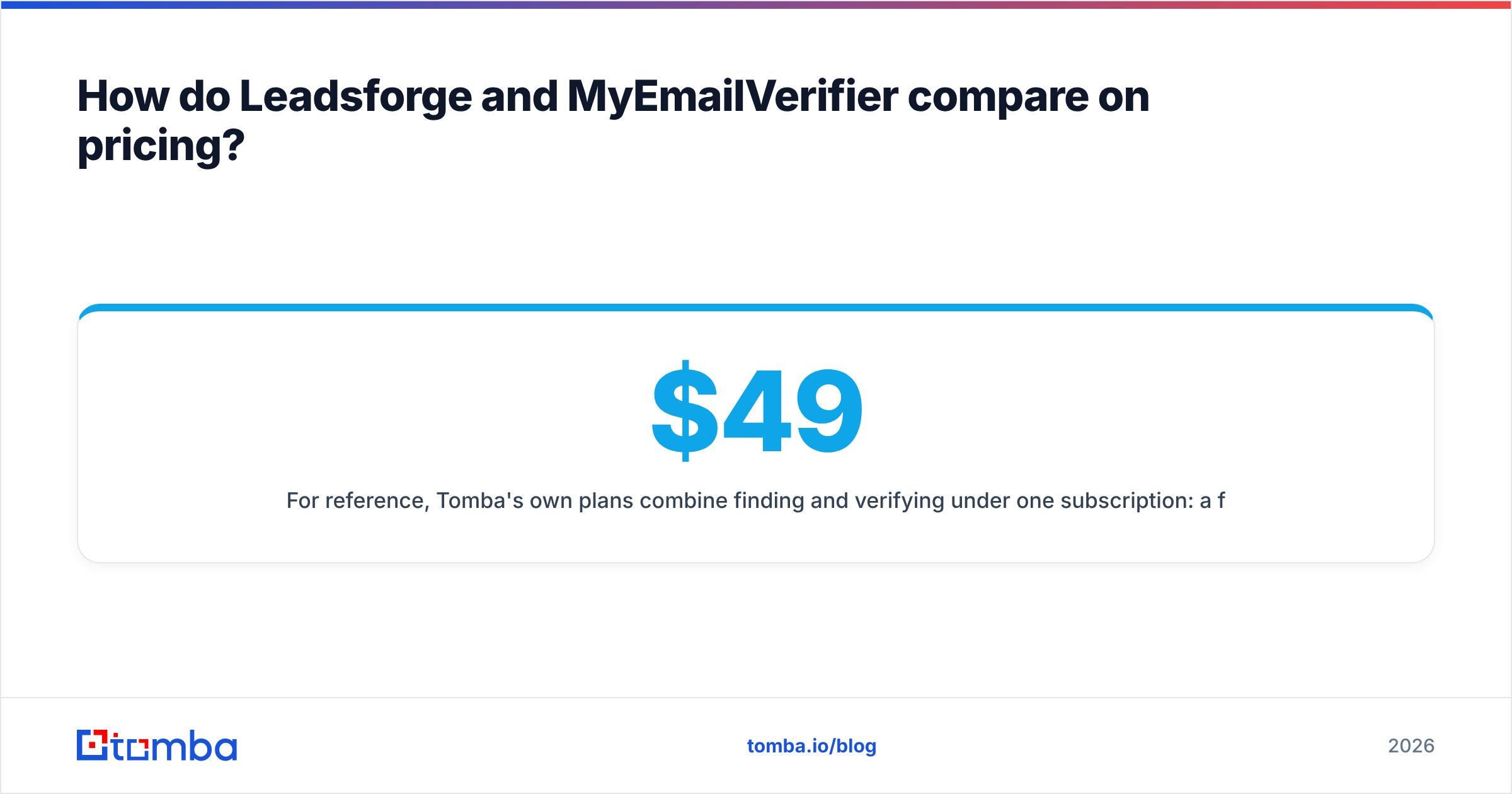
For reference, Tomba's own plans combine finding and verifying under one subscription: a free tier with 25 searches a month, Starter at $49/mo, Growth at $99/mo, Pro at $249/mo, and custom Enterprise pricing. The full breakdown is on the Tomba pricing page.
Which one gives you more accurate emails?#
On accuracy, the two tools don't compete directly, but the question still matters.
Leadsforge accuracy depends on the underlying database. Leadsforge verifies emails before export, which removes many obvious bad addresses. But any database decays. People change jobs, companies rebrand, and domains move to new mail providers. A contact that verified clean at export can bounce three weeks later if you let the list sit.
MyEmailVerifier accuracy is about classification: how reliably it labels an address valid or invalid. Like every SMTP-based verifier, its weak spot is catch-all domains. A catch-all server accepts mail for any address, so no verifier can confirm a specific mailbox with certainty. MyEmailVerifier flags these as catch-all instead of guessing, which is the honest behavior. You still have to decide whether to send to them.
Some practical rules, whichever tool you use:
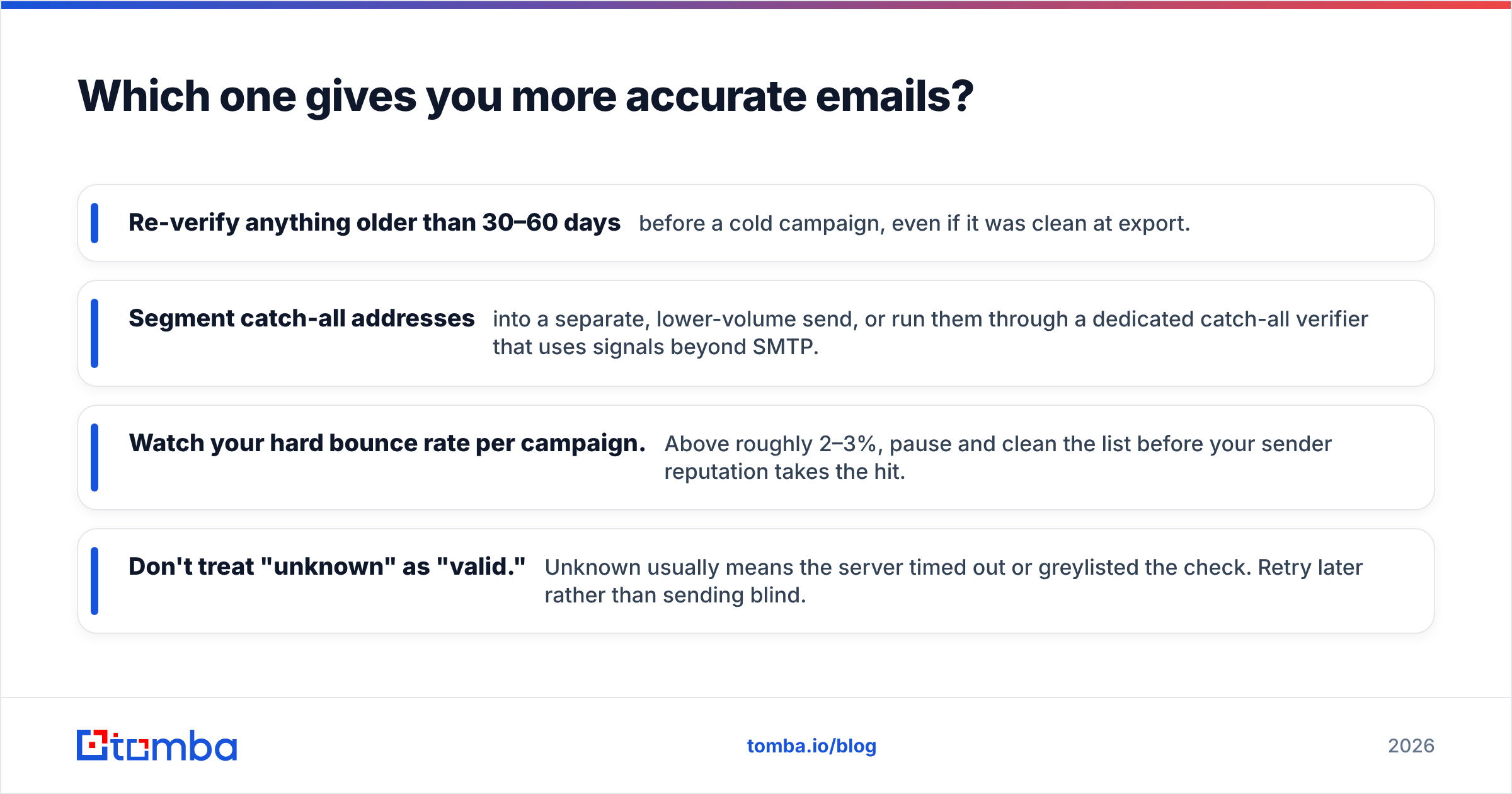
- Re-verify anything older than 30–60 days before a cold campaign, even if it was clean at export.
- Segment catch-all addresses into a separate, lower-volume send, or run them through a dedicated catch-all verifier that uses signals beyond SMTP.
- Watch your hard bounce rate per campaign. Above roughly 2–3%, pause and clean the list before your sender reputation takes the hit.
- Don't treat "unknown" as "valid." Unknown usually means the server timed out or greylisted the check. Retry later rather than sending blind.
What does each workflow look like day to day?#
Seeing the actual steps makes the difference clearer.
A typical Leadsforge workflow
- Write an ICP prompt describing role, industry, company size, and geography.
- Review the matched contacts and refine the prompt if the results drift.
- Export the list, or push it straight into Salesforge.
- Sequence the contacts, with Warmforge keeping your mailboxes warm.
It's quick and it keeps you inside one vendor's ecosystem. That suits you well if you're already on Salesforge. It's less convenient if your sequencer is Instantly, Lemlist, Apollo, or HubSpot, because you're back to exporting and importing CSVs.
A typical MyEmailVerifier workflow
- Export a list from your CRM, ESP, event tool, or scraped source.
- Upload it, or send it through the API.
- Download the results with a status column per address.
- Remove invalids, quarantine catch-alls and unknowns, and re-import the clean segment.
It's simple and cheap, and it fits any stack. But the tool sits at the end of the pipeline. It can only clean what someone else found.
When should you choose Leadsforge?#
Choose Leadsforge when:
- Your pipeline is empty and you need net-new contacts this week, not a better version of a list you already have.
- You already use Salesforge or plan to, so the native handoff saves real time.
- Your team doesn't want to learn a filter-heavy database UI. The prompt-based search has a much gentler learning curve.
- You run an agency and repeatedly build lists for different client ICPs.
Think twice if you need deep, niche coverage in a specific region or vertical. Test a sample search against a list you already trust before committing to a plan.
When should you choose MyEmailVerifier?#
Choose MyEmailVerifier when:
- You already have lists from CRM exports, webinar sign-ups, trade shows, or older campaigns, and bounces are hurting deliverability.
- Your usage is irregular. Pay-as-you-go credits suit teams that verify in large, infrequent batches.
- Budget per verification matters most. It's one of the more affordable options in the category.
- You want a neutral cleaner that works with whatever finder, database, or ESP you already use.
Think twice if you expect it to fix a lead shortage. It won't. A perfectly verified list of the wrong people is still the wrong list.
Do you actually need both tools?#
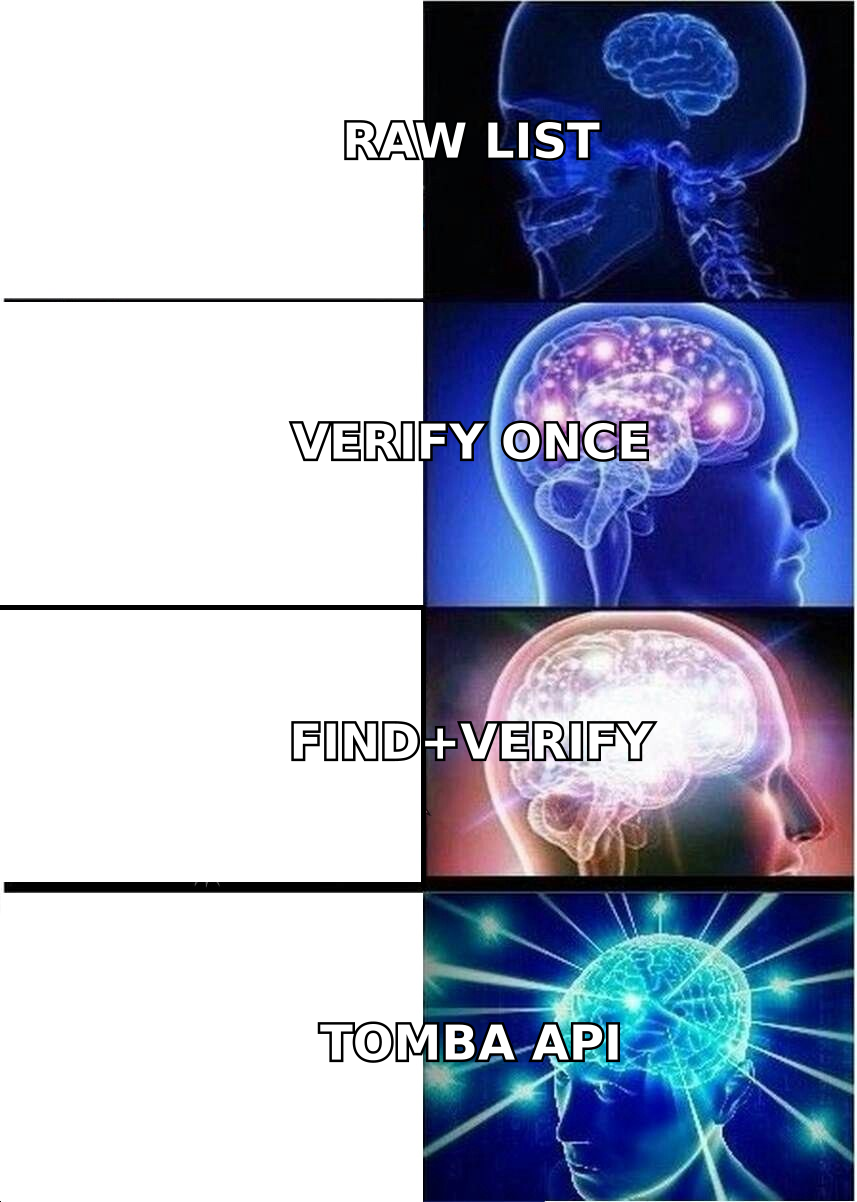
Many outbound teams end up with a stack like this: a database or finder for sourcing, a separate verifier for cleaning, and a sequencer for sending. Leadsforge plus MyEmailVerifier is a valid version of that stack. It's cheaper than an enterprise data contract, and each tool is good at its narrow job.
The friction is in the handoffs:
- Two logins, two bills, two credit balances to keep track of.
- CSV shuffling between tools, which is where duplicates, stripped columns, and mismatched encodings creep in.
- Double-paying for verification. Leadsforge already verifies its exports, so running everything through MyEmailVerifier again partly repeats the work. It only pays off on lists that have aged.
- No single view of data quality. When a campaign bounces, it's harder to tell whether the sourcing or the verification failed.
If you prospect in low volume, the two-tool setup is fine. Once you're running several campaigns a week, consolidating sourcing and verification usually saves more time than it costs. A consolidated tool typically covers more of the pipeline: it can find emails by name or domain, verify them in the same step, and flag catch-alls without a second upload. If you evaluate platforms this way, check review aggregators such as G2 for real user complaints about data freshness, not just the headline accuracy claims.
How does Tomba fit into this comparison?#
Tomba sits between the two tools, closer to "finder with built-in verification" than to either pure play.
- Like Leadsforge, the Tomba Email Finder sources new contacts. You search by name and company, by domain, or through the Chrome extension on LinkedIn and company sites.
- Like MyEmailVerifier, the Tomba email verifier checks any list you upload, including catch-all detection. You aren't limited to addresses Tomba found itself.
- Unlike either tool on its own, finding and verifying share one account, one API, and one credit system. It also connects to the sequencers and CRMs most teams already use rather than one vendor's ecosystem.
That doesn't make Tomba the right answer for everyone. If you're committed to the Forge ecosystem, Leadsforge's native Salesforge handoff is a real advantage. If all you need is the cheapest possible bulk cleaning, a pure verifier like MyEmailVerifier is purpose-built for that. Tomba is the better fit when you're tired of stitching two tools together.
What's the final verdict on Leadsforge vs MyEmailVerifier?#
The verdict comes down to where your pipeline is breaking:
- Not enough leads? Leadsforge. It's fast, prompt-driven, and strongest when you already sequence with Salesforge.
- Too many bounces on lists you already have? MyEmailVerifier. It's cheap, flexible, and works with any stack.
- Both problems, recurring every month? Stop moving CSVs between two vendors. Use one platform that finds and verifies in the same workflow.
Run the same test on any tool you're considering. Take 200 contacts you know are accurate, run them through the tool, and compare the results with the truth. Twenty minutes of testing tells you more than any marketing page.
If you want one tool that sources and verifies contacts together, try the Tomba Email Finder. Search by name, company, or domain, and every result comes with a verification status, including catch-all flags. The free tier gives you 25 searches a month to test it against your real ICP before you pay anything, and paid plans start at $49/mo when you're ready to scale.
Related guides#
// get started
Find, verify and enrich your first contacts today
Start on the free plan with 25 searches a month, then scale when your team is ready.
Free plan · No credit card required · GDPR & CCPA
// about the author