Leadsforge vs Tomba: AI Lead Lists or Precision Email Finding?
Leadsforge builds prospect lists from a plain-English prompt. Tomba finds and verifies the email of a person or company you already have in mind. Here's how to tell which one your outbound motion needs, or whether you need both.
TL;DR
- Leadsforge is an AI list builder. You describe your ideal customer in plain English and it returns a list of companies and contacts. It's built to plug into the Forge outbound stack (Salesforge, Warmforge, Mailforge).
- Tomba is an email finder and verifier. You give it a domain, a name plus company, or a LinkedIn profile, and it returns a deliverable professional email address along with a confidence signal.
- Choose Leadsforge if your problem is "I don't know who to contact yet." Choose Tomba if your problem is "I know exactly who I want, I just need their correct email."
- On pricing, Tomba starts with a free tier (25 searches/mo), then Starter at $49/mo, Growth at $99/mo and Pro at $249/mo. Leadsforge uses credit-based plans, so check its live pricing page before you commit.
- Plenty of teams end up running both: Leadsforge to discover accounts, Tomba to fill gaps, re-verify emails and enrich records inside a CRM or spreadsheet.
What is Leadsforge, and what is Tomba?#
The two tools overlap less than their marketing suggests. Both hand you email addresses at the end, but they start from opposite ends of the prospecting workflow.
Leadsforge belongs to the Forge family of outbound products, alongside Salesforge for sequencing and the Warmforge/Mailforge infrastructure tools. The main feature is a chat-style search. You type something like "Series A fintech companies in Germany with 50–200 employees, target the Head of Sales," and it builds a list for you. You don't touch filter dropdowns or boolean strings. Lookalike search is also available: feed it a company you've already won and it finds similar ones. The result is a list you can export or push directly into a Salesforge sequence.
Tomba works the other way round. Its core product is the email finder. You enter a name and company (or just a domain) and Tomba returns the most likely professional address, verification status and the public sources where the address was seen. The domain search returns every address Tomba knows at a company. The email verifier, catch-all verifier, phone finder and enrichment tools cover the rest of the contact data job.
Here's an analogy. Leadsforge is a recruiter who hands you a shortlist of candidates. Tomba is the directory that gets you the right phone extension for the person you've already chosen to call.
How do Leadsforge and Tomba differ in approach?#
Five differences matter when you pick between them:
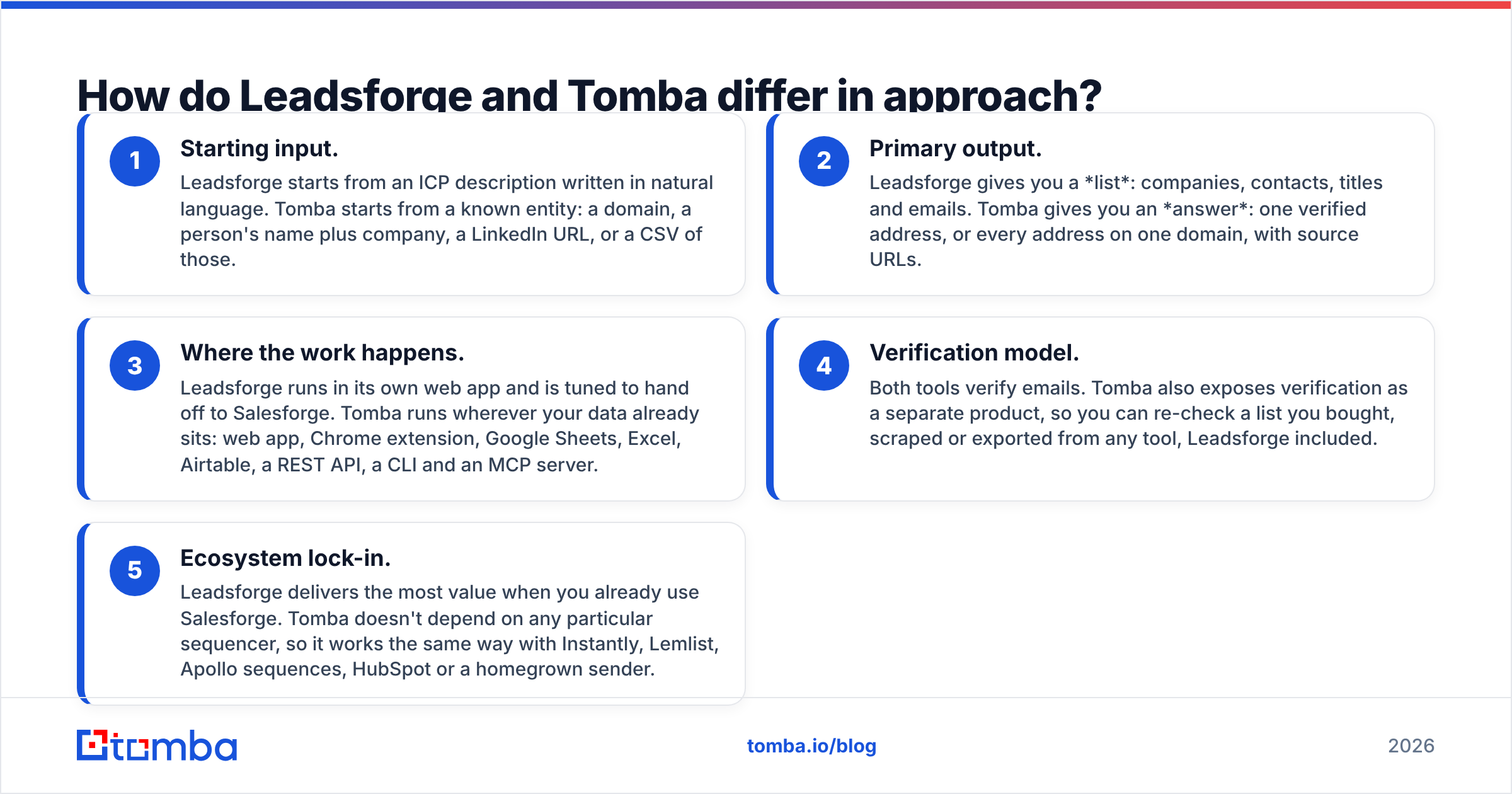
- Starting input. Leadsforge starts from an ICP description written in natural language. Tomba starts from a known entity: a domain, a person's name plus company, a LinkedIn URL, or a CSV of those.
- Primary output. Leadsforge gives you a list: companies, contacts, titles and emails. Tomba gives you an answer: one verified address, or every address on one domain, with source URLs.
- Where the work happens. Leadsforge runs in its own web app and is tuned to hand off to Salesforge. Tomba runs wherever your data already sits: web app, Chrome extension, Google Sheets, Excel, Airtable, a REST API, a CLI and an MCP server.
- Verification model. Both tools verify emails. Tomba also exposes verification as a separate product, so you can re-check a list you bought, scraped or exported from any tool, Leadsforge included.
- Ecosystem lock-in. Leadsforge delivers the most value when you already use Salesforge. Tomba doesn't depend on any particular sequencer, so it works the same way with Instantly, Lemlist, Apollo sequences, HubSpot or a homegrown sender.

Leadsforge vs Tomba: how do the features compare?#
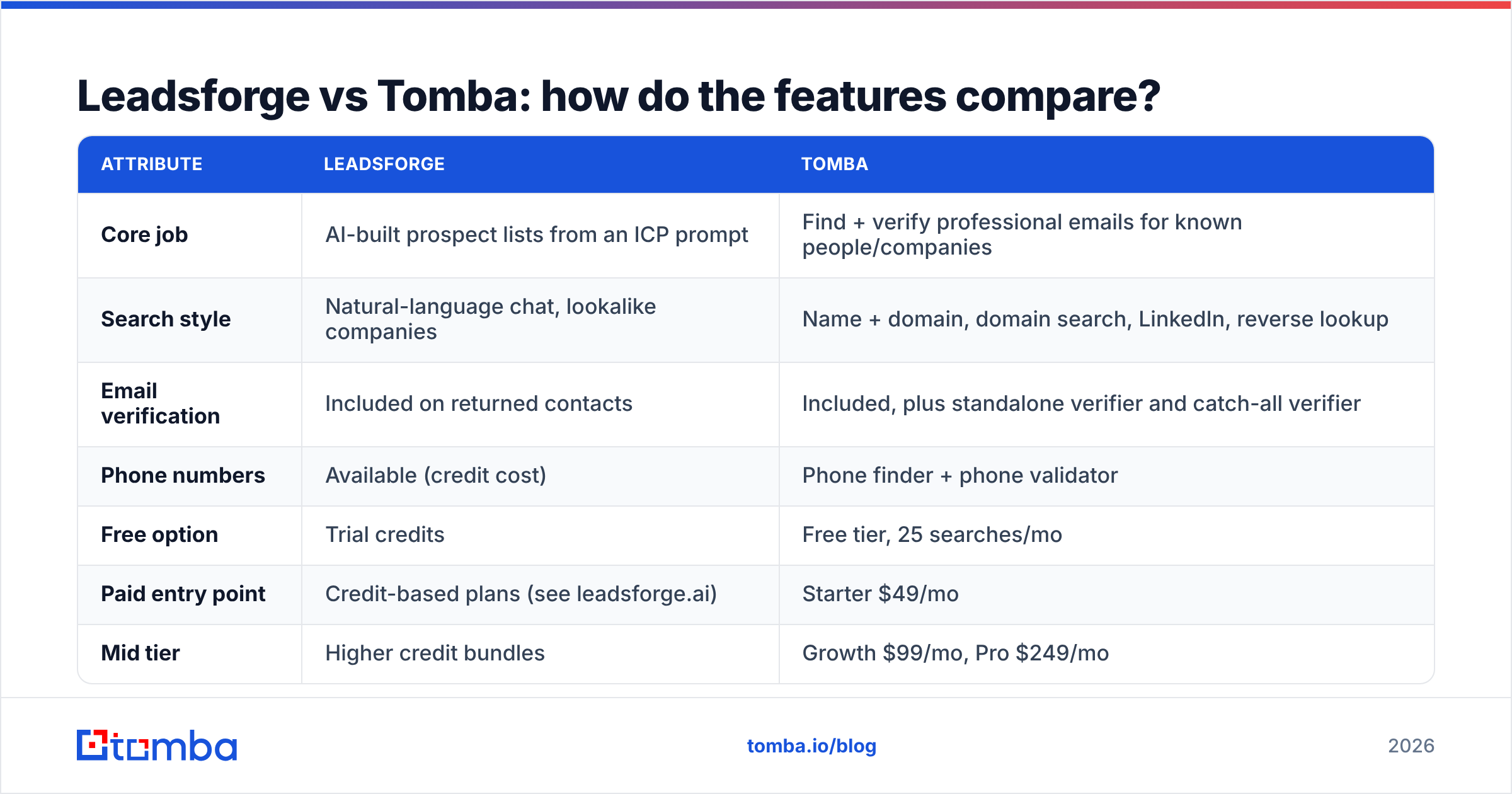
This table uses publicly listed capabilities as of 2026. Leadsforge ships quickly, so confirm plan details on its site before you buy.
| Attribute | Leadsforge | Tomba |
|---|---|---|
| Core job | AI-built prospect lists from an ICP prompt | Find + verify professional emails for known people/companies |
| Search style | Natural-language chat, lookalike companies | Name + domain, domain search, LinkedIn, reverse lookup |
| Email verification | Included on returned contacts | Included, plus standalone verifier and catch-all verifier |
| Phone numbers | Available (credit cost) | Phone finder + phone validator |
| Free option | Trial credits | Free tier, 25 searches/mo |
| Paid entry point | Credit-based plans (see leadsforge.ai) | Starter $49/mo |
| Mid tier | Higher credit bundles | Growth $99/mo, Pro $249/mo |
| Integrations | Salesforge native, CSV export, CRM export | Chrome extension, Sheets, Excel, Airtable, HubSpot, Salesforce, Pipedrive, Zapier, Make |
| Developer access | Limited / ecosystem-focused | Full REST API, CLI, MCP server |
| Best for | Top-of-funnel discovery when your ICP is still loose | Account-based outbound, list cleanup, enrichment at scale |
In short, Leadsforge covers more of the discovery step and Tomba goes deeper on the data accuracy and plumbing step.
Which tool finds more accurate emails?#
No vendor-neutral head-to-head benchmark currently exists for Leadsforge and Tomba, and you should distrust any blog (this one included) that claims a precise percentage without showing its method. You can test it yourself in about an hour:
- Pull 100 contacts from your CRM whose emails you know are correct (recent replies, closed-won deals).
- Remove the emails and run the names and companies through both tools.
- Score each tool on exact matches, "valid but wrong person," catch-all/unknown results and misses.
Some structural points are still worth knowing before you test.
Tomba's advantage is transparency. Each result comes with its public sources and a verification status, so a rep can see why an address is trusted. Catch-all domains are common at mid-market and enterprise companies, and on those the catch-all verifier gives you a signal where a basic SMTP check just returns "accept-all."
Leadsforge's advantage is coverage of unknowns. If you don't yet know who the Head of RevOps is at 400 target accounts, Tomba's name-based finder can't help much until you have names. Tomba's domain search can list known addresses per company, but Leadsforge's ICP-to-contact flow is simply faster for that job.
Independent reviews on G2 are useful for spotting patterns. Look for complaints about bounce rates, credits charged on unverified results, and support response times, and weigh those above star averages.
How much do Leadsforge and Tomba cost?#
The two tools charge in different ways, and that matters more than the headline price.
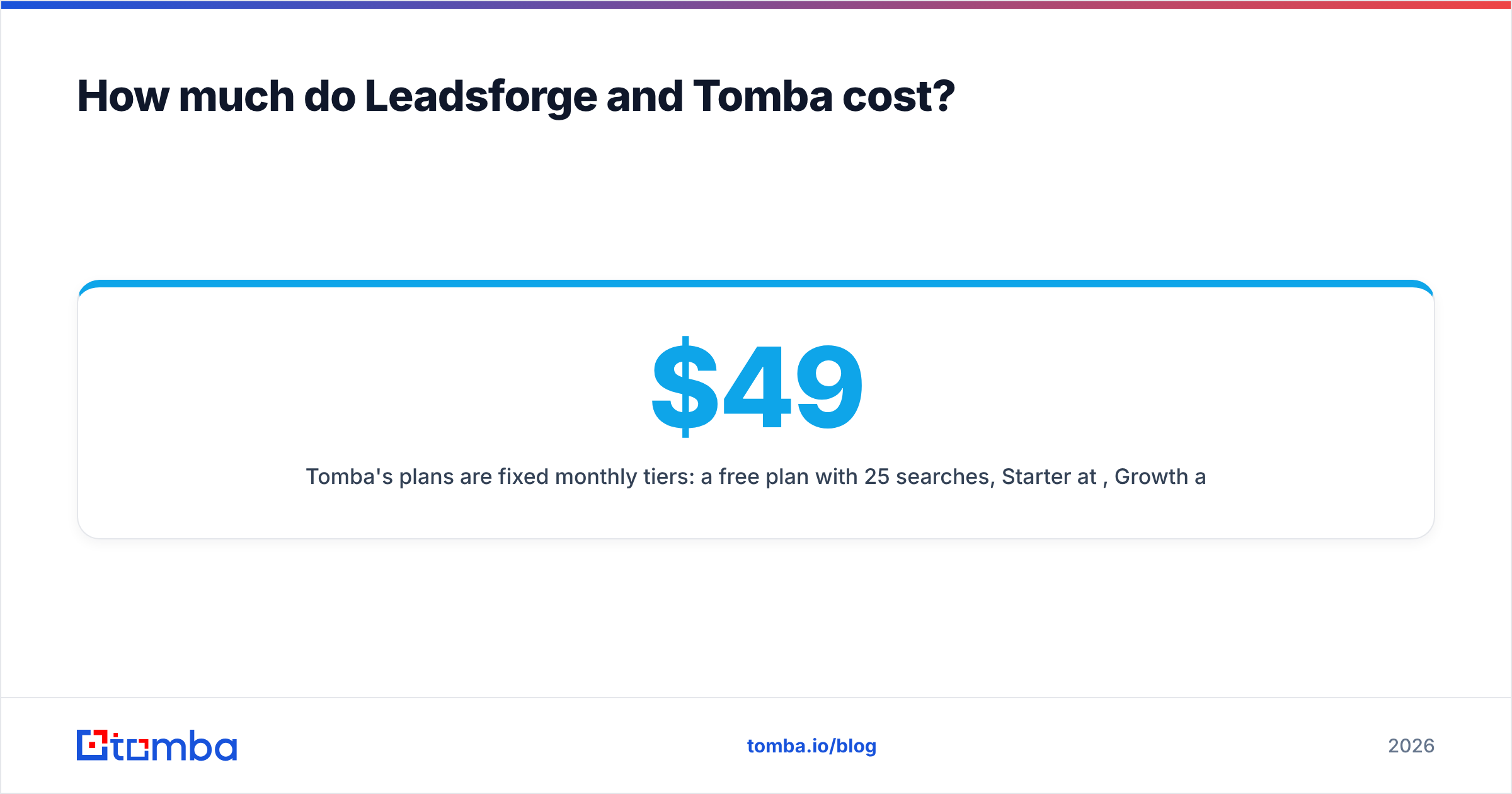
Tomba's plans are fixed monthly tiers: a free plan with 25 searches, Starter at $49/mo, Growth at $99/mo, Pro at $249/mo, and custom Enterprise pricing. Full limits per tier are on the Tomba pricing page. Searches and verifications are separate allowances, so you can clean an existing list without using up your finder quota.
Leadsforge sells credits. You spend them when you reveal contacts, and phone numbers or extra enrichment usually cost more. Credit models suit bursty usage, where you build a big list one month and none the next. They get expensive when:
- your ICP prompt is too broad and you reveal contacts you'll never email,
- you rebuild similar lists every month instead of reusing and refreshing them,
- you pay premium credits for phone numbers your team never dials.
With either vendor, the useful number is cost per contact that actually gets sent to. Take your monthly spend, subtract the contacts you discarded (wrong persona, bounced, duplicates) and divide by what's left. On that measure, precision tools often come out ahead for account-based teams, and list builders come out ahead for high-volume SMB outbound.
Which one fits your outbound workflow?#
Answer these questions honestly before you decide.
Do you already have a target account list? If RevOps hands reps a named account list every quarter, you need to find people and emails inside known companies. That's Tomba's strength: domain search per account, the email finder for named buyers, and the verifier before every send.
Is your ICP still being worked out? Early-stage founders testing three verticals at once will get more from Leadsforge's conversational search. You can change the prompt, compare list sizes and pivot within minutes.
Where do your reps work? If they live in LinkedIn and Gmail, Tomba's Chrome extension puts lookups in the browser tab they already have open. If the team runs everything inside Salesforge, Leadsforge's native handoff removes a CSV step.
Do you automate data flows? If you enrich inbound leads in HubSpot, score them in a warehouse, or run agents that research accounts, you need an API. The Tomba API, CLI and MCP server are built for that. Leadsforge is mainly a UI tool.
How big is your sending volume? For high-volume cold email with rotating inboxes, the Forge stack is a coherent all-in-one purchase. At lower volume with more personalised, account-based outreach, per-contact accuracy matters more than list size.
Can you use Leadsforge and Tomba together?#
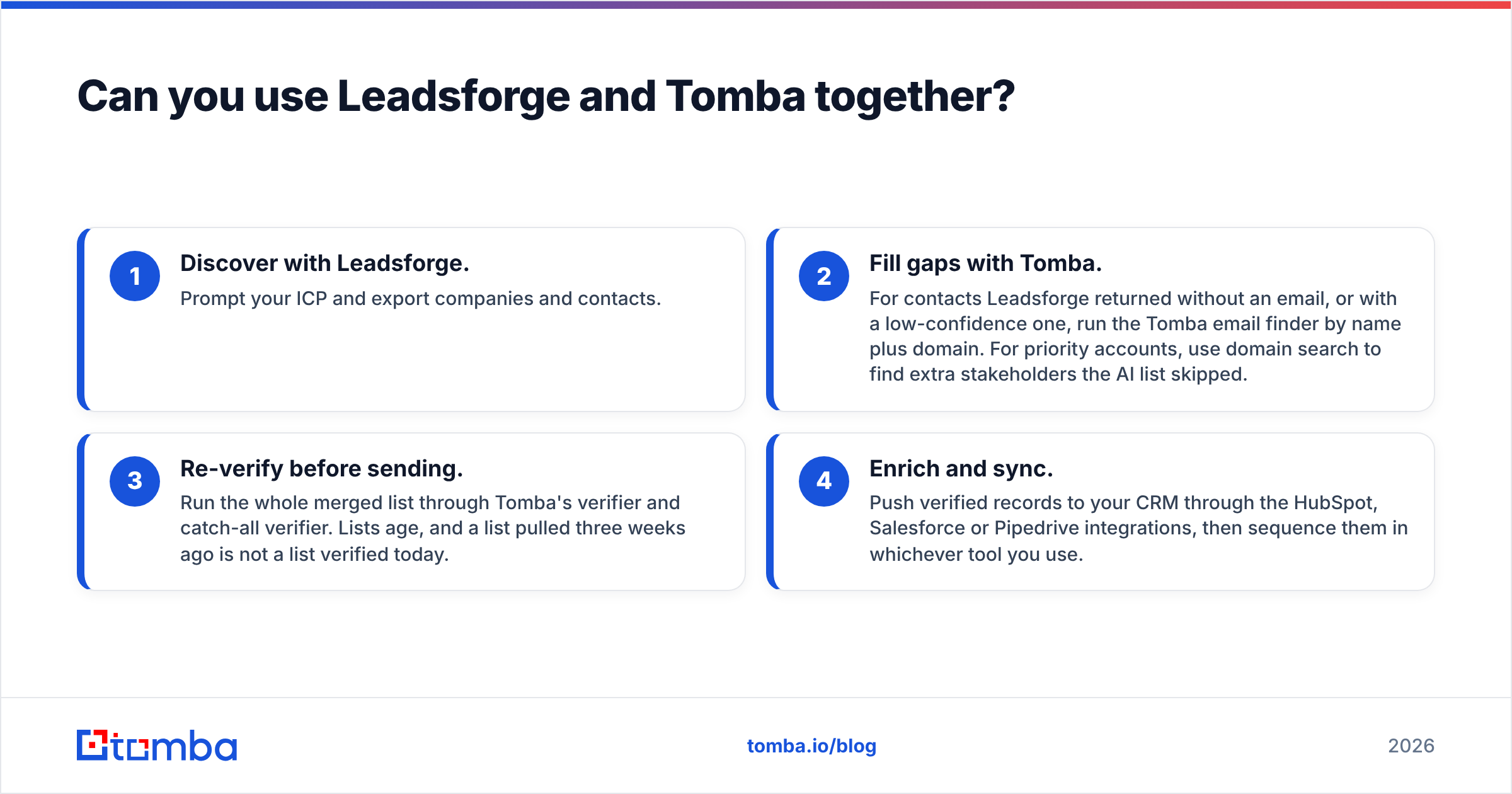
Yes, and this setup is common. A practical stack looks like this:
- Discover with Leadsforge. Prompt your ICP and export companies and contacts.
- Fill gaps with Tomba. For contacts Leadsforge returned without an email, or with a low-confidence one, run the Tomba email finder by name plus domain. For priority accounts, use domain search to find extra stakeholders the AI list skipped.
- Re-verify before sending. Run the whole merged list through Tomba's verifier and catch-all verifier. Lists age, and a list pulled three weeks ago is not a list verified today.
- Enrich and sync. Push verified records to your CRM through the HubSpot, Salesforce or Pipedrive integrations, then sequence them in whichever tool you use.
The combined cost is usually lower than it sounds because each tool does the job it's cheapest at. Leadsforge credits go only to discovery, and Tomba's allowance goes to precision and hygiene.

What are the pros and cons of each?#
Leadsforge: pros
- Natural-language ICP search is fast and friendly for beginners.
- Lookalike search is useful for expanding from closed-won accounts.
- Tight handoff to Salesforge, Warmforge and the wider Forge infrastructure.
- Good at list building when you're starting from nothing.
Leadsforge: cons
- Credit spending gets hard to predict if prompts are loose.
- Delivers the most value inside the Forge ecosystem.
- Less suited to API-first or spreadsheet-first enrichment workflows.
Tomba: pros
- Precise lookups with source transparency and clear verification status.
- Standalone verifier and catch-all verifier for cleaning lists from any source.
- Wide integration coverage: Chrome, Sheets, Excel, Airtable, CRMs, Zapier, Make, API, CLI, MCP.
- Predictable fixed pricing starting with a free tier and $49/mo Starter.
Tomba: cons
- No conversational "build me a list from scratch" experience. You bring the targets.
- Discovery depends on having domains or names first.
So, Leadsforge vs Tomba: which should you pick?#
Pick Leadsforge if you're a founder or small SDR team still finding your ICP, you send high volume, and you already run (or plan to run) Salesforge. It removes the blank-page problem.
Pick Tomba if you do account-based outbound, you already know your target companies, you need emails you can trust on catch-all domains, or you want contact data inside your CRM, spreadsheets or automations through an API.
Pick both if your pipeline has a discovery stage and a precision stage. Most B2B teams above ten reps eventually do, because they build lists broadly and then verify and enrich narrowly before anything gets sent.
The mistake to avoid is treating either tool as a single source of truth. List builders and email finders both deal with decaying data. The teams with the lowest bounce rates verify close to send time, whichever vendor supplied the contact.
Frequently asked questions#
Is Leadsforge an email finder? Partly. It returns emails as part of AI-built prospect lists, but its main job is discovering who to contact. Tomba is a dedicated email finder and verifier.
Does Tomba have a free plan? Yes. The free tier includes 25 searches per month, and paid plans start at $49/mo.
Can I verify a Leadsforge export with Tomba? Yes. Upload the CSV to Tomba's bulk verifier, or run it through the Google Sheets add-on, to re-check deliverability before you send.
Which is better for LinkedIn prospecting? Tomba's Chrome extension and LinkedIn finder pull emails directly from profiles you're viewing. Leadsforge is better for building a list of profiles you haven't found yet.
Ready to get emails you can actually send to?#
If you know which accounts you're going after and just need the right address for the right person, Tomba Email Finder is the fastest way to get it. Enter a name and company, or just a domain, and you get a verified professional email with its sources in seconds. Start with 25 free searches a month, run a test against your own CRM data, and compare the bounce rate with your current tool before you spend anything.
Related guides#
// get started
Find, verify and enrich your first contacts today
Start on the free plan with 25 searches a month, then scale when your team is ready.
Free plan · No credit card required · GDPR & CCPA
// about the author