Leadsforge vs Wiza (2026): Which Lead Finder Fits Your Pipeline?
Leadsforge builds lead lists from a plain-English ICP prompt. Wiza turns LinkedIn and Sales Navigator searches into verified contacts. Here is which one fits your outbound workflow, and when a domain-first email finder is the better call.
TL;DR
- Leadsforge is an AI list builder. You describe your ideal customer in plain English and it returns a list of companies and contacts with emails attached. It works best for teams that don't know exactly who they want yet and already send through the Forge stack (Salesforge, Mailforge, Warmforge).
- Wiza is a LinkedIn and Sales Navigator export tool. You build the search in LinkedIn, and Wiza turns that list into verified emails, phone numbers and CRM-ready rows. It works best for teams that already live in Sales Navigator.
- The real difference is where your targeting happens. Leadsforge does the targeting for you. Wiza enriches targeting you've already done.
- Neither tool starts from a company domain. If your list begins with domains (inbound signups, event lists, ABM accounts), a domain-first email finder like Tomba usually fits better and costs less per verified contact.
- Whichever you pick, verify before you send. Bounce rate is decided by the data layer, not by your copy.
What is Leadsforge?#
Leadsforge is the prospecting piece of the "Forge" family of outbound products, which also includes Salesforge for sequencing, Mailforge and Infraforge for sending infrastructure, and Warmforge for inbox warmup. Its main idea is a chat-style interface. You type something like "Series A fintech companies in the UK with 20–200 employees, heads of finance and CFOs," and the tool turns that description into filters, pulls matching companies and people, and attaches contact data.
In practice, Leadsforge is built for three things:
- ICP discovery. It helps you when you roughly know your market but haven't pinned down firmographic filters.
- Lookalike expansion. You give it companies that already buy from you and it suggests similar accounts.
- Handoff to sending. Lists move directly into Salesforge sequences, so there's no step of exporting and cleaning a CSV.
It uses credits, so you pay per contact revealed, and you can try it with free trial credits before committing. Plans and credit volumes change often, so check the live pricing on Leadsforge's official site before you budget.
What is Wiza?#
Wiza takes the opposite approach. It doesn't try to decide who you should target. It assumes you've already done that in LinkedIn or Sales Navigator and adds contact data to the result.
The core workflow:
- Build a lead list or saved search in Sales Navigator.
- Click the Wiza Chrome extension.
- Wiza exports the list and adds work emails, phone numbers (on phone plans) and company attributes.
- Push the rows to HubSpot, Salesforce or a CSV, or pull them through Wiza's API.
Wiza also reveals individual profiles as you browse LinkedIn, which suits SDRs who research accounts one at a time. It offers a free plan with a small monthly credit allowance. Paid plans split into email-only and email-plus-phone tiers, and team plans are priced on request. Current tiers are listed on Wiza's official site.

How do Leadsforge and Wiza differ at the workflow level?#
The quickest way to choose is to look at where each tool sits in your prospecting flow. Most of the practical differences between them trace back to five points:
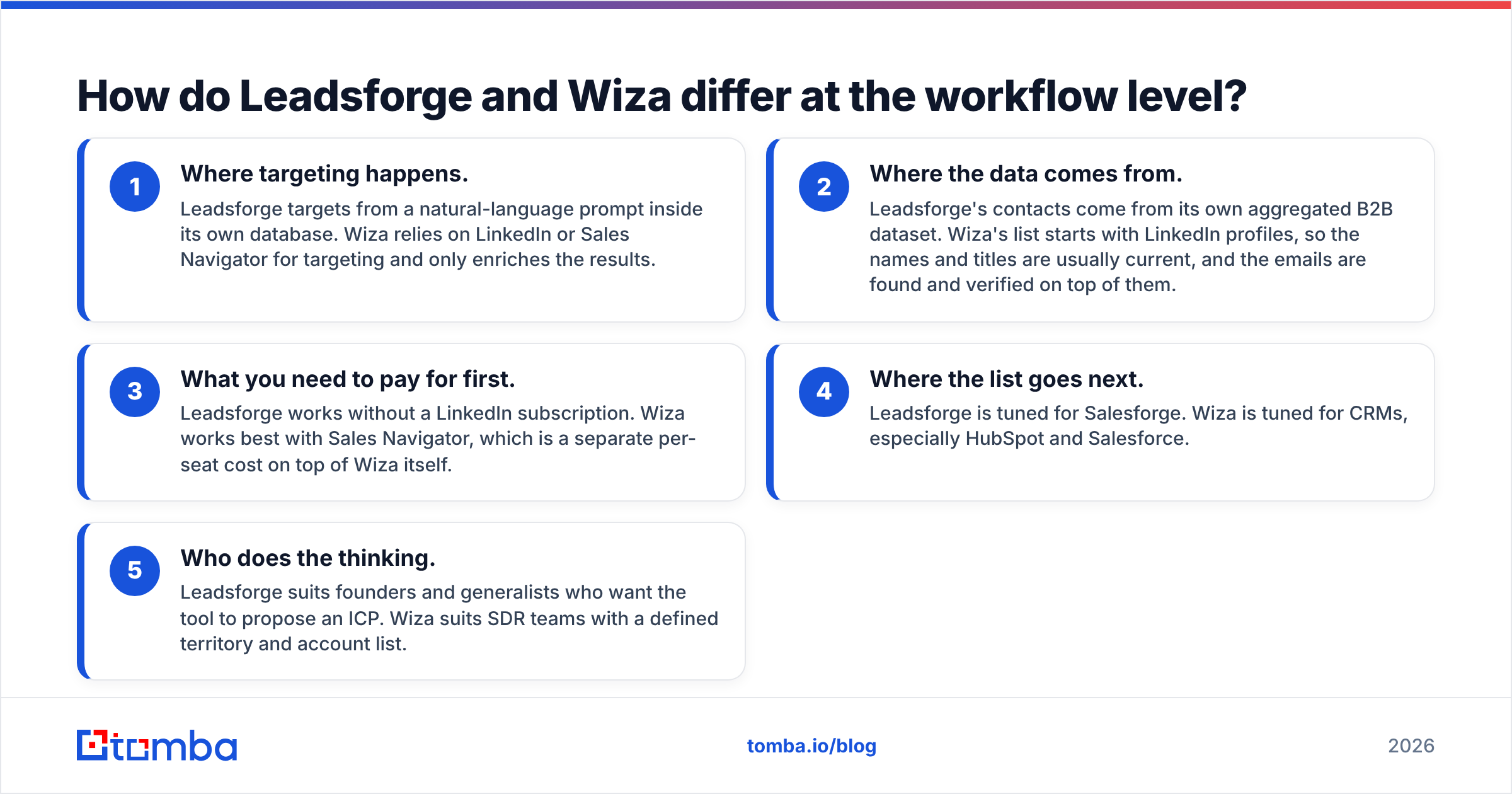
- Where targeting happens. Leadsforge targets from a natural-language prompt inside its own database. Wiza relies on LinkedIn or Sales Navigator for targeting and only enriches the results.
- Where the data comes from. Leadsforge's contacts come from its own aggregated B2B dataset. Wiza's list starts with LinkedIn profiles, so the names and titles are usually current, and the emails are found and verified on top of them.
- What you need to pay for first. Leadsforge works without a LinkedIn subscription. Wiza works best with Sales Navigator, which is a separate per-seat cost on top of Wiza itself.
- Where the list goes next. Leadsforge is tuned for Salesforge. Wiza is tuned for CRMs, especially HubSpot and Salesforce.
- Who does the thinking. Leadsforge suits founders and generalists who want the tool to propose an ICP. Wiza suits SDR teams with a defined territory and account list.
If you already pay for Sales Navigator and your reps build searches there every day, Wiza plugs into what they already do. If you don't, and you'd rather describe your market than configure 15 filters, Leadsforge will get you to a first list faster.
How do Leadsforge and Wiza compare feature by feature?#
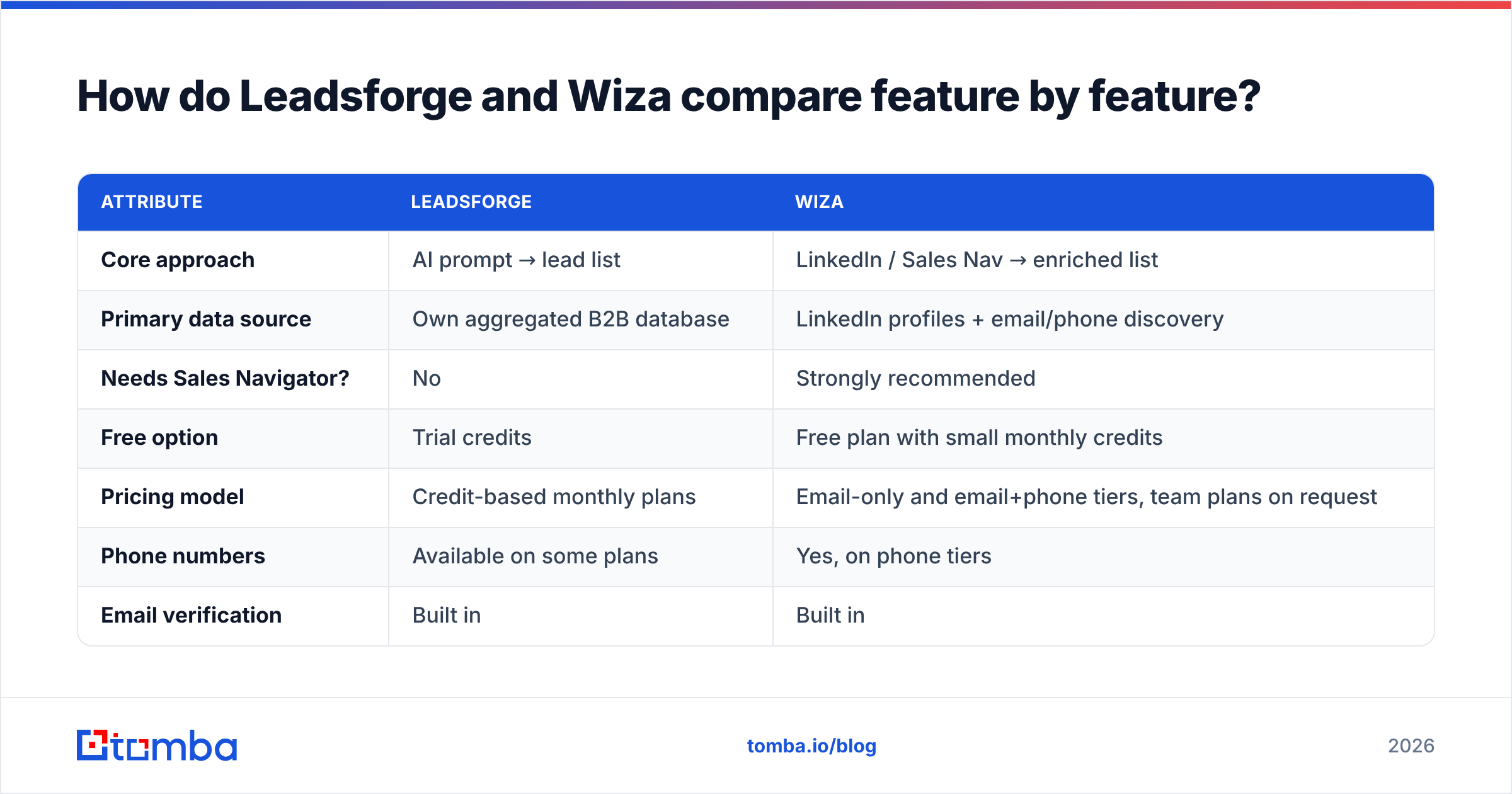
Here's a side-by-side on the attributes that matter most for outbound teams. Pricing is shown as a structure rather than exact figures because both vendors revise plans often, so always confirm on their pricing pages.
| Attribute | Leadsforge | Wiza |
|---|---|---|
| Core approach | AI prompt → lead list | LinkedIn / Sales Nav → enriched list |
| Primary data source | Own aggregated B2B database | LinkedIn profiles + email/phone discovery |
| Needs Sales Navigator? | No | Strongly recommended |
| Free option | Trial credits | Free plan with small monthly credits |
| Pricing model | Credit-based monthly plans | Email-only and email+phone tiers, team plans on request |
| Phone numbers | Available on some plans | Yes, on phone tiers |
| Email verification | Built in | Built in |
| Lookalike companies | Yes | No (you'd do this manually in LinkedIn) |
| Best native handoff | Salesforge sequences | HubSpot, Salesforce, CSV |
| API | Limited / stack-focused | Yes, public API |
| Starts from a company domain? | No | No |
| Best for | Founders, lean teams, ICP discovery | SDR teams living in Sales Navigator |

The row most buyers skip is the one about starting from a company domain. Neither tool is designed for "I have 400 company domains from a webinar signup sheet, give me the decision-makers at each." That's a common real-world input, and it's where the two tools leave a gap.
Which one gives more accurate emails?#
Short answer: you can't know without testing on your own ICP. Anyone who gives you one accuracy figure for either tool is simplifying.
Accuracy depends on a few factors that vary by segment:
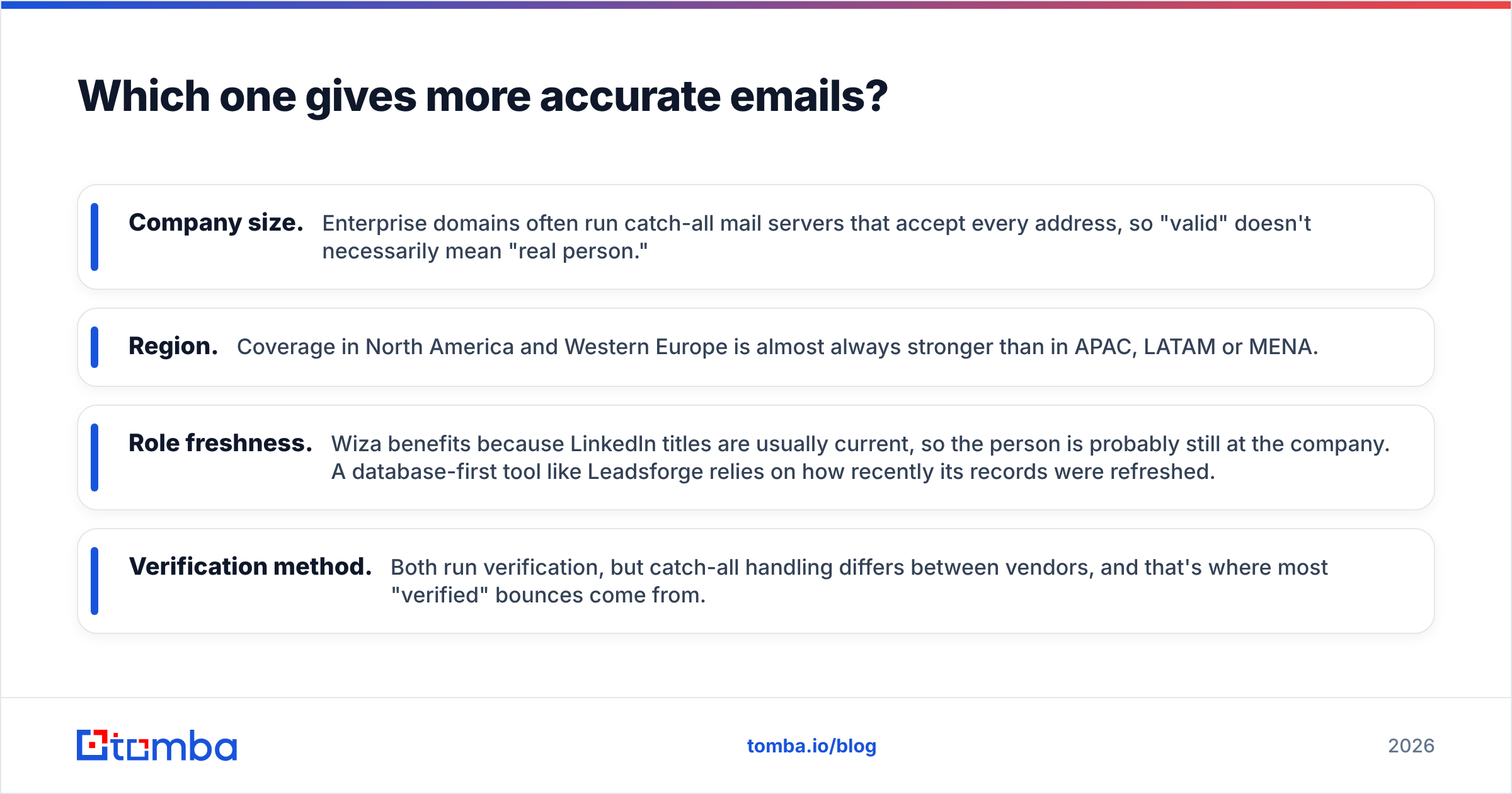
- Company size. Enterprise domains often run catch-all mail servers that accept every address, so "valid" doesn't necessarily mean "real person."
- Region. Coverage in North America and Western Europe is almost always stronger than in APAC, LATAM or MENA.
- Role freshness. Wiza benefits because LinkedIn titles are usually current, so the person is probably still at the company. A database-first tool like Leadsforge relies on how recently its records were refreshed.
- Verification method. Both run verification, but catch-all handling differs between vendors, and that's where most "verified" bounces come from.

Here's a fair test you can run in an afternoon:
- Pull 100 contacts in your real ICP with each tool.
- Run both lists through the same independent email verifier so you're comparing against one standard.
- Count valid, risky/catch-all and invalid results separately.
- Send a small, warmed-up test batch and track actual bounces for a week.
The tool that wins on delivered and replied contacts in your segment is the right one for you, whatever the vendor's headline accuracy claim says.
How much do Leadsforge and Wiza really cost?#
The sticker price is only part of the bill. What you should compare is cost per usable contact, which includes everything you need around the tool.
Leadsforge total cost usually looks like this:
- Leadsforge credits
- Optionally Salesforge for sequencing, plus Mailforge/Warmforge if you adopt the full stack
- No LinkedIn subscription needed
Wiza total cost usually looks like this:
- Wiza plan (email-only or email+phone)
- Sales Navigator seat per rep, a meaningful per-seat cost at list price (LinkedIn Sales Navigator)
- A separate sequencing tool, since Wiza doesn't send
Because of that, a two-rep team on Wiza can end up paying more than the Wiza invoice suggests once Sales Navigator seats are counted. On the other hand, a team that already pays for Sales Navigator for social selling reasons gets Wiza's value almost as an add-on.
Leadsforge can look cheaper on paper, but its value depends on whether you use the rest of the Forge stack. If you send through a different platform, you lose the native handoff and are back to exporting CSVs.
Where does each tool fall short?#
Neither tool is bad. Each makes trade-offs, and you should know them before signing an annual contract.
Leadsforge limitations
- AI-generated filters can drift. "Heads of finance" can come back including controllers and FP&A analysts, so review the list before sending.
- It's most valuable inside its own ecosystem. Outside the Forge stack, the workflow advantage shrinks.
- Database-first data can lag on job changes compared with live LinkedIn profiles.
Wiza limitations
- It depends on LinkedIn. If LinkedIn changes Sales Navigator export behaviour or limits, your workflow is affected.
- Sales Navigator is effectively required, which adds per-seat cost.
- It doesn't help when your starting point is a company domain, a website visitor or an article author instead of a LinkedIn profile.
- Phone data sits on higher tiers, so budget accordingly if you cold call.
If Wiza's LinkedIn dependency is a concern, we've written a full breakdown of the Wiza alternative landscape covering tools that don't need Sales Navigator.
Is Leadsforge better than Wiza?#
It depends on your team. Here's the decision rule we'd use.
Choose Leadsforge if:
- You're a founder or small team without a dedicated SDR function.
- You're still refining your ICP and want the tool to suggest segments and lookalikes.
- You already send (or plan to send) through Salesforge.
- You don't want to pay for Sales Navigator.
Choose Wiza if:
- Your reps already build lists in Sales Navigator every day.
- You need job titles that are as fresh as possible, because of frequent job changes in your market.
- Your system of record is HubSpot or Salesforce and you want clean CRM pushes.
- You want phone numbers for a call-heavy motion.
Choose neither (or add a third tool) if:
- Your lists begin as company domains rather than people.
- You need to enrich existing CRM records in bulk without re-prospecting.
- You want a spreadsheet or API-driven workflow that doesn't depend on LinkedIn.
Independent reviews on G2 are worth a skim for both products, but read the 2–3 star reviews. They tell you more about fit and failure modes than the 5-star praise does.
Where does a domain-first email finder fit?#
Many outbound lists don't start in LinkedIn or in an AI prompt. They start as:
- a spreadsheet of target accounts from your ABM tool,
- domains from trial signups or demo requests,
- companies from an event attendee list,
- competitors' customers you found through technographic data.
For those inputs you want a tool that takes a domain and returns the people and email patterns at that company. Tomba's domain search does exactly that. It returns known addresses at a company, the email format, the source pages where each address was found, and a verification status for each one.
Tomba also covers the Wiza-style use case with its LinkedIn finder and Chrome extension, so reps can still reveal emails from profiles while browsing, with no Sales Navigator seat required. It adds an email verifier, a catch-all verifier, a phone finder and bulk enrichment on the same account.
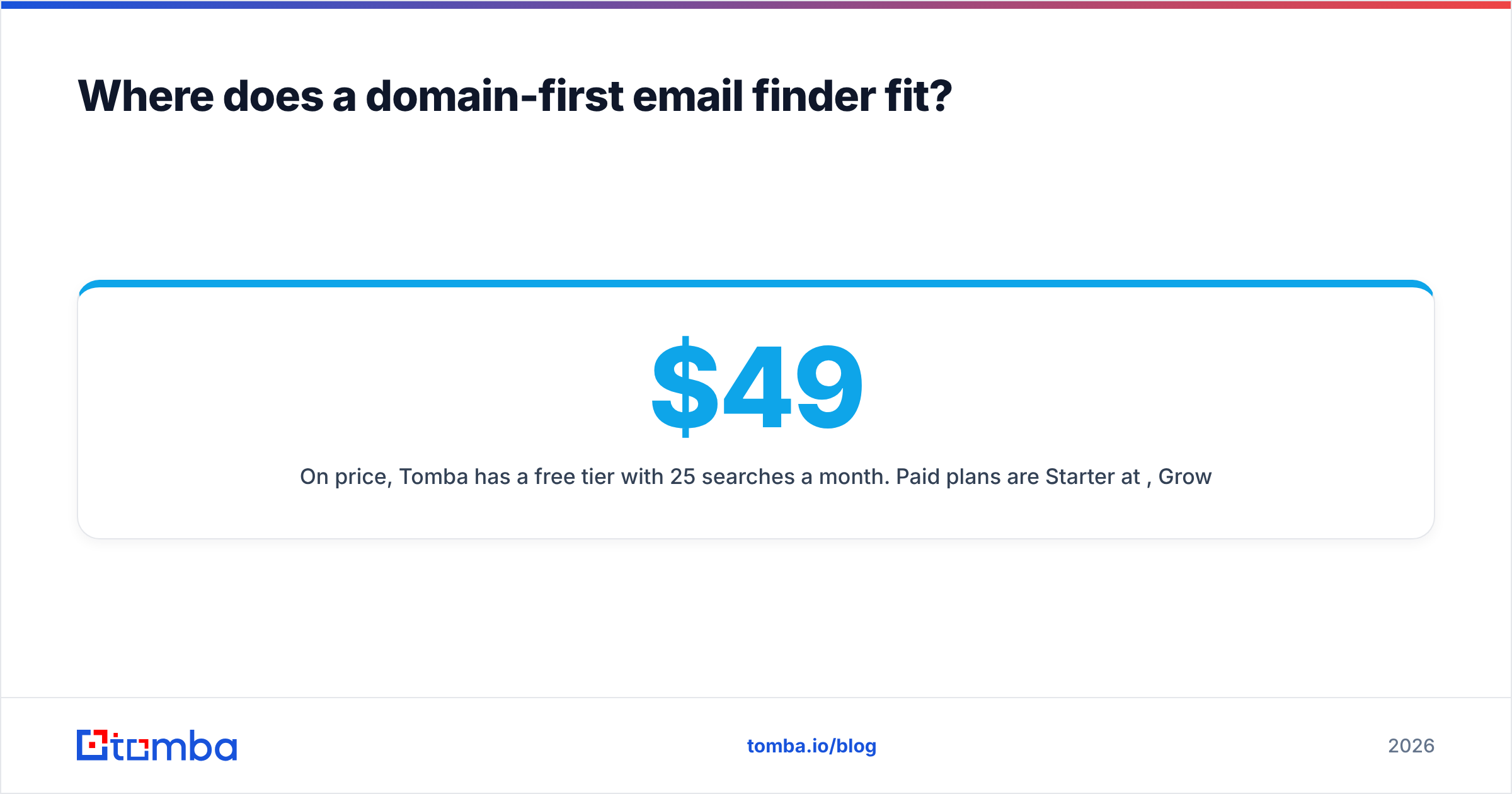
On price, Tomba has a free tier with 25 searches a month. Paid plans are Starter at $49/mo, Growth at $99/mo and Pro at $249/mo, with custom Enterprise pricing. Full details are on the Tomba pricing page. For many small teams, that means one tool instead of an AI list builder plus a LinkedIn subscription plus a separate verifier.
To be fair, Tomba doesn't replace Leadsforge's natural-language ICP discovery or Wiza's tight Sales Navigator list export. If those are central to how your team prospects, keep them and use Tomba as the verification and domain-enrichment layer underneath.
Leadsforge vs Wiza: frequently asked questions#
Can I use Leadsforge and Wiza together? Yes. Some teams use Leadsforge to discover new segments and Wiza to enrich the named accounts reps then work in Sales Navigator. Deduplicate before you sequence, or you'll email the same person twice.
Does Wiza work without Sales Navigator? It works on standard LinkedIn profiles and searches, but bulk list export is where it's strongest, and that works best with Sales Navigator.
Does Leadsforge send emails? Not by itself. It builds lists. Sending happens in Salesforge or whichever sequencer you export to.
Which is better for agencies? Agencies juggling many client ICPs often prefer Leadsforge's prompt-based list building. Agencies running LinkedIn-led campaigns for clients often prefer Wiza. Agencies that receive client account lists as domains usually need a domain-first finder too.
Should I verify emails from these tools again? If you're sending to a new domain or a new segment, yes. A second, independent verification pass is cheap insurance for your sender reputation.
What should you do next?#
Pick the tool that matches where your targeting already happens. Choose Leadsforge if you want AI to shape the list. Choose Wiza if your reps already build it in Sales Navigator. Then run the 100-contact test above before committing to an annual plan.
If your prospecting starts from company domains, or you want LinkedIn email lookups without paying for a Sales Navigator seat, try the Tomba Email Finder. Search by name and domain, by company, or from a LinkedIn profile, get a verification status on every result, and start on the free tier with 25 searches a month before moving to Starter at $49/mo.
Related guides#
// get started
Find, verify and enrich your first contacts today
Start on the free plan with 25 searches a month, then scale when your team is ready.
Free plan · No credit card required · GDPR & CCPA
// about the author