Leadzilla Alternatives: 9 Lead Gen Tools Compared for 2026
Leadzilla works for some teams, but its data coverage, credit model, and workflow don't suit everyone. Here are 9 Leadzilla alternatives compared on accuracy, pricing, and best-fit use case.
TL;DR
- The best Leadzilla alternatives in 2026 are Tomba (email finding and verification by domain, name, or company), Apollo (all-in-one database plus sequences), Hunter (simple domain search), Lusha and RocketReach (direct dials), and BookYourData (pre-verified list building).
- If you only need a tool that finds and verifies professional emails without buying a full sales suite, Tomba's free tier (25 searches/mo) and $49/mo Starter plan are cheap ways to test it.
- If you want prospecting, sequencing, and a dialer in one tab, Apollo is the closest all-in-one replacement.
- Before you switch, run the same 100 contacts from your ICP through two or three tools and compare their bounce rates. A feature list won't tell you which data fits your market.
What is Leadzilla, and why are teams looking for alternatives?#
Leadzilla is an AI-assisted B2B lead generation platform. It combines a prospect database, a Chrome extension for pulling contact details from LinkedIn and company websites, email lookup, and AI help with outreach. It's meant for small sales teams and agencies that want to build lists and start outbound without assembling five tools themselves.
For some teams that bundle works. Others start looking elsewhere once they scale, and the reasons we see most often are these:
- Coverage gaps. Every B2B database is stronger in some regions and industries than others. If your ICP is DACH manufacturing or LATAM fintech, a generalist database may return thin results.
- Credit math. Once you're enriching thousands of contacts a month, it matters a lot how a platform counts credits: per search, per reveal, per verified email, or per export.
- Verification depth. Teams that send volume need catch-all handling and real-time SMTP checks, not just a "found" flag.
- API and workflow fit. RevOps teams often want an email finder API, a Google Sheets add-on, or native CRM sync more than another dashboard.
- Tool overlap. If you already pay for Outreach, Salesloft, Instantly, or HubSpot sequences, paying again for AI outreach features is redundant.
So the useful question is which of Leadzilla's jobs you actually need done, and which tool does that job best at your volume.
How did we evaluate these Leadzilla alternatives?#
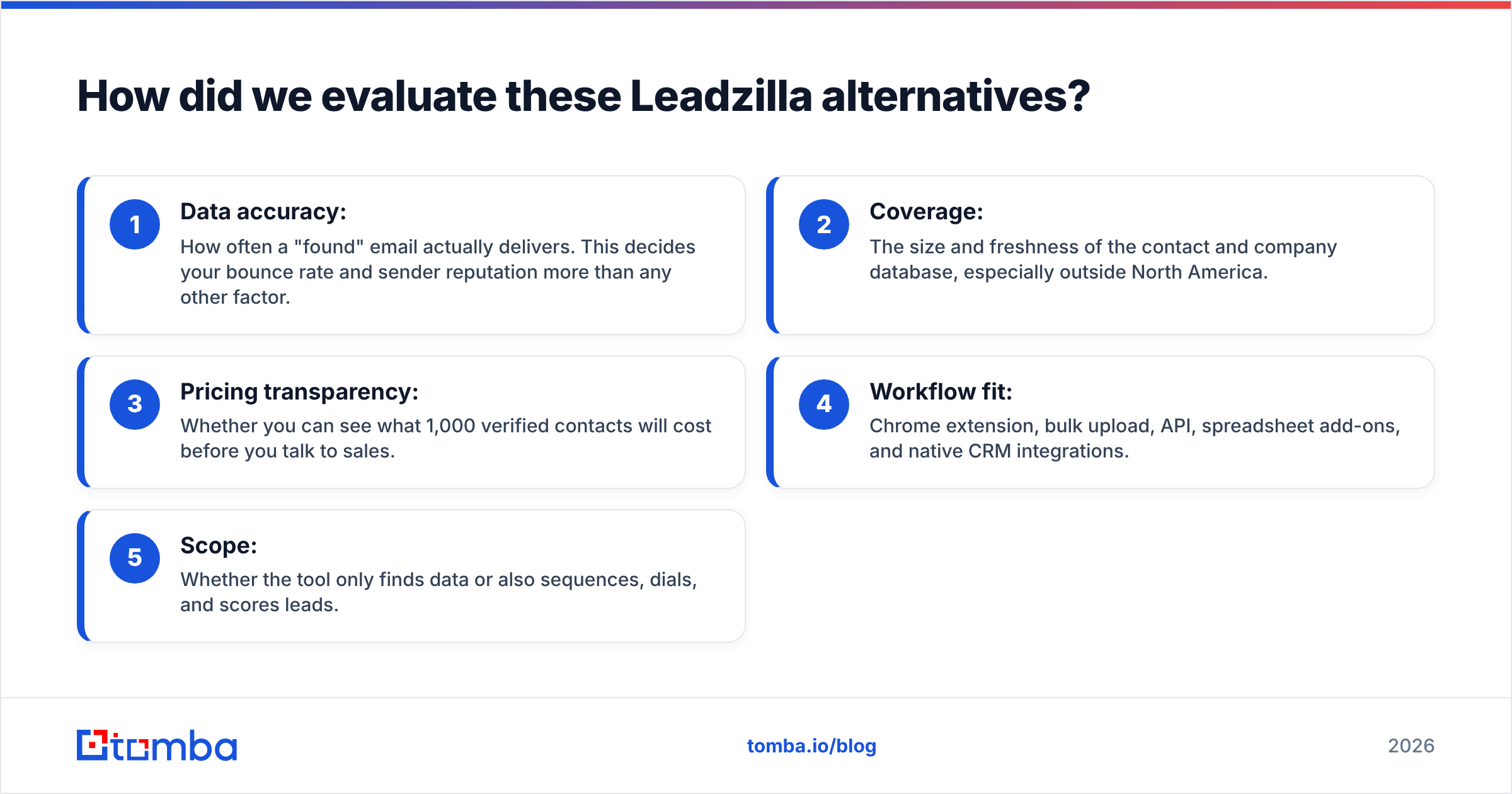
We scored each tool on the same five criteria. Weight them according to your own motion:
- Data accuracy: How often a "found" email actually delivers. This decides your bounce rate and sender reputation more than any other factor.
- Coverage: The size and freshness of the contact and company database, especially outside North America.
- Pricing transparency: Whether you can see what 1,000 verified contacts will cost before you talk to sales.
- Workflow fit: Chrome extension, bulk upload, API, spreadsheet add-ons, and native CRM integrations.
- Scope: Whether the tool only finds data or also sequences, dials, and scores leads.
We also looked at public review data on G2 for patterns in user complaints (data decay, billing surprises, support response times). Don't treat review counts as proof of accuracy, though. Reviewers tend to rate the UI, not the bounce rate.
What are the 9 best Leadzilla alternatives in 2026?#
1. Tomba: best for accurate email finding and verification#
Tomba Email Finder does one thing well: it finds professional email addresses from a domain, a full name plus company, or a LinkedIn profile, and verifies them in the same workflow. Domain search, catch-all verification, phone finder, and data enrichment sit next to the core finder, so you can build and clean a list without jumping between vendors.
It fits teams that already have a sequencer and CRM and just want better data going in. You can use it through a Chrome extension, bulk CSV uploads, Google Sheets and Excel add-ons, or the API. That last option matters if RevOps wants enrichment to run automatically when a lead is created.
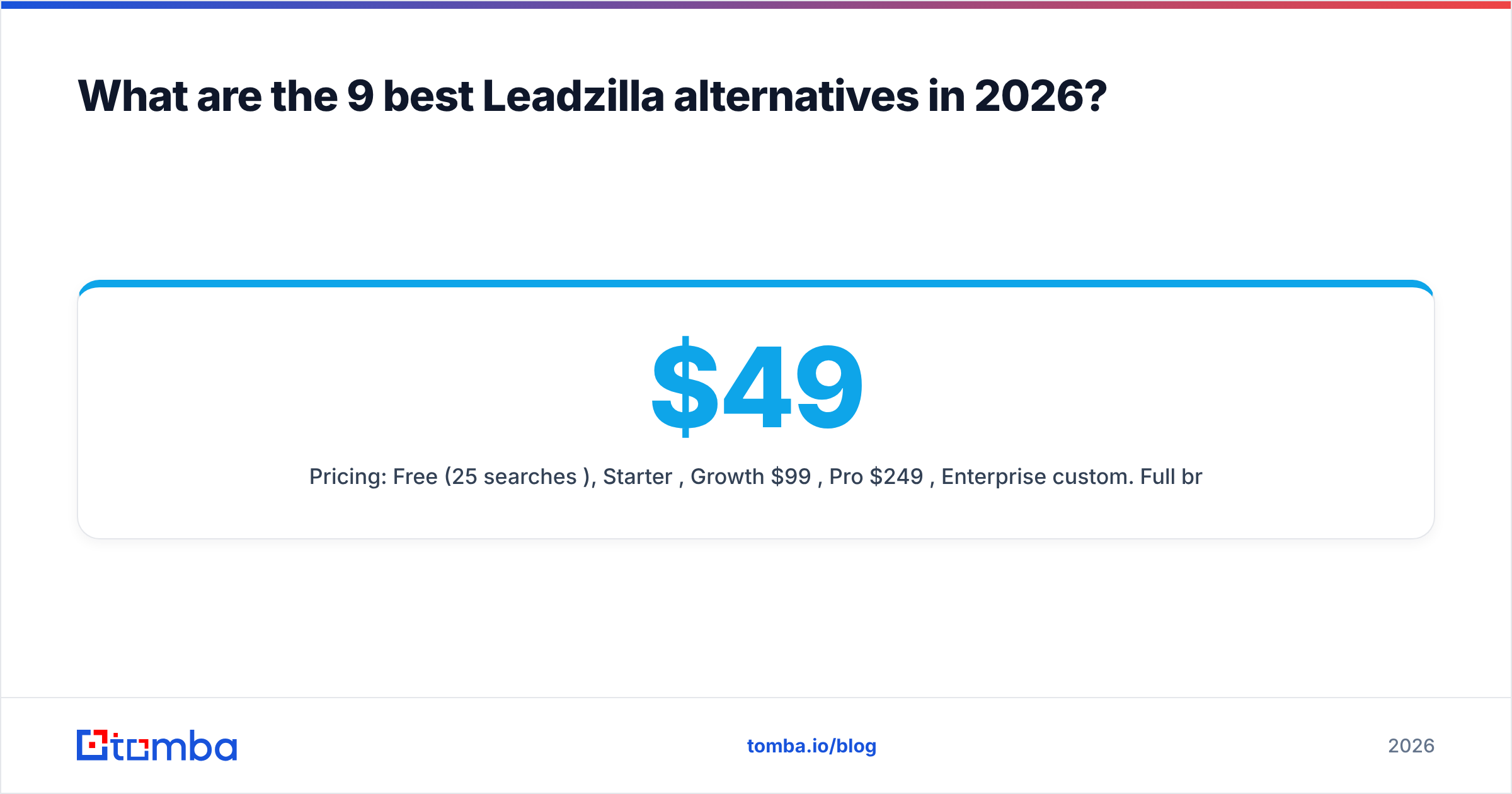
- Pricing: Free (25 searches/mo), Starter $49/mo, Growth $99/mo, Pro $249/mo, Enterprise custom. Full breakdown on the Tomba pricing page.
- Pros: Transparent pricing, verification built in, strong API and spreadsheet integrations, catch-all handling.
- Cons: No built-in email sequencer or dialer, so you pair it with your existing outreach tool.
2. Apollo.io: best all-in-one replacement#

Apollo is the obvious pick if you liked that Leadzilla put a database and outreach in one place. You get a large contact database, filters, sequences, a dialer, and basic intent signals in a single platform.
- Pricing: Free plan available; paid plans are billed per user per month. Check Apollo's site for current tiers.
- Pros: Huge feature scope, generous free plan, strong filtering.
- Cons: Data quality varies by segment, per-seat pricing adds up for larger teams, and you end up adopting a lot of platform. If Apollo itself isn't a fit, see our breakdown of Apollo alternatives.
3. Hunter.io: best for simple domain-based search#
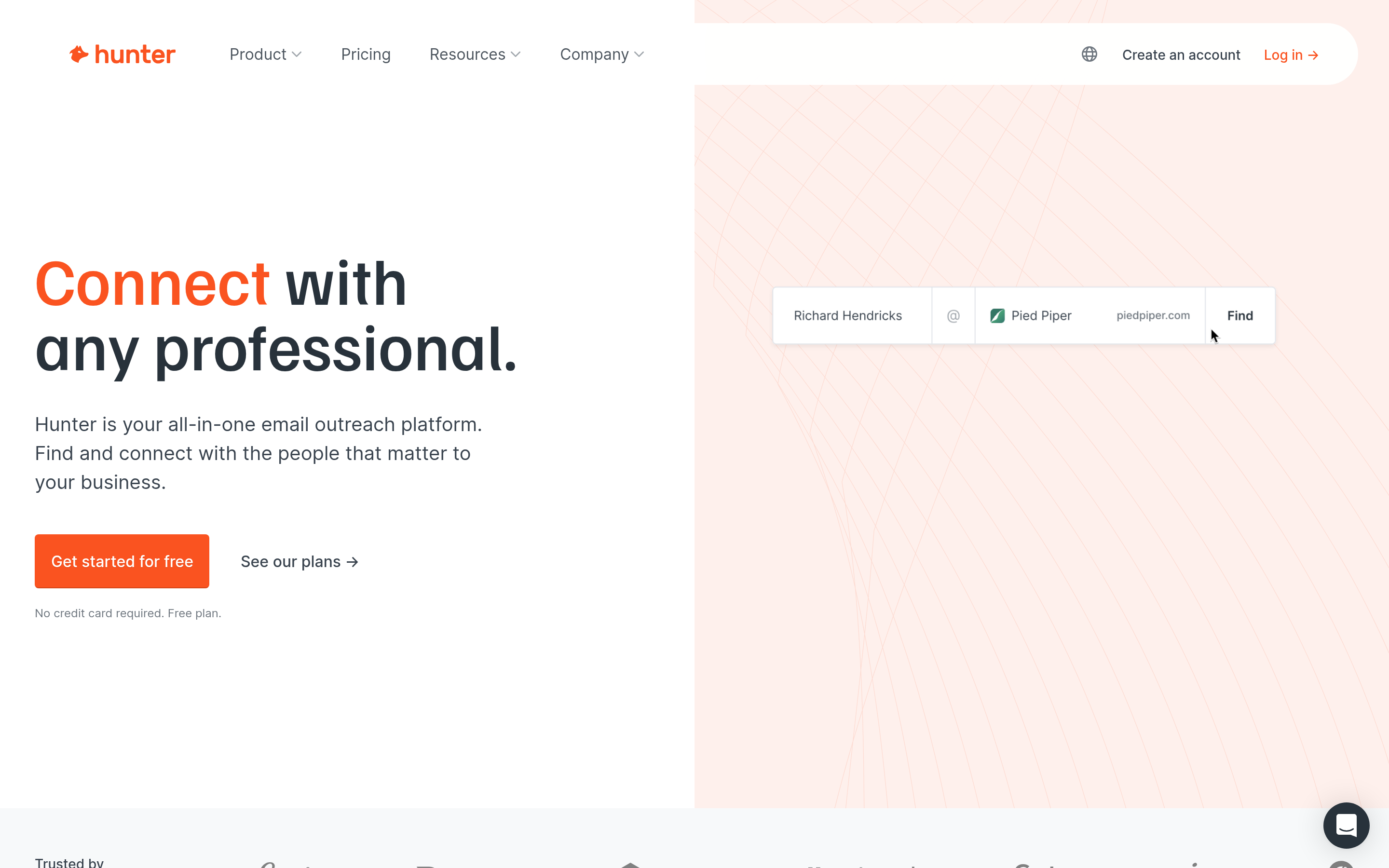
Hunter popularized the "type a domain, see the emails" workflow. It's clean, predictable, and easy to hand to a junior SDR or a marketer doing link-building outreach.
- Pricing: Free tier with limited monthly searches; paid plans scale by search and verification volume.
- Pros: Very easy to use, reliable domain search, good for small volumes.
- Cons: Thinner coverage for very small companies and non-English markets; outreach features are light.
4. Lusha: best for direct dials in SMB and mid-market#
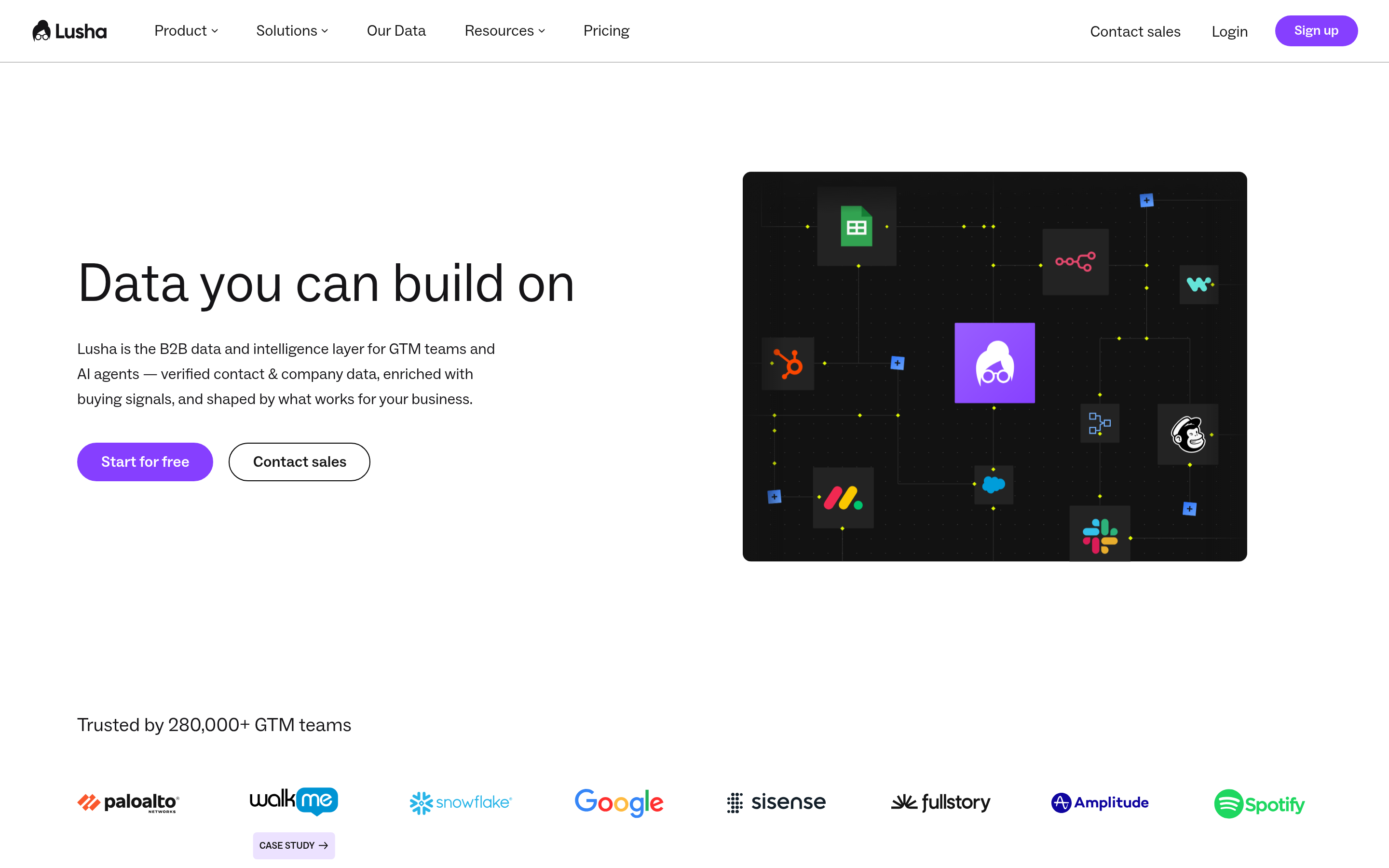
Lusha is popular with teams that call as much as they email. Its Chrome extension surfaces phone numbers and emails on LinkedIn profiles and company sites.
- Pricing: Free plan with limited credits; paid plans by user and credit volume.
- Pros: Good mobile coverage in North America and parts of Europe, fast extension.
- Cons: Phone reveals burn credits quickly, and coverage outside core markets is weaker.
5. RocketReach: best for broad people search#
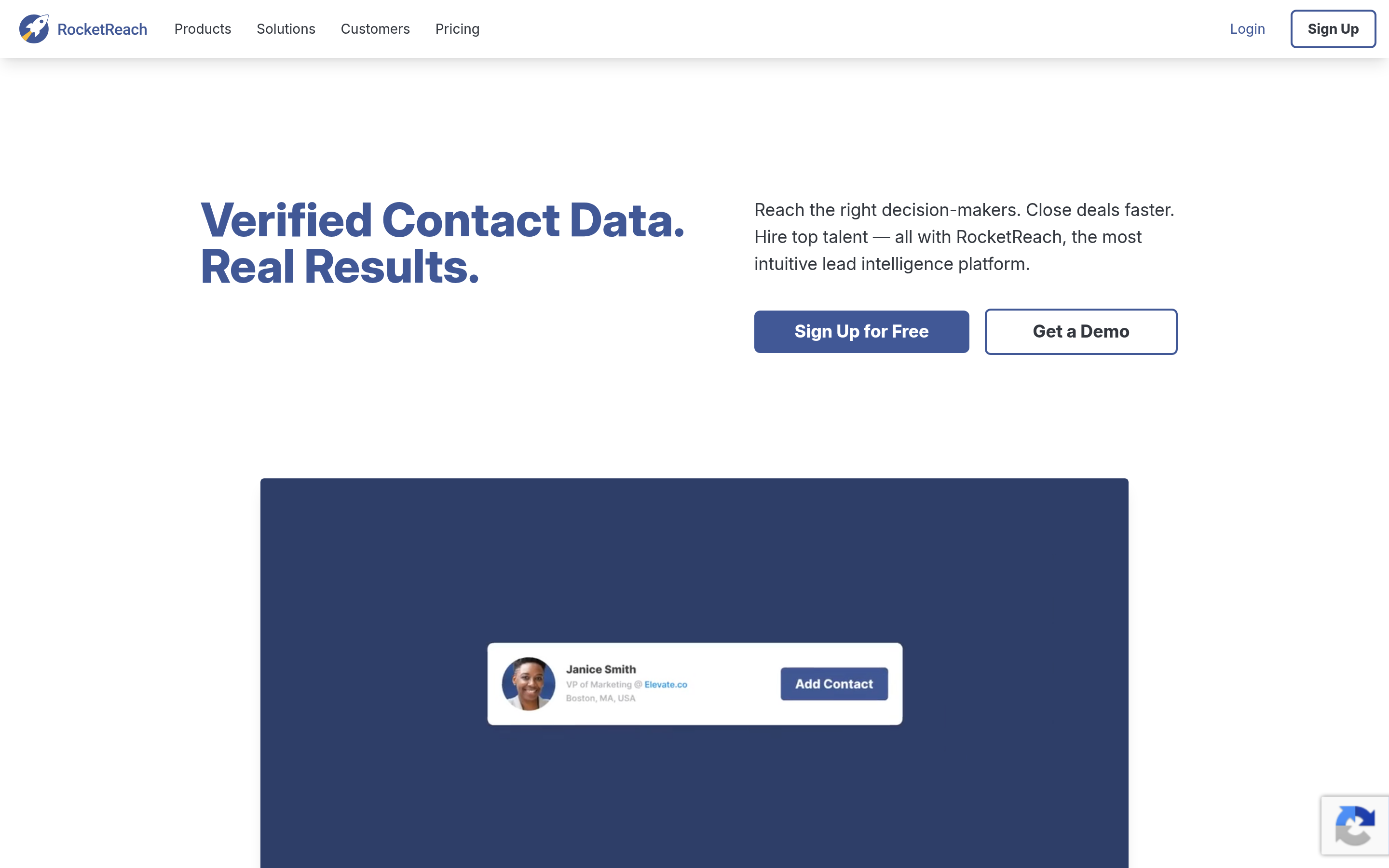
RocketReach covers a wide range of roles and industries, including some outside tech. It's useful for recruiting-adjacent teams, PR, and business development.
- Pricing: Tiered plans by lookup volume; annual billing gets you lower rates.
- Pros: Broad people coverage, decent filters, API available.
- Cons: Lookup-based pricing can feel expensive per verified contact at higher volume.
6. BookYourData: best for pre-verified list building#
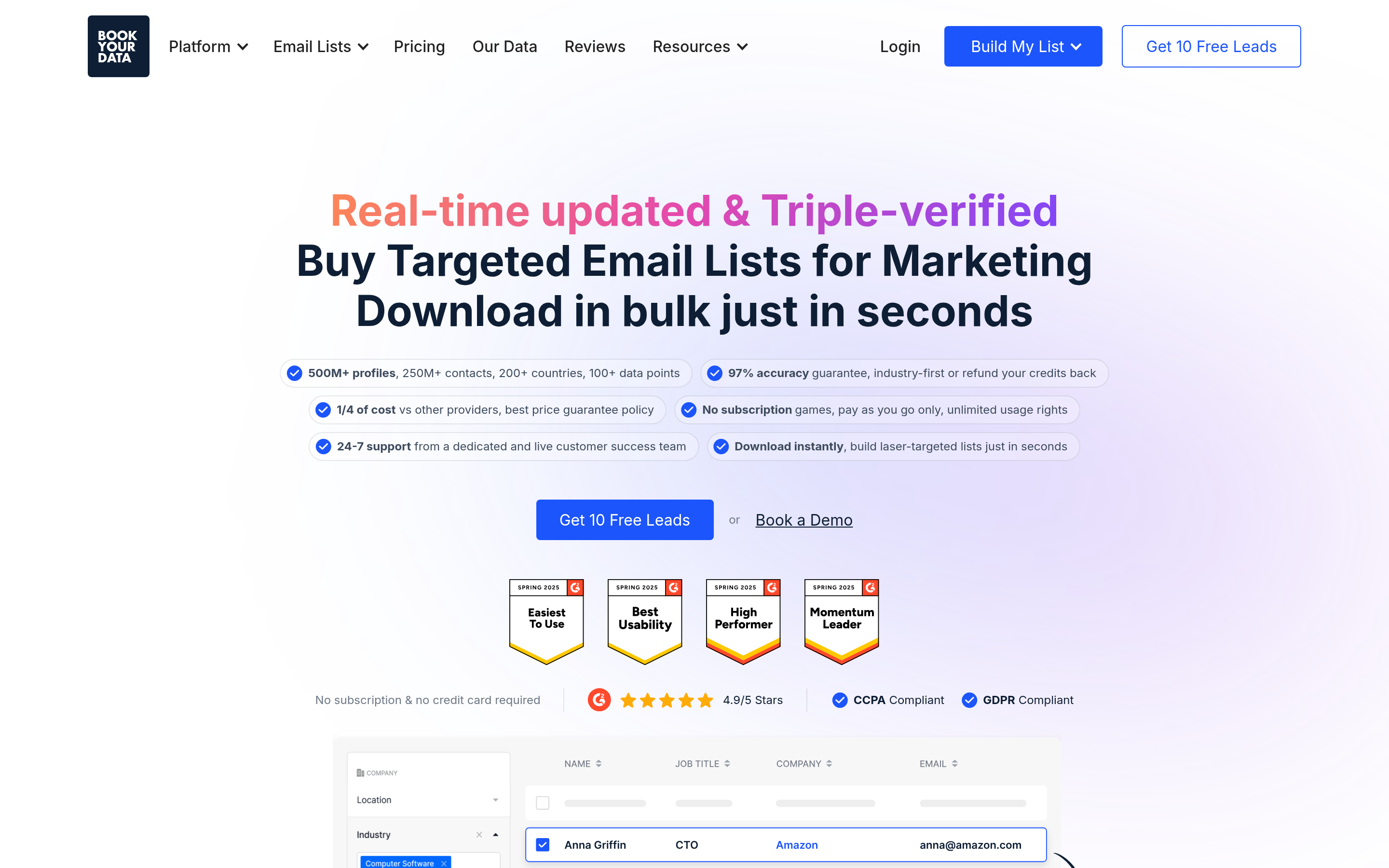
BookYourData is built around buying targeted, pre-verified contact lists. You filter by industry, title, geography, and company size, and pay for the records you download. It works well for teams that want a clean list delivered rather than enriching contacts one by one, and its accuracy guarantee is a real selling point for campaign-based outreach.
- Pricing: Credit-based and pay-as-you-go, with subscription options for recurring needs.
- Pros: Verified records, flexible buying without a long-term contract, fast turnaround for campaign lists.
- Cons: Better suited to list building than to real-time enrichment inside a CRM workflow.
7. Snov.io: best budget finder plus sequencer#
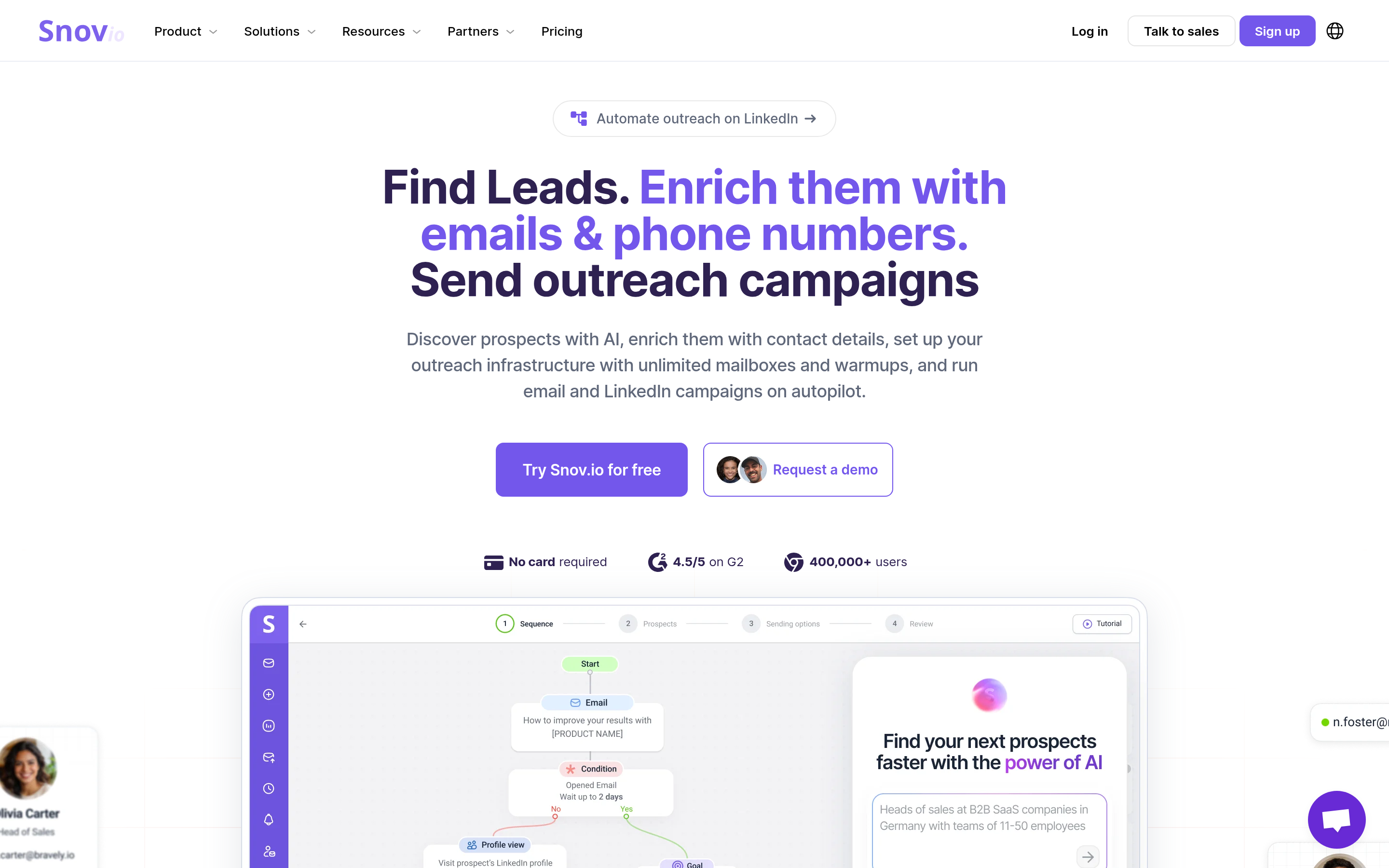
Snov.io bundles an email finder, a verifier, a drip campaign builder, and a lightweight CRM at a low entry price. Small agencies running a few campaigns for clients like it.
- Pricing: Free trial credits; paid plans scale by credits and recipients.
- Pros: Lots of functionality for the price, easy campaign setup.
- Cons: Jack-of-all-trades; data depth and deliverability tooling trail specialists.
8. Seamless.AI: best for high-volume real-time search#
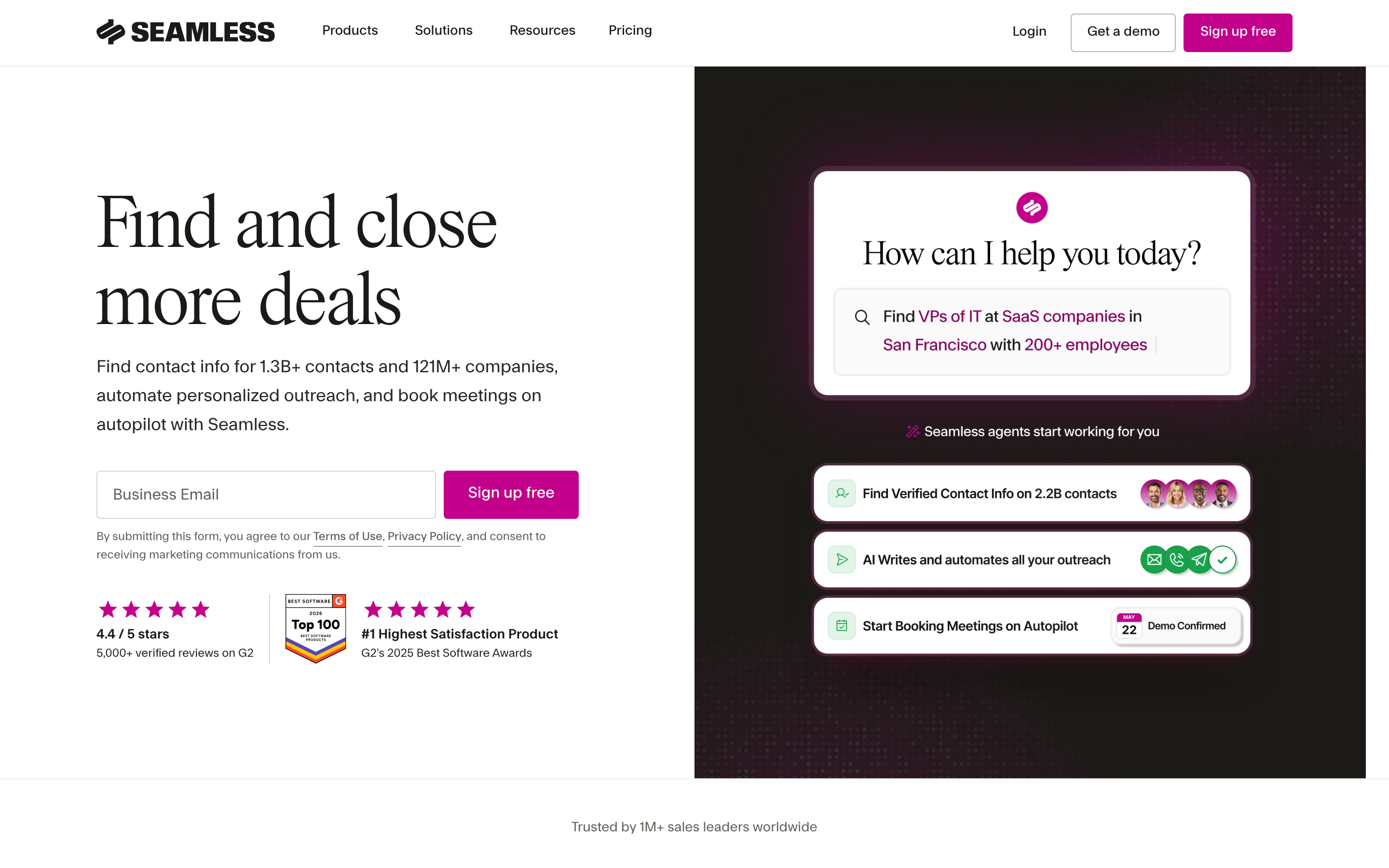
Seamless.AI searches for contact data in real time rather than relying only on a static database. Enterprise SDR teams with aggressive volume targets use it.
- Pricing: Limited free tier; paid plans are mostly quote-based.
- Pros: Large volume, real-time search, broad title coverage.
- Cons: Opaque pricing, and users often report having to verify before sending. Compare options in our Seamless.AI alternative guide.
9. Kaspr: best for European LinkedIn prospecting#
Kaspr is a LinkedIn-first Chrome extension that's strong on European phone and email data. Teams selling into France, Germany, and the UK often choose it.
- Pricing: Free plan with limited credits; paid plans by user and credit type.
- Pros: Solid EU coverage, simple extension workflow, GDPR-conscious positioning.
- Cons: Tied closely to LinkedIn, which limits other sourcing paths.
How do the top Leadzilla alternatives compare side by side?#
Here's the short version. Vendors change pricing often, so confirm current numbers on each vendor's site before you sign anything.
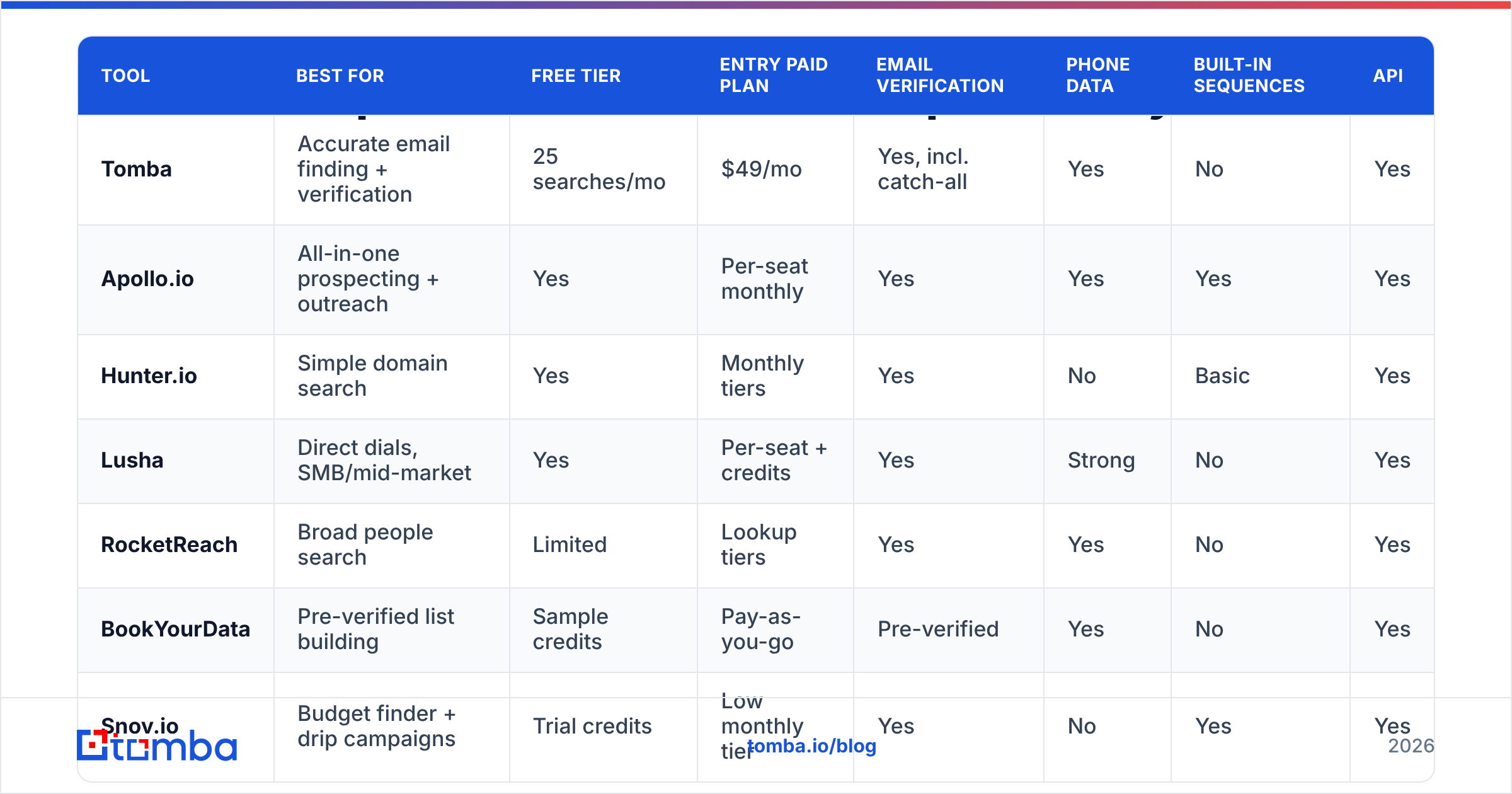
| Tool | Best for | Free tier | Entry paid plan | Email verification | Phone data | Built-in sequences | API |
|---|---|---|---|---|---|---|---|
| Tomba | Accurate email finding + verification | 25 searches/mo | $49/mo | Yes, incl. catch-all | Yes | No | Yes |
| Apollo.io | All-in-one prospecting + outreach | Yes | Per-seat monthly | Yes | Yes | Yes | Yes |
| Hunter.io | Simple domain search | Yes | Monthly tiers | Yes | No | Basic | Yes |
| Lusha | Direct dials, SMB/mid-market | Yes | Per-seat + credits | Yes | Strong | No | Yes |
| RocketReach | Broad people search | Limited | Lookup tiers | Yes | Yes | No | Yes |
| BookYourData | Pre-verified list building | Sample credits | Pay-as-you-go | Pre-verified | Yes | No | Yes |
| Snov.io | Budget finder + drip campaigns | Trial credits | Low monthly tier | Yes | No | Yes | Yes |
| Seamless.AI | High-volume real-time search | Limited | Quote-based | Partial | Yes | No | Yes |
| Kaspr | EU LinkedIn prospecting | Yes | Per-seat + credits | Yes | Strong (EU) | No | Yes |

Which Leadzilla alternative has the best data accuracy?#
Accuracy is where these tools differ most, and marketing pages tell you the least about it. A tool can show a large database and still hand you a list that bounces at 12%. At that rate your sending domain will soon be in trouble.
Most independent tests show the specialist finders and verifiers (Tomba, Hunter, and verification-first list vendors like BookYourData) returning deliverable emails more consistently than broad all-in-one databases. The all-in-ones cover more records, but their accuracy swings depending on the segment you search.

Three things drive real-world accuracy:
- How the email was sourced. Emails seen on public web pages, in signatures, or in documents are more reliable than pattern-guessed addresses. Tomba publishes details on its data sources if you want to see how that works.
- Whether it was verified at the time of export. Data decays fast; B2B contact data is commonly cited as losing roughly a quarter to a third of its accuracy each year as people change jobs. Always run a fresh check with an email verifier before a campaign.
- Catch-all handling. Many company domains accept every address at the server level, which makes basic SMTP checks useless. A tool that flags or scores catch-all addresses separately saves you from false "valid" results.
A practical rule: if you send more than a few hundred cold emails a week, keep bounces under 2%. That usually means verifying every list, whichever finder produced it.
Is Leadzilla or Apollo better for small teams?#
It depends on how much of the stack you want in one place.
- Pick Apollo if you have no sequencer yet, want a free plan to start, and are comfortable with a large platform and per-seat billing.
- Stay on Leadzilla if its AI outreach assistance and database coverage match your ICP and your credit usage is predictable.
- Pick a specialist finder (Tomba, Hunter) plus the sequencer you already use if data quality matters more to you than consolidating tools.
Most small teams don't lose deals because their tool lacked a feature. They lose them because bad data burned their domain or wasted SDR hours. Choose for data quality first and features second.

Which alternative should you pick for your use case?#
Match the tool to the job:
- You already have a sequencer and CRM and just need clean emails. Tomba. Use bulk email finder uploads or the API, verify, then push to your outreach tool.
- You want one platform for search, sequences, and dialing. Apollo. Accept the per-seat cost and audit data quality on your specific segment.
- You mostly cold call. Lusha for North America, Kaspr for Europe. Budget for phone credits separately.
- You run campaign-based outbound and want lists delivered ready to use. BookYourData. Filter, download pre-verified records, and send.
- You're an agency on a tight budget. Snov.io for the finder plus drip bundle, and add a dedicated verifier if bounce rates climb.
- You're an enterprise team with a volume quota. Seamless.AI or RocketReach, with a verification layer in front of your sending infrastructure.
How do you migrate off Leadzilla without losing pipeline?#
Switching data vendors is low-risk if you do it in order:
- Export everything first: saved lists, enriched contacts, and any notes or tags. Check your plan's export limits before you cancel.
- Run a head-to-head test. Take 100 to 200 contacts that match your ICP and run them through your top two alternatives. Compare find rate, verified rate, and actual bounce rate on a small send.
- Re-verify your existing database. Old exports decay. Run them through verification before loading them into a new sequence.
- Connect the new tool to your CRM. Most of these tools integrate natively with HubSpot and Salesforce. The HubSpot marketplace lists which enrichment apps sync fields directly.
- Overlap for one billing cycle. Keep the old tool on its cheapest tier for a month so you can fall back if the new data underperforms.
What should you watch out for when comparing pricing?#
Sticker prices rarely match what you end up paying. Before you commit, ask each vendor:
- What counts as a credit? A search, a reveal, an export, or only a verified result?
- Do unused credits roll over? Many plans reset monthly.
- Is verification included or billed separately? Some tools charge again to verify emails they found.
- Are phone numbers priced differently? Mobile reveals often cost 5–10x an email credit.
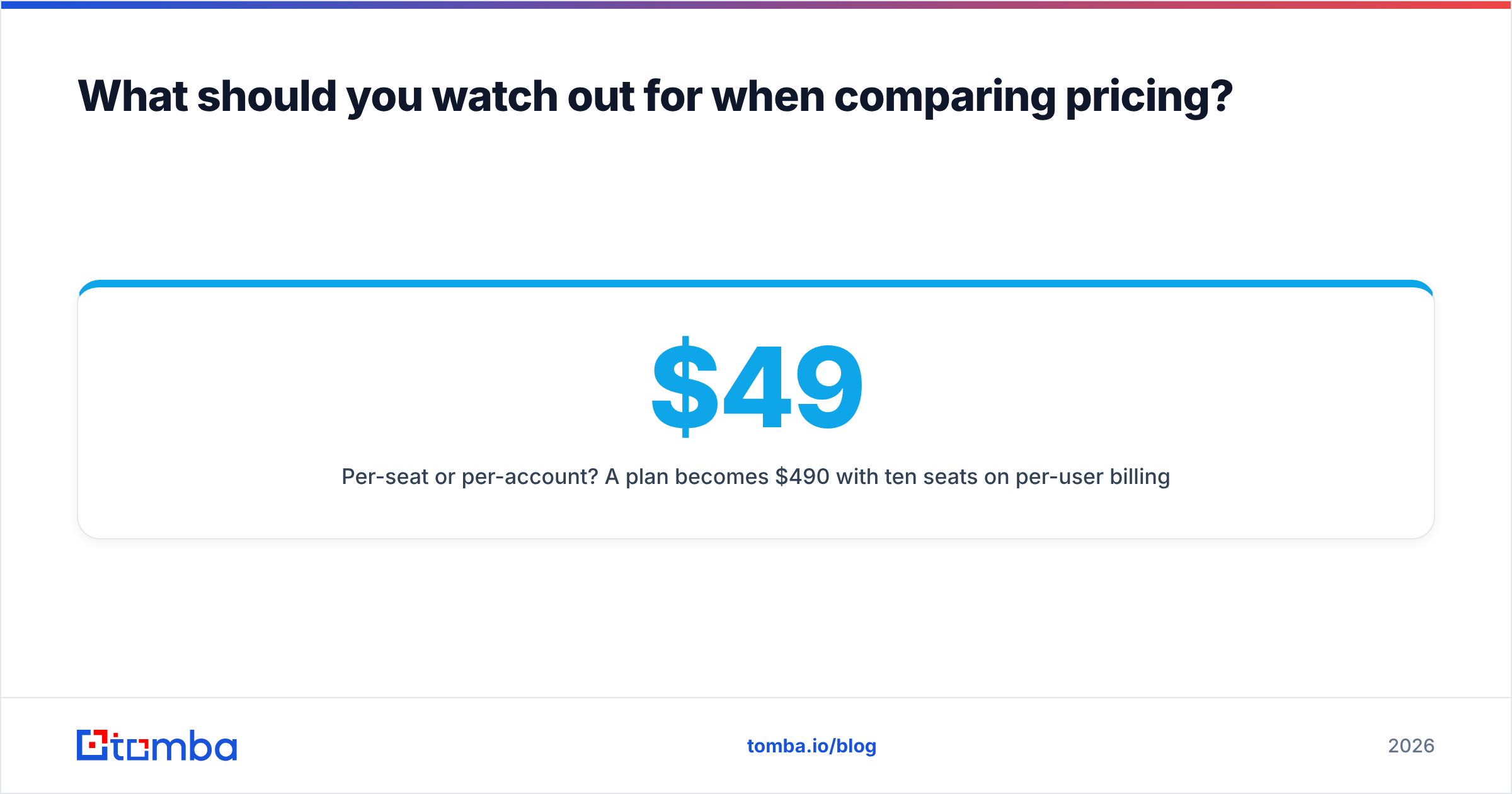
- Per-seat or per-account? A $49 plan becomes $490 with ten seats on per-user billing.
Tomba prices by monthly search volume rather than per seat, which makes costs easier to predict for teams where several people share lookups. You can compare tiers on the Tomba plans page.
Final verdict: which Leadzilla alternative is worth it?#
No single tool wins for every team. The pattern that holds up, though, is to pick the data layer for accuracy and the outreach layer for workflow. Keeping them separate means you can swap either one without rebuilding your whole motion.
- Choose Apollo for the most complete all-in-one replacement.
- Choose BookYourData for fast, pre-verified campaign lists.
- Choose Lusha or Kaspr if phone-first outreach drives your pipeline.
- Choose Tomba if accurate, verified emails at predictable pricing matter most.
If your main reason for leaving Leadzilla is data quality or cost per verified contact, start with Tomba Email Finder. The free plan gives you 25 searches a month to test against your own ICP, and Starter at $49/mo covers most small teams. Look up emails by domain, name, or company, verify them in the same step, and send them straight to the CRM or sequencer you already use.
Related guides#
// get started
Find, verify and enrich your first contacts today
Start on the free plan with 25 searches a month, then scale when your team is ready.
Free plan · No credit card required · GDPR & CCPA
// about the author