Limeleads vs RocketReach: Pricing, Data Quality, and Our Pick
Limeleads sells filtered US company lists, and RocketReach looks up specific people across the globe. Here is how their data, credits, and pricing compare, and which team each one fits.
TL;DR
- Limeleads works best when you want filtered lists of US small and mid-sized companies. You build a segment by industry, headcount, and location, then unlock contacts in bulk. Credits roll over.
- RocketReach works best when you already know who you want to reach and need their email or phone number. It covers people globally and offers a strong Chrome extension, with API and CRM features on the higher tiers.
- Pricing models differ. Limeleads charges per unlocked contact on monthly plans (Pro, Business, Enterprise). RocketReach sells annual or monthly plans with lookup and export allowances. Phone data starts on its Pro tier.
- Our pick: choose Limeleads for high-volume US SMB list building and RocketReach for account-based, person-level lookups. If you mostly need verified work emails from a domain or a name, a dedicated email finder is usually cheaper.
What are Limeleads and RocketReach, in one sentence each?#
Both tools end up handing you contact data, but they start from opposite ends of the problem.
Limeleads is a B2B lead database built around US companies. You filter by industry, employee count, state, revenue band, and job title. It returns a list, and you unlock the contacts you want to export. Emails are verified when you unlock them, so you pay for contacts that are likely to deliver.
RocketReach is a contact lookup engine. You type a person's name plus a company, or paste a LinkedIn URL, and it returns emails, phone numbers, and social profiles. It also has a search interface for building lists. Its reputation, though, comes from finding one specific person fast, in almost any country.
Think of it as a supermarket versus a specialist butcher. Limeleads lets you fill a cart quickly with everything that matches a category. RocketReach is where you go when you know exactly which cut you want and need it to be right.
You can read each vendor's own positioning on the Limeleads homepage and the RocketReach site. Independent user reviews are on the Limeleads Capterra listing.
How do Limeleads and RocketReach compare side by side?#
Here is the short version before we go into each dimension. Pricing below reflects publicly listed rates at the time of writing. Both vendors change plans regularly, so check their pricing pages before you buy.
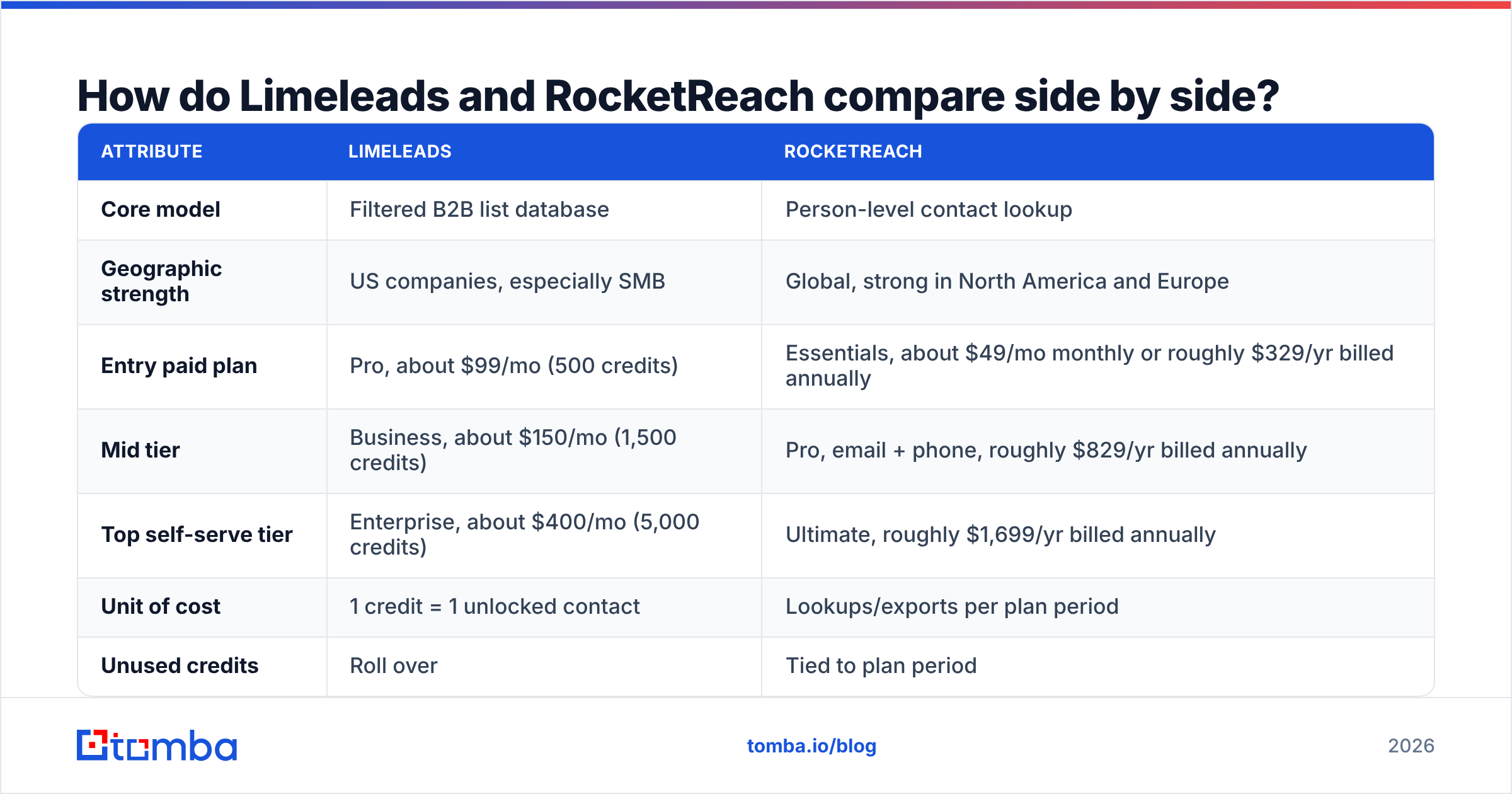
| Attribute | Limeleads | RocketReach |
|---|---|---|
| Core model | Filtered B2B list database | Person-level contact lookup |
| Geographic strength | US companies, especially SMB | Global, strong in North America and Europe |
| Entry paid plan | Pro, about $99/mo (500 credits) | Essentials, about $49/mo monthly or roughly $329/yr billed annually |
| Mid tier | Business, about $150/mo (1,500 credits) | Pro, email + phone, roughly $829/yr billed annually |
| Top self-serve tier | Enterprise, about $400/mo (5,000 credits) | Ultimate, roughly $1,699/yr billed annually |
| Unit of cost | 1 credit = 1 unlocked contact | Lookups/exports per plan period |
| Unused credits | Roll over | Tied to plan period |
| Phone numbers | Limited, mainly company-level | Direct dials and mobiles on Pro and above |
| Chrome extension | No flagship extension | Yes, a core part of the product |
| API access | Available on higher plans | Full API on Ultimate |
| CRM sync | CSV export plus integrations | Salesforce and HubSpot on higher tiers |
| Seats | Capped per plan (1 / 2 / 5) | Per-user; team plans priced per seat |
| Best fit | SMB outbound agencies, local-market sales | ABM, recruiting, enterprise prospecting |
The table shows the tradeoff clearly. Limeleads is cheaper per contact once you buy volume. RocketReach costs more per record but finds individual people that list databases often miss.

How is the data sourced and how accurate is it?#
Where the data comes from decides what it will be good at.
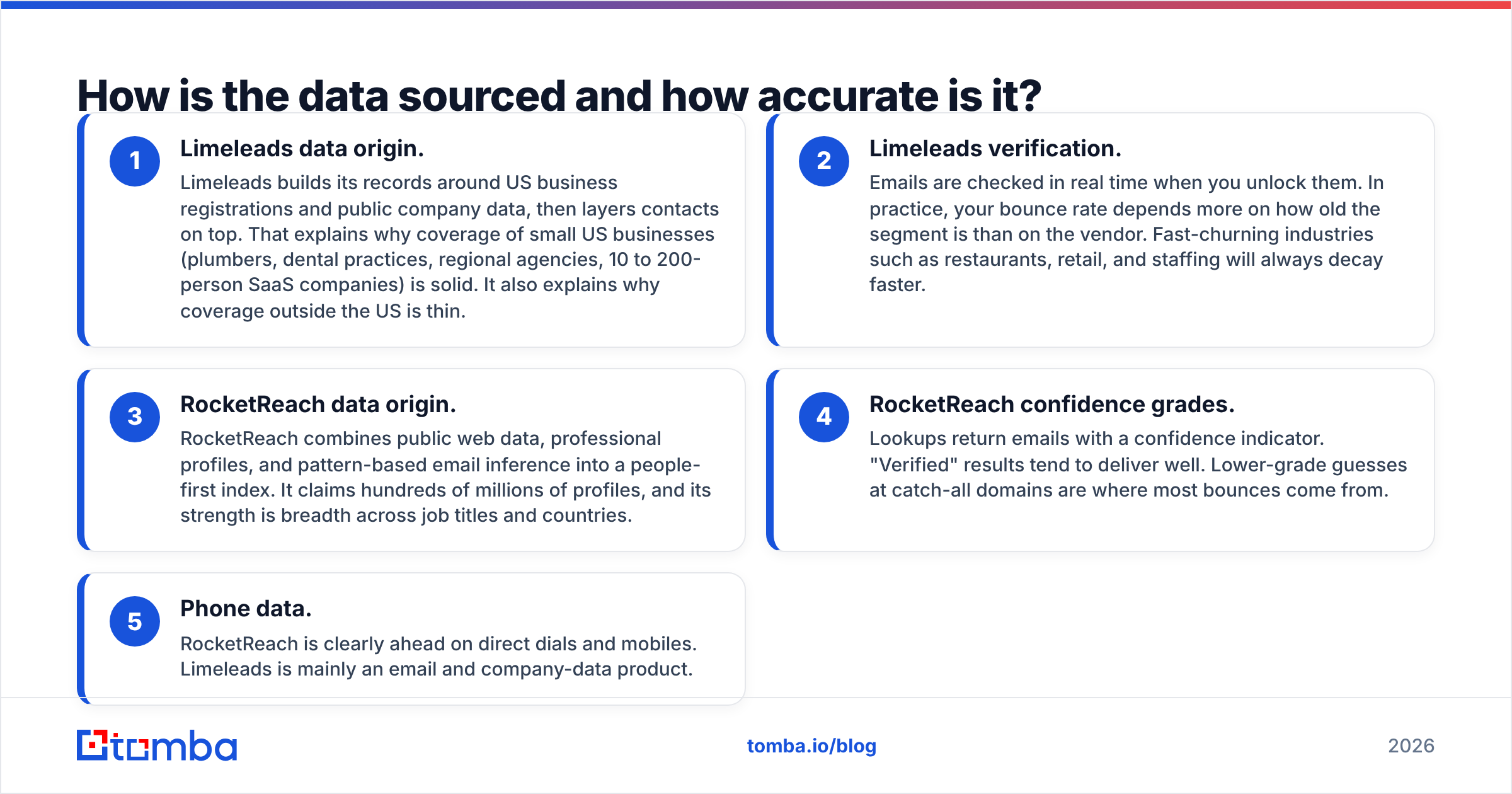
- Limeleads data origin. Limeleads builds its records around US business registrations and public company data, then layers contacts on top. That explains why coverage of small US businesses (plumbers, dental practices, regional agencies, 10 to 200-person SaaS companies) is solid. It also explains why coverage outside the US is thin.
- Limeleads verification. Emails are checked in real time when you unlock them. In practice, your bounce rate depends more on how old the segment is than on the vendor. Fast-churning industries such as restaurants, retail, and staffing will always decay faster.
- RocketReach data origin. RocketReach combines public web data, professional profiles, and pattern-based email inference into a people-first index. It claims hundreds of millions of profiles, and its strength is breadth across job titles and countries.
- RocketReach confidence grades. Lookups return emails with a confidence indicator. "Verified" results tend to deliver well. Lower-grade guesses at catch-all domains are where most bounces come from.
- Phone data. RocketReach is clearly ahead on direct dials and mobiles. Limeleads is mainly an email and company-data product.
Whichever tool you pick, run exported emails through a separate email verifier before they reach your sending tool. Vendor-side verification happens at unlock or lookup time. Your campaign might go out three weeks later, and in B2B data that gap matters.
Which one is cheaper for your use case?#
"Cheaper" depends on how you prospect. Run the numbers against your actual workflow instead of the sticker price.
Scenario A: 1,500 US SMB contacts per month for cold email. Limeleads Business covers this at about $150/mo, which works out to roughly $0.10 per contact. Unused credits roll forward, so a slow month doesn't waste money. Getting the same volume from RocketReach would push most teams into Pro or Ultimate plus careful export management. On a per-contact basis, Limeleads wins this scenario comfortably.
Scenario B: 150 named accounts, 3 to 5 stakeholders each, including phone numbers. That's about 600 targeted lookups on specific people, many of them outside the US. Limeleads may simply not have those people. RocketReach Pro covers email and phone, and the Chrome extension lets reps pull contacts while browsing LinkedIn or company sites. RocketReach wins here.
Scenario C: A small team, one rep, low volume. Limeleads Pro gives one seat and 500 credits. RocketReach Essentials billed annually is the lowest entry point, but it's email-only. If a solo founder mostly needs work emails, both may be overkill.
A few pricing details are easy to miss:
- Seat caps on Limeleads. Pro includes one seat, Business two, and Enterprise five. If you have eight SDRs, that's either an Enterprise conversation or a lot of shared logins, and shared logins usually end badly.
- Monthly vs annual on RocketReach. Monthly billing costs noticeably more than annual. The "starting at" figure you see in reviews is almost always the annual rate.
- Overage rates on Limeleads. They drop sharply as you go up tiers, so heavy users should model Business or Enterprise rather than stacking Pro overages.
- Feature gating on RocketReach. API, advanced CRM sync, and some intent features sit on Ultimate. If your RevOps team plans to automate enrichment, price the top tier from the start.
Which is better for list building vs single-contact lookups?#
This is the question that decides most purchases.
List building favors Limeleads. The filter UI is designed for "show me every US HVAC company with 20 to 100 employees in Texas, and give me the owner or GM." You get a segment, check the count, unlock, and export. For agencies running outbound for local-service clients, this workflow is hard to beat on speed and cost.
Single lookups favor RocketReach. When a rep is on a prospect's LinkedIn profile or company "About" page, RocketReach's extension returns contact details in a click. Enterprise sales, recruiting, PR outreach, and partnership teams tend to live in this mode.
Hybrid teams often use both: Limeleads, or a similar database, for top-of-funnel volume, and a person-level lookup tool for the high-value accounts that deserve extra research. If that's you, keep the two outputs deduplicated before they hit your CRM. Double-touching the same prospect from two sequences is the fastest way to earn a spam complaint.
How do integrations and workflow compare?#
Neither tool is a sequencer, so your real workflow is export, clean, sync, and send.
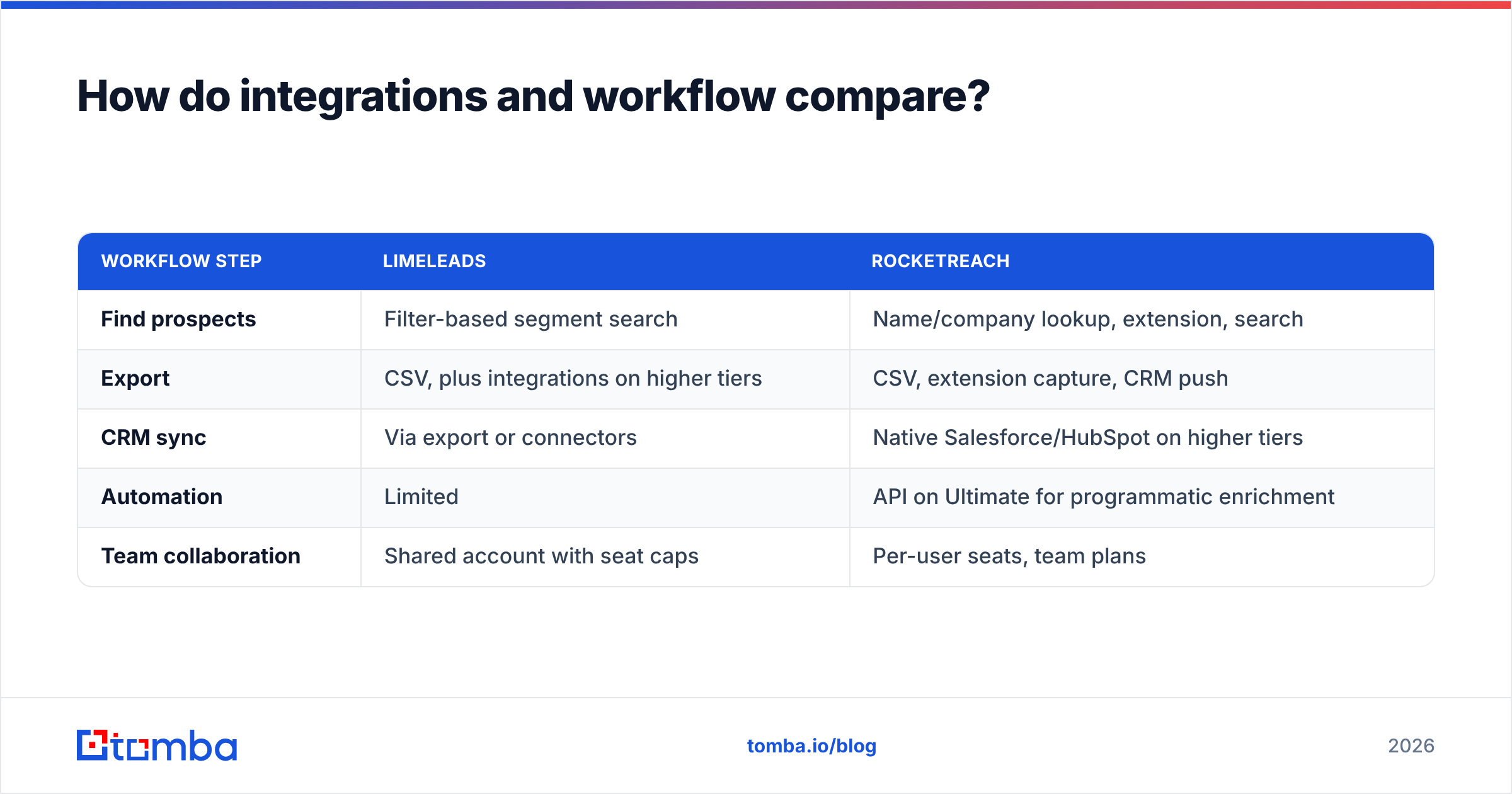
| Workflow step | Limeleads | RocketReach |
|---|---|---|
| Find prospects | Filter-based segment search | Name/company lookup, extension, search |
| Export | CSV, plus integrations on higher tiers | CSV, extension capture, CRM push |
| CRM sync | Via export or connectors | Native Salesforce/HubSpot on higher tiers |
| Automation | Limited | API on Ultimate for programmatic enrichment |
| Team collaboration | Shared account with seat caps | Per-user seats, team plans |
If your team needs programmatic enrichment, for example running every new inbound signup through an API to append title and company data, RocketReach's Ultimate tier or a dedicated API-first tool will serve you better than a list database. If your process is weekly CSV pulls into Instantly or Smartlead, Limeleads fits without friction.
What do real users complain about?#
Review sites like G2 and Capterra show consistent patterns for both tools.
Common Limeleads complaints:
- Thin coverage outside the United States.
- Fewer direct-dial phone numbers than phone-first vendors.
- Seat limits that feel tight for growing teams.
Common Limeleads praise:
- Simple, fast filtering and exporting.
- Rollover credits.
- Low bounce rates on freshly unlocked contacts.
Common RocketReach complaints:
- Pricing that climbs quickly once you need phone numbers, API, or team seats.
- Variable accuracy on smaller companies and catch-all domains.
- Export and lookup allowances that are easy to burn through.
Common RocketReach praise:
- Breadth across countries and job titles.
- A strong Chrome extension.
- Useful for hard-to-find individuals such as executives, journalists, and niche roles.
If RocketReach's pricing is the blocker for your team, we've compared other options in our RocketReach alternative breakdown.
Is Limeleads better than RocketReach?#
Neither is better overall. Each one wins in its own lane.
Pick Limeleads if:
- Your ICP is US small or mid-sized businesses.
- You pull hundreds or thousands of contacts a month for cold email.
- You want predictable per-contact costs and rollover credits.
- A few seats are enough.
Pick RocketReach if:
- You sell into named accounts or enterprise buying committees.
- You need phone numbers alongside emails.
- Your prospects are spread across multiple countries.
- Reps prospect from LinkedIn and company websites and want an extension workflow.
Consider neither if:
- You mainly need work emails for people or companies you've already identified.
- You want to search emails by company domain rather than by filter.
- You need API-first enrichment without paying top-tier platform prices.
In that last case, a focused email finder with domain search and built-in verification covers most of the job at a lower price. Tomba, for example, starts with a free tier of 25 searches a month, then Starter at $49/mo, Growth at $99/mo, and Pro at $249/mo, with details on the Tomba pricing page. It won't replace a filter-heavy SMB list database for pure volume list building. For "find and verify the right email for this person or domain," though, it's usually the more economical tool.
How should you evaluate either tool before buying?#
Don't decide from demos alone. Run a small, controlled test:
- Build a 100-contact sample of your real ICP. Use your own target accounts, not the vendor's showcase segment.
- Pull the same 100 people from each tool you're testing. Record hit rate (how many contacts each tool found at all) separately from accuracy.
- Verify every returned email independently. Count valid, invalid, catch-all, and unknown results.
- Send a low-volume test from a warmed inbox. Hard bounces above 2 to 3 percent mean the data isn't ready for your domain.
- Calculate your true cost per usable contact. Divide total spend by verified, deliverable contacts, not by records exported.
That last number is the one worth comparing. A $0.10 contact that bounces costs more than a $0.40 contact that books a meeting, because the bounce also damages your sender reputation.
Final verdict: Limeleads vs RocketReach#
Limeleads is a volume tool for US SMB outbound. It's cheap per contact, simple to use, and forgiving thanks to rollover credits. RocketReach is a precision tool for finding specific people worldwide, with phone data and deeper integrations if you pay for the upper tiers.
Match the tool to how your team actually prospects. If reps work in lists, lean toward Limeleads. If they work account by account, lean toward RocketReach. If what you really need is verified work emails by name or domain, you may not need either.
That's the gap the Tomba Email Finder fills. You enter a name and a company domain, or search a whole domain, and get a verified professional email back, with verification, enrichment, a Chrome extension, and an API on the same account. Start with the 25 free monthly searches, test it against your own ICP sample, and upgrade to Starter at $49/mo only if the hit rate earns it.
Related guides#
// get started
Find, verify and enrich your first contacts today
Start on the free plan with 25 searches a month, then scale when your team is ready.
Free plan · No credit card required · GDPR & CCPA
// about the author