ListKit vs Postaga (2026): Lead Database or Outreach Engine?
ListKit sells verified B2B leads. Postaga runs AI-personalized outreach campaigns. They look like rivals, but they fix different problems. Here's which one your outbound stack needs, and when you need both.
TL;DR
- ListKit is a B2B lead database. You filter, export, and pay per verified contact. It is built for cold email teams who need volume.
- Postaga is an outreach platform. It finds opportunities (link targets, journalists, prospects), writes personalized emails with AI, and sends sequences. Its contact discovery leans on integrations such as Hunter.
- They overlap less than most comparison pages suggest. ListKit answers "who do I email?" and Postaga answers "how do I email them at scale?"
- Pick ListKit if you need lists. Pick Postaga if you run SEO link building, PR, or content-led outreach. Use both (or a data tool plus a sender) if you run full-cycle outbound.
- Whatever you pick, verify addresses before you send. Bounce rate is still what decides whether you reach the inbox.
What is ListKit?#
ListKit is a self-serve B2B contact database aimed at cold email agencies and outbound teams. You set filters like industry, job title, headcount, location, and technology. ListKit then returns contacts whose emails are "triple-verified", meaning each address goes through several verification passes before you export it.
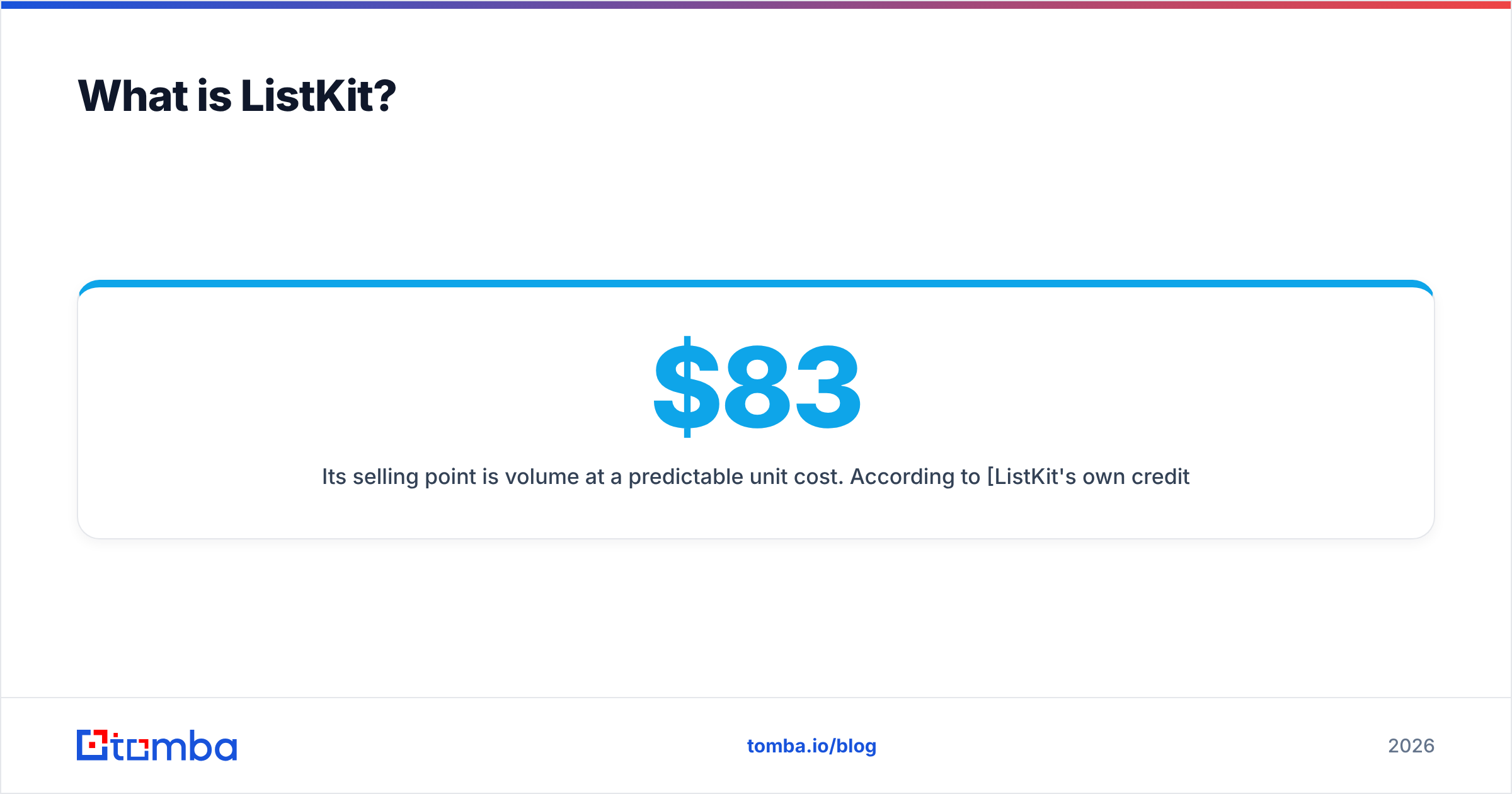
Its selling point is volume at a predictable unit cost. According to ListKit's own credit documentation, exporting a verified email costs 1 credit. Phone numbers cost extra and you only pay for them when a number is found. On annual billing, public pricing in 2026 starts around $83/mo for the Professional tier (24,000 credits a year). Scale ($253/mo) and Ultimate ($508/mo) scale credits up. A free plan gives you 100 credits to test with.
What ListKit does not try to be: a full sequencing tool with deep AI personalization. You export leads, then push them into Instantly, Smartlead, or whatever sender you already use.
What is Postaga?#
Postaga started as an outreach tool for SEO link building and PR, and later expanded into sales prospecting. Its workflow is organized around campaign types. You pick a goal (backlinks, guest posts, podcast pitches, sales outreach), and Postaga:
- Finds opportunities: sites, articles, or companies that match your goal
- Pulls contacts for those opportunities, largely through a Hunter integration
- Uses AI and "website intelligence" to draft personalized emails that reference the prospect's content
- Sends and tracks the sequence through your own SMTP or connected inbox
Capterra's Postaga pricing listing shows a free plan (3 campaigns, 500 emails), a Pro plan around $99/mo (10,000 emails, 2,000 contacts, 1,000 opportunity searches), and an Agency plan around $299/mo (100,000 emails, 15,000 contacts, 30 accounts). Check the vendor site before you buy, because outreach tools change their packaging often.
The key point: Postaga's value is in research plus personalized sending. It does not sell a proprietary contact database.

How do ListKit and Postaga compare side by side?#
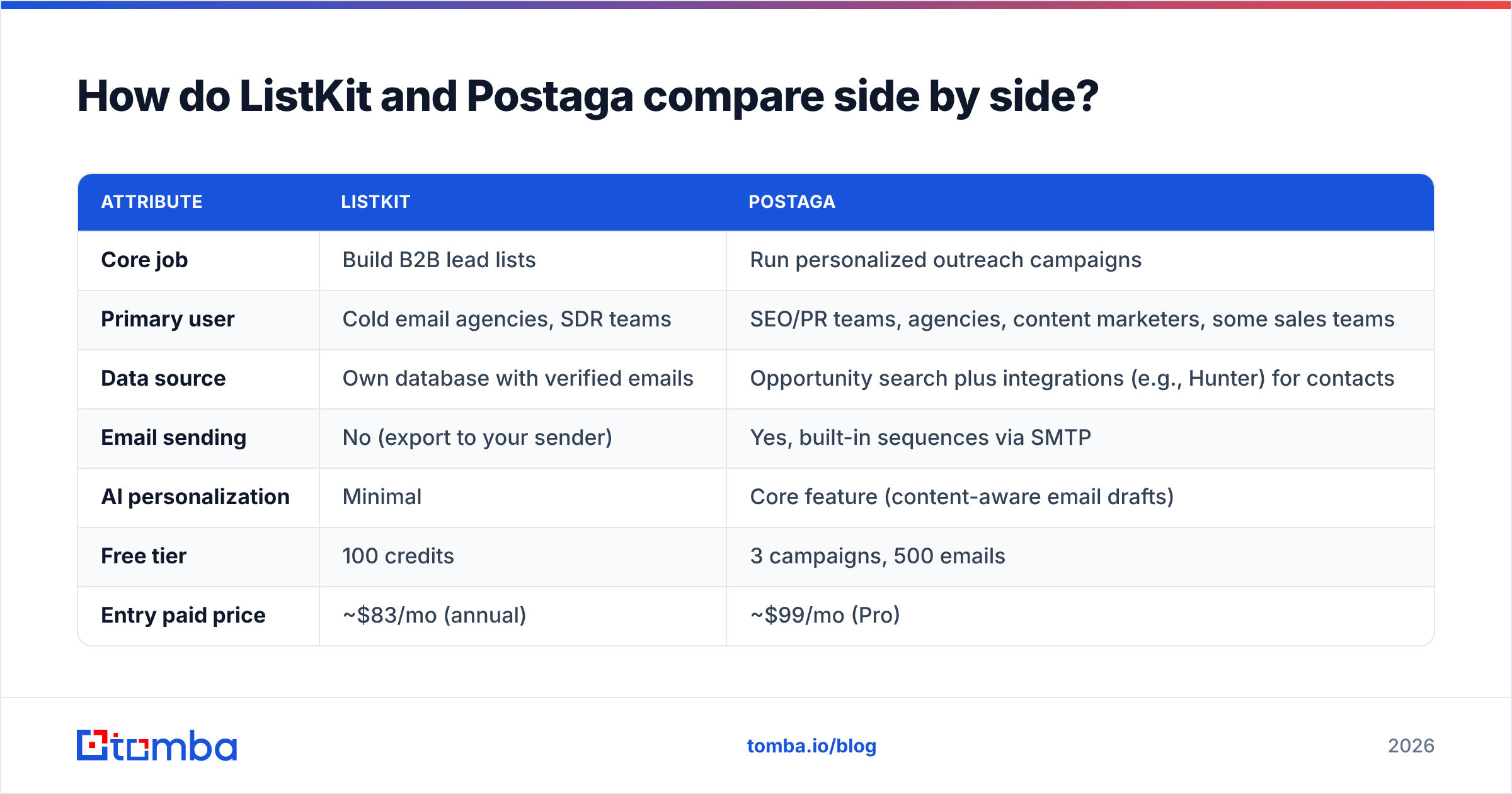
The two products sit at different layers of the outbound stack, as the table shows.
| Attribute | ListKit | Postaga |
|---|---|---|
| Core job | Build B2B lead lists | Run personalized outreach campaigns |
| Primary user | Cold email agencies, SDR teams | SEO/PR teams, agencies, content marketers, some sales teams |
| Data source | Own database with verified emails | Opportunity search plus integrations (e.g., Hunter) for contacts |
| Email sending | No (export to your sender) | Yes, built-in sequences via SMTP |
| AI personalization | Minimal | Core feature (content-aware email drafts) |
| Free tier | 100 credits | 3 campaigns, 500 emails |
| Entry paid price | ~$83/mo (annual) | ~$99/mo (Pro) |
| Pricing unit | Credits per exported contact | Emails sent, contacts, opportunity searches |
| Best for | High-volume cold email lists | Link building, PR pitching, content-led outreach |
| Main weakness | You still need a sender and copy | Contact discovery depends on third-party data |
If you read only one row, read "Core job". Comparing ListKit and Postaga on contact coverage makes no more sense than comparing Postaga and ListKit on sequence logic. Each does the other's job poorly or not at all.
Which one fits your use case?#
Most outbound workflows fall into one of five buckets:
- High-volume cold email for SaaS or agencies. You need thousands of fresh, verified contacts a month. ListKit wins. Postaga's contact caps (2,000 on Pro) will limit you fast.
- SEO link building and guest posting. You need to find relevant sites, identify the editor, and pitch with context. Postaga wins. ListKit has no concept of "sites that mention your competitor but not you."
- Digital PR and podcast pitching. You need content-aware personalization at modest volume. Postaga wins, since the campaign templates are designed for this.
- Account-based outbound to a named account list. You need the right people at 200 specific companies. Neither is ideal on its own. ListKit can filter by company, but domain-level lookup and verification tools fit better here.
- Full-cycle outbound (data + copy + sending). Use both, or pair a data tool with a sender. ListKit feeds the list, and Postaga (or Instantly/Smartlead) handles sending.
Is ListKit better than Postaga for data quality?#
For raw contact data, yes, because data is the product ListKit sells. Every exported email has already been verified, and the credit model means you don't pay for records you can't use.
Postaga's data quality comes from whichever source it pulls from. Its contact finding relies heavily on Hunter, so accuracy follows Hunter's coverage for that domain. That works well for media and content sites, where editor addresses are often public. It works less well for mid-market sales targets with catch-all mail servers.
Two caveats for ListKit:
- Verification decays. An address that was valid when verified can bounce 60 days later after a layoff or a domain migration. Re-verify any list older than a few weeks with a dedicated email verifier before a big send.
- Enrichment burns credits. Phones and extra enrichment fields cost more than an email. If you enrich every contact, your effective cost per lead can rise several times over, and third-party reviews of ListKit's pricing point this out.
Is Postaga better than ListKit for outreach?#
Clearly, since ListKit doesn't do outreach. The better question is whether Postaga beats a dedicated cold email sender.
Postaga has an edge when the personalization depends on the prospect's content. It reads the target page and suggests a first line that references a specific article, broken link, or resource. For link building, this is the difference between a 2% and a 10%+ response rate.
It falls behind when you need infrastructure for scale: rotation across dozens of inboxes, built-in warmup, and deliverability dashboards. Instantly and Smartlead are built for that. At 300 daily emails per user, Postaga is sized for careful, researched outreach, not spray-and-pray.
What does each tool really cost per usable contact?#
Sticker prices mislead in both directions, so work out cost per usable contact:
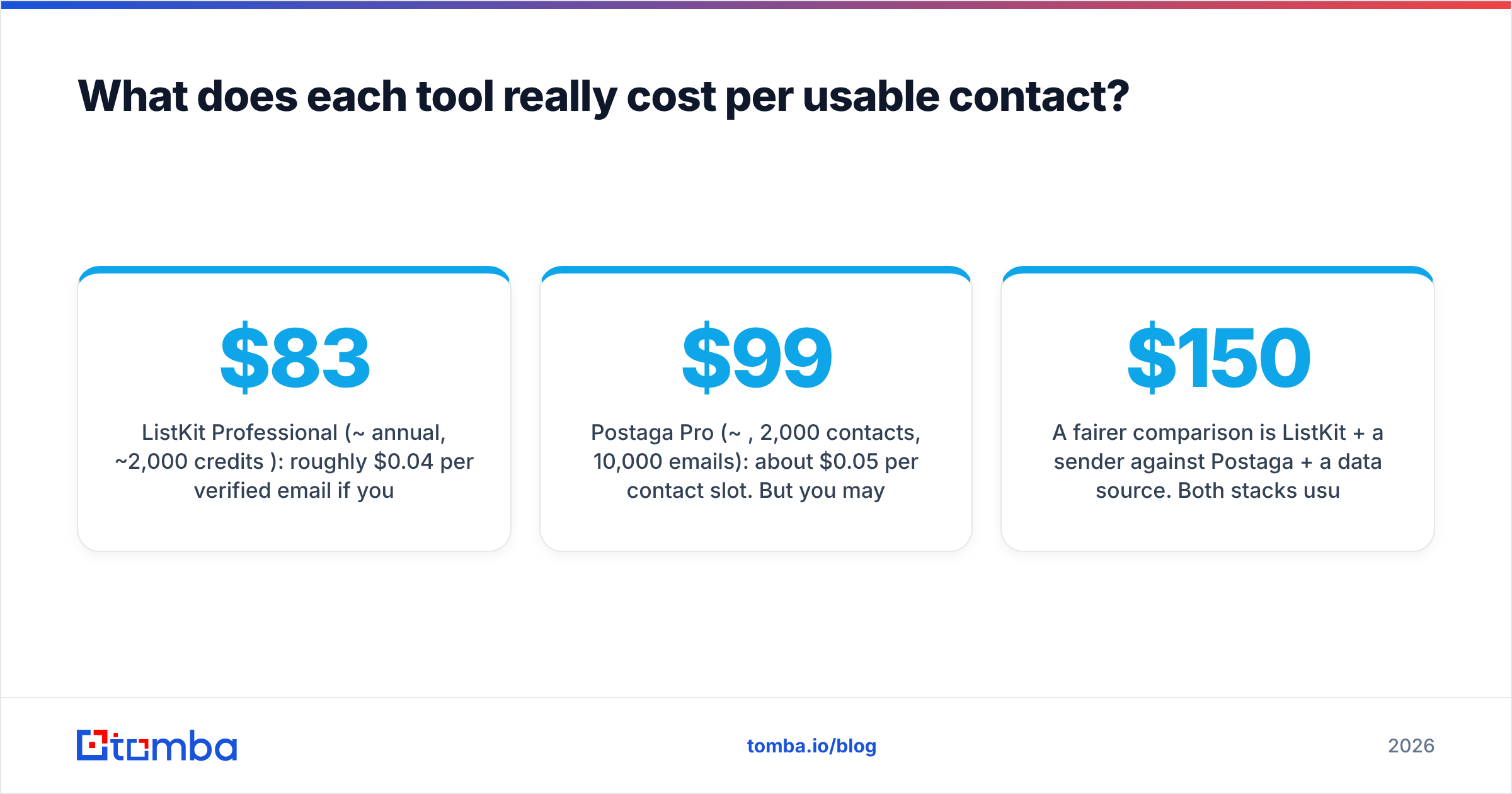
- ListKit Professional (~$83/mo annual, ~2,000 credits/mo): roughly $0.04 per verified email if you only export emails. Add phone numbers and a few enrichment fields and it can climb past $0.20.
- Postaga Pro (~$99/mo, 2,000 contacts, 10,000 emails): about $0.05 per contact slot. But you may also be paying for Hunter to unlock unlimited contacts, and part of what you get is the AI drafting and sending that ListKit doesn't include.
A fairer comparison is ListKit + a sender against Postaga + a data source. Both stacks usually land between $150 and $250/mo for a single operator. The choice then comes down to workflow fit, not price.

What are the pros and cons of each?#
ListKit pros
- Verified emails at a low unit cost on annual plans
- Fast filter-and-export workflow for cold email agencies
- Free tier lets you check data quality in your niche before paying
ListKit cons
- No sending, no sequencing, no AI copy
- Monthly billing is much worse value than annual
- Enrichment-heavy exports burn credits quickly
Postaga pros
- Opportunity discovery built for link building and PR
- Content-aware AI personalization that actually references the prospect's content
- All-in-one: research, contacts, drafting, sending, reporting
- Agency plan supports multiple client accounts
Postaga cons
- Contact data depends on third-party integrations
- Daily sending limits make it a poor fit for high-volume cold email
- Contact caps on Pro can limit growing teams
Should you use ListKit and Postaga together?#
For some teams, yes. A common pattern:
- Build the account and persona list in ListKit
- Import the contacts into Postaga's sales outreach campaign type
- Let Postaga draft personalized openers based on each company's website
- Send in small, researched batches
This works, but you pay for two tools and move CSVs back and forth. For many teams a simpler stack works better: an email finder with bulk verification, plus the sender they already use. You get fresh contacts on demand instead of pre-built lists, and you can check deliverability risk (catch-all domains, role accounts) before sending, not after.
If your targets are specific companies rather than broad segments, a domain search usually beats a database filter. You enter the company domain, see every public address and the company's email pattern, and choose the person you want. For G2-style buyer comparisons of these categories, G2's sales intelligence category is a useful second opinion.
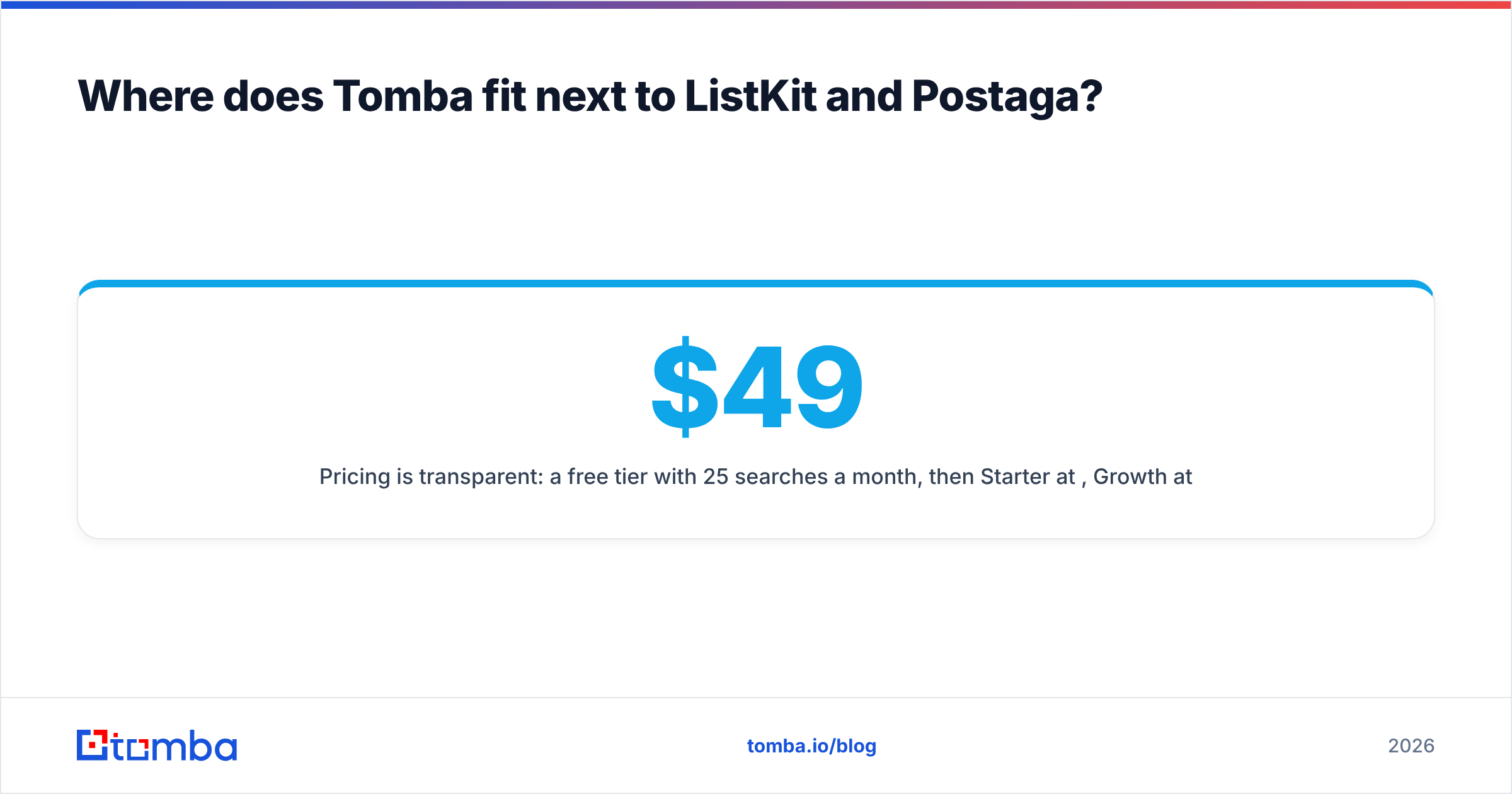
Where does Tomba fit next to ListKit and Postaga?#
Tomba is not a sequencer, so it doesn't replace Postaga's sending. It isn't a pre-built list marketplace either, so it doesn't copy ListKit's filter-and-dump model. It sits in the middle as the find-and-verify layer:
- Look up an individual's email from name + company, or pull every address on a domain
- Verify the whole list (including catch-all checks) before it reaches Postaga, Instantly, or your CRM
- Plug in through the API, Google Sheets, a Chrome extension, or native CRM integrations
Pricing is transparent: a free tier with 25 searches a month, then Starter at $49/mo, Growth at $99/mo, and Pro at $249/mo. See Tomba pricing for credit breakdowns. For a Postaga user whose Hunter lookups come back empty on a stubborn domain, or a ListKit user re-verifying a 90-day-old export, that's often the cheapest fix.
So, ListKit vs Postaga: which should you choose?#
- Choose ListKit if your bottleneck is who to contact and you already have a cold email sender.
- Choose Postaga if your bottleneck is what to say, and your outreach is link building, PR, or content-led prospecting where personalization matters more than volume.
- Choose neither alone if you run full-cycle outbound. Pair a reliable finder and verifier with the sender you trust.
Neither tool is a bad buy. Buying one to do the other's job is where teams lose money.
If you want accurate, verified contacts for the specific companies you're targeting, without committing to a large list or a new sending platform, try the Tomba Email Finder. Start on the free plan, look up your top 25 accounts, verify the results, and push them into whatever outreach tool you already use, whether that's Postaga or something else.
Related guides#
// get started
Find, verify and enrich your first contacts today
Start on the free plan with 25 searches a month, then scale when your team is ready.
Free plan · No credit card required · GDPR & CCPA
// about the author