Local Scraper Alternatives: 8 Tools for Google Maps Leads in 2026
Local Scraper gets you business listings from Google Maps and Yellow Pages. Here are 8 alternatives, split into cloud scrapers, no-code tools and contact enrichment, with the use case each one fits best.
TL;DR
- Local Scraper is a Windows/Mac desktop app. It pulls business listings from Google Maps, Bing Maps, Yahoo Local, Yellow Pages and a few other directories into CSV files.
- People usually look for alternatives for one of three reasons: they want a cloud tool that runs without their machine, they need an API or automation, or they need actual decision-maker emails instead of
info@addresses. - Outscraper and Apify are the strongest cloud replacements. Both charge per 1,000 records and include a free monthly allowance.
- Octoparse and PhantomBuster suit no-code teams that scrape several sites besides Maps.
- A scraper gives you the list of businesses. To reach the owner or manager, pair it with an email finder and a verifier before you send anything.
What is Local Scraper, and why do people look for alternatives?#
Local Scraper is desktop lead-scraping software. You type a keyword ("roofers") and a location ("Austin, TX"). The software then collects every matching listing from its supported sources: Google Maps, Google Places, Yahoo Local, Bing Maps, HomeAdvisor, and Yellow Pages sites for the US, Canada, Germany and Australia. You get a CSV with fields like business name, address, phone, website, category and rating. The exact columns depend on the source; the Yahoo Local scraper returns more columns than the Google Maps one.
For a solo agency owner building local lead lists, it does the job. Reviews on Software Advice rate it well on ease of use and value. Teams still outgrow it, and it's usually for one of these reasons:
- It runs on your machine. Scrapes use your IP and your uptime, so if you close the laptop, the job stops.
- Your team can't share it easily. There's no shared workspace, no scheduling and no webhook into your CRM.
- The contact data is shallow. Directory listings give you a main phone number and a website. What you usually need is the owner's or manager's email.
- Google Maps keeps changing its layout. Desktop scrapers need regular updates to keep up with Google's front-end changes, and cloud vendors absorb that work for you.
If none of those problems affect you, stay with Local Scraper. If one does, keep reading.
What should you look for in a Local Scraper alternative?#
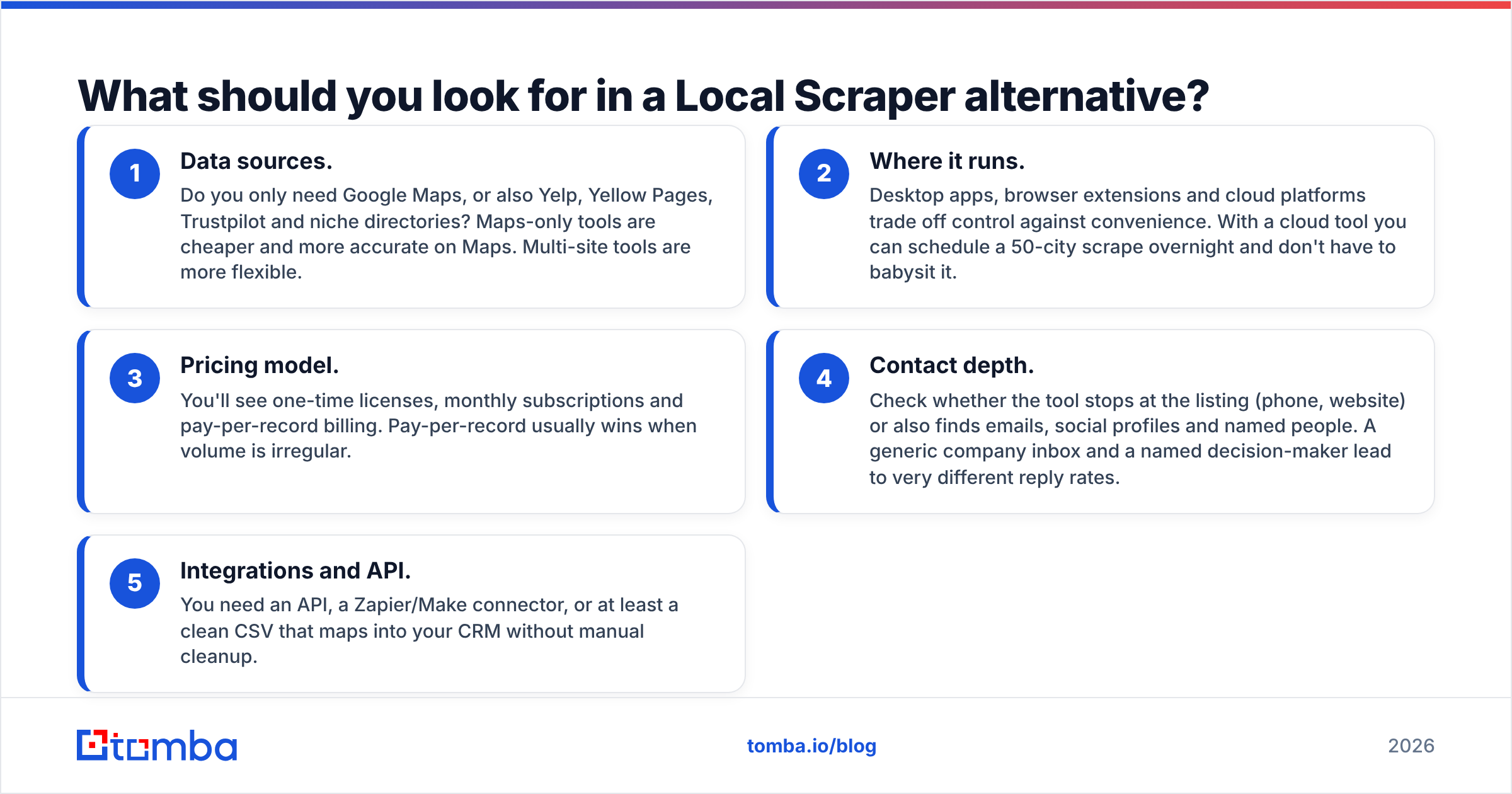
Before comparing vendors, decide which job you're hiring the tool for. Most bad tool choices come from comparing a scraper with an enrichment tool as if they did the same thing. Five criteria matter:
- Data sources. Do you only need Google Maps, or also Yelp, Yellow Pages, Trustpilot and niche directories? Maps-only tools are cheaper and more accurate on Maps. Multi-site tools are more flexible.
- Where it runs. Desktop apps, browser extensions and cloud platforms trade off control against convenience. With a cloud tool you can schedule a 50-city scrape overnight and don't have to babysit it.
- Pricing model. You'll see one-time licenses, monthly subscriptions and pay-per-record billing. Pay-per-record usually wins when volume is irregular.
- Contact depth. Check whether the tool stops at the listing (phone, website) or also finds emails, social profiles and named people. A generic company inbox and a named decision-maker lead to very different reply rates.
- Integrations and API. You need an API, a Zapier/Make connector, or at least a clean CSV that maps into your CRM without manual cleanup.
What are the best Local Scraper alternatives in 2026?#
Here are eight tools grouped by what they replace. Prices reflect public pricing pages at the time of writing (September 2026). Vendors change them often, so check before you buy.
1. Outscraper: best pay-as-you-go cloud replacement#
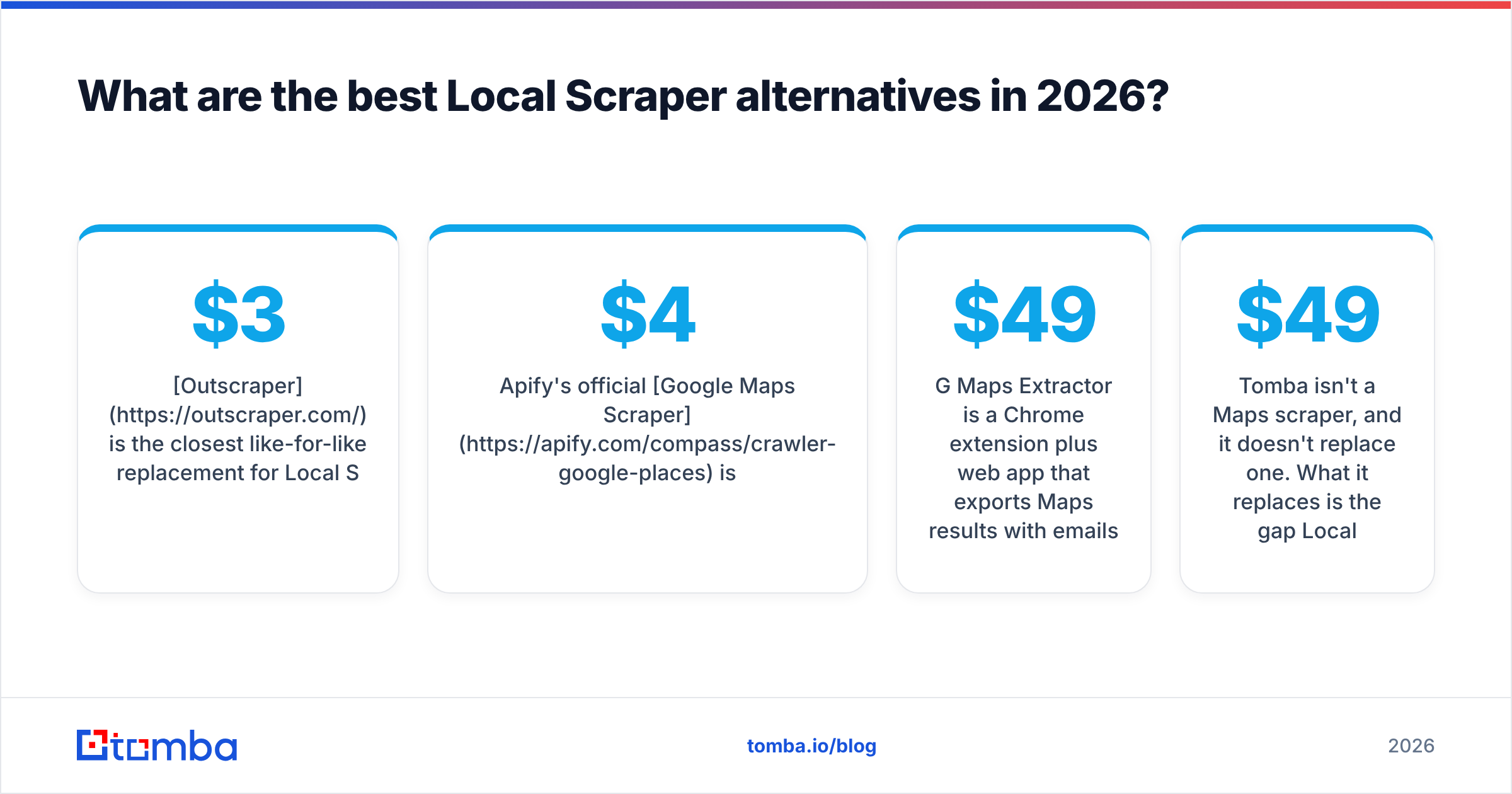
Outscraper is the closest like-for-like replacement for Local Scraper's Google Maps module, and it runs in the cloud. You enter queries and locations and it returns places, reviews and contact details. The first 500 business records each month are free, then Maps scraping costs roughly $3 per 1,000 records, with no subscription.
The catch is that add-ons are billed separately. Email and contact scraping, verification and enrichment each cost extra, so a fully enriched lead costs noticeably more than the headline rate. It's still very cheap per record.
Best for: agencies scraping Maps across many cities that want predictable per-record costs.
2. Apify Google Maps Scraper: best for automation and developers#
Apify's official Google Maps Scraper is an "Actor" that runs on Apify's cloud. It uses pay-per-event billing, currently about $4 per 1,000 places plus small charges for filters and extra details such as reviews. The free plan's monthly platform credit covers roughly 1,000 places, which is enough to test your workflow. The Apify Store also has community-built Maps scrapers that charge less per 1,000 places.
The advantage is the platform itself: scheduling, webhooks, datasets you can query through an API, and ready-made integrations. If you want new Maps leads to land in a Google Sheet or CRM every Monday without anyone touching them, Apify is the most flexible option here.
Best for: ops-minded teams and developers who want scraping as a pipeline, not a one-off export.
3. Octoparse: best no-code multi-site scraper#
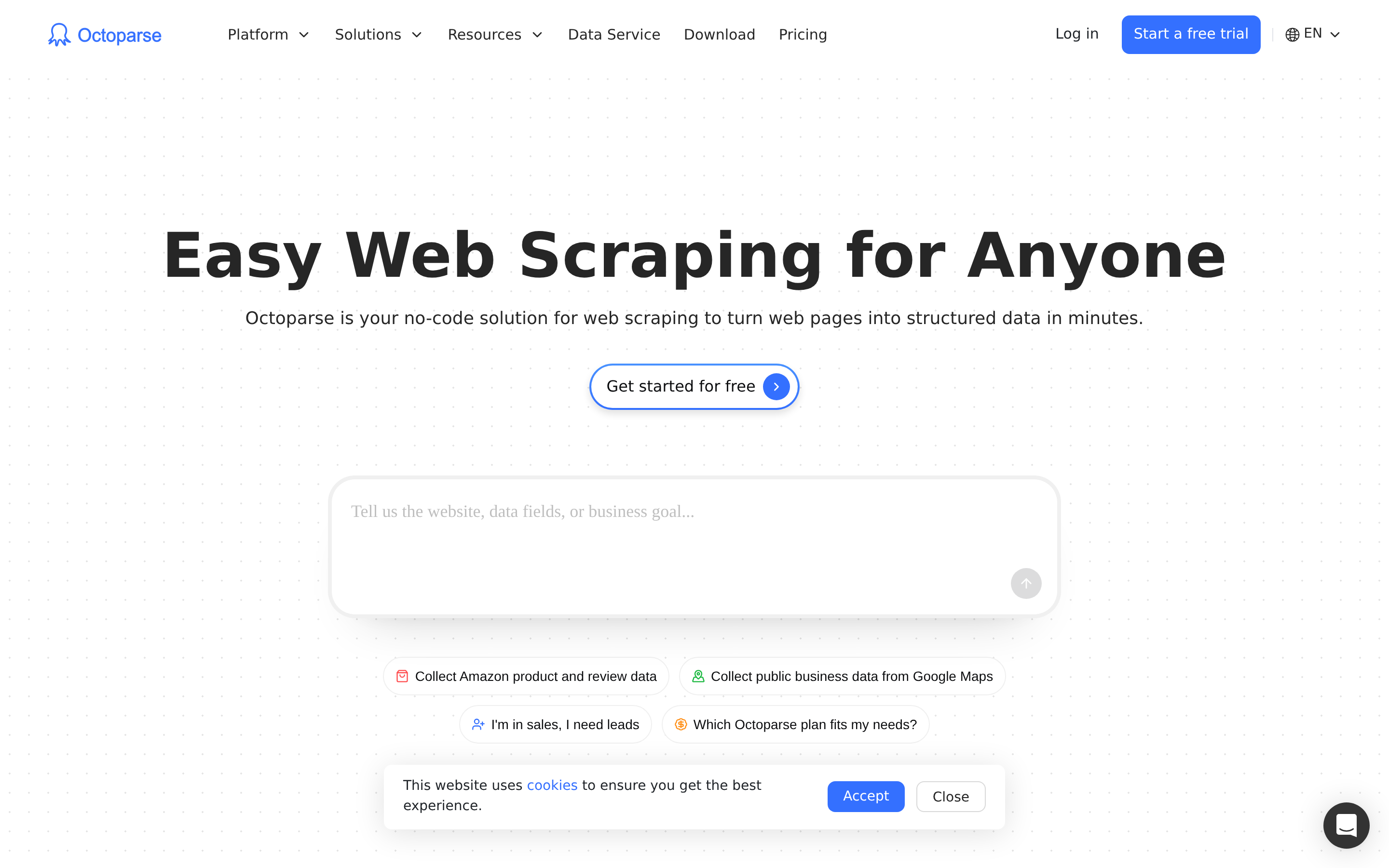
Octoparse is a visual scraper. You click the elements you want, it builds the extraction workflow, and it offers templates for Google Maps, Yelp, Yellow Pages and many other directories. There's a free plan with local runs. Paid plans add cloud extraction, scheduling and IP rotation.
It takes longer to learn than Local Scraper, but it covers far more sites. That matters if your niche's best data lives in an industry directory rather than on Maps.
Best for: marketers who scrape several directories and want one tool for all of them.
4. PhantomBuster: best when Maps is part of a bigger outbound flow#
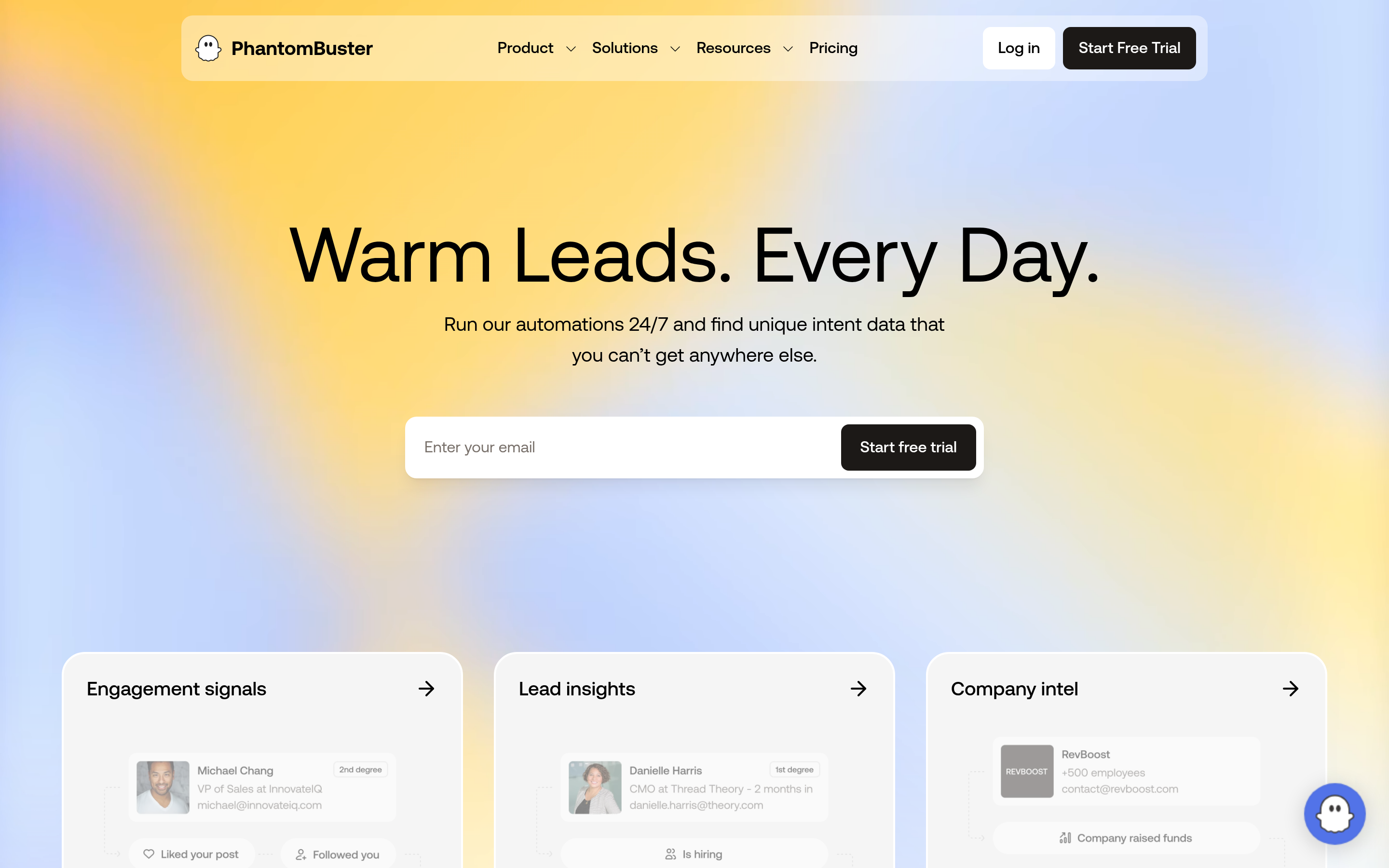
PhantomBuster's "Phantoms" include a Google Maps Search Export alongside its well-known LinkedIn automations. You can chain them: export Maps listings, pull the company pages, then enrich. Pricing is a monthly subscription with execution-time limits, so it costs more than pay-per-record tools if Maps is all you need.
Best for: teams already running LinkedIn and multichannel outreach who want Maps data in the same workspace.
5. G Maps Extractor: best lightweight Maps-only tool#
G Maps Extractor is a Chrome extension plus web app that exports Maps results with emails and social links where it can find them. It has a free tier and paid plans that start around $49 according to its Capterra listing. It's the simplest move for Local Scraper users who only ever used the Google Maps module.
Best for: solo operators and freelancers who want Maps leads without learning a platform.
6. Scrap.io: best for country-wide Maps extraction#
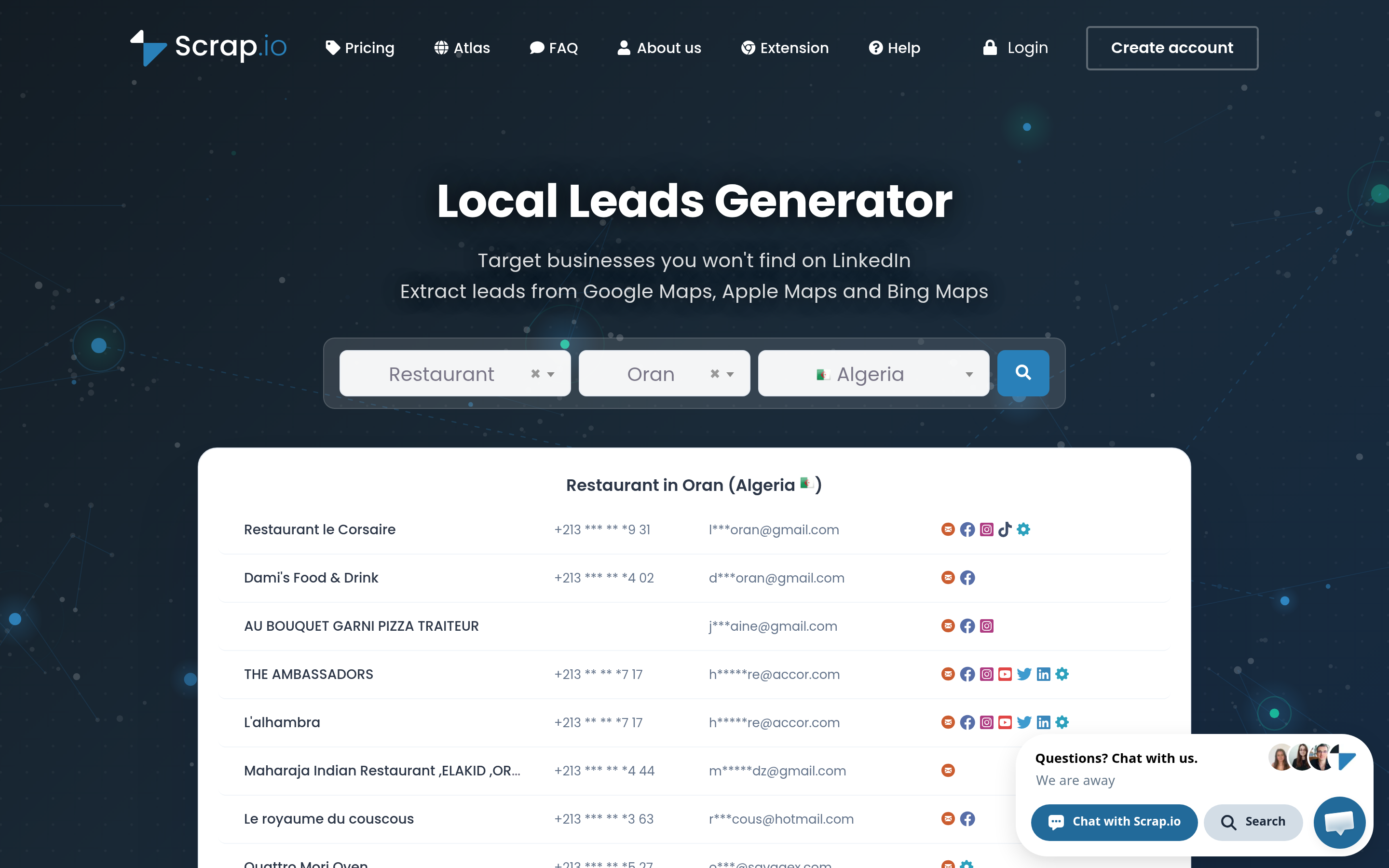
Scrap.io indexes Google Maps businesses by category and region, so you can export all the plumbers in a country instead of running city-by-city queries. It's subscription-based and returns emails and social profiles found on each business's website.
Best for: large territory builds, such as national franchises, distributors and SaaS for local businesses.
7. BookYourData: best when you'd rather buy a verified list than scrape one#
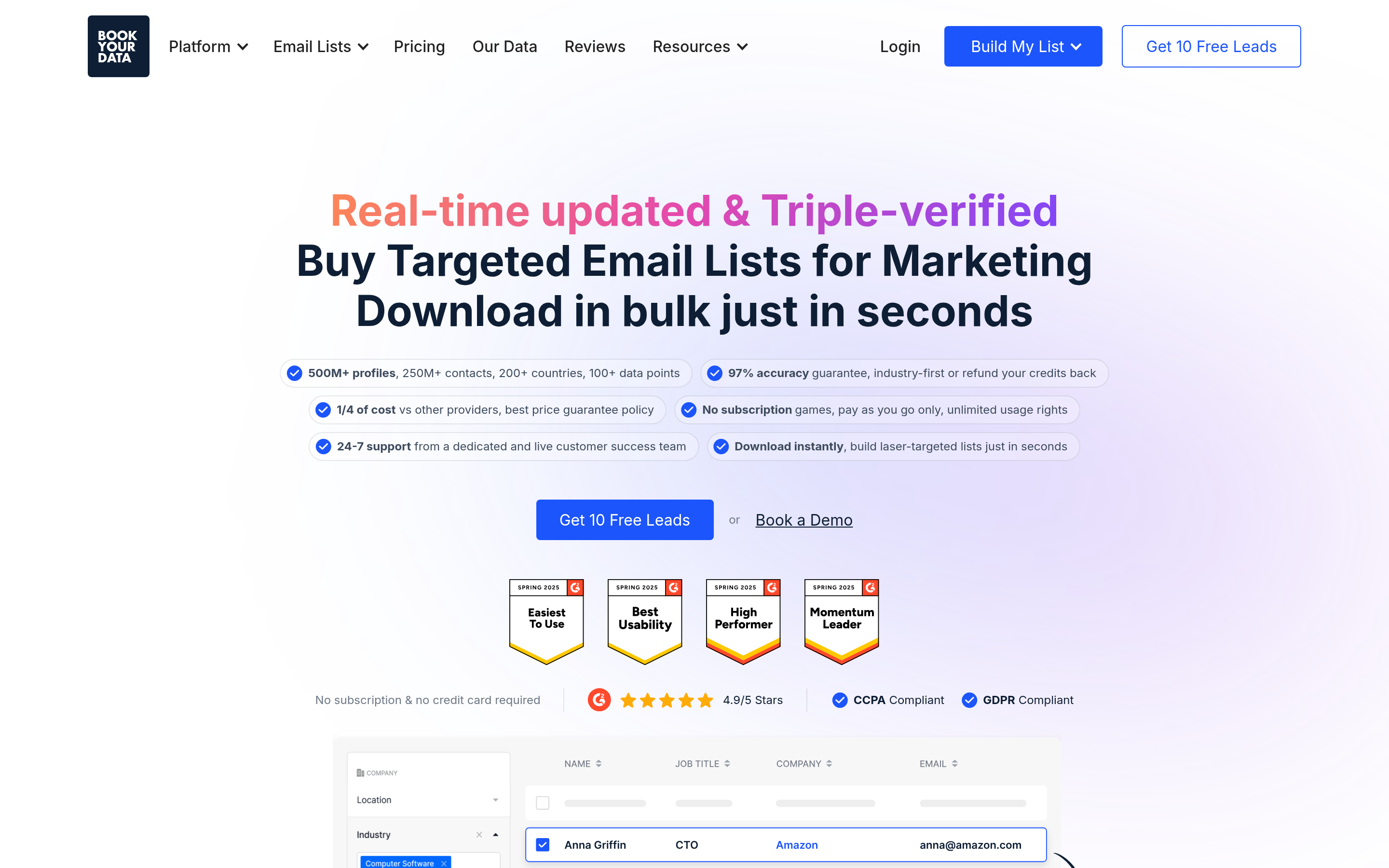
Sometimes the right alternative to scraping is not scraping at all. BookYourData sells pre-built, verified B2B contact lists you can filter by industry, location and job title. You're buying contacts that already include a name and title, so you get named people from day one instead of generic company inboxes.
Best for: teams that value time over per-record cost and target industries well covered by B2B databases.
8. Tomba: best for turning scraped listings into reachable contacts#
Tomba isn't a Maps scraper, and it doesn't replace one. What it replaces is the gap Local Scraper leaves after the export. Take the website column from any scraper above and run it through domain search to find the professional email addresses linked to that domain, often with names and roles attached. Then use the email verifier to remove invalid and risky addresses before they reach your sending domain. The free tier includes 25 searches a month, and paid plans start at $49/mo.
Best for: anyone whose scraped lists are full of info@ and contact@ addresses and whose reply rates show it.
How do the Local Scraper alternatives compare side by side?#
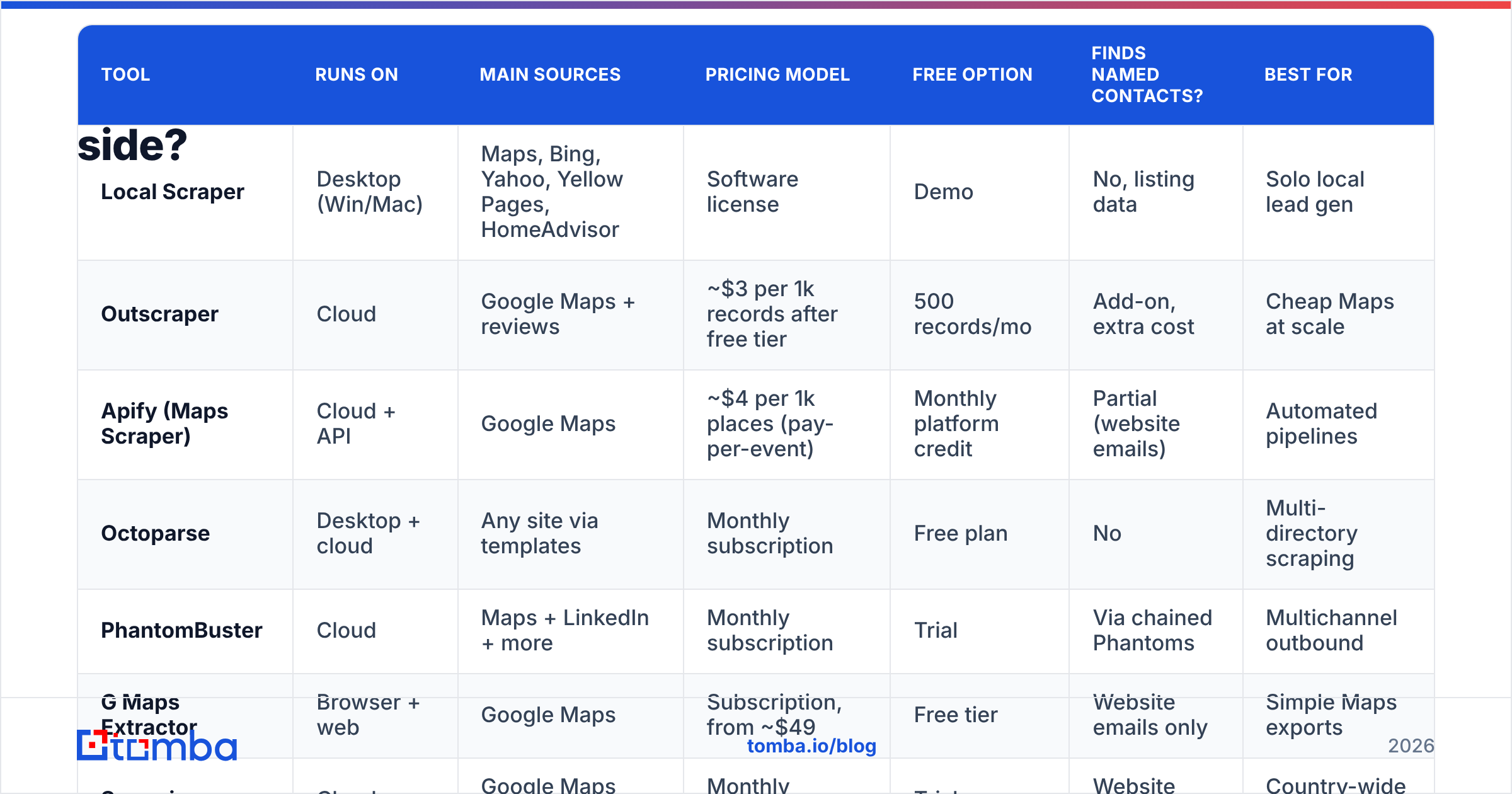
| Tool | Runs on | Main sources | Pricing model | Free option | Finds named contacts? | Best for |
|---|---|---|---|---|---|---|
| Local Scraper | Desktop (Win/Mac) | Maps, Bing, Yahoo, Yellow Pages, HomeAdvisor | Software license | Demo | No, listing data | Solo local lead gen |
| Outscraper | Cloud | Google Maps + reviews | ~$3 per 1k records after free tier | 500 records/mo | Add-on, extra cost | Cheap Maps at scale |
| Apify (Maps Scraper) | Cloud + API | Google Maps | ~$4 per 1k places (pay-per-event) | Monthly platform credit | Partial (website emails) | Automated pipelines |
| Octoparse | Desktop + cloud | Any site via templates | Monthly subscription | Free plan | No | Multi-directory scraping |
| PhantomBuster | Cloud | Maps + LinkedIn + more | Monthly subscription | Trial | Via chained Phantoms | Multichannel outbound |
| G Maps Extractor | Browser + web | Google Maps | Subscription, from ~$49 | Free tier | Website emails only | Simple Maps exports |
| Scrap.io | Cloud | Google Maps (indexed) | Monthly subscription | Trial | Website emails only | Country-wide builds |
| BookYourData | Cloud database | Pre-built B2B lists | Pay per contact | Sample data | Yes, verified | Skip scraping entirely |
| Tomba | Cloud + API + extensions | Your domains/names | Free, then $49–$249/mo | 25 searches/mo | Yes, with verification | Enriching scraped lists |
The table shows the main split. The first seven rows help you find businesses. Only the last two help you find the people inside them, and outbound replies come from people.
Is scraping Google Maps legal and safe for outreach?#
The short answer is that it depends on the data, the jurisdiction and what you do with it. Here are the practical points to keep in mind:
- Public business listings (name, address, main phone, website) are generally low-risk to collect. Google's terms of service still restrict automated access, which is one reason cloud vendors manage proxies and compliance on their side.
- Personal data such as named individuals' emails falls under GDPR in the EU/UK and similar laws elsewhere. You need a lawful basis (typically legitimate interest for B2B), an easy opt-out, and a record of where you got the data.
- Deliverability is the risk people underestimate. Scraped website emails are often outdated, role-based, or on catch-all domains. If you send to an unverified scraped list, your bounce rate spikes and your domain's sender reputation drops within a week.
That last point is why the scraper you pick matters less than the steps after the scrape.
What does a modern local lead workflow look like?#
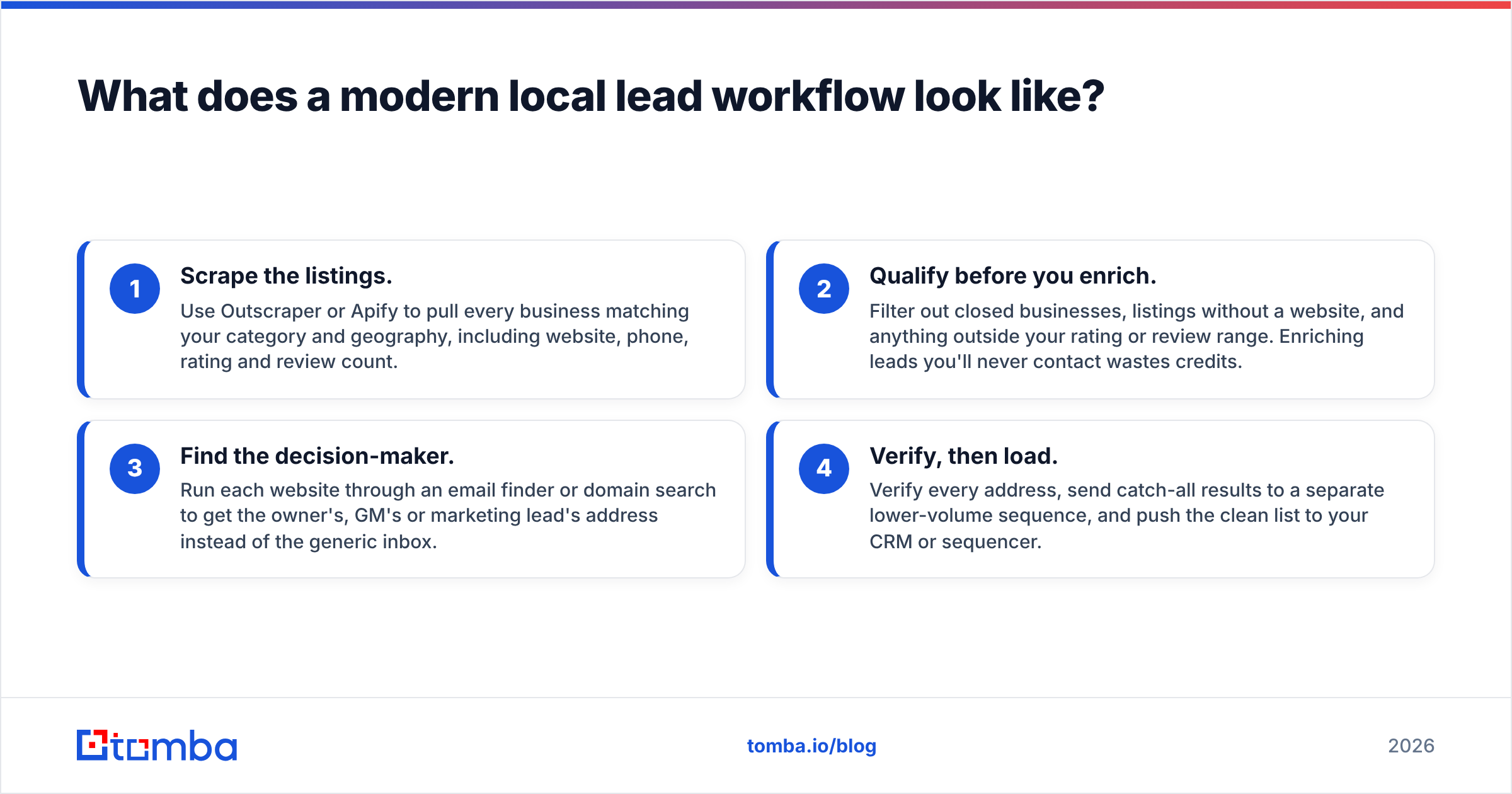
Local Scraper packed everything into one desktop export. A more durable setup splits the job into four steps, each handled by the tool that does it best:
- Scrape the listings. Use Outscraper or Apify to pull every business matching your category and geography, including website, phone, rating and review count.
- Qualify before you enrich. Filter out closed businesses, listings without a website, and anything outside your rating or review range. Enriching leads you'll never contact wastes credits.
- Find the decision-maker. Run each website through an email finder or domain search to get the owner's, GM's or marketing lead's address instead of the generic inbox.
- Verify, then load. Verify every address, send catch-all results to a separate lower-volume sequence, and push the clean list to your CRM or sequencer.
Steps 3 and 4 are what separate a 1% reply rate from a 5% one. They also keep a list from burning your domain.
Which Local Scraper alternative should you choose?#
Pick based on the bottleneck you actually have:
- You just want Local Scraper in the cloud. Choose Outscraper. The pricing is simple, the free tier is useful, and there's no subscription.
- You want scraping to run on a schedule and feed other systems. Choose Apify.
- Your leads live on directories other than Maps. Choose Octoparse.
- Maps is one step in a LinkedIn-heavy outbound motion. Choose PhantomBuster.
- You want Maps leads with the least setup. Choose G Maps Extractor or Scrap.io.
- You'd rather buy verified contacts than build lists. Choose BookYourData.
- You already have listings but no one to email. Add Tomba on top of whichever scraper you keep.
Most teams end up combining two: a cheap cloud scraper for coverage and an enrichment layer for contacts. Scrapers are much more interchangeable than contact data, so choose the enrichment layer more carefully.
Ready to turn scraped listings into real conversations?#
A Google Maps export tells you which businesses exist. It doesn't tell you who runs them or whether their inbox accepts mail. Tomba Email Finder closes that gap. Paste a website or a name plus company and you get professional email addresses with source links and a confidence score. The built-in verifier removes bad addresses before you hit send. Start on the free plan with 25 searches a month, or compare Tomba plans if you're enriching thousands of local leads a week.
Related guides#
// get started
Find, verify and enrich your first contacts today
Start on the free plan with 25 searches a month, then scale when your team is ready.
Free plan · No credit card required · GDPR & CCPA
// about the author