Logvalid vs Lusha (2026): Email Verifier or Contact Data Tool?
Logvalid cleans email lists for fractions of a cent. Lusha sells verified contacts and direct dials by the credit. They solve different problems. Here's how to pick the right one, or whether you need both.
TL;DR
- Logvalid and Lusha do different jobs. Logvalid is an email verifier: it checks whether addresses you already have will accept mail. Lusha is a B2B contact data platform: it gives you emails and phone numbers you don't have yet.
- Logvalid is far cheaper per action. Its free plan includes 500 verification credits, and paid packs start at $1 for 2,000 credits. Lusha's paid plans start around $49.90/mo at list price, and a phone reveal costs 5 credits.
- Choose Logvalid if you already own a list (CRM export, signups, event leads) and need to clean it before sending.
- Choose Lusha if reps need direct dials and fresh contacts inside LinkedIn and the CRM.
- If you need both finding and verifying, one platform that does both usually beats paying for two tools and gluing them together.
"Logvalid vs Lusha" looks like a normal head-to-head, but it isn't quite one. One tool checks addresses you already have. The other finds people you don't have. Choosing between them works a lot like choosing between a spell-checker and a thesaurus: you need to know what problem you're solving before you compare prices.
This guide covers what each tool does, what it costs in 2026, where each one falls short, and which fits your workflow.
What is Logvalid?#
Logvalid is an email validation service. You give it an address or a list, and it tells you whether each one is deliverable. According to its Capterra listing, the core feature set is:
- Real-time validation of single addresses
- Bulk list verification through file upload
- An API for checking addresses at signup or inside your own pipeline
- Syntax and domain checks, plus disposable-address filtering
- Spam trap detection
- Classification of free vs professional (business) addresses
- Reports on list health and deliverability
Logvalid doesn't find new contacts. There's no person search, no company database, no phone numbers. It's a hygiene tool. You use it before a campaign so bounces don't hurt your sender reputation.
Pricing is its strongest selling point. The free plan includes 500 verification credits, and paid pricing starts at $1 for 2,000 credits. For teams verifying large marketing lists, that's among the cheapest per-check rates available.
What is Lusha?#
Lusha is a B2B contact and company data platform. Reps use the Chrome extension on LinkedIn profiles and company websites to reveal work emails and direct phone numbers. It also offers a prospecting search, CRM enrichment for Salesforce and HubSpot, intent signals, and an API.
Lusha charges by the credit, and credits cost different amounts depending on what you reveal. Based on 2026 reporting on its pricing page:
- A verified email costs 1 credit
- A phone number costs 5 credits
- Revealing both can cost up to 6 credits
- API calls, exports, and AI enrichment may use extra credits
Lusha verifies the emails it returns, but it isn't sold as a list-cleaning tool. You can't upload 50,000 newsletter signups and get a bounce-risk report back at Logvalid's price.
How do Logvalid and Lusha compare side by side?#
This table covers the attributes that usually decide the purchase:
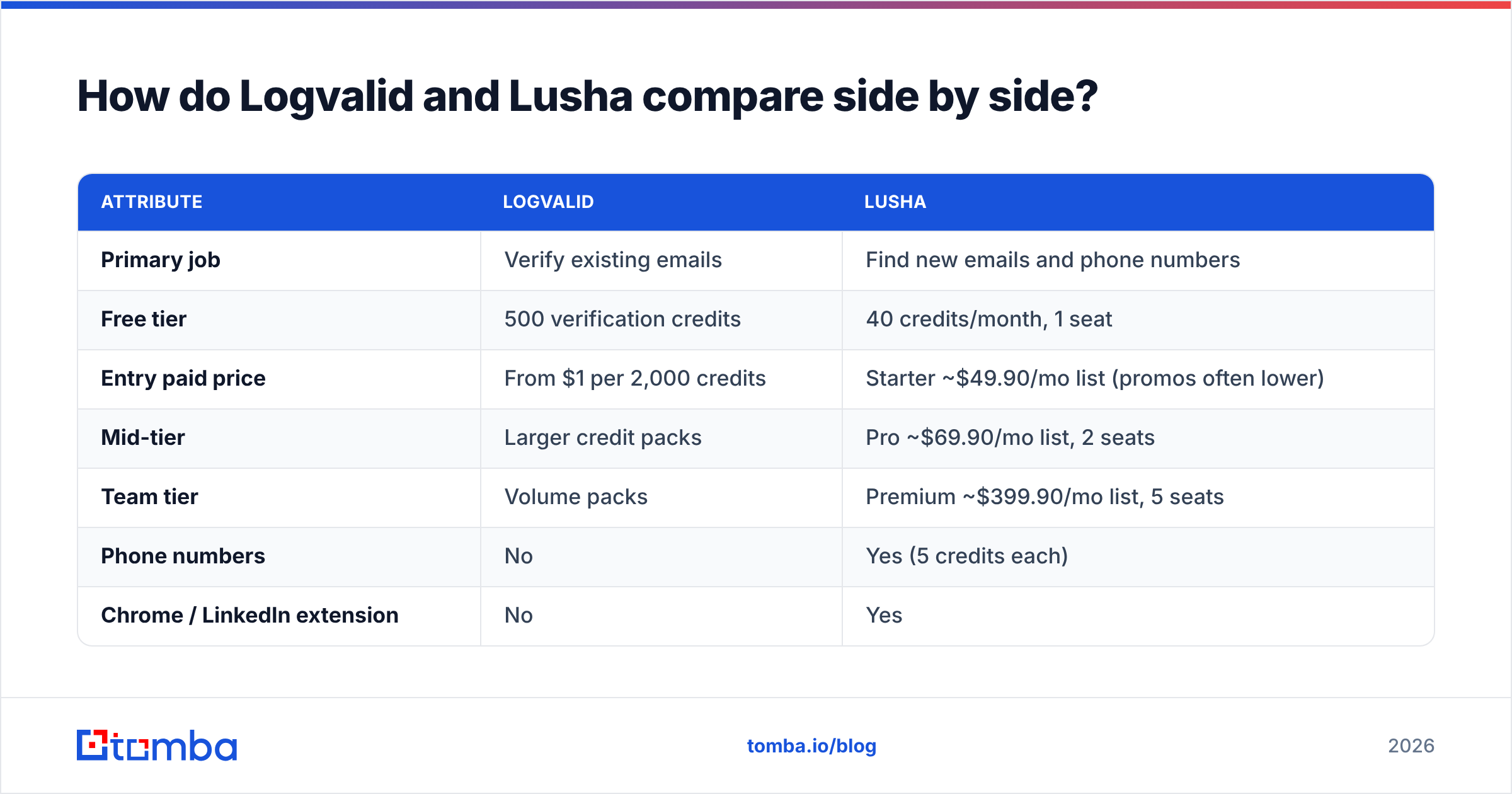
| Attribute | Logvalid | Lusha |
|---|---|---|
| Primary job | Verify existing emails | Find new emails and phone numbers |
| Free tier | 500 verification credits | 40 credits/month, 1 seat |
| Entry paid price | From $1 per 2,000 credits | Starter ~$49.90/mo list (promos often lower) |
| Mid-tier | Larger credit packs | Pro ~$69.90/mo list, 2 seats |
| Team tier | Volume packs | Premium ~$399.90/mo list, 5 seats |
| Phone numbers | No | Yes (5 credits each) |
| Chrome / LinkedIn extension | No | Yes |
| Bulk list cleaning | Yes, core feature | Limited, not its main purpose |
| Spam trap / disposable detection | Yes | Not a headline feature |
| API | Yes | Yes (may use extra credits) |
| CRM integrations | Via API | Native Salesforce, HubSpot, and others |
| Best for | Marketers, ops, list hygiene | SDRs, AEs, recruiters |
Two points about Lusha's pricing matter here. First, Lusha often runs annual-billing promotions, so what you actually pay can be lower than list price. Treat any number you see as a snapshot and check before you buy. Second, on monthly plans unused credits roll over up to twice the monthly allotment. On annual plans they reset at the end of the cycle.
Which tool fits which workflow?#
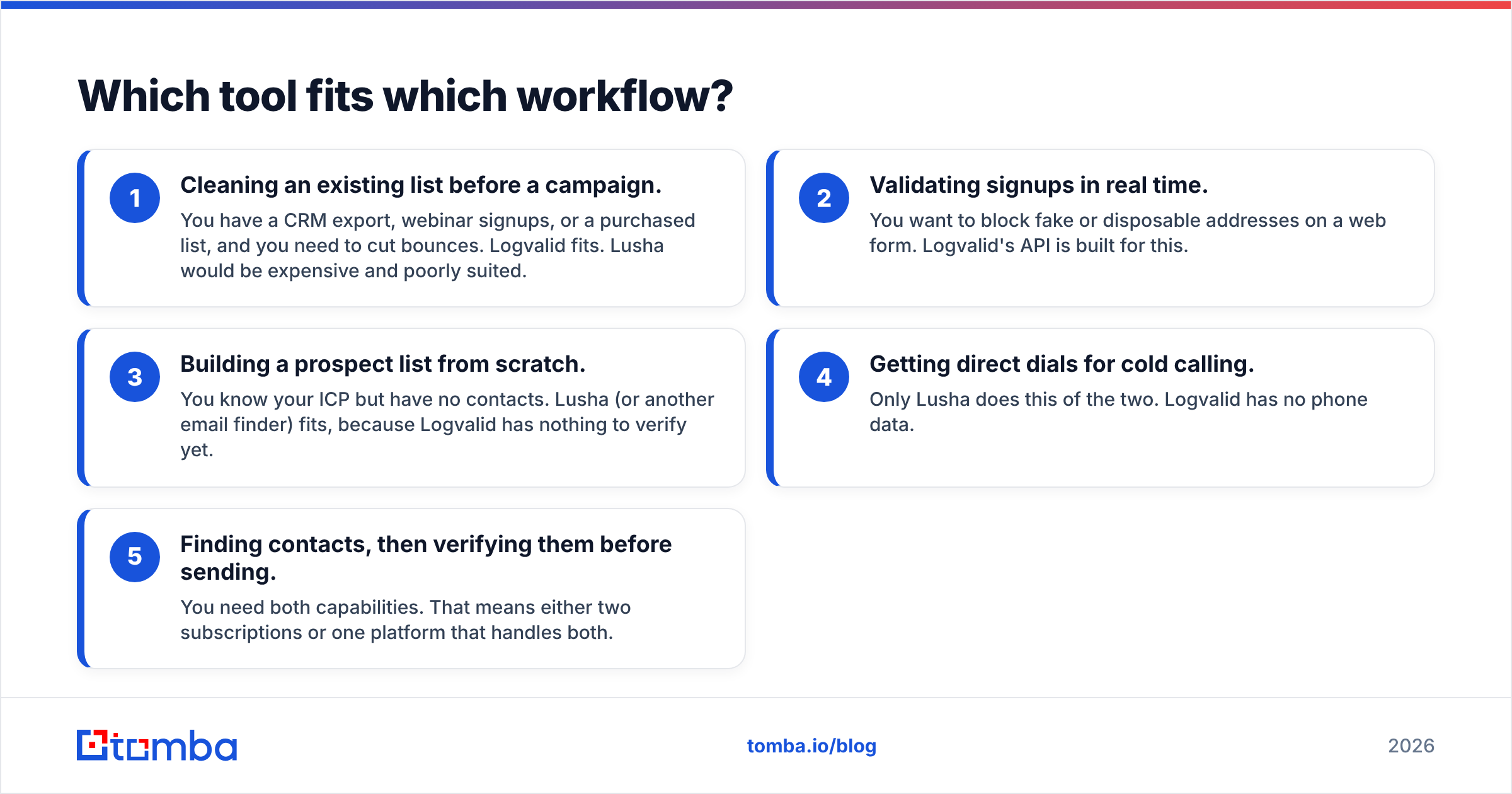
The quickest way to decide is to name the job you're hiring the tool for. Here are the five most common cases:
- Cleaning an existing list before a campaign. You have a CRM export, webinar signups, or a purchased list, and you need to cut bounces. Logvalid fits. Lusha would be expensive and poorly suited.
- Validating signups in real time. You want to block fake or disposable addresses on a web form. Logvalid's API is built for this.
- Building a prospect list from scratch. You know your ICP but have no contacts. Lusha (or another email finder) fits, because Logvalid has nothing to verify yet.
- Getting direct dials for cold calling. Only Lusha does this of the two. Logvalid has no phone data.
- Finding contacts, then verifying them before sending. You need both capabilities. That means either two subscriptions or one platform that handles both.
Most outbound teams end up at number 5, and that's where the "vs" framing breaks down.
How much does each tool really cost per usable contact?#
Sticker price is misleading here because the two tools charge for different things. Compare cost per outcome instead.
Verifying 10,000 existing emails. With Logvalid, at the entry rate of $1 per 2,000 credits, that's roughly $5 at face value, plus whatever the pack structure actually works out to at your volume. With Lusha, verification isn't really what you'd buy it for, so the comparison barely applies.
Getting 500 new prospects with email and phone. Logvalid can't do this at all. With Lusha, at up to 6 credits per contact for email plus phone, you need up to 3,000 credits. That's well beyond the Starter plan's annual allotment (reported at 4,800 credits/year, about 400/month), so a single rep calling heavily will probably land on Pro or Premium.
Getting 500 new prospects with email only. On Lusha that's around 500 credits, which is manageable on Starter. You'd still want to verify before a large send, because data decays by the month as people change jobs.
The takeaway: Logvalid is cheap because it does one narrow thing. Lusha costs more because it sells data you don't already own, and phone numbers are where the credits go.
What are the pros and cons of Logvalid?#
Pros
- Very low cost per verification
- A generous free tier for testing (500 credits)
- API for real-time signup validation
- Spam trap and disposable-address detection, which matter for sender reputation
- Simple scope that's easy to learn
Cons
- No contact discovery: it only works on data you already have
- No phone numbers, no company data, no enrichment
- Fewer native CRM integrations than sales-focused platforms
- A smaller brand with a thinner review footprint than bigger verifiers, so run your own test on a sample before a large purchase
What are the pros and cons of Lusha?#
Pros
- Direct dials and mobile numbers, which many email-only tools don't offer
- A mature Chrome extension that works on LinkedIn and company sites
- Native CRM enrichment for Salesforce and HubSpot
- Emails come pre-verified at reveal time
- Strong review volume on G2, so it's easy to find other buyers' experiences
Cons
- Phone reveals cost 5 credits, so budgets drain quickly for calling teams
- Promotional vs list pricing makes the real cost harder to predict
- Annual plans don't roll over unused credits
- Not designed for bulk hygiene on large lists you already own
- Seat limits on lower tiers push growing teams toward Premium
Is Logvalid better than Lusha?#
Only if your problem is verification. If you already have the addresses and want fewer bounces, Logvalid does that job cheaply and Lusha isn't really a competitor.
Is Lusha better than Logvalid?#
For prospecting, yes. If you need new contacts and especially phone numbers, Logvalid isn't an option, and Lusha is a well-established pick. The trade-off is cost per contact, which rises quickly once phone reveals are involved.

Do you actually need both?#
Many teams do, and they don't notice until the first bounce report comes in. A common setup looks like this:
- Reps pull contacts from a prospecting tool.
- Contacts sit in the CRM for weeks before a sequence starts.
- Some of those people change jobs in the meantime.
- The campaign goes out, bounces rise, and deliverability drops.
The fix is to verify right before sending, not only at reveal time. That's why teams pair a finder with a verifier. It works, but it means two vendors, two credit systems, two sets of CSV exports, and a manual step someone eventually forgets.
The alternative is one platform that handles both. Tomba is built around an email finder (domain search, name plus company lookup, LinkedIn extension) with an email verifier and a catch-all verifier on the same account. Phone finder and enrichment are available too. You find a contact, re-verify the list before a send, and handle catch-all domains without exporting to a second tool.
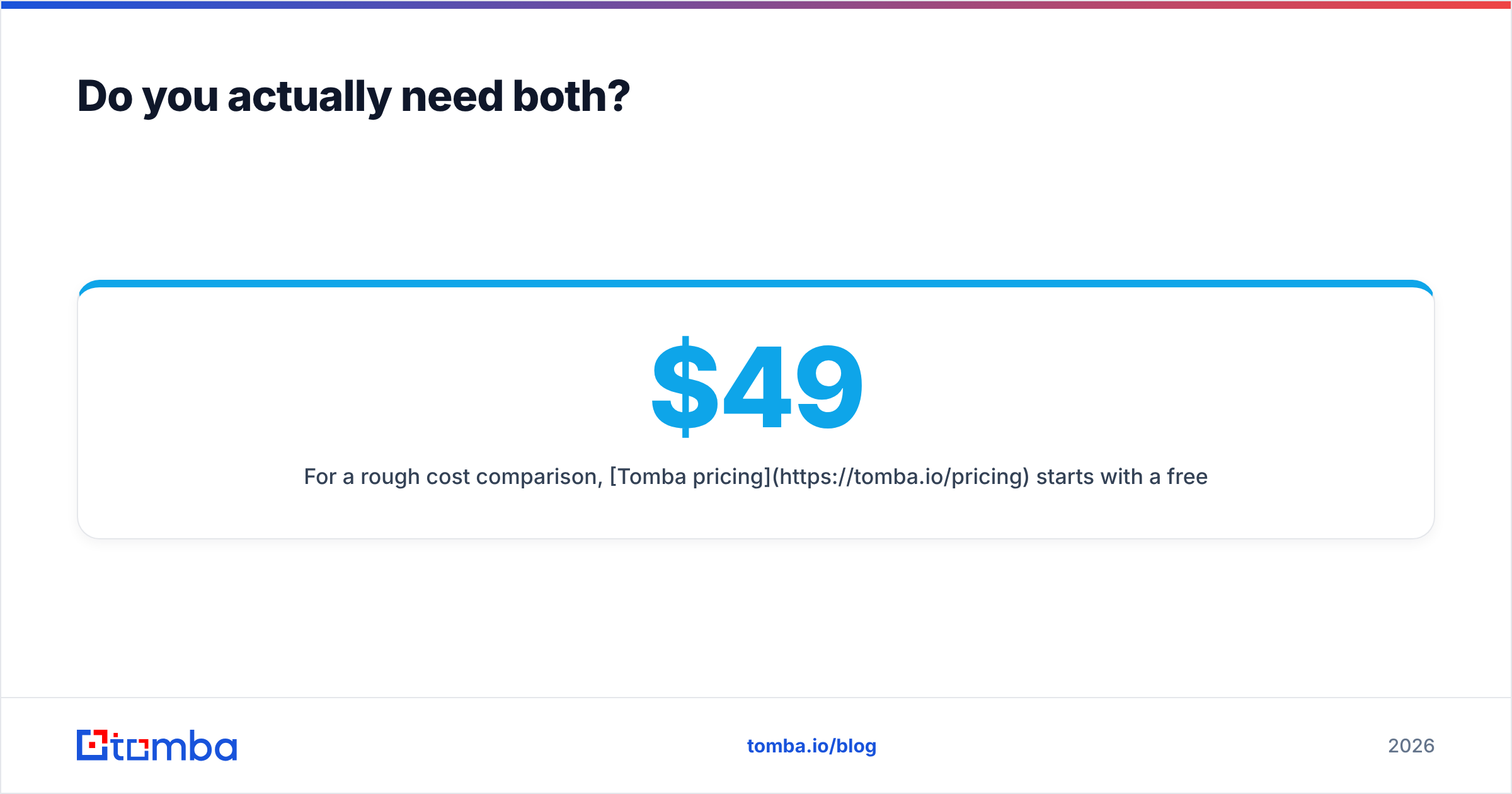
For a rough cost comparison, Tomba pricing starts with a free tier of 25 searches a month, then Starter at $49/mo, Growth at $99/mo, Pro at $249/mo, and custom Enterprise plans. That puts it close to Lusha's entry list price, but with finding and verification on the same bill.
How should you decide?#
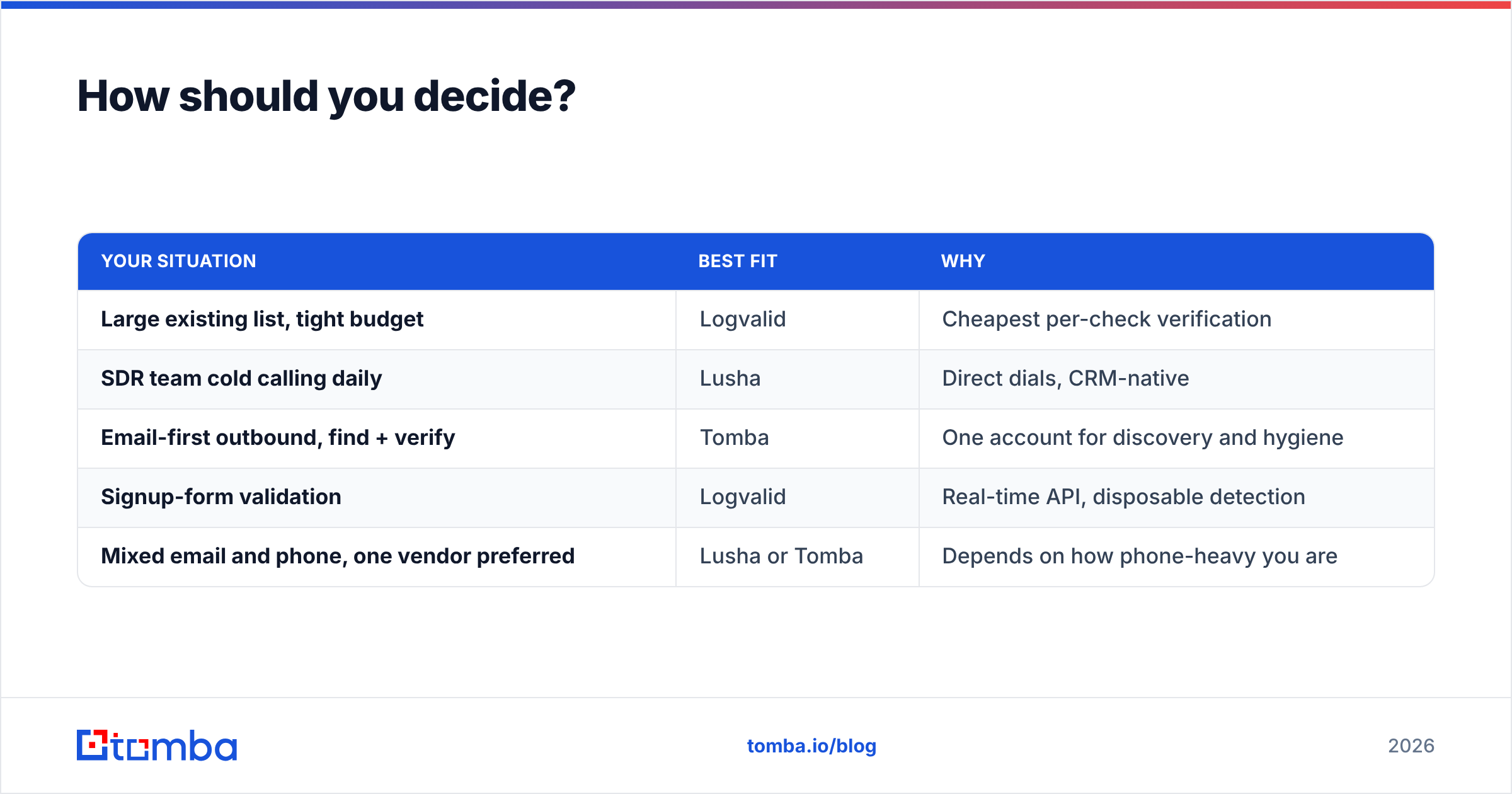
Use this short checklist:
| Your situation | Best fit | Why |
|---|---|---|
| Large existing list, tight budget | Logvalid | Cheapest per-check verification |
| SDR team cold calling daily | Lusha | Direct dials, CRM-native |
| Email-first outbound, find + verify | Tomba | One account for discovery and hygiene |
| Signup-form validation | Logvalid | Real-time API, disposable detection |
| Mixed email and phone, one vendor preferred | Lusha or Tomba | Depends on how phone-heavy you are |
If your pipeline is mostly email-driven and you're tired of moving CSVs between a finder and a verifier, test a single-platform setup before renewing two subscriptions. Start with Tomba Email Finder: run a domain search on a few target accounts, verify the results in the same dashboard, and compare bounce rates against your current stack. The free tier is enough to see whether combining the two steps saves your team real time.
Related guides#
// get started
Find, verify and enrich your first contacts today
Start on the free plan with 25 searches a month, then scale when your team is ready.
Free plan · No credit card required · GDPR & CCPA
// about the author