LoneScale Alternatives: 7 Signal and Enrichment Tools for 2026
LoneScale is strong at job-change and hiring signals, but it isn't cheap and it covers a narrow set of triggers. Here are 7 alternatives by budget, signal coverage, and CRM fit, plus how to pair signals with verified contact data.
TL;DR
- LoneScale is a CRM-native signal platform. It tracks job changes and hiring activity and writes contacts back into Salesforce and HubSpot. Pricing isn't published, and third-party reviews put entry plans at roughly $500 to $1,000+ per month.
- The main reasons teams look for LoneScale alternatives are cost, narrow signal coverage (no funding, web-intent, or tech-stack triggers), and weak support for CRMs other than Salesforce and HubSpot.
- For champion tracking at enterprise scale, look at UserGems or Champify. For community and web intent, look at Common Room. For do-it-yourself signal workflows, use Clay.
- If you mostly need the contact data behind the signal (verified emails and phones for the new stakeholder), a data tool like Tomba, Apollo, or ZoomInfo can replace part of the stack for much less.
- Most teams end up pairing one signal source with one verified-contact source. Decide which half you're actually missing before you buy.
What is LoneScale, and what does it actually do?#
LoneScale is a sales intelligence platform built around two kinds of buying signal:
- Job changes. When a past champion, user, or buyer moves to a new company, LoneScale flags it. That person already knows your product and is one of the warmest leads you'll get.
- Hiring signals. When a target account posts roles that suggest a need (for example, three SDR openings, which point to outbound tooling), LoneScale surfaces the account and the people likely to buy.
Its main selling point is that it's CRM-native. LoneScale sources, enriches, and refreshes contacts directly inside Salesforce and HubSpot, so reps don't have to work from a separate dashboard. It also connects to Salesloft and Outreach so flagged contacts can go straight into sequences. You can see the current feature set on the official LoneScale site.
This matters when you compare alternatives. LoneScale isn't an email finder, and it isn't a full intent platform. It sits between the two: a signal detector that includes some enrichment.
Why are teams searching for LoneScale alternatives?#
The same four complaints come up in reviews and buyer conversations:
- Price opacity. LoneScale doesn't publish pricing. Reviewers report starting points between about $500/month and $1,000/month for the core plan, and costs rise with contact volume. That's hard to justify for a 3-person SDR team.
- Narrow signal set. Hiring and job changes are valuable, but they're only two triggers. You won't get funding rounds, website visits, tech-stack changes, or product-usage signals from LoneScale alone.
- CRM lock-in. Salesforce and HubSpot write-back is strong. Pipedrive, Attio, Zoho, and Close users report workarounds.
- The data isn't the point. Some teams buy LoneScale mainly for the refreshed contact data. If that's you, a dedicated enrichment tool is usually cheaper and more accurate per record.
How do the top LoneScale alternatives compare?#
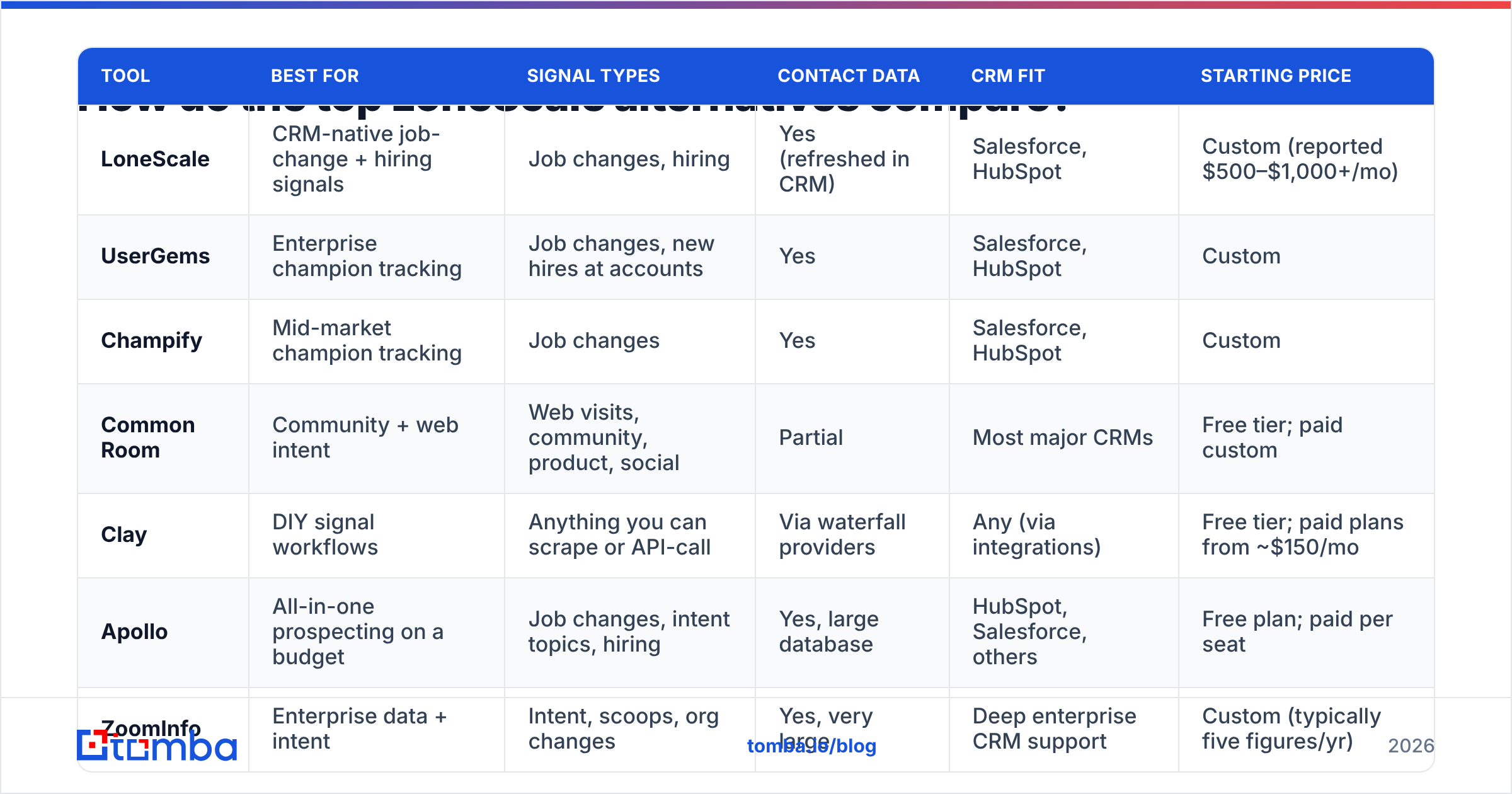
Here's the full shortlist before the detailed reviews. Pricing reflects public information as of late 2026. Vendors with custom quotes are marked, so confirm with sales before you budget.
| Tool | Best for | Signal types | Contact data | CRM fit | Starting price |
|---|---|---|---|---|---|
| LoneScale | CRM-native job-change + hiring signals | Job changes, hiring | Yes (refreshed in CRM) | Salesforce, HubSpot | Custom (reported $500–$1,000+/mo) |
| UserGems | Enterprise champion tracking | Job changes, new hires at accounts | Yes | Salesforce, HubSpot | Custom |
| Champify | Mid-market champion tracking | Job changes | Yes | Salesforce, HubSpot | Custom |
| Common Room | Community + web intent | Web visits, community, product, social | Partial | Most major CRMs | Free tier; paid custom |
| Clay | DIY signal workflows | Anything you can scrape or API-call | Via waterfall providers | Any (via integrations) | Free tier; paid plans from ~$150/mo |
| Apollo | All-in-one prospecting on a budget | Job changes, intent topics, hiring | Yes, large database | HubSpot, Salesforce, others | Free plan; paid per seat |
| ZoomInfo | Enterprise data + intent | Intent, scoops, org changes | Yes, very large | Deep enterprise CRM support | Custom (typically five figures/yr) |
| Tomba | Verified emails behind any signal | None natively (pair with a signal tool) | Emails, phones, enrichment | HubSpot, Salesforce, Pipedrive, Zapier | Free (25 searches); from $49/mo |
The table shows two groups. The first four rows detect signals. Tomba and Clay mostly act on signals: they find and verify the person you now need to reach. Apollo and ZoomInfo do some of both.
Which LoneScale alternative is best for champion tracking?#
1. UserGems: the enterprise default#
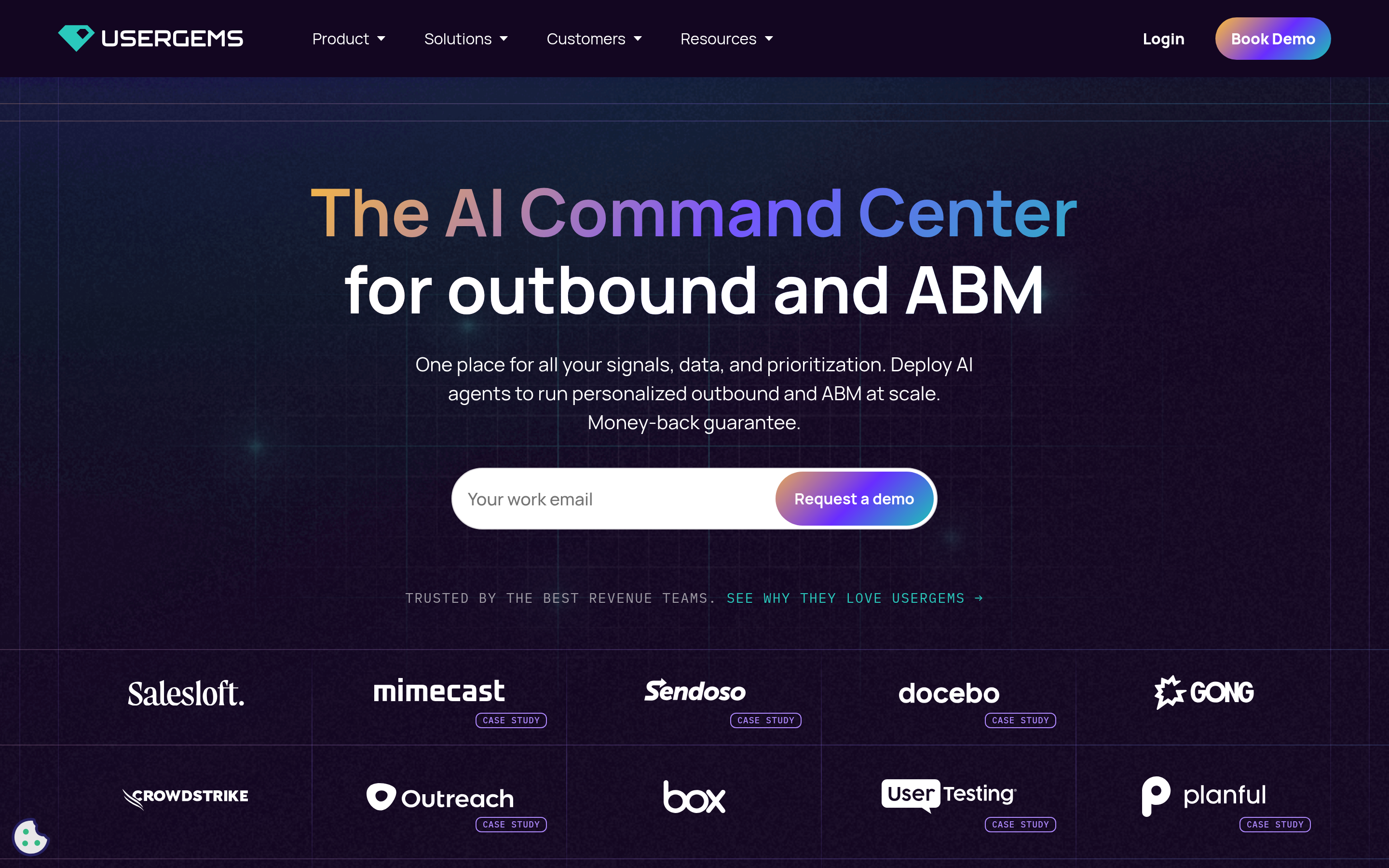
UserGems is the category leader for job-change tracking. It watches your CRM contacts (past buyers, users, and closed-lost champions), detects when they move, and creates the new contact and account in your CRM with a suggested next step. It also flags new executives joining target accounts.
- Why pick it over LoneScale: more mature playbooks, deeper Salesforce automation, and a large customer base, so there's plenty of implementation knowledge available.
- Watch out for: custom enterprise pricing, which is usually higher than LoneScale. It's a good fit when you have thousands of past customers to track and a RevOps team to run it. See the UserGems site for current packaging.
2. Champify: champion tracking without the enterprise overhead#
Champify covers the same core job (knowing when your champions move) with a lighter setup. It's popular with mid-market SaaS teams that want the signal without a long rollout.
- Why pick it over LoneScale: a narrower focus on champions means fewer settings to manage, and onboarding tends to be faster.
- Watch out for: no hiring-signal module comparable to LoneScale's, and pricing is also by quote.
Which alternative covers more signal types?#
3. Common Room: community, web, and product signals#
If your problem is that LoneScale only covers two triggers, Common Room is the broadest option here. It combines website visits, community activity (Slack, Discord, GitHub), product usage, and social engagement, then resolves those activities to people and accounts.
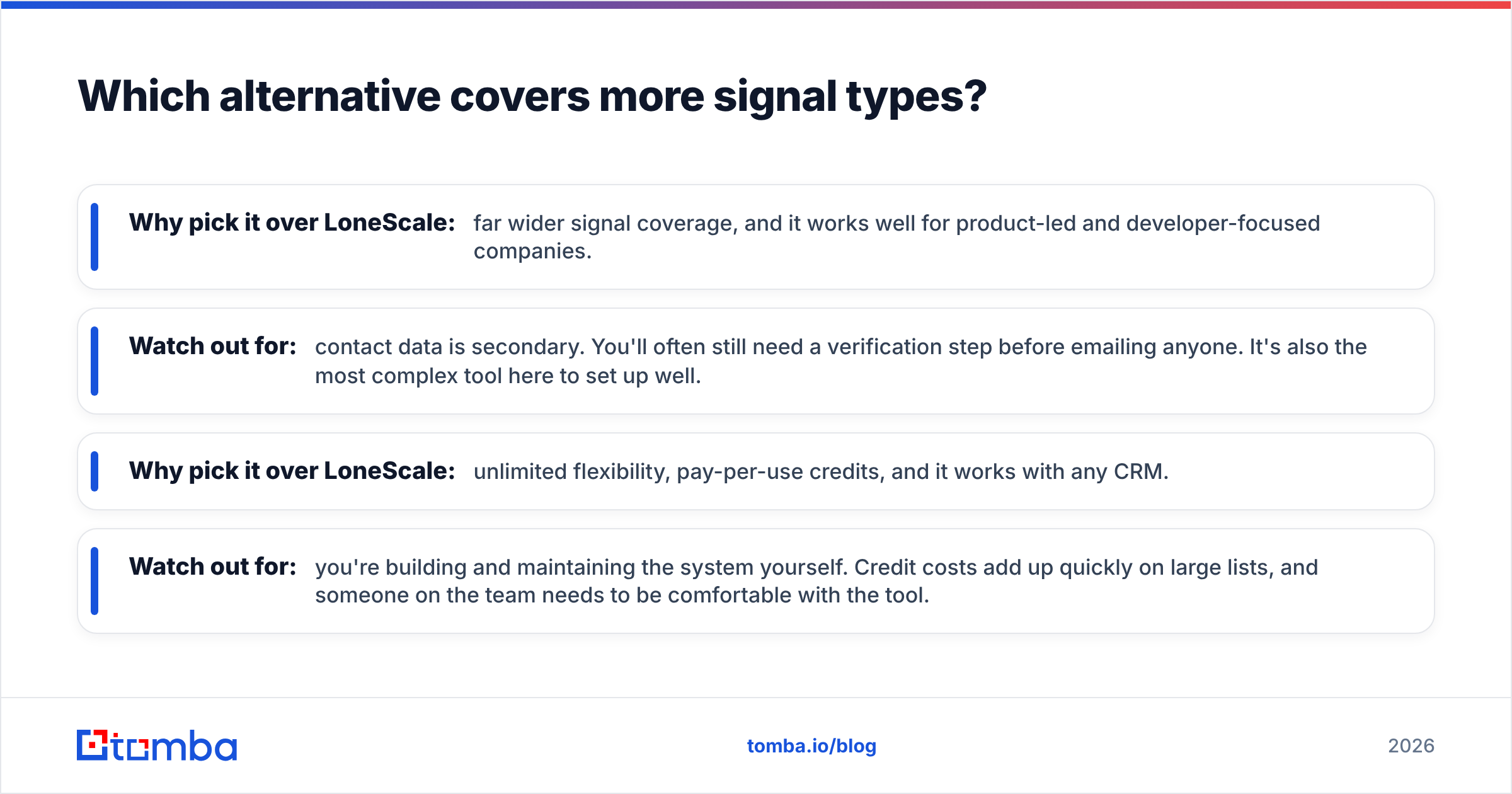
- Why pick it over LoneScale: far wider signal coverage, and it works well for product-led and developer-focused companies.
- Watch out for: contact data is secondary. You'll often still need a verification step before emailing anyone. It's also the most complex tool here to set up well.
4. Clay: build your own signal engine#
Clay isn't a signal product in the traditional sense. It's a spreadsheet-like workflow builder that pulls from dozens of data providers and APIs. You can build job-change monitors, hiring-page scrapers, funding alerts, and tech-stack checks, then waterfall through several enrichment vendors to find a contact.
- Why pick it over LoneScale: unlimited flexibility, pay-per-use credits, and it works with any CRM.
- Watch out for: you're building and maintaining the system yourself. Credit costs add up quickly on large lists, and someone on the team needs to be comfortable with the tool.
Is a data provider a better LoneScale alternative?#
For many teams, yes. Ask yourself honestly: after LoneScale flags a job change or a hiring spike, what do you do next? Usually you:
- Identify the right person. That's the new VP, the returning champion, or the hiring manager.
- Find a working email. People who just changed jobs have brand-new addresses that most databases haven't picked up yet.
- Verify it. New-hire addresses and catch-all domains cause most bounces in signal-based outbound.
- Enrich the record. Add title, seniority, phone, and LinkedIn before it goes into the CRM.
- Sequence it within 30 days, while the signal is still fresh.
If you already spot signals manually (LinkedIn Sales Navigator alerts, Google Alerts, job boards), steps 2–4 are where most of the time goes. A data tool handles those directly.
5. Apollo: signals and data in one budget tool#

Apollo combines a large contact database, basic job-change and hiring filters, intent topics, and a built-in sequencer. It's the most common "one tool instead of three" choice for early-stage teams.
- Why pick it over LoneScale: a free plan, published per-seat pricing, and signals, data, and sending all in one place.
- Watch out for: signal depth is shallower than LoneScale's, and data accuracy varies by region and seniority. Many teams run Apollo contacts through a separate verifier before sending. If you're already on Apollo and want a lighter data layer, compare Apollo alternatives.
6. ZoomInfo: enterprise data with intent layered on#

ZoomInfo is the heavyweight option. It combines a very large contact and company database, "scoops" (org changes, projects, funding), third-party intent, and workflow automation.
- Why pick it over LoneScale: one contract covers data, intent, and org-change tracking, with deep enterprise integrations.
- Watch out for: annual contracts that usually run to five figures, plus seat-based limits. It's too much for most teams under about 20 reps. Peer reviews on G2's sales intelligence category are worth reading before you commit to a multi-year deal.
7. Tomba: verified contact data behind any signal#
Tomba isn't a signal tool, and it doesn't claim to be. It fills the part of the workflow LoneScale is often bought for: turning a name and company into a verified, sendable email address.
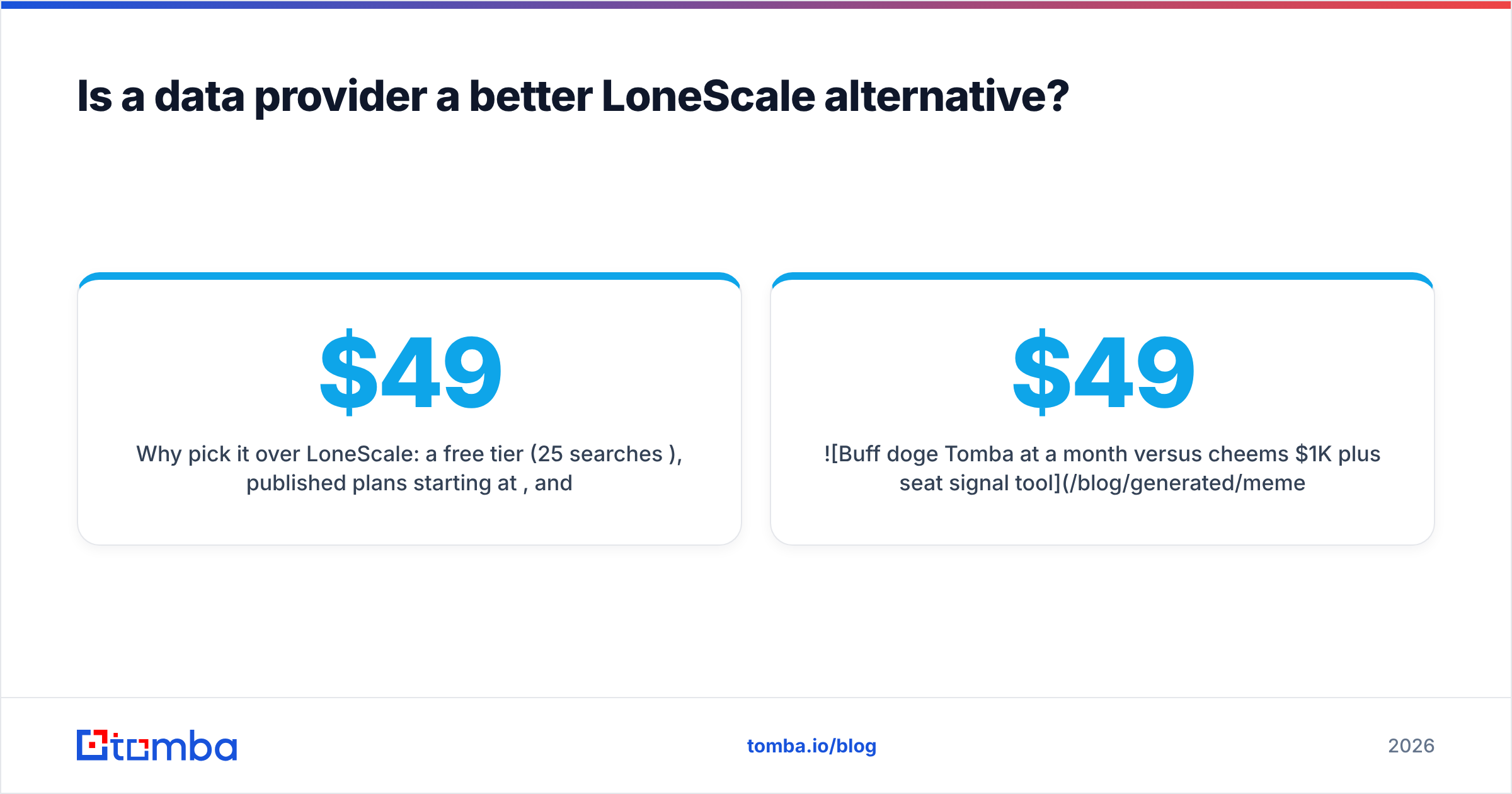
- Why pick it over LoneScale: a free tier (25 searches/month), published plans starting at $49/month, and an email finder that works by name + domain, by domain alone, or from LinkedIn. It includes a built-in email verifier with catch-all handling, which matters for new hires whose addresses haven't been confirmed anywhere yet.
- How teams use it: pair it with a cheap signal source (Sales Navigator alerts, a Clay job-change table, or Common Room). Pipe flagged names into Tomba through the API, Google Sheets, or Zapier, then push verified contacts to HubSpot, Salesforce, or Pipedrive.
- Watch out for: you'll need a separate signal source. Tomba won't tell you who changed jobs. It tells you how to reach them once you know.

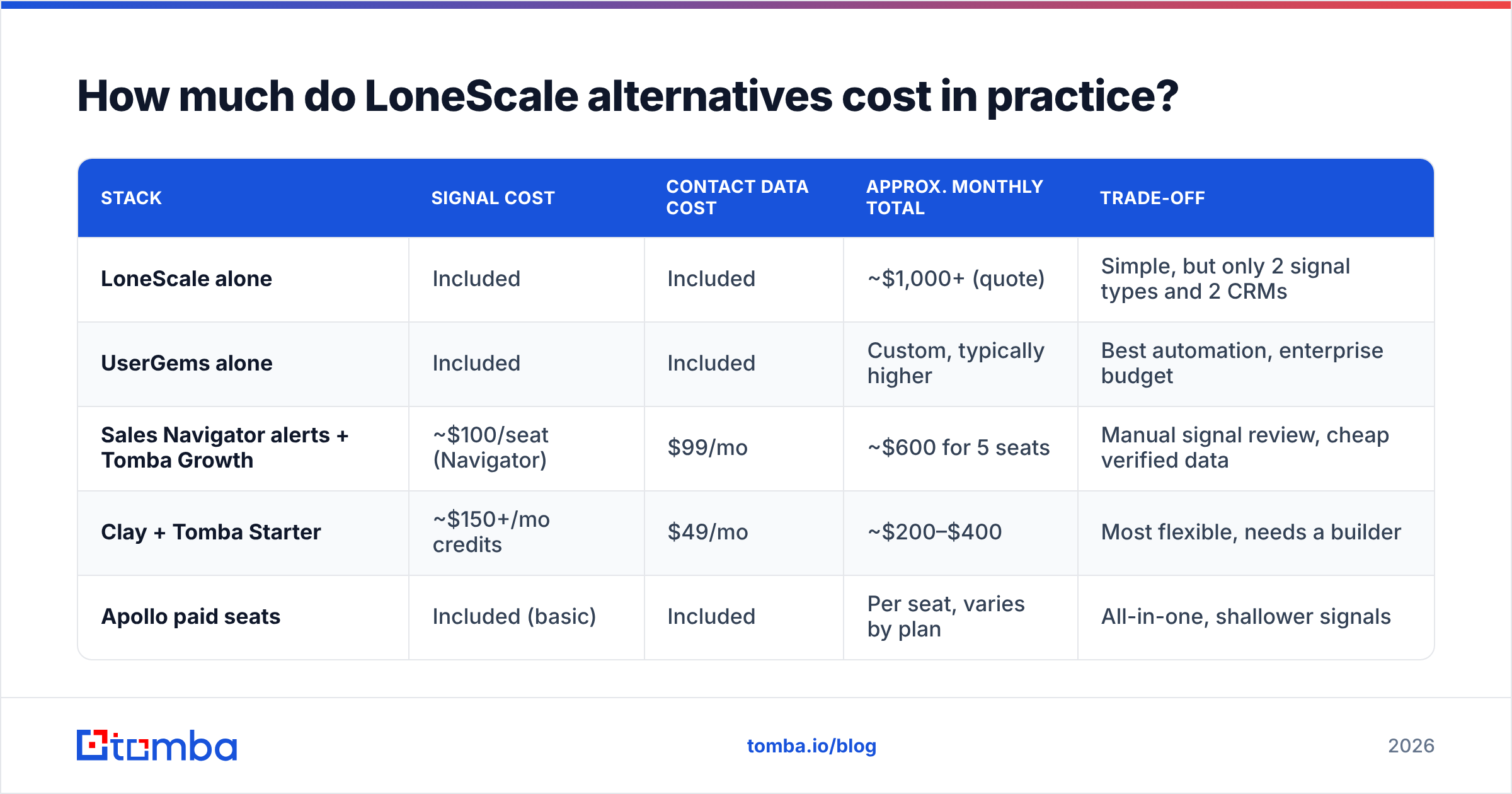
How much do LoneScale alternatives cost in practice?#
List prices don't tell you much. Here's what a realistic month looks like for a 5-rep outbound team working about 400 signal-triggered contacts per month:
| Stack | Signal cost | Contact data cost | Approx. monthly total | Trade-off |
|---|---|---|---|---|
| LoneScale alone | Included | Included | ~$1,000+ (quote) | Simple, but only 2 signal types and 2 CRMs |
| UserGems alone | Included | Included | Custom, typically higher | Best automation, enterprise budget |
| Sales Navigator alerts + Tomba Growth | ~$100/seat (Navigator) | $99/mo | ~$600 for 5 seats | Manual signal review, cheap verified data |
| Clay + Tomba Starter | ~$150+/mo credits | $49/mo | ~$200–$400 | Most flexible, needs a builder |
| Apollo paid seats | Included (basic) | Included | Per seat, varies by plan | All-in-one, shallower signals |
Two observations:
- The signal layer is the costly part. If you can accept some manual review or DIY workflows, verified contact data costs very little by comparison.
- The data layer is where outbound breaks. A great signal sent to a bounced address is wasted. Budget for verification whichever stack you choose. Check Tomba pricing against your monthly contact volume before deciding.
How do you choose the right LoneScale alternative?#
Match the tool to what you're actually missing:
- "We have thousands of past customers and no idea where they went." UserGems or Champify. Champion tracking is their core product.
- "We sell to developers or run a community-led motion." Common Room. Its signal coverage fits how your buyers show intent.
- "We have a RevOps person who enjoys building systems." Clay, with a verified-email provider in the waterfall.
- "We need data, signals, and sending on one invoice, cheaply." Apollo.
- "We're an enterprise with budget and procurement cycles." ZoomInfo.
- "We already spot signals; we just can't reach the people." Tomba. It covers the find-and-verify step for a fraction of the cost.
One more test: count how many LoneScale-flagged contacts your team actually sequenced last quarter. If it's under 100 a month, you're paying for signal volume you don't use, and a lighter stack will likely produce the same pipeline.
Can you replicate LoneScale's workflow without LoneScale?#
You can get about 80% of the way there with three parts:
- A signal source. Sales Navigator saved searches with job-change alerts, a Clay table that monitors your closed-won contacts' LinkedIn profiles, or a job-board scraper for hiring triggers.
- A find-and-verify layer. Send each flagged name and new company domain to an email finder, verify the result, and drop anything that comes back invalid or risky.
- A CRM sync. Use native integrations or Zapier to create the contact, tag the signal type (for example
signal:job-change), and enroll the contact in a matching sequence.
What you lose is LoneScale's automatic CRM record refresh and its packaged hiring-signal scoring. What you gain is flexibility, CRM independence, and usually a much lower bill.
Which LoneScale alternative should you pick?#
No single tool replaces LoneScale for everyone, because LoneScale bundles two separate jobs: spotting the moment and reaching the person. UserGems and Champify handle the first job better at enterprise scale. Common Room widens it. Clay lets you build it yourself. Apollo and ZoomInfo combine both jobs at different price points.
If spotting signals isn't your bottleneck, and reps already know who moved and who's hiring but lose time and deliverability hunting for working addresses, start with the data layer. Tomba Email Finder turns a name and a company into a verified professional email in seconds and handles catch-all domains without guessing. It plugs into HubSpot, Salesforce, Pipedrive, Sheets, and Zapier. The free plan gives you 25 searches a month, and paid plans start at $49/month.
Related guides#
// get started
Find, verify and enrich your first contacts today
Start on the free plan with 25 searches a month, then scale when your team is ready.
Free plan · No credit card required · GDPR & CCPA
// about the author