Lookalike Companies: How to Find Accounts Like Your Best Customers
Your next 50 customers probably look a lot like your best 10. Here's how to define lookalike companies with the signals that predict fit, build the list, and turn it into contacts you can reach.
TL;DR
- Lookalike companies are accounts that share the traits of your best existing customers. Those traits should be the ones that actually predict a purchase, not only industry and headcount.
- Firmographics alone produce weak lookalikes. The strongest models add technographics, a growth trigger, go-to-market motion, and evidence that the account has the pain you solve.
- Start with 10 to 20 "seed" customers ranked by revenue, retention, and sales-cycle speed. Don't use your whole customer list.
- Tools split into three camps: AI similarity engines, filter-based databases, and workflow builders that chain several data sources together.
- A list of lookalike companies has no pipeline value until you find and verify the right people at each account.
What are lookalike companies?#
Lookalike companies are businesses that closely resemble accounts that already buy from you, renew, and expand. You take a small set of proven customers (the "seed"), work out what they have in common, and search the market for other companies with the same pattern.
The idea came over from paid advertising. Meta and Google have long let advertisers upload a customer list and target "similar" users. B2B teams wanted the same thing at the account level: give the system your five best customers and get back the 500 companies most like them.
The difference in B2B is that you aren't matching individual people's behaviour. You're matching organisations, and organisations are described by several layers of data:
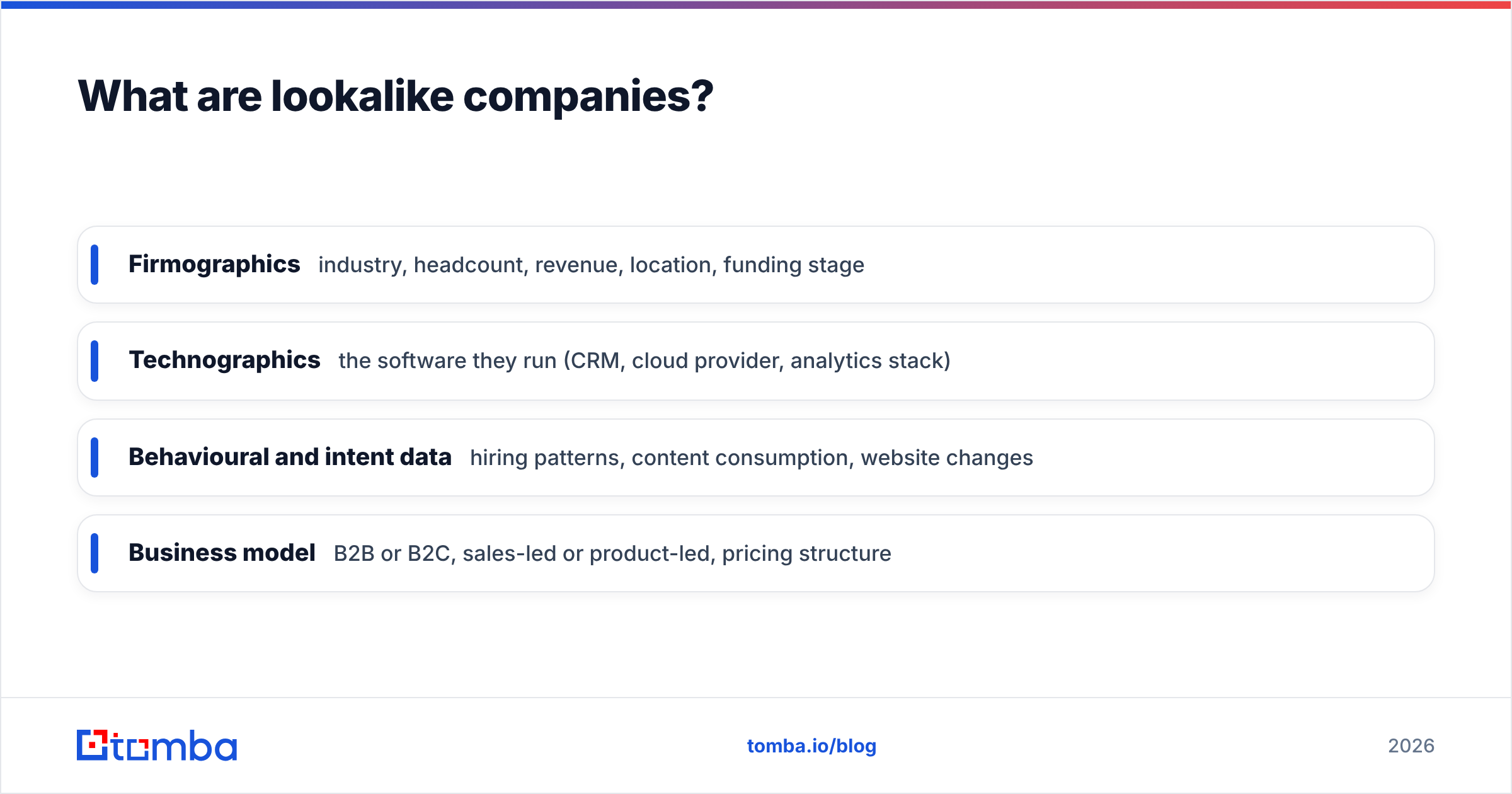
- Firmographics: industry, headcount, revenue, location, funding stage
- Technographics: the software they run (CRM, cloud provider, analytics stack)
- Behavioural and intent data: hiring patterns, content consumption, website changes
- Business model: B2B or B2C, sales-led or product-led, pricing structure
A lookalike model is only as good as the layers it uses. That's why so many teams build a lookalike list, run a campaign against it, and wonder why reply rates look exactly like a cold list.
Why do lookalike companies convert better than a cold list?#
A good lookalike list converts better because it starts from evidence instead of assumptions. Most ideal customer profiles (ICPs) are written in a workshop: "Mid-market SaaS, 50-500 employees, North America." A lookalike model is built from what actually closed.
That changes three things in your funnel:
- Relevance of the message. If the seed customers share a specific problem, you can write to that problem directly, and your email response rate follows.
- Sales-cycle length. Accounts that resemble fast-closing customers tend to close faster, because the buying committee and budget owner are usually the same types of people.
- Retention. If your seed is built from customers who renewed, not customers who churned after six months, your new logos inherit that profile.
The catch is that you have to be disciplined about the seed. A lookalike model built on every customer you've ever signed copies your mistakes along with your wins.
What 5 signals actually predict a good lookalike?#
This is where most lookalike lists fail. Matching on "industry = Software, employees = 51-200" gives you thousands of companies, and most of them will never buy. These five signals, layered together, separate real lookalikes from companies that only look similar on paper.
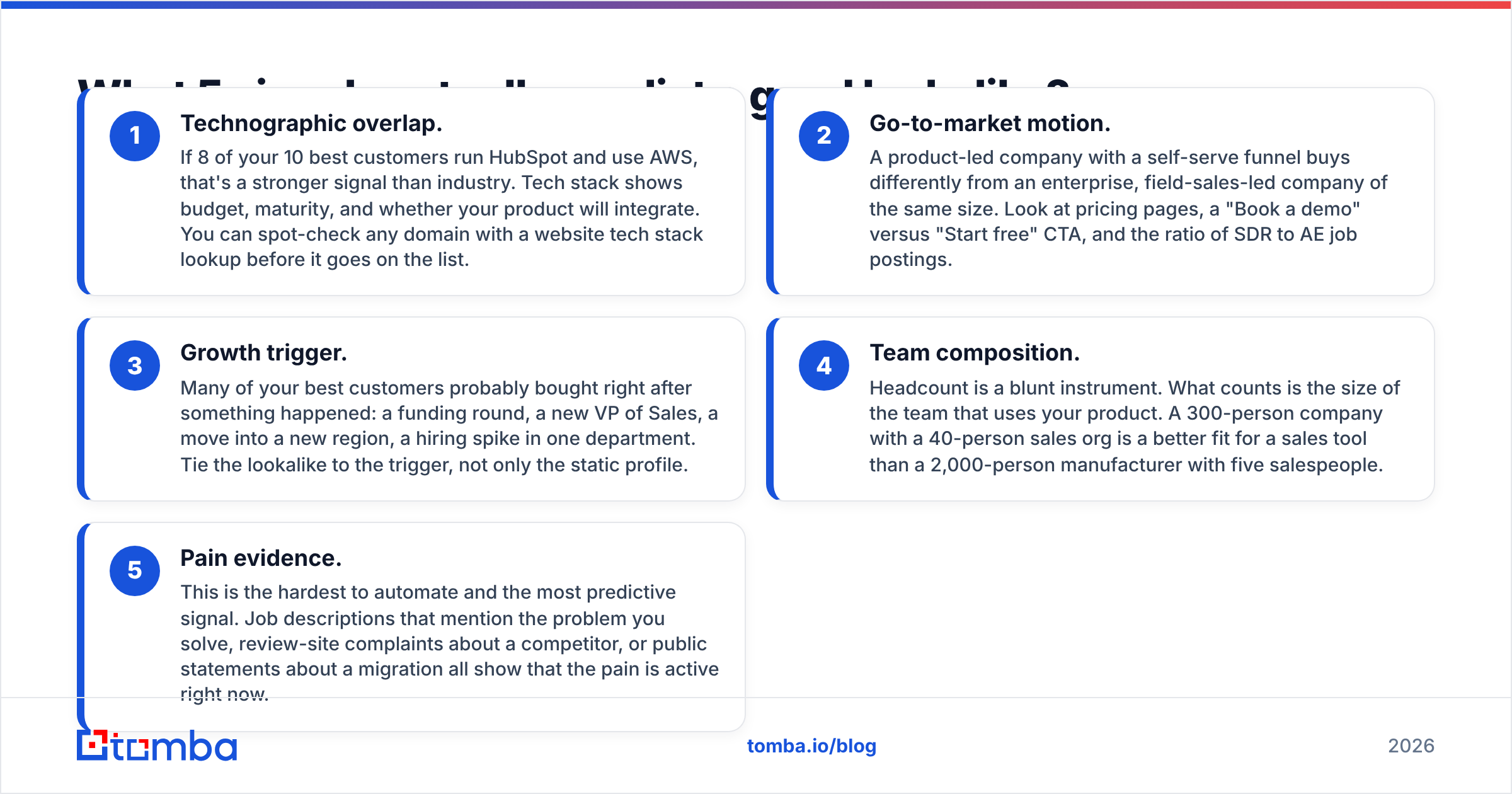
- Technographic overlap. If 8 of your 10 best customers run HubSpot and use AWS, that's a stronger signal than industry. Tech stack shows budget, maturity, and whether your product will integrate. You can spot-check any domain with a website tech stack lookup before it goes on the list.
- Go-to-market motion. A product-led company with a self-serve funnel buys differently from an enterprise, field-sales-led company of the same size. Look at pricing pages, a "Book a demo" versus "Start free" CTA, and the ratio of SDR to AE job postings.
- Growth trigger. Many of your best customers probably bought right after something happened: a funding round, a new VP of Sales, a move into a new region, a hiring spike in one department. Tie the lookalike to the trigger, not only the static profile.
- Team composition. Headcount is a blunt instrument. What counts is the size of the team that uses your product. A 300-person company with a 40-person sales org is a better fit for a sales tool than a 2,000-person manufacturer with five salespeople.
- Pain evidence. This is the hardest to automate and the most predictive signal. Job descriptions that mention the problem you solve, review-site complaints about a competitor, or public statements about a migration all show that the pain is active right now.
Weight these in your model. A company that matches three of the five, including pain evidence, beats a company that matches all the firmographic filters and nothing else.
How do you build a lookalike company list step by step?#
Here's a process you can run in a week without a data science team.
Step 1: Pick your seed customers. Export closed-won deals from your CRM and rank them by annual contract value, net revenue retention, and days-to-close. Take the top 10 to 20. Drop any account that closed only because of a personal relationship or a one-off discount.
Step 2: Enrich the seed. Your CRM probably has company name, domain, and an industry field someone picked from a dropdown. That isn't enough. Run the seed domains through data enrichment to fill in headcount, location, industry, and social profiles, then add technographics and funding data.
Step 3: Find the common patterns. Put the enriched seed in a spreadsheet and look for traits shared by at least 60 to 70% of the rows. Those become your "must-have" filters. Traits shared by 30 to 60% become "nice-to-have" scoring points.
Step 4: Generate candidates. Use one of the tool approaches below to produce a candidate list. Aim for 3 to 5 times the number of accounts your team can actually work in a quarter.
Step 5: Score and cut. Score each candidate against your five signals. Keep the top tier and park the rest. A list of 300 high-fit accounts will outperform 3,000 loose matches, both on reply rates and on your sender reputation.
Step 6: Map contacts. Find the two or three people at each account who match the buyer personas from your seed deals, and verify every address before it goes into a sequence.
Step 7: Close the loop. After one quarter, feed the new wins back into the seed. The model gets sharper each cycle.
Which tools find lookalike companies?#
Tools fall into roughly three categories. AI similarity engines take seed domains and return similar companies. Filter-based B2B databases let you rebuild your ICP as a saved search. Workflow builders let you chain several data sources and score the result yourself.
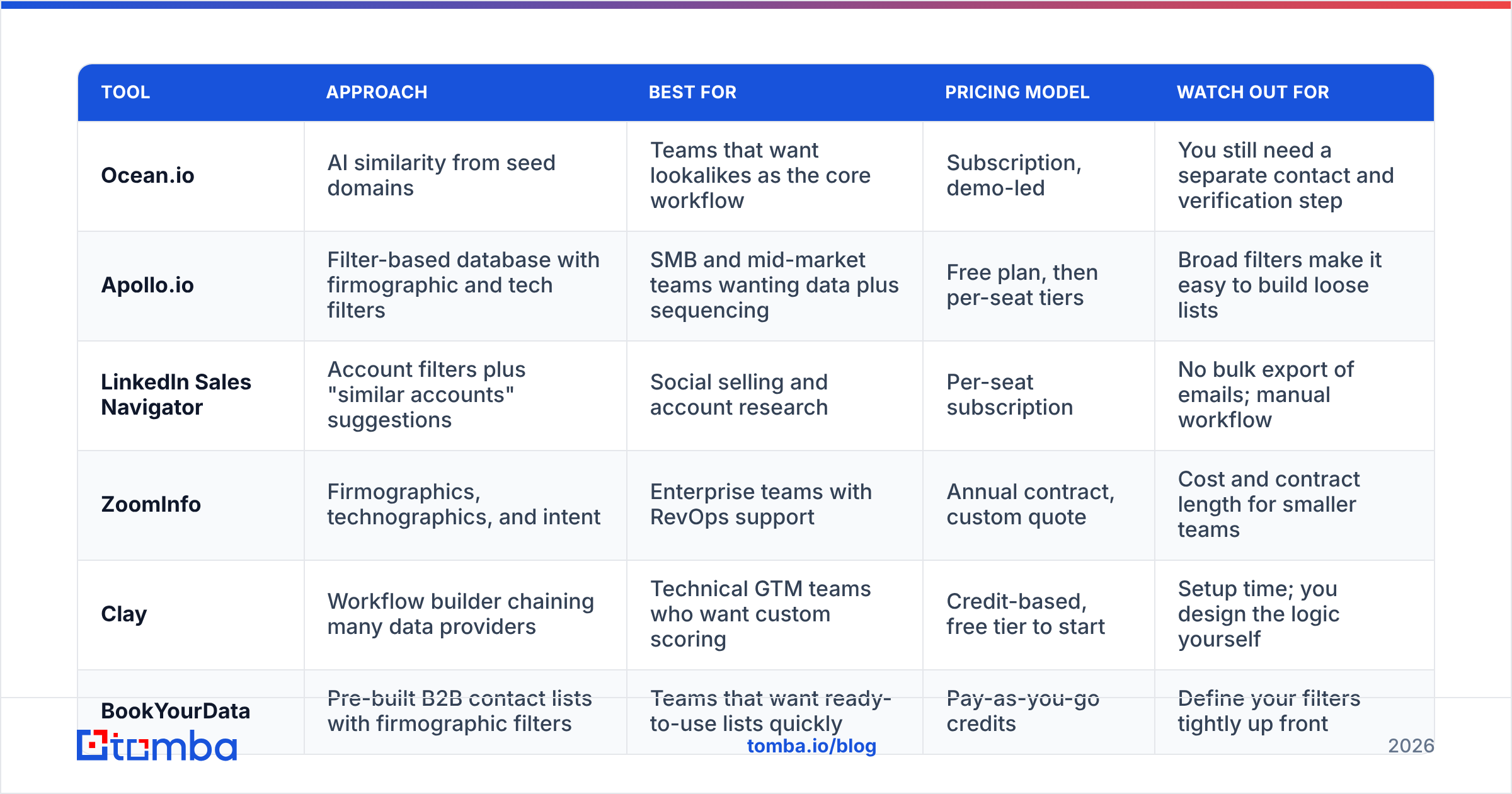
| Tool | Approach | Best for | Pricing model | Watch out for |
|---|---|---|---|---|
| Ocean.io | AI similarity from seed domains | Teams that want lookalikes as the core workflow | Subscription, demo-led | You still need a separate contact and verification step |
| Apollo.io | Filter-based database with firmographic and tech filters | SMB and mid-market teams wanting data plus sequencing | Free plan, then per-seat tiers | Broad filters make it easy to build loose lists |
| LinkedIn Sales Navigator | Account filters plus "similar accounts" suggestions | Social selling and account research | Per-seat subscription | No bulk export of emails; manual workflow |
| ZoomInfo | Firmographics, technographics, and intent | Enterprise teams with RevOps support | Annual contract, custom quote | Cost and contract length for smaller teams |
| Clay | Workflow builder chaining many data providers | Technical GTM teams who want custom scoring | Credit-based, free tier to start | Setup time; you design the logic yourself |
| BookYourData | Pre-built B2B contact lists with firmographic filters | Teams that want ready-to-use lists quickly | Pay-as-you-go credits | Define your filters tightly up front |
Some quick guidance on choosing:
- If lookalike discovery is the job, a dedicated similarity engine saves the most time.
- If you need a database, sequencer, and lookalike filters in one place, a filter-based platform is usually enough, as long as you apply the five-signal scoring yourself.
- If your ICP depends on unusual signals (a specific job-post keyword, a pricing-page pattern), a workflow builder gives you the most control.
Independent user reviews on G2 are a useful check on data coverage for your region before you commit to a contract.
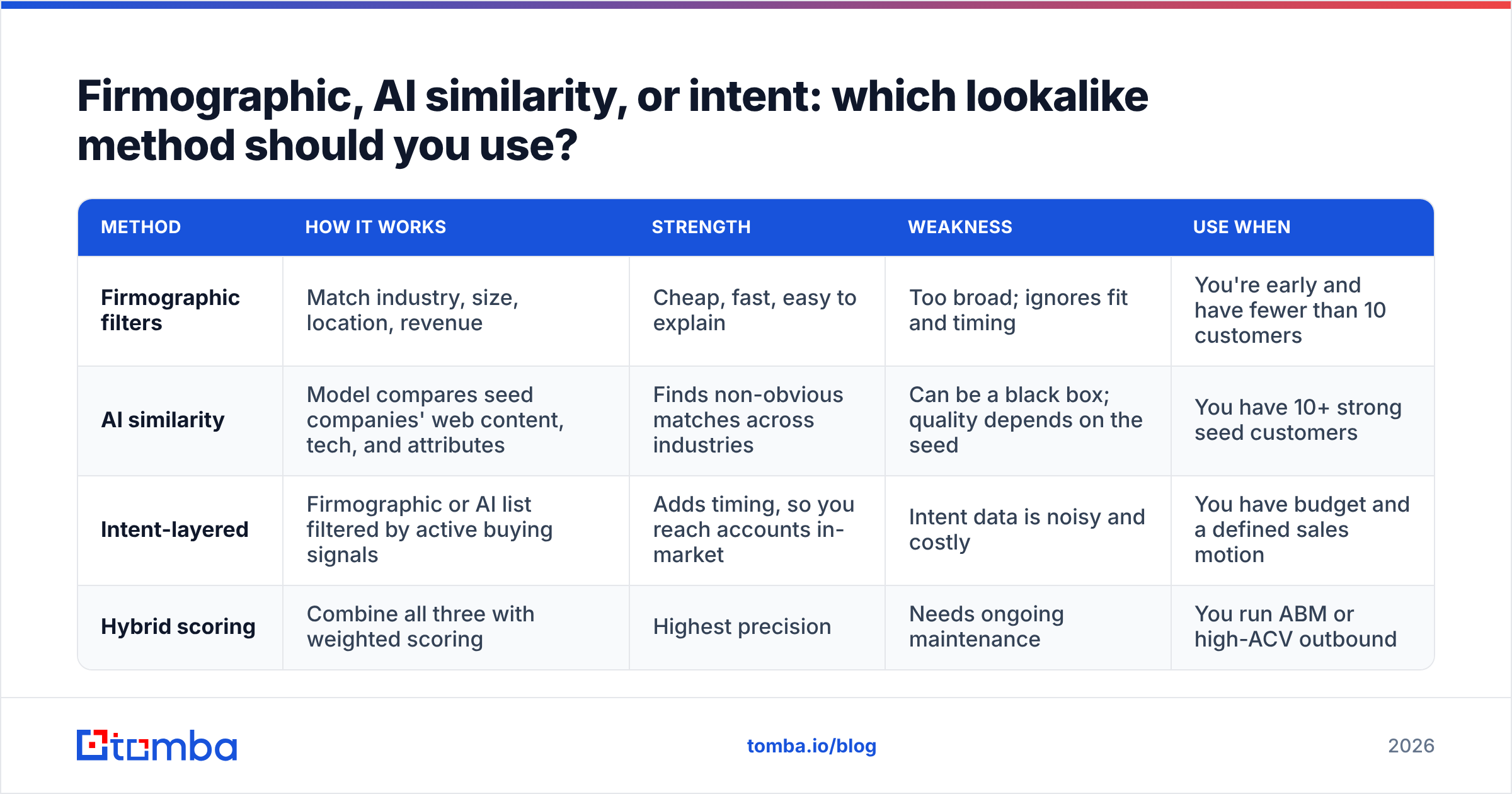
Firmographic, AI similarity, or intent: which lookalike method should you use?#
The three methods aren't mutually exclusive, but each has a different cost and failure mode.
| Method | How it works | Strength | Weakness | Use when |
|---|---|---|---|---|
| Firmographic filters | Match industry, size, location, revenue | Cheap, fast, easy to explain | Too broad; ignores fit and timing | You're early and have fewer than 10 customers |
| AI similarity | Model compares seed companies' web content, tech, and attributes | Finds non-obvious matches across industries | Can be a black box; quality depends on the seed | You have 10+ strong seed customers |
| Intent-layered | Firmographic or AI list filtered by active buying signals | Adds timing, so you reach accounts in-market | Intent data is noisy and costly | You have budget and a defined sales motion |
| Hybrid scoring | Combine all three with weighted scoring | Highest precision | Needs ongoing maintenance | You run ABM or high-ACV outbound |
For most teams under 50 reps, the practical answer is hybrid-lite: generate candidates with AI similarity or a filtered database, then hand-score the top few hundred against pain evidence and growth triggers.
What mistakes ruin lookalike targeting?#
Even a well-built model falls apart if you make these errors.
Seeding with your whole customer base. Your customer list includes bad-fit accounts, heavily discounted deals, and churned logos. Including them teaches the model to find more of the same.
Trusting the industry field. Industry codes are assigned inconsistently. A payments company might be tagged "Financial Services," "Software," or "IT Services" depending on the data source. Tech stack and business model are more reliable.
Confusing "similar" with "in-market." A perfect lookalike that signed a three-year contract with a competitor last month isn't a prospect this quarter. Layer in timing signals or accept a lower hit rate.
Stopping at the account. A list of 400 domains isn't a campaign. Without the right contacts at each account, the list sits in a spreadsheet.
Skipping verification. Lookalike accounts often come from newer or smaller companies with less-established email infrastructure, including catch-all domains. Sending to unverified addresses hurts deliverability for the whole domain, not just this campaign.
How do you turn lookalike companies into contacts you can reach?#
This is the step that decides whether the list turns into pipeline. You have domains; now you need people.
Map personas from your seed deals. Look at who signed, who championed, and who used the product in your seed accounts. If the champion was usually a Head of RevOps and the signer a VP of Sales, that's your two-contact map for every lookalike.
Pull contacts by domain. A domain search returns the known email addresses and roles at a company, so you can filter by department and seniority instead of guessing names. When you already have a name from LinkedIn or a team page, an email finder resolves the address directly.
Verify before you send. Run every address through an email verifier, with special attention to catch-all domains. It's the cheapest insurance for your sender reputation.
Personalise on the lookalike reason. You picked this account for a reason: shared tech stack, a recent funding round, a hiring spike. Use that reason in the first line. "You're hiring four SDRs and run HubSpot, which is exactly where [similar customer] was last year" beats any generic opener.
Sync to your CRM with the score attached. Store the lookalike score and the matching signals as fields. When reps prioritise their day, they should work top-scored accounts first. HubSpot's guidance on ideal customer profiles is a solid reference for structuring those fields.
Frequently asked questions about lookalike companies#
How many seed customers do I need? Ten is a practical minimum for a pattern you can trust. Below that, use firmographic filters plus manual research, and treat the model as a hypothesis.
Are lookalike companies the same as an ICP? No. An ICP is the description of your ideal account. Lookalike companies are the real accounts you find by applying that description, ideally one derived from actual customer data rather than opinion.
Can I build a lookalike list for free? Partly. You can enrich a small seed, identify patterns in a spreadsheet, and use free tiers of databases and email tools to test 50 to 100 accounts. Scaling past that usually needs paid data.
How often should I refresh the model? Quarterly. Add new wins to the seed, remove churned accounts, and re-score. Markets shift, and so does your best-fit customer.
Do lookalike audiences still work for LinkedIn ads? LinkedIn has moved away from classic lookalike audiences toward its own predictive audience features, so check the current options in Campaign Manager. For outbound, account-level lookalike lists you build yourself are unaffected.
Ready to reach your lookalike companies?#
Finding lookalike companies is half the job. The other half is reaching the right people at each of them without burning your domain. Once your scored account list is ready, Tomba Email Finder turns those domains into verified contacts: search by domain, name, or company, filter by role, and push the results into your CRM or sequencer. The free tier gives you 25 searches a month to test a slice of the list, and paid plans start at $49/mo when you're ready to work the full list.
Related guides#
// get started
Find, verify and enrich your first contacts today
Start on the free plan with 25 searches a month, then scale when your team is ready.
Free plan · No credit card required · GDPR & CCPA
// about the author