8 Best Loom Alternatives in 2026 for Sales and Async Teams
Loom now costs $15–$20 per creator seat on annual billing, and those seats add up fast. Here are 8 Loom alternatives for sales video, async updates, and free recording, and how to pick the right one for your team.
TL;DR
- In 2026, Loom's Business plan runs about $15 per creator per month on annual billing ($18 billed monthly). Business + AI is about $20 annual ($24 monthly). Every person who records needs a paid seat, so a 20-person team pays real money.
- For sales prospecting video, look at Vidyard, Sendspark, and BombBomb. They're built around CTAs, view tracking, and CRM sync.
- For cheap async updates and screenshots, Zight is one of the lowest-cost paid options at about $8 per user per month on annual billing.
- For polished demos and edited content, use Tella or Descript. For free, unlimited local recording, use OBS Studio.
- No video tool helps if the email carrying the link bounces. Check your contact data before you pay for any recorder.
Why are teams looking for Loom alternatives in 2026?#
Loom is still a good product. It records your screen and camera, uploads the video, and gives you a link to share. That's the whole idea, and it works. Atlassian bought Loom in 2023, and since then it has moved closer to Confluence and Jira and further toward enterprise buyers.
That shift explains most of the churn. Here are the three complaints that come up most often:
- Per-creator pricing. According to Loom's pricing page, the Business tier costs about $15 per user per month on annual billing, and the AI tier costs about $20. You pay for every person who records, not only for the people who send videos to prospects. A 25-person sales and CS team on Business + AI pays roughly $6,000 a year.
- Free-tier limits. The Starter plan caps both video length and the number of videos you can store. That's fine for a trial but too tight for daily use.
- Sales features are secondary. Loom's CTAs and viewer insights work, but sales-first tools have more to offer. They track views by contact, let you personalize video thumbnails, and write activity back to your CRM automatically.
If one of those is a problem for your team, one of the tools below will probably fit better.
What should you look for in a Loom alternative?#
Before you compare tools, decide what job the video has to do. Choosing a screen recorder works a lot like choosing a vehicle. A delivery van, a sports car, and a bicycle all get you somewhere, but only one of them fits your route. These are the five criteria that matter most:
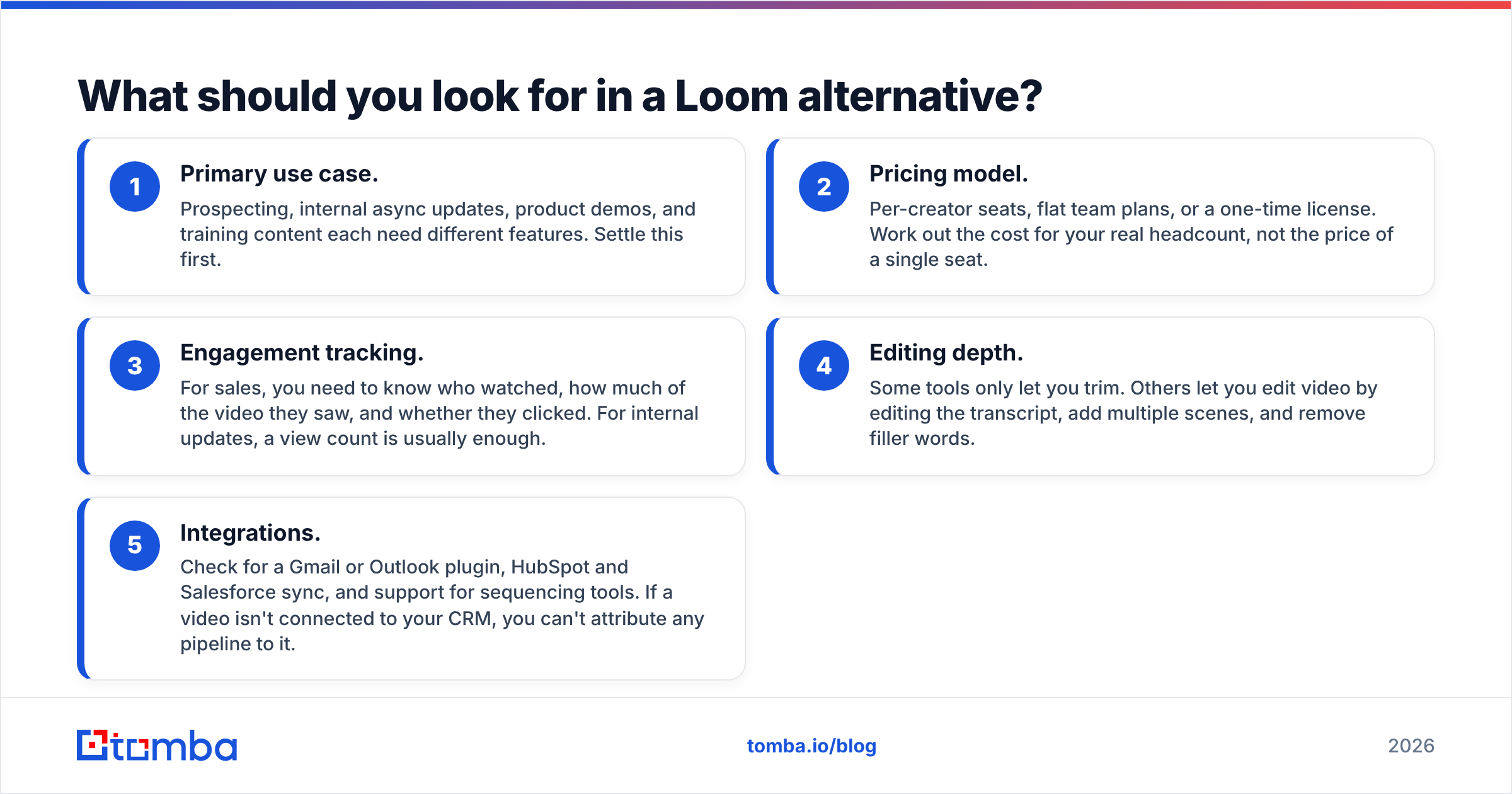
- Primary use case. Prospecting, internal async updates, product demos, and training content each need different features. Settle this first.
- Pricing model. Per-creator seats, flat team plans, or a one-time license. Work out the cost for your real headcount, not the price of a single seat.
- Engagement tracking. For sales, you need to know who watched, how much of the video they saw, and whether they clicked. For internal updates, a view count is usually enough.
- Editing depth. Some tools only let you trim. Others let you edit video by editing the transcript, add multiple scenes, and remove filler words.
- Integrations. Check for a Gmail or Outlook plugin, HubSpot and Salesforce sync, and support for sequencing tools. If a video isn't connected to your CRM, you can't attribute any pipeline to it.
How do the top Loom alternatives compare?#
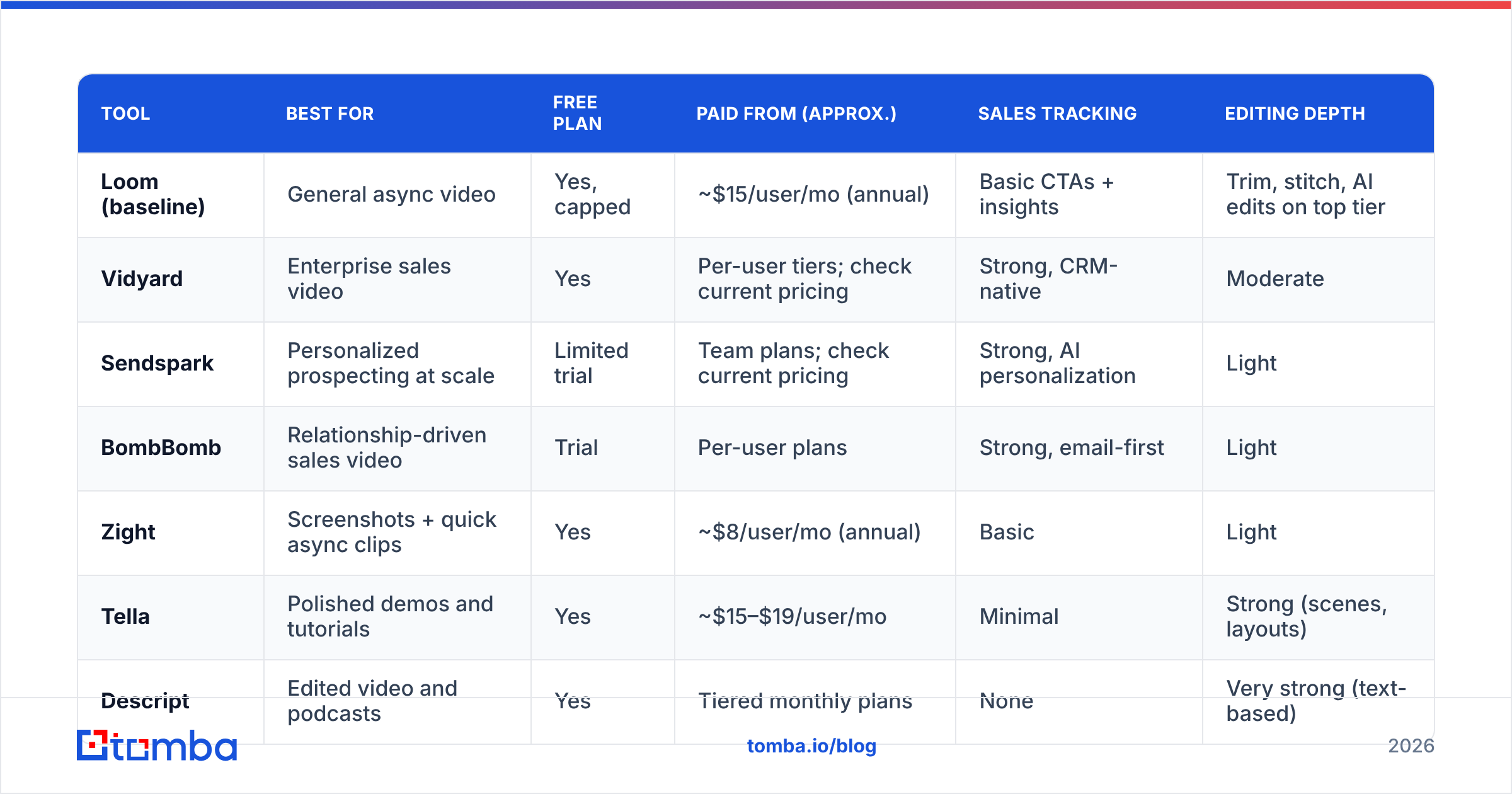
This table compares the eight tools on the criteria above. Prices are entry-level paid tiers based on public pricing pages and G2/Capterra listings as of 2026. Vendors change pricing often, so check before you buy.
| Tool | Best for | Free plan | Paid from (approx.) | Sales tracking | Editing depth |
|---|---|---|---|---|---|
| Loom (baseline) | General async video | Yes, capped | ~$15/user/mo (annual) | Basic CTAs + insights | Trim, stitch, AI edits on top tier |
| Vidyard | Enterprise sales video | Yes | Per-user tiers; check current pricing | Strong, CRM-native | Moderate |
| Sendspark | Personalized prospecting at scale | Limited trial | Team plans; check current pricing | Strong, AI personalization | Light |
| BombBomb | Relationship-driven sales video | Trial | Per-user plans | Strong, email-first | Light |
| Zight | Screenshots + quick async clips | Yes | ~$8/user/mo (annual) | Basic | Light |
| Tella | Polished demos and tutorials | Yes | ~$15–$19/user/mo | Minimal | Strong (scenes, layouts) |
| Descript | Edited video and podcasts | Yes | Tiered monthly plans | None | Very strong (text-based) |
| ScreenPal | Budget recording for education/training | Yes | Low-cost individual plans | Minimal | Moderate |
| OBS Studio | Free, unlimited local recording | Fully free | $0 (open source) | None | None (recording only) |
In practice, the right pick depends on where the video ends up. If it goes to a prospect's inbox, the first four rows matter most. If it stays inside Slack or Notion, the rest are cheaper and do the job.
Which Loom alternatives are best for sales prospecting?#
1. Vidyard#
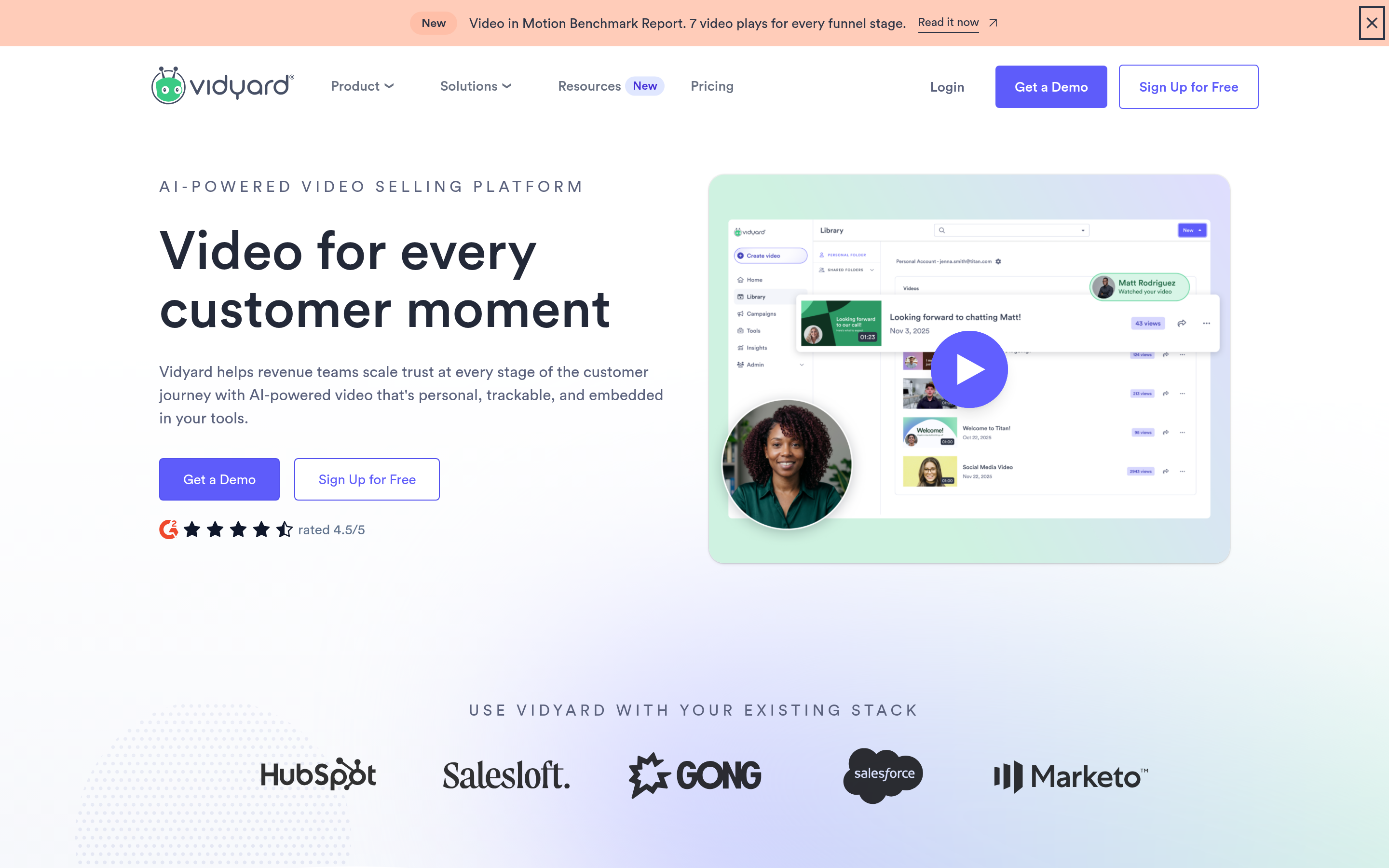
Vidyard is the closest sales-focused equivalent to Loom. It has a Chrome extension, Gmail and Outlook plugins, and direct integrations with HubSpot, Salesforce, Outreach, and Salesloft. When a prospect watches your video, the view is logged on the contact record, and you can use it to trigger a sequence step.
- Pros: strong CRM integrations, per-viewer analytics, a free tier good enough to test with, and video hosting for marketing teams.
- Cons: paid tiers cost more per seat than Loom Business, and the interface feels busier. Vidyard's pricing also changed during 2026, so get a current quote.
- Best for: SDR and AE teams already using a sales engagement platform who want video views to count as pipeline signals.
2. Sendspark#
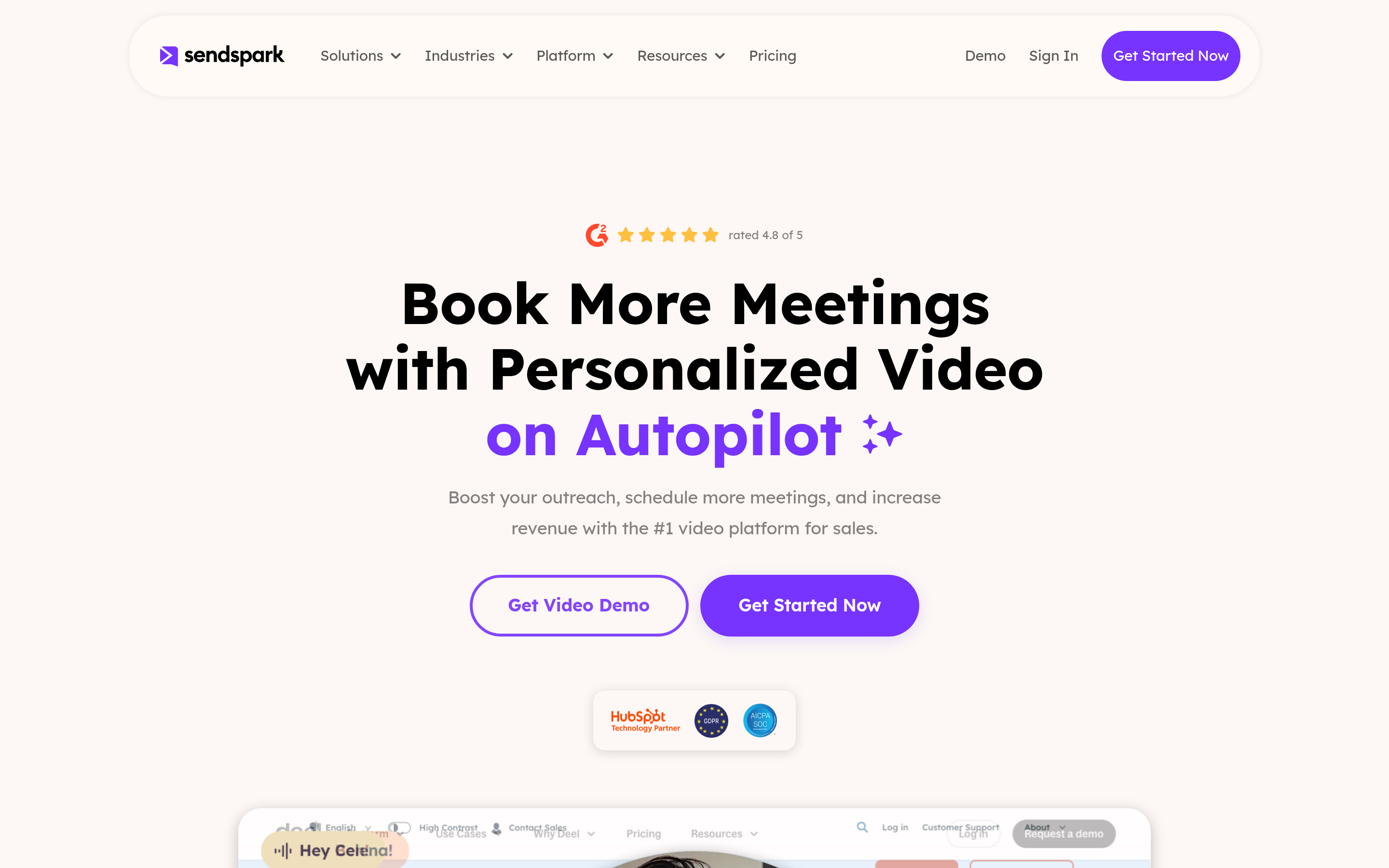
Sendspark is built for personalized video at volume. You record one base video, and the tool adds dynamic backgrounds (for example, the prospect's website), personalized intros, and AI-generated variants for each lead. If your SDR team sends 200 video emails a week, this saves hours of recording.
- Pros: real personalization at scale, landing pages with CTAs, and integrations with major sequencers.
- Cons: it isn't a general async-update tool, and you'll pay for features your non-sales teams won't use.
- Best for: outbound teams where video is a core part of the cadence, not an occasional extra.
3. BombBomb#
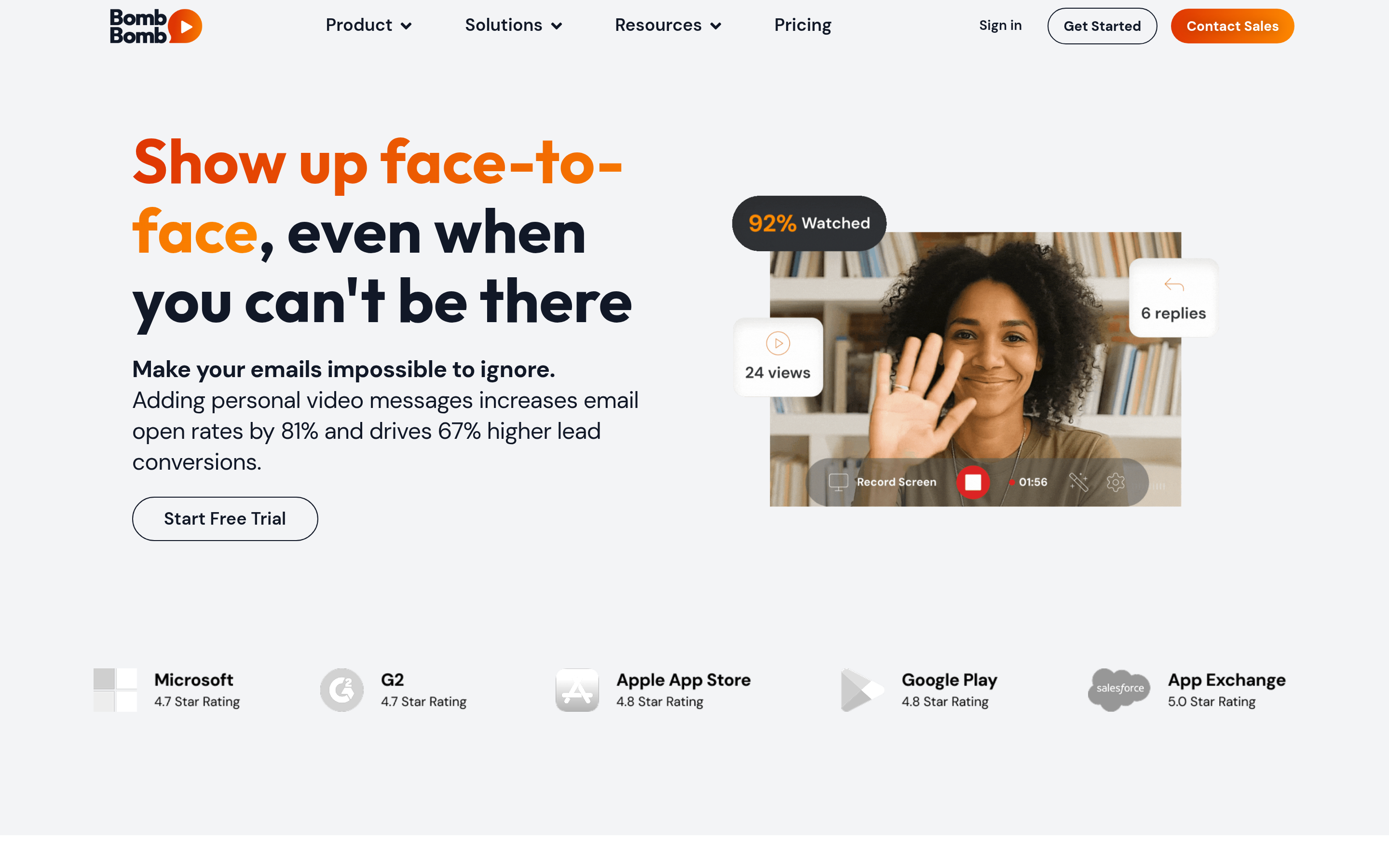
BombBomb has been doing video email for over a decade. Its roots are in real estate, mortgage, and relationship-driven B2B sales. It works well for follow-ups, thank-you videos, and warm nurture, and less well for cold volume.
- Pros: email-first workflow, dependable tracking, and good mobile recording.
- Cons: the interface looks dated next to newer tools, and it's thinner on internal-collaboration features.
- Best for: account managers and closers who send personal videos to existing relationships.
One thing all three share: a view-tracked video only produces pipeline if it lands in the right inbox. Before you run a video sequence, use an email finder to get the decision-maker's actual address. You'll get far more out of the tool if the right person sees the video.
Which Loom alternatives are best for internal async updates?#
4. Zight (formerly CloudApp)#
Zight combines screenshots, GIFs, annotated images, and short screen recordings in one lightweight app. At about $8 per user per month on annual billing, it's one of the cheapest ways to replace Loom for "here's the bug" and "here's how to do X" messages.
- Pros: low price, fast capture, annotation tools, and Slack and Jira integrations.
- Cons: its analytics and editing are basic compared with Loom Business.
- Best for: product, support, and engineering teams whose video is mostly quick explainers.
5. ScreenPal (formerly Screencast-O-Matic)#
ScreenPal has been around for years and is popular in education and internal training. It has an editor, captions, and a hosting library at prices well below Loom's per-seat rate.
- Pros: inexpensive, fairly strong editing for the price, and stable enough for long tutorials.
- Cons: the interface isn't very modern, and it has almost no sales-specific features.
- Best for: L&D teams, customer education, and budget-conscious small businesses.
6. OBS Studio#
OBS Studio is free, open source, and has no recording limits. You can build scenes, overlays, and multi-source layouts. The catch is that it only records. You get a local file and have to host and share it yourself.
- Pros: $0, unlimited length, full control, and it also handles live streaming.
- Cons: there's a learning curve, and there's no share link, no view tracking, and no cloud library.
- Best for: technical users and anyone recording long-form content who uploads to YouTube, Drive, or an LMS anyway.
Which Loom alternatives are best for polished demos?#
7. Tella#
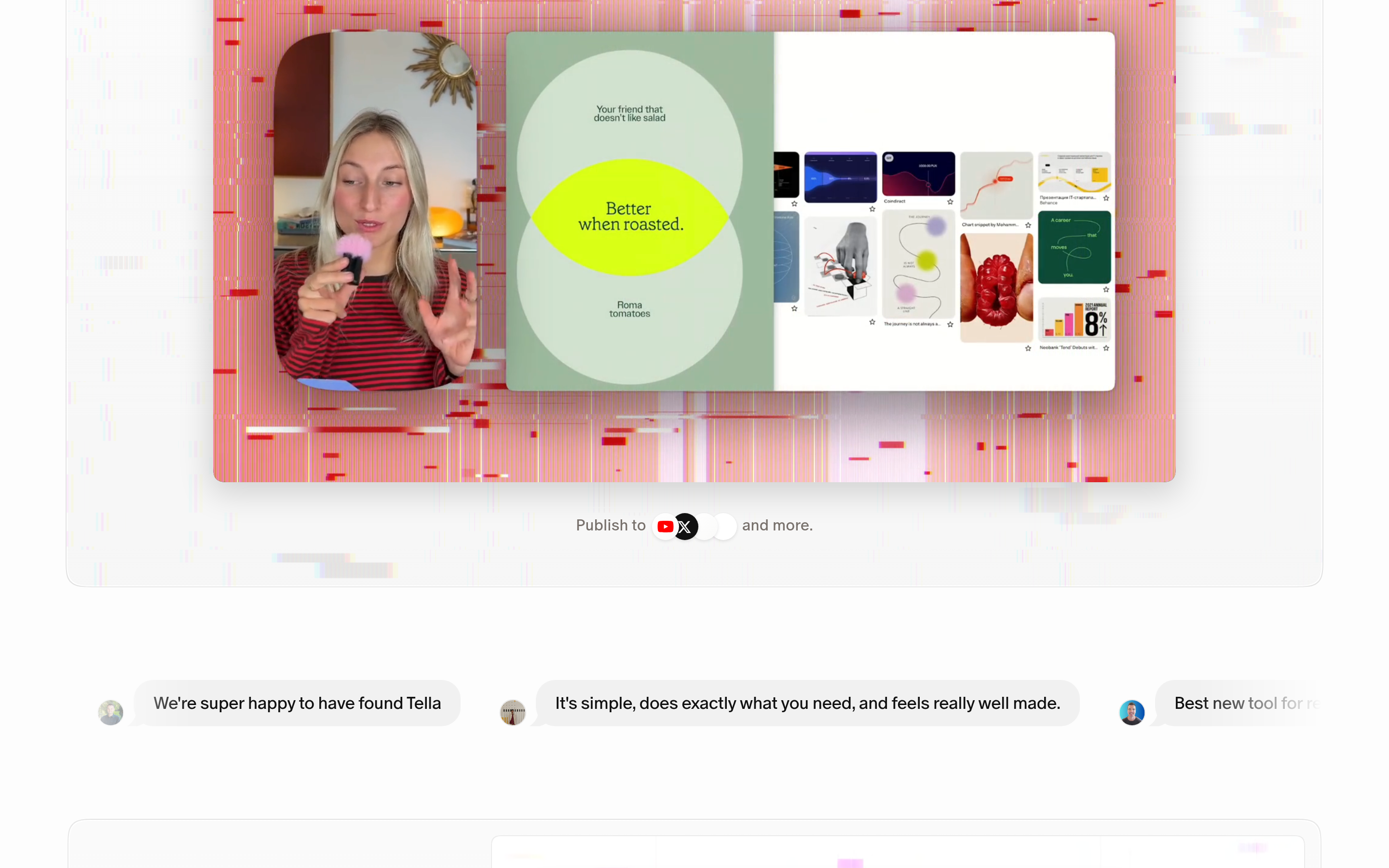
Tella sits between a quick screen recording and a produced video. You record in clips, pick camera and screen layouts, add backgrounds, and export in up to 4K. Paid plans start around $15 to $19 per user per month.
- Pros: looks professional with no editing skills, and suits product launches, feature walkthroughs, and course content.
- Cons: slower than Loom for a 30-second reply, with little sales tracking.
- Best for: founders, product marketers, and creators shipping demo videos that sit on a landing page for months.
8. Descript#
Descript lets you edit video by editing its transcript. Delete a sentence from the text and it's cut from the video. It also removes filler words, fixes eye contact, and can regenerate audio. It has a built-in screen recorder, but its real strength is editing.
- Pros: the best editing on this list, and it handles podcasts, webinars, and demos in one workspace.
- Cons: too much tool for quick async messages, and heavy processing uses a lot of machine resources.
- Best for: marketing teams that turn recordings into repurposed content.

Is Loom still worth it compared to these alternatives?#
Sometimes, yes. If your company already runs on Atlassian (Jira, Confluence, Trello), the native integration is worth something. Loom's AI features, like auto-titles, summaries, filler-word removal, and meeting notes, are also well built. Independent reviews on G2 still rate Loom highly for ease of use.
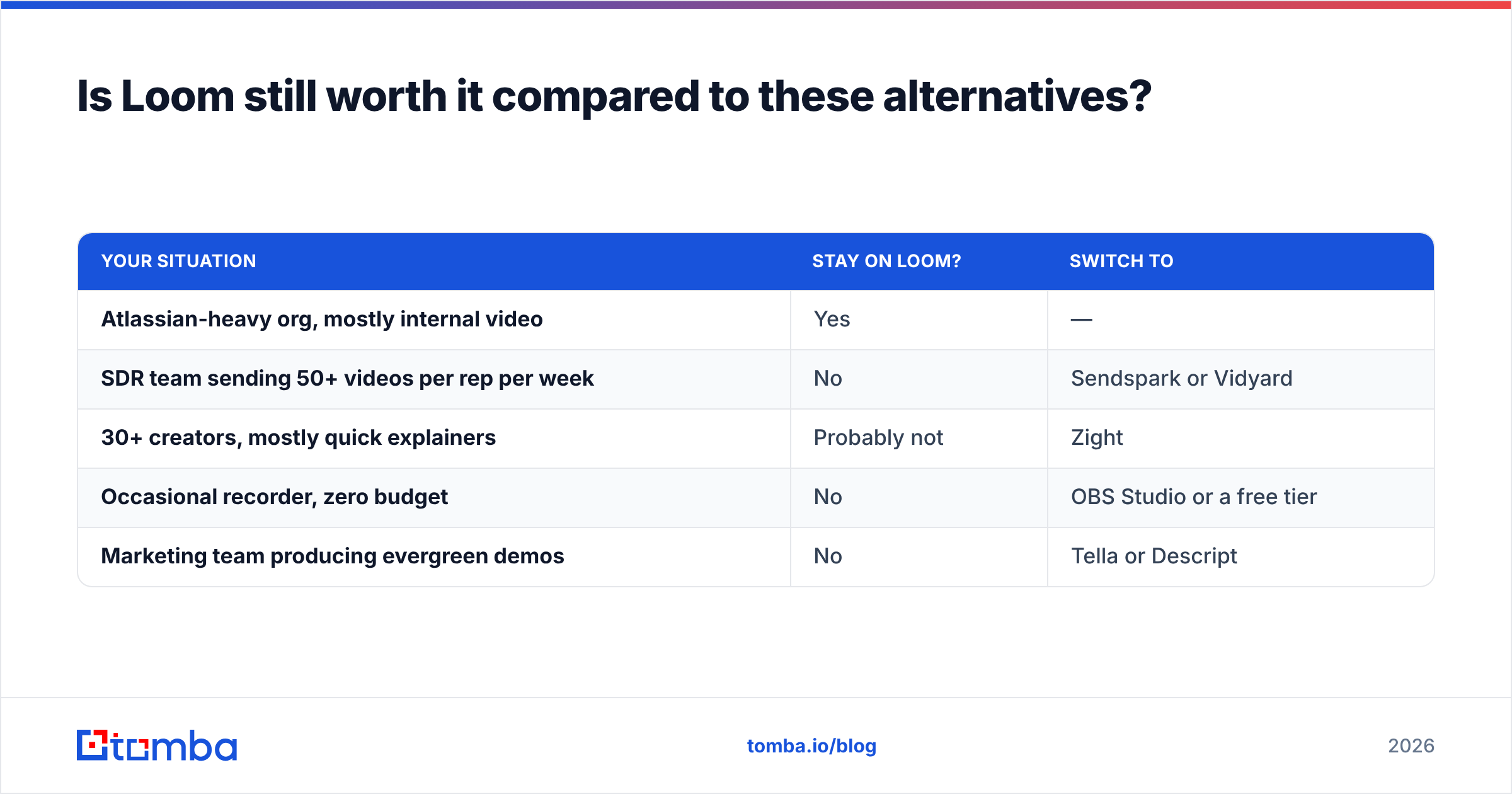
Here's a simple way to decide:
| Your situation | Stay on Loom? | Switch to |
|---|---|---|
| Atlassian-heavy org, mostly internal video | Yes | — |
| SDR team sending 50+ videos per rep per week | No | Sendspark or Vidyard |
| 30+ creators, mostly quick explainers | Probably not | Zight |
| Occasional recorder, zero budget | No | OBS Studio or a free tier |
| Marketing team producing evergreen demos | No | Tella or Descript |
What usually drives the decision is how many people record compared with how many videos each person sends. If a lot of people record only occasionally, you're paying for seats that sit idle, and a flat-priced or cheaper tool saves money right away.
How do you get more replies from sales videos?#
Switching recorders won't fix a weak outbound motion. For video prospecting, these habits matter more than which tool you use:
- Verify the address before you record. A personalized 90-second video sent to a dead inbox is wasted effort, and bounces also hurt your sender reputation. Run lists through an email verifier first.
- Use a personalized thumbnail. Show the prospect's website or LinkedIn profile behind you. People are more likely to click when they recognize their own brand in the preview.
- Keep it under 90 seconds. One problem, one proof point, one ask. Longer videos get fewer people watching to the end.
- Put the CTA in the email body too. Many people read the email and never play the video. Make the ask work without the video.
- Follow up based on views. Most sales tools flag when someone watched the video more than once. Call that person the same day.
If you find prospects on LinkedIn first, a LinkedIn finder turns a profile URL into a work email you can send the video to, so you don't have to guess email formats.
Which Loom alternative should you choose?#
Match the tool to the job:
- Sales prospecting: Vidyard if you need deep CRM integration, Sendspark for personalization at volume, BombBomb for relationship follow-ups.
- Internal async updates: Zight for price and speed, ScreenPal for training content.
- Polished demos: Tella for looks, Descript for editing.
- Zero budget: OBS Studio, or the free tier of any tool above.
Most of these have a free plan or trial. Record the same three videos in two of them (a prospect intro, a bug report, and a feature demo) and send them to real recipients. After a week of real usage, the choice is usually obvious.
Whichever recorder you pick, outreach results still depend on reaching the right person. Tomba Email Finder finds verified professional email addresses from a name and company domain. You can start with 25 free searches a month and move up to the Starter plan at $49/month when your video sequences scale. Before you send the next video, make sure it's going to an inbox that exists.
Related guides#
// get started
Find, verify and enrich your first contacts today
Start on the free plan with 25 searches a month, then scale when your team is ready.
Free plan · No credit card required · GDPR & CCPA
// about the author