Lusha Alternatives: 9 Tools Compared on Price, Data, and Fit
Lusha is fast and easy, but per-seat pricing and 10-credit phone reveals add up quickly. Here are 9 Lusha alternatives, sorted by the problem each one actually solves.
TL;DR
- Lusha is still one of the fastest ways to pull a contact's email and phone number from LinkedIn. The usual complaints are per-seat pricing, phone reveals that cost about 10 credits each, and uneven coverage outside North America and Western Europe.
- If you mostly need emails, go with Tomba or BookYourData. Both give you verified email data without paying for a seat per rep.
- If you want data and sequencing in the same tool, look at Apollo. For enterprise-scale intent data and org charts, ZoomInfo is the heavyweight choice. For EMEA mobile numbers with strong GDPR compliance, Cognism is the usual pick.
- Kaspr and ContactOut are the closest one-for-one swaps for Lusha's LinkedIn extension workflow.
- Before you switch, work out your real cost per usable contact: price divided by verified emails or connected dials. The sticker price tells you much less.
Why are teams looking for Lusha alternatives?#
Lusha earned its place because it's easy to use. You install the Chrome extension, open a LinkedIn profile, click reveal, and you have an email and often a direct dial. For an SDR who needs a number before lunch, that's hard to beat.
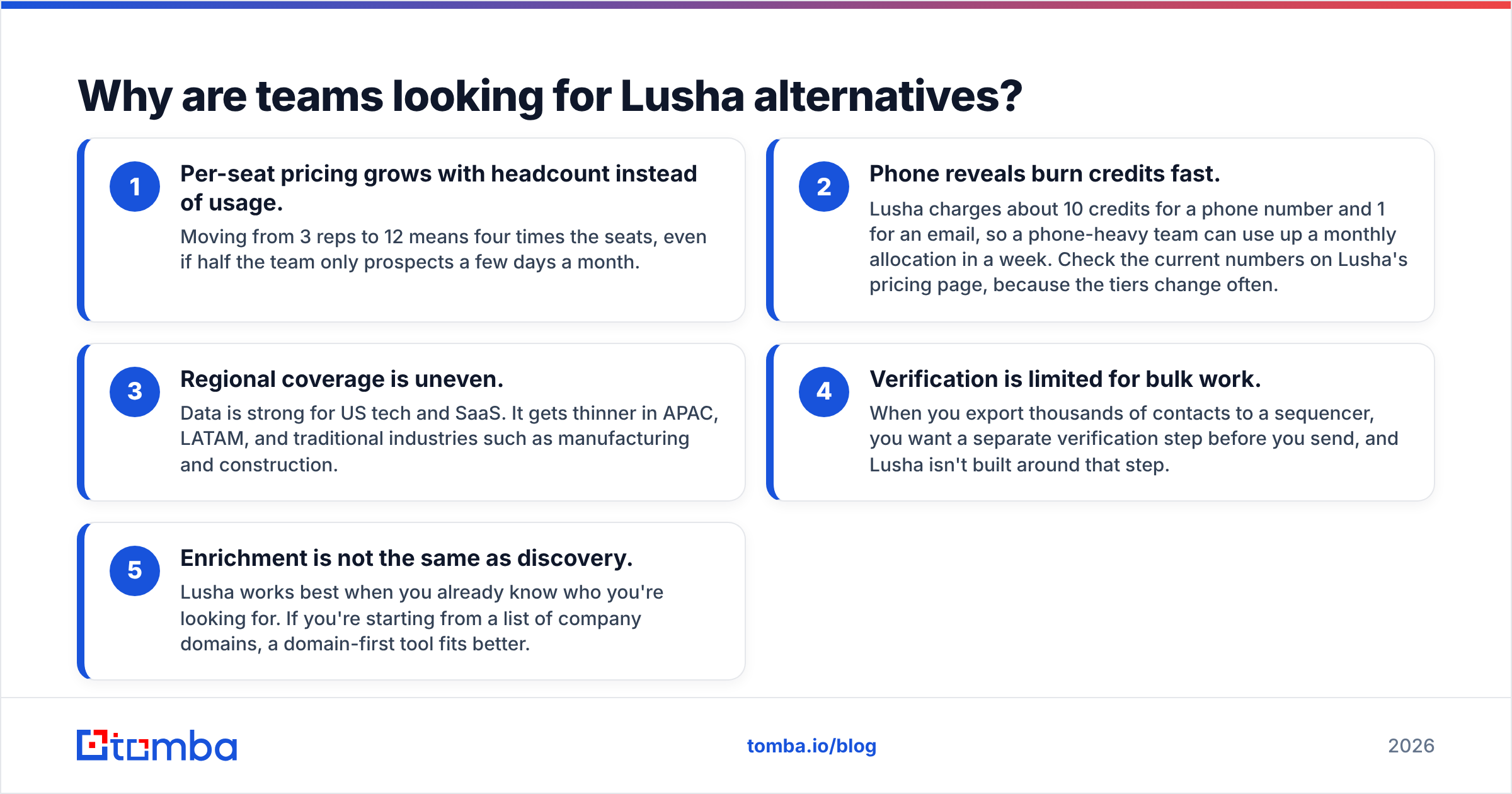
The friction shows up once a team grows. These are the complaints we hear most often, and they match the recurring themes in Lusha's G2 reviews:
- Per-seat pricing grows with headcount instead of usage. Moving from 3 reps to 12 means four times the seats, even if half the team only prospects a few days a month.
- Phone reveals burn credits fast. Lusha charges about 10 credits for a phone number and 1 for an email, so a phone-heavy team can use up a monthly allocation in a week. Check the current numbers on Lusha's pricing page, because the tiers change often.
- Regional coverage is uneven. Data is strong for US tech and SaaS. It gets thinner in APAC, LATAM, and traditional industries such as manufacturing and construction.
- Verification is limited for bulk work. When you export thousands of contacts to a sequencer, you want a separate verification step before you send, and Lusha isn't built around that step.
- Enrichment is not the same as discovery. Lusha works best when you already know who you're looking for. If you're starting from a list of company domains, a domain-first tool fits better.
None of these makes Lusha a bad product. They just mean it fits some team shapes better than others, and the right alternative depends on which of these problems is costing you the most.
What should you look for in a Lusha alternative?#
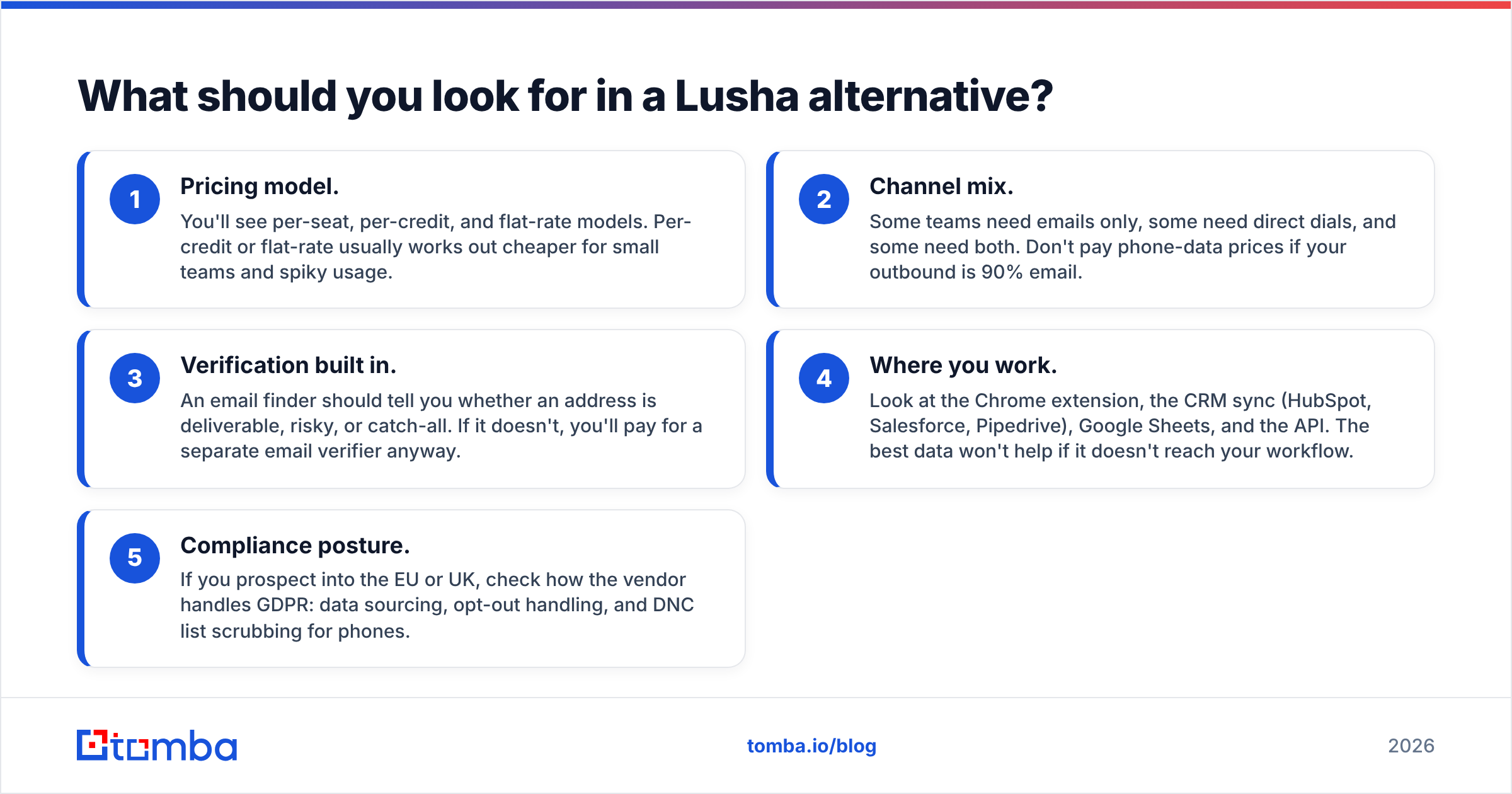
Compare tools on these five factors. If you only compare feature checklists, every vendor looks the same.
- Pricing model. You'll see per-seat, per-credit, and flat-rate models. Per-credit or flat-rate usually works out cheaper for small teams and spiky usage.
- Channel mix. Some teams need emails only, some need direct dials, and some need both. Don't pay phone-data prices if your outbound is 90% email.
- Verification built in. An email finder should tell you whether an address is deliverable, risky, or catch-all. If it doesn't, you'll pay for a separate email verifier anyway.
- Where you work. Look at the Chrome extension, the CRM sync (HubSpot, Salesforce, Pipedrive), Google Sheets, and the API. The best data won't help if it doesn't reach your workflow.
- Compliance posture. If you prospect into the EU or UK, check how the vendor handles GDPR: data sourcing, opt-out handling, and DNC list scrubbing for phones.

How do the top Lusha alternatives compare?#
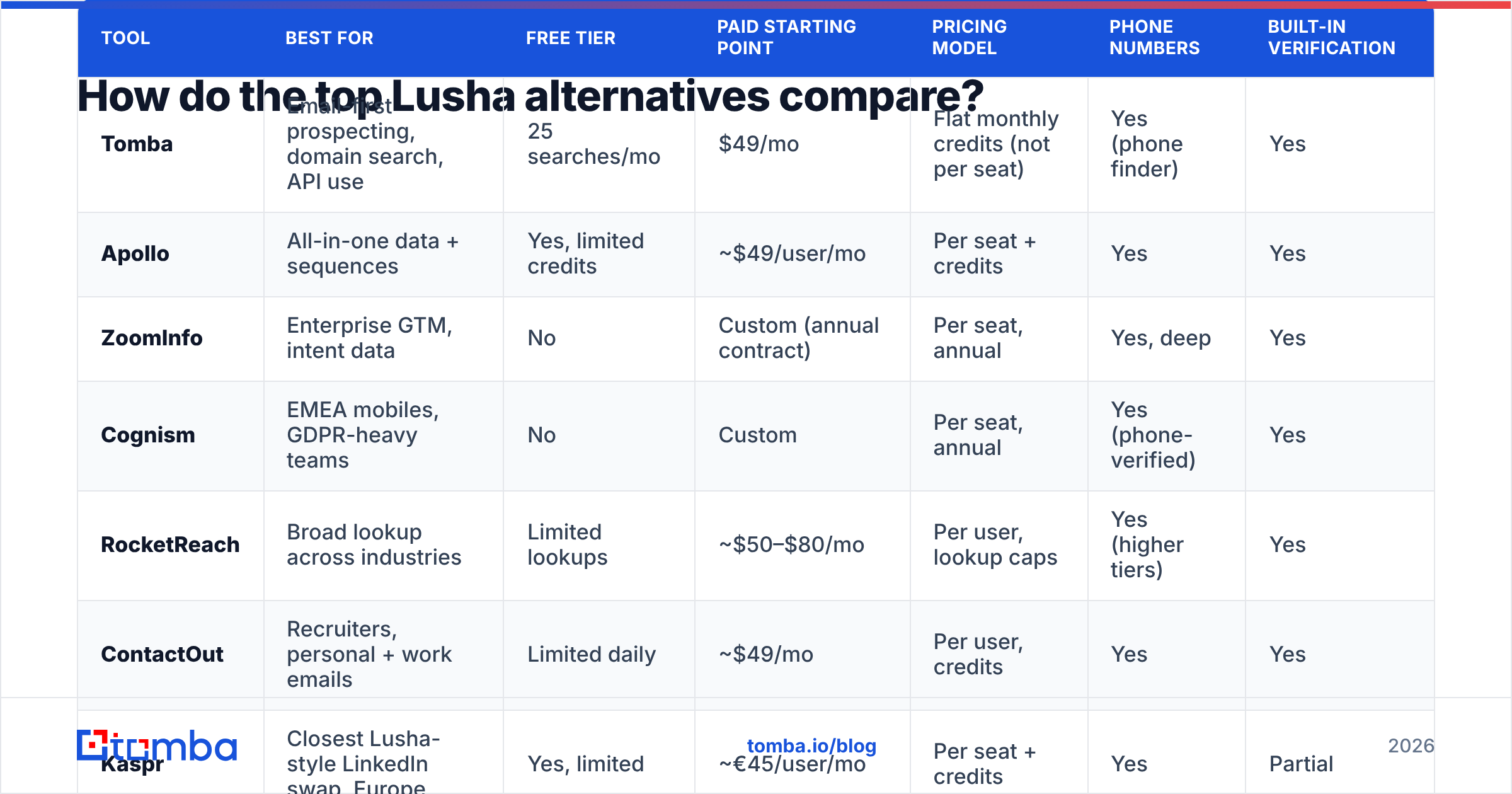
Here's the full shortlist side by side. Prices are approximate public starting points as of late 2026. Most vendors change them every quarter, and enterprise tiers are almost always quoted, so treat these as ballpark figures.
| Tool | Best for | Free tier | Paid starting point | Pricing model | Phone numbers | Built-in verification |
|---|---|---|---|---|---|---|
| Tomba | Email-first prospecting, domain search, API use | 25 searches/mo | $49/mo | Flat monthly credits (not per seat) | Yes (phone finder) | Yes |
| Apollo | All-in-one data + sequences | Yes, limited credits | ~$49/user/mo | Per seat + credits | Yes | Yes |
| ZoomInfo | Enterprise GTM, intent data | No | Custom (annual contract) | Per seat, annual | Yes, deep | Yes |
| Cognism | EMEA mobiles, GDPR-heavy teams | No | Custom | Per seat, annual | Yes (phone-verified) | Yes |
| RocketReach | Broad lookup across industries | Limited lookups | ~$50–$80/mo | Per user, lookup caps | Yes (higher tiers) | Yes |
| ContactOut | Recruiters, personal + work emails | Limited daily | ~$49/mo | Per user, credits | Yes | Yes |
| Kaspr | Closest Lusha-style LinkedIn swap, Europe | Yes, limited | ~€45/user/mo | Per seat + credits | Yes | Partial |
| Seamless.AI | High-volume list building | Free trial credits | Custom / quoted | Per seat | Yes | Yes |
| BookYourData | Pay-as-you-go verified lists | Free sample credits | Credit packs | Per credit, no subscription required | Yes | Yes (accuracy guarantee) |
Which Lusha alternative is best for each use case?#
1. Tomba: best for email-first teams that don't want per-seat pricing#
If most of your outreach goes out by email, you probably don't need to pay for a phone-data seat for every rep. Tomba starts from the domain. You enter acme.com and get the public-facing email addresses for that company along with the detected email pattern, or you enter a name plus a company to find one person. Each result comes back with a verification status, so you know what's safe to send to before it reaches your sequencer.
What stands out compared with Lusha:
- Plan-based pricing, not per-seat. Free (25 searches/mo), Starter $49/mo, Growth $99/mo, Pro $249/mo, and Enterprise custom. Full breakdown on Tomba pricing.
- Verification included. Catch-all detection and deliverability checks are part of the lookup, not an extra purchase.
- More ways to use it. You get a Chrome extension, Google Sheets and Excel add-ins, bulk upload, a REST API, a CLI, and an MCP server if you're wiring enrichment into AI agents.
- Phone data is there when you need it. A phone finder sits alongside the email tools, but you don't pay phone rates on every lookup.
Honest trade-off: Tomba is email-led. If your motion depends on cold calling mobile numbers in volume, a phone-first provider such as Cognism will likely connect more dials.
2. Apollo: best for teams that want data and sequencing in one place#

Apollo bundles a large contact database with email sequences, a dialer, and basic analytics. For a team currently paying for Lusha plus a separate sequencer, putting both into Apollo can cut real cost.
- Strengths: A generous free plan, strong filters, native sequences, and good US coverage.
- Weaknesses: Data accuracy varies by segment, so many teams still verify Apollo exports before sending. Credit rules have also tightened over time.
If Apollo is on your list but you're wary of lock-in, our breakdown of Apollo alternatives covers the trade-offs in more depth.
3. ZoomInfo: best for enterprise GTM teams#

ZoomInfo is the upmarket option. It has deep firmographics, org charts, intent signals, technographics, and a large direct-dial database. If you run account-based motions across hundreds of named accounts, ZoomInfo is hard to match on breadth.
- Strengths: Coverage depth, intent data, and enterprise integrations.
- Weaknesses: Annual contracts, pricing that's usually quoted in the five figures, and a lot of platform for a small team to use.
4. Cognism: best for EMEA phone data and compliance#
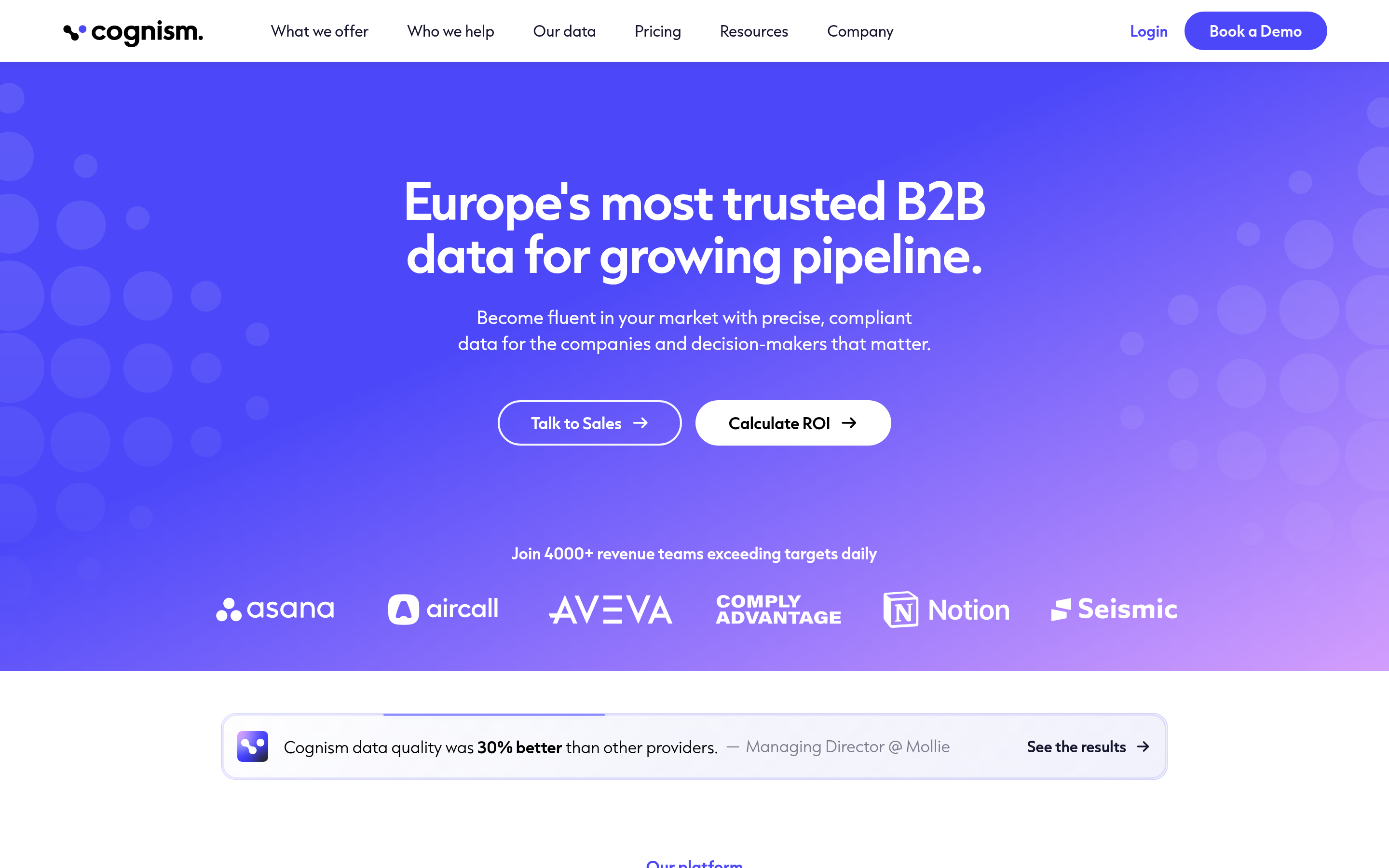
Cognism has built its reputation on phone-verified mobile numbers ("Diamond Data") and DNC scrubbing across multiple countries. If Lusha's European phone numbers aren't connecting for you, Cognism is the most common upgrade.
- Strengths: Mobile accuracy in the UK and EU, and a clear GDPR stance.
- Weaknesses: No self-serve entry tier, annual contracts, and less value for teams that only send email.
5. RocketReach: best for broad, cross-industry lookups#
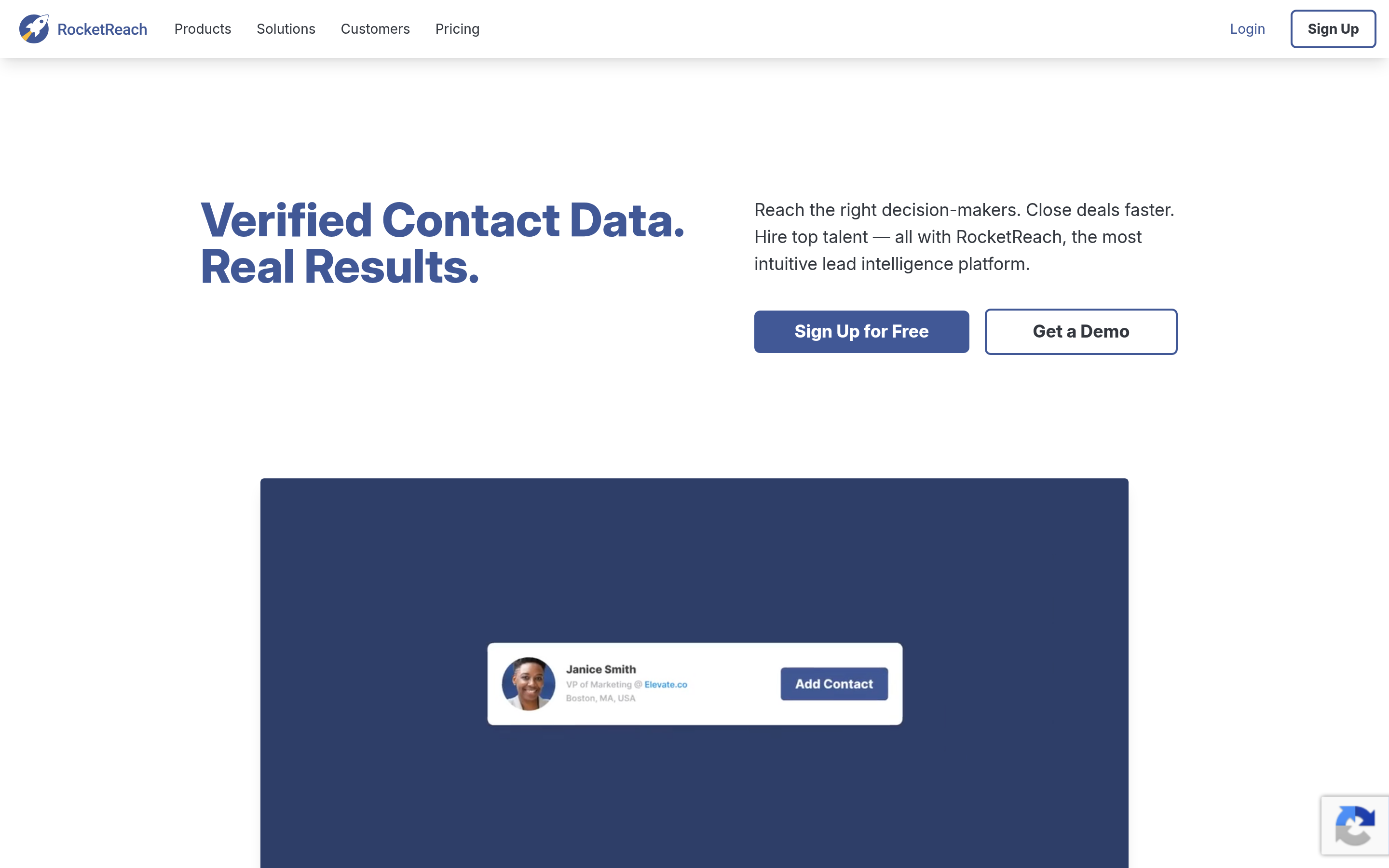
RocketReach covers a wide range of industries beyond tech, including healthcare, legal, and public sector. Its lookup-based plans make budgeting fairly predictable.
- Strengths: Industry breadth, a clean UI, and bulk lookup.
- Weaknesses: Phone numbers are gated behind higher tiers, and lookup caps can feel tight.
6. ContactOut: best for recruiters and personal emails#
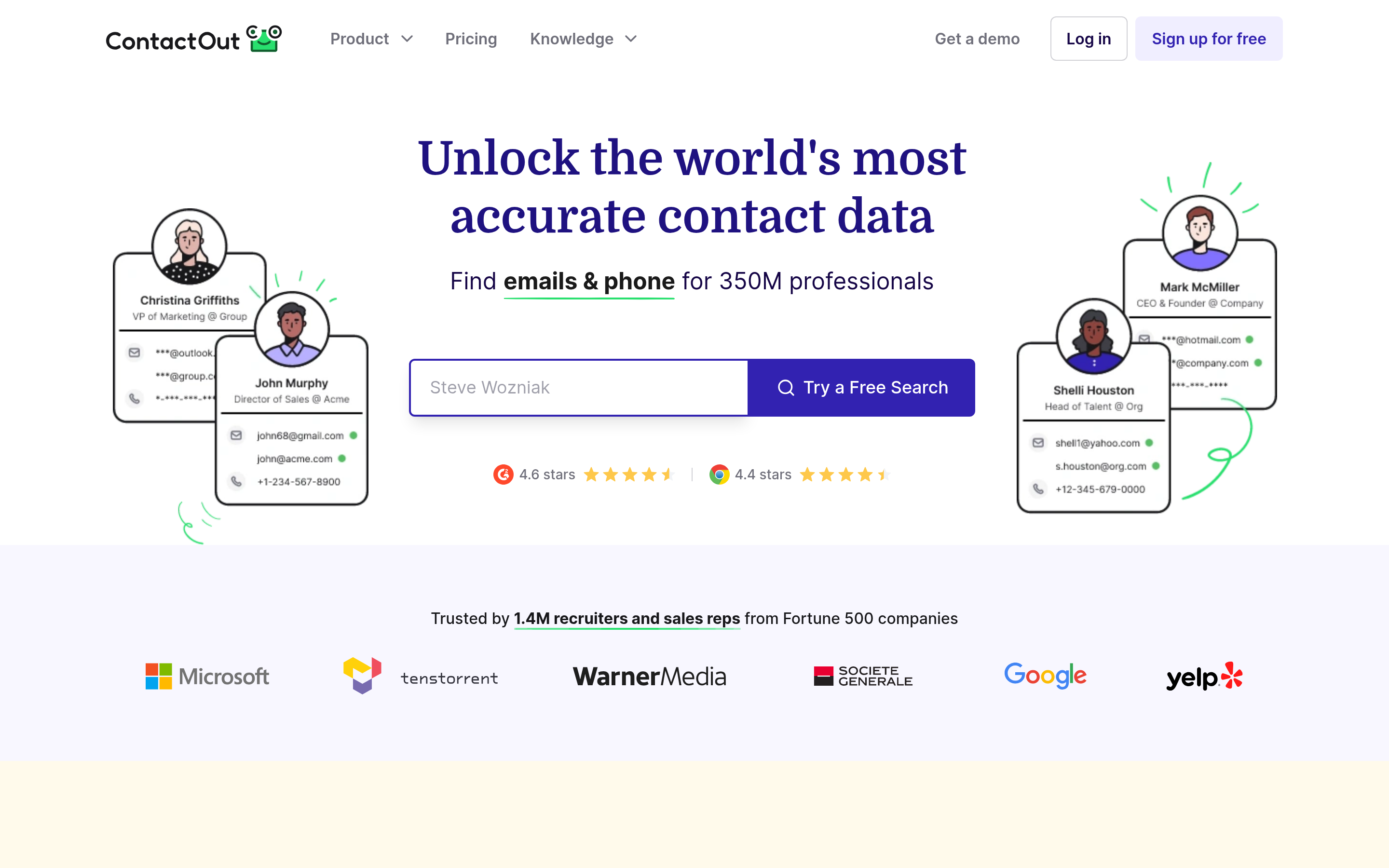
ContactOut's Chrome extension works much like Lusha's, but it leans toward personal email addresses as well as work ones. That makes it popular with recruiters, who often need to reach candidates outside their current employer's inbox.
- Strengths: Personal email coverage and a smooth LinkedIn workflow.
- Weaknesses: Personal emails are the wrong channel for most B2B sales outreach, and there are compliance questions to consider if you use them for selling.
7. Kaspr: best for a near-identical LinkedIn swap in Europe#
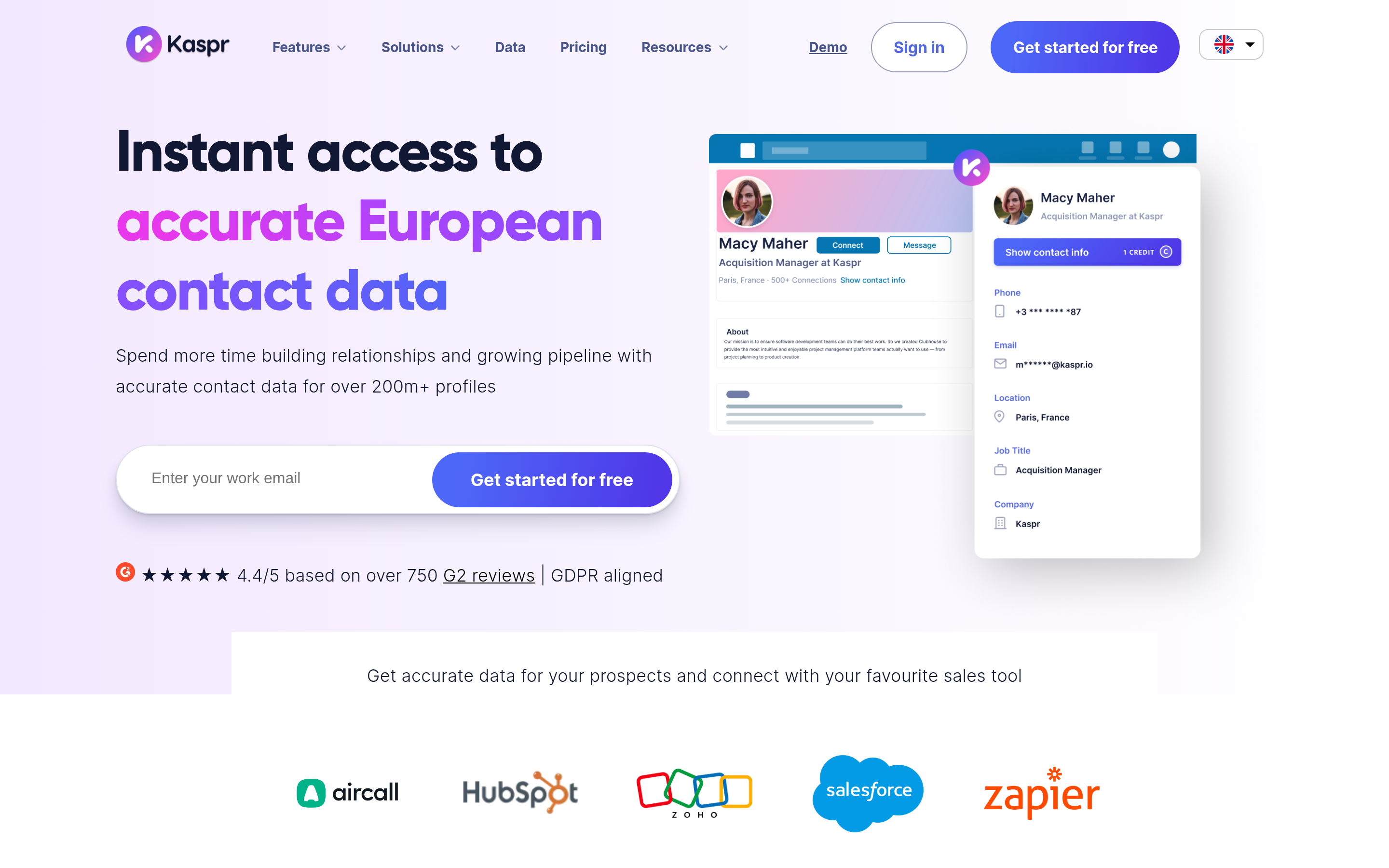
Kaspr is the closest thing to "Lusha with a European accent": a LinkedIn extension, one-click reveals, and phone numbers. Teams that like Lusha's workflow but want better French, German, or Benelux coverage often land here.
- Strengths: A familiar UX, EU coverage, and a free plan to test with.
- Weaknesses: Per-seat pricing, the same structural issue as Lusha, and thinner verification.
8. Seamless.AI: best for high-volume list building#
Seamless.AI is built for volume. It searches in real time and pushes large lists into your CRM.
- Strengths: Volume and automation features.
- Weaknesses: Pricing is quoted and bundled, and reviews regularly mention contract terms. Plan to verify exports before you send.
9. BookYourData: best for pay-as-you-go verified lists#
BookYourData takes a different approach from the seat-based tools. You build a filtered list (industry, title, geography, company size) and pay per contact, with credits that don't lock you into a monthly subscription. Its accuracy guarantee and real-time verification make it a solid choice for teams that run campaigns in bursts rather than prospecting daily.
- Strengths: Transparent per-contact pricing, verified data, and no seat math.
- Weaknesses: It's list-oriented rather than a LinkedIn-overlay tool, so it's a different workflow from Lusha's click-to-reveal.

Is Lusha still worth keeping in 2026?#
Sometimes, yes. Lusha is a good fit when:
- Your reps prospect mostly on LinkedIn, one profile at a time.
- You need direct dials and emails in the same click.
- Your team is small and stable, so per-seat pricing doesn't balloon.
- Your territory is mainly the US and Western Europe.
It's a weaker fit when:
- You mostly send email, so phone credits go unused.
- You start from account lists or domains rather than individual profiles.
- Headcount changes often, or some reps only prospect occasionally.
- You need API-level enrichment inside your own product or workflow.
Many teams end up running a hybrid: they keep one or two Lusha seats for phone-heavy AEs and move bulk email discovery to a credit-based email finder. That keeps the phone workflow your closers like and stops you paying seat prices for email lookups.
How do you calculate the real cost per contact?#
The sticker price on a pricing page is misleading because every vendor defines a credit differently. Run this quick test before you commit:
- Pick 100 target contacts from your actual ICP, including mid-market and non-US accounts, not only easy US SaaS logos.
- Run the same list through two or three tools during their free tiers or trials.
- Verify every returned email with an independent verifier, and dial a sample of the returned phone numbers.
- Count usable results: emails marked valid, plus phone numbers that reached the right person.
- Divide the monthly cost by usable contacts per month at your expected volume.
A tool that costs twice as much but returns 40% more usable contacts can come out cheaper. A tool with a big database and a 25% bounce rate will hurt your sender reputation, and that costs more than any subscription.
How do you migrate off Lusha without losing data?#
Switching tools is mostly a data-hygiene job, not a technical one:
- Export your Lusha lists and CRM-synced contacts before your renewal date. Revealed contacts that already live in your CRM stay there.
- Re-verify older records. B2B email data decays quickly as people change jobs, so anything revealed more than six months ago should be re-checked before you add it to a sequence.
- Map fields. Make sure the new tool writes to the same CRM properties (email status, phone type, source) so your reporting doesn't break.
- Run both tools for 2–4 weeks on overlapping lists. Compare bounce and connect rates, then cut over.
- Update your enrichment triggers. If Lusha was enriching inbound leads through a CRM workflow, rebuild that workflow in the new tool or through an API or Zapier integration.
Which Lusha alternative should you choose?#
Here's the short version:
- Mostly email, cost-sensitive, want an API: Tomba
- Want data and sequences in one bill: Apollo
- Enterprise ABM with intent data: ZoomInfo
- EMEA cold calling: Cognism
- Broad industries outside tech: RocketReach
- Recruiting: ContactOut
- Lusha's workflow with European data: Kaspr
- Volume list building: Seamless.AI
- Campaign-based, pay-as-you-go lists: BookYourData
Test with your own ICP, measure cost per usable contact, and don't sign an annual contract until a two-week bake-off has shown you the numbers.
If your outbound runs on email and you're tired of paying per seat, try Tomba Email Finder. Search by domain, name, or company, get verification status on every result, and pull contacts from the Chrome extension, Google Sheets, or the API. The free plan includes 25 searches a month, so you can run the 100-contact test above against your current Lusha results before you spend anything.
Related guides#
// get started
Find, verify and enrich your first contacts today
Start on the free plan with 25 searches a month, then scale when your team is ready.
Free plan · No credit card required · GDPR & CCPA
// about the author