Mailarrow vs ZoomInfo: Sending Tool or Data Platform in 2026?
Mailarrow sends cold email. ZoomInfo sells B2B contact data. Comparing them as rivals leads teams to buy the wrong tool. Here is what each one does, what it costs, and when you need both.
TL;DR
- Mailarrow and ZoomInfo do different jobs. Mailarrow is a cold email sending and automation tool. ZoomInfo is a B2B contact and company data platform. Most teams that compare them actually need one of each type of tool.
- There is a big price gap. Mailarrow's listed plans start around $39/month. Buyer-reported ZoomInfo contracts start near $15,000/year, and many teams pay $30K or more once seats and add-ons are counted.
- Pick Mailarrow if you already have lead lists and need to send personalised sequences from many mailboxes without your costs going up per inbox.
- Pick ZoomInfo if you are a mid-market or enterprise team that needs deep firmographics, org charts, intent signals and a CRM-wide data layer, and you can sign an annual contract.
- Budget option: pair Mailarrow with a pay-as-you-go email finder and verifier. That gets you about 80% of the outbound workflow for a small fraction of a ZoomInfo contract.
What is the real difference between Mailarrow and ZoomInfo?#
These tools sit at opposite ends of the outbound workflow, so comparing them directly is a bit like comparing a delivery truck with a warehouse.
ZoomInfo is the warehouse. It stores and sells data: contact records, direct dials, company firmographics, technographics, org charts and buying-intent signals. Its main product, SalesOS, is where reps search for accounts and people and then push them into the CRM. Engage (sequencing) and Chorus (conversation intelligence) are sold on top of that.
Mailarrow is the delivery truck. It takes contacts you already have and sends cold email sequences from your Gmail, Outlook or SMTP mailboxes. Its strengths are on the sending side: unlimited connected mailboxes, inbox rotation, built-in warmup, follow-up sequences, merge-tag personalisation and campaign analytics.
The comparison still makes sense because both tools are bought with the same budget line ("help us book more meetings"), and buyers often reach both product pages during the same search. If your real question is "where do my leads come from, and how do I contact them?", the answer sits in both columns of the table below.
| Dimension | Mailarrow | ZoomInfo |
|---|---|---|
| Core job | Send and automate cold email | Supply B2B contact and company data |
| Who buys it | Founders, agencies, SDR teams of 1–20 | Mid-market and enterprise sales, marketing and RevOps |
| Contact database | None (bring your own leads) | Hundreds of millions of contacts and company profiles |
| Sending infrastructure | Unlimited mailboxes, inbox rotation, warmup | Only via the Engage add-on |
| Intent and firmographic data | No | Yes (intent, technographics, org charts) |
| Pricing model | Monthly self-serve tiers | Annual contract, quote-based |
| Entry cost | About $39/month | About $15,000/year (buyer-reported) |
| Time to first campaign | Same day | Weeks (procurement, onboarding, CRM sync) |
How does Mailarrow work, and who is it built for?#
Mailarrow is built for teams whose bottleneck is sending, not data. You import a CSV or sync leads, connect as many mailboxes as you want, write a sequence and let the platform rotate sends across inboxes so no single address gets overloaded.
The main features at the time of writing:
- Unlimited mailboxes on every plan. Many sending tools charge per connected inbox. Mailarrow doesn't, which matters a lot if you spread volume across 20 or 50 secondary domains.
- Built-in email warmup. Warmup runs inside the product, so you don't pay for a separate warmup tool.
- Sequence builder with conditional follow-ups. Replies stop the sequence automatically.
- AI personalisation on the mid tier and above, for first lines and variable snippets.
- Campaign analytics for opens, replies and bounces per mailbox and per step.
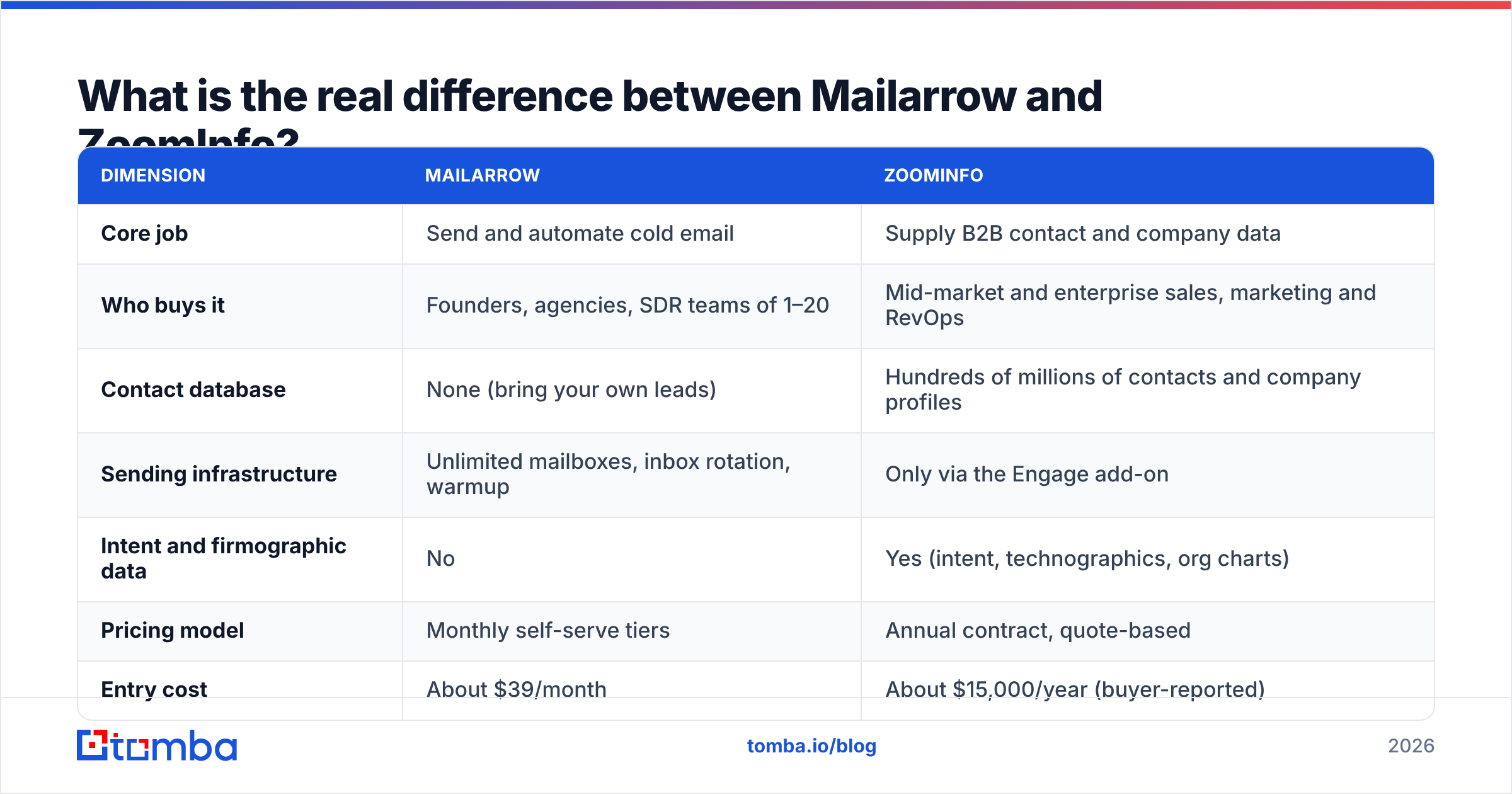
Listed pricing has three self-serve tiers, based on active prospects and monthly email volume. Basic is about $39/month (2,000 active prospects, 6,000 emails). Professional is about $59/month (20,000 prospects, 60,000 emails, adds AI personalisation). Growth is about $99/month (50,000 prospects, 150,000 emails). Annual billing is reportedly cheaper. Check the vendor's pricing page before you buy, because sending tools change their limits often.
What Mailarrow doesn't do: it won't tell you who to email. There is no contact database, no company search and no way to look up a VP of Finance's address at a 200-person SaaS company. You need another tool for that.

How does ZoomInfo work, and who is it built for?#
ZoomInfo is built for teams whose bottleneck is knowing the market. A rep can filter by industry, headcount, revenue, tech stack, location and hiring signals, build an account list, open the org chart, see who has recently researched a topic (intent), and export verified contacts with direct dials into Salesforce or HubSpot.
What it does well:
- Data breadth and depth. Firmographics, technographics, reporting lines and phone numbers in one place. Few vendors match it on North American coverage.
- Intent signals. Accounts showing research activity around your category appear before they fill in a form.
- CRM enrichment at scale. Existing records get updated automatically, which RevOps teams depend on to keep territory and routing logic clean.
- Website visitor identification and a growing set of AI assistants on the platform.
What it doesn't do well for small teams: price and commitment. ZoomInfo doesn't publish list prices. Third-party buyer reports in 2026 put the entry SalesOS Professional tier around $15,000/year, Advanced around $25,000–$30,000, and Elite at $40,000+. Procurement benchmarks commonly report median contracts in the low $30K range. Credits are capped, overages usually mean renegotiating, and contracts are annual. On G2, reviewers consistently praise the data depth and complain about cost and renewal terms.
ZoomInfo can send email through Engage, but Engage is an add-on built for structured SDR cadences inside large orgs. It isn't designed for high-volume, multi-domain cold email the way Mailarrow is.
Is Mailarrow better than ZoomInfo for cold email?#
For the sending itself, yes. Mailarrow is the better tool for running cold email campaigns. Unlimited mailboxes, inbox rotation and native warmup are the features that protect your email deliverability when you scale volume, and those are Mailarrow's core features. In ZoomInfo they are, at best, secondary.
For the input to cold email (who to send to and whether the address is real), ZoomInfo is far stronger, because Mailarrow has no data at all.
So the honest answer depends on where your pipeline is breaking:
- Good lists, poor reply rates and poor inbox placement: the fix is sending infrastructure. Mailarrow solves that.
- Good copy, but you keep running out of the right people to email: the fix is data. ZoomInfo or a lighter data tool solves that.
- Both are broken: you need two tools, and the real decision is how much you spend on the data side.
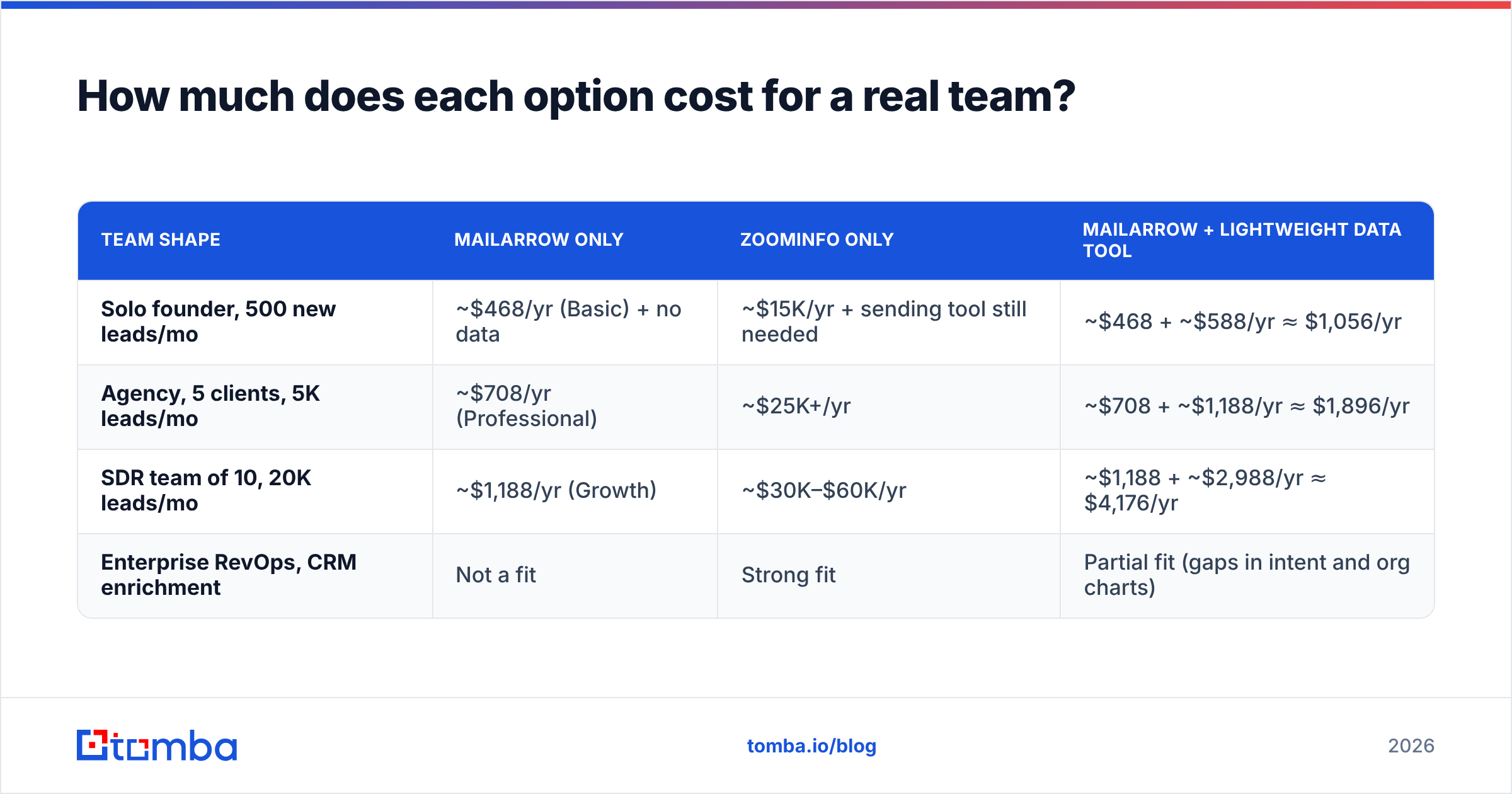
How much does each option cost for a real team?#
Sticker prices hide the real comparison. Here is what a typical year looks like for three team shapes. Sending numbers use Mailarrow's listed tiers. ZoomInfo numbers use buyer-reported ranges, not quotes.
| Team shape | Mailarrow only | ZoomInfo only | Mailarrow + lightweight data tool |
|---|---|---|---|
| Solo founder, 500 new leads/mo | ~$468/yr (Basic) + no data | ~$15K/yr + sending tool still needed | ~$468 + ~$588/yr ≈ $1,056/yr |
| Agency, 5 clients, 5K leads/mo | ~$708/yr (Professional) | ~$25K+/yr | ~$708 + ~$1,188/yr ≈ $1,896/yr |
| SDR team of 10, 20K leads/mo | ~$1,188/yr (Growth) | ~$30K–$60K/yr | ~$1,188 + ~$2,988/yr ≈ $4,176/yr |
| Enterprise RevOps, CRM enrichment | Not a fit | Strong fit | Partial fit (gaps in intent and org charts) |
The third column assumes an email finder plan in the $49–$249/month range, which is where most self-serve data tools sit. It doesn't replace everything ZoomInfo offers. You won't get intent data or full org charts. But for a team whose goal is "find a verified work email for this person at this company, then send to them", it covers the job.
Which features should decide your choice?#
If you're still torn, these five questions settle it for most teams:
- Do you already have a reliable lead source? If yes, buy Mailarrow and stop there. If no, the data tool is your first purchase, and the sender comes second.
- Can you commit to a 12-month contract? ZoomInfo is annual. If your outbound motion is still experimental, a monthly sender plus pay-as-you-go data lets you test without a five-figure lock-in.
- Do you need intent and account intelligence, or just emails? Intent signals and org charts justify ZoomInfo's price for account-based teams. If you just need emails, that's overkill.
- How many sending domains do you run? Ten or more inboxes across secondary domains strongly favours a flat-priced sender like Mailarrow over a per-seat engagement add-on.
- Who owns data hygiene? ZoomInfo's value grows with a RevOps function that uses enrichment and routing. Without that, much of what you pay for goes unused.

What about data quality and bounce rates?#
This is where the "Mailarrow vs ZoomInfo" framing hides the real risk. Mailarrow sends to whatever addresses you give it. If 8% of those addresses bounce, your domains get flagged no matter how good the warmup was. Any sending tool's deliverability is limited by the quality of the list it receives.
ZoomInfo's contact data is generally strong, but it is not immune to decay. People change jobs constantly, and a record verified six months ago may be stale today. A common practice among outbound teams is to re-verify any list before it reaches a sending tool, even when it comes from a premium source.
A practical workflow, regardless of which data source you choose:
- Source or find email addresses for the exact people on your target list.
- Run the full list through an email verifier and remove invalid, disposable and risky results.
- Handle catch-all domains on their own: send to them in smaller batches or skip them entirely.
- Only then import the list into your sender and start the sequence.
This step costs very little and protects the sender reputation you spent weeks warming up.
Are there alternatives to consider?#
If neither tool fits, the market has plenty of options on both sides.
Instead of ZoomInfo (data side): Apollo, Lusha, Cognism, RocketReach, Seamless.AI, BookYourData and Tomba all sell B2B contact data at lower entry points. They differ in coverage, phone data and how credits work. Apollo also bundles a sequencer, which is why many small teams start there. If that bundle appeals to you, our Apollo alternative breakdown covers the trade-offs. BookYourData is a strong choice if you want to buy pre-built, filtered lists rather than search one record at a time.
Instead of Mailarrow (sending side): Instantly, Smartlead, Lemlist, Woodpecker and Saleshandy all offer multi-inbox sending with warmup. Pricing models vary: some charge per mailbox, some per contact, some flat. Mailarrow's appeal is unlimited mailboxes at a low monthly price, so compare like for like on your real inbox count.
Instead of both: all-in-one platforms try to combine data and sending. They're convenient, but you usually accept weaker data or weaker deliverability tooling than you'd get from a specialist on each side.
So which one should you choose?#
Choose Mailarrow if your problem is sending. You have leads, you want to scale across many mailboxes, and you want to keep monthly costs predictable. It's one of the most cost-efficient senders for teams that run multiple domains.
Choose ZoomInfo if your problem is market intelligence at scale. You have a RevOps function, an ABM motion, a CRM that needs continuous enrichment, and a budget that can absorb a $15K–$60K annual contract without blinking.
Choose both kinds of tool, but a lighter data layer if you're a startup, agency or small SDR team. This is the most common situation. Mailarrow handles delivery. A self-serve email finder and verifier handles who to send to and confirms the address is real. You keep monthly billing, you can cancel when a campaign ends, and your total spend stays in the low thousands per year instead of five figures.
Ready to feed your sender with verified leads?#
If you're using Mailarrow or any other sending tool and need a reliable, affordable source of contacts, Tomba Email Finder finds professional email addresses by name, company or domain, with built-in verification so your list arrives clean. Plans start with a free tier of 25 searches a month and go to $49/month for Starter, with Growth and Pro tiers as volume grows. See the full Tomba pricing, run your next target list through it, and send to people who actually exist.
Related guides#
// start free
See who Tomba finds at any company
Type a company's domain to see its people, their roles and verified work emails, each with the pages it was found on. Free account, no card.
Free plan · No credit card required · GDPR & CCPA
// about the author