Mailbox Checker Guide: How to Verify an Inbox Exists in 2026
A mailbox checker tells you whether an inbox exists before you send. Here is how the SMTP check works, where catch-all domains break it, and how to pick a tool for your list size.
TL;DR
- A mailbox checker tells you whether a specific inbox exists and can receive mail. Nothing gets delivered during the check. It runs syntax, DNS/MX and SMTP checks and stops before any message is sent.
- The SMTP "RCPT TO" handshake is the core of every checker. On catch-all domains it gives no answer, so a "valid" result on those domains often means "unknown."
- Running checks yourself from a home or office IP is slow, often blocked, and can get your IP listed. A hosted checker uses warmed infrastructure and caches results.
- Use a free single-address checker for one-off lookups. Use bulk verification with catch-all scoring for any list over a few hundred contacts.
- Check before every campaign, not once a year. B2B data decays by roughly 2% a month as people change jobs.
What is a mailbox checker?#
A mailbox checker is a tool that tells you whether a particular email address belongs to a real inbox that accepts mail. It does this without sending a message. You enter jane.doe@acme.com and get back a status such as valid, invalid, catch-all/accept-all, disposable, role-based or unknown.
It is different from a plain syntax validator, which only confirms that an address looks like an email. A mailbox checker goes further: it asks the recipient's mail server whether that exact local part (the bit before the @) exists.
You need one because bounces cost you. Mailbox providers watch your bounce rate as a signal of list quality. Google's email sender guidelines require bulk senders to keep spam complaints low and authenticate properly. A list full of dead addresses pushes you toward the filtering threshold quickly. A bounce rate above about 2% is usually where your sender reputation starts to suffer.
How does a mailbox checker actually work?#
Every serious checker runs the same layered pipeline. Each layer is cheaper than the next, so the tool can drop bad addresses early and only spend SMTP handshakes on addresses that pass the earlier layers.
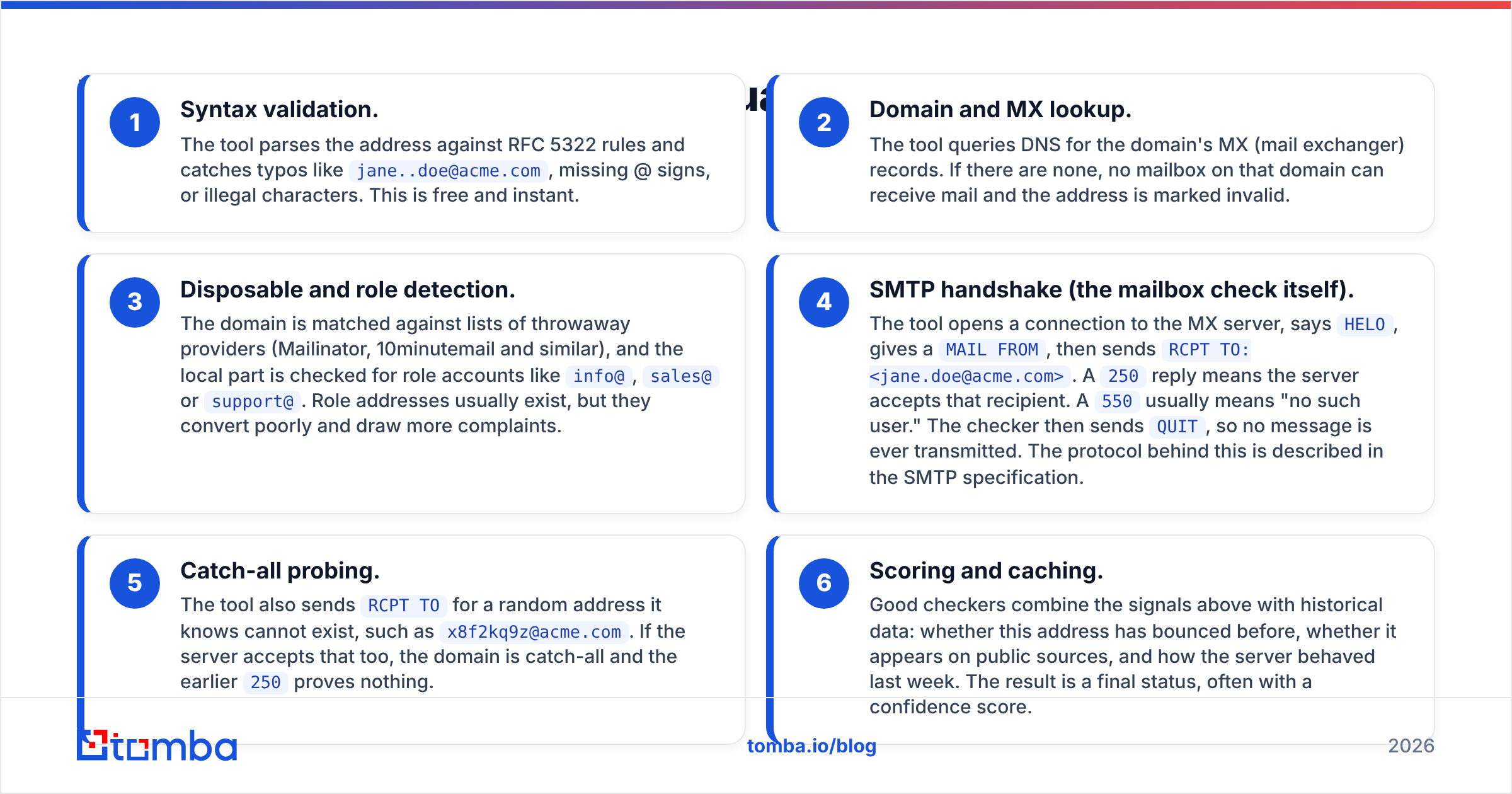
- Syntax validation. The tool parses the address against RFC 5322 rules and catches typos like
jane..doe@acme.com, missing @ signs, or illegal characters. This is free and instant. - Domain and MX lookup. The tool queries DNS for the domain's MX (mail exchanger) records. If there are none, no mailbox on that domain can receive mail and the address is marked invalid.
- Disposable and role detection. The domain is matched against lists of throwaway providers (Mailinator, 10minutemail and similar), and the local part is checked for role accounts like
info@,sales@orsupport@. Role addresses usually exist, but they convert poorly and draw more complaints. - SMTP handshake (the mailbox check itself). The tool opens a connection to the MX server, says
HELO, gives aMAIL FROM, then sendsRCPT TO:<jane.doe@acme.com>. A250reply means the server accepts that recipient. A550usually means "no such user." The checker then sendsQUIT, so no message is ever transmitted. The protocol behind this is described in the SMTP specification. - Catch-all probing. The tool also sends
RCPT TOfor a random address it knows cannot exist, such asx8f2kq9z@acme.com. If the server accepts that too, the domain is catch-all and the earlier250proves nothing. - Scoring and caching. Good checkers combine the signals above with historical data: whether this address has bounced before, whether it appears on public sources, and how the server behaved last week. The result is a final status, often with a confidence score.
Steps 4 and 5 are where tools differ. Any script can do steps 1 to 3.
Can you check a mailbox yourself without a tool?#
Technically yes. In practice it is worth doing only once, so you understand what a checker does.
The manual version is: run nslookup -type=mx acme.com, take the highest-priority MX host, open telnet mx.acme.com 25, and type the SMTP commands by hand. When it works, you see the 250 or 550 reply yourself.

Here is why it usually doesn't work:
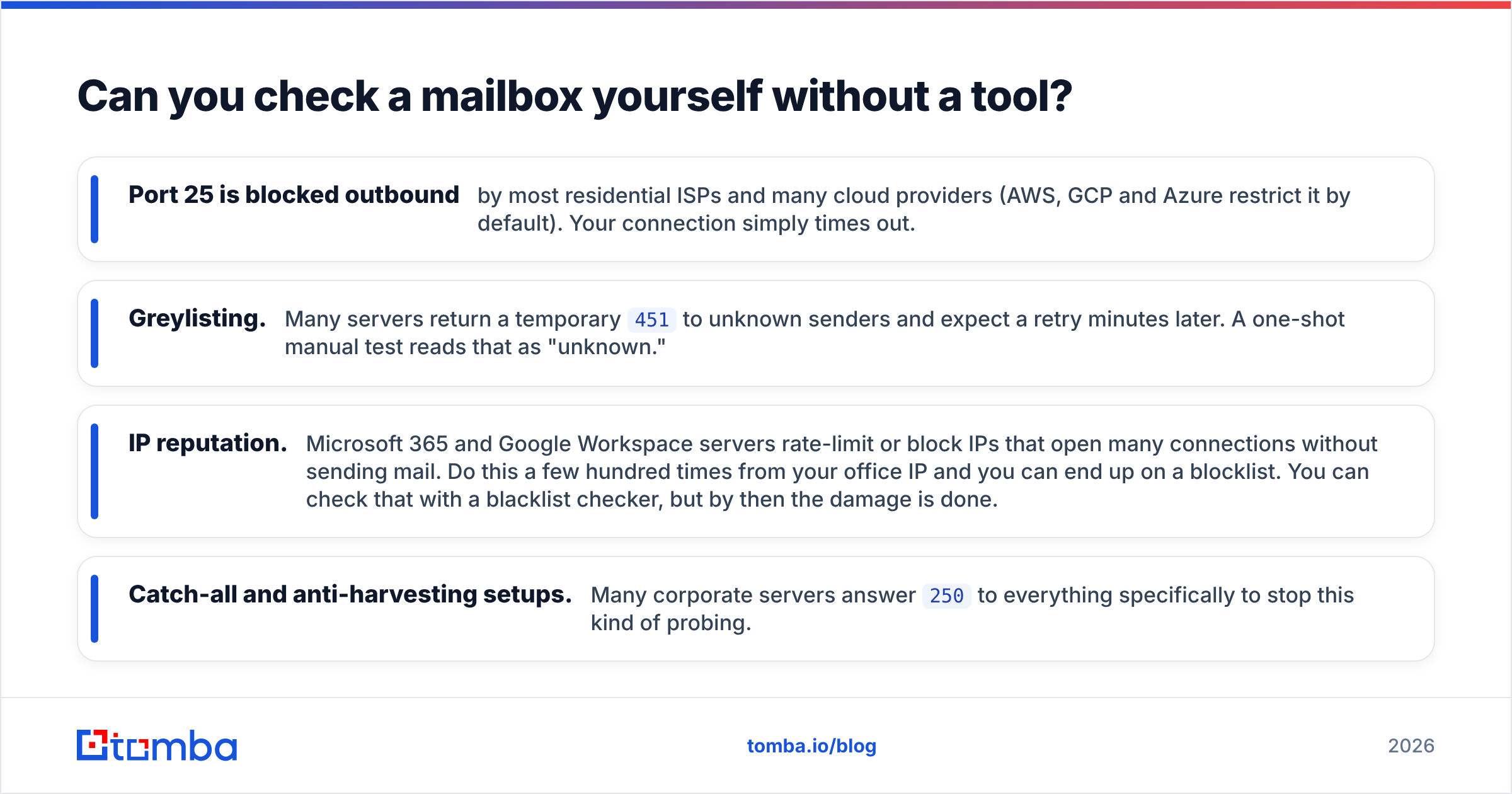
- Port 25 is blocked outbound by most residential ISPs and many cloud providers (AWS, GCP and Azure restrict it by default). Your connection simply times out.
- Greylisting. Many servers return a temporary
451to unknown senders and expect a retry minutes later. A one-shot manual test reads that as "unknown." - IP reputation. Microsoft 365 and Google Workspace servers rate-limit or block IPs that open many connections without sending mail. Do this a few hundred times from your office IP and you can end up on a blocklist. You can check that with a blacklist checker, but by then the damage is done.
- Catch-all and anti-harvesting setups. Many corporate servers answer
250to everything specifically to stop this kind of probing.
Hosted checkers get around these problems with dedicated sending IPs, rotation, retry logic for greylisting, and per-provider tuning. That is most of what you're paying for.
Why do mailbox checkers return "catch-all" or "unknown"?#
This is the most misunderstood part of mailbox checking, and it's where cheap tools mislead you.
A catch-all (accept-all) domain is configured to accept mail for any address at that domain. The server says 250 to jane.doe@, j.doe@ and asdfgh@ alike. An SMTP check therefore cannot tell you whether Jane has a real mailbox. Catch-all setups are common among mid-market and enterprise B2B companies, which is the segment most outbound teams target. In many B2B lists, 20-30% of addresses sit on catch-all domains.
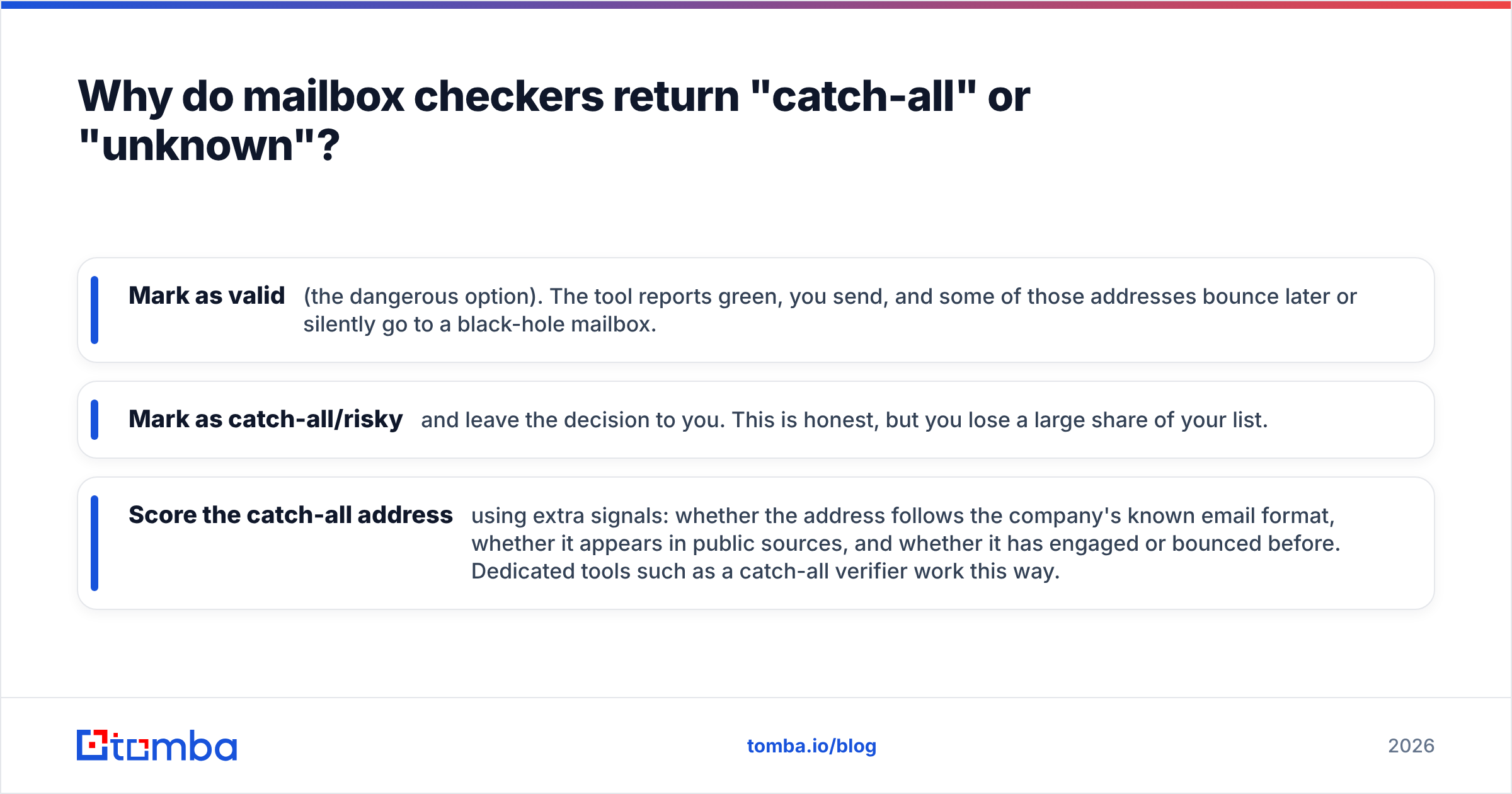
Tools deal with this in one of three ways:
- Mark as valid (the dangerous option). The tool reports green, you send, and some of those addresses bounce later or silently go to a black-hole mailbox.
- Mark as catch-all/risky and leave the decision to you. This is honest, but you lose a large share of your list.
- Score the catch-all address using extra signals: whether the address follows the company's known email format, whether it appears in public sources, and whether it has engaged or bounced before. Dedicated tools such as a catch-all verifier work this way.
"Unknown" is a different situation. The server timed out, greylisted the request, or refused the connection. Unknowns are worth re-checking after a few hours. Don't treat them as invalid straight away.
Which mailbox checker should you use?#
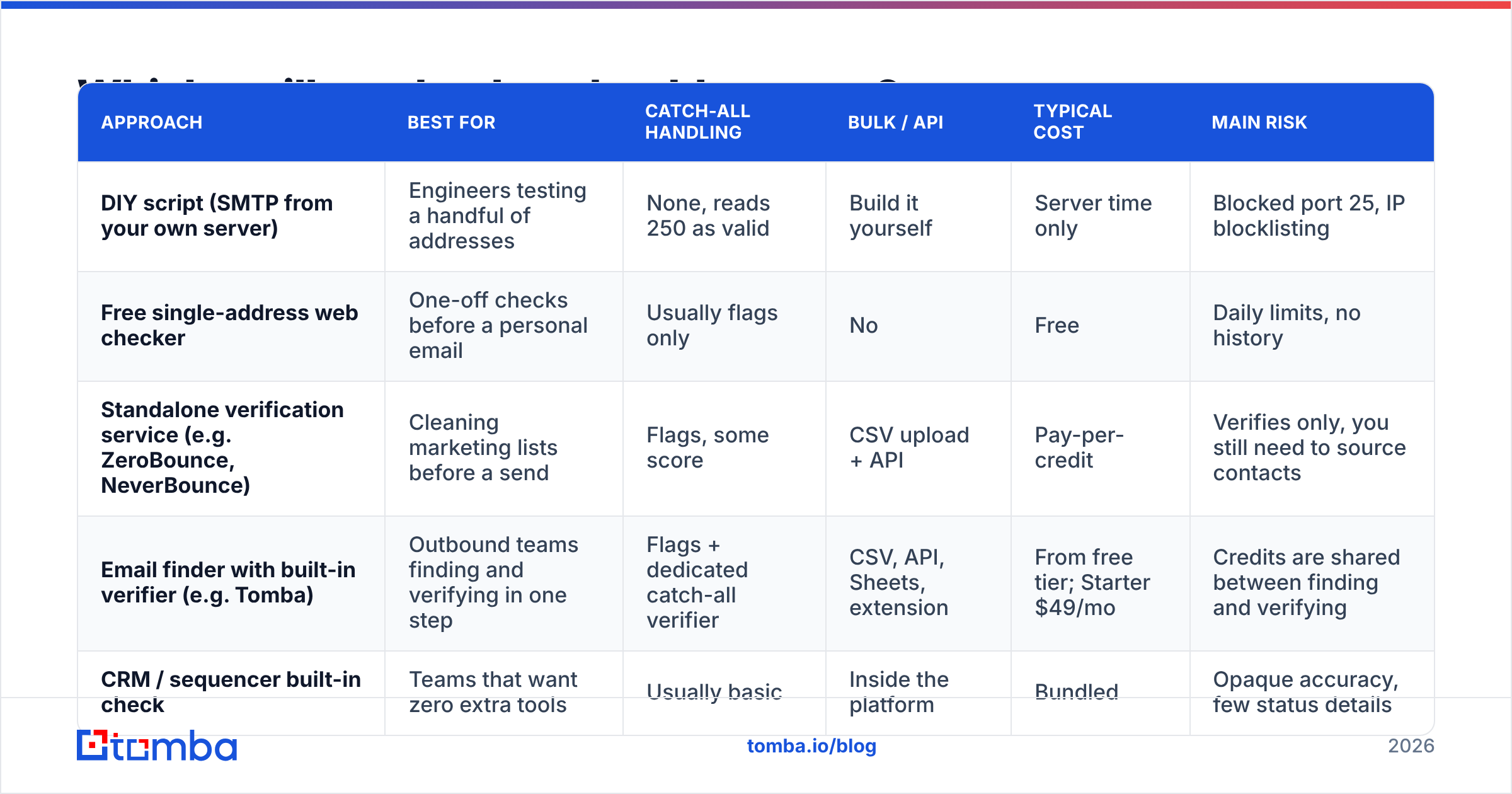
Pick the tool category that matches your volume and workflow before you pick a brand. The table below compares the main approaches.
| Approach | Best for | Catch-all handling | Bulk / API | Typical cost | Main risk |
|---|---|---|---|---|---|
| DIY script (SMTP from your own server) | Engineers testing a handful of addresses | None, reads 250 as valid | Build it yourself | Server time only | Blocked port 25, IP blocklisting |
| Free single-address web checker | One-off checks before a personal email | Usually flags only | No | Free | Daily limits, no history |
| Standalone verification service (e.g. ZeroBounce, NeverBounce) | Cleaning marketing lists before a send | Flags, some score | CSV upload + API | Pay-per-credit | Verifies only, you still need to source contacts |
| Email finder with built-in verifier (e.g. Tomba) | Outbound teams finding and verifying in one step | Flags + dedicated catch-all verifier | CSV, API, Sheets, extension | From free tier; Starter $49/mo | Credits are shared between finding and verifying |
| CRM / sequencer built-in check | Teams that want zero extra tools | Usually basic | Inside the platform | Bundled | Opaque accuracy, few status details |
Some quick rules:
- Checking a few addresses a week? A free email checker is enough. Paste the address and read the status.
- Cleaning a 10k+ list before a campaign? You need bulk upload, deduplication, and a clear split between valid, catch-all and unknown. Tomba's email verifier and its bulk workflow cover this, as do the dedicated verification services above.
- Running outbound where you also need to find addresses? Choose a tool that finds and verifies in one pass, so you aren't moving CSVs between vendors and paying twice per contact.
- Building it into your product or pipeline? Look for a documented API with predictable rate limits and per-status responses, not just "valid: true."
Independent review sites such as G2's email verification category are useful for checking how other users rate accuracy and support. Treat vendor-published accuracy percentages as marketing until you've tested them on your own data.
How accurate are mailbox checkers really?#
They are accurate on definite cases and weak on ambiguous ones, and the ambiguous share depends heavily on who you target.
On domains that give honest SMTP responses (most small-business Google Workspace and Microsoft 365 tenants, plus many hosted mail providers), a good checker's "valid" and "invalid" results are reliable. Expect bounce rates under 1% on addresses marked valid.
Accuracy drops in these cases:
- Catch-all domains. The SMTP layer gives no answer, as covered above.
- Microsoft 365 tenants with directory-based edge blocking, which may behave inconsistently depending on the probing IP.
- Recently departed employees. Many companies keep a mailbox active for 30-90 days after someone leaves. The address checks as valid, but nobody will read your email.
- Security gateways (Proofpoint, Mimecast and others) that accept at the gateway and reject later.
To run an honest test of any tool, take 500 addresses whose outcome you already know (recent sends with tracked bounces), run them through the checker, and compare. Pay most attention to the false-valid rate: addresses the tool called valid that then hard-bounced. That's the number that hurts your email deliverability.
How often should you run a mailbox check?#
Run a check before every campaign, and run it at the point of capture as well.
B2B contact data decays steadily. People change jobs, companies rebrand domains, and mailboxes get deprovisioned. A list that checked clean in January can have several percent dead addresses by April. Use this cadence:
- At capture: verify in real time on signup forms and when a rep adds a contact to the CRM. This keeps typos and fake addresses out of your database.
- Before each send: re-check any address you haven't verified in the last 30 days.
- After a bounce spike: if a campaign bounces above 2%, pause it, re-verify the whole remaining list, and suppress hard bounces permanently.
- Quarterly hygiene: run the full CRM through a bulk check and archive invalids. Your CRM reports get more accurate as a side effect.

What does a good mailbox checker workflow look like?#
Here's a practical setup for an outbound team sending a few thousand emails a week:
- Source contacts with an email finder or from your database.
- Deduplicate before verification so you don't pay twice for the same address.
- Run the mailbox check in bulk. Export four buckets: valid, invalid, catch-all, unknown.
- Send to valid immediately.
- Score catch-all with a dedicated catch-all verification step. Send only high-confidence addresses, in smaller batches from a well-warmed domain.
- Re-check unknowns after 4-24 hours. Most resolve into valid or invalid on the second pass.
- Delete invalids and add them to a suppression list in your sequencer.
- Feed bounces back. Any hard bounce from a "valid" address is a data point. If a tool regularly produces false valids on your segment, switch tools.
This takes about 15 minutes of setup in most stacks. Spreadsheet-based teams can do it in Google Sheets with an add-on, and engineering-led teams can do it through an API call before the sequencer step.
What should you look for when comparing mailbox checkers?#
Ignore the headline accuracy number on the homepage and check these instead:
- Status granularity. You want separate statuses for valid, invalid, catch-all, disposable, role, and unknown. A binary valid/invalid output hides the risky middle.
- Catch-all strategy. Ask how the tool scores accept-all domains. If the answer is "we mark them valid," don't use it.
- Greylisting retries. Does the tool retry automatically, or does it return "unknown" on the first
451? - Credit rules. Do unknowns and duplicates consume credits? Some vendors refund unknowns, others don't.
- Data retention and compliance. Check how long uploaded lists are stored and whether the vendor documents GDPR handling.
- Integrations. Native connections to your CRM, sequencer, Sheets, or Zapier save more time than a few points of extra accuracy.
- Pricing at your real volume. Compare cost per thousand checks at the volume you'll actually run, not at the entry tier.
Is a mailbox checker enough on its own?#
No. A mailbox checker protects you from bounces, but it doesn't help you find the right person in the first place, and it doesn't fix weak authentication or poor copy.
It sits in a chain: accurate sourcing, then verification, then authenticated sending (SPF, DKIM, DMARC), then relevant messaging. A checker can't rescue a list bought from a dubious vendor. It only shows you how bad that list is. It also can't fix a domain with a broken SPF record. Treat it as one control in your deliverability stack.
The main operational point: verification should happen as close as possible to where the address is found. Every handoff between "found it" and "checked it" adds delay, during which the data gets older.
Find and verify in one step with Tomba#
If you're running checks on addresses you sourced yourself, the simplest fix is to stop treating finding and checking as two separate jobs. Tomba Email Finder returns professional email addresses by name, domain, or company with verification status attached. You see valid, catch-all, and risky results before an address reaches your sequencer, and the email verifier, catch-all verifier, and bulk tools are on the same account for list cleaning. You can start on the free tier (25 searches a month) and move to Starter at $49/mo once you've tested it on your own segment. Check the Tomba pricing page for the higher tiers. Run your next 500 prospects through it and compare the bounce rate with your current setup.
Related guides#
// start free
See who Tomba finds at any company
Type a company's domain to see its people, their roles and verified work emails, each with the pages it was found on. Free account, no card.
Free plan · No credit card required · GDPR & CCPA
// about the author