7 Best MailCleanup Alternatives in 2026 for Cleaner Email Lists
MailCleanup is cheap and simple, but $5 credits don't help with catch-alls, real-time API checks, or finding the contacts in the first place. Here are 7 alternatives and who each one suits.

TL;DR
- MailCleanup is a pay-as-you-go email verifier. Credits start at about $5 per 1,000 emails, and there are no subscriptions or auto-renewals. It works well for occasional list cleaning.
- People usually look for MailCleanup alternatives for one of four reasons: catch-all domains, real-time API verification, CRM integrations, or wanting to find and verify contacts in the same tool.
- ZeroBounce and NeverBounce are the safe enterprise choices. DeBounce and EmailListVerify are the cheapest per check. Bouncer and Clearout fall in between and are strong on API work.
- If verification is only half the job and you also need to find the emails, Tomba puts the email finder, verifier and catch-all verifier on one plan, from a free tier up to $49/mo Starter.
- Prices change often. Treat the per-1,000 figures below as approximate list prices at the time of writing, and check each vendor's page before you buy.
What is MailCleanup, and why look for alternatives?#
MailCleanup is a bulk email verification service. You upload a CSV, it checks each address with syntax, domain/MX and SMTP checks, and you download a list marked valid, invalid, risky or unknown. Its main selling point is pricing: credits are sold by list size, from about $5 for 1,000 emails up to around $500 for 1,000,000. There are no monthly plans. Its G2 listing and Capterra profile both describe the pay-once model, and reviewers mostly praise how inexpensive it is.
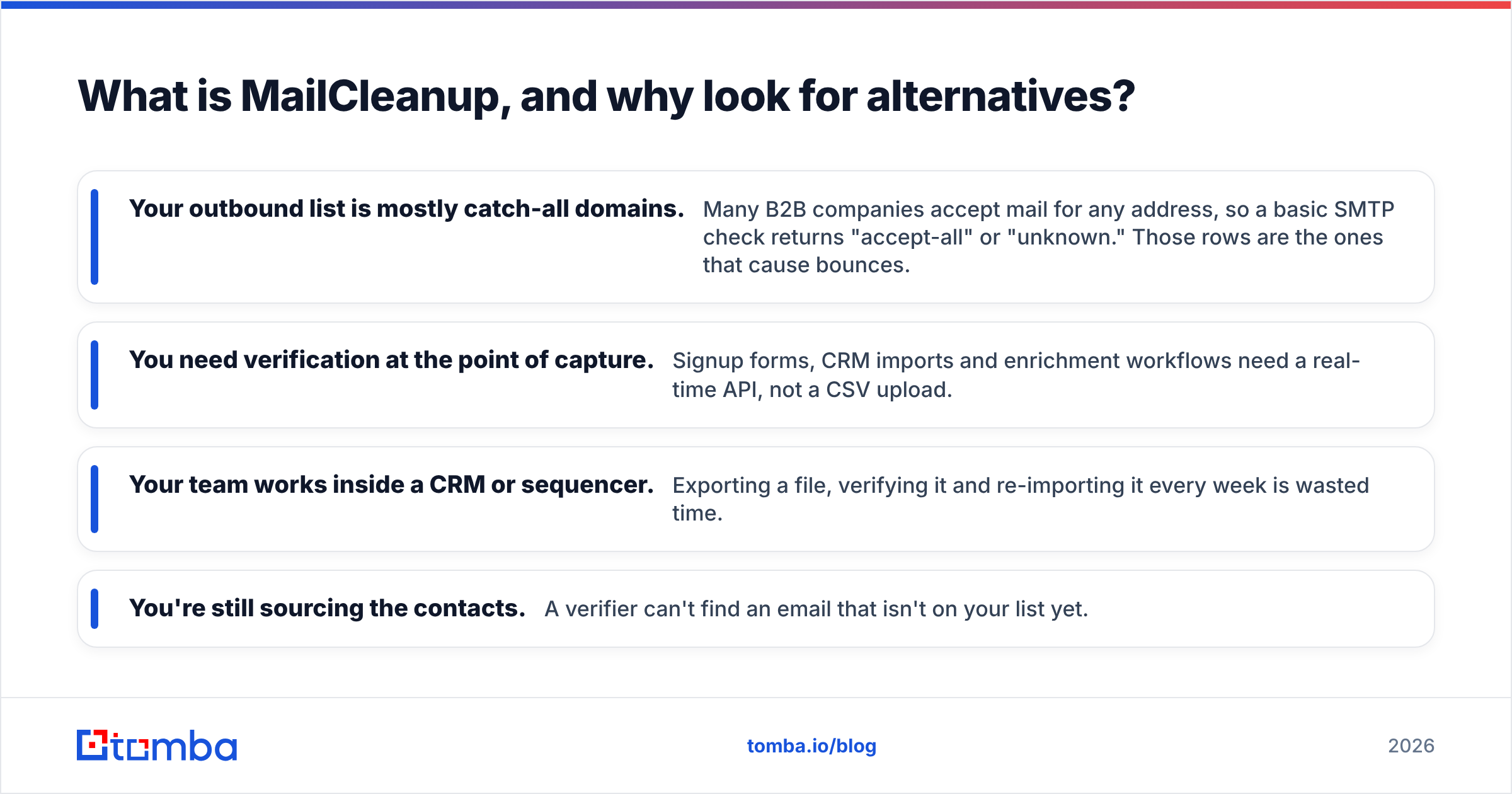
That model is a good fit if you clean a newsletter list twice a year. It fits less well when:
- Your outbound list is mostly catch-all domains. Many B2B companies accept mail for any address, so a basic SMTP check returns "accept-all" or "unknown." Those rows are the ones that cause bounces.
- You need verification at the point of capture. Signup forms, CRM imports and enrichment workflows need a real-time API, not a CSV upload.
- Your team works inside a CRM or sequencer. Exporting a file, verifying it and re-importing it every week is wasted time.
- You're still sourcing the contacts. A verifier can't find an email that isn't on your list yet.
None of these points means MailCleanup is a bad product. They mean it does one specific job. The alternatives below either do that job more thoroughly or cover the steps before and after it.
How should you compare MailCleanup alternatives?#
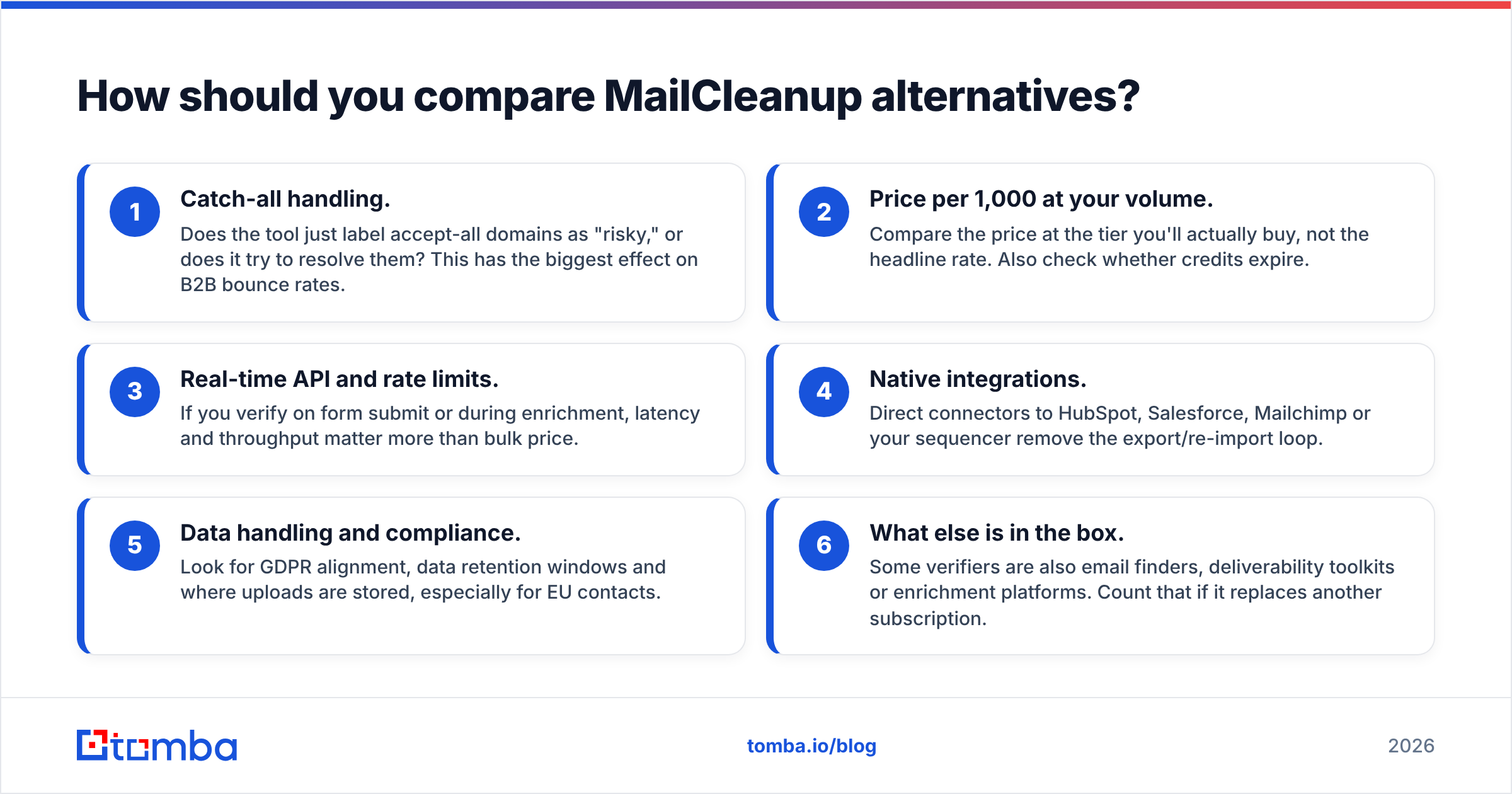
Every verifier claims "up to 99% accuracy," so that figure won't help you choose. These are the attributes that separate them in practice:
- Catch-all handling. Does the tool just label accept-all domains as "risky," or does it try to resolve them? This has the biggest effect on B2B bounce rates.
- Price per 1,000 at your volume. Compare the price at the tier you'll actually buy, not the headline rate. Also check whether credits expire.
- Real-time API and rate limits. If you verify on form submit or during enrichment, latency and throughput matter more than bulk price.
- Native integrations. Direct connectors to HubSpot, Salesforce, Mailchimp or your sequencer remove the export/re-import loop.
- Data handling and compliance. Look for GDPR alignment, data retention windows and where uploads are stored, especially for EU contacts.
- What else is in the box. Some verifiers are also email finders, deliverability toolkits or enrichment platforms. Count that if it replaces another subscription.
Which MailCleanup alternatives are worth testing in 2026?#
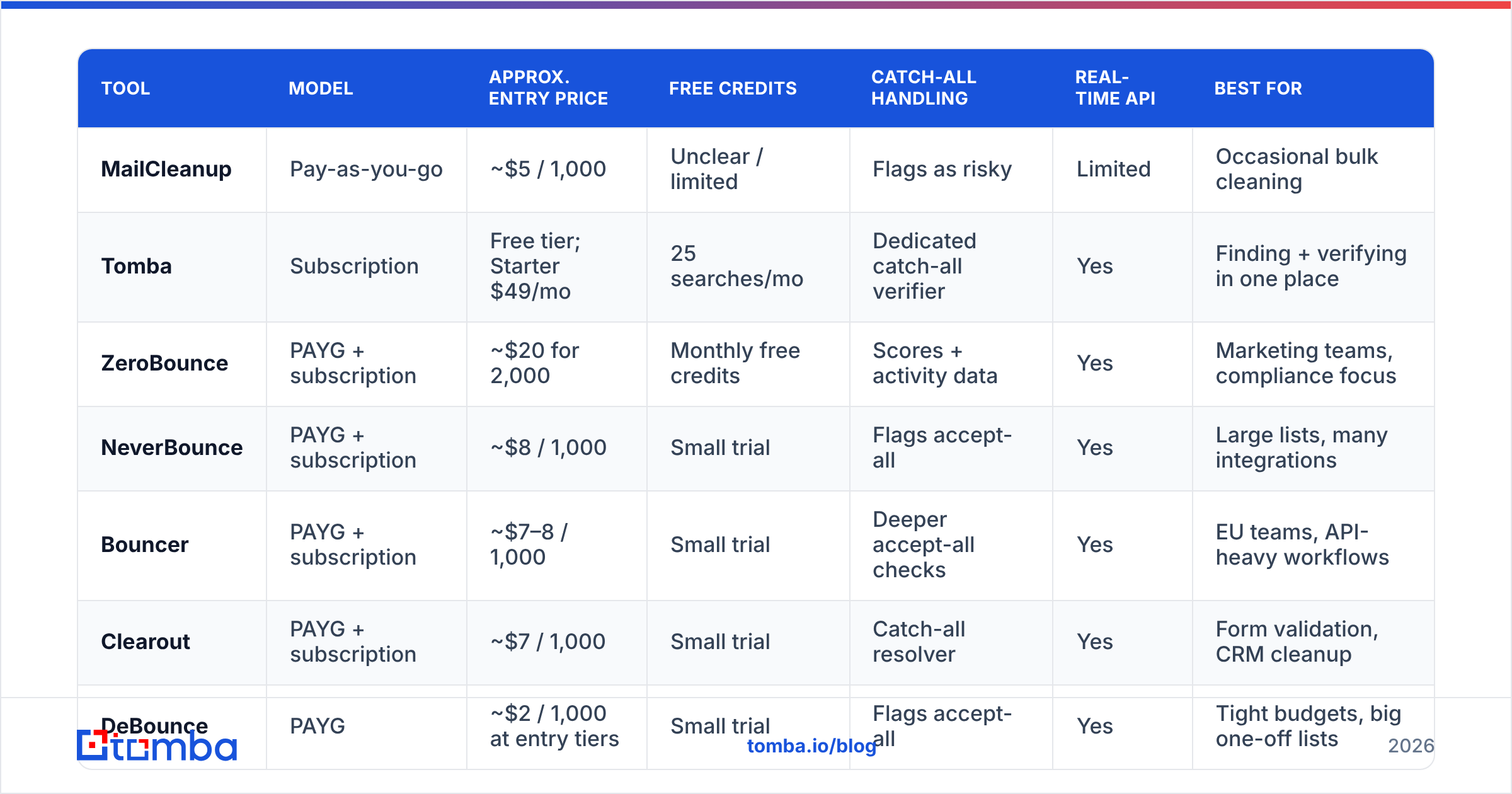
| Tool | Model | Approx. entry price | Free credits | Catch-all handling | Real-time API | Best for |
|---|---|---|---|---|---|---|
| MailCleanup | Pay-as-you-go | ~$5 / 1,000 | Unclear / limited | Flags as risky | Limited | Occasional bulk cleaning |
| Tomba | Subscription | Free tier; Starter $49/mo | 25 searches/mo | Dedicated catch-all verifier | Yes | Finding + verifying in one place |
| ZeroBounce | PAYG + subscription | ~$20 for 2,000 | Monthly free credits | Scores + activity data | Yes | Marketing teams, compliance focus |
| NeverBounce | PAYG + subscription | ~$8 / 1,000 | Small trial | Flags accept-all | Yes | Large lists, many integrations |
| Bouncer | PAYG + subscription | ~$7–8 / 1,000 | Small trial | Deeper accept-all checks | Yes | EU teams, API-heavy workflows |
| Clearout | PAYG + subscription | ~$7 / 1,000 | Small trial | Catch-all resolver | Yes | Form validation, CRM cleanup |
| DeBounce | PAYG | ~$2 / 1,000 at entry tiers | Small trial | Flags accept-all | Yes | Tight budgets, big one-off lists |
| EmailListVerify | PAYG + subscription | ~$4 / 1,000 | Small trial | Flags accept-all | Yes | Cheapest bulk at volume |
Prices are approximate public list prices at the time of writing. Most vendors discount heavily as volume goes up.
1. Tomba: best if you also need to find the emails#
Tomba is mainly an email finder, but its email verifier and catch-all verifier run on the same account. This matters in practice. When you build a prospect list with domain search or name + company lookup, you can verify each address as you go instead of moving files between tools. The catch-all verifier goes after the "accept-all" bucket that pay-per-check cleaners usually leave as "risky."
- Pricing: Free (25 searches/mo), Starter $49/mo, Growth $99/mo, Pro $249/mo, Enterprise custom. See Tomba pricing for credit allocations per plan.
- Strengths: Finder, verifier, phone finder and enrichment on one account. API, Chrome extension, Google Sheets and CRM integrations.
- Trade-offs: It's a subscription. If you only clean one marketing list a year, a pure pay-as-you-go cleaner will cost less.
2. ZeroBounce: best for marketing teams that want extra signals#
ZeroBounce is probably the best-known name in this category. Beyond valid/invalid, it returns activity data and an AI-based quality score, and it bundles deliverability extras such as inbox placement testing and blacklist monitoring. You can buy pay-as-you-go credits or a monthly plan, and there is a recurring free allowance for small checks. ZeroBounce's site lists the current tiers.
- Strengths: Mature platform, plenty of integrations, extra scoring beyond basic SMTP checks.
- Trade-offs: Per-check cost is higher than DeBounce or EmailListVerify. If cost is your main concern, see our ZeroBounce alternative breakdown.
3. NeverBounce: best for very large lists and many integrations#
NeverBounce (part of ZoomInfo) is designed for volume. Bulk jobs run fast, and it has a long list of native integrations with ESPs and CRMs, so lists can sync automatically instead of being uploaded by hand. Pricing starts at roughly $8 per 1,000 and drops steeply at higher tiers.
- Strengths: Throughput, integrations, automatic list syncing.
- Trade-offs: Accept-all addresses are mostly flagged rather than resolved. Small buyers pay a premium compared with budget tools.
4. Bouncer: best for EU teams and API-first workflows#
Bouncer is a Polish company that leans on GDPR compliance and a clean API. It tends to do more work on accept-all domains than budget cleaners, and its toxicity check (spam traps, disposable domains, known complainers) is useful for marketing lists. Entry pricing is roughly $7–8 per 1,000.
- Strengths: EU data residency, clear documentation, solid accept-all analysis.
- Trade-offs: Not the cheapest per check. Fewer extras than ZeroBounce.
5. Clearout: best for form validation and CRM hygiene#

Clearout combines bulk verification with a JavaScript widget that validates emails on your signup forms in real time, which MailCleanup doesn't do. It also has a catch-all resolver and integrations with the major CRMs. Pricing is close to Bouncer's.
- Strengths: Real-time form validation, catch-all resolution, broad integrations.
- Trade-offs: The interface can feel busy, and you need to pick the right plan tier to get the most out of it.
6. DeBounce: best for the tightest budgets#
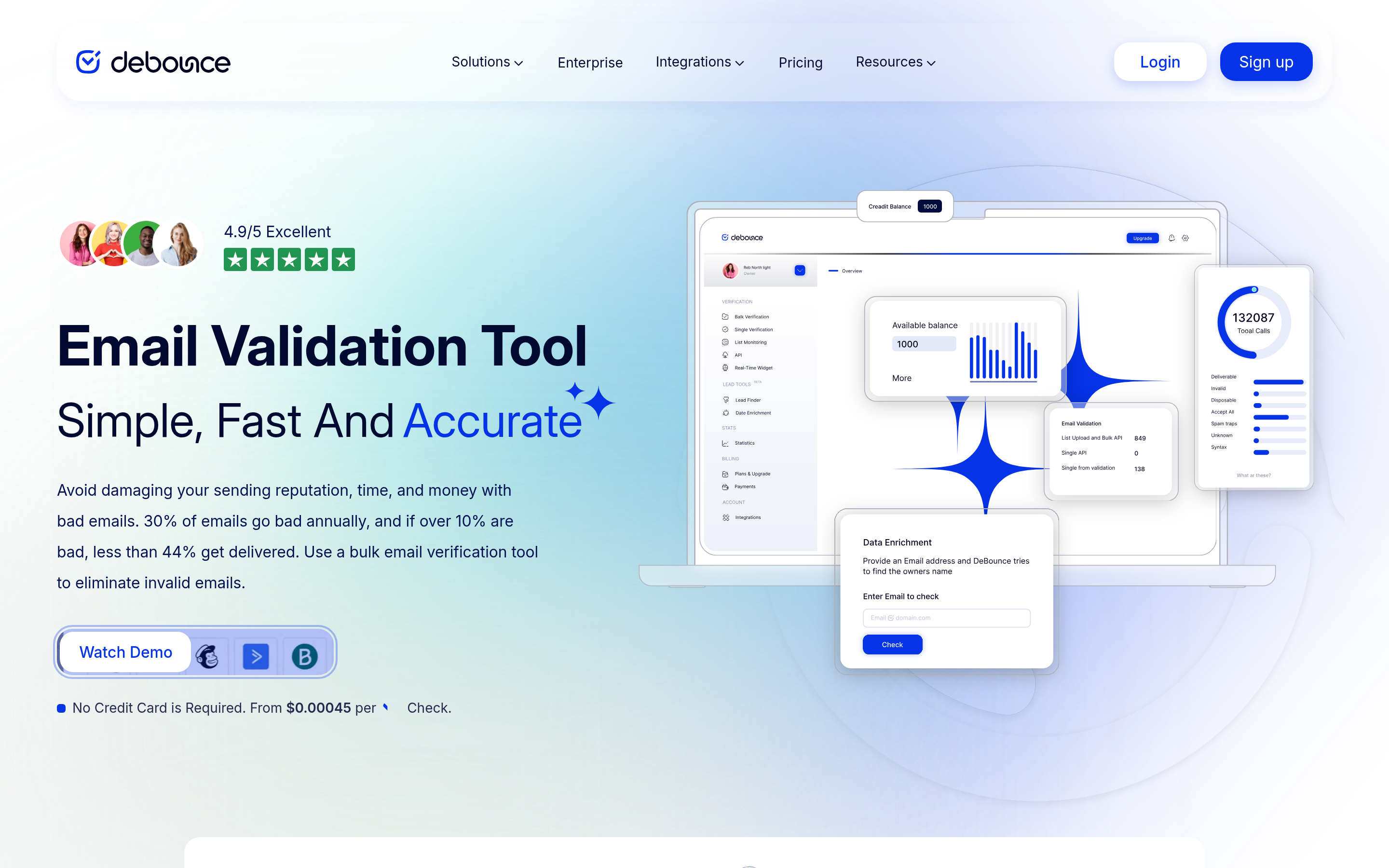
If you like MailCleanup because it's cheap, DeBounce is the closest match and often costs less. It's pay-as-you-go, credits don't expire, and the effective price at entry tiers is around $2 per 1,000. It also has an API and a handful of integrations.
- Strengths: Very low cost per check, credits that don't expire.
- Trade-offs: Minimal catch-all handling and a basic interface. Expect a larger "unknown" bucket on B2B lists.
7. EmailListVerify: best for cheap bulk at scale#
EmailListVerify has offered low-cost bulk verification for years, with pay-as-you-go pricing around $4 per 1,000 that falls a lot at high volumes. It suits agencies or teams cleaning millions of rows where every cent per thousand counts.
- Strengths: Very cheap at volume, stable, both PAYG and subscription options.
- Trade-offs: Basic interface. Catch-all addresses are flagged rather than resolved.
Is a cheaper verifier always the better deal?#
No. What you're really paying for is the cost of a bounce.
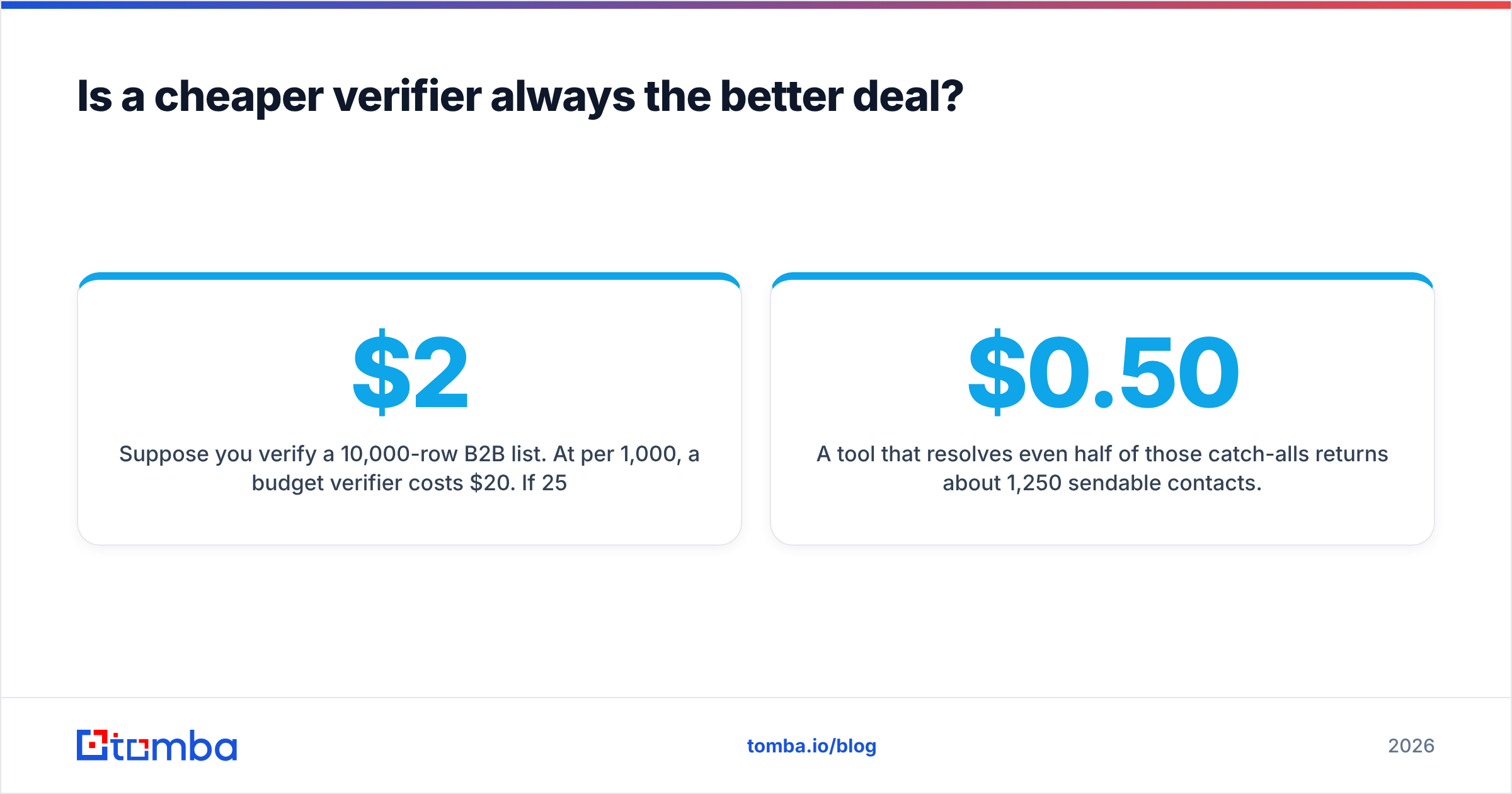
Suppose you verify a 10,000-row B2B list. At $2 per 1,000, a budget verifier costs $20. If 25% of the list sits on catch-all domains and the tool marks all 2,500 of them "risky," you have two bad options. You can send to them and accept a bounce rate that hurts your sender reputation, or you can drop them and lose a quarter of the prospects you paid to source.
A tool that resolves even half of those catch-alls returns about 1,250 sendable contacts. If your cost per sourced lead is $0.50 or more, that's worth roughly $625 in recovered pipeline, far more than the price gap between verifiers.
The same reasoning works in the other direction. If you're cleaning a B2C newsletter where most addresses are Gmail and Outlook, catch-alls are rare and the cheapest accurate tool wins. Pick based on your list composition, not on headline price.
Should you verify in batches or in real time?#
MailCleanup is built around batch uploads. Most of the alternatives also offer a real-time API, and which approach you need depends on where bad addresses come from:
- Bad data comes from signups and forms: use a real-time widget or API (Clearout, ZeroBounce, Bouncer) so invalid addresses never reach your CRM.
- Bad data comes from purchased or scraped lists: batch verification is fine. Choose on price and catch-all depth.
- Bad data comes from your own prospecting: verify at the moment you find the address. A combined finder-verifier means you never store an unverified contact.
- Bad data comes from slow decay: people change jobs. B2B contact data decays noticeably every year, so re-verify CRM records every quarter, ideally through a native integration rather than CSV exports.

Which MailCleanup alternative should you choose?#
Match the tool to the job:
- You clean one marketing list a few times a year: stay on MailCleanup, or try DeBounce or EmailListVerify to see if they're cheaper at your volume.
- You run a high-volume ESP program with many integrations: NeverBounce or ZeroBounce.
- You're in the EU and want strict data handling with a strong API: Bouncer.
- You need to stop bad emails at the signup form: Clearout.
- You're doing B2B outbound and also have to find the contacts: Tomba, because the finder, verifier and catch-all verifier share one workflow and one bill.
Whichever you choose, run a fair test. Take 1,000 rows you already know the outcome for (recent hard bounces plus confirmed replies), run them through two or three tools, and compare three numbers: false "valids," the size of the "unknown/risky" bucket, and cost. One afternoon of testing tells you more than any vendor accuracy claim.
What mistakes do teams make when switching verifiers?#
- Trusting "valid" on catch-all domains. If the tool can't resolve accept-all, a "valid" or "risky" label there is a guess. Segment those rows and send to them more carefully.
- Letting credits expire. Some subscription verifiers reset monthly. If your volume is lumpy, prefer credits that roll over or don't expire.
- Verifying once and never again. A list that was clean in January won't be clean in October. Schedule re-verification.
- Ignoring role and disposable addresses. info@, sales@ and throwaway domains may verify as deliverable but hurt engagement. Filter them out on purpose.
- Treating verification as a deliverability fix. Verification lowers bounces. It doesn't fix authentication, warmup or content problems, so check those separately.
Ready to find and verify in one step?#
If you're replacing MailCleanup because your bottleneck is B2B prospecting rather than list hygiene, start upstream. The Tomba Email Finder finds professional addresses by domain, name or company and verifies them in the same workflow, including a dedicated check for catch-all domains. The free tier gives you 25 searches a month to test it on your own target accounts, and paid plans start at $49/mo once you're ready to scale.
Related guides#
// start free
See who Tomba finds at any company
Type a company's domain to see its people, their roles and verified work emails, each with the pages it was found on. Free account, no card.
Free plan · No credit card required · GDPR & CCPA
// about the author