

Mailcleanup vs Nymeria (2026): Verifier or Finder? Full Comparison
Mailcleanup cleans lists you already have. Nymeria finds contacts you don't have yet. Here's how they compare on pricing, accuracy, and workflow, and when you need both or neither.
TL;DR
- Mailcleanup and Nymeria do different jobs. Mailcleanup is a pay-as-you-go bulk email verifier. Nymeria is an email and phone finder built around a Chrome extension and an API.
- Mailcleanup is cheap for one-off cleanups. Public listings put it at roughly $5 per 1,000 emails, with no subscription and no renewals.
- Nymeria is a subscription. Paid tiers run from about $39 to $159/month, every account gets 5 free credits a month, and failed lookups don't use a credit.
- The choice depends on your input. Pick Mailcleanup if you already have a list you need to clean. Pick Nymeria if you have names or LinkedIn profiles and need contact details.
- If you need both finding and verifying, an all-in-one platform like Tomba usually costs less than running two tools.
People search "Mailcleanup vs Nymeria" because both tools come up when someone asks how to stop emails bouncing. But they solve different problems. One cleans a list you already have, and the other builds a list you don't have yet. If you pick the wrong one, you'll pay for a tool that can't handle your real task.
This guide compares them on what they do, what they cost, how much you can trust their accuracy claims, and where each fits in an outbound workflow.
What is Mailcleanup?#
Mailcleanup is a bulk email verification service. You upload a CSV, it checks every address, and you download a file sorted into deliverable, risky, and invalid results. It's built for one job: removing bad addresses before they hurt your sender reputation.
According to its G2 listing and aggregator profiles, the checks include:
- SMTP mailbox verification
- MX record validation
- Catch-all domain detection
- Disposable and temporary address removal
- Spam-trap risk indicators
- Anti-greylisting retries
- Bounce-risk flagging
The main selling point is the pricing model. Mailcleanup uses one-time, pay-as-you-go credits with no monthly fee and no auto-renewal. Capterra lists a $5 flat starting price, and public pricing ranges from about $5 for 1,000 emails to $500 for 1 million. The vendor claims up to 99% verification accuracy. That's a self-reported number, not an independent benchmark.
Keep two limitations in mind. Mailcleanup doesn't find new contacts, and public review sites say little about an API or account-level features. One reviewer pointed out the lack of user accounts and linked it to the low price. If you just need to clean a list every few months, those gaps may not matter.
What is Nymeria?#
Nymeria is a contact-finding tool. Its main product is the "Phone and Email Finder by Nymeria" browser extension. When you open a profile on LinkedIn, X, GitHub, or Facebook, it looks up an email address and, where available, a phone number. There's also a web app for bulk enrichment, folders for organizing and sharing leads, a built-in email verifier, and a developer API.
Nymeria says its people database covers more than 811 million unique individuals. Its Chrome Web Store listing showed roughly 10,000 users and a 4.0 rating at the time of writing. LinkedIn auto-lookup is optional: if you turn it on, the extension runs a search on each supported profile you load and shows a check mark when it finds contact data.
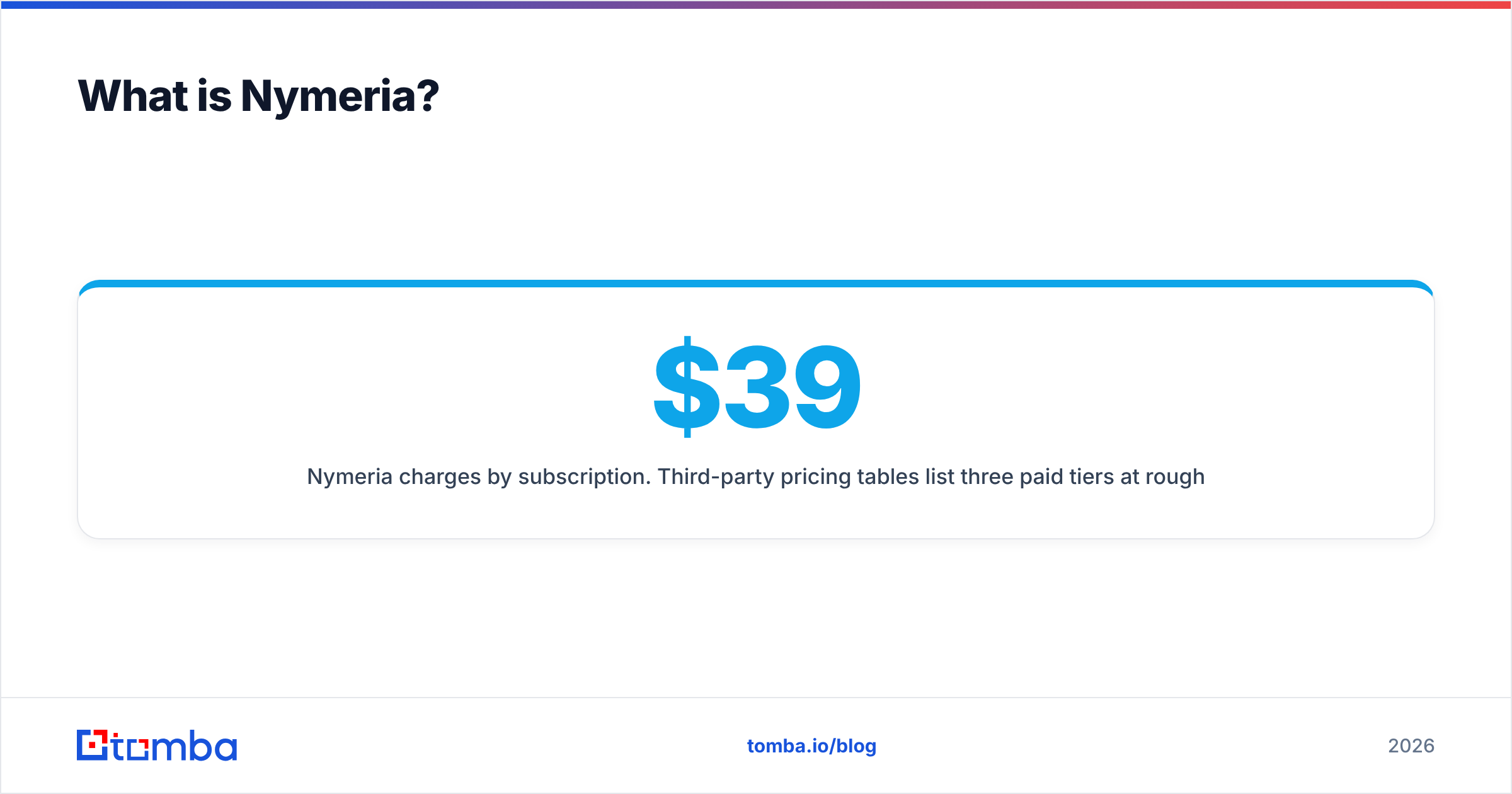
Nymeria charges by subscription. Third-party pricing tables list three paid tiers at roughly $39, $79, and $159 per month, plus custom enterprise pricing. Plan names and credit counts differ between sources because the vendor has renamed plans over time, so check nymeria.io for current numbers before you buy. Two policies are consistent across sources:
- Every account gets 5 free credits a month, with no card required.
- You're only charged when a lookup succeeds. If Nymeria finds nothing, you keep the credit.
Teams also share one credit pool, which helps small recruiting and sales teams where several people prospect from a single budget.

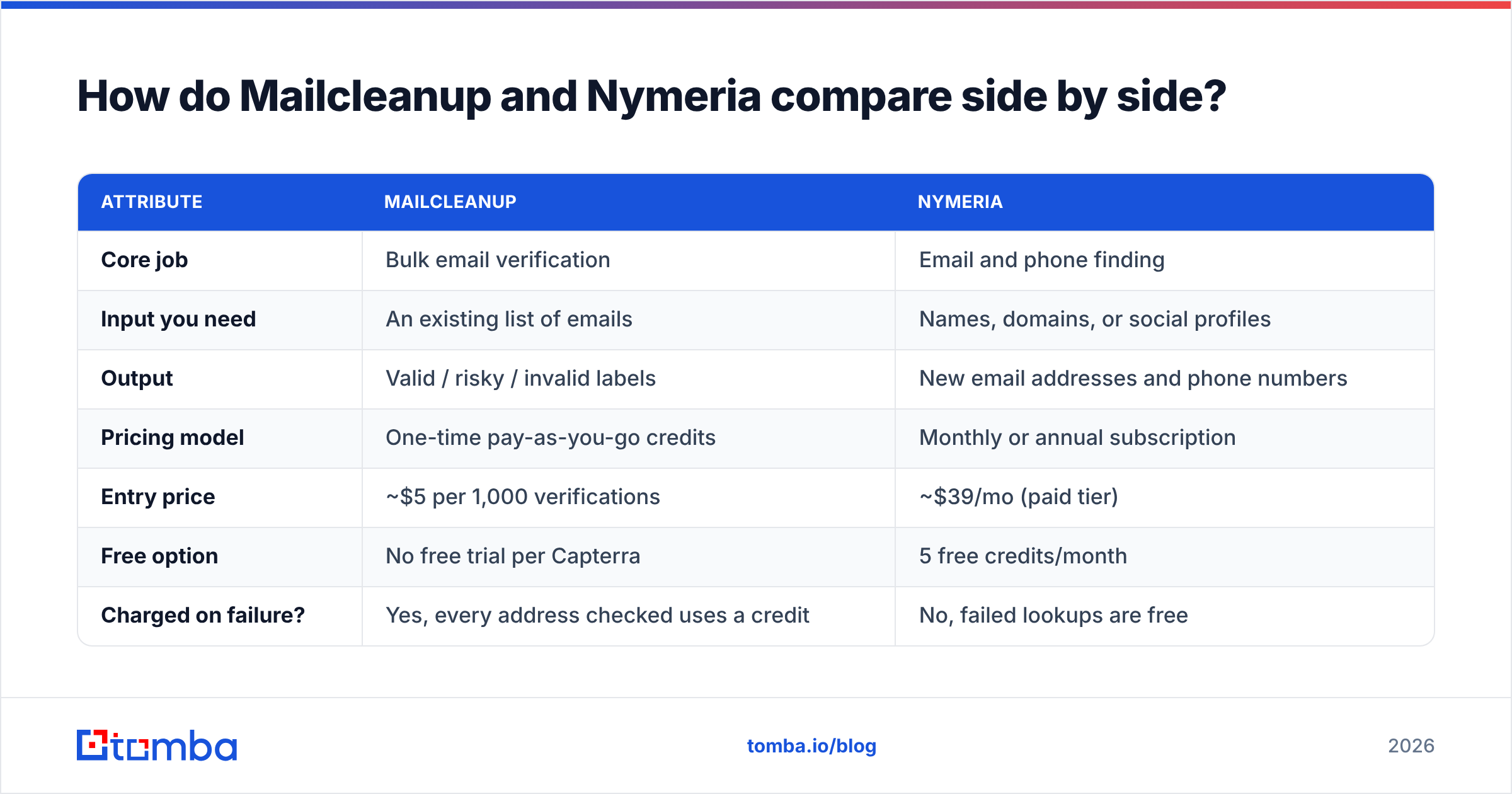
How do Mailcleanup and Nymeria compare side by side?#
This table shows how the two tools differ in their basic design. Pricing reflects public listings at the time of writing, so treat it as directional.
| Attribute | Mailcleanup | Nymeria |
|---|---|---|
| Core job | Bulk email verification | Email and phone finding |
| Input you need | An existing list of emails | Names, domains, or social profiles |
| Output | Valid / risky / invalid labels | New email addresses and phone numbers |
| Pricing model | One-time pay-as-you-go credits | Monthly or annual subscription |
| Entry price | ~$5 per 1,000 verifications | ~$39/mo (paid tier) |
| Free option | No free trial per Capterra | 5 free credits/month |
| Charged on failure? | Yes, every address checked uses a credit | No, failed lookups are free |
| Phone numbers | No | Yes |
| Browser extension | No | Yes (Chrome, LinkedIn, X, GitHub) |
| Catch-all detection | Yes (flags catch-all domains) | Basic verification only |
| API | Not well documented publicly | Yes |
| Best for | Marketers cleaning old or imported lists | Recruiters and SDRs building fresh lists |
The most important row is "Input you need." If you start with a spreadsheet of emails, only Mailcleanup applies. If you start with a list of people, only Nymeria applies. In that sense the tools barely compete.
Which tool gives you more accurate data?#
Neither vendor publishes an independent accuracy audit, so be careful with the headline numbers. Here's how to think about accuracy for each.
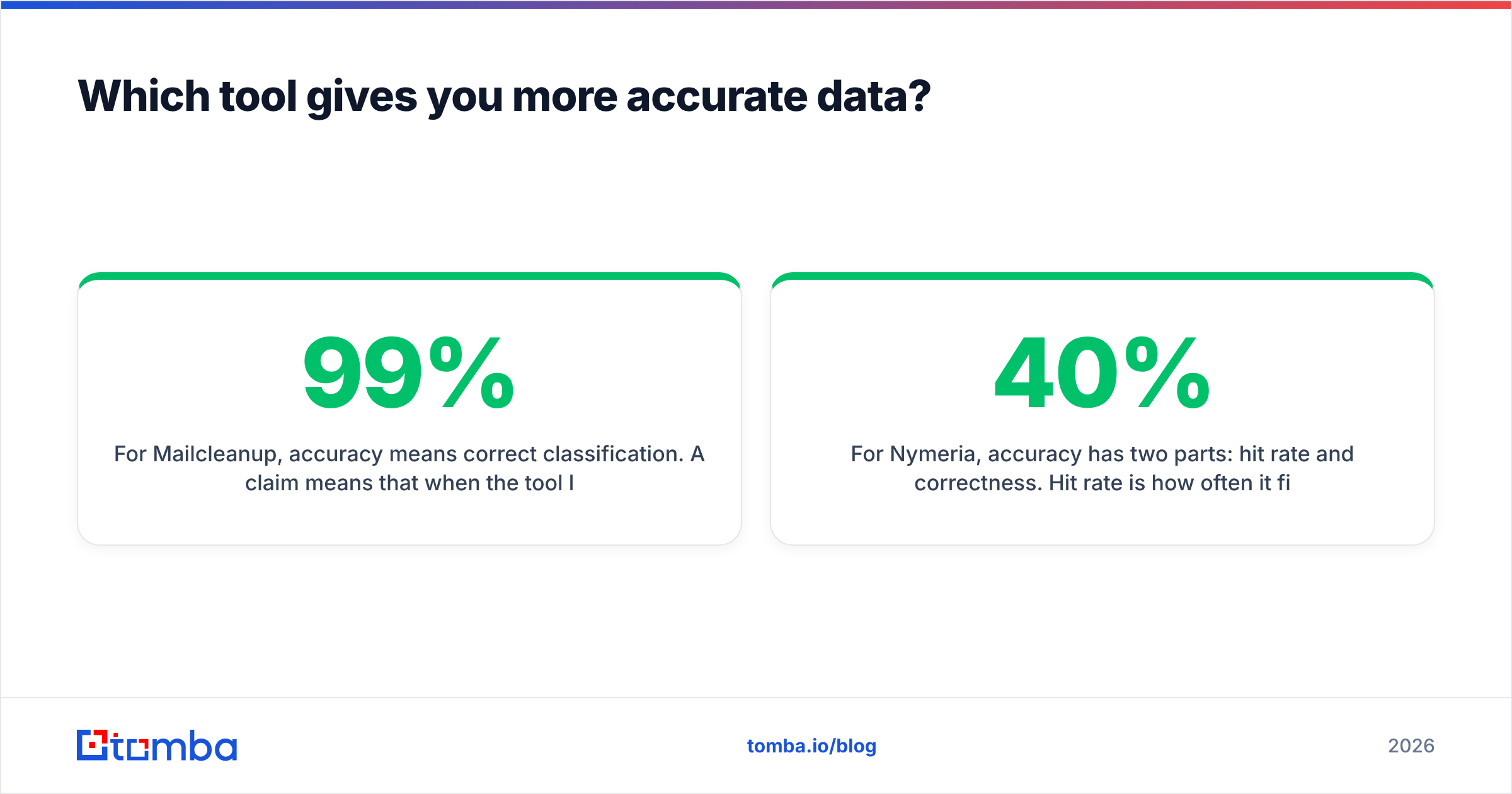
For Mailcleanup, accuracy means correct classification. A 99% claim means that when the tool labels an address valid, it's almost always deliverable. The difficult cases for any verifier are catch-all domains, which accept mail for every address and so can't be confirmed through SMTP. Mailcleanup flags them, but flagging isn't the same as resolving them. If 20-30% of your B2B list sits on catch-all domains, which is common with mid-market companies, you'll still have a large "unknown" group to decide on. A dedicated catch-all verifier goes further on that group than standard SMTP checks.
For Nymeria, accuracy has two parts: hit rate and correctness. Hit rate is how often it finds anything, and correctness is how often what it finds is right. The most detailed independent review we found is older and predates the current extension. It reported finding contact data on about 35-40% of profiles, with 80-90% accuracy when data was found. The database has grown a lot since then, so take those figures as a historical baseline, not current performance. The free-on-failure billing makes a low hit rate less costly, but a wrong email that looks valid still costs you a bounce.
In practice, data from any finder should be verified before you send to it. That's why many teams end up running a finder and a verifier together.
How much does each tool really cost per usable contact?#
Sticker prices don't tell you much. The useful number is cost per deliverable contact. Here's an example with 1,000 target prospects.
Scenario A: You already have 1,000 emails from an event list.
- Mailcleanup: about $5 to verify all 1,000. If 15% bounce or are invalid, you get about 850 usable addresses for $5. That's very cheap.
- Nymeria: not useful here, because you already have the emails.
Scenario B: You have 1,000 LinkedIn profiles and no emails.
- Mailcleanup: not useful, because there's nothing to verify yet.
- Nymeria: the mid tier (~$79/mo) has enough credits for this volume on most published tables. Since failed lookups are free, you only pay for hits. You'd then want to verify those emails before sending, which means paying for a verifier too.
Scenario C: You need both, every month.
You're now paying a Nymeria subscription and buying verification credits elsewhere, then moving CSVs between the two. That works, but it's two vendors, two billing cycles, and a manual export and import every time.
Scenario C is where many teams reconsider their setup. A platform that finds and verifies in one pass, like Tomba's email finder with a built-in email verifier, removes that step. Tomba's paid plans start at $49/mo, and there's a free tier with 25 searches a month. Compare the full Tomba pricing against your current two-tool total before you renew either one.
Which should you choose? A decision framework#
Ask these five questions in order. Your answers will point you to the right tool.
- What do you start with? If it's a list of emails, you need a verifier, so Mailcleanup is a reasonable low-cost pick. If it's a list of people or companies, you need a finder, so Nymeria or a comparable finder fits.
- How often will you use it? For a quarterly cleanup, Mailcleanup's no-subscription model is hard to beat. For daily prospecting, a subscription finder makes more sense than buying credits one batch at a time.
- Do you need phone numbers? Mailcleanup doesn't offer them. Nymeria does, which matters for recruiters and SDRs who use calls in their sequences.
- Where does the work happen? If your team prospects directly on LinkedIn or GitHub, Nymeria's extension saves clicks. If your workflow is spreadsheet-in, spreadsheet-out, Mailcleanup's CSV upload is simpler.
- Do you need it automated? If enrichment has to run inside a CRM, Zapier flow, or your own code, check API documentation first. Nymeria offers an API. Mailcleanup's public documentation on this is thin, so ask before you commit.

What are the pros and cons of each tool?#
Mailcleanup pros
- Very low entry cost, about $5 per 1,000 checks
- No subscription, no auto-renewal, and no surprise charges
- A full verification stack: SMTP, MX, catch-all flagging, disposable and spam-trap detection
- Simple to use: upload a CSV and download the results
Mailcleanup cons
- Can't find new contacts
- Little public detail on API access or integrations
- Few third-party reviews, so the 4.8/5 ratings rest on a small sample
- Catch-all addresses get flagged, not resolved
- Capterra lists no free trial
Nymeria pros
- Finds both emails and phone numbers
- Works on LinkedIn, X, GitHub, and Facebook profiles
- Failed lookups are free
- 5 free credits a month to test it
- Teams share one credit pool
- API available for automation
Nymeria cons
- A subscription costs you money even in quiet months
- Plan names and credit counts have changed, which makes pricing hard to compare
- Independent accuracy data is limited and dated
- Built-in verification is basic compared with a dedicated verifier
Are there alternatives that do both jobs?#
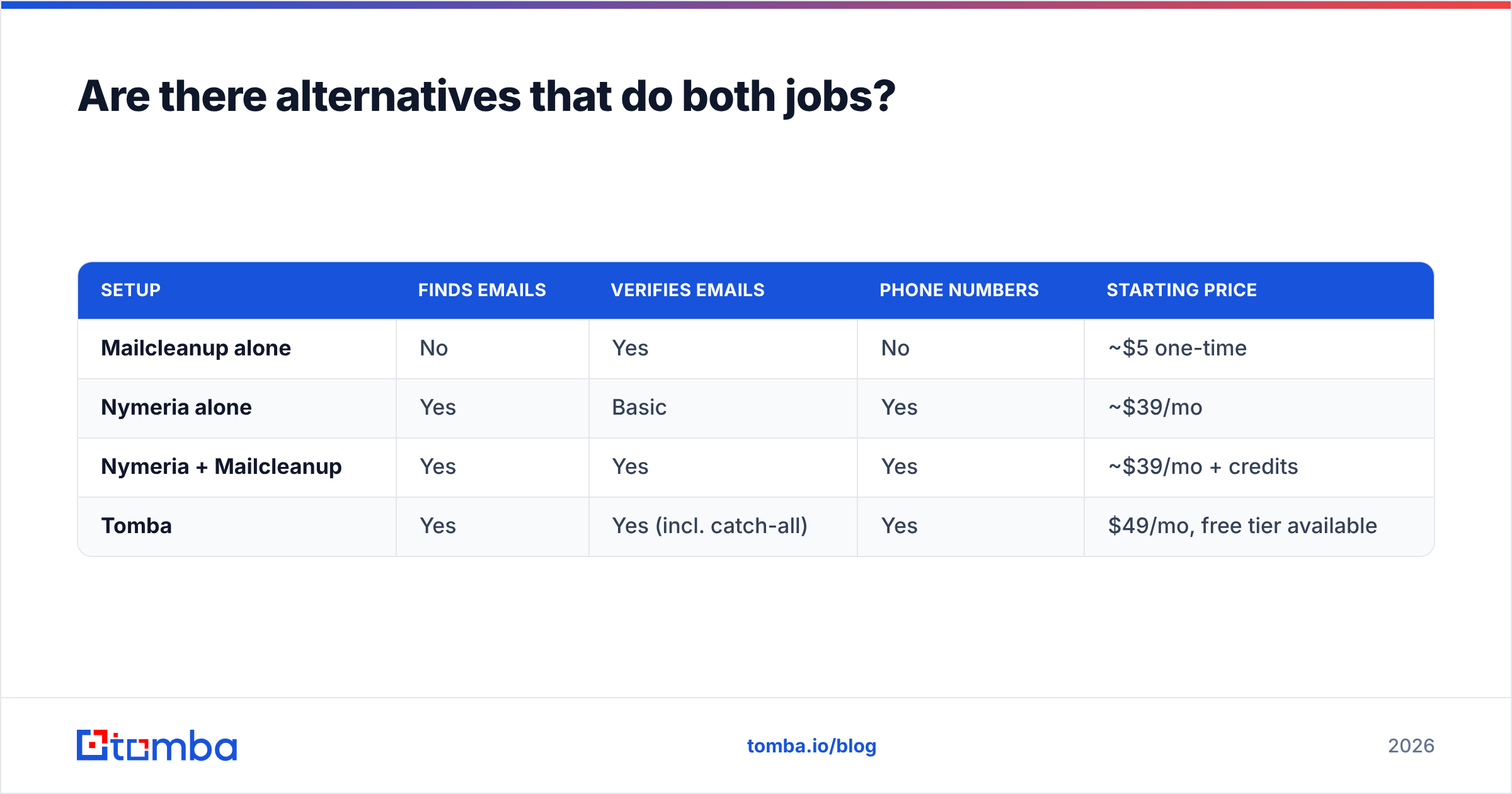
Yes. Running two tools works, but it has costs: two contracts, two data formats, and an extra export step that can introduce errors. If your workflow regularly includes both finding and verifying, these setups are worth evaluating:
| Setup | Finds emails | Verifies emails | Phone numbers | Starting price |
|---|---|---|---|---|
| Mailcleanup alone | No | Yes | No | ~$5 one-time |
| Nymeria alone | Yes | Basic | Yes | ~$39/mo |
| Nymeria + Mailcleanup | Yes | Yes | Yes | ~$39/mo + credits |
| Tomba | Yes | Yes (incl. catch-all) | Yes | $49/mo, free tier available |
The all-in-one option isn't always cheaper. If you only clean a list twice a year, Mailcleanup alone is the cheapest choice. But once you're prospecting every week, the time you save not moving files between tools usually outweighs the price difference.
What's our verdict on Mailcleanup vs Nymeria?#
There's no single winner, because these tools answer different questions.
- Choose Mailcleanup if you have an existing list, a tight budget, and an occasional need to clean data before a campaign. It's simple, cheap, and doesn't lock you into a subscription.
- Choose Nymeria if you build lists from social profiles, especially LinkedIn and GitHub, and you want phone numbers as well as emails. The free-on-failure billing is fair, and the extension fits sourcing workflows well.
- Choose neither on its own if you need finding and verification every week. In that case, one platform that does both will save you money and setup work.
Before you buy anything, test both vendors on the same sample of 50 to 100 contacts from your real target market. Published accuracy claims rarely match your own industry, region, and seniority mix, and a short test will tell you more than any review.
Ready to find and verify in one step?#
If you're comparing Mailcleanup vs Nymeria because you need clean contact data for outbound, you may not need two tools. Tomba Email Finder finds professional email addresses by name, domain, or company and verifies them in the same workflow, including catch-all handling. It also offers phone lookup, bulk processing, and a free tier with 25 searches a month. Run your test sample through Tomba alongside the others and use the deliverable-contact count to decide.
Related guides#
// start free
See who Tomba finds at any company
Type a company's domain to see its people, their roles and verified work emails, each with the pages it was found on. Free account, no card.
Free plan · No credit card required · GDPR & CCPA
// about the author