Mailfloss Alternatives: 8 Email Verifiers Compared for 2026
Mailfloss cleans your ESP lists on autopilot, but its 7-day trial, tier caps, and lack of a free plan push many teams elsewhere. Here are 8 mailfloss alternatives, compared on price, accuracy, catch-all handling, and integrations.
TL;DR
- Mailfloss is a set-and-forget list cleaner. It connects to your ESP and removes bad addresses every day. Paid plans start at about $29/mo and there's no permanent free tier, only a 7-day trial that asks for a card.
- If you only need bulk verification, pay-as-you-go tools like MillionVerifier, Bouncer, and Clearout cost less per email at high volume.
- If you need deep ESP integrations and scoring, ZeroBounce and NeverBounce are the most mature mailfloss alternatives.
- If you send cold outbound and build lists from scratch, it makes more sense to find and verify in one step (for example with Tomba) than to pay for a separate cleaning subscription.
- Before you switch, test any vendor on a sample of 1,000 of your own addresses, including catch-all domains. Vendor accuracy claims are not comparable to each other.
What is mailfloss, and why are people looking for alternatives?#
Mailfloss is an email verification service built for marketers. You connect it to Mailchimp, Klaviyo, ActiveCampaign, HubSpot, or another supported ESP. It then checks your list every day and unsubscribes, tags, or deletes addresses that are invalid, disposable, or high-risk. It also has typo correction, so it can fix "gmial.com" to "gmail.com" before the address bounces.
Most verifiers work on "upload a CSV, download a CSV." Mailfloss works more like a dishwasher on a timer: you load it once and it keeps running. That's its main selling point.
Third-party reviews from mid-to-late 2026 list three tiers:
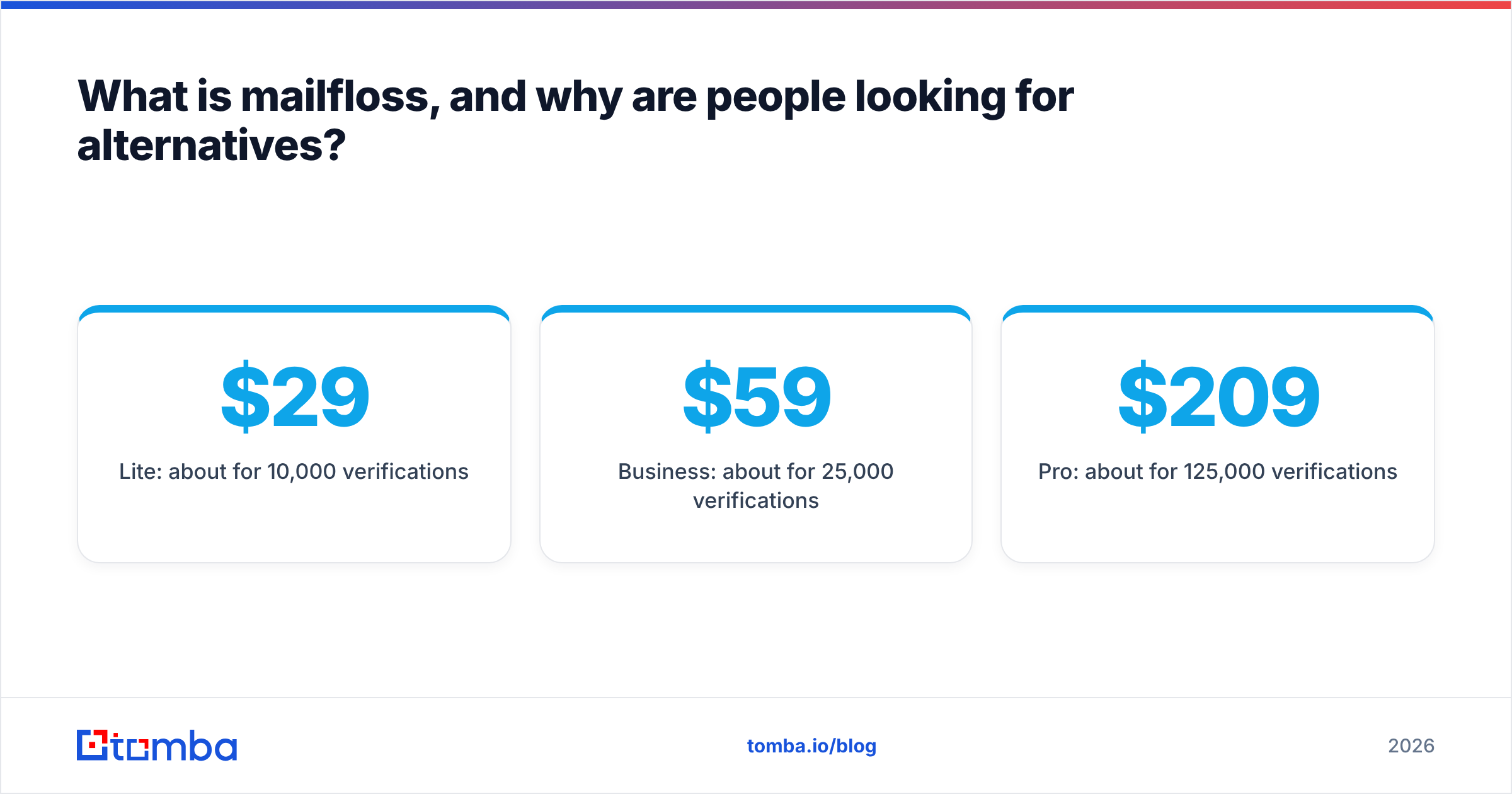
- Lite: about $29/mo for 10,000 verifications
- Business: about $59/mo for 25,000 verifications
- Pro: about $209/mo for 125,000 verifications
Overage is charged per email, and annual billing gets a discount. Some aggregators such as Capterra still show older prices, so check the official pricing page before you budget.
People usually look for alternatives for four reasons:
- No free plan. The trial lasts 7 days and asks for a card up front.
- Subscription lock-in. If you clean a list once a quarter, you pay for 11 months of idle capacity.
- Outbound mismatch. Mailfloss is built for newsletter and ecommerce lists. It isn't built for sales teams who source new contacts every week.
- Catch-all ambiguity. Like most verifiers, it can't fully resolve accept-all domains. B2B lists usually contain a lot of them.
What should you look for in a mailfloss alternative?#
The right replacement depends on how you collect addresses and how often your list changes. Compare tools on these five points:
- Pricing model: Do you pay a monthly subscription or for credits that don't expire? If your volume is irregular, pay-as-you-go nearly always comes out cheaper.
- Catch-all handling: Does the tool just label catch-all addresses "unknown," or does it score them or resolve them with extra signals? In B2B, 20–40% of a list can sit on catch-all domains, so this matters a lot.
- Automation and ESP sync: If you liked mailfloss's daily cleaning, you need native integrations or a scheduled API job. Not every bulk verifier offers this.
- Real-time API: Verifying at the signup form stops bad data at the source. Check the API latency and the rate limits.
- Sourcing: Do you also need to find emails? If so, a verifier on its own covers only half the workflow.
Keep those five points in mind for the comparison below.
How do the top mailfloss alternatives compare?#
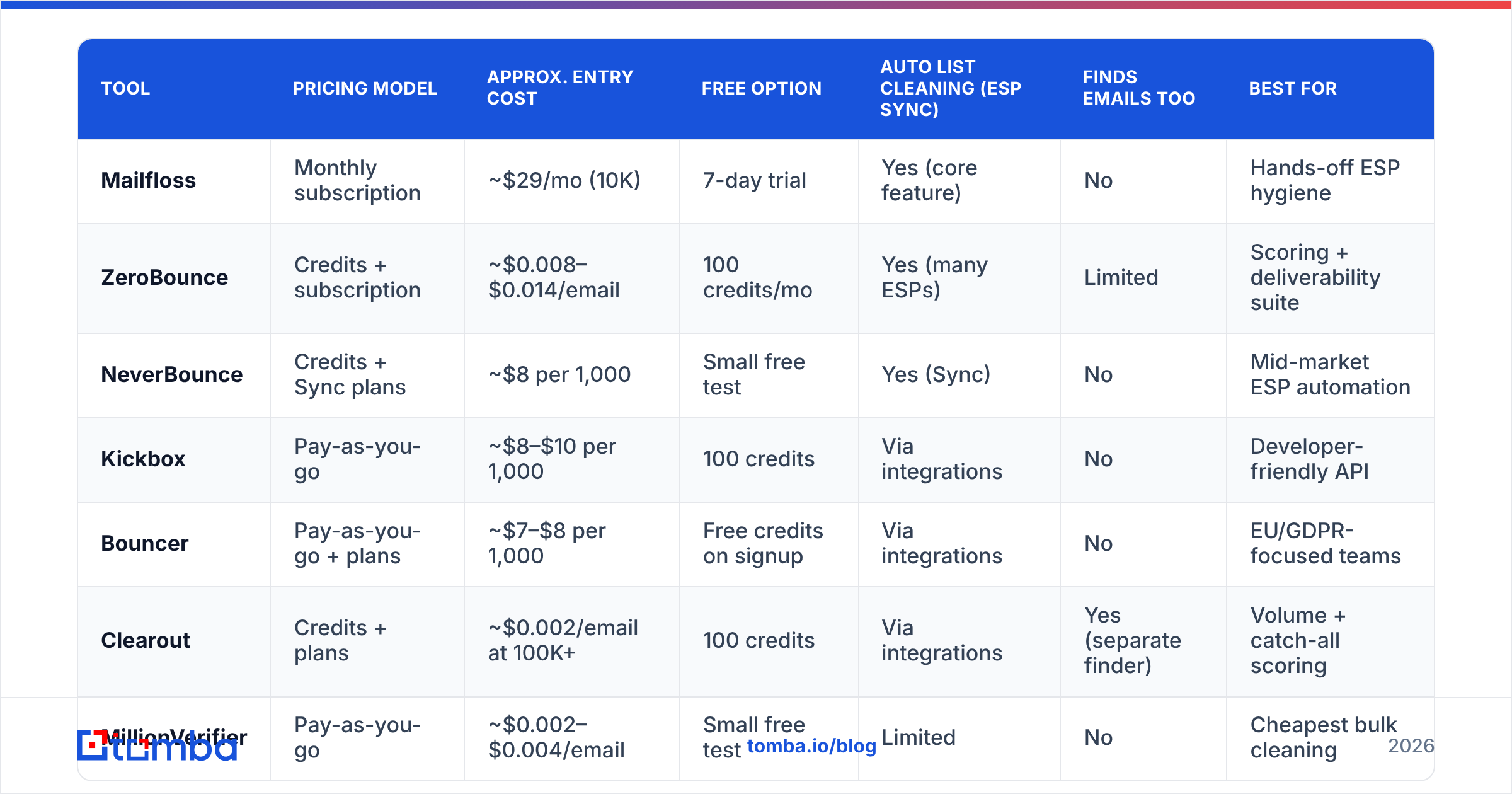
Prices are approximate entry points taken from public pricing pages and 2026 review aggregators. Vendors change credit packs often, so treat these as ballpark numbers.
| Tool | Pricing model | Approx. entry cost | Free option | Auto list cleaning (ESP sync) | Finds emails too | Best for |
|---|---|---|---|---|---|---|
| Mailfloss | Monthly subscription | ~$29/mo (10K) | 7-day trial | Yes (core feature) | No | Hands-off ESP hygiene |
| ZeroBounce | Credits + subscription | ~$0.008–$0.014/email | 100 credits/mo | Yes (many ESPs) | Limited | Scoring + deliverability suite |
| NeverBounce | Credits + Sync plans | ~$8 per 1,000 | Small free test | Yes (Sync) | No | Mid-market ESP automation |
| Kickbox | Pay-as-you-go | ~$8–$10 per 1,000 | 100 credits | Via integrations | No | Developer-friendly API |
| Bouncer | Pay-as-you-go + plans | ~$7–$8 per 1,000 | Free credits on signup | Via integrations | No | EU/GDPR-focused teams |
| Clearout | Credits + plans | ~$0.002/email at 100K+ | 100 credits | Via integrations | Yes (separate finder) | Volume + catch-all scoring |
| MillionVerifier | Pay-as-you-go | ~$0.002–$0.004/email | Small free test | Limited | No | Cheapest bulk cleaning |
| Tomba | Monthly plans | Free (25 searches/mo), $49/mo Starter | Yes, permanent | Via API/integrations | Yes (core) | Outbound teams that find + verify |
The table shows two groups of tools. ZeroBounce, NeverBounce, and Mailfloss sell automated hygiene for ESP lists. MillionVerifier, Bouncer, Kickbox, and Clearout sell cheap verification by the batch. Tomba sits apart from both because verification is just one step in a prospecting workflow.
Which mailfloss alternatives are worth a closer look?#
1. ZeroBounce: best all-round replacement#
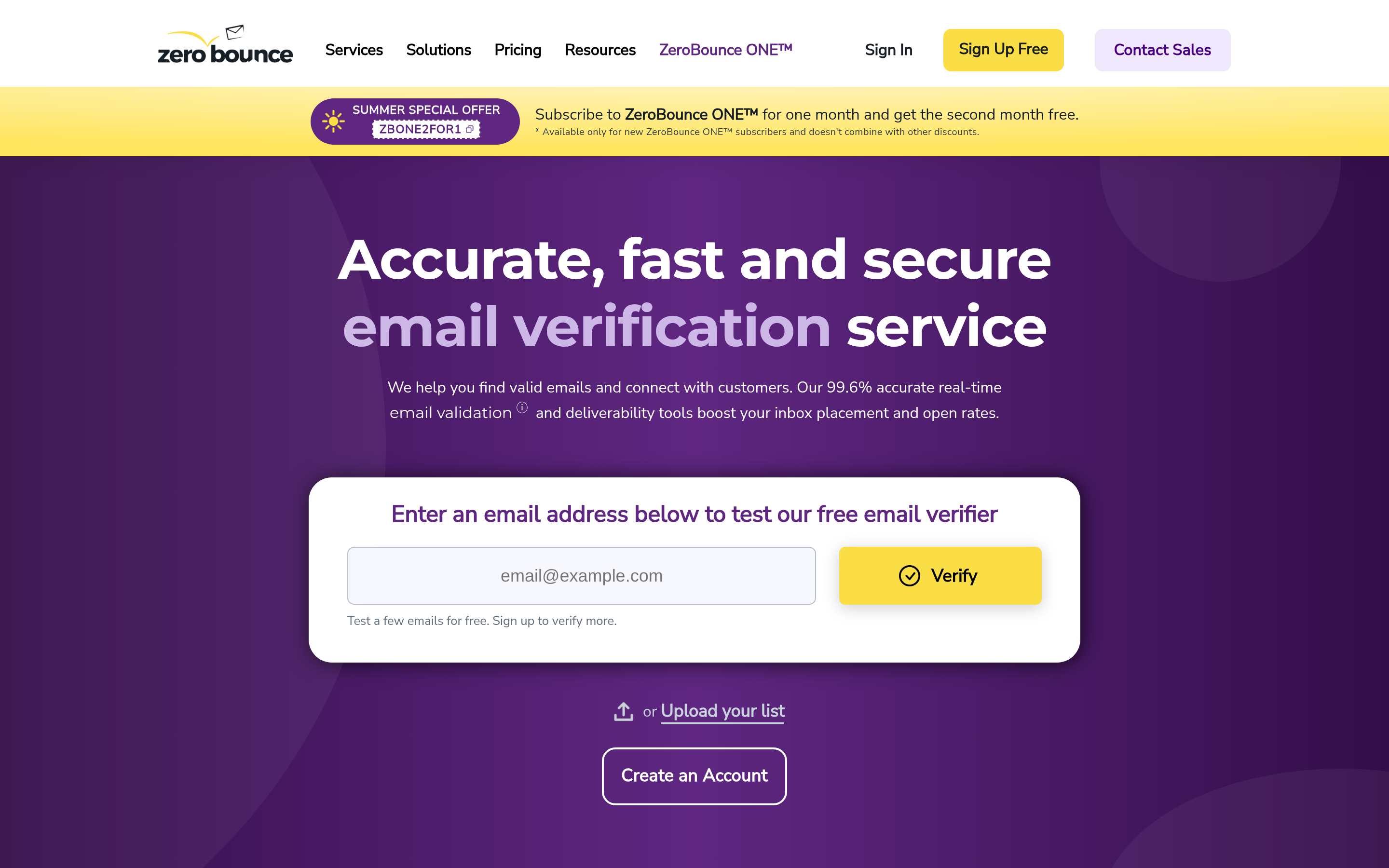
ZeroBounce is the closest like-for-like swap. It has dozens of ESP integrations, scheduled list cleaning, an AI scoring model that ranks catch-all addresses by how likely they are to engage, and extras like inbox placement tests and blacklist monitoring. You get 100 free verifications every month.
Watch out for: it costs more per email than budget tools at mid volumes, and the extra features push you toward bundles. If you mainly need verification, compare it with a ZeroBounce alternative before you commit.
2. NeverBounce: best for automated ESP sync#
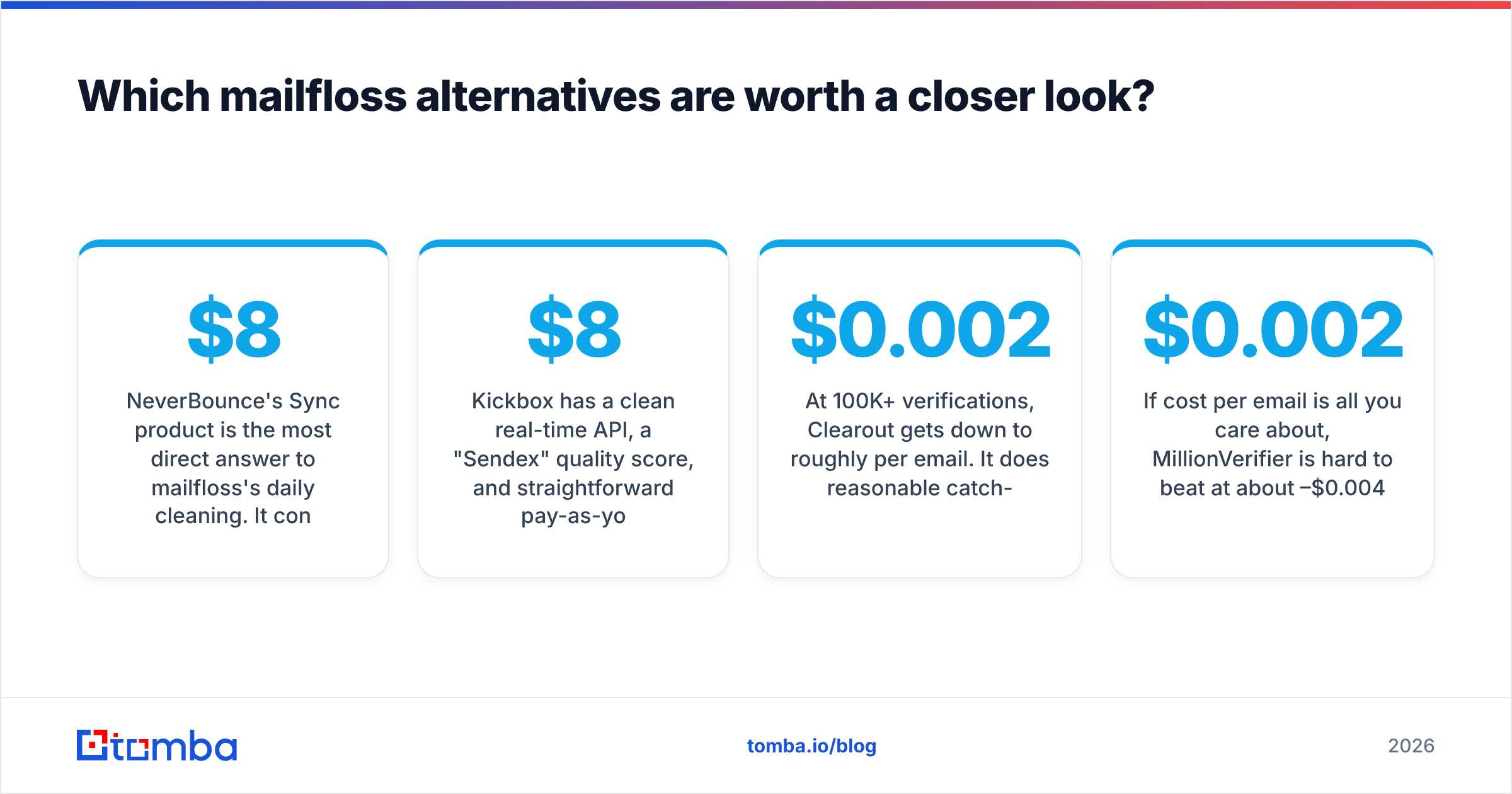
NeverBounce's Sync product is the most direct answer to mailfloss's daily cleaning. It connects to your ESP or CRM, re-verifies the list on a schedule, and pushes results back. Pay-as-you-go pricing starts around $8 per 1,000 and falls at volume. It's owned by ZoomInfo, which reassures procurement teams.
Watch out for: Sync plans are a separate subscription, and catch-all results come back as "accept-all" with little extra scoring.
3. Kickbox: best for developers#
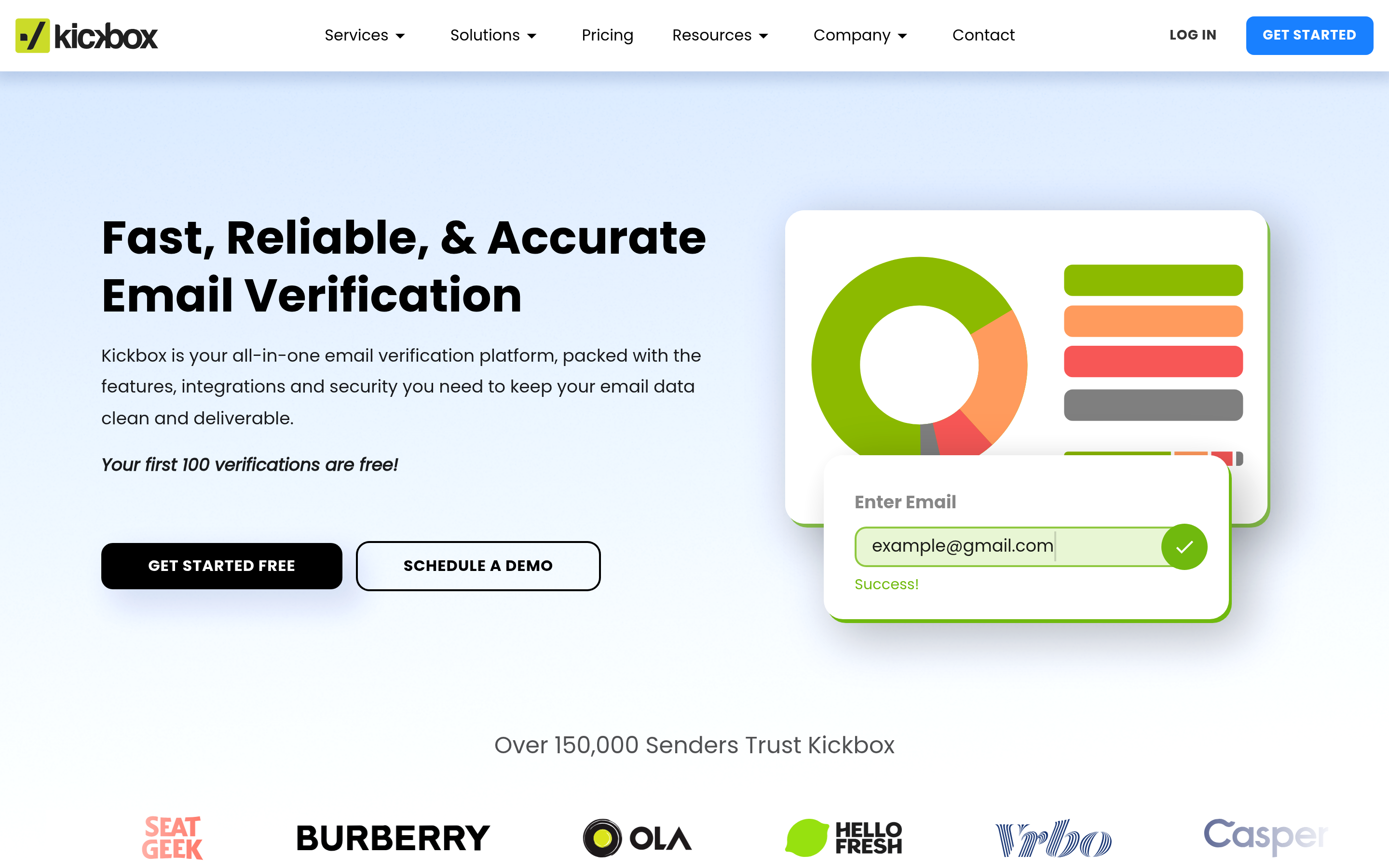
Kickbox has a clean real-time API, a "Sendex" quality score, and straightforward pay-as-you-go credits at about $8–$10 per 1,000. It suits product teams that want to verify at signup instead of cleaning afterwards.
Watch out for: there's less built-in ESP automation, so you'll have to wire up the scheduling yourself.
4. Bouncer: best for GDPR-sensitive teams#
Bouncer hosts data in the EU, publishes a clear security posture, and has a "toxicity check" that flags spam traps and known complainers. Pricing is competitive and credits don't expire on pay-as-you-go.
Watch out for: automated recurring cleaning goes through integrations, not a native mailfloss-style daily sync.
5. Clearout: best value at volume#
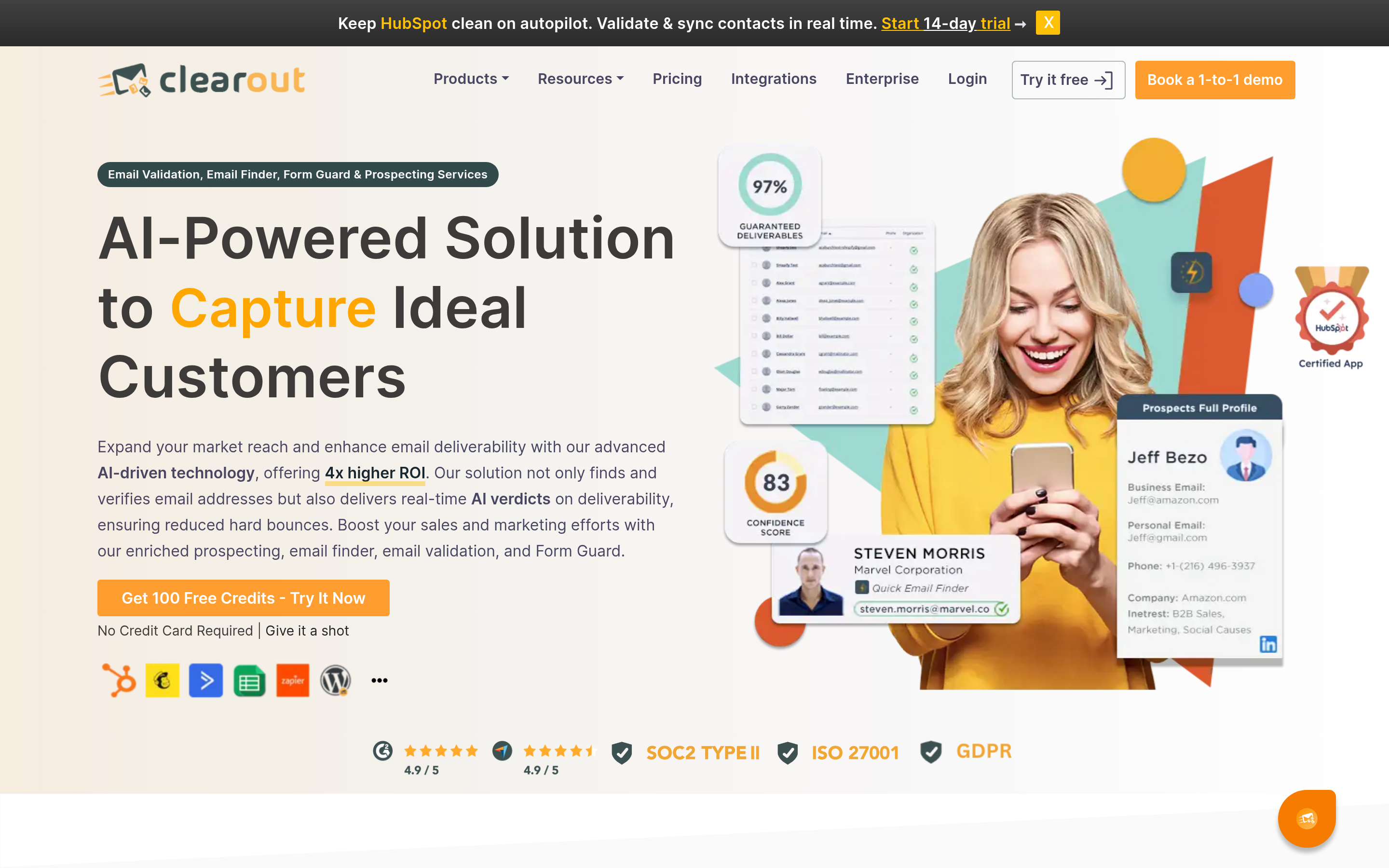
At 100K+ verifications, Clearout gets down to roughly $0.002 per email. It does reasonable catch-all scoring and also has a separate email finder. It's a good fit if you clean large lists a few times a year.
Watch out for: the interface is busier than most, and the finder and verifier are billed separately.
6. MillionVerifier: cheapest bulk option#
If cost per email is all you care about, MillionVerifier is hard to beat at about $0.002–$0.004 per address, depending on pack size. Credits don't expire and it offers a refund on bounces it fails to catch.
Watch out for: it's bare-bones. There's little automation, minimal catch-all resolution, and a basic UI.
7. Tomba: best when you also need to find emails#
Tomba's email verifier runs SMTP, MX, syntax, disposable, and webmail checks, and a dedicated catch-all verifier handles accept-all domains. The difference from mailfloss is where it fits in your workflow. Mailfloss cleans addresses that already sit in your ESP. Tomba is built to find a contact's professional email and verify it in the same step, so bad data doesn't reach your sequencer at all.
There's a permanent free tier (25 searches/mo). Paid plans run $49 (Starter), $99 (Growth), and $249 (Pro), with Enterprise on custom pricing. For list-wide jobs, the bulk email finder processes CSVs in batches.
Watch out for: if all you need is a nightly cleanup of a 200K-subscriber newsletter list, a dedicated hygiene tool like ZeroBounce or NeverBounce fits better.
8. Emailable: best simple UI#
Emailable (formerly Blaze) offers fast bulk verification, real-time API, and a clean dashboard with integrations for major ESPs. Pricing sits in the mid-range, around NeverBounce's. It's a solid choice for small marketing teams who found mailfloss's settings more than they needed.
Watch out for: catch-all scoring is less advanced than ZeroBounce's.
Is mailfloss better than ZeroBounce or NeverBounce?#
Mailfloss wins on simplicity. You connect your ESP, pick what happens to bad addresses, and stop thinking about it. Its typo correction is also useful for B2C signup lists, where "hotmial" typos are common.
ZeroBounce and NeverBounce win on breadth and flexibility. Both let you buy credits without a monthly commitment, both have stronger APIs, and ZeroBounce adds a whole deliverability toolkit. For teams sending over 100K emails a month across several ESPs, either one scales more cleanly than mailfloss's tier caps.
Here's a quick rule of thumb:
- One ESP, steady signups, no technical resources: stay on mailfloss or switch to NeverBounce Sync.
- Several ESPs, deliverability worries, budget for extras: ZeroBounce.
- Irregular volume, cost-sensitive: MillionVerifier or Clearout.
- Outbound sales, building lists from scratch: a finder with verification built in.
For independent user ratings, the G2 email verification category is worth reading. Filter reviews by company size, because a 10-person agency and a 5,000-person retailer want different things from these tools.
How much can you actually save by switching?#
Here's a typical scenario: you verify about 25,000 addresses a month, but your usage spikes around campaigns and drops in between.
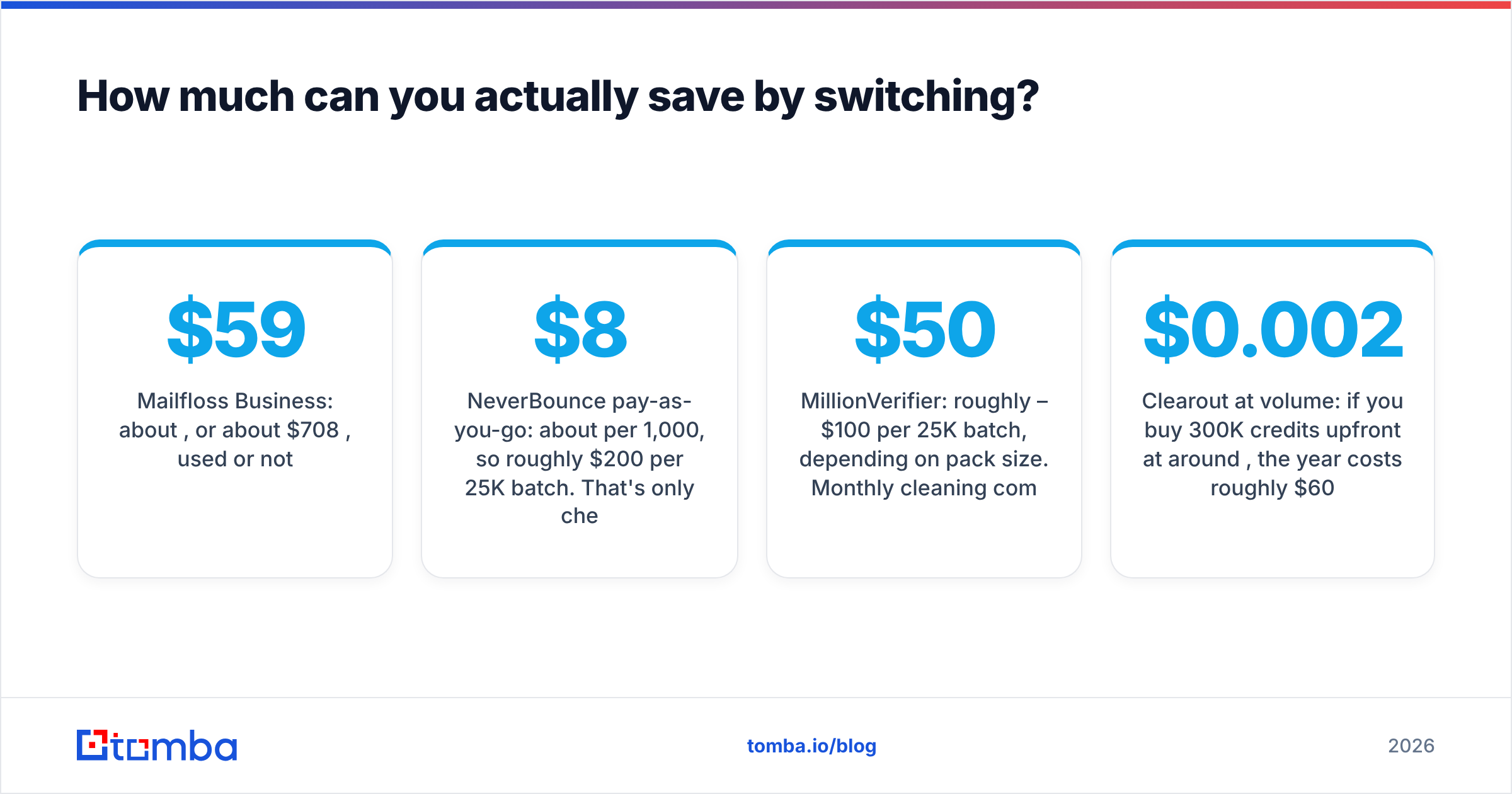
- Mailfloss Business: about $59/mo, or about $708/year, used or not.
- NeverBounce pay-as-you-go: about $8 per 1,000, so roughly $200 per 25K batch. That's only cheaper if you clean fewer than about 4 times a year.
- MillionVerifier: roughly $50–$100 per 25K batch, depending on pack size. Monthly cleaning comes to about $600–$1,200 a year, and cleaning quarterly is far cheaper.
- Clearout at volume: if you buy 300K credits upfront at around $0.002, the year costs roughly $600, and the credits outlast the year.
The pattern holds across most lists. Mailfloss gives you the best value when you actually use the daily automation. If you upload a CSV a few times a year, you're paying for a feature you don't use.
At the top tier the numbers change a lot. Pro at about $209/mo works out to about $2,500 a year. That pays for a lot of pay-as-you-go credits from almost any alternative here.
Why does catch-all handling matter so much for B2B lists?#
A catch-all (accept-all) domain tells the verifier's SMTP probe "yes, this mailbox exists" whether it does or not. Many mid-market and enterprise companies set their mail servers up this way. As a result, a standard verifier returns "unknown" or "accept-all" for every address on those domains.
On a consumer newsletter list, that's a small slice. On a B2B prospect list it can be a third of your rows. You then have two bad options: send to all of them and risk bounces, or drop them all and lose good leads.
The tools handle this in three ways:
- Label only: the verifier marks the address catch-all and leaves the decision to you. Mailfloss, NeverBounce, MillionVerifier, and Kickbox mostly work this way.
- Score: the verifier ranks catch-all addresses by likelihood of being valid, using activity data. ZeroBounce and Clearout do this.
- Resolve: the verifier uses extra signals such as source data, pattern confidence, and dedicated catch-all checks to tell you which specific addresses are real. Tomba's catch-all verifier is built for this case.
Bounce rates feed directly into sender reputation, so this matters even after you've cleaned the list. HubSpot's email deliverability guidance puts bounces among the top signals mailbox providers use to judge senders.
How do you migrate off mailfloss without hurting deliverability?#
Switching verifiers is low-risk if you do it in this order:
- Export your suppression data first. Download every address mailfloss has flagged or removed so you don't re-import bad contacts.
- Run a blind test. Take a sample of 1,000–2,000 addresses, including some you know bounced, and run it through two or three candidate tools. Compare valid, invalid, and unknown rates against your real bounce history.
- Check catch-all output on its own. Filter the test to accept-all domains and see which tool gives you something you can act on.
- Rebuild the automation. If you relied on daily ESP sync, set up the new tool's integration or a scheduled API job before you cancel mailfloss.
- Watch bounce rates for 30 days. Keep hard bounces under 2% (under 1% is better). If they rise, re-verify the most recent imports.
Which mailfloss alternative should you choose?#
There's no single "best" verifier. There's the one that fits your workflow:
- You want mailfloss, but more powerful: ZeroBounce.
- You want mailfloss-style automation at volume: NeverBounce Sync.
- You want the lowest cost per check: MillionVerifier or Clearout.
- You're a developer verifying at signup: Kickbox.
- You care most about EU data residency: Bouncer.
- You prospect B2B and need to source emails as well as clean them: Tomba.
The last group is where a standalone cleaning subscription makes the least sense. If you're building outbound lists, you shouldn't be importing unverified addresses and paying another tool to clean them afterwards. You should only pull addresses that have already been checked.
If that's how your team works, start with the Tomba Email Finder. Enter a name and company domain, get the professional email address, and have it verified (including catch-all checks) before it reaches your sequencer. The free tier covers 25 searches a month, so you can test it on your own target accounts before choosing a plan on the Tomba pricing page.
Related guides#
// start free
See who Tomba finds at any company
Type a company's domain to see its people, their roles and verified work emails, each with the pages it was found on. Free account, no card.
Free plan · No credit card required · GDPR & CCPA
// about the author