Mailfloss vs SalesIntel: List Cleaning or Verified B2B Data?
Mailfloss and SalesIntel both promise cleaner email data, but they solve different problems. One scrubs the list you already have, and the other sells you new verified contacts. Here's how to pick the right one.
TL;DR
- Mailfloss is an automated email list-cleaning tool. It connects to your ESP (Mailchimp, Klaviyo, Constant Contact and others) and removes invalid, risky and typo'd addresses on a schedule. Recent reviews list plans at about $29 to $209 per month.
- SalesIntel is a B2B contact and intent-data platform. Its main selling point is human-verified contacts, re-checked about every 90 days. Pricing is quote-based, and third-party contract data puts typical team deals at roughly $10,000 to $18,000 per year.
- They aren't really competitors. Mailfloss cleans emails you already have. SalesIntel gives you new contacts to email.
- Choose Mailfloss if you run newsletters or marketing lists and bounces are hurting your sender reputation. Choose SalesIntel if you need a large outbound database with direct dials and intent signals, and you have the budget for an annual contract.
- If you need to find and verify B2B emails without a five-figure contract, a pay-as-you-go email finder plus verifier is the middle option.
What is the real difference between Mailfloss and SalesIntel?#
Most "Mailfloss vs SalesIntel" searches come from people who know both tools touch email data quality but haven't worked out that they sit at opposite ends of the pipeline.
Think of it like a water system. SalesIntel is the reservoir: a large, curated supply of contacts that you draw from when you need new prospects. Mailfloss is the filter on your tap: it doesn't add water, it just keeps what you already have clean enough to use.
In practice:
- Mailfloss (mailfloss.com) runs automated email verification against lists that already sit in your email service provider. It catches hard bounces, disposable domains, role-based addresses, spam traps and common typos ("gmial.com"), then unsubscribes, deletes or tags them according to rules you set.
- SalesIntel (salesintel.io) is a B2B data provider. You search by firmographics, technographics, job title and intent topics, then export contacts (emails, direct dials, mobiles) into your CRM or sales engagement tool. Its "human-verified" claim means researchers re-check records on a cycle, which the company puts at about 90 days.
So the useful question isn't which one is better. It's which problem you actually have right now.
How do Mailfloss and SalesIntel compare side by side?#
| Attribute | Mailfloss | SalesIntel |
|---|---|---|
| Core job | Clean and verify existing email lists | Supply new B2B contacts + intent data |
| Primary buyer | Email marketers, ecommerce, newsletter operators | Sales, SDR, RevOps and ABM teams |
| Data source | Your own ESP list | Proprietary B2B database (human + machine verified) |
| Phone numbers | No | Yes: direct dials and mobiles |
| Intent data | No | Yes (add-on / higher tiers) |
| Automation | Daily auto-cleaning via ESP integrations | CRM enrichment, Chrome extension, API |
| Pricing model | Monthly subscription, published | Annual contract, quote-based |
| Entry price | ~$29/mo (Lite, 10,000 verifications) | ~$99/mo individual plan reported; teams typically $10K+/yr |
| Free option | 7-day trial (card required) | Free trial on request |
| Contract | Monthly or annual (about 20% off annual) | Annual |
| Best for | Protecting deliverability on opt-in lists | Building outbound pipeline at scale |
A quick note on the pricing figures: Mailfloss's price list has changed several times. Older listings on Capterra still show $17/$49/$200, while reviews re-checked in mid and late 2026 show Lite at $29, Business at $59 and Pro at $209 (25,000 and 125,000 verifications respectively). SalesIntel doesn't publish team pricing, so treat any number you see, including ours, as a reference point for negotiation and not a quote.
What does Mailfloss actually do well?#
Mailfloss is built for one thing: keeping a marketing list clean without anyone having to think about it.
It runs in the background. Once you connect your ESP, Mailfloss checks new subscribers and re-checks the existing list on a schedule. Most standalone verifiers make you export a CSV, upload it, download results and re-import. Mailfloss skips that loop.
Typo correction is the standout. A good share of signup-form errors are fat-finger typos like "yaho.com" or "hotmial.com." Mailfloss fixes the common ones automatically, so you keep a subscriber you would otherwise lose.
Configurable actions. You decide what happens to each risk category: unsubscribe, delete, tag, or move to a segment. That matters if your ecommerce platform charges by contact count, or if you want to re-engagement-test risky addresses instead of dropping them.
Where it falls short:
- No prospecting. It can't find a single new email address.
- B2B catch-all handling is limited. Many corporate domains accept all mail at the SMTP level, so a standard check can't confirm whether
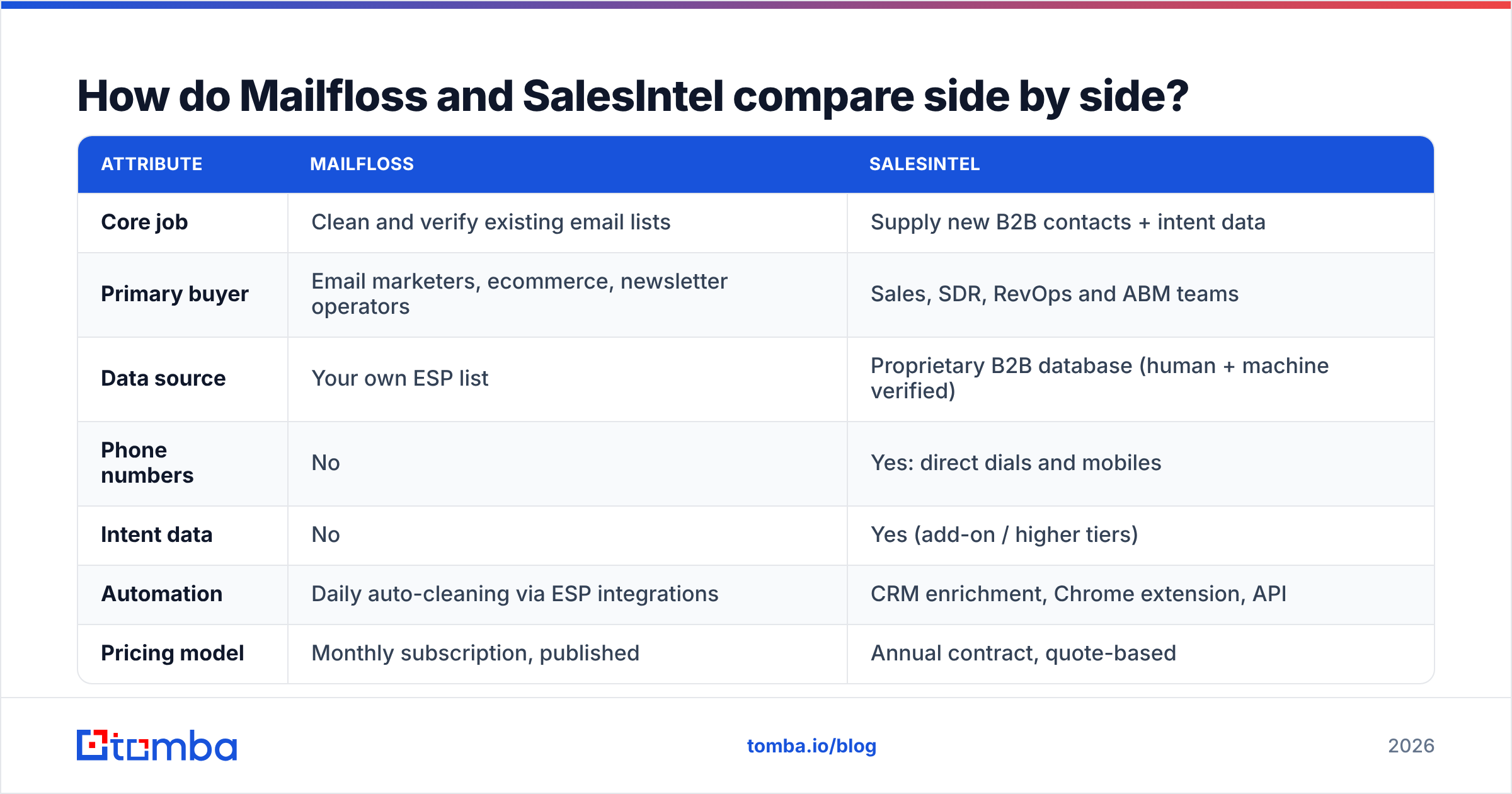
jane@company.comreally exists. Mailfloss, like most list cleaners, flags these as risky or unknown and leaves the decision to you. - Overage costs add up. Reviews list per-email overage at about $0.005 on Lite, $0.003 on Business and $0.001 on Pro. If your list grows quickly, the plan you started on won't stay cheap for long.
If your bounce rate on opt-in campaigns is creeping above 2%, Mailfloss is a sensible fix. Bounces are one of the fastest ways to damage your sender reputation, and a set-and-forget cleaner removes the most common cause.

What does SalesIntel actually do well?#
SalesIntel is a full prospecting database. Its pitch to sales leaders is accuracy: contacts checked by people as well as algorithms.
Human-verified records. SalesIntel says its research team re-verifies contacts roughly every 90 days, and it claims 95% accuracy on published data. That is the company's own figure, but the re-verification cycle is a real differentiator against databases that rely only on scraped and inferred data.
Direct dials and mobiles. For teams that cold call, phone coverage often decides the purchase. SalesIntel offers direct dials and mobile numbers, which a list cleaner like Mailfloss doesn't touch.
Intent and technographics. You can filter by the technology a company uses and by research intent topics. That helps ABM teams prioritise accounts that are already in-market.
Research on demand. If a contact you need isn't in the database, SalesIntel offers a research service to source it.
Where it falls short:
- Price and commitment. Annual contracts and quote-based pricing put it out of reach for solo founders and small agencies. Third-party contract data (reported via Vendr) puts the median deal at about $17,600 per year.
- Add-ons cost extra. Programmatic enrichment and intent data are often priced separately.
- North America focus. Like most US-headquartered databases, coverage is strongest in the US and Canada. Check your target regions during the trial.
- It doesn't clean your other lists. SalesIntel verifies its own records, not the 40,000 webinar signups sitting in HubSpot.
For a broader view of user sentiment, G2 carries a large set of reviews for SalesIntel and a smaller but steady set for Mailfloss. Filter by company size, because enterprise and SMB reviewers tend to rate these tools very differently.
When should you choose Mailfloss over SalesIntel (and vice versa)?#
Use this checklist. Most teams fit cleanly into one row.
- You send newsletters or promotional email to opt-in subscribers. Choose Mailfloss. You don't need new contacts; you need the ones you have to stop bouncing.
- You run outbound and need hundreds of new decision-makers each month. Choose SalesIntel, or another prospecting database. A list cleaner can't create pipeline.
- Your SDRs live on the phone. Choose SalesIntel. Phone data is one of its strengths and isn't something Mailfloss offers.
- You're a small team with under $100/month to spend on data. Neither fits well for outbound. Mailfloss doesn't find contacts, and SalesIntel's team pricing starts well above that. Look at a credit-based email finder with built-in verification.
- You already own a database subscription but your CRM is a mess. Pair your existing provider with a verifier. That might be Mailfloss if the data lives in an ESP, or a bulk email verifier if it lives in a CRM or spreadsheet.
- You need both new contacts and ongoing hygiene. You'll end up with two tools either way. Budget for a data source and a verifier as separate line items.
Can you use Mailfloss and SalesIntel together?#
Yes, and in larger organisations it's common.
A typical setup looks like this:
- SalesIntel feeds new prospects into Salesforce or HubSpot for the sales team.
- Marketing runs nurture campaigns to a subset of those contacts through an ESP such as Mailchimp or Klaviyo.
- Mailfloss watches that ESP list, catching addresses that decay over time as people change jobs.
That last point matters more than most teams realise. B2B contact data decays steadily as people change roles, companies get acquired and domains get retired. Even a well-verified record from SalesIntel can bounce six months after export. SalesIntel's 90-day re-verification only helps if you re-sync, and many teams never do. A background cleaner on the marketing side closes that gap.
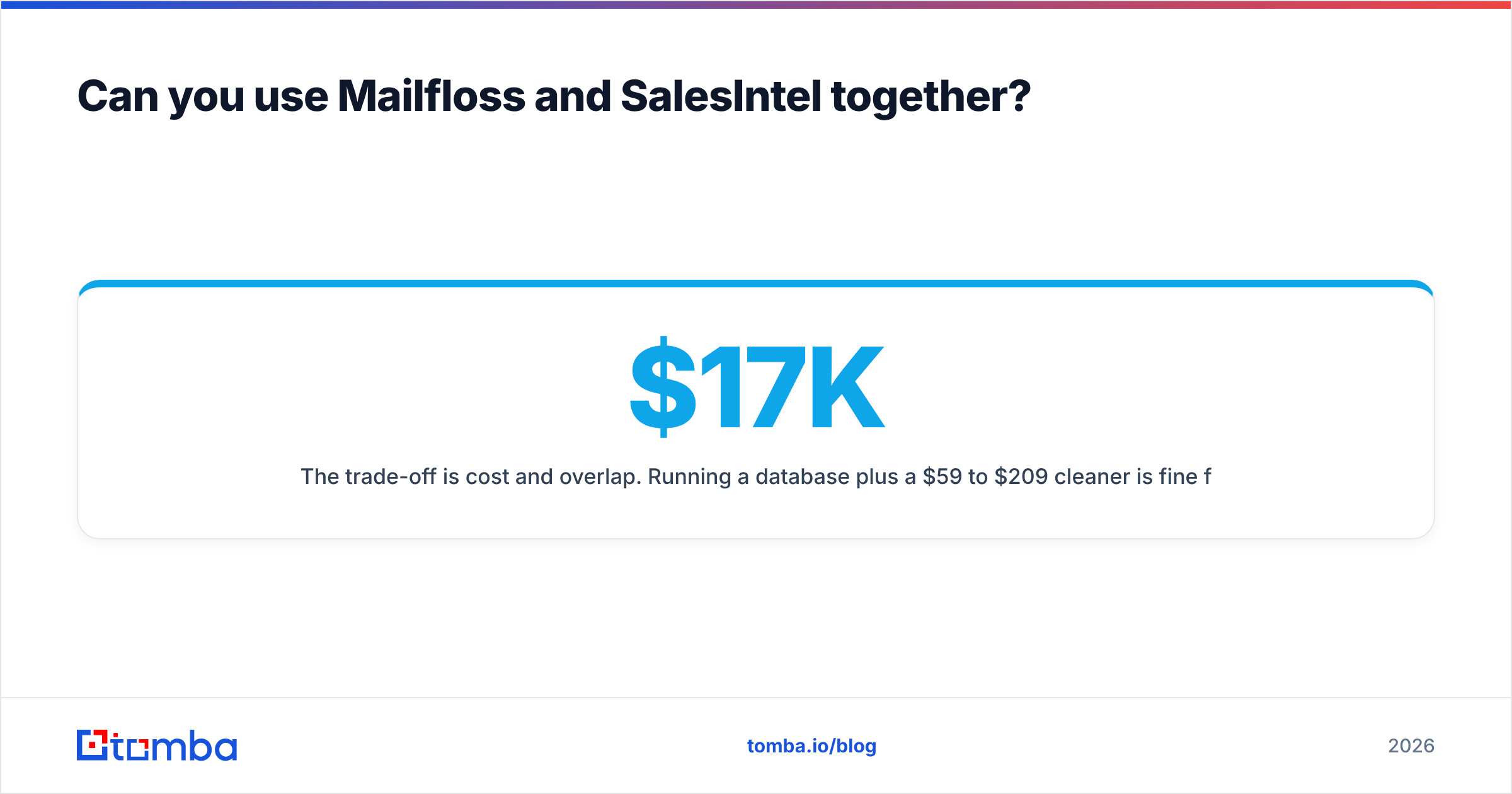
The trade-off is cost and overlap. Running a $17K/year database plus a $59 to $209/month cleaner is fine for a 20-person revenue team. For a three-person startup, it's hard to justify.
Is there a middle option between list cleaning and an enterprise database?#
There is, and it's where many small and mid-size teams end up.
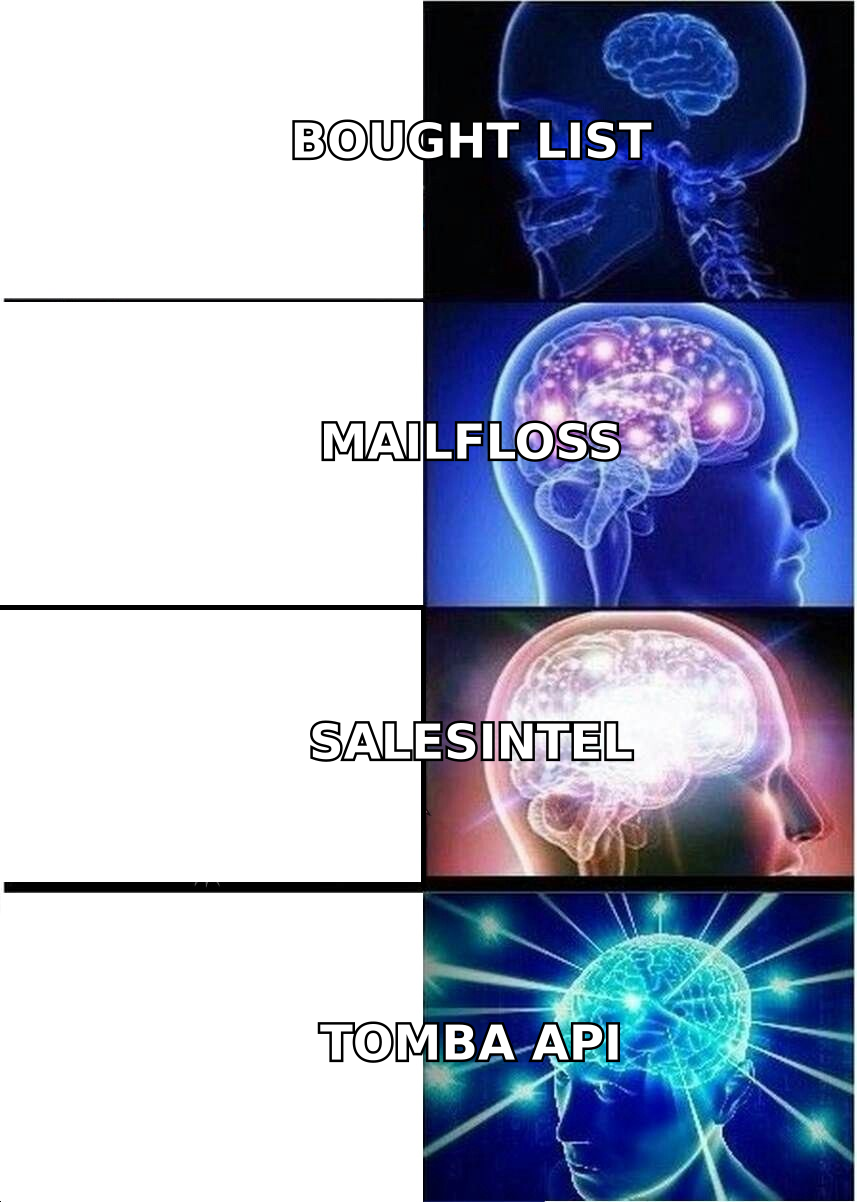
Mailfloss only verifies and SalesIntel is mainly a prospecting database. A third category of tools does both lighter-weight jobs: find a specific person's email by name and domain, then verify it before you send. You pay per search, not per seat per year.
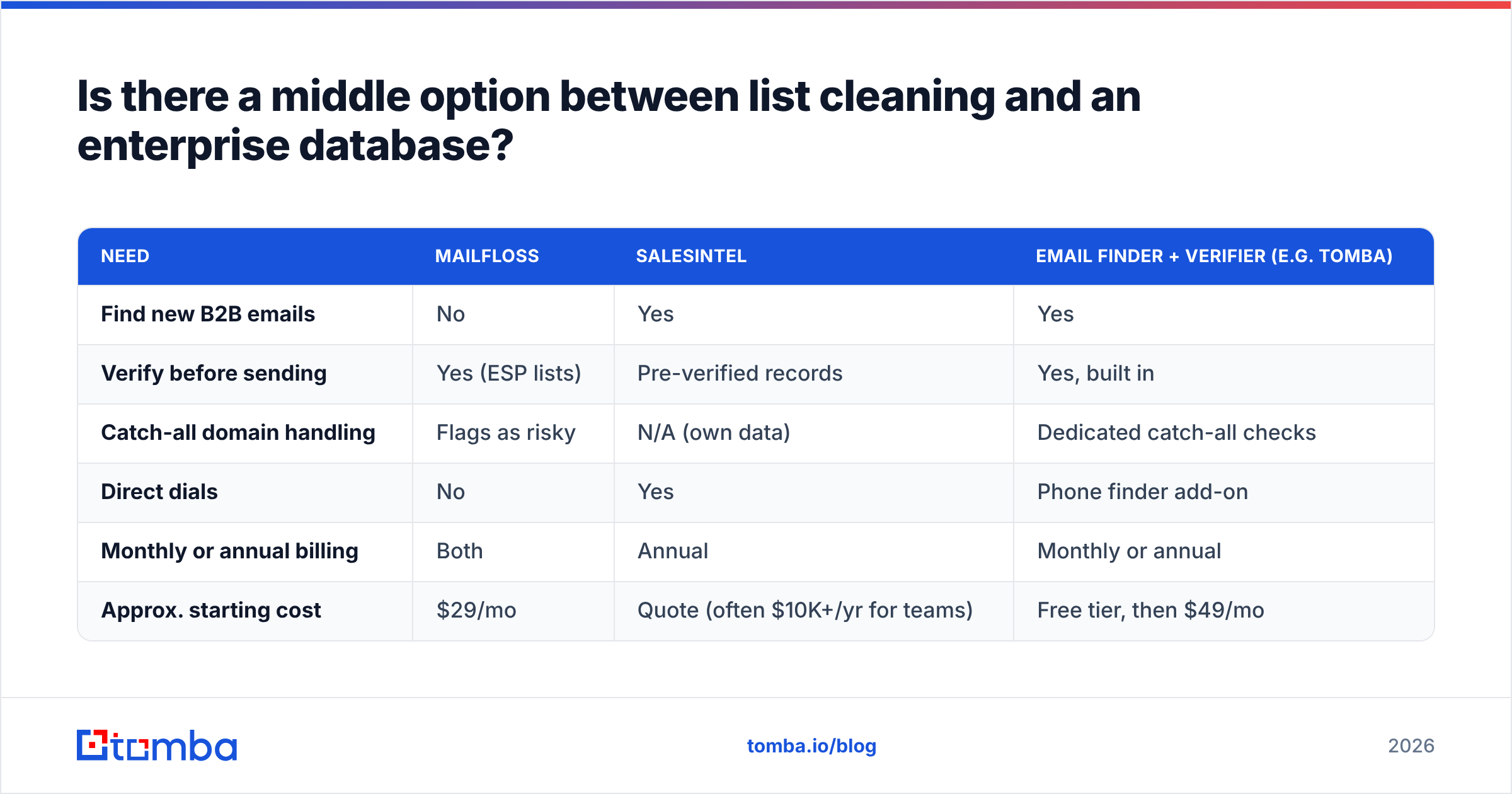
Here's how the three approaches compare for a team sending about 2,000 cold emails a month:
| Need | Mailfloss | SalesIntel | Email finder + verifier (e.g. Tomba) |
|---|---|---|---|
| Find new B2B emails | No | Yes | Yes |
| Verify before sending | Yes (ESP lists) | Pre-verified records | Yes, built in |
| Catch-all domain handling | Flags as risky | N/A (own data) | Dedicated catch-all checks |
| Direct dials | No | Yes | Phone finder add-on |
| Monthly or annual billing | Both | Annual | Monthly or annual |
| Approx. starting cost | $29/mo | Quote (often $10K+/yr for teams) | Free tier, then $49/mo |
Tomba is one example of this model. Its free tier covers 25 searches a month, and paid plans run $49 (Starter), $99 (Growth) and $249 (Pro) per month, with Enterprise on a custom quote. Full limits are on the Tomba pricing page. You won't get SalesIntel's researcher-verified direct dials or intent topics, and you won't get Mailfloss's automatic ESP syncing. What you do get is the ability to find and verify a named contact without a contract, plus data enrichment when you need company or role context.
This middle route makes the most sense when:
- your outbound is targeted (account lists of dozens or hundreds, not tens of thousands),
- you mostly prospect by email and LinkedIn rather than phone, and
- you'd rather spend on sequencing and copy than on a database seat.
What should you test during a free trial?#
Both vendors offer trials, so use them to answer specific questions instead of just clicking around.
For Mailfloss:
- Connect your real ESP, not a test account, and check how many addresses it flags in the first pass.
- Review what it marks as "risky" on B2B domains. If a large share of your list sits on catch-all domains, ask how those are handled and whether the default action fits your sending strategy.
- Check whether typo corrections are logged so you can audit changes.
- Remember the trial requires a card. Set a reminder before it converts.
For SalesIntel:
- Pull 100 contacts from your exact ICP (region, industry, seniority), not a generic search.
- Send a small verified batch and measure the hard bounce rate yourself. Don't rely only on the vendor's stated accuracy.
- Call 20 of the direct dials. Connect rate tells you more about phone data than any marketing claim.
- Ask in writing what's included versus extra: intent data, API access, enrichment and export limits.
Whichever you trial, track the number that actually matters to you: bounce rate for Mailfloss, cost per meeting booked for SalesIntel.
Which one should you pick in 2026?#
Here's the plain version.
- Pick Mailfloss if your main pain is deliverability on lists you already own and you want it handled automatically inside your ESP. It's affordable, focused and low-maintenance.
- Pick SalesIntel if you're a funded sales team that needs a large, regularly re-verified B2B database with phone numbers and intent data, and an annual contract fits your budget.
- Pick neither if you're a small team that needs to find and verify specific B2B contacts on a monthly budget. Start with a credit-based finder and verifier and upgrade to a full database once your outbound volume justifies it.
These tools don't overlap much. The mistake most buyers make is paying for SalesIntel when they only needed list hygiene, or buying Mailfloss and expecting it to generate leads.
If you're in that middle group and need the right person's address without signing a year-long contract, try the Tomba Email Finder. Enter a name and company domain and you get a professional email with a verification status attached, so it's ready for your next sequence. The free tier gives you 25 searches a month to test it on your own ICP before you spend anything.
Related guides#
// start free
See who Tomba finds at any company
Type a company's domain to see its people, their roles and verified work emails, each with the pages it was found on. Free account, no card.
Free plan · No credit card required · GDPR & CCPA
// about the author