

7 Best MailGenius Alternatives in 2026 for Inbox Placement Tests
MailGenius gives you a clean spam-score report, but it can't tell you which folder your email actually landed in at Gmail or Outlook. Here are 7 MailGenius alternatives, sorted by the deliverability problem each one solves.

TL;DR
MailGenius is a good free spam-score and authentication audit. It does not run seed-list inbox placement tests, so it can't show you whether a message landed in Gmail's inbox, Promotions, or spam.
If you need real placement data across providers, GlockApps is the closest upgrade. If you just want a free, quick score, Mail-Tester is the easiest swap.
For ongoing monitoring rather than one-off tests, pair Google Postmaster Tools with MXToolbox blacklist and DNS monitoring.
Warmup platforms (Lemwarm, Warmy) solve a different problem: they build reputation over time. They don't replace a diagnostic test.
Most deliverability problems start upstream with bad addresses. A good tester can't fix bounce rates caused by unverified lists.
What is MailGenius, and why do people look for alternatives?#
MailGenius is an email deliverability audit tool. It gives you a unique test address, you send your real email to it, and a few seconds later you get a report that grades the message. The report checks SPF, DKIM, DMARC, reverse DNS, blacklist status, and spam-trigger content. It's fast, the free version is generous, and the report is written for marketers rather than sysadmins. Those three things explain its popularity with cold emailers.
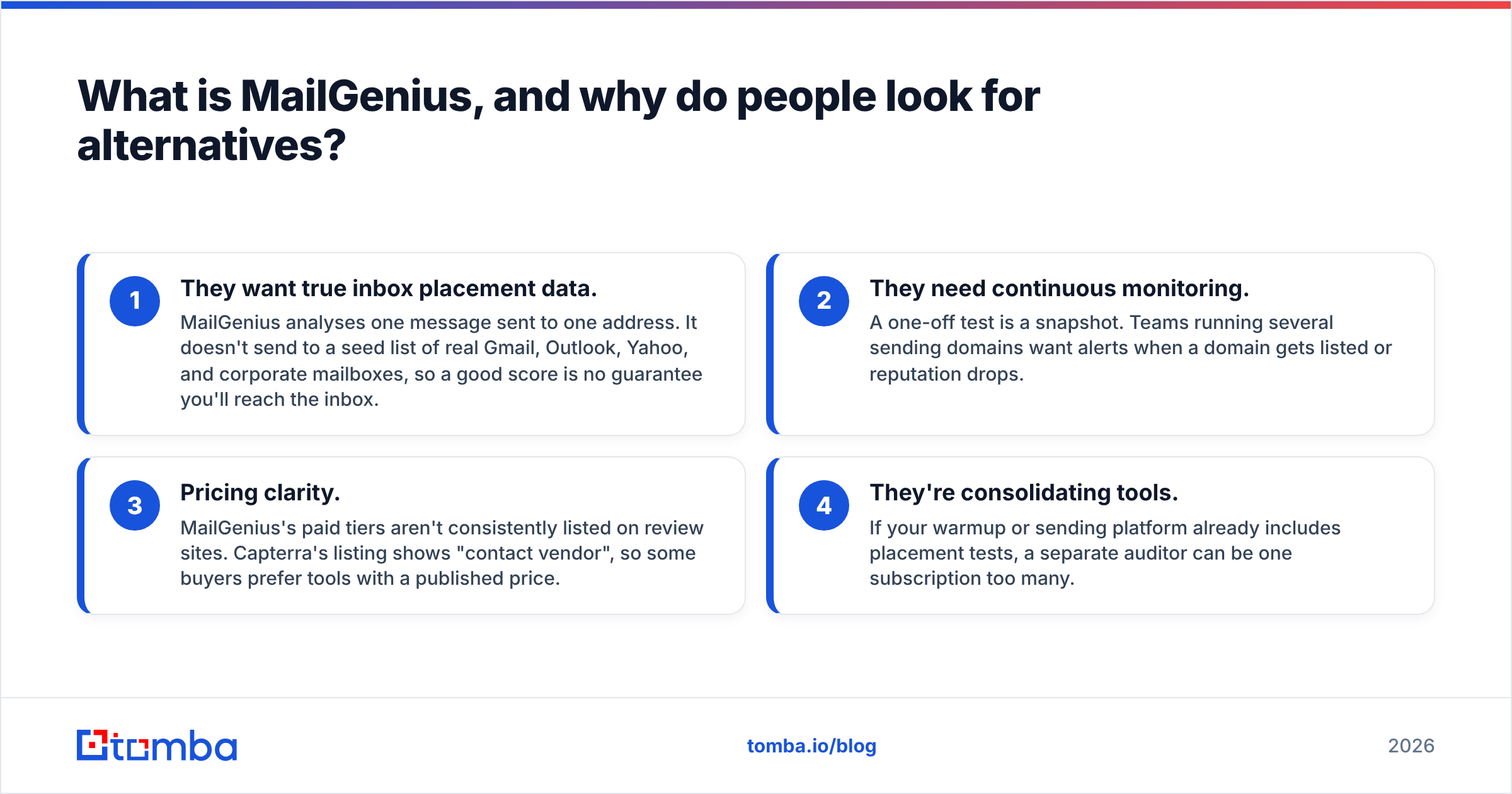
People usually go looking for MailGenius alternatives for one of four reasons:
They want true inbox placement data. MailGenius analyses one message sent to one address. It doesn't send to a seed list of real Gmail, Outlook, Yahoo, and corporate mailboxes, so a good score is no guarantee you'll reach the inbox.
They need continuous monitoring. A one-off test is a snapshot. Teams running several sending domains want alerts when a domain gets listed or reputation drops.
Pricing clarity. MailGenius's paid tiers aren't consistently listed on review sites. Capterra's listing shows "contact vendor", so some buyers prefer tools with a published price.
They're consolidating tools. If your warmup or sending platform already includes placement tests, a separate auditor can be one subscription too many.
None of these make MailGenius a bad tool. They just mean it answers one question ("is this email technically clean?") and many teams need answers to others.
What does a deliverability tester actually need to check?#
Before comparing tools, it helps to know what "deliverability testing" covers. Think of it like a car inspection compared with a road test. The inspection confirms the brakes and lights work. The road test shows how the car handles in traffic. You need both.
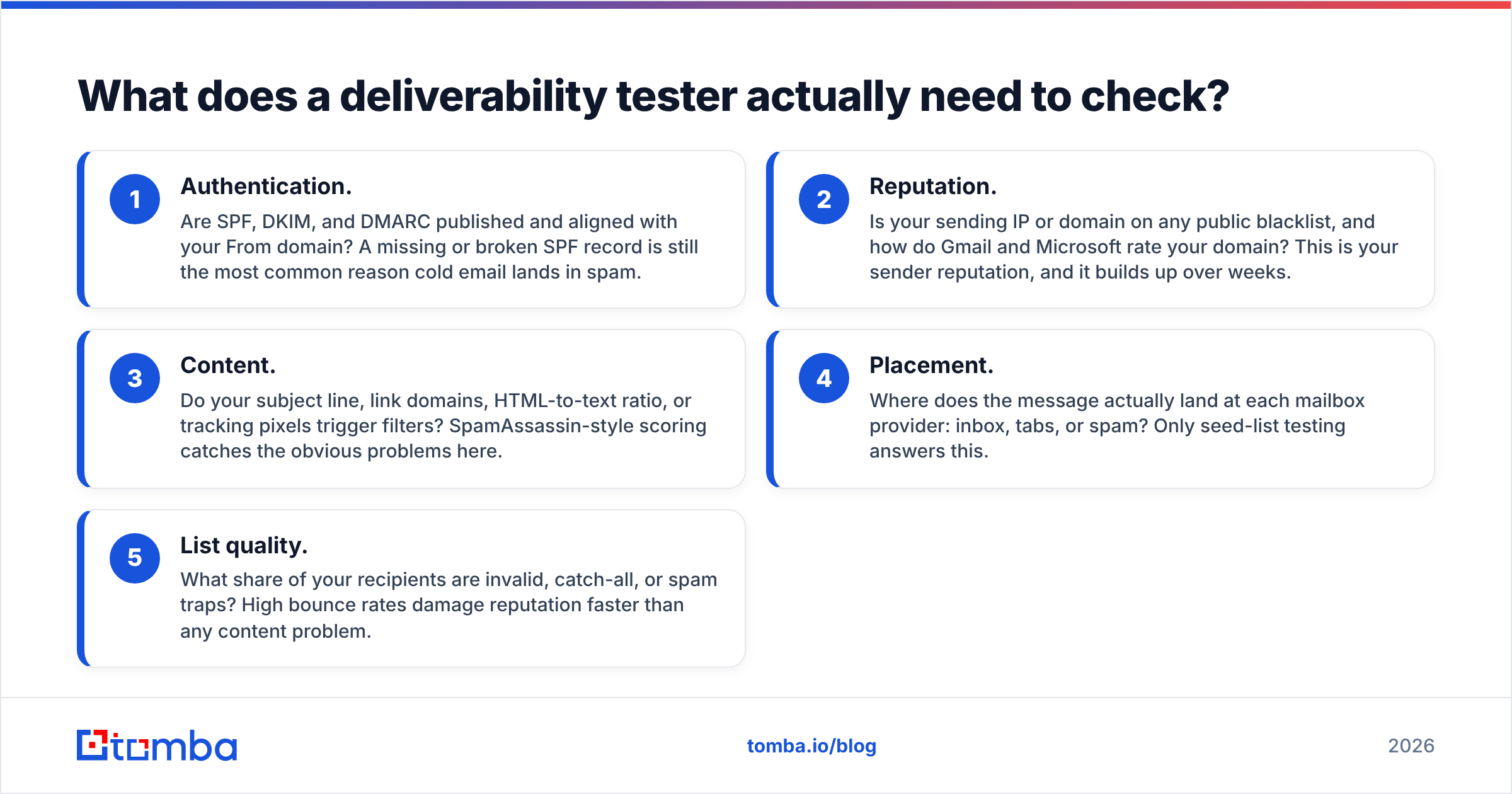
A complete deliverability stack covers five layers:
Authentication. Are SPF, DKIM, and DMARC published and aligned with your From domain? A missing or broken SPF record is still the most common reason cold email lands in spam.
Reputation. Is your sending IP or domain on any public blacklist, and how do Gmail and Microsoft rate your domain? This is your sender reputation, and it builds up over weeks.
Content. Do your subject line, link domains, HTML-to-text ratio, or tracking pixels trigger filters? SpamAssassin-style scoring catches the obvious problems here.
Placement. Where does the message actually land at each mailbox provider: inbox, tabs, or spam? Only seed-list testing answers this.
List quality. What share of your recipients are invalid, catch-all, or spam traps? High bounce rates damage reputation faster than any content problem.
MailGenius handles layers 1, 2 (blacklists), and 3 well. It doesn't cover layer 4, and like every tester on this list, it ignores layer 5 entirely. Keep this framework in mind as you read the comparisons below.

Which MailGenius alternatives are worth considering in 2026?#
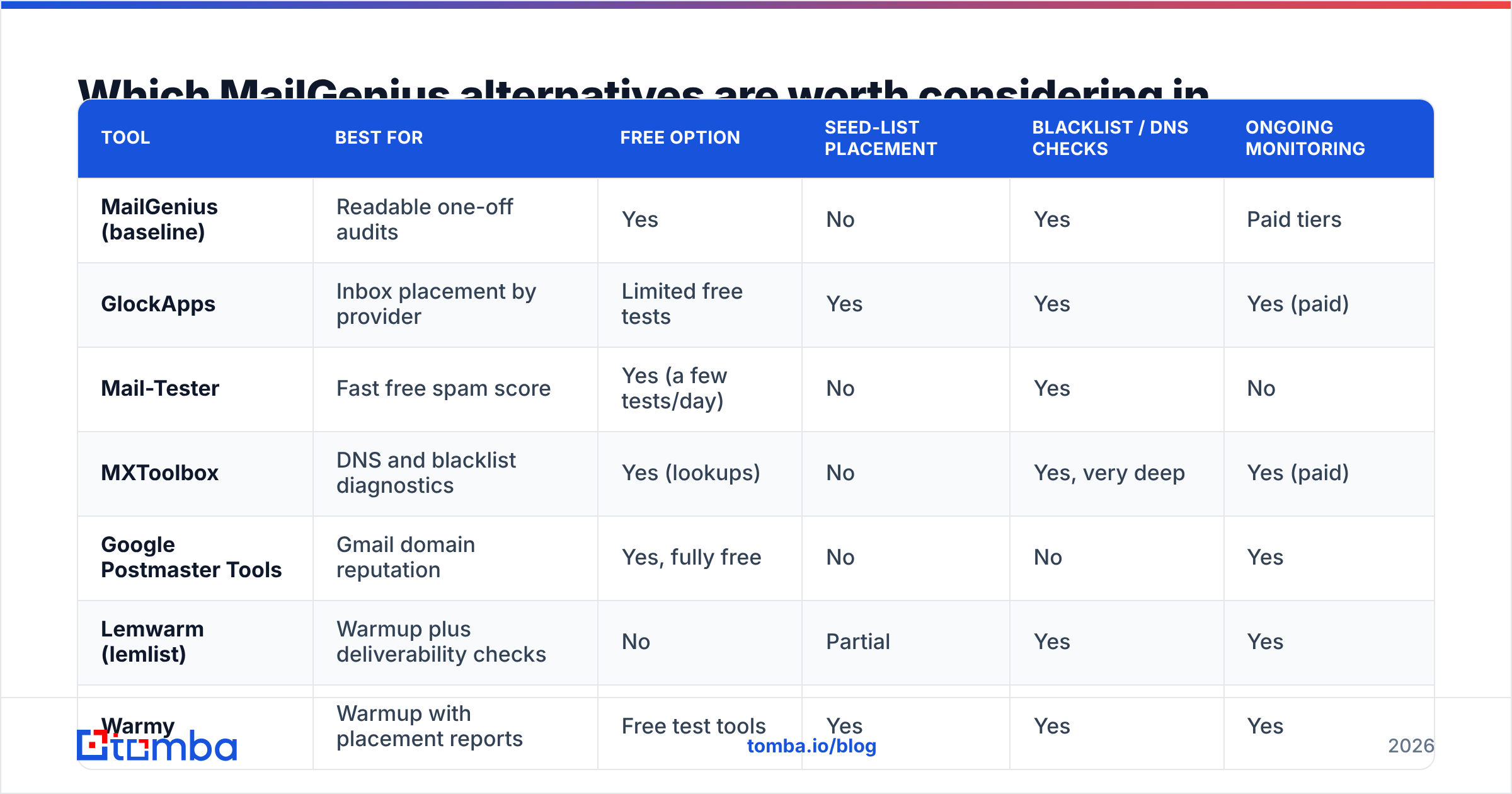
The table below summarises the seven tools by the job each one does best. Third-party pricing changes often and review sites disagree on it, so check each vendor's pricing page before you buy.
| Tool | Best for | Free option | Seed-list placement | Blacklist / DNS checks | Ongoing monitoring |
|---|---|---|---|---|---|
| MailGenius (baseline) | Readable one-off audits | Yes | No | Yes | Paid tiers |
| GlockApps | Inbox placement by provider | Limited free tests | Yes | Yes | Yes (paid) |
| Mail-Tester | Fast free spam score | Yes (a few tests/day) | No | Yes | No |
| MXToolbox | DNS and blacklist diagnostics | Yes (lookups) | No | Yes, very deep | Yes (paid) |
| Google Postmaster Tools | Gmail domain reputation | Yes, fully free | No | No | Yes |
| Lemwarm (lemlist) | Warmup plus deliverability checks | No | Partial | Yes | Yes |
| Warmy | Warmup with placement reports | Free test tools | Yes | Yes | Yes |
| Unspam.email | Spam test with visual heatmaps | Yes | Limited | Yes | Paid tiers |
Now the detail on each.
1. GlockApps: the closest upgrade for placement testing#
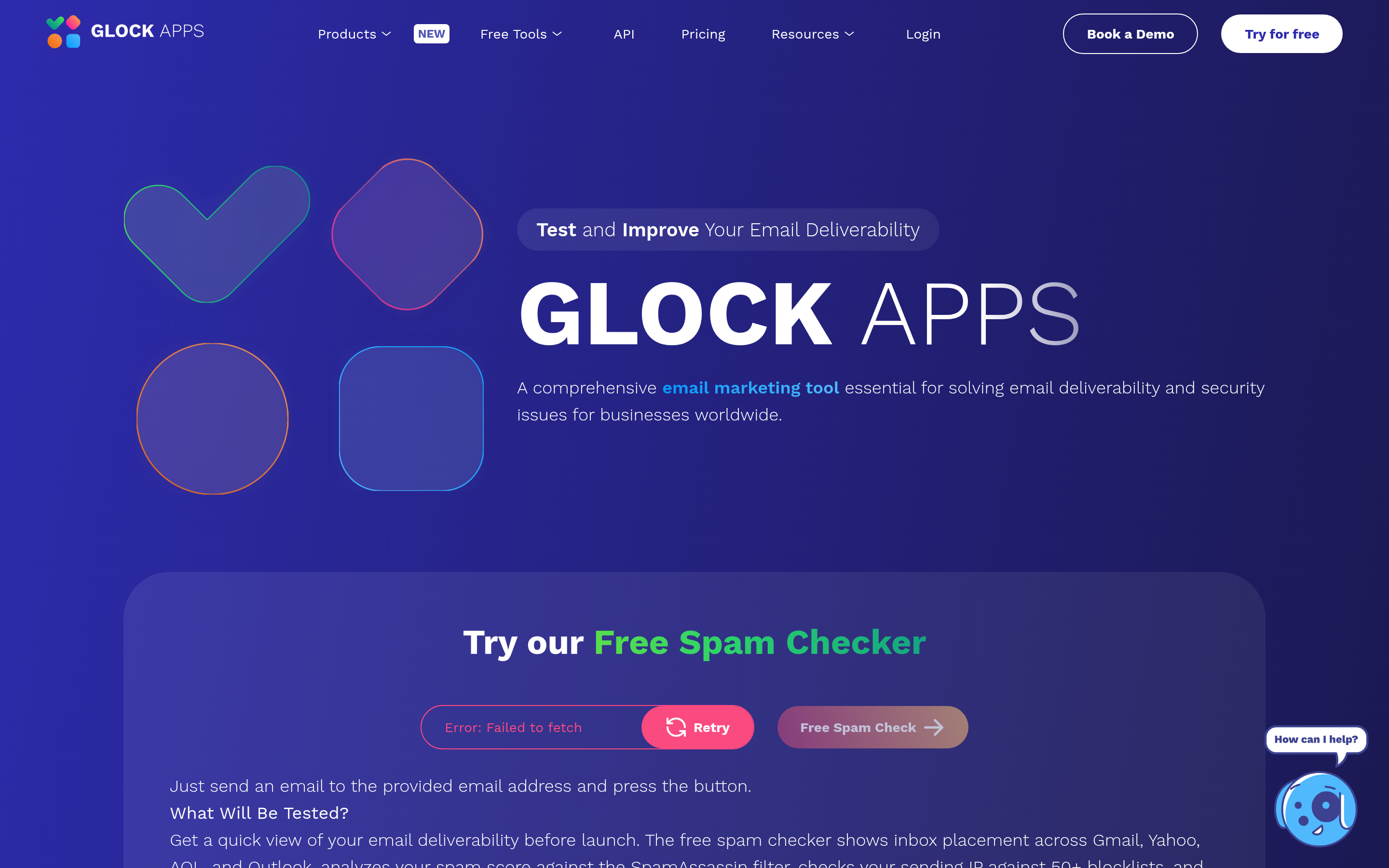
GlockApps is the tool most people move to when they outgrow MailGenius. You send your email to a seed list of real mailboxes across Gmail, Outlook, Yahoo, Zoho, and several regional and business filters such as Barracuda and Mimecast. The report then shows the percentage that reached the inbox, the tabs, spam, or went missing, broken down by provider.
That provider breakdown matters for B2B senders. If you're emailing corporate buyers, Microsoft 365 and gateway filters often matter more than consumer Gmail. GlockApps also bundles DMARC report analytics and uptime-style monitoring on its higher tiers.
Pros: Real placement data, provider-level breakdown, DMARC analytics. Cons: It's credit-based, so frequent testing gets expensive. The reports are dense if you're new to deliverability. Seed-list results also vary from test to test, so look at trends rather than a single run.
Choose it if: You send at volume across several domains and need proof of where your mail lands.
2. Mail-Tester: the simplest free swap#
Mail-Tester works almost exactly like MailGenius. You get a random address, send your email, and receive a score out of 10. It runs SpamAssassin checks, validates SPF/DKIM/DMARC, looks for broken links, and checks major blacklists.
The free version caps how many tests you can run per day from the same domain, and paid packs remove that limit. The report is more technical than MailGenius's, but it's still readable.
Pros: Free, very fast, no account needed. Cons: No placement data, no monitoring, and a 10/10 score doesn't guarantee inboxing.
Choose it if: You want a quick sanity check before launching a campaign and don't need to pay for anything.
3. MXToolbox: the diagnostic toolkit#
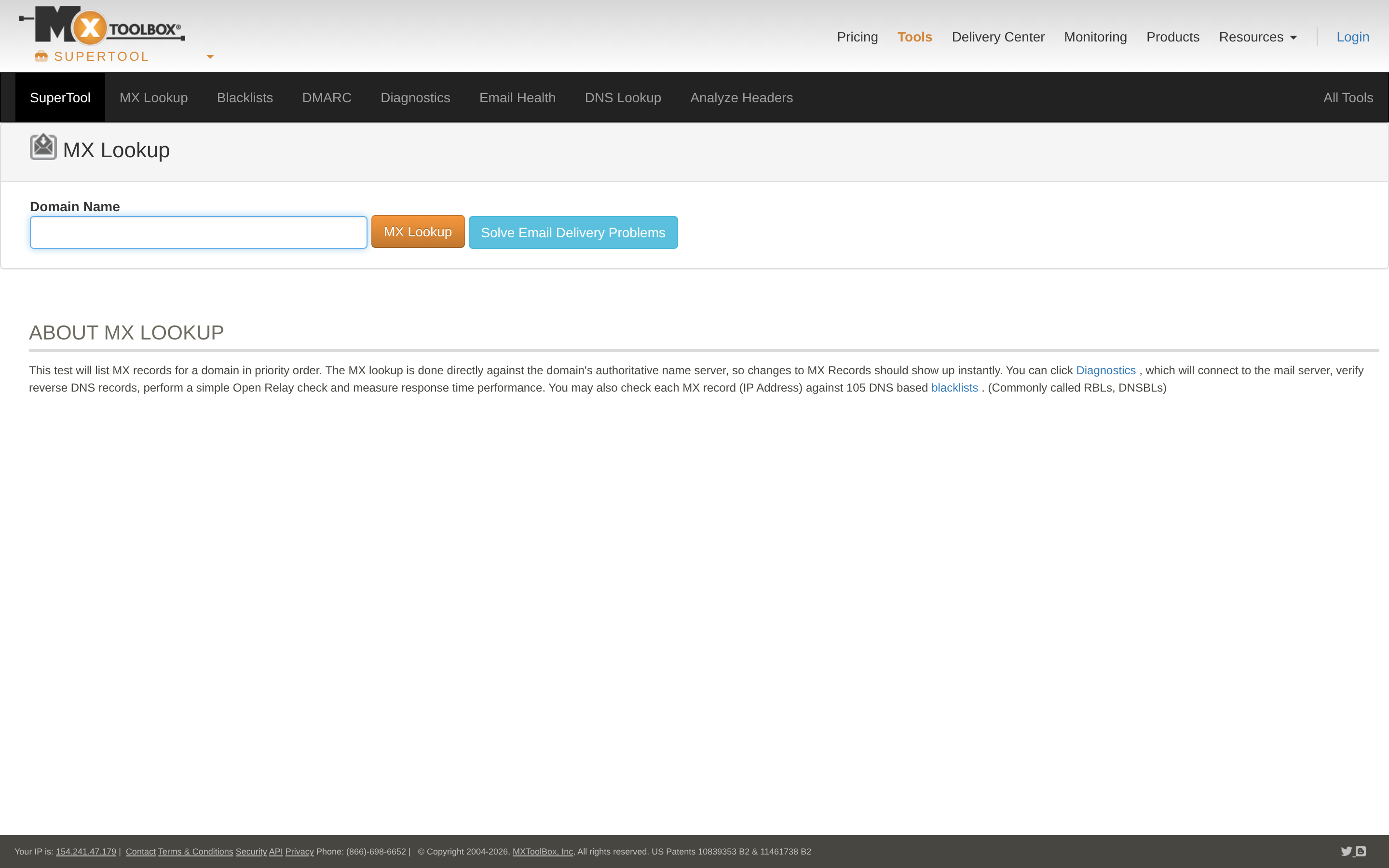
MXToolbox isn't a spam tester in the MailGenius sense. It's a collection of DNS and mail-server diagnostics: SPF, DKIM, and DMARC lookups, MX records, SMTP diagnostics, and a blacklist check against roughly 100 lists. The paid plans add monitoring that alerts you when a domain or IP gets listed.
It's the tool your IT team already uses. For a deliverability-focused sales team, it's most useful as a second opinion when MailGenius or Mail-Tester flags an authentication problem you can't trace.
Pros: Deep, authoritative DNS checks; strong blacklist monitoring. Cons: Not built for content or placement testing; the interface is utilitarian.
Choose it if: You manage DNS for several sending domains and need alerts, not reports.
If you only need a quick lookup, Tomba's free blacklist checker covers the most common lists without creating an account.
4. Google Postmaster Tools: the free reputation dashboard#
Google Postmaster Tools is the only place to see how Gmail itself rates your domain. Once you verify your domain with a DNS record, you get dashboards for spam rate (as reported by users), domain and IP reputation, authentication success, and delivery errors.
It has limits. Data only appears once you send enough volume to Gmail users, so low-volume cold senders often see empty charts. It also covers Gmail and nothing else. For Microsoft, the equivalent is Smart Network Data Services (SNDS), which is IP-based and less useful on shared infrastructure.
Pros: Free and comes straight from the mailbox provider. Cons: Gmail only, needs volume, and gives no per-message diagnostics.
Choose it if: You send a meaningful share of mail to Gmail and Google Workspace and want an early warning system. Since Google's 2024 bulk-sender rules, keeping your user-reported spam rate under 0.3% is non-negotiable, and this is where you track it.
5. Lemwarm: warmup with deliverability checks built in#
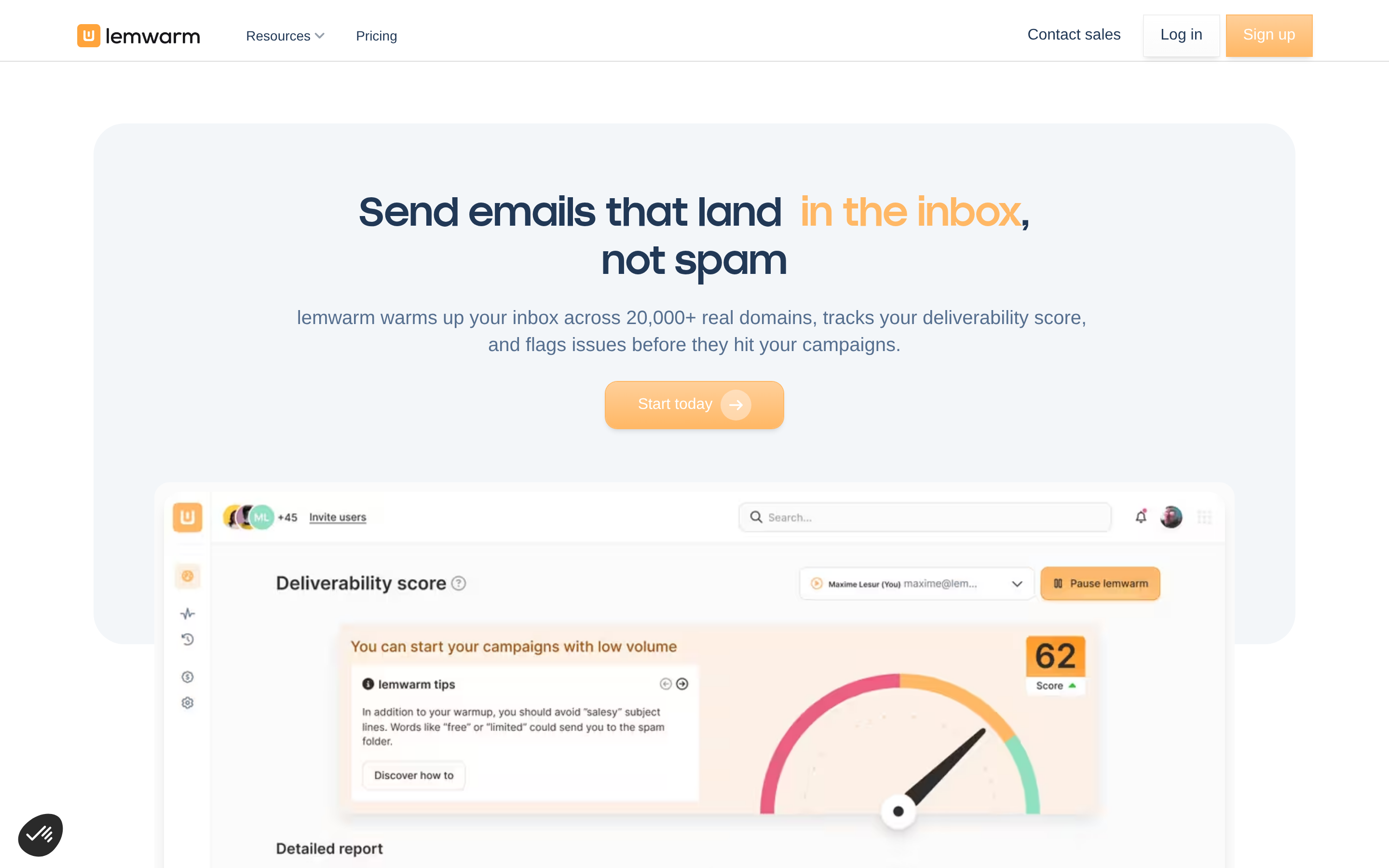
Lemwarm is lemlist's warmup product. It sends and engages with emails across a network of real inboxes to build reputation, and it runs deliverability checks on your domain setup along the way. It's sold alongside lemlist's sequencing plans, so it makes most sense if you already run outreach through lemlist.
Be clear about what warmup does. It's a reputation-building process, not a diagnostic. If your DMARC is broken, warmup won't fix it.
Pros: Ongoing reputation building, setup checks, tight integration with lemlist sequences. Cons: No real free tier; less useful if lemlist isn't your sender.
Choose it if: You're already on lemlist and want one vendor for sequencing and warmup.
6. Warmy: warmup plus placement reporting#
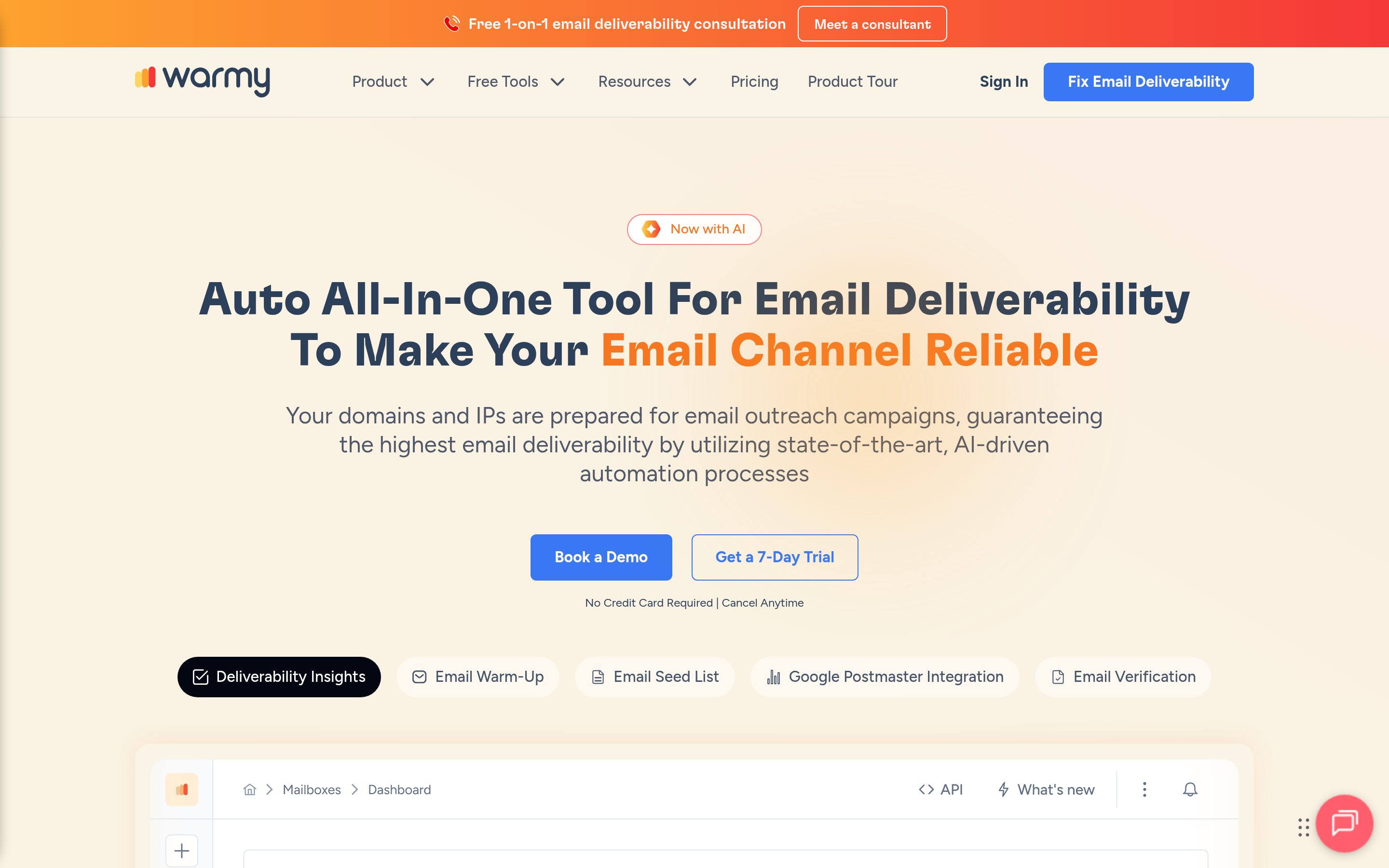
Warmy combines automated warmup with inbox placement tests and template checks. It also offers free standalone tools, including a deliverability test and SPF/DMARC generators, which makes it a reasonable MailGenius replacement for teams that want testing and warmup from one vendor.
Pros: Placement reports alongside warmup; works with most sending providers over SMTP. Cons: It's a warmup product first, so pure testing users pay for features they don't need.
Choose it if: You're launching new sending domains and want warmup progress and placement checks on one dashboard.
7. Unspam.email: visual spam tests#
Unspam.email runs a spam test similar to MailGenius and adds visual extras such as eye-tracking style heatmaps and rendering previews. It also offers some placement features on paid tiers.
Pros: Visual reports that help with copy and design decisions; a free test. Cons: Smaller seed coverage than GlockApps; the visual features matter more for newsletters than plain-text cold email.
Choose it if: You send designed HTML emails and care how they render as much as where they land.
Is MailGenius better than GlockApps or Mail-Tester?#
It depends on the question you're asking. For a free, readable audit of one email, MailGenius is arguably the friendliest option on this list. Its explanations of DMARC alignment and reverse DNS are clearer than Mail-Tester's raw SpamAssassin output.
For anything involving actual placement ("are my emails reaching Outlook inboxes?"), GlockApps is the better tool, because MailGenius doesn't test placement at all. And for zero cost and zero signup, Mail-Tester wins.
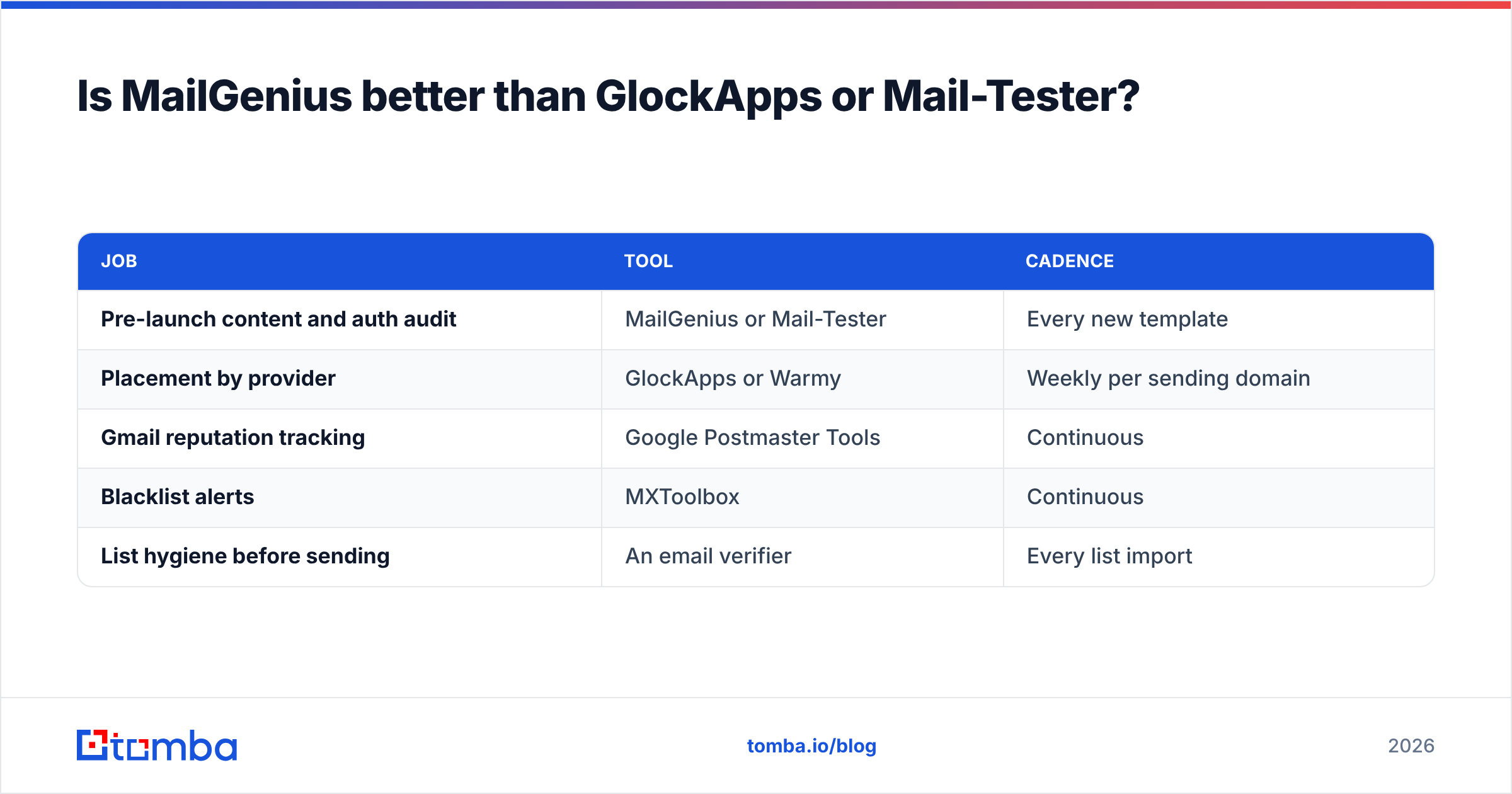
A practical stack for most outbound teams looks like this:
| Job | Tool | Cadence |
|---|---|---|
| Pre-launch content and auth audit | MailGenius or Mail-Tester | Every new template |
| Placement by provider | GlockApps or Warmy | Weekly per sending domain |
| Gmail reputation tracking | Google Postmaster Tools | Continuous |
| Blacklist alerts | MXToolbox | Continuous |
| List hygiene before sending | An email verifier | Every list import |
The last row is the one most teams skip.
Why don't spam testers catch the biggest deliverability problem?#
Every tool above tests your sending setup. None of them looks at who you're sending to, and that's often where reputation damage starts.
Here's the usual pattern. A team buys or scrapes a list, runs one MailGenius test, scores 9/10, and launches. Their bounce rate comes in at 8%. Gmail and Microsoft treat that as a sign of poor list practices, reputation drops, and within two weeks even the valid recipients are seeing the emails in spam. The next MailGenius test still scores 9/10, because nothing about the email has changed. The audience has.
Most deliverability practitioners aim to keep hard bounces under about 2% on cold campaigns. You can only stay under that if you check addresses before they go into a sequence. That means:
Run every list through an email verifier before import, and remove invalid and disposable addresses.
Treat catch-all domains as a separate risk tier. Send to them in smaller batches, or confirm them first.
Find addresses from fresh sources rather than reusing stale exports. Contact data decays quickly, since people change jobs and domains get retired.
Re-verify lists older than 60–90 days before re-engaging them.
If an AI agent builds your lists, have it verify each address before it adds the row, not after the campaign bounces. Tomba's verifier works from Claude or ChatGPT directly through the Tomba MCP server, or through treg, together with your other data tools.

Authentication still matters, though. If MailGenius or any alternative flags SPF or DMARC problems, fix those first. Tomba's free spam checker is a quick way to re-test content after you've changed DNS records.
How do you choose the right MailGenius alternative?#
Match the tool to your sending profile rather than to a feature list:
Solo founder or SDR sending under 100 emails a day: Mail-Tester for pre-launch checks, plus Postmaster Tools once volume allows. Total cost: zero.
Outbound team with 3–10 sending domains: GlockApps for weekly placement tests, MXToolbox monitoring for blacklists, and a warmup tool on any domain younger than 30 days.
Agency running client campaigns: GlockApps or Warmy for placement reporting you can show clients, and strict list verification on every client upload, since you inherit their data quality.
Marketing team sending designed newsletters: Unspam.email or GlockApps for rendering and placement, plus Postmaster Tools for Gmail reputation.
Whatever you pick, test the email you're actually going to send, from the domain and infrastructure you'll send it from. Testing a sanitised version from a different mailbox gives you a score for an email that doesn't exist.
Is it worth paying for a deliverability tool at all?#
For low volumes, usually not. Free tools (Mail-Tester, MailGenius's free tier, MXToolbox lookups, Postmaster Tools) cover authentication, blacklists, and content. Paid placement testing starts paying for itself once a 5–10 point drop in inbox rate costs you real pipeline. Run the numbers on your own funnel. If your email response rate produces a meeting for every 200 emails delivered, losing 15% to spam across 5,000 sends a month costs you several meetings a month. That's usually more than a testing subscription.
Third-party review platforms such as G2 are useful for checking recent user feedback on reliability before you commit to an annual plan.
The bottom line#
MailGenius is a solid free auditor, and plenty of teams should keep using it for pre-launch checks. Look for an alternative when you need placement data (GlockApps, Warmy), continuous monitoring (Postmaster Tools, MXToolbox), or the simplest free option (Mail-Tester). Then deal with the problem none of them measure: the quality of the addresses you're sending to.
That's where Tomba comes in. The Tomba Email Finder finds professional addresses by name, domain, or company and checks each result's deliverability, so you load sequences with contacts that won't bounce and quietly undo your authentication work. Start on the free tier with 25 searches a month, or see Tomba pricing for team plans from $49/mo.
Related guides#
// start free
See who Tomba finds at any company
Type a company's domain to see its people, their roles and verified work emails, each with the pages it was found on. Free account, no card.
Free plan · No credit card required · GDPR & CCPA
// about the author