Close vs HubSpot (2026): Which CRM Wins for Sales Teams?
Close and HubSpot both promise to run your revenue engine, but they suit very different teams. Here's an honest, side-by-side breakdown of pricing, features, and fit for 2026.
Choosing between Close and HubSpot is really a choice between two philosophies of how a sales team should work. One is a lean, calling-first CRM built for reps who live in the dialer. The other is a sprawling growth platform that wants to own your marketing, sales, service, and reporting in a single account. Pick wrong and you either outgrow your tool in a year or pay for eight modules you never open.
This guide breaks down Close vs HubSpot on the things that actually change your quarter: pricing, workflow speed, automation, data quality, and which team each one genuinely fits.
TL;DR — Close vs HubSpot at a glance#
- Close is the better pick for small, outbound-heavy teams (2–50 reps) who make calls and send sequences all day and want zero setup friction.
- HubSpot is the better pick for companies that need marketing, sales, and service under one roof and expect to scale headcount and process complexity.
- Pricing diverges fast: Close is flat per-user; HubSpot starts cheap but climbs steeply once you add seats, marketing contacts, and paid onboarding.
- Neither tool fills your pipeline for you — both are only as good as the contact data you load. Clean, verified emails matter more than the logo on the CRM.
- If you want an all-in-one system of record, lean HubSpot. If you want a fast machine for booking meetings, lean Close.
What is Close and who is it for?#
Close is a sales CRM built around the idea that reps should spend time selling, not doing data entry. It bundles a built-in power dialer, Predictive Dialer, two-way email sync, SMS, and sequences directly into the CRM, so a rep can call, log, and follow up without switching tabs.
The target user is clear: inside sales and SMB outbound teams running high call volumes. Founders selling their first deals, agencies, and lean SaaS sales teams like it because you can import a list and start dialing the same afternoon. There is no marketing suite, no ticketing, no CMS — and that focus is the point.
Where Close gets weaker is at the enterprise edge. If you need granular permission tiers, complex multi-team territory rules, native marketing automation, or a customer-service desk, you'll be bolting on third-party tools that HubSpot ships natively.
What is HubSpot and who is it for?#
HubSpot started as a marketing platform and grew into a full customer platform: Marketing Hub, Sales Hub, Service Hub, Content Hub, and Operations Hub, all sharing one contact database. The HubSpot pitch is consolidation — one login, one source of truth, one reporting layer across the whole funnel.
That makes HubSpot the natural fit for scaling B2B companies where marketing and sales need to hand off leads cleanly, where you run content and paid campaigns, and where leadership wants blended dashboards. The free tier is genuinely useful and gets a lot of small teams in the door.
The trade-offs are cost and complexity. Sales Hub's dialing and sequencing are fine but not as fast as Close's calling-first workflow, the pricing model has several moving parts (seats plus marketing contacts plus add-ons), and getting real value out of the platform usually means a proper implementation project rather than an afternoon of setup.
Close vs HubSpot: full feature comparison#
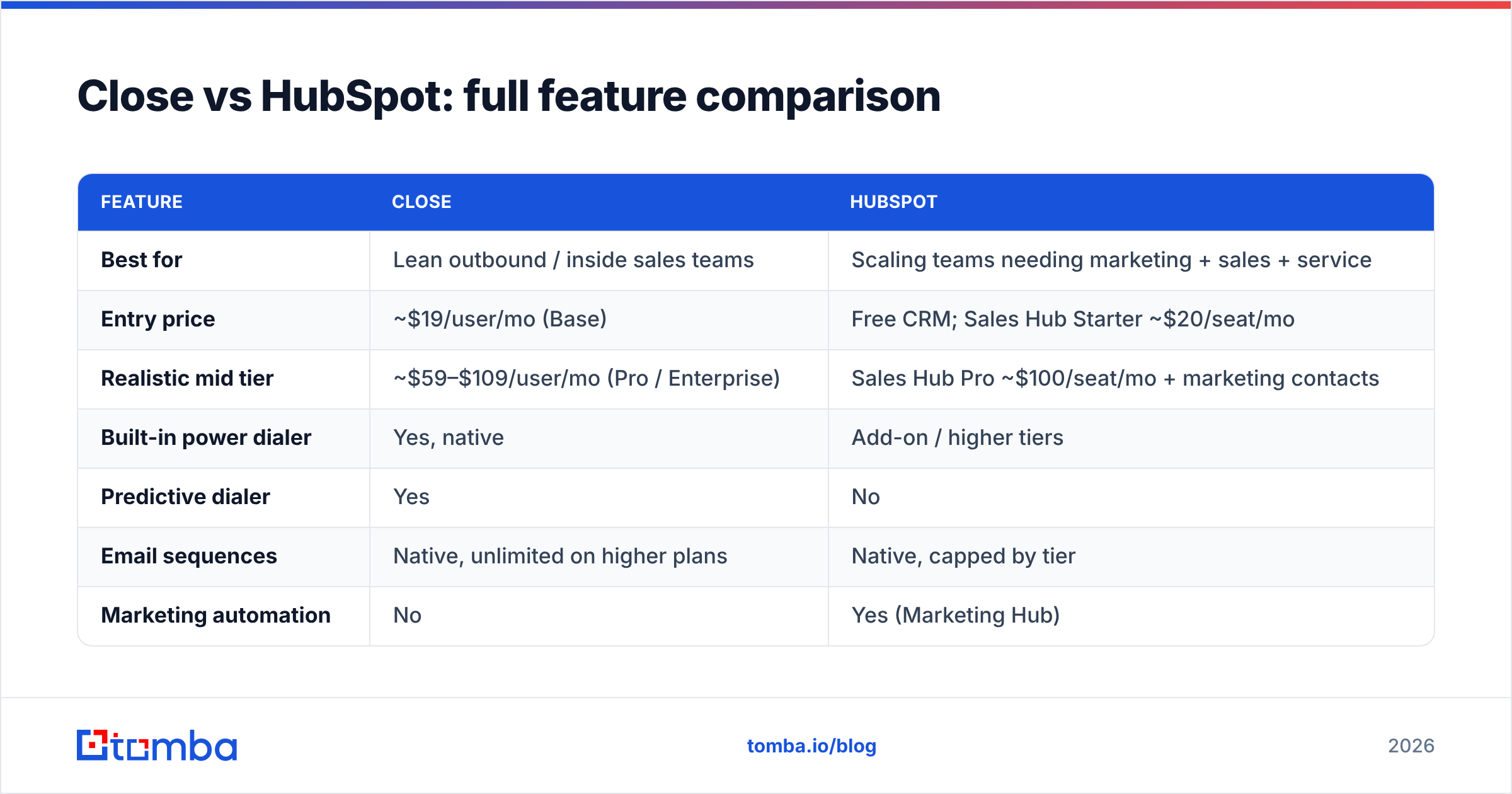
Here's the head-to-head on the attributes that decide day-to-day usability. Prices reflect publicly listed plans and shift over time — always confirm on the vendor's own pricing page before you buy.
| Feature | Close | HubSpot |
|---|---|---|
| Best for | Lean outbound / inside sales teams | Scaling teams needing marketing + sales + service |
| Entry price | ~$19/user/mo (Base) | Free CRM; Sales Hub Starter ~$20/seat/mo |
| Realistic mid tier | ~$59–$109/user/mo (Pro / Enterprise) | Sales Hub Pro ~$100/seat/mo + marketing contacts |
| Built-in power dialer | Yes, native | Add-on / higher tiers |
| Predictive dialer | Yes | No |
| Email sequences | Native, unlimited on higher plans | Native, capped by tier |
| Marketing automation | No | Yes (Marketing Hub) |
| Service / ticketing | No | Yes (Service Hub) |
| Reporting depth | Solid sales reporting | Deep, cross-hub dashboards |
| Setup time | Same-day | Days to weeks (often paid onboarding) |
| Free tier | 14-day trial only | Yes, free forever CRM |
The pattern is consistent: Close wins on speed and calling, HubSpot wins on breadth and reporting.
Is Close cheaper than HubSpot?#
For a small pure-sales team, usually yes — but it depends on how you count.
Close uses straightforward per-user pricing. Five reps on a Pro-style plan is a predictable monthly number with the dialer already included. There are no marketing-contact tiers to trip over.
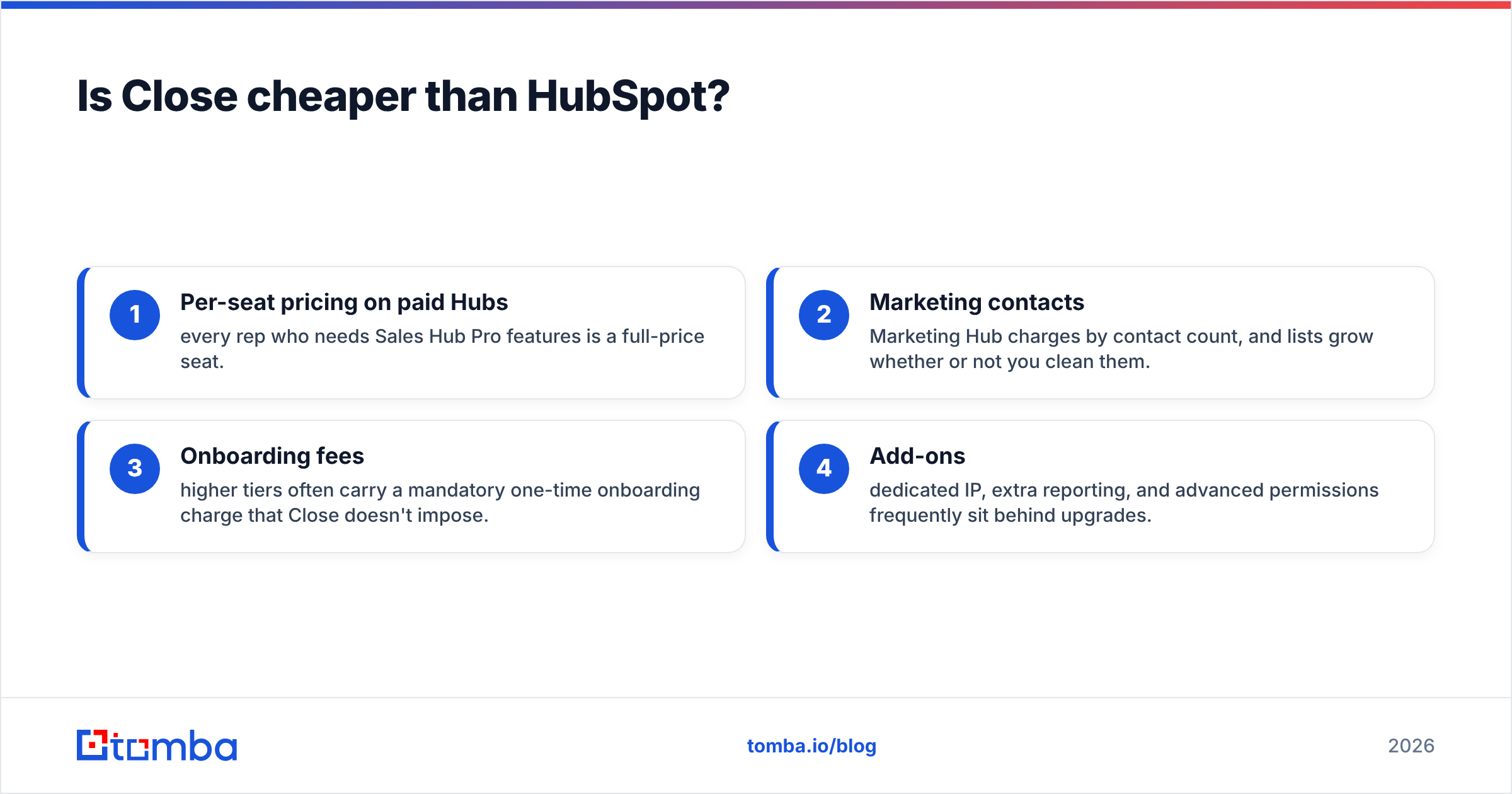
HubSpot is cheaper to start (the free CRM is real) and cheaper for tiny teams that only need light tracking. But three things inflate the bill as you grow:
- Per-seat pricing on paid Hubs — every rep who needs Sales Hub Pro features is a full-price seat.
- Marketing contacts — Marketing Hub charges by contact count, and lists grow whether or not you clean them.
- Onboarding fees — higher tiers often carry a mandatory one-time onboarding charge that Close doesn't impose.
- Add-ons — dedicated IP, extra reporting, and advanced permissions frequently sit behind upgrades.
So the honest answer: Close is cheaper for a focused calling team; HubSpot can be cheaper for a small team that only needs the free CRM, and more expensive once you actually use the paid platform.

Which CRM is better for outbound sales?#
Close, clearly — that's the job it was built for. The native power and predictive dialers, tight sequence-to-call handoff, and minimal clicks-per-touch make it the faster machine when your day is 80+ dials and dozens of follow-ups. Reps ramp in hours, not weeks.
HubSpot can run outbound competently, especially if you're already living in it for marketing, but the calling workflow has more friction and the best dialing features sit in pricier tiers. If outbound is a part of a broader motion that includes inbound content and nurture, HubSpot's integrated funnel may still win overall even if its dialer isn't the fastest.
One caveat that applies to both tools: a great outbound CRM cannot save a bad list. If your reps are dialing wrong numbers and emailing addresses that bounce, the CRM just logs the failure faster. That's why the data layer feeding either platform matters as much as the platform itself.
Where both tools fall short: contact data#
Here's the thing neither Close nor HubSpot advertises loudly — they are systems of record, not sources of accurate contacts. HubSpot's built-in enrichment is thin unless you pay for Breeze Intelligence credits, and Close doesn't try to find contact data at all. You bring the leads; the CRM stores them.
That gap is where a dedicated data tool earns its place in the stack. Before a name ever hits your pipeline, you want a verified work email and, ideally, a direct phone number. That's exactly what an email finder and email verifier do — turn a name and a domain into a deliverable contact, and screen out the addresses that would bounce and burn your sender reputation.
A practical stack looks like this:
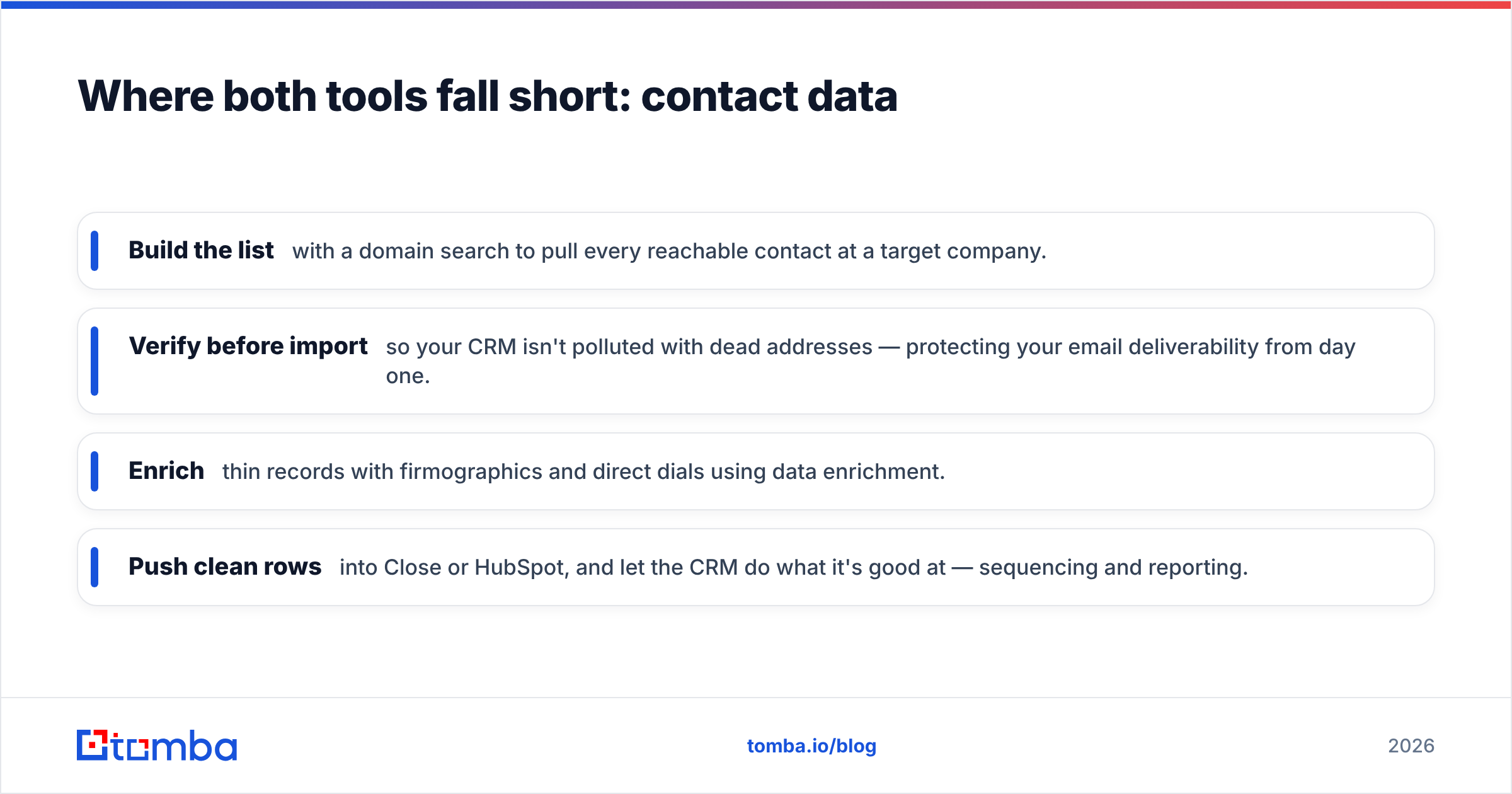
- Build the list with a domain search to pull every reachable contact at a target company.
- Verify before import so your CRM isn't polluted with dead addresses — protecting your email deliverability from day one.
- Enrich thin records with firmographics and direct dials using data enrichment.
- Push clean rows into Close or HubSpot, and let the CRM do what it's good at — sequencing and reporting.
Do this and both CRMs perform dramatically better, because the difference between a 3% and a 12% reply rate is usually the quality of the list, not the software sending it.
Close vs HubSpot: pros and cons#
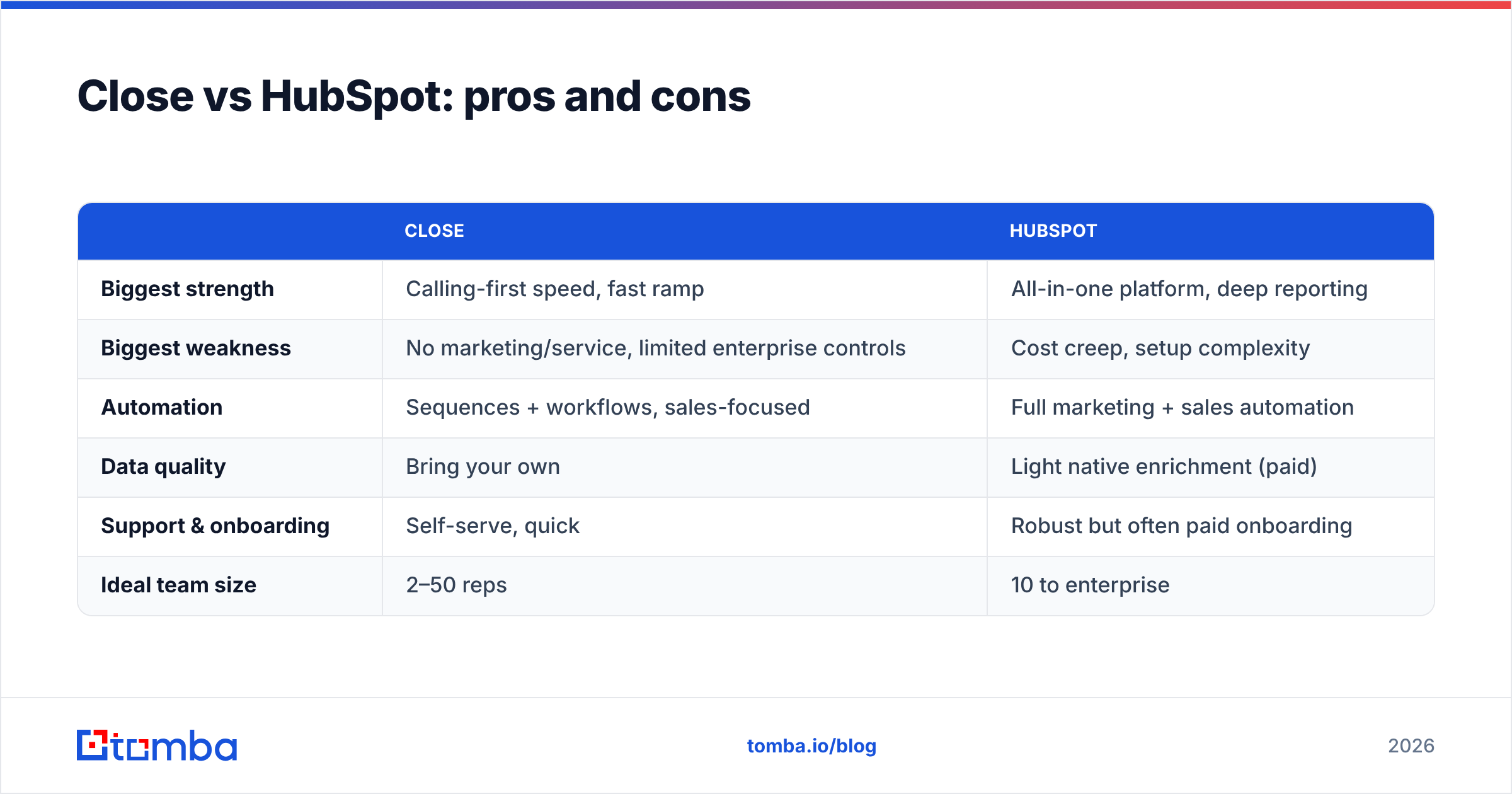
| Close | HubSpot | |
|---|---|---|
| Biggest strength | Calling-first speed, fast ramp | All-in-one platform, deep reporting |
| Biggest weakness | No marketing/service, limited enterprise controls | Cost creep, setup complexity |
| Automation | Sequences + workflows, sales-focused | Full marketing + sales automation |
| Data quality | Bring your own | Light native enrichment (paid) |
| Support & onboarding | Self-serve, quick | Robust but often paid onboarding |
| Ideal team size | 2–50 reps | 10 to enterprise |
Which should you choose in 2026?#
Choose Close if you're a founder-led or SMB sales team that lives in the dialer, wants to be productive today, and doesn't need marketing or service software baked in. You'll pay predictably and your reps will thank you for the lack of clutter.
Choose HubSpot if you need marketing, sales, and service in one system, you're scaling headcount, and leadership wants blended funnel reporting more than raw dialing speed. Budget for the ramp-up — both in dollars and in implementation time — and it pays off as a long-term system of record.
Choose neither as your data source. Whichever CRM you land on, feed it verified contacts. If you're weighing broader platforms, it's also worth reading Tomba's take on Apollo alternatives to see where an all-in-one prospecting tool fits versus a focused CRM. And if budget is the deciding factor, compare full-stack pricing against a lean data-plus-CRM combo rather than assuming the biggest platform is the best value — G2's CRM category is a useful neutral place to sanity-check reviews.
Fill either CRM with contacts that actually convert#
Close and HubSpot are both good at their jobs — the mistake is expecting either one to find your prospects. It won't. The reps who win aren't the ones with the fanciest CRM; they're the ones dialing verified numbers and emailing addresses that land.
Start upstream. Use the Tomba Email Finder to turn target companies into verified, ready-to-import contacts, then let Close or HubSpot do the sequencing and tracking. Tomba's plans scale with you — a free tier with 25 searches a month to test it, then paid plans from $49/mo when you're ready to build lists at volume. Clean data in, more meetings out. That's the part of the stack that actually moves your number.
Related guides#
Ready to find emails that actually work?
Join 150,000+ professionals who stopped guessing and started sending. Free credits on signup — no credit card required.
Get the Tomba newsletter
Practical outbound tactics and product updates — once every two weeks.
About the author